
Sometimes you need one perfect icon, not an entire library. Free icon websites let you search millions of icons across styles, then download a single SVG or PNG in seconds.
This article complements our 20 Best Free Icon Sets article. Here we focus on the search engines and marketplaces where you find free icons, with notes on licenses and attribution.
Each entry links straight to the site so you can start searching free icons immediately.
Quick picks at a glance
| # | Resource | License | Best for |
|---|---|---|---|
| 1 | Iconify | Per icon set (mostly open source) | Open-source icons in one place |
| 2 | SVG Repo | Per icon (many CC0/MIT) | Quick single SVG downloads |
| 3 | Flaticon | Free with attribution | Huge stylistic variety |
| 4 | The Noun Project | CC BY / royalty-free paid | Icons for any concept |
| 5 | Icons8 | Free with link | Consistent multi-style icons |
| 6 | SVGL | Per logo (brand guidelines apply) | Brand and tech logos |
| 7 | Icônes | Per icon set | Developers |
| 8 | UXWing | UXWing license (no attribution) | No-attribution commercial icons |
| 9 | Lordicon | Free with attribution | Animated icons for web and apps |
| 10 | Google Material Symbols | Apache 2.0 | Material and Android apps |
Iconify
Icon search engine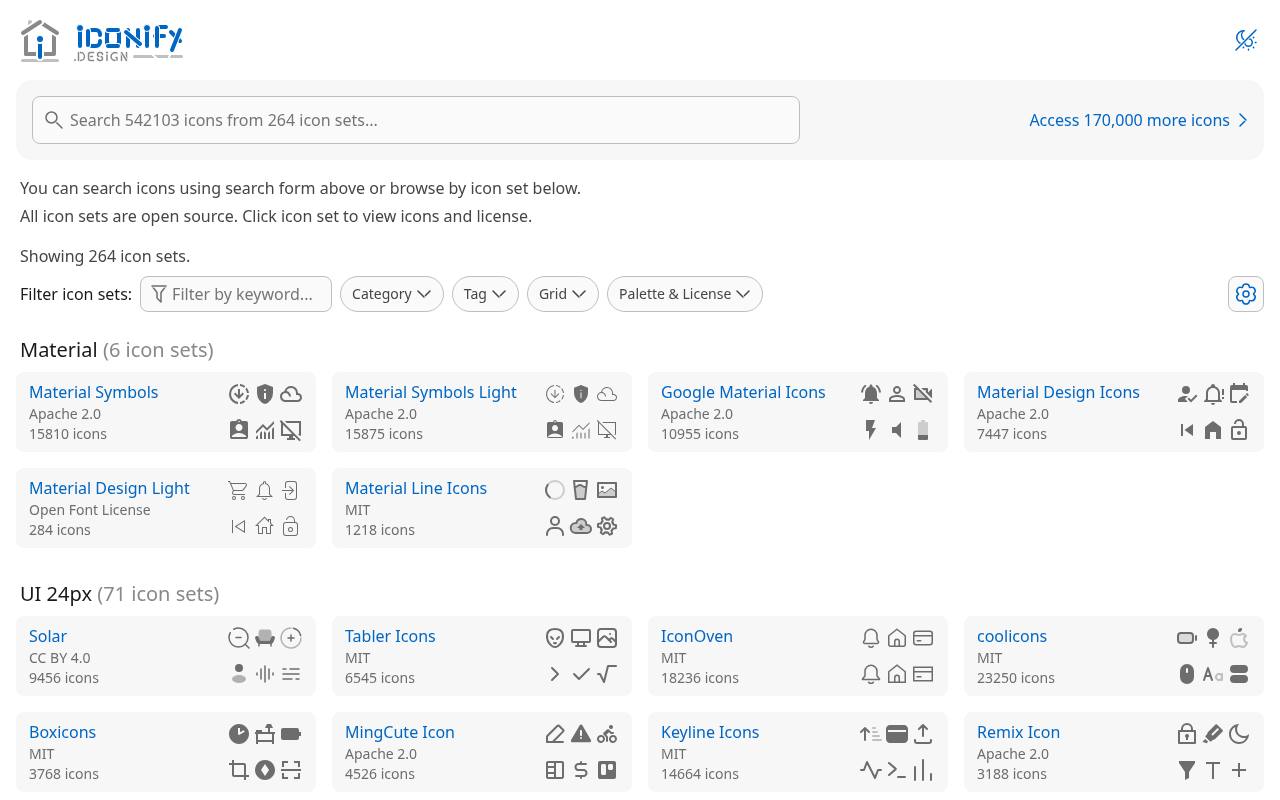
Organized by design family and grid size, Iconify's catalog brings together open-source icon sets rather than one uniform illustration style. Sections include Material, UI 24px, UI 16px / 32px, multicolor interfaces, programming, logos, emoji, location, flags, and seasonal artwork.
Collection cards identify the set, icon count, and license, with filters for category, tag, grid, palette, and licensing. The catalog is free, but licenses belong to each set: visible examples include MIT, Apache 2.0, CC0, CC BY 4.0, and the Open Font License, with their respective reuse and attribution obligations.
- Type
- Icon search engine
- Best for
- Open-source icons in one place
- License
- Per icon set (mostly open source)
- Price
- 100% free
SVG Repo
SVG search engine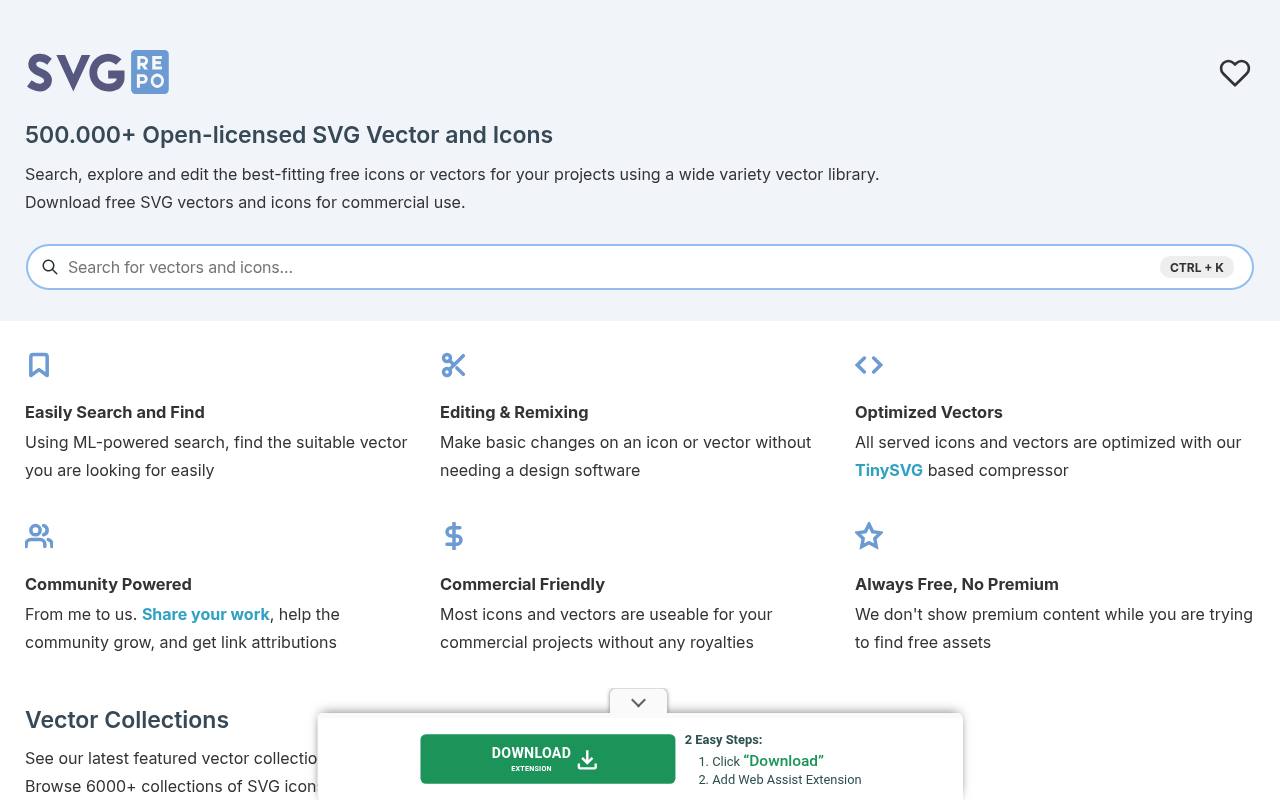
More than 500,000 SVG vectors and icons are advertised on SVG Repo, alongside over 6,000 collections grouped by visual style. Browsing tabs separate monocolor, multicolor, duotone, outlined, filled, glyph, rounded, and sharp artwork. Search, editing, and remixing tools accompany vector downloads, and the site says its files are optimized using its TinySVG-based compressor.
This is an always-free library, without premium assets mixed into results. Licensing varies by icon, including CC0 and MIT material, so the collection is not covered by one universal attribution exemption despite its commercial-friendly focus.
- Type
- SVG search engine
- Best for
- Quick single SVG downloads
- License
- Per icon (many CC0/MIT)
- Price
- Free
Flaticon
Icon marketplace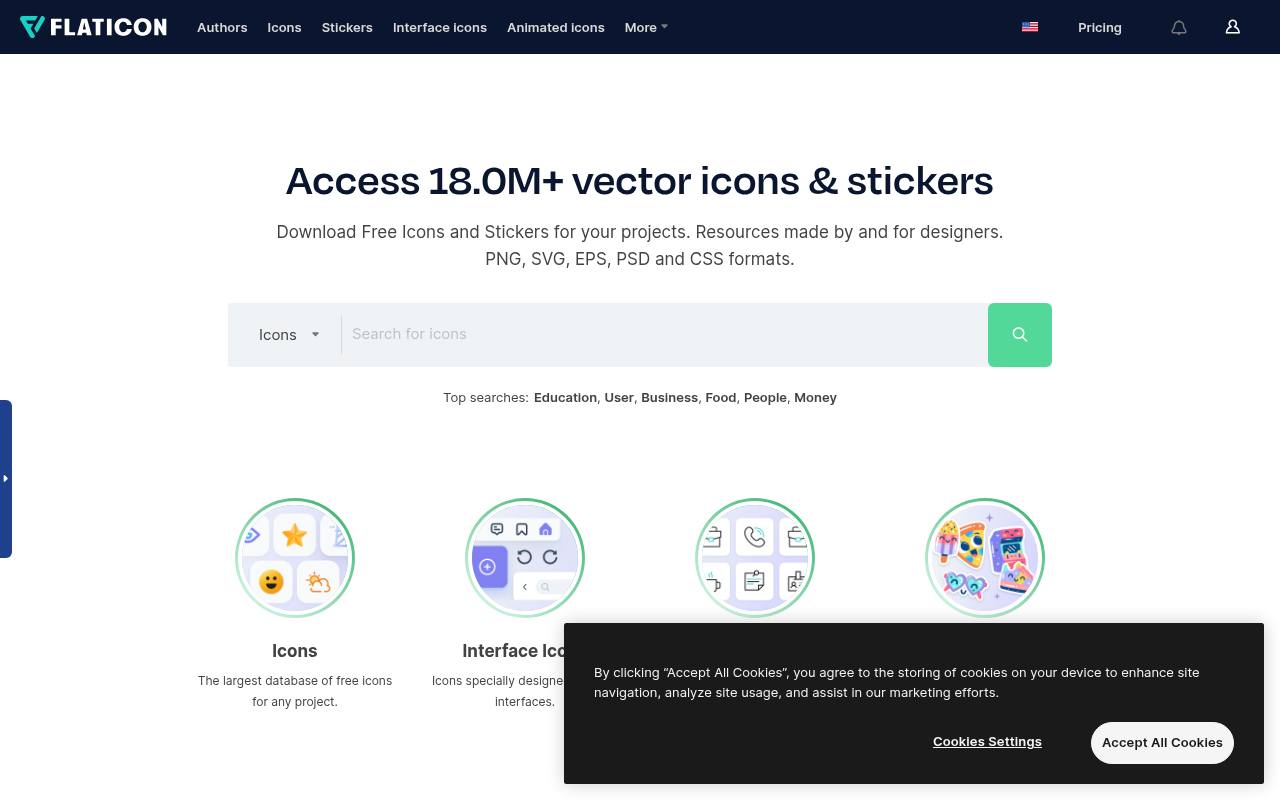
Flaticon's catalog spans icons, interface icons, animated icons, and stickers, with subject routes such as education, users, business, food, people, and money. The homepage advertises more than 18 million resources and lists PNG, SVG, EPS, PSD, and CSS among its formats. Its Uicons section separately offers editable interface icons in multiple styles.
Collections and editing tools help organize selections, though free accounts face collection and saved-edit limits. Free use requires attribution; Premium removes the credit requirement and unlocks broader access, so the headline format range does not imply identical permissions on every free download.
- Type
- Icon marketplace
- Best for
- Huge stylistic variety
- License
- Free with attribution
- Price
- Free + Premium
The Noun Project
Icon marketplace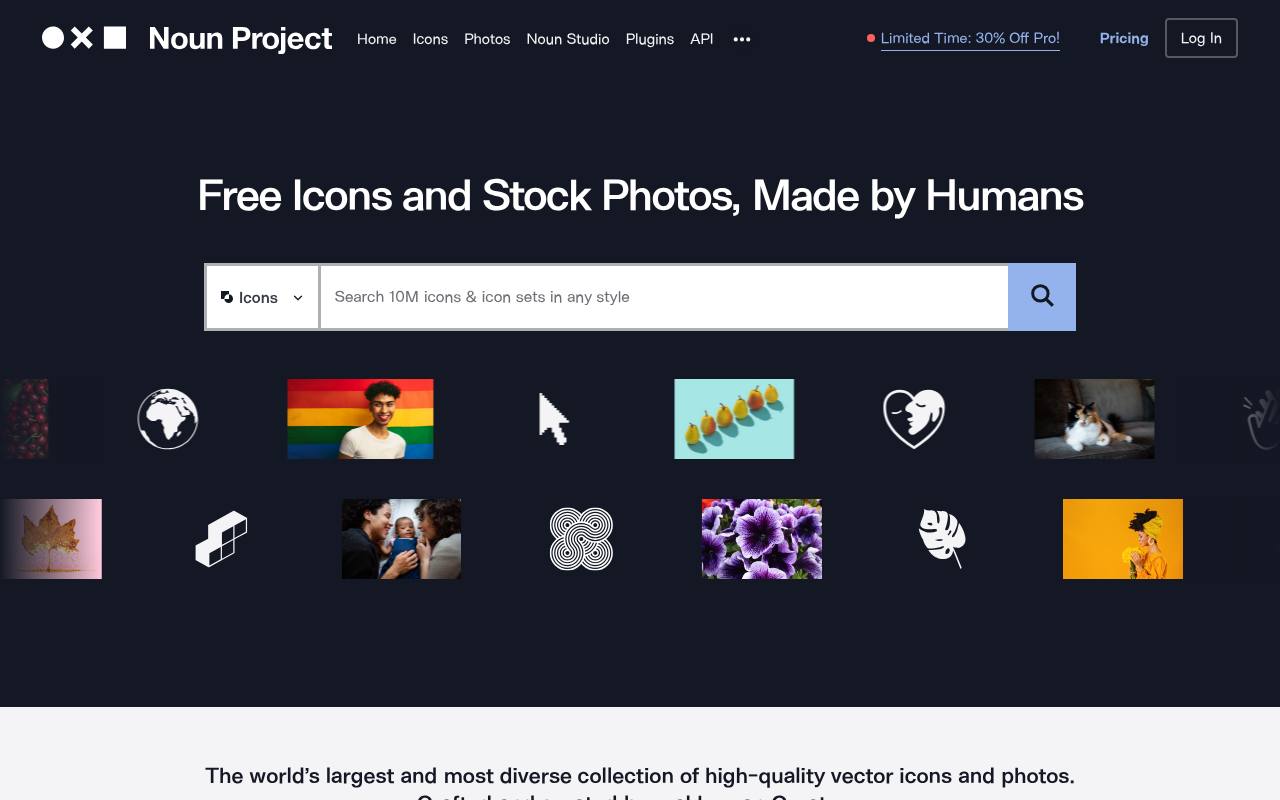
Human-created icons and stock photos share The Noun Project, with a free icon library, matching icon collections, recent uploads, and searches covering subjects such as people, arrows, and AI. SVG and PNG graphics are promoted alongside an Office integration for bringing icons into PowerPoint.
The platform emphasizes cohesive sets and more representative imagery, including accessibility-focused collections. Its icon licensing combines CC BY downloads with paid royalty-free options: free use requires creator attribution, while purchasing a license removes that requirement. Photos form a separate part of the catalog rather than being interchangeable with icon downloads.
- Type
- Icon marketplace
- Best for
- Icons for any concept
- License
- CC BY / royalty-free paid
- Price
- Free + paid
Icons8
Icons & illustrations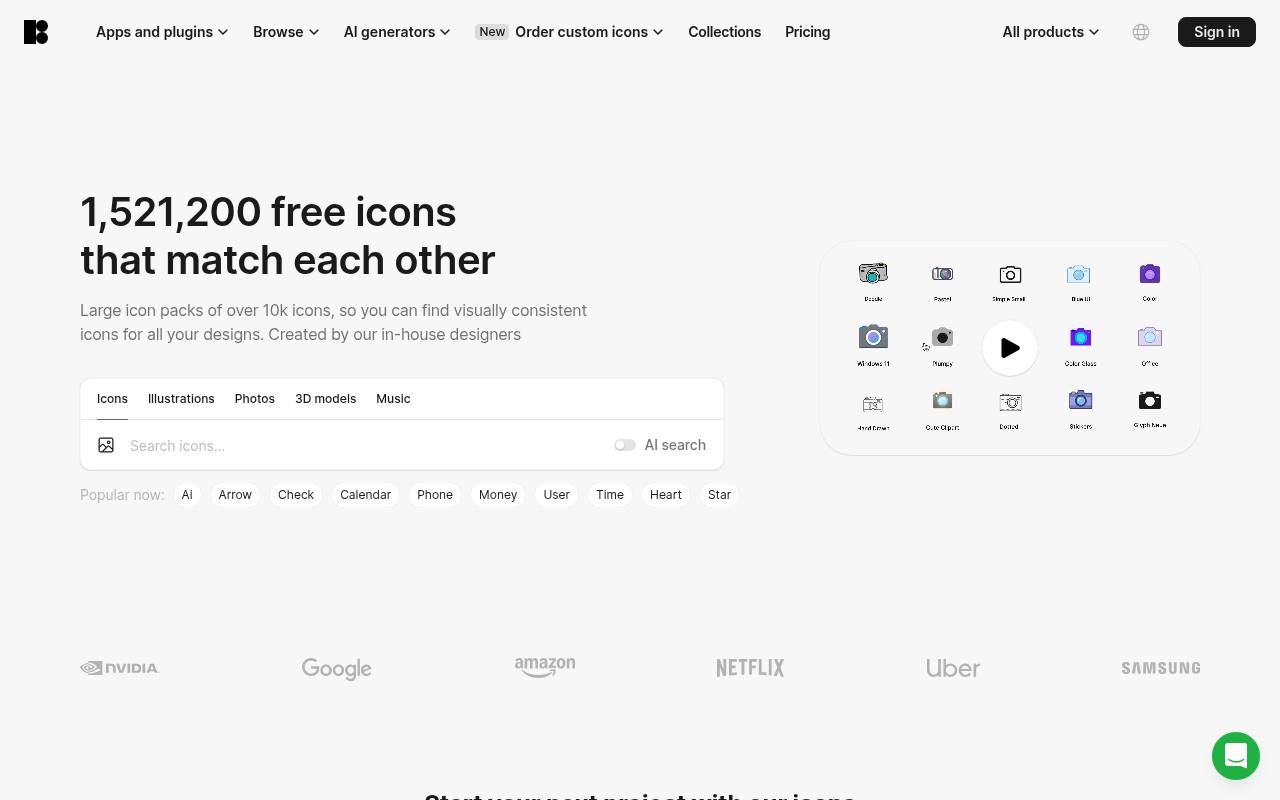
Matching visual families are Icons8's main attraction, with 130-plus styles covering Apple-inspired interfaces, Material outlines, Windows-style graphics, tiny glyphs, color artwork, and 3D designs. The library offers PNG and SVG icons, plus animated assets, and connects to Figma, Illustrator, Photoshop, Miro, and Lucid through integrations.
Developers also get API and URL-based image tools, while Iconizer provides SVG editing. Free use requires a link to Icons8; paid plans remove attribution and backlink requirements. Format and download access differ by plan, rather than every advertised style and export being unrestricted at no cost.
- Type
- Icons & illustrations
- Best for
- Consistent multi-style icons
- License
- Free with link
- Price
- Free + paid
SVGL
SVG logo library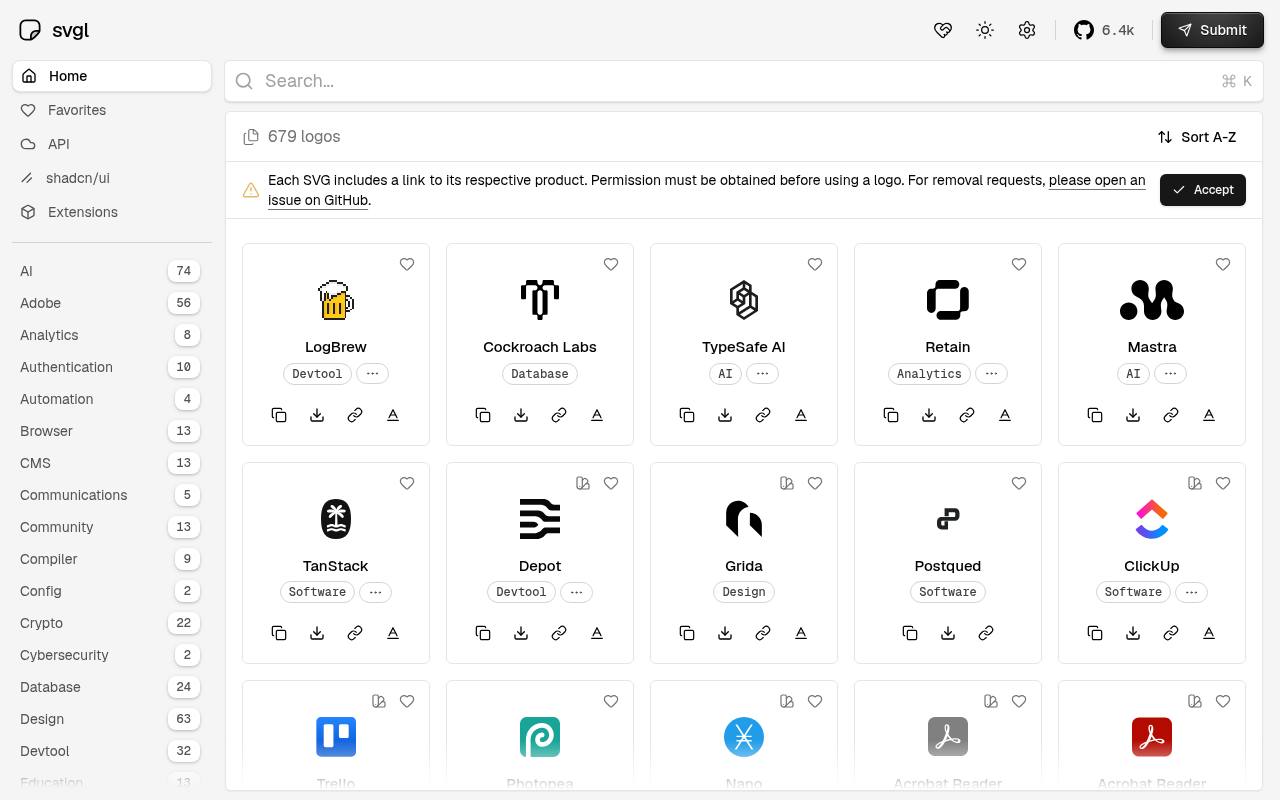
Technology and product branding take center stage in SVGL's SVG logo library, with entries for services such as TanStack, Trello, ClickUp, Photopea, and Cockroach Labs. Category links include AI, databases, analytics, software, design, crypto, frameworks, and developer tools.
Some brands supply separate light and dark variants, making the collection useful for interfaces with different backgrounds. Each SVG links to the corresponding product. Although browsing the library is free, SVGL explicitly says permission must be obtained before using a logo; access to the artwork does not transfer trademark rights or grant blanket brand-use permission.
- Type
- SVG logo library
- Best for
- Brand and tech logos
- License
- Per logo (brand guidelines apply)
- Price
- 100% free
Icônes
Icon explorer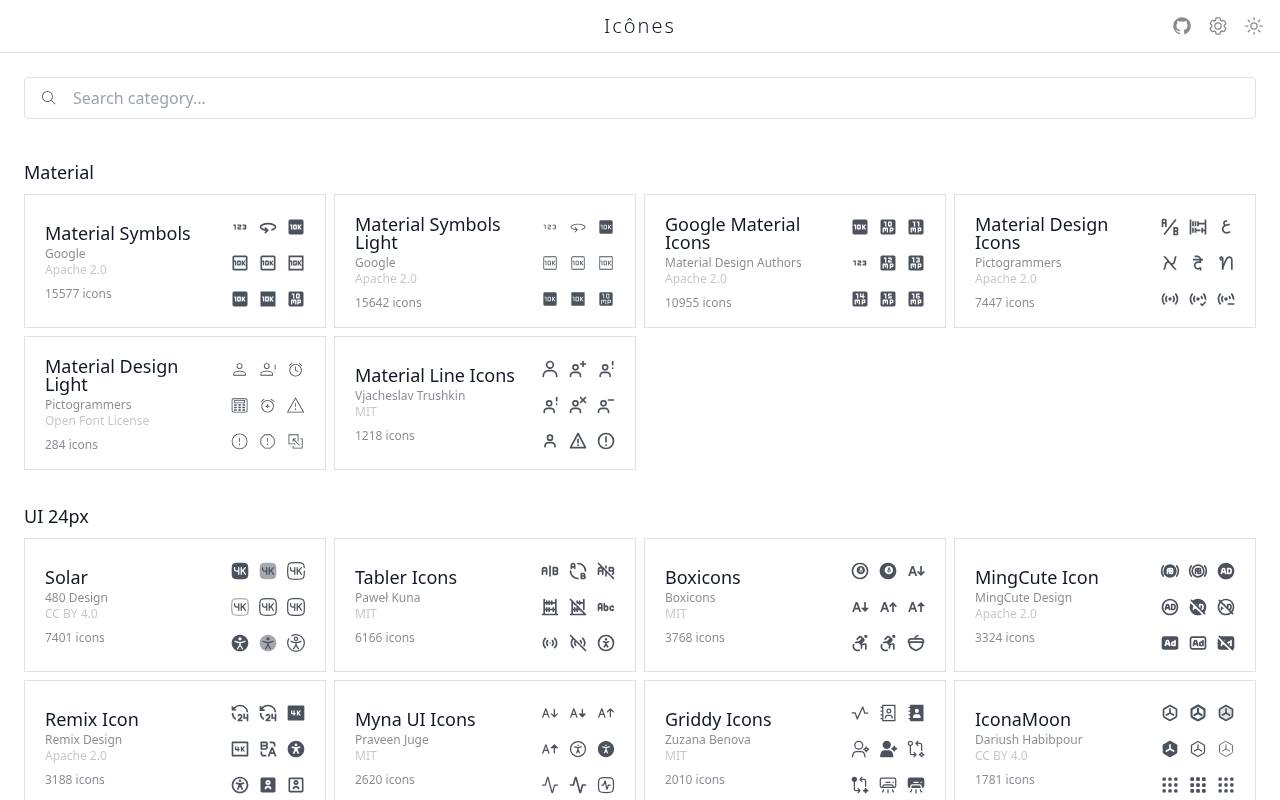
Icônes presents a searchable directory of icon collections, with a global search shortcut and groups organized around Material, interface grids, and other visual families. Collection cards name the creator, show an icon count, and identify the license, making authorship and reuse terms visible before opening a set.
Examples include Google's Material Symbols, Pictogrammers' Material Design Icons, Solar, and Tabler. The browser is free, while per-set licensing remains in force: Apache 2.0, MIT, CC BY 4.0, and the Open Font License all appear in the catalog, so attribution obligations differ between collections.
- Type
- Icon explorer
- Best for
- Developers
- License
- Per icon set
- Price
- Free
UXWing
SVG & PNG icon library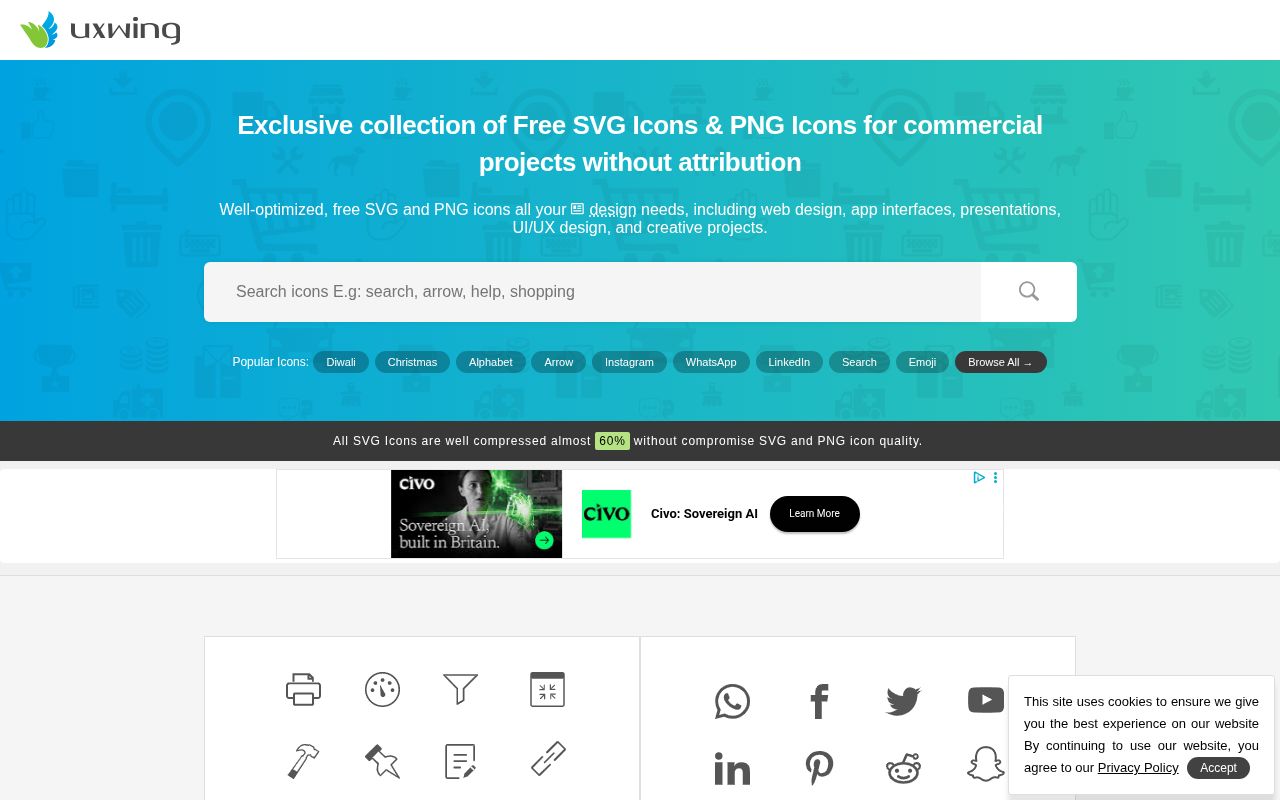
UXWing hosts a large in-house library of SVG and PNG icons drawn by its own artists, organized into 150+ categories such as brands and social media, banking and finance, e-commerce and currency, arrows, maps and time and calendar, with seasonal tags like Christmas and Diwali on the homepage.
Files are compressed for web use, and a built-in SVG icon editor lets you tweak an icon before downloading. Its license allows free personal, commercial and client use with no attribution required; reselling or redistributing the files, using them in logos, NFTs or AI training is not allowed.
- Type
- SVG & PNG icon library
- Best for
- No-attribution commercial icons
- License
- UXWing license (no attribution)
- Price
- 100% free
Lordicon
Animated icons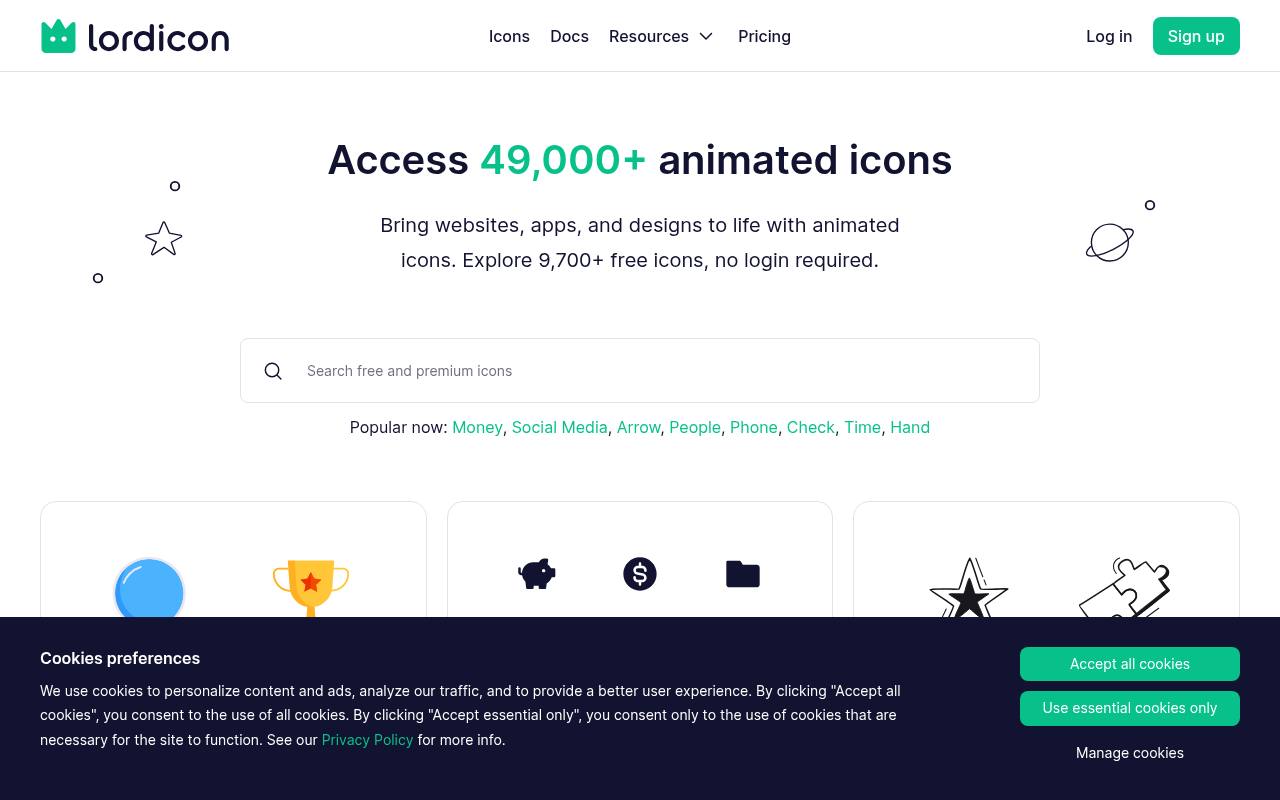
Animation is the focus at Lordicon, whose homepage advertises 9,700-plus free icons with no login required. Icons are drawn and refined in Figma, animated, optimized, and supplied for websites, apps, and other design work.
The site demonstrates a lord-icon web component with JSON sources, color customization, and hover-triggered playback, plus documentation for web and React integrations. Free icons require attribution, while a Pro tier expands the offering. Browsing therefore combines ready-made motion assets with implementation tools, rather than providing only static SVG symbols or an ordinary downloadable icon font.
- Type
- Animated icons
- Best for
- Animated icons for web and apps
- License
- Free with attribution
- Price
- Free + Pro
Google Material Symbols
Icon library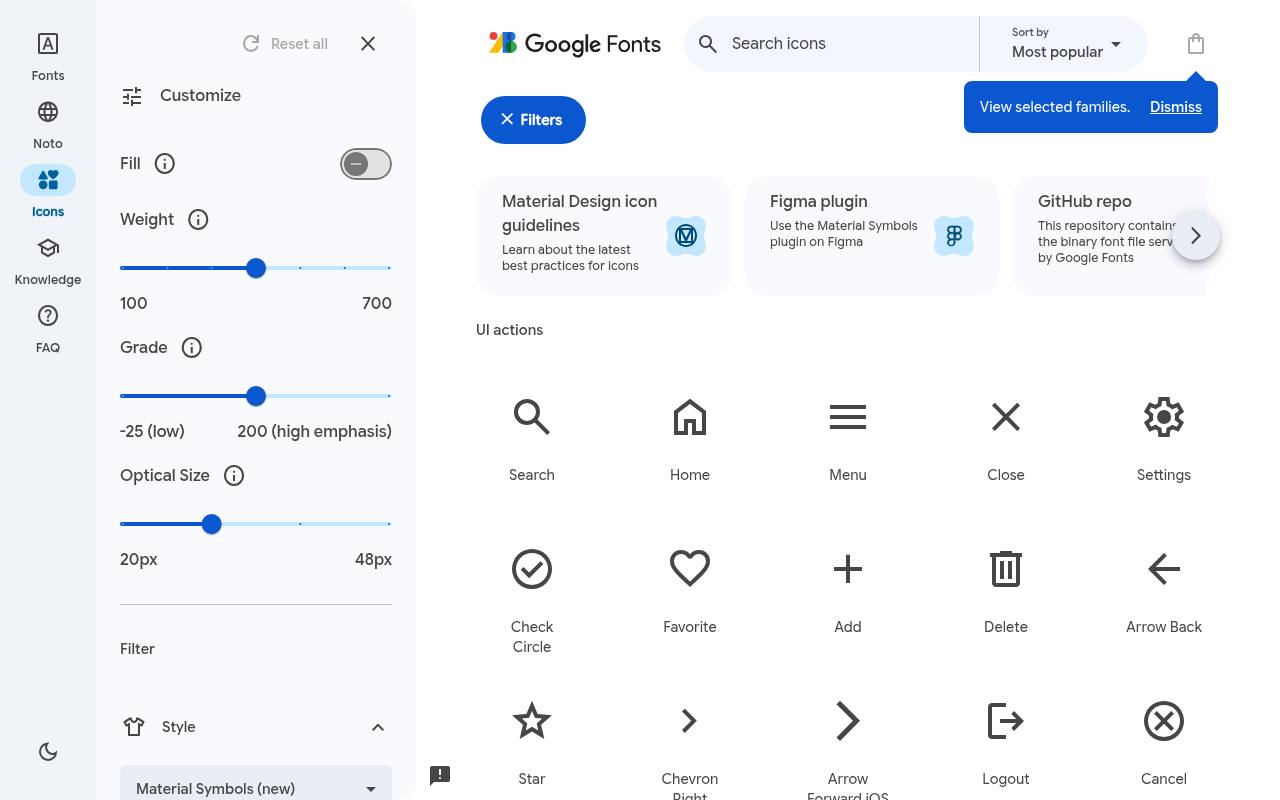
Google's Material Symbols browser combines searchable interface symbols with controls for fill, weight, grade, and optical size. Outlined, Rounded, and Sharp families provide coordinated alternatives, and the download area offers all Material Symbols together as variable fonts. The page links directly to the source repository and a developer guide, connecting visual selection with implementation.
These icons are free under Apache License 2.0, which permits commercial use and modification subject to its license and notice conditions. The variable-font controls let one family accommodate different visual densities instead of requiring unrelated icon packs for each weight.
- Type
- Icon library
- Best for
- Material and Android apps
- License
- Apache 2.0
- Price
- 100% free
Understanding free icon licenses
Open-source icons (MIT, Apache, ISC, CC0) can be used freely in commercial work. Marketplace icons often require attribution on the free plan — usually a link in your footer or app credits.
For a consistent product, choose one icon style and stick to it; mixing marketplace icons from different designers quickly looks messy.
Frequently asked questions
Where can I download free SVG icons without attribution? Iconify, SVG Repo (CC0/MIT icons), UXWing and Material Symbols.
What is the largest free icon website? Flaticon and The Noun Project have the largest collections.
Define the task before searching for symbols
Before opening free icon websites, write down the action or concept you need to communicate. A control that downloads a document needs a more specific meaning than a decorative feature card about productivity.
List related terms and decide whether the icon will appear beside a label, inside a button or as part of an illustration. That context gives you useful criteria beyond whether an individual symbol looks attractive.
Test unfamiliar concepts with words before trying to represent them visually. A distinctive symbol can still be confusing if your audience does not recognise its meaning.
Search for a familiar action or object where possible, and keep a visible label when the consequence of a click matters. The purpose of a free icon is to make the interface easier to understand, not to replace clear language with a visual guessing game.
Compare search tools through a small working set
Choose a handful of real interface needs and search for all of them before committing to a collection. Iconify and Icônes are useful places to explore sets, while SVG Repo can help you find individual SVG assets.
Compare the available symbols together at their intended display size. A collection that covers your whole navigation may be more practical than one that contains a perfect home icon but lacks your less common actions.
For conceptual or editorial graphics, try The Noun Project and Flaticon with the same search brief. Look at how different creators represent the idea, then check whether related symbols share a coherent visual approach.
Review the source's licence page and free download options as part of this comparison. A promising preview is not a complete solution if the available format or attribution requirement does not suit the finished project.
Inspect visual weight at the size people will see
Place candidate icons inside your real buttons, navigation rows and cards rather than judging them only in enlarged previews. Compare stroke thickness, corner shapes, internal gaps and apparent size.
Two icons with identical outer dimensions can look very different because one fills the canvas while another leaves generous margins. Adjusting the container alone will not always resolve that mismatch, so choose compatible shapes before spending time on pixel-level corrections.
Check alignment beside your chosen typeface as well. An icon that looks centred mathematically may feel too high or too low next to text. Try small optical adjustments and review the whole row, including padding and focus treatment.
With Google Material Symbols, explore the available weight, fill and grade controls deliberately, then document your choices so future additions do not drift away from the visual balance you established.
Customise SVG artwork without breaking it
When editing free SVG icons, keep an untouched copy and make changes in a separate working file. Check the canvas bounds before adjusting colours or paths, and preview the result against the backgrounds where it will appear.
Where appropriate, using the surrounding text colour can make interface icons easier to theme, but multicolour artwork needs more deliberate handling. Do not assume that every downloaded SVG follows the same internal structure.
After editing, inspect the exported icon in a browser and at small sizes. Simplification can accidentally remove a useful detail, and aggressive optimisation can affect strokes, masks or clipping.
If you import an external SVG into a product, review it through your normal asset and security process rather than treating a free download as automatically production-ready. Save the source address and editing notes so a teammate can reproduce or revise the result later.
Give icon controls understandable names
An icon-only button needs an accessible name that describes its action, not merely the shape it displays. A bin symbol might perform a delete action, while a cross could close a panel or remove an item.
Make those differences explicit in the control's labelling. If an icon sits beside text that already explains the action, prevent redundant announcements so assistive technology does not read the same information twice unnecessarily.
Do not rely on colour alone to distinguish important states. A selected item, validation warning or unavailable action should remain understandable when colour differences are hard to perceive.
Check contrast, keyboard focus and the size of the interactive target independently of the icon artwork. A small symbol can sit inside a comfortably sized button, giving you a tidy visual result without making the control difficult to select on a touch screen.
Treat logos and animated icons as special cases
SVGL is useful for finding brand and technology logos, but a familiar logo is not interchangeable with a general interface symbol. Follow the relevant brand guidelines and check the source information before changing colours, proportions or surrounding space.
Avoid placing logos where they could suggest an endorsement or partnership that does not exist. Free access to a logo file is not a general permission to represent a relationship with its owner.
For animated assets from Lordicon, decide what the motion communicates before adding it. A brief confirmation can support feedback, while repeated movement beside ordinary text can become distracting. Provide an appropriate still state and respect reduced-motion preferences in the implementation.
Review the free asset's attribution requirements on the source's licence page, and test the exported format in context rather than assuming the preview behaves identically inside your own interface.
Keep permissions attached to every chosen asset
When selecting icons for commercial use, record the individual asset or set, creator where available, source address and applicable licence information. Iconify and Icônes expose collections with different licences, and SVG Repo also lists terms per icon.
Check each source's licence page and the relevant asset details rather than treating an entire search engine as one licence. This is especially important when a project combines several small downloads from different creators.
Plan attribution while the layout is still flexible. Flaticon, The Noun Project, Icons8 and Lordicon have credit requirements associated with their free offerings in this article; check the exact source instructions for your chosen assets and use.
UXWing offers a different route with no attribution required, though its licence still rules out reselling the files or using them in a logo. Keep the permission record even when the finished interface does not need a visible credit.
Package a usable icon collection for your team
Group approved free icon packs by purpose, with clear names for actions, navigation and decorative use. Keep originals separate from optimised delivery files, and include examples of the intended sizes and colours.
Decide how your application will load the icons based on actual usage rather than automatically shipping an entire library. A few carefully chosen SVG files can be simpler to maintain than a large dependency added for a tiny interface.
What should you check before a free icon download becomes an approved team asset? Verify meaning, visual fit, file quality, accessibility handling and licence requirements, then record those decisions in one place.
Add a short note when a symbol has a restricted role, such as appearing only beside a text label. This makes later additions faster and helps colleagues reuse the collection without repeating your research or accidentally applying an icon in a misleading context.