
You do not need to model every chair, spaceship or interface illustration from scratch. Free 3D models give you a useful starting point for product visuals, games, educational experiences and website graphics. The challenge is finding assets that fit your visual style, work in your software and come with permissions you can actually use.
These ten sources of free 3D assets cover realistic scans, stylised game kits, scientific objects and free 3D icons. Some publish openly licensed collections; others mix free downloads with premium products. You will find the key differences below, including where attribution matters and why a free download is not automatically cleared for every commercial project.
Whether you need free low poly models for a prototype or free Blender models for an interior scene, start with the library that suits your task. Check the individual download before building around it: a beautiful preview cannot tell you everything about topology, textures, rigging or redistribution rights.
Quick picks at a glance
| # | Resource | License | Best for |
|---|---|---|---|
| 1 | Poly Haven | CC0 | Realistic props and coordinated lighting |
| 2 | Kenney | CC0 for asset-page downloads | Consistent prototypes and small games |
| 3 | Quaternius | Check pack: QAL or stated licence | Stylised characters and themed worlds |
| 4 | Sketchfab | Varies per model | Previewing unusual objects before downloading |
| 5 | Blendkit | CC0 or Royalty Free | Assembling scenes directly in Blender |
| 6 | 3dicons | CC0 for original library; check extras | Landing pages and presentation illustrations |
| 7 | CGTrader | Varies per model | Comparing formats for specific objects |
| 8 | TurboSquid | Varies; check editorial restrictions | Finding props for established 3D workflows |
| 9 | NASA 3D Resources | NASA media guidelines; check third-party rights | Space education and mission visualisation |
| 10 | Smithsonian 3D | CC0 where marked; otherwise check | Cultural heritage and educational experiences |
Poly Haven
Models, materials & HDRIs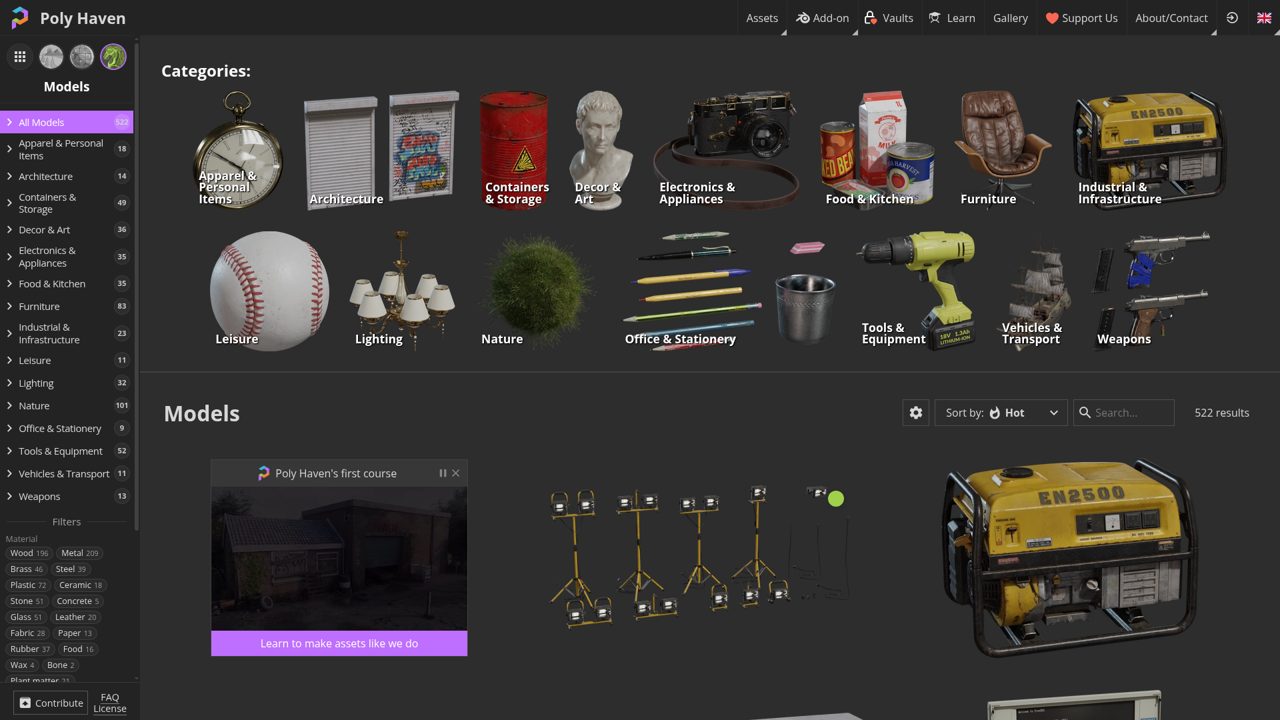
Browse Poly Haven’s model library by Furniture, Lighting, and Nature, alongside architecture, tools, industrial objects, and vehicles. More specific filters separate materials such as wood, brass, glass, and fabric, while condition tags distinguish clean, weathered, rusted, and worn objects. The browser also identifies rigged models and LODs, with author filtering for following individual contributors.
Models sit beside the site’s HDRI and texture libraries, making lighting and surface resources available in the same catalog. These are free CC0 assets, usable commercially without attribution; optional supporter funding includes conveniences such as cloud-based bulk downloading and offline access.
- Type
- Models, materials & HDRIs
- Best for
- Realistic props and coordinated lighting
- License
- CC0
- Price
- 100% free assets
Kenney
Stylised game asset packs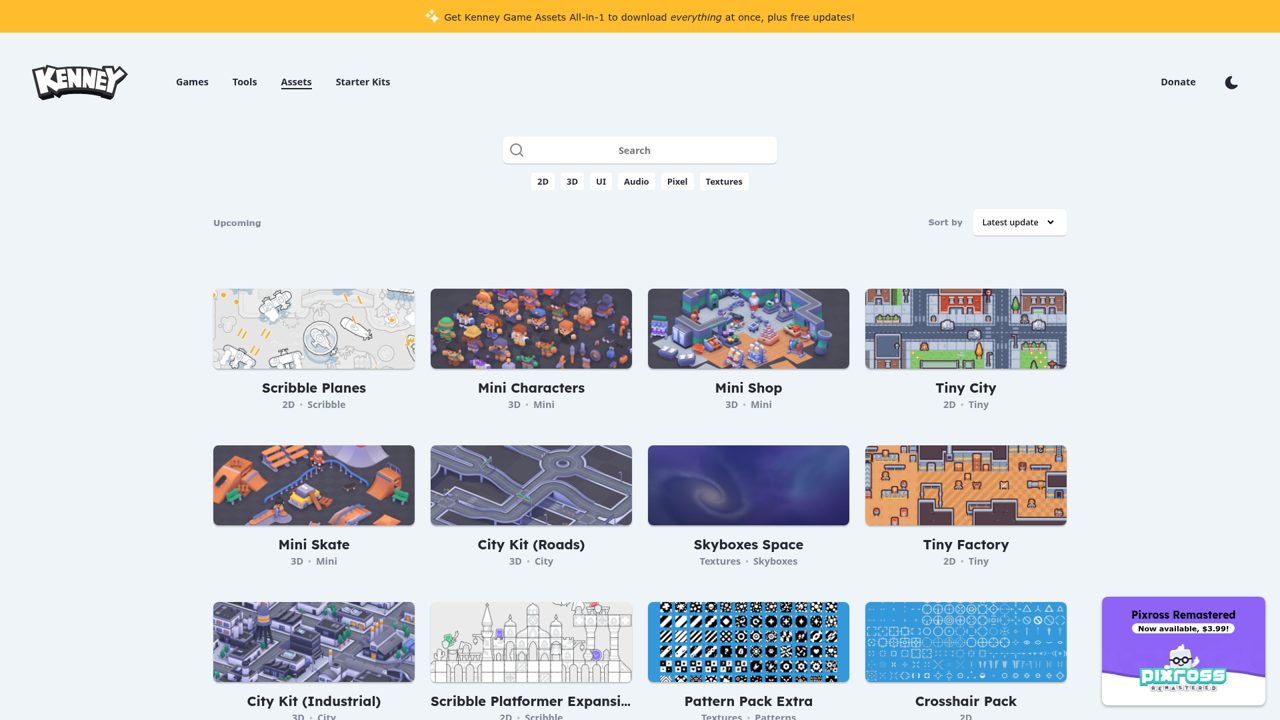
Kenney organizes its free game resources into 2D, 3D, UI, Audio, Pixel, and Textures, with sorting by release date, latest update, quantity, or name. The 3D selection includes Mini Characters, Mini Shop, Mini Dungeon, Mini Forest, and City Kit packs for roads and industrial environments.
Series labels connect related packs rather than leaving every download as an isolated listing. Asset-page downloads carry CC0, allowing modification and commercial use without mandatory attribution. A separate paid Game Assets All-in-1 package gathers the collection into one download with updates, while the individual catalog remains available for picking specific packs.
- Type
- Stylised game asset packs
- Best for
- Consistent prototypes and small games
- License
- CC0 for asset-page downloads
- Price
- Free assets; paid tools available
Quaternius
Game models & animations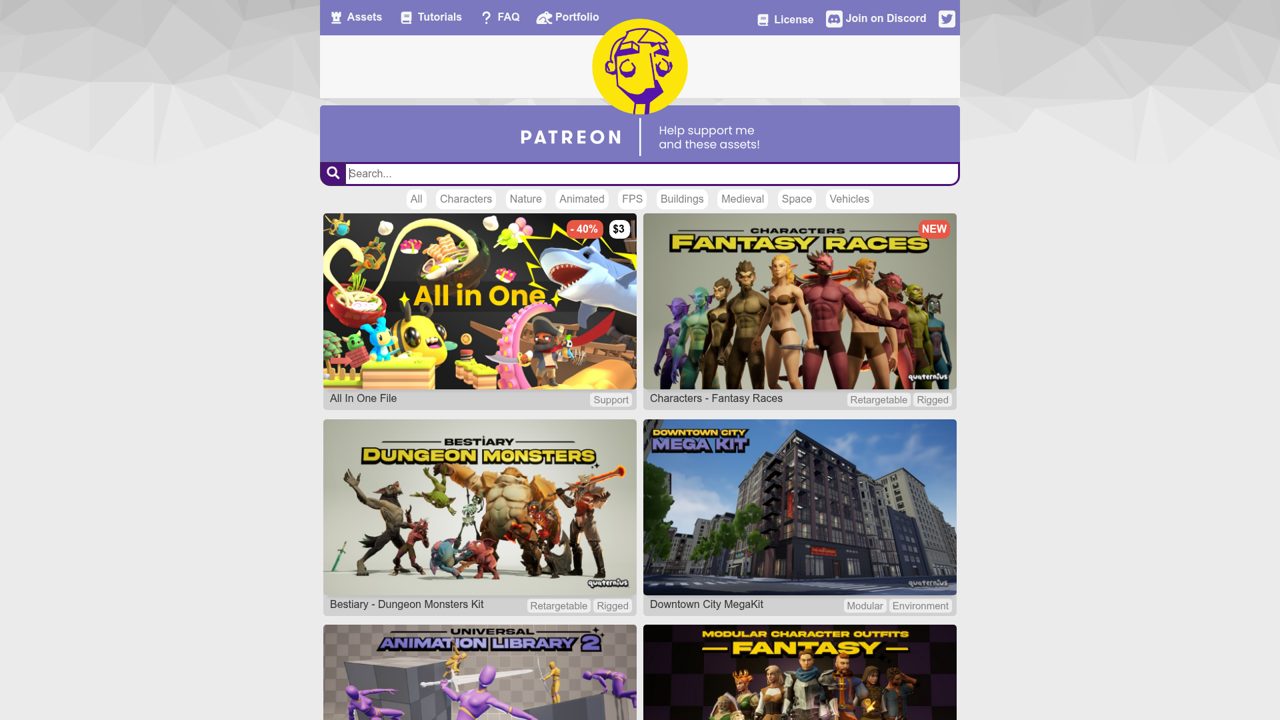
Themed game packs drive Quaternius’s catalog, with filters for Characters, Nature, Animated, FPS, Buildings, Medieval, Space, and Vehicles. Listings include Universal Base Characters, Fantasy Props MegaKit, modular environments, and the Universal Animation Library; labels identify rigged, retargetable, humanoid-rig, and modular content.
Free packs are complemented by Patreon support and an All In One File option. Under the published Quaternius Asset License, assets can be modified and incorporated into personal, educational, or commercial projects without credit. The license prohibits redistributing or reselling the assets themselves, including modified versions, while preserving earlier license terms for previously obtained downloads.
- Type
- Game models & animations
- Best for
- Stylised characters and themed worlds
- License
- Check pack: QAL or stated licence
- Price
- Free packs; supporter options
Sketchfab
Community models & scans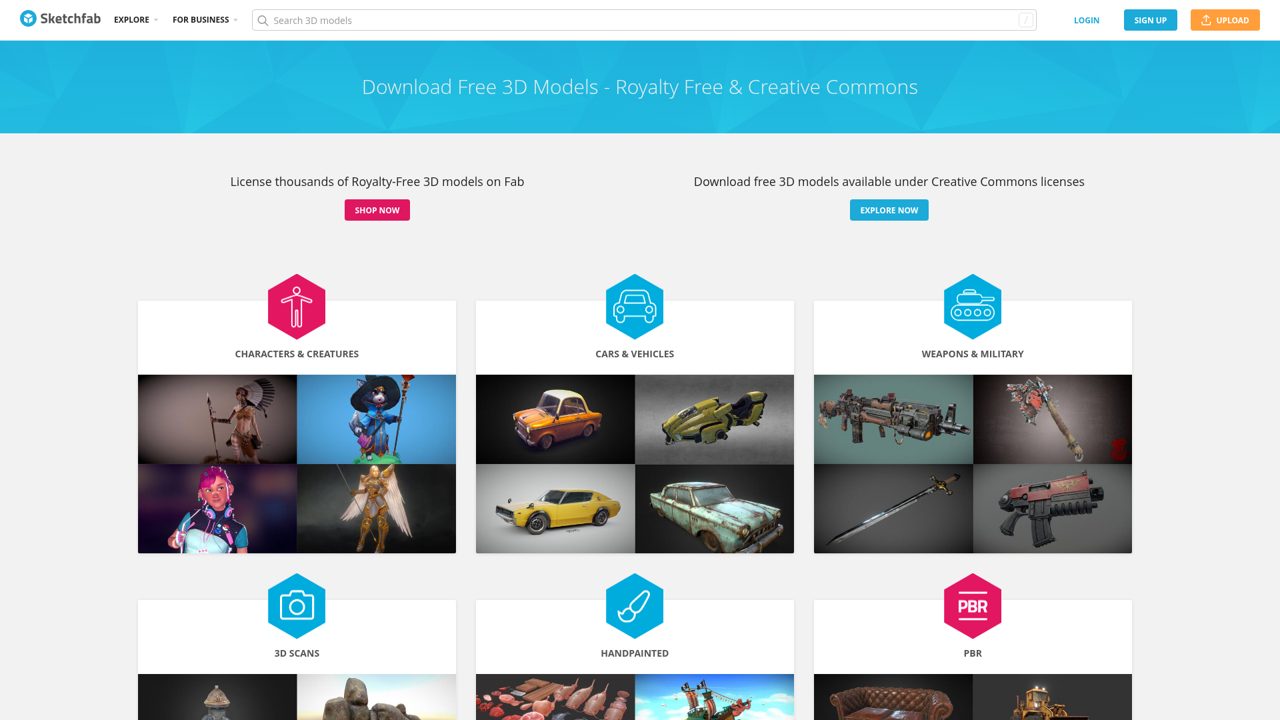
Sketchfab’s free-model landing page separates Creative Commons downloads from royalty-free shopping links that now lead to Fab. Its exploration shortcuts cover Cars & Vehicles, Weapons & Military, 3D Scans, Handpainted objects, and Medieval Fantasy, with downloadable-model filters already applied to those searches.
The interactive viewer provides a way to rotate community uploads before selecting a model. Download availability depends on the uploader, and licenses vary between models rather than following one site-wide free license. Creative Commons conditions can require attribution or limit commercial use and adaptations; the separate Fab links are shopping destinations, not promises of free downloads.
- Type
- Community models & scans
- Best for
- Previewing unusual objects before downloading
- License
- Varies per model
- Price
- Free downloads available
Blendkit
Integrated asset library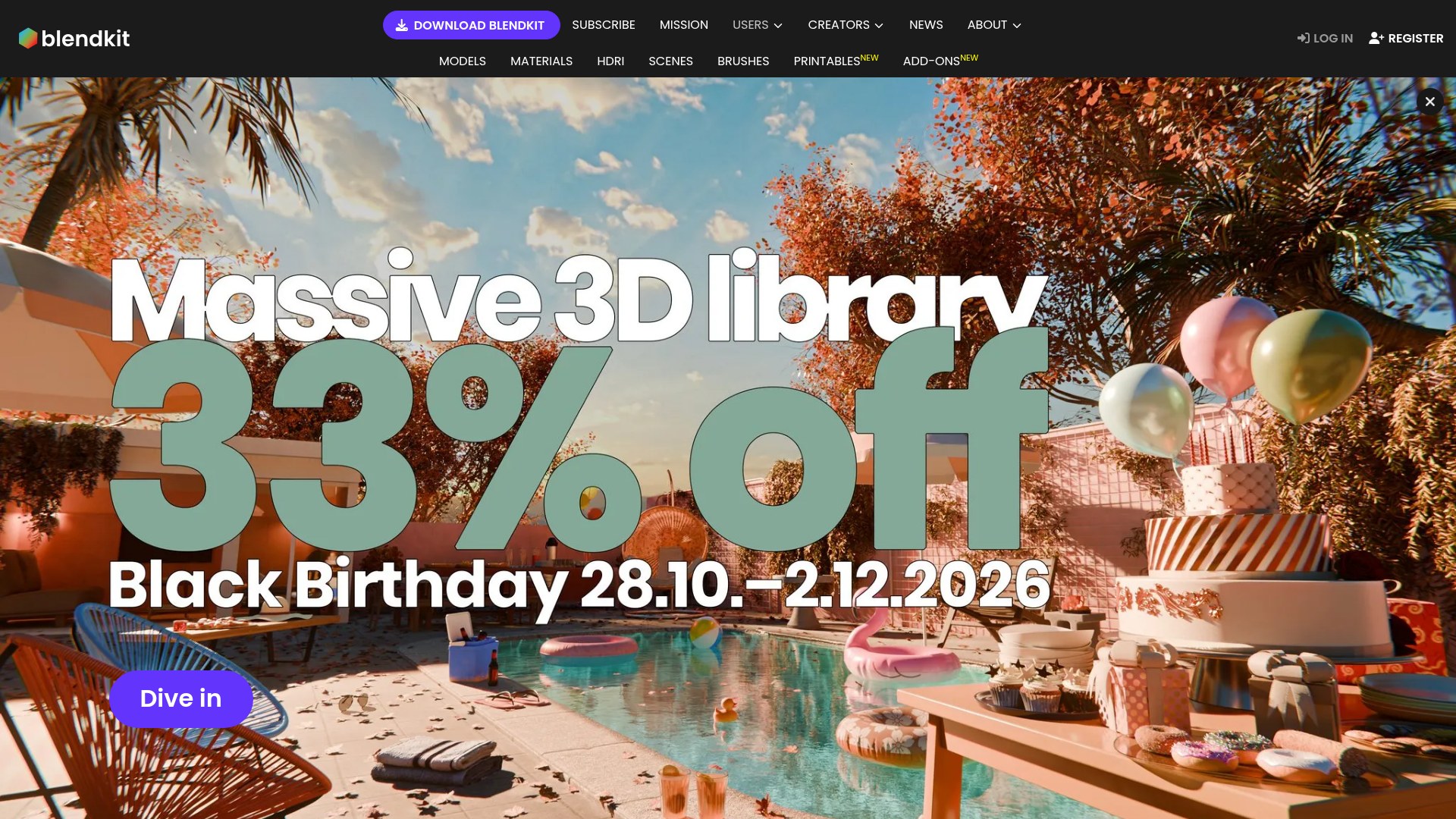
Now branded Blendkit, this library combines Blender models with materials, HDRIs, scenes, printable objects, and add-ons. Its gallery includes everything from plants and furniture to camera tools and complete environments, with a Free filter separating accessible assets from paid content.
The Blender add-on brings asset searching and importing into the application rather than requiring a separate manual library workflow. A free plan covers part of the catalog, while paid plans expand access. Asset licensing uses CC0 or Royalty Free terms; the latter permits commercial creations but does not turn the downloaded assets into products you may independently resell.
- Type
- Integrated asset library
- Best for
- Assembling scenes directly in Blender
- License
- CC0 or Royalty Free
- Price
- Free + premium
3dicons
3D icons & rendered graphics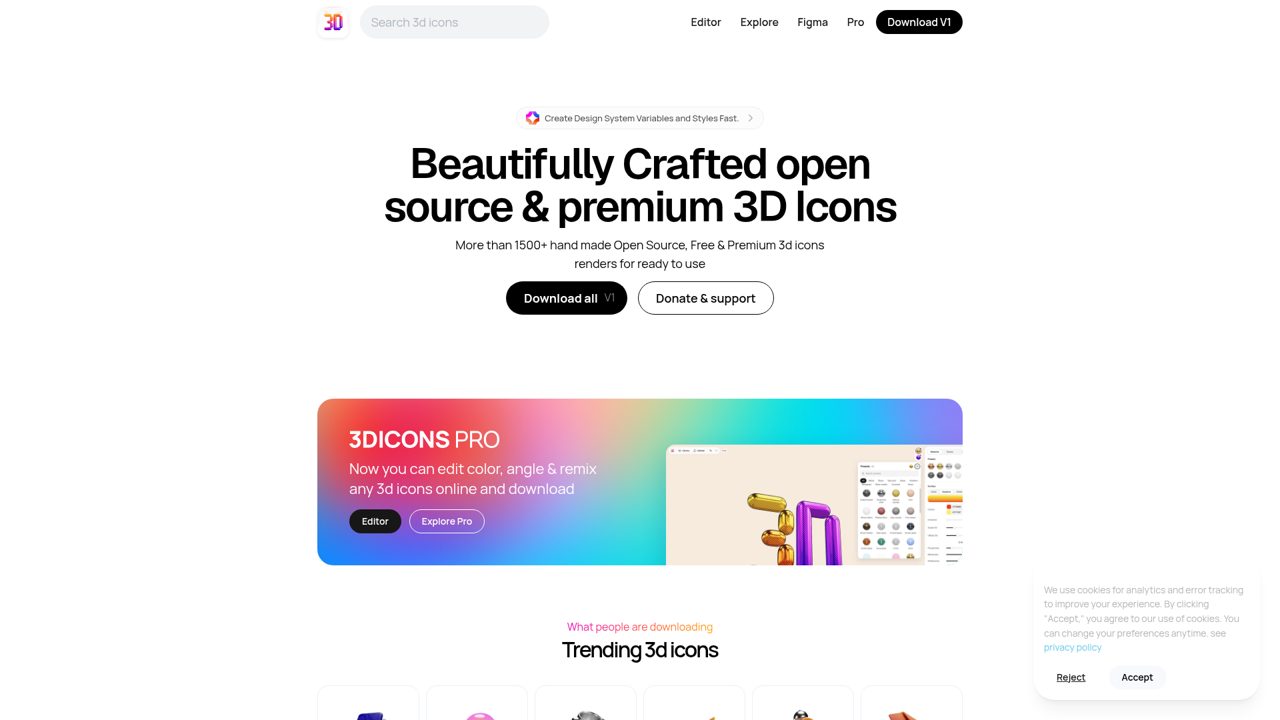
Rounded objects and ready-made renders fill 3dicons, which advertises more than 1,500 handmade icon renders across free and premium offerings. Beyond browsing downloads, its online editing feature lets you change color and angle and remix icons before downloading them. The site also links to Figma Community examples covering mockups, social posts, and presentations, so the collection extends beyond isolated decorative objects.
The original library was created in Blender by Vijay Verma and is offered under CC0, allowing personal and commercial use without attribution. Premium content is promoted alongside the open-source collection rather than making every advertised item part of the original free release.
- Type
- 3D icons & rendered graphics
- Best for
- Landing pages and presentation illustrations
- License
- CC0 for original library; check extras
- Price
- Free + premium
CGTrader
Marketplace models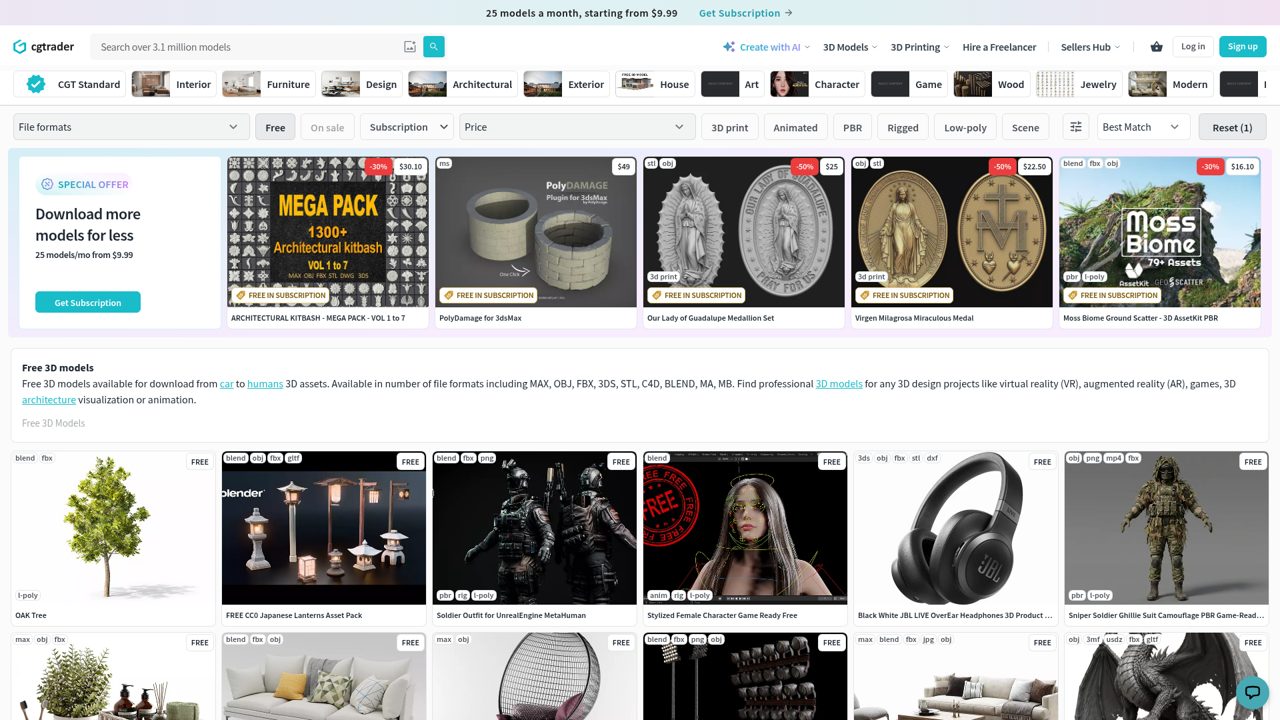
Within CGTrader’s larger marketplace, the free 3D models section brings together interiors, furniture, houses, characters, and game-related objects. Listing previews expose specific subjects and format combinations, including examples labeled OBJ, FBX, STL, C4D, and Blender, rather than imposing one common export format across the catalog.
The page also promotes CGT Standard, an automated checking program covering geometry, UVs, texturing, scene setup, and naming; that designation belongs to qualifying listings, not every model. Free downloads coexist with premium products, and licenses remain model-specific, so the marketplace does not provide a universal public-domain grant for this collection.
- Type
- Marketplace models
- Best for
- Comparing formats for specific objects
- License
- Varies per model
- Price
- Free + premium
TurboSquid
Marketplace models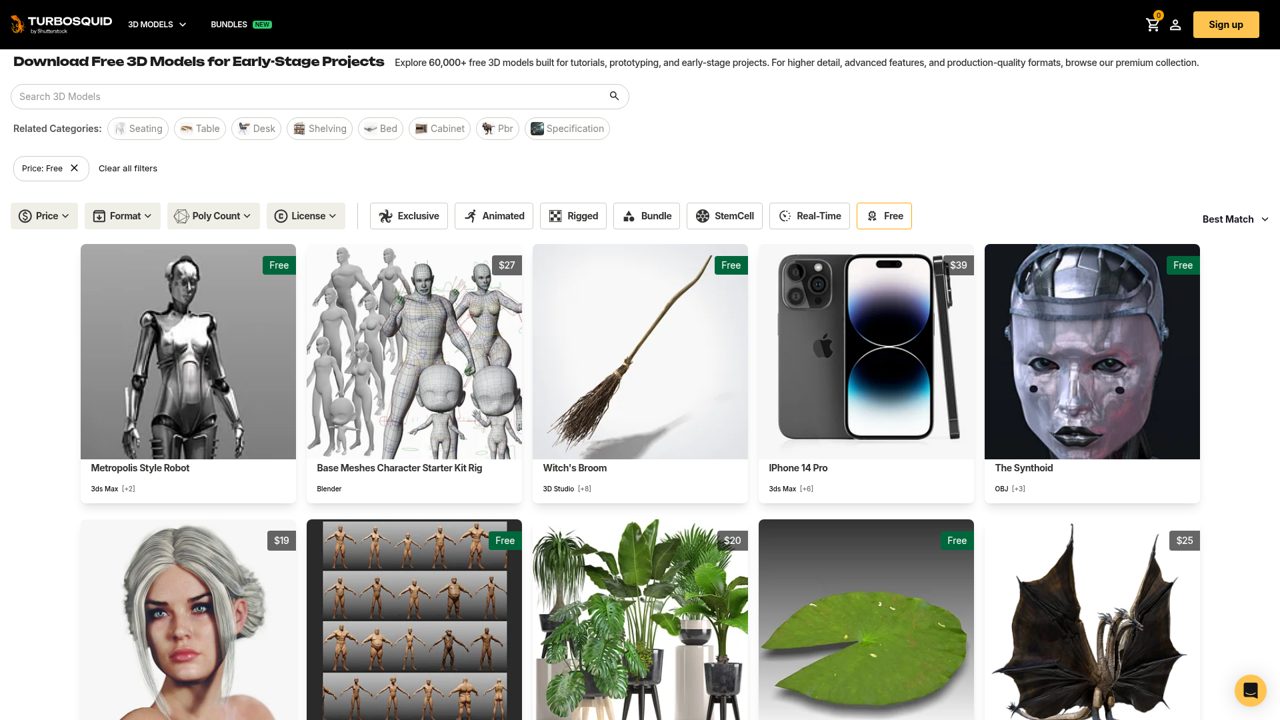
TurboSquid’s free search sits inside its commercial model marketplace and retains detailed controls for file compatibility and polygon count. Cost filtering isolates free listings, while license controls include a Non-editorial option and enhanced-license filtering. This makes the page a searchable subset of the wider catalog rather than a separate collection with uniform specifications.
Models differ in their software compatibility, complexity, and permitted uses, with editorial restrictions applying to some listings. Free pricing therefore removes the purchase charge for the selected model, not its usage conditions; paid models and broader license options remain part of the surrounding marketplace.
- Type
- Marketplace models
- Best for
- Finding props for established 3D workflows
- License
- Varies; check editorial restrictions
- Price
- Free + premium
NASA 3D Resources
Space models & printable assets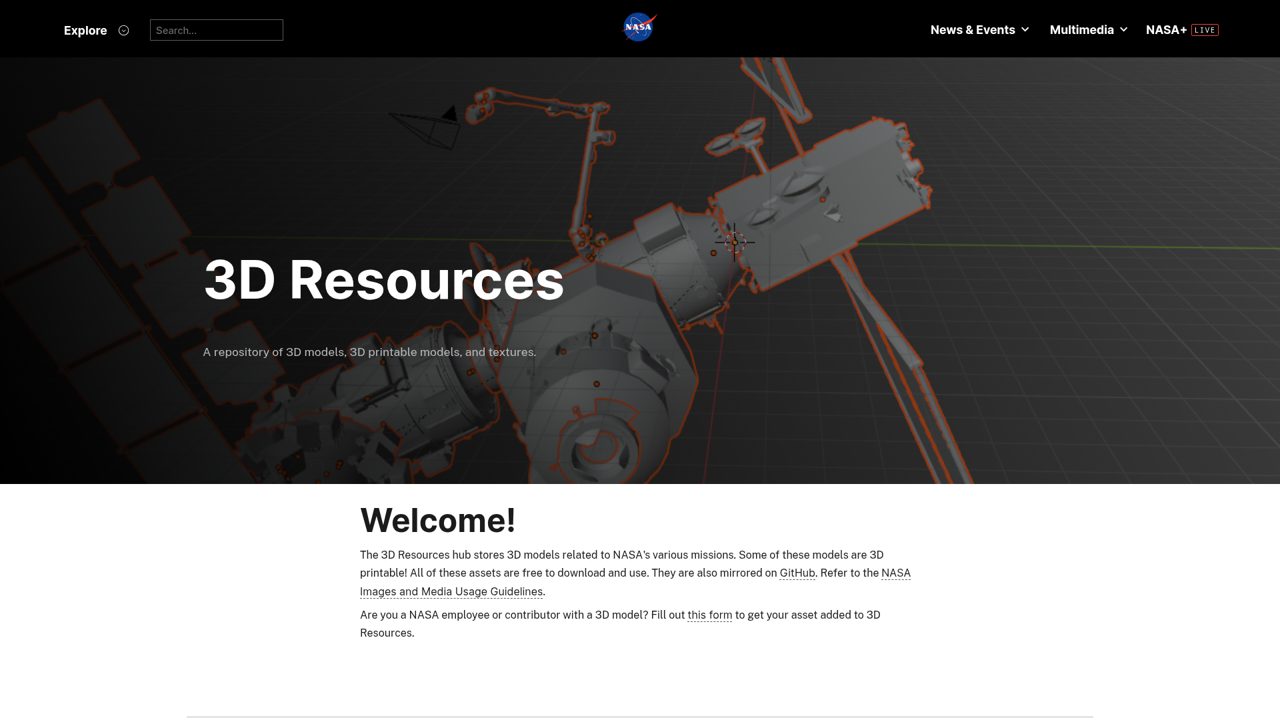
NASA’s resource browser brings space science into 3D through downloadable models and printable subjects, with entries covering spacecraft, astronomical objects, and mission locations. The catalog includes Apollo landing sites, including Apollo 11 through later lunar missions, alongside an Apollo 11 view of the Moon.
Search and resource filters provide a route through the collection rather than requiring navigation through individual mission news pages. These free downloads follow NASA media guidelines, not a blanket Creative Commons license for everything on the site. Third-party rights can still apply, and NASA branding and other protected material are not automatically cleared by an asset’s download availability.
- Type
- Space models & printable assets
- Best for
- Space education and mission visualisation
- License
- NASA media guidelines; check third-party rights
- Price
- 100% free downloads
Smithsonian 3D
Museum objects & scientific scans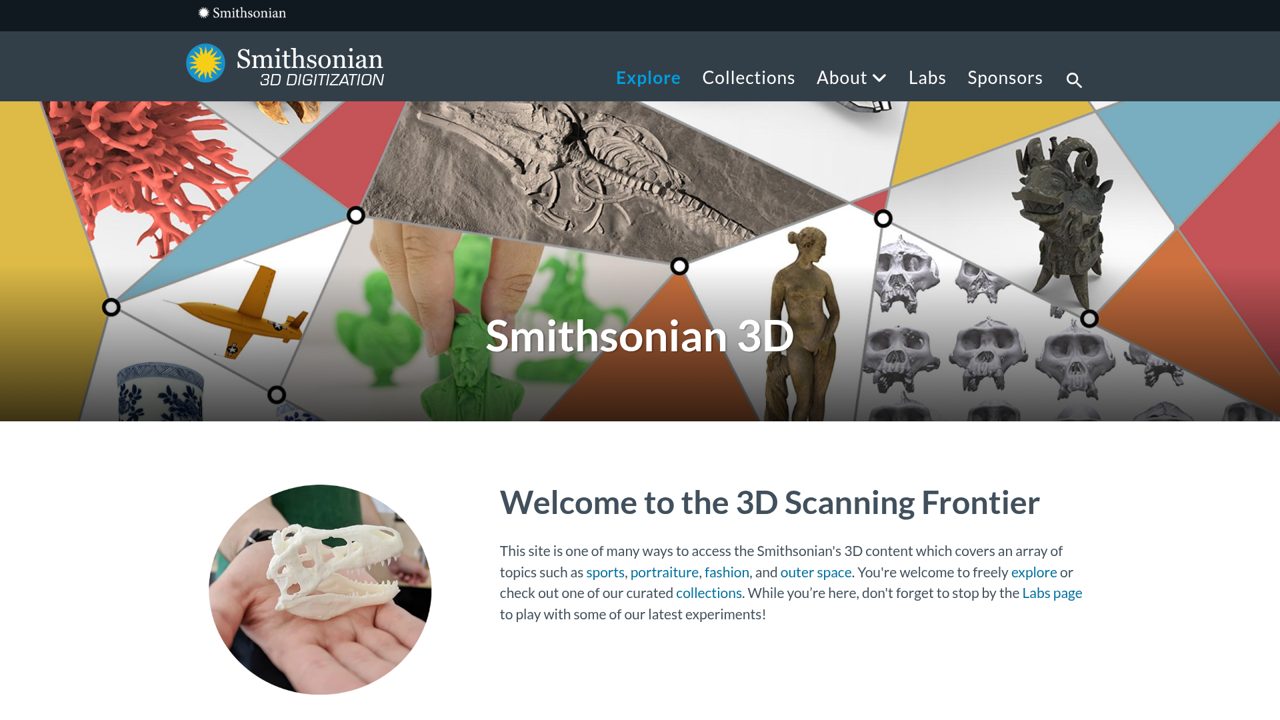
Museum objects become explorable digital resources through Smithsonian 3D’s themed collections. Apollo 11 and Neil Armstrong sit alongside Hominin Fossils, Prehistoric Artifacts, Coral Collection, Blue and White Ceramics, and Numismatics. Other groupings include presidential portraits, Electricity and Magnetism, and AR Experiences, connecting scientific specimens with historical artifacts and interactive presentations.
The site also highlights an Open Access collection, but download availability and rights are not identical for every object. Free downloads are available where enabled, and CC0 applies where explicitly marked; the broader catalog should not be described as universally downloadable or entirely public domain.
- Type
- Museum objects & scientific scans
- Best for
- Cultural heritage and educational experiences
- License
- CC0 where marked; otherwise check
- Price
- Free downloads where available
How to choose the right free 3D asset library
Begin with the final output, not the most attractive thumbnail. For a mobile game, you need manageable geometry, efficient materials and a consistent silhouette. For an architectural still, surface detail and realistic shading may matter more. For a landing-page illustration, an existing render could give you the result without loading a 3D viewer at all.
Choose a small group of compatible assets before committing to a whole collection. Import one representative model, light it in your actual scene and test the export path.
This quick trial exposes scale problems, missing maps and incompatible shaders early. You can then decide whether the free download genuinely saves time or simply moves the work into cleanup.
3D file formats explained without the jargon
GLB and glTF are useful starting points for real-time delivery, especially on the web. A GLB commonly packages geometry, materials and textures into one binary file, while glTF can reference separate resources.
FBX is widely used for exchanging meshes, skeletons and animation between tools. Support varies, so test a short animation rather than assuming every rig feature survives conversion.
OBJ is a straightforward option for static geometry, often accompanied by a material file and separate textures; it does not carry a character rig. USDZ is commonly used for Apple Quick Look augmented-reality experiences.
A Blend file preserves Blender-specific scene information, but linked resources and version differences still matter. Choose the format your destination supports, then check the imported result visually.
Licensing and attribution in plain words
Free describes the price, not the full permission. CC0 removes copyright-related restrictions as far as legally possible, while attribution licences ask you to credit the creator in the specified way.
Non-commercial conditions can rule out paid client work or monetised projects. Marketplace royalty-free licences usually allow defined finished uses without ongoing royalties, but they do not automatically permit reselling the source model.
Save the licence text, creator name, source URL and download date alongside each asset. Check whether you can distribute editable scenes, include files in a public repository or hand the model to a client.
Also consider trademarks, identifiable people and third-party designs. When an asset carries editorial restrictions or unclear rights, choose an alternative or request written permission before using it in advertising.
Optimising free 3D assets for websites and games
A free model can be technically impressive and still be unsuitable for real-time use. Inspect polygon density, material count, texture resolution and hidden geometry before adding it to your project.
Remove unseen parts where appropriate, reduce unnecessary detail and keep a higher-quality original separately. Normal maps can preserve the appearance of small surface details without requiring every groove to remain in the mesh.
Test on the devices your audience actually uses. Compress textures using formats supported by your delivery platform, consider levels of detail and measure loading time as well as frame rate.
Repeated props may benefit from instancing, while transparent materials and multiple lights can add rendering cost. Optimisation is a balance: do not destroy a recognisable silhouette just to achieve a smaller file.
A simple workflow for reliable downloads
Create a source folder for untouched downloads and a separate working folder for your edited assets. Keep texture paths organised and give files names that identify their origin.
On import, verify dimensions, orientation, normals and material assignments before making creative changes. A chair that arrives at the size of a building is easier to fix before you arrange the entire room.
For characters, test deformation and animation retargeting before committing to production. For product visuals, check shading under your intended lighting rather than the marketplace preview setup.
For printable objects, inspect watertightness and wall thickness in suitable tools. Free 3D assets work best when you treat the download as incoming production material that needs review, not as a guaranteed finished component.
Common mistakes to avoid
Do not mix realistic scans, flat-shaded cartoon props and glossy icons without a deliberate art direction. A consistent palette, lighting setup and level of detail usually matters more than the individual quality of each download.
Start with one pack or creator where possible, then adjust additional assets to match. Check the result from the camera angles your audience will actually see.
Avoid assuming that included textures are packed into every export, that a preview animation is supplied, or that every free model can be shared with your project source.
Read the file list and licence before investing time. Keep credits as you work rather than reconstructing them at launch, and never mistake a familiar brand’s appearance in a library for permission to use its intellectual property.
Frequently asked questions
Which site is best for free 3D models? It depends on your output. Poly Haven is a strong starting point for realistic props with CC0 terms, while Kenney is helpful for coordinated stylised game packs.
Sketchfab offers a broad range of community subjects with model-specific licences. Choose the source that matches your format, visual style and intended use rather than expecting one library to cover everything.
Can you use free 3D models commercially? Often, but only when the relevant licence and any other necessary rights permit it. CC0 assets are a convenient starting point, while marketplace downloads and institutional resources may have additional conditions.
Check attribution, editorial restrictions and source-file redistribution separately. If a project involves advertising, recognisable brands or identifiable people, resolve those rights before publishing.
Are free 3D icons the same as downloadable models? Not always. An icon pack may contain rendered PNG images rather than editable geometry, which is perfectly useful for slides and website illustrations but unsuitable for interactive rotation.
Check whether Blender files or exchange formats are included. If you only need a static graphic, using the supplied render can simplify your workflow and reduce page weight.