
A good wallpaper adds character without competing with the things you need to see. Free abstract wallpapers are especially useful here: soft shapes, flowing color, and restrained geometry can give a screen a finished look without introducing a busy photograph.
This selection focuses on ready-made images you can download and set as backgrounds, from quiet blue blends to sculptural digital artwork with a little more visual energy.
Not every free background comes with the same permissions. Some creators welcome personal desktop use but require separate approval for websites, products, or client work. Others provide broader licenses that cover commercial projects.
The wallpaper license notes below distinguish those cases, so you can choose a pleasant home screen without accidentally treating a personal download as reusable stock artwork. Always check the terms attached to the actual file you select.
These sources offer ready-made gradient wallpapers and abstract backgrounds rather than asking you to build a gradient from scratch. A few also have editors or paid collections, but the linked destinations provide downloadable artwork or a clearly identified free collection.
Start with the format and screen shape you need, then compare color, contrast, and licensing. A modest, well-composed image often works better than the most elaborate option in a gallery.
Quick picks at a glance
| # | Resource | License | Best for |
|---|---|---|---|
| 1 | William Eckert | CC BY-NC 4.0; attribution required; noncommercial use | Soft mesh gradients across multiple personal devices |
| 2 | Basic Apple Guy | Free personal wallpaper use; commercial reuse requires permission; no redistribution | Glassy fluted gradients for coordinated Apple screens |
| 3 | WALLNODE | Free personal use; contact the artist for commercial licensing | Dark abstract ripples on widescreen desktop displays |
| 4 | wirenux | Free personal use; contact creator for commercial use | Matching blue backgrounds for daytime and nighttime |
| 5 | Hlomatsimaxwell | Free personal and commercial use per repository README; attribution optional | Simple downloadable gradients for Full HD desktops |
| 6 | Simple Desktops | Personal use only; no resale or reposting without creator consent | Flat geometric abstraction with minimal visual clutter |
| 7 | Pexels | Pexels License; free personal and commercial use; no unaltered resale or stock redistribution | Comparing gradient styles with broader reuse permissions |
| 8 | Pixabay | Pixabay Content License; attribution optional; standalone resale or redistribution prohibited | A soft purple abstract wallpaper starting point |
| 9 | Figma | Personal-use license on this pack; commercial rights require the premium package | Vivid square gradients that allow flexible cropping |
| 10 | GradientWall | Free personal screen use; no file redistribution or sale; other uses require permission | Downloading tall phone gradients without editing them |
William Eckert
Wallpaper collection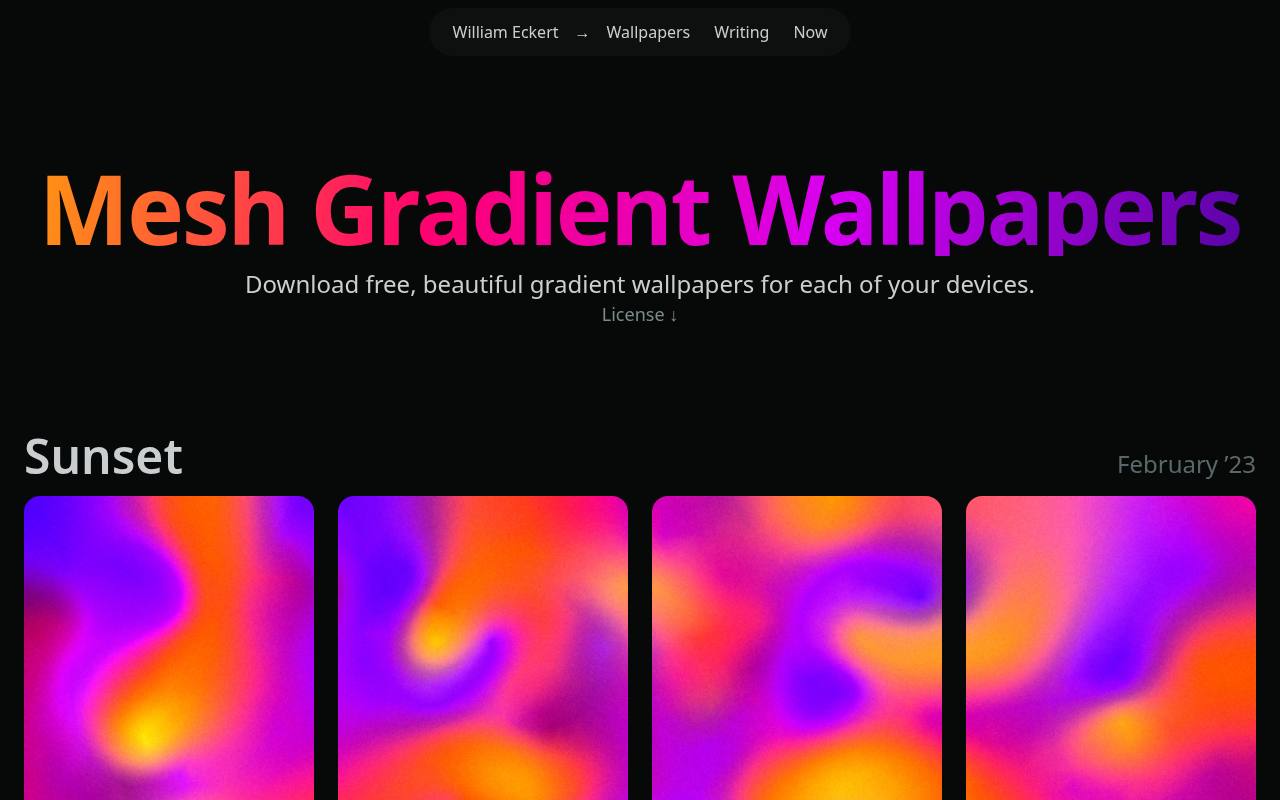
William Eckert’s wallpaper page keeps the choice focused with named collections including Sunset, Forest, Waves, and Fire. Each collection presents several download links, making this a manageable alternative to scrolling through an enormous stock library.
The mesh gradient wallpapers blend color into soft, atmospheric fields rather than sharp geometric patterns. They are released under CC BY-NC 4.0, which requires attribution and excludes commercial use. Keep the creator and license details with your download, particularly if you later share an adapted version somewhere public.
- Type
- Wallpaper collection
- Best for
- Soft mesh gradients across multiple personal devices
- License
- CC BY-NC 4.0; attribution required; noncommercial use
- Price
- 100% free
Basic Apple Guy
Wallpaper collection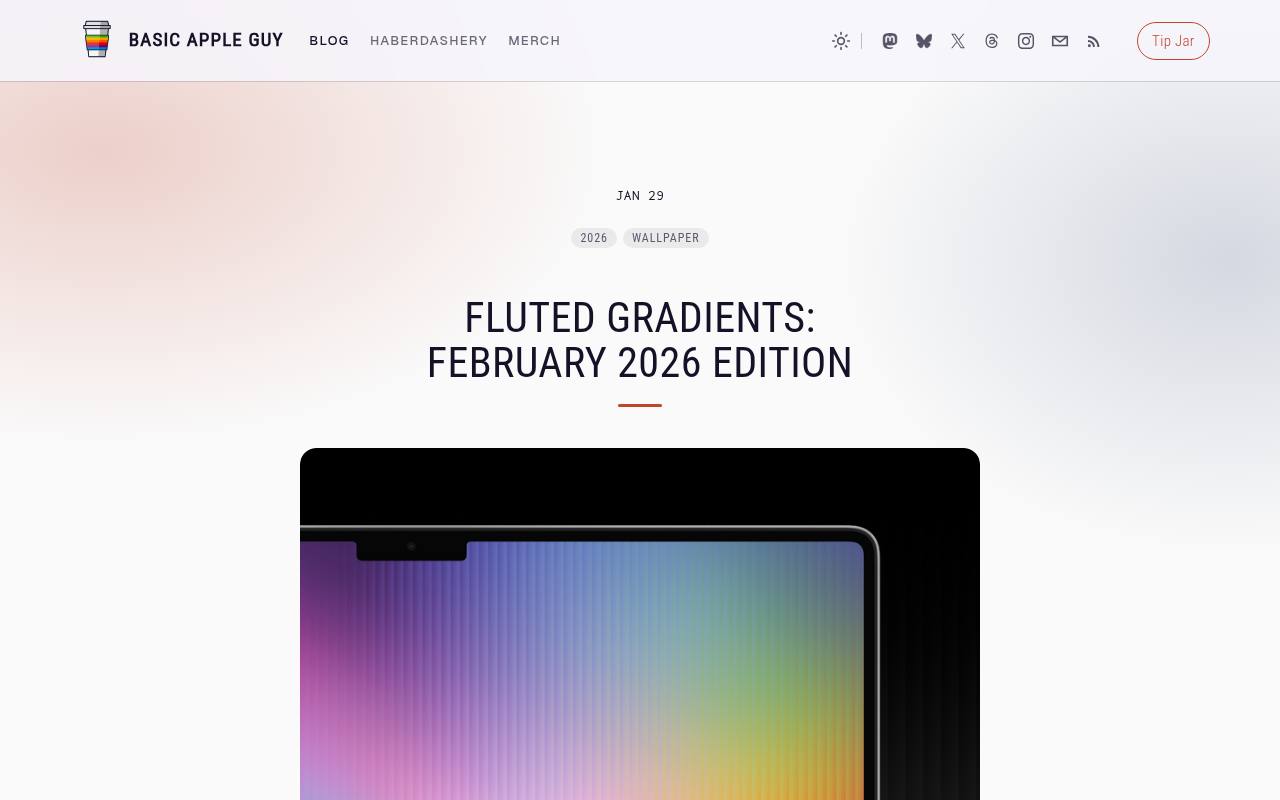
Basic Apple Guy’s linked Fluted Gradients collection offers individual wallpapers free of charge at full resolution, alongside an optional paid bundle for convenience and support. The fluted glass effect gives color transitions a ribbed, dimensional appearance without relying on photographs or recognizable objects.
Downloads cover Mac, iPad, and iPhone layouts. Choose the individual links when you want the free wallpaper downloads, not the purchase button. The creator permits personal backgrounds and specified screen appearances, but commercial incorporation requires permission and uploading the files elsewhere is not allowed.
- Type
- Wallpaper collection
- Best for
- Glassy fluted gradients for coordinated Apple screens
- License
- Free personal wallpaper use; commercial reuse requires permission; no redistribution
- Price
- Free + paid bundle
WALLNODE
Artist wallpaper gallery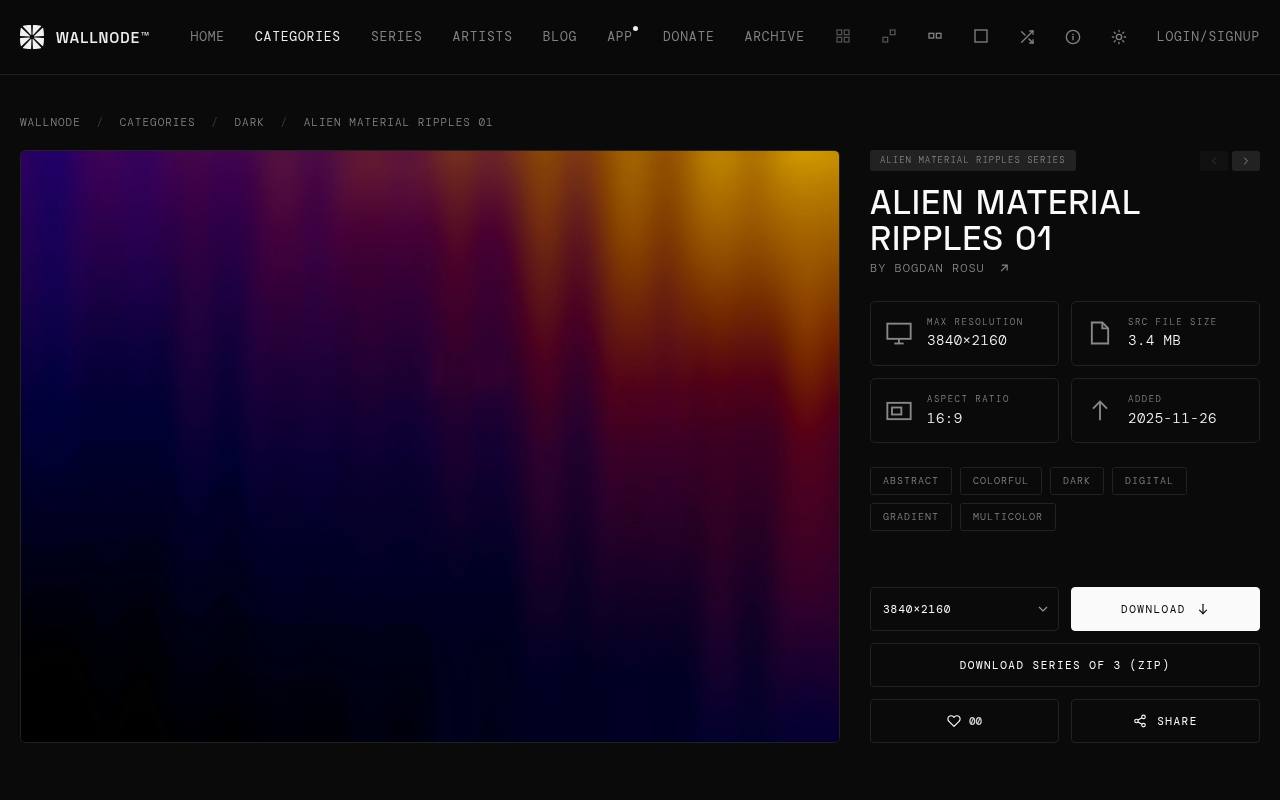
WALLNODE’s Alien Material Ripples page identifies Bogdan Rosu as the artist and lists an original size of 3840 × 2160. That native 4K resolution and 16:9 composition make this particular image a straightforward match for many desktop monitors.
Its colorful, dark digital styling offers a more sculptural alternative to a simple two-color fade. The page supplies an original download and smaller resolution choices. Personal wallpaper use is free; anyone planning commercial use needs to contact the artist rather than assume that a free download grants broader rights.
- Type
- Artist wallpaper gallery
- Best for
- Dark abstract ripples on widescreen desktop displays
- License
- Free personal use; contact the artist for commercial licensing
- Price
- Free downloads
wirenux
Wallpaper pack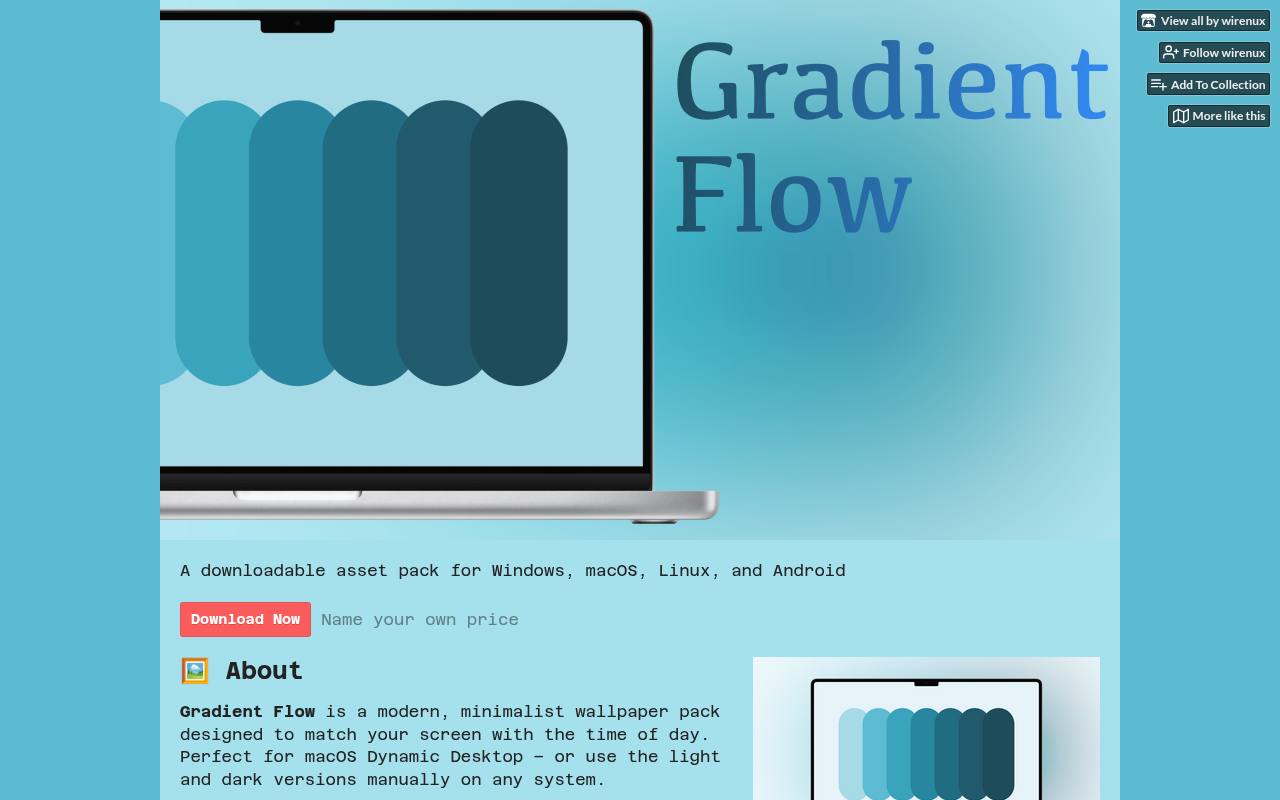
The Gradient Flow pack by wirenux pairs a light sky-blue treatment with a deeper ocean-blue alternative. Its light and dark wallpapers are useful if you want a consistent palette while changing the mood of your desktop.
The itch.io listing uses name-your-own-price distribution with a zero minimum, and offers both a standard ZIP and a macOS HEIC archive. Pick the ordinary images for a simple static setup on other systems. The stated personal-use license does not extend to commercial work without contacting the creator first.
- Type
- Wallpaper pack
- Best for
- Matching blue backgrounds for daytime and nighttime
- License
- Free personal use; contact creator for commercial use
- Price
- Name your price; free option
Hlomatsimaxwell
GitHub image collection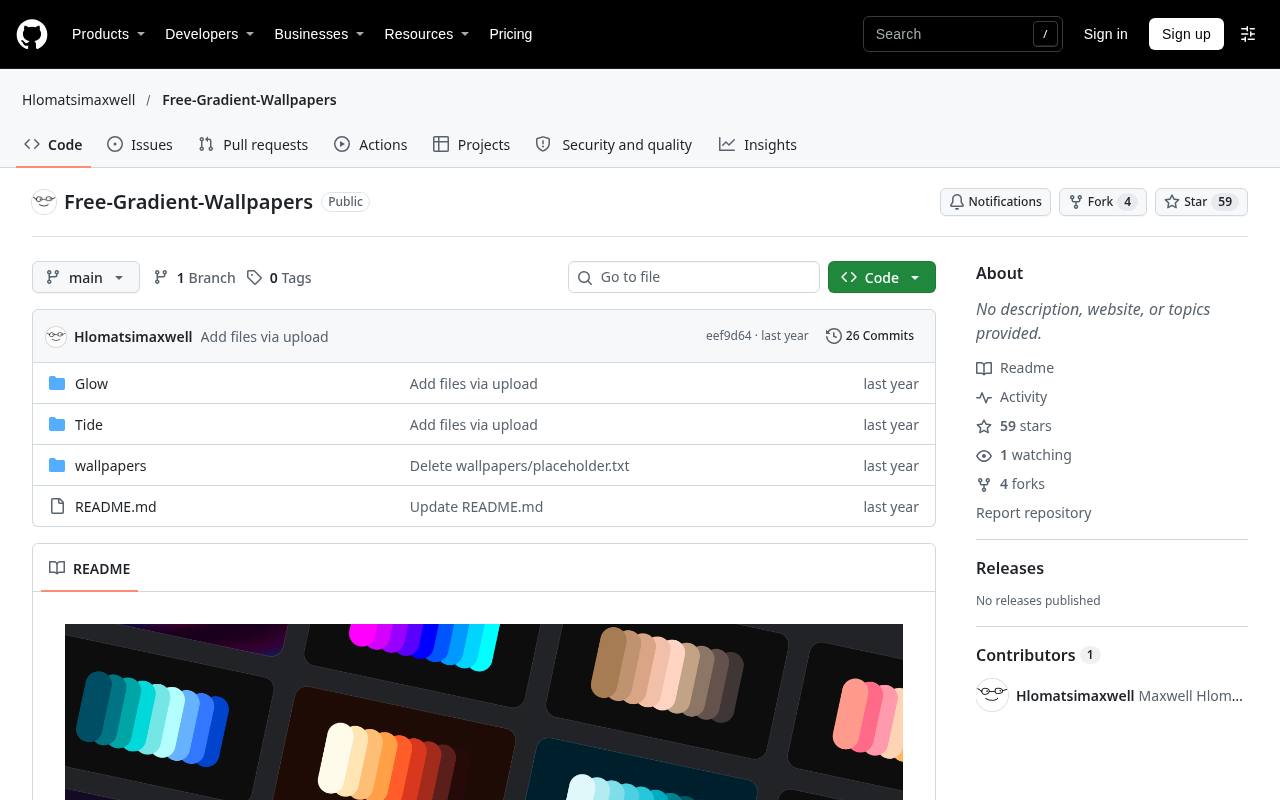
Hlomatsimaxwell’s Free-Gradient-Wallpapers repository distributes finished images directly through GitHub. The README describes 1920 × 1080 backgrounds and themes such as Arctic Chill, Sunset Horizon, and Solar Flare, giving you a clear starting point for a Full HD desktop.
Open an image and download the actual file rather than saving a screenshot of the repository preview. The README explicitly permits personal and commercial use without mandatory attribution. Its desktop-oriented dimensions are worth noting: a large high-density monitor may reveal enlargement that a smaller laptop screen does not.
- Type
- GitHub image collection
- Best for
- Simple downloadable gradients for Full HD desktops
- License
- Free personal and commercial use per repository README; attribution optional
- Price
- 100% free
Simple Desktops
Wallpaper gallery
Simple Desktops is the abstract rather than gradient-focused choice in this selection. Its stated preference is for restrained artwork without the glossy effects common in busy wallpaper collections. Browse for geometric abstract backgrounds when you want clean silhouettes, limited colors, and more breathing room around desktop icons.
Not every submission is abstract, so assess individual compositions instead of expecting a dedicated gradient catalog. The site’s terms restrict wallpapers to personal use only and prohibit selling or reposting them without the desktop creator’s express written consent.
- Type
- Wallpaper gallery
- Best for
- Flat geometric abstraction with minimal visual clutter
- License
- Personal use only; no resale or reposting without creator consent
- Price
- Free downloads
Pexels
Stock image search
Pexels’ gradient search brings together downloadable images from multiple contributors, so the visual range is wider than a single designer’s pack. Look for abstract color backgrounds rather than assuming every search result is suitable as wallpaper; photographs and other subjects can appear too.
Check the original image dimensions before choosing a desktop or portrait crop. Under the Pexels License, attribution is not required and personal and commercial uses are permitted, with restrictions including unaltered resale and redistribution on stock or wallpaper platforms. Sponsored external results should be assessed separately.
- Type
- Stock image search
- Best for
- Comparing gradient styles with broader reuse permissions
- License
- Pexels License; free personal and commercial use; no unaltered resale or stock redistribution
- Price
- 100% free
Pixabay
Stock illustration
This Pixabay illustration provides a concrete starting point instead of an open-ended search: a purple abstract gradient with a soft glow and dark vignette, credited to Alif_Production. The purple gradient background suits readers who want a subdued luminous center rather than intricate objects or typography.
Review the available download dimensions before committing to a large display. The file is offered under the Pixabay Content License, which permits free use and adaptation without required attribution but prohibits standalone selling or distribution. Those limits matter if you are assembling a wallpaper app or downloadable pack.
- Type
- Stock illustration
- Best for
- A soft purple abstract wallpaper starting point
- License
- Pixabay Content License; attribution optional; standalone resale or redistribution prohibited
- Price
- 100% free
Figma
Figma and PNG pack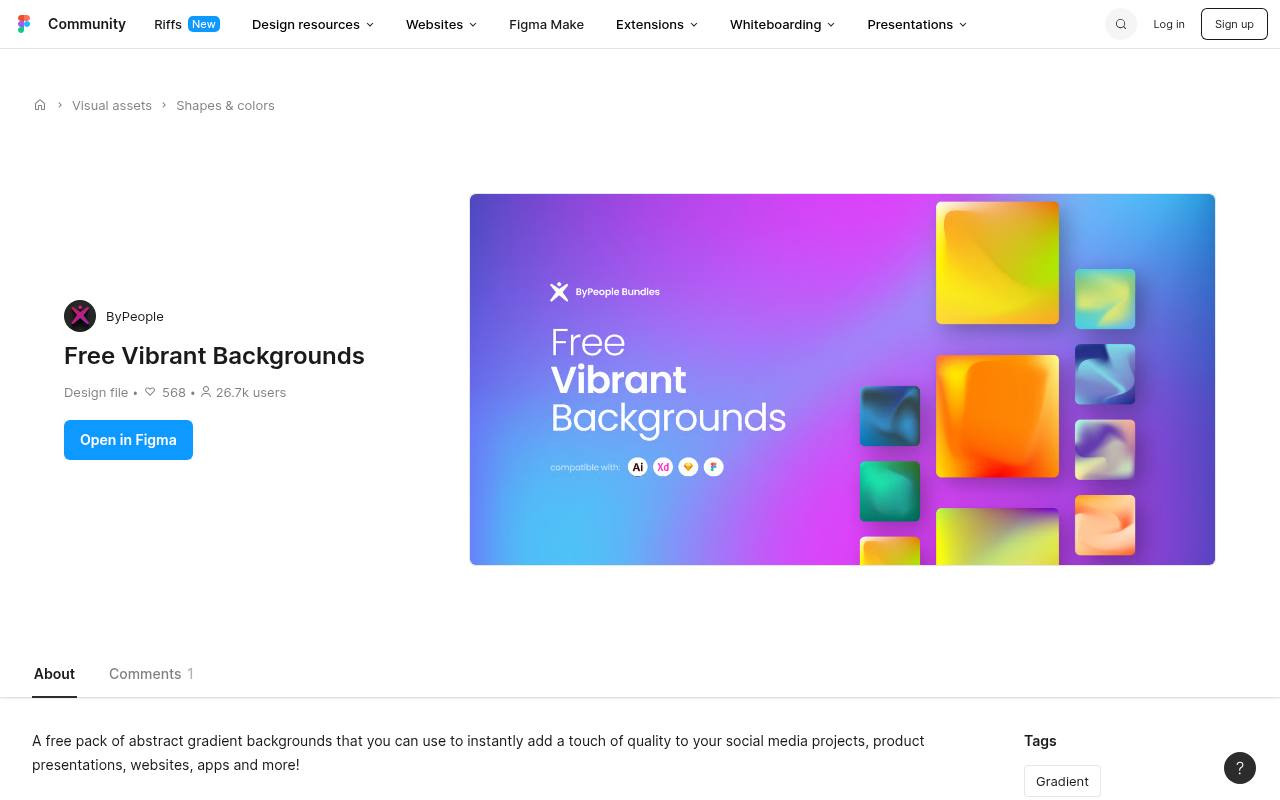
The Free Vibrant Backgrounds Community listing offers twenty premade abstract gradient backgrounds in Figma and PNG formats. Its listed 4127 × 4127 dimensions provide a square image canvas, useful when you want to experiment with portrait and landscape crops from the same composition.
These are finished backgrounds, not a gradient-generation plugin. The pack includes a personal-use license; the listing points to premium packages for unrestricted commercial use. Access through Figma may require signing in, so this option fits readers comfortable working with Community design files as well as exported images.
- Type
- Figma and PNG pack
- Best for
- Vivid square gradients that allow flexible cropping
- License
- Personal-use license on this pack; commercial rights require the premium package
- Price
- Free pack + premium options
GradientWall
Ready-made wallpaper gallery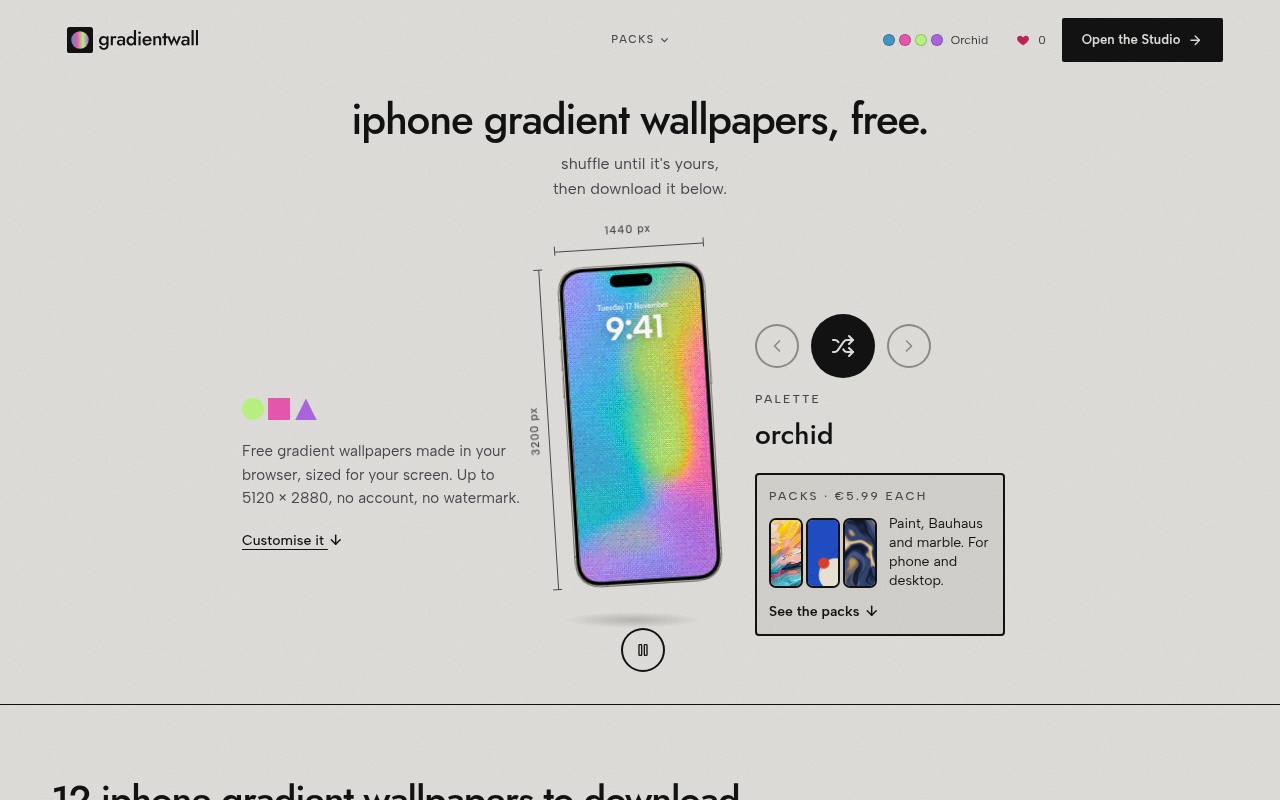
GradientWall’s iPhone gallery includes twelve ready-made wallpapers with direct Download links, alongside optional editing controls. Named palettes include deep indigo, icy blue, pink and aqua, and charcoal grey, making phone gradient wallpapers easy to compare by mood.
The gallery describes its supplied files as 1440 × 3200, a tall format intended for phone screens. Use the existing downloads rather than the separate Studio workflow. Its free personal license covers your own screens without required credit, but does not permit giving away the files, selling them, or incorporating them into redistributed packs.
- Type
- Ready-made wallpaper gallery
- Best for
- Downloading tall phone gradients without editing them
- License
- Free personal screen use; no file redistribution or sale; other uses require permission
- Price
- Free gallery + paid packs
Choose the visual style before the source
Start by deciding whether you want a barely noticeable fade or a stronger abstract composition. Soft mesh gradients generally make a quieter backdrop for folders and widgets, while glassy ripples and sharp geometry become a visible part of your setup.
For blue-focused screens, compare icy cyan against deeper indigo at your normal brightness. A thumbnail can make two palettes look similar even when they feel quite different across an entire monitor.
Match pixels and proportions to your display
Check both image resolution and aspect ratio before downloading. A 3840 × 2160 file fits a conventional 4K widescreen display, but it will crop heavily on a tall phone. Square backgrounds offer flexibility rather than a perfect fit everywhere.
Download the original when possible, then use your device’s fill or fit controls to preview the result. Avoid stretching an image independently in two directions, which can visibly distort abstract shapes.
Understand personal use and commercial reuse
A free wallpaper license can be narrower than a free stock-image license. Permission to set an image on your laptop does not automatically allow you to include it in a website template, advertise a product with it, or distribute it inside an app.
Creator-specific terms take priority over assumptions based on price. When your intended use is not clearly covered, select a source with explicit suitable rights or request written permission before publishing.
Keep attribution and redistribution separate
Attribution is not a substitute for permission. William Eckert’s Creative Commons license includes both attribution and noncommercial conditions, while other sources waive credit but still restrict redistribution.
Sharing a link to the original download page is usually the simplest way to recommend an image without republishing the file. Keep a short record of the creator, source URL, license name, and download date so the relevant terms remain easy to find later.
Preserve smooth color when saving files
For smooth gradient backgrounds, repeated compression can introduce visible bands or blocks where a transition should look continuous. Keep the original downloaded file as your master and avoid repeatedly resaving a JPEG.
PNG is useful when supplied, but converting a compressed image to PNG cannot restore information already lost. If a fade looks uneven, compare it in another image viewer and at normal display brightness before assuming the download itself is defective.
Test icon readability and everyday comfort
A wallpaper should work behind your actual screen layout, not just in an empty preview. Check desktop icon contrast, your phone’s clock, and frequently used widgets against both the lightest and darkest areas.
Move the crop if a bright highlight sits directly under white text. For shared presentations or screen recordings, a quieter background also reduces visual competition. Dark artwork can feel calmer, but extreme contrast and saturated highlights may still be distracting.
Can you use the same download everywhere?
Often yes for your own devices, provided the license permits personal use, but cross-device wallpaper crops can differ substantially. Save separate portrait and landscape versions when the creator provides them.
Keep static images for the simplest setup, and use a macOS-specific dynamic file only where it is supported. There is no need to install an extra application merely to display an ordinary JPG or PNG background on a compatible device.
Build a small collection you will actually use
Instead of downloading every variation, save three or four free abstract backgrounds that cover different situations: a bright daytime option, a darker evening choice, and a restrained background for work.
Name files by creator and palette so they remain identifiable outside your browser history. Preserve license notes alongside the images, and return to the original source when sharing a recommendation. A small, organized collection is easier to maintain than an anonymous folder of hundreds.