
A well-chosen moving backdrop can give a page atmosphere without becoming the main event. These free animated background libraries focus on the layer behind your content: connected dots, drifting bubbles, fluid gradients, falling snow, and interactive water.
They are not general-purpose timelines for animating buttons or scroll-triggered reveals. Each offers a more specific visual starting point, helping you select an effect by the texture and behavior your design actually needs.
The most useful particle effect libraries range from configurable presets to engines that let developers design individual emitters and behaviors. That distinction affects implementation time.
A ready-made snow effect may need only a container and a few settings, while a custom fountain can require explicit rendering and lifecycle management. Framework compatibility also matters: some choices work directly with ordinary script tags, one targets React, and another expects jQuery and suitable WebGL support.
Free code still carries responsibilities. Read the repository license, preserve required notices, and check dependencies before shipping. More importantly, treat animated website backgrounds as optional decoration rather than essential communication.
Your headline, navigation, and calls to action should remain usable when animation is disabled, unsupported, or too expensive for the device. Begin with a static design, add one restrained effect, and evaluate readability and responsiveness with the rest of the page running.
Quick picks at a glance
| # | Resource | License | Best for |
|---|---|---|---|
| 1 | tsParticles | Free and open source; MIT license | Building configurable particle scenes across different frameworks |
| 2 | particles.js | Free and open source; MIT license | Creating classic connected-dot backgrounds from JSON settings |
| 3 | Vanta.js | Free and open source; MIT license | Adding customizable generative backgrounds to hero sections |
| 4 | Granim.js | Free and open source; MIT license | Producing fluid gradient backdrops without particle clutter |
| 5 | Proton | Free and open source; MIT license | Designing custom emitters with physical particle behaviors |
| 6 | canvas-nest.js | Free and open source; MIT license | Adding a simple line-network backdrop without jQuery |
| 7 | bubbly-bg | Free and open source; Apache 2.0 license | Creating soft floating bubbles with customizable colors |
| 8 | jQuery Ripples | Free and open source; MIT license | Turning background images into interactive water surfaces |
| 9 | Snowflakes | Free and open source; MIT license | Adding adjustable seasonal snowfall inside specific containers |
| 10 | particles-bg | Free and open source; MIT license | Dropping preset particle backgrounds into React projects |
tsParticles
JavaScript library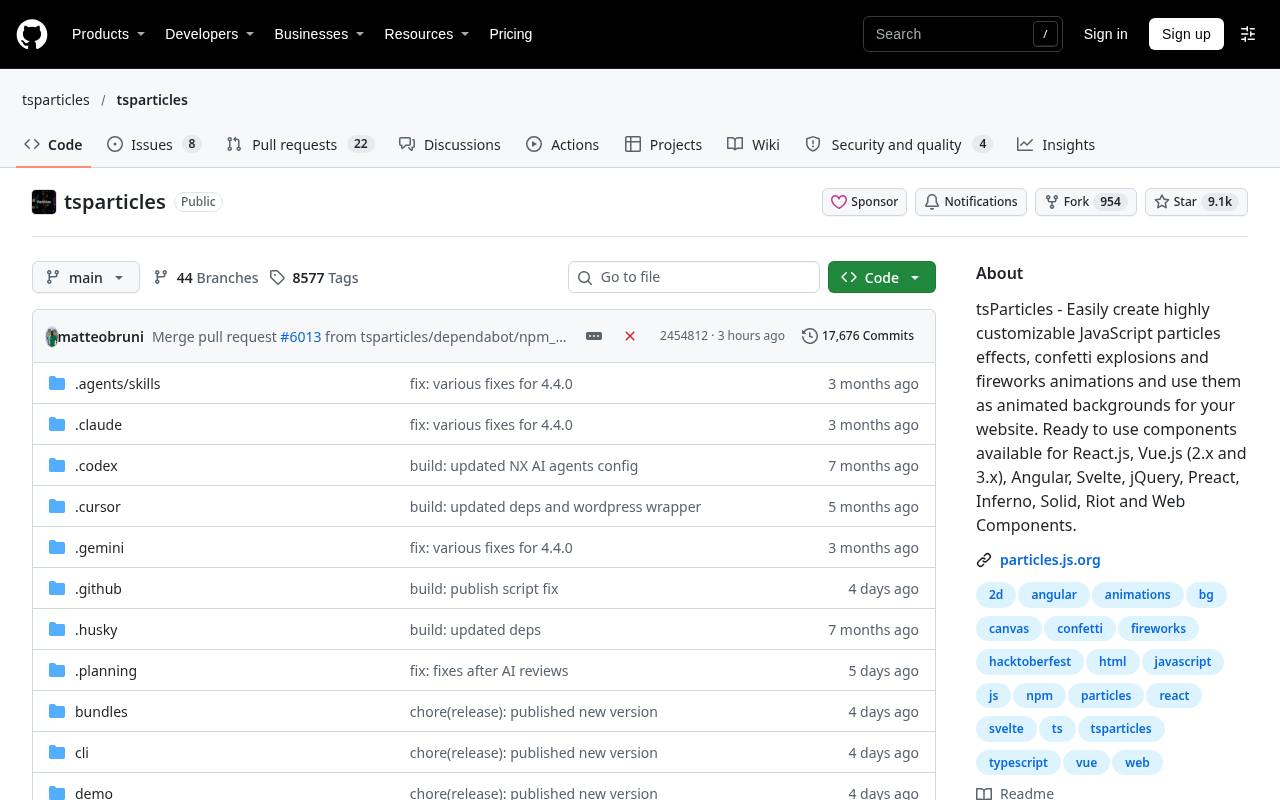
tsParticles offers a broad ecosystem for interactive particle backgrounds, with documentation and packages for integrating effects into different frontend environments. Its repository presents particles, confetti, fireworks, and related visual effects rather than a general interface-animation timeline.
That breadth makes it worth exploring when a basic connected-dot backdrop may later need more specialized behavior. Use the official package and example information to choose the appropriate integration instead of importing everything by habit. This free particle library is MIT-licensed, so preserve the required license notice when distributing its code.
- Type
- JavaScript library
- Best for
- Building configurable particle scenes across different frameworks
- License
- Free and open source; MIT license
- Price
- 100% free
particles.js
JavaScript library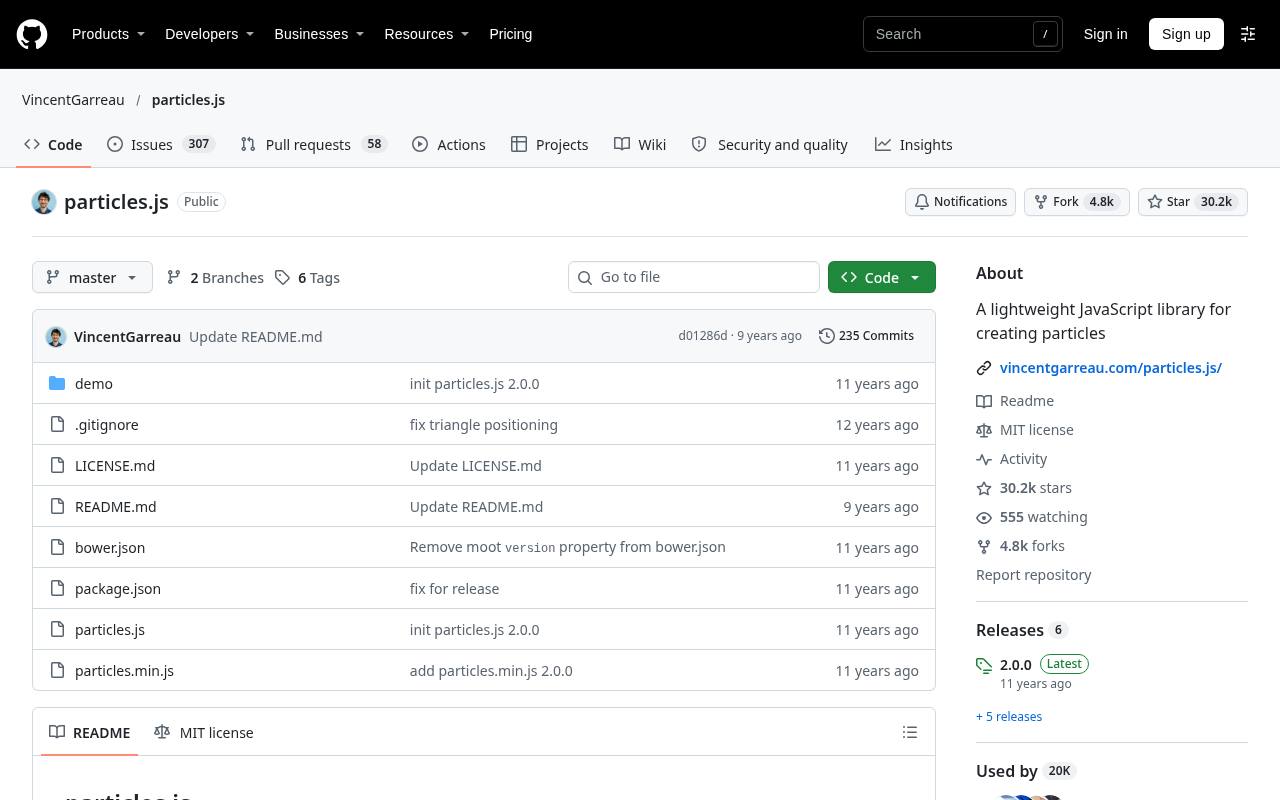
particles.js is a focused option for connected particle backgrounds configured through a structured settings object or a loaded JSON file. Its repository documents particle density, colors, shapes, opacity, size animation, movement, and linked lines.
Hover and click modes include behaviors such as repulsion, pushing particles, and removing them, while image-based particles offer another visual direction. The linked generator helps explore a configuration before integrating it. Choose this JSON configured effect when you want the familiar network-of-dots aesthetic and are comfortable evaluating an established library against current browser requirements.
- Type
- JavaScript library
- Best for
- Creating classic connected-dot backgrounds from JSON settings
- License
- Free and open source; MIT license
- Price
- 100% free
Vanta.js
JavaScript library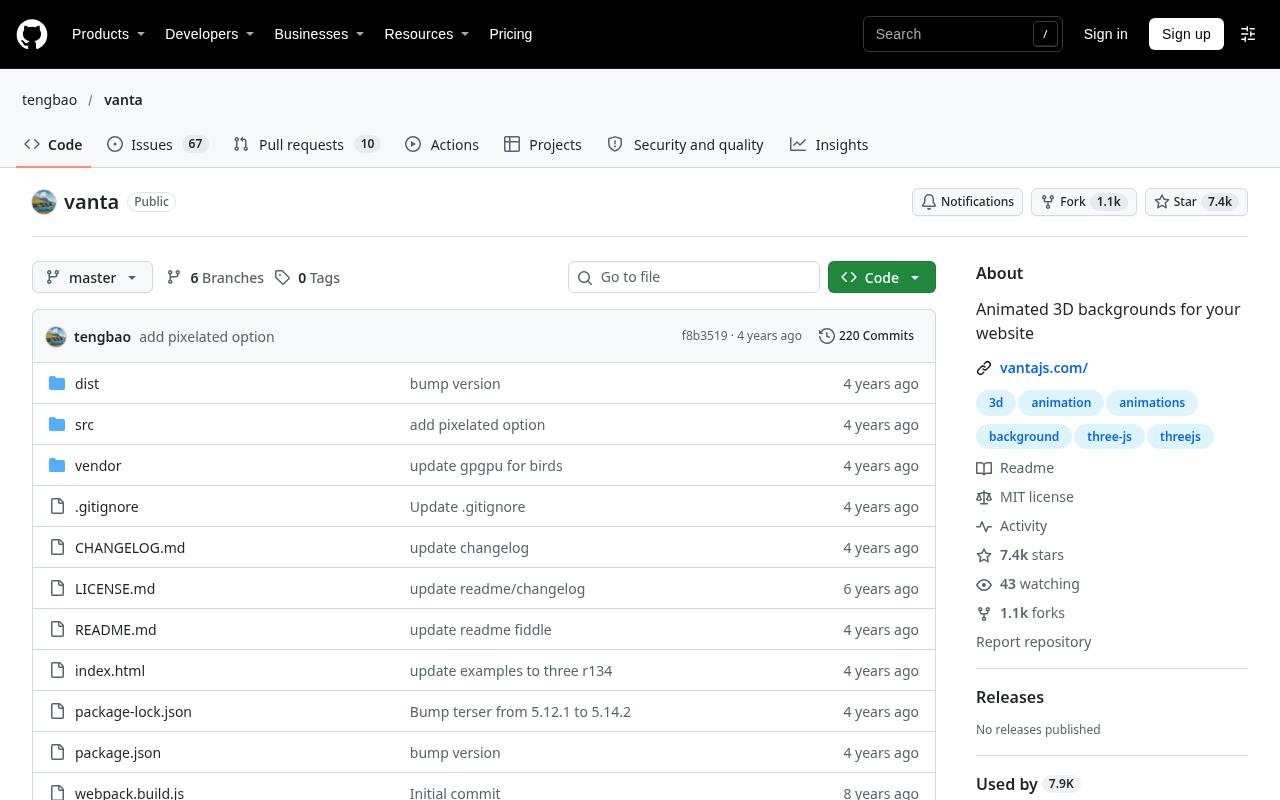
Vanta.js inserts an animated canvas background into a chosen HTML element while allowing other child content to remain in the foreground. Its generative background effects use either Three.js or p5.js, depending on the selected effect, so the dependency is part of the implementation rather than an optional detail.
The repository documents mouse and touch controls, effect-specific settings, option updates, resizing, and destruction. This makes interactive hero backgrounds a natural use case. Load only the intended effect and its required renderer, and test the resulting scene on devices with modest graphics hardware.
- Type
- JavaScript library
- Best for
- Adding customizable generative backgrounds to hero sections
- License
- Free and open source; MIT license
- Price
- 100% free
Granim.js
JavaScript library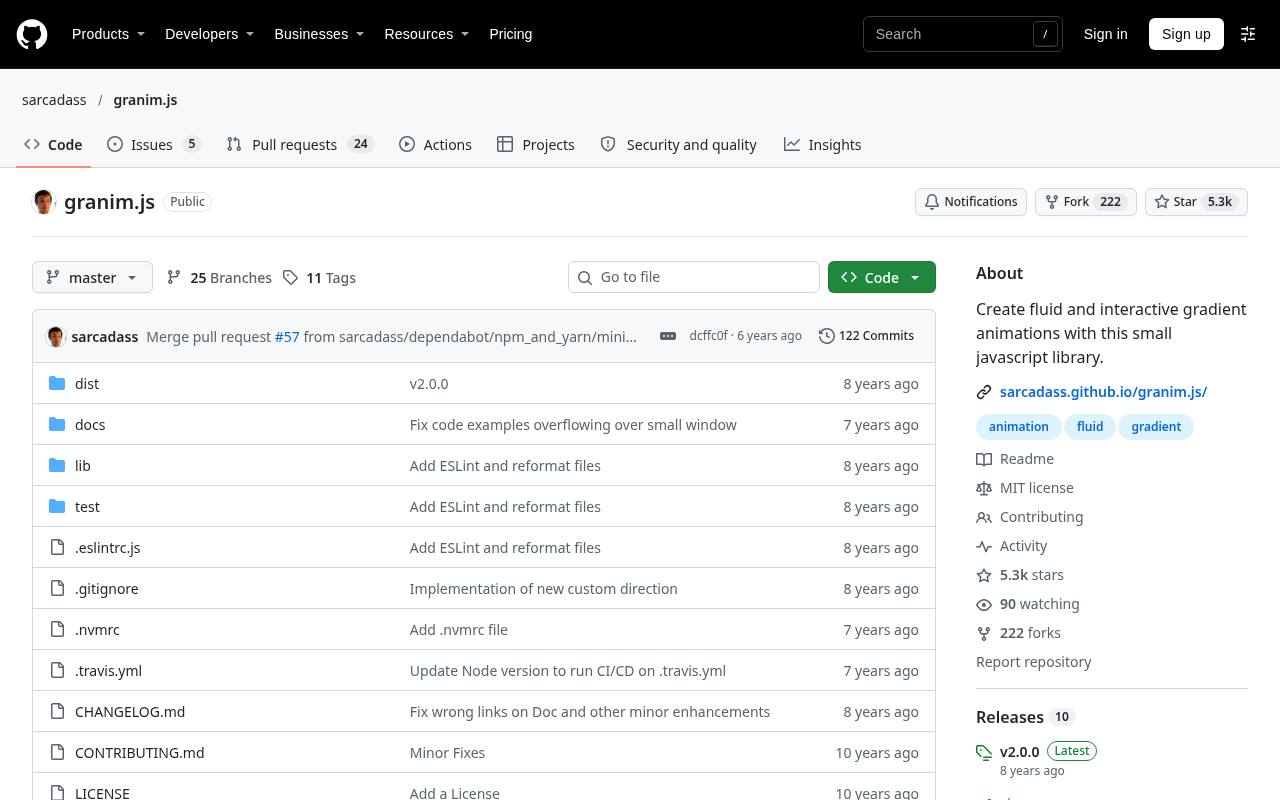
Granim.js centers on animated gradient backgrounds, a quieter alternative to visible moving particles. Its repository demonstrates attaching an instance to a canvas and defining gradient color pairs inside named states. Opacity settings are also part of the example configuration, giving designers a direct way to shape the visual treatment.
Installation is documented through npm or a downloadable release. Pick this free gradient library when a changing color atmosphere supports the layout better than an illustrated scene. Check text contrast across the entire color cycle, not just the first attractive frame.
- Type
- JavaScript library
- Best for
- Producing fluid gradient backdrops without particle clutter
- License
- Free and open source; MIT license
- Price
- 100% free
Proton
JavaScript library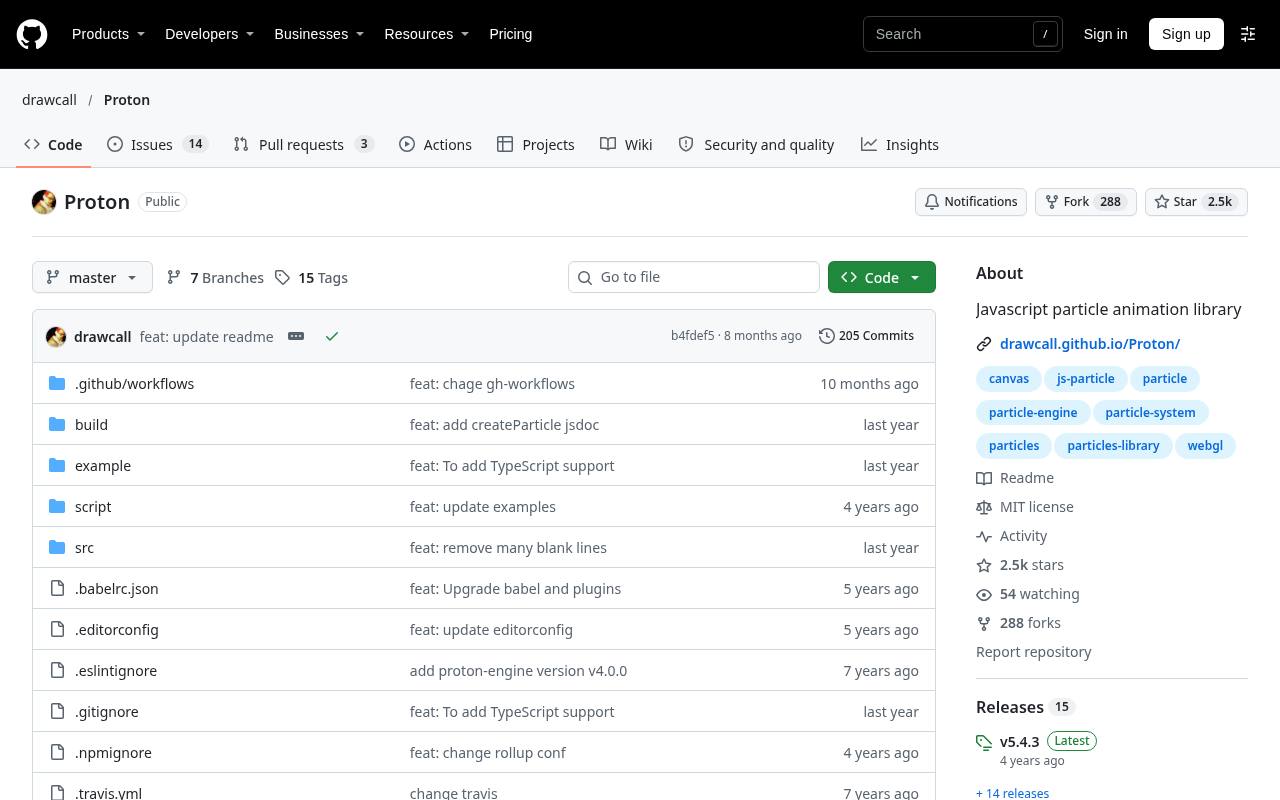
Proton is a more programmable choice for custom particle effects, including flames, fireworks, explosions, and weather-like scenes. Its emitter model combines initialization settings such as radius, lifetime, and velocity with behaviors such as changing color and fading alpha.
The repository lists several renderers, including canvas, DOM, and WebGL, and discusses physical properties such as gravity and Brownian motion. Install the documented proton-engine package rather than assuming the repository name matches the npm identifier. This particle animation engine suits developers who need authored behavior rather than a single ready-made background preset.
- Type
- JavaScript library
- Best for
- Designing custom emitters with physical particle behaviors
- License
- Free and open source; MIT license
- Price
- 100% free
canvas-nest.js
JavaScript library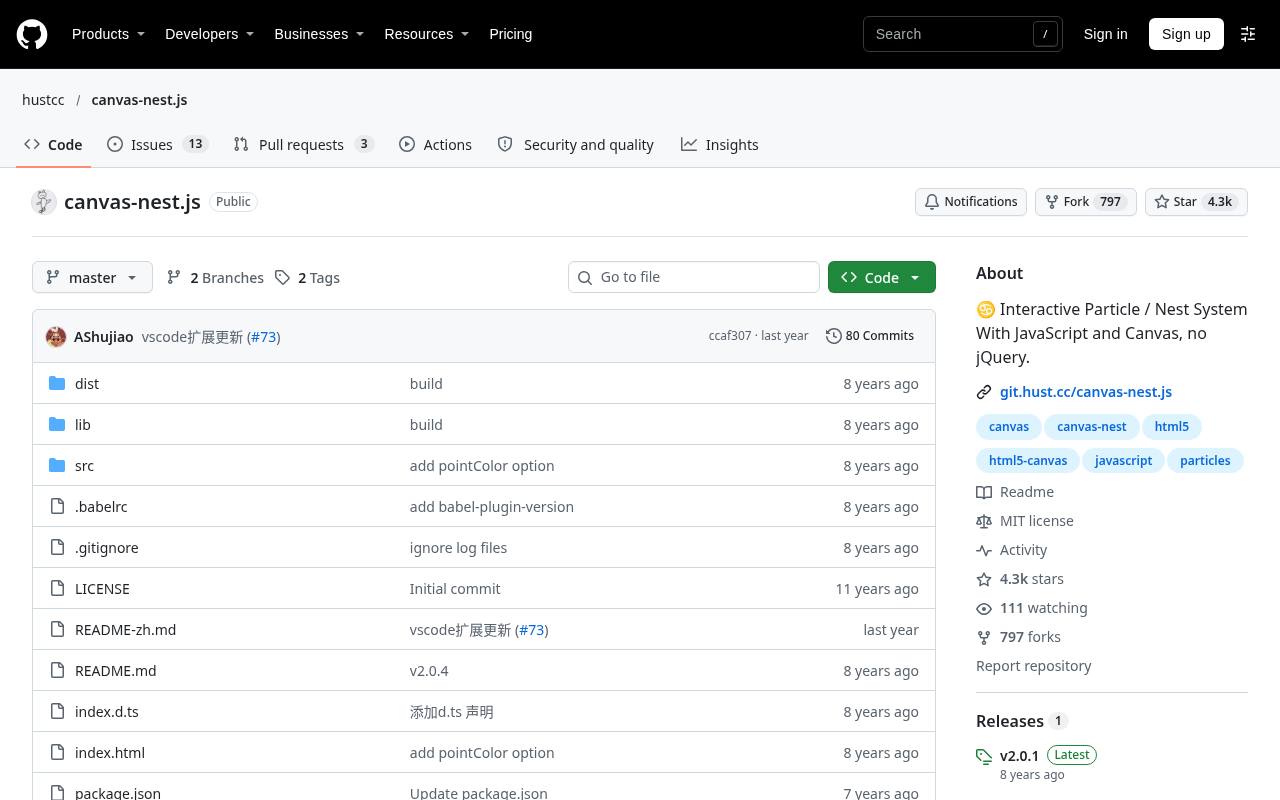
canvas-nest.js draws a canvas network background using ordinary JavaScript without depending on jQuery. Its documented settings include line color, point color, opacity, count, and stacking order, keeping the configuration focused on one recognizable visual style. Script-tag usage is supported, while module usage can render within a particular element and exposes a destroy method.
That element-level option is useful when the effect should belong to a banner rather than the whole document. Consider this free network effect when a small, restrained nest of moving connections is enough for the design.
- Type
- JavaScript library
- Best for
- Adding a simple line-network backdrop without jQuery
- License
- Free and open source; MIT license
- Price
- 100% free
bubbly-bg
JavaScript library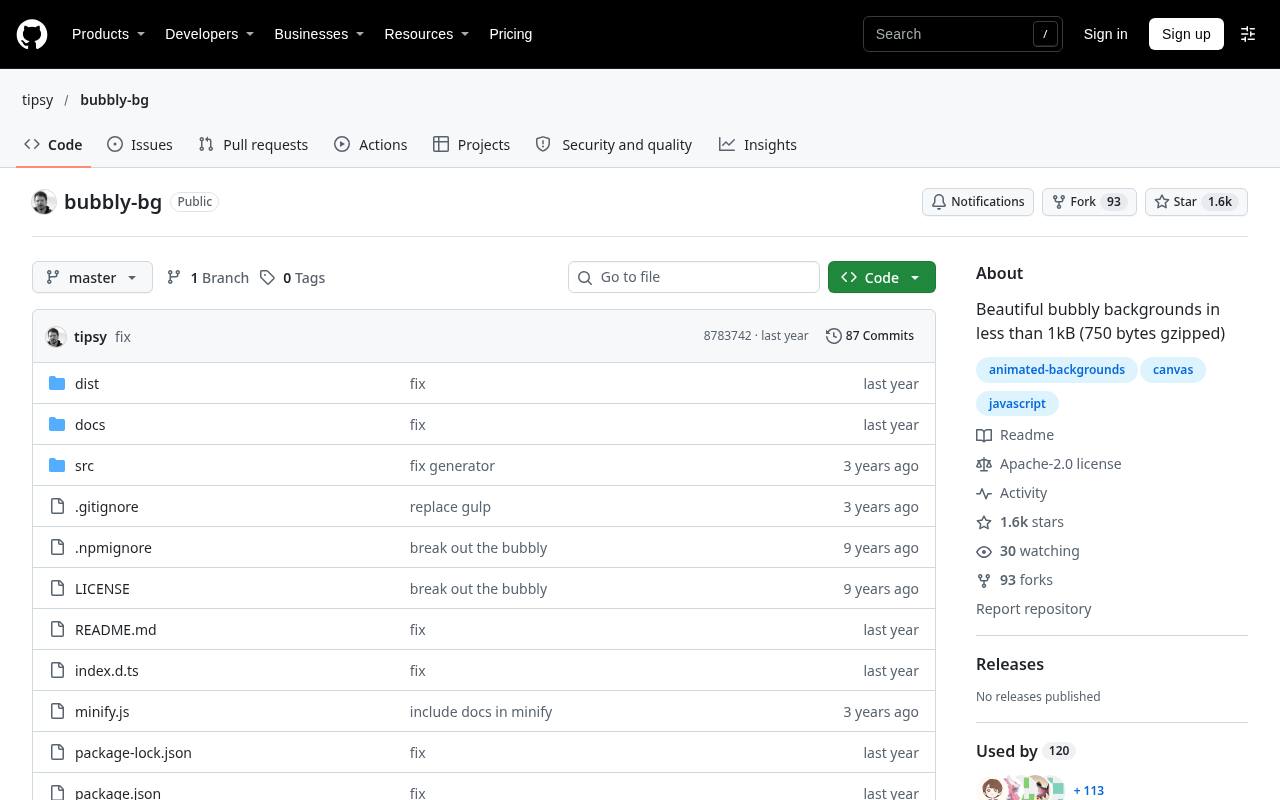
bubbly-bg produces floating bubble backgrounds with no external dependencies. By default it creates a fixed canvas behind the page, but the documented configuration also accepts a canvas you provide. Background color or gradient, bubble count, radius, fill, angle, velocity, shadows, and strokes can be customized, with advanced object creation available for deeper changes.
The repository includes TypeScript definitions and examples of several color treatments. This free bubble library is especially approachable for soft abstract layouts; use restrained opacity so overlapping circles do not compete with foreground copy.
- Type
- JavaScript library
- Best for
- Creating soft floating bubbles with customizable colors
- License
- Free and open source; Apache 2.0 license
- Price
- 100% free
jQuery Ripples
JavaScript library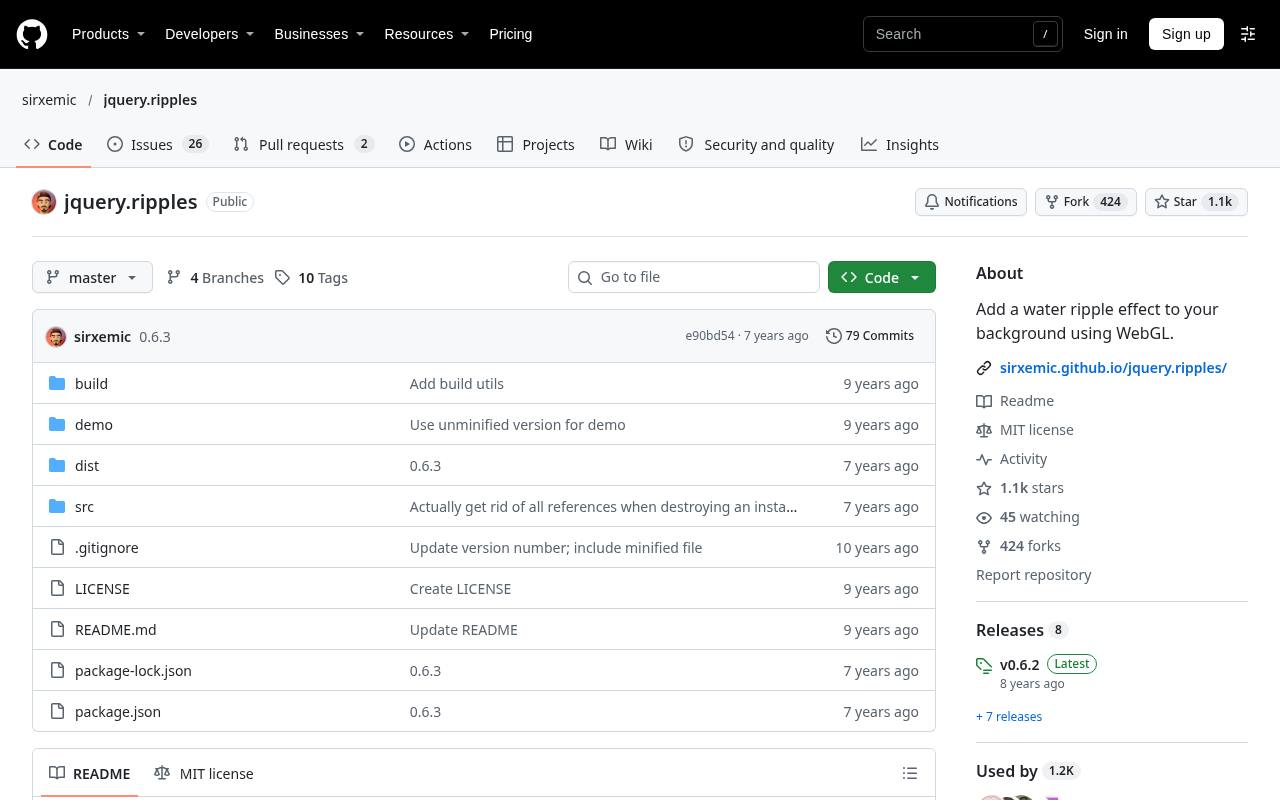
jQuery Ripples overlays a water ripple effect on an element’s background image and reacts to cursor interaction. It requires jQuery, WebGL, and the relevant floating-point texture extension, so it is not a universal drop-in enhancement. The documentation also flags image-origin restrictions and explains the crossOrigin setting.
Controls include drop radius, refraction intensity, resolution, and whether interaction is enabled, plus methods for manual drops, pausing, hiding, and destruction. This interactive image background works best as progressive enhancement: retain a usable static image whenever graphics support or loading conditions prevent the simulation.
- Type
- JavaScript library
- Best for
- Turning background images into interactive water surfaces
- License
- Free and open source; MIT license
- Price
- 100% free
Snowflakes
JavaScript library
Snowflakes packages a focused falling snow effect under the npm name magic-snowflakes. Its repository provides both an automatic script and an explicitly configured instance, with settings for container, count, color, opacity range, size range, rotation, speed, wind, and stacking order.
A constructor example helps explore the visual result before copying code into a site. Start, stop, and destroy methods are documented for controlling the effect over time. Choose this free snowfall library for a limited seasonal accent rather than using a general particle engine to rebuild the same behavior yourself.
- Type
- JavaScript library
- Best for
- Adding adjustable seasonal snowfall inside specific containers
- License
- Free and open source; MIT license
- Price
- 100% free
particles-bg
React component
particles-bg wraps particle scenes in a React background component, making it a practical option for teams already working in that framework. The repository lists named scene types including circle, cobweb, polygon, fountain, and random, plus a custom mode for defining more detailed behavior.
Props control particle count, color, and background positioning; an object can replace the default positioning settings. The project credits Proton as its underlying inspiration. Use these preset particle scenes for a quick React integration, while checking how canvas positioning interacts with your layout and foreground controls.
- Type
- React component
- Best for
- Dropping preset particle backgrounds into React projects
- License
- Free and open source; MIT license
- Price
- 100% free
Choose a visual family before a library
Start with the background visual style your content can support. Gradients suit layouts that need atmosphere without distinct objects; connected dots suggest a technical network; bubbles create softer movement; ripples depend on a meaningful image underneath.
Choosing among these families first narrows the technical search. Do not add snow simply because the integration is short if the effect conflicts with the page’s subject.
Keep motion separate from interaction
A decorative background layer should not block links, form fields, or text selection. Check stacking contexts and pointer behavior after integrating the effect rather than assuming a negative stacking order will work in every layout.
If pointer interaction is part of the aesthetic, verify that it does not steal the input intended for real controls. Test keyboard navigation independently of the mouse-driven presentation.
Offer a reduced-motion experience
Respect reduced motion preferences with an explicit implementation choice: skip initialization, show a static alternative, or use an appropriate stop mechanism. Do not assume every library automatically reads the operating-system preference.
Continuously moving backgrounds can distract readers even when they are technically subtle. Provide a pause control when suitable, and make the nonanimated version feel like a deliberate design rather than a broken state.
Measure the complete page cost
Evaluate animation performance budgets on an ordinary phone with the real images, fonts, analytics, and application code present. Particle count, canvas area, pixel density, linked-line calculations, and renderer choice can all change the cost.
A short library download does not guarantee inexpensive rendering. Reduce scene complexity before reaching for more infrastructure, and avoid multiple independently animated backdrops competing on the same page.
Plan lifecycle cleanup and resizing
In component-based applications, background lifecycle management belongs beside initialization code. Use documented destruction methods when a scene is removed, and handle container changes where a library requires a resize call.
Repeated navigation should not accumulate invisible canvases or animation loops. Test both route changes and responsive layout changes; a scene that looks correct on the first page load may still misbehave after mounting several times.
Check licenses and dependencies together
A free library license does not remove the need to retain notices or inspect bundled dependencies. Most entries here use MIT terms, while bubbly-bg publishes under Apache 2.0.
Keep the license files associated with the exact versions you distribute, and review separately sourced images or textures. Repository availability is also not a promise of ongoing maintenance, so examine compatibility and project activity before a long-term commitment.
Can these replace video backgrounds?
Sometimes procedural animated backgrounds are a better fit because they can adapt to a container and expose editable visual parameters. However, they do not replace filmed subjects, complex storytelling, or every art-directed sequence.
Compare the actual implementation rather than assuming procedural graphics are always faster. A static poster image is often the most reliable fallback, whether the enhancement is a particle simulation or an encoded video.