
A well-chosen sound can make a simple animation feel convincing, give your podcast a recognisable opening or help a video flow between scenes. You do not always need a subscription to get there.
Libraries of free sound effects and music offer everything from subtle room ambience to complete instrumental tracks, provided you choose recordings that suit both your project and its publishing plans.
This guide brings together ten established sources of royalty-free music, field recordings and production effects. Some offer straightforward commercial permissions, some require a visible credit, and others reserve free access for non-commercial work. You will find those differences below, alongside practical suggestions for choosing a source without confusing a free download with unrestricted reuse.
Whether you need free background music for a tutorial or free game audio for a prototype, start with your intended use rather than the most appealing preview. Check the individual file, save its licence information and listen in context before building your edit around it. These libraries are useful starting points, not interchangeable licences.
Quick picks at a glance
| # | Resource | License | Best for |
|---|---|---|---|
| 1 | Freesound | Varies: CC0, CC BY, CC BY-NC and legacy licences | Specific field recordings and unusual textures |
| 2 | Pixabay Music & Sound Effects | Pixabay Content License; no attribution required | Quick soundtracks for online content |
| 3 | YouTube Audio Library | YouTube Audio Library terms or Creative Commons; check track | YouTube videos and straightforward music searches |
| 4 | Free Music Archive | Varies by track; mostly Creative Commons | Distinctive tracks from independent artists |
| 5 | Incompetech | CC BY with credit; paid Standard License available | Narrative videos and characterful background scores |
| 6 | Zapsplat | Standard License; Basic users must credit Zapsplat | Everyday effects for regular content production |
| 7 | BBC Sound Effects | RemArc licence; free non-commercial use only | Educational projects and historical sound research |
| 8 | Mixkit Audio | Separate Stock Music Free and Sound Effects Free licences | Online videos and quick production accents |
| 9 | Uppbeat | Plan-specific licence; free music requires supplied credit | Individual creators seeking organised music discovery |
| 10 | Sonniss GDC Game Audio Bundles | GDC bundle licence; commercial use, no attribution required | Game sound design and layered cinematic effects |
Freesound
Community sound effects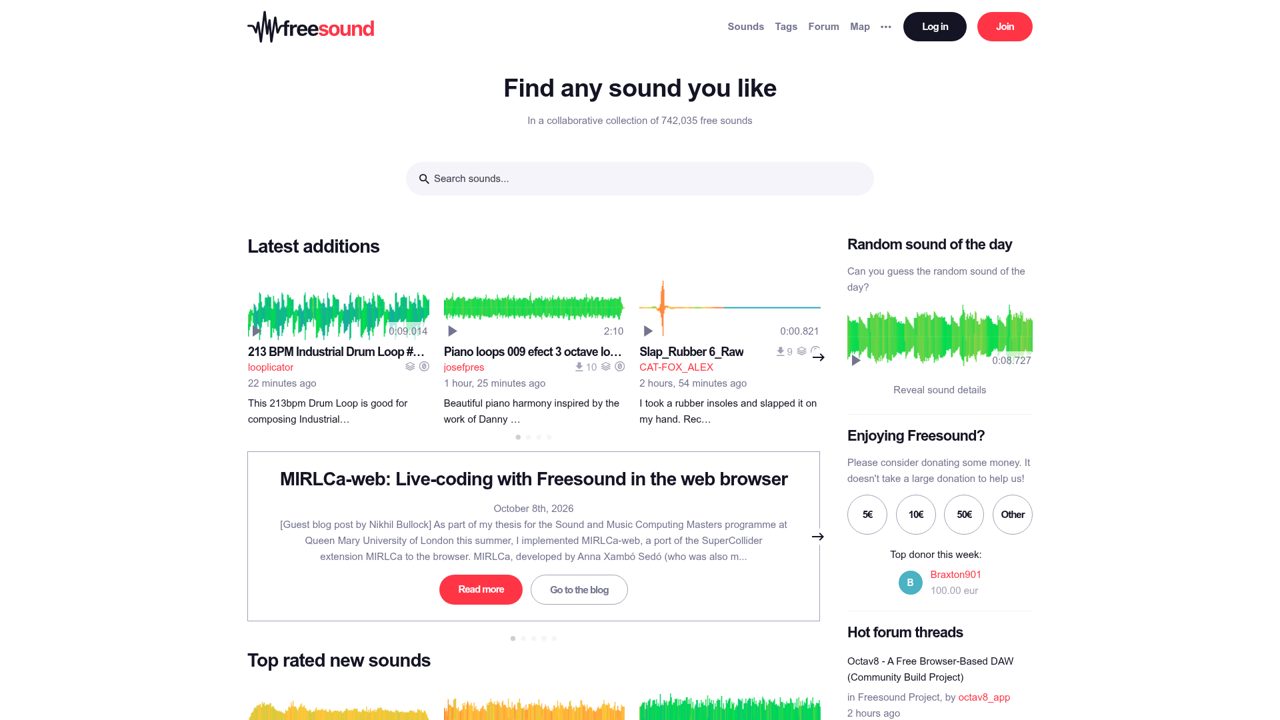
Community recordings give Freesound a broader scope than a conventional background-music library: current uploads include field recordings, drum loops, laughter, piano loops, birds, and garage ambience. Waveform previews accompany individual sounds, while tags and sound packs connect related recordings. Contributor pages and community activity sit alongside the downloadable audio, making the source recordist part of the browsing experience.
Downloads are free, but the catalog mixes CC0, CC BY, CC BY-NC, and legacy licenses rather than using one blanket permission. That distinction separates public-domain-style material from recordings requiring credit or restricted to noncommercial projects, even when the sounds appear together in search results.
- Type
- Community sound effects
- Best for
- Specific field recordings and unusual textures
- License
- Varies: CC0, CC BY, CC BY-NC and legacy licences
- Price
- Free downloads
Pixabay Music & Sound Effects
Music and sound effects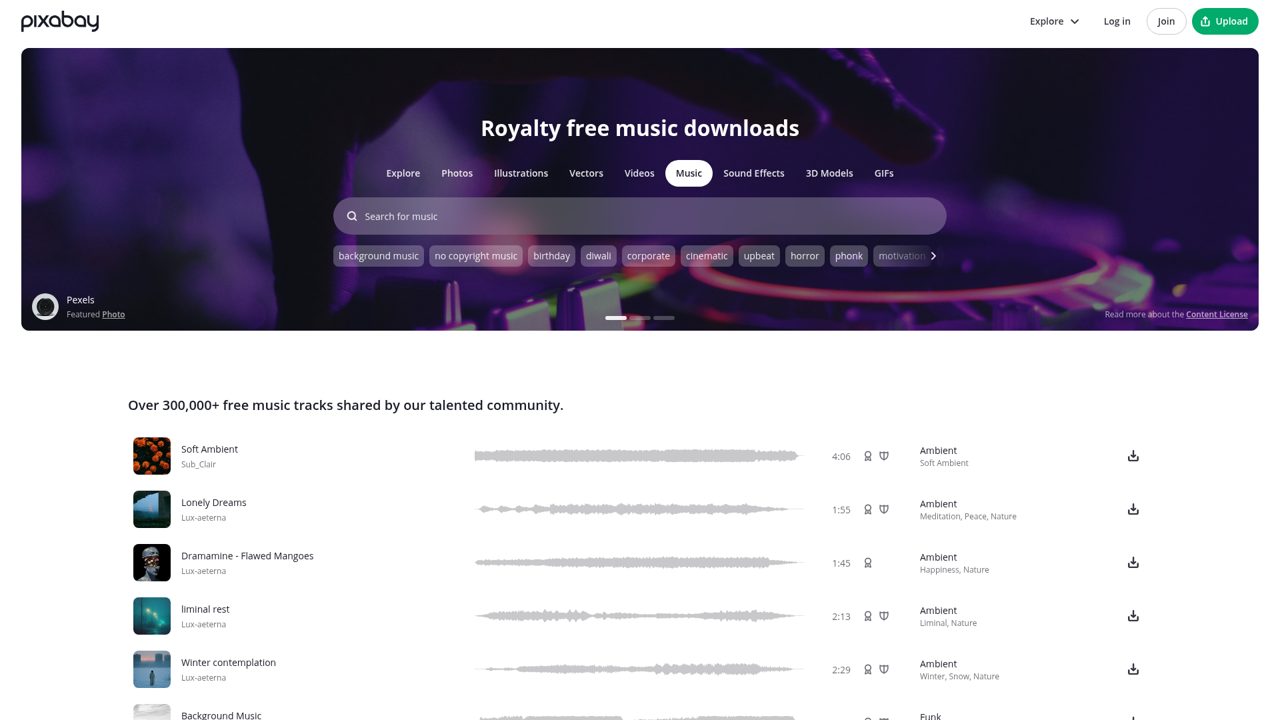
Pixabay pairs its Music library with a separate Sound Effects section, while music browsing includes ambient, corporate, cinematic, horror, funk, and children’s material. Track listings show creators, durations, and descriptive tags, and curated playlists include Commercial, Tutorials and Vlogs, Funky Grooves, and Powerful Percussion.
Editor’s Choice selections and creator profiles offer additional routes into the collection beyond keyword searching. Downloads are free under the Pixabay Content License, which permits use without required attribution and allows modification. That permission does not allow selling or distributing the audio as standalone stock content, so it is distinct from placing the recordings in the public domain.
- Type
- Music and sound effects
- Best for
- Quick soundtracks for online content
- License
- Pixabay Content License; no attribution required
- Price
- Free downloads
YouTube Audio Library
Production music and effects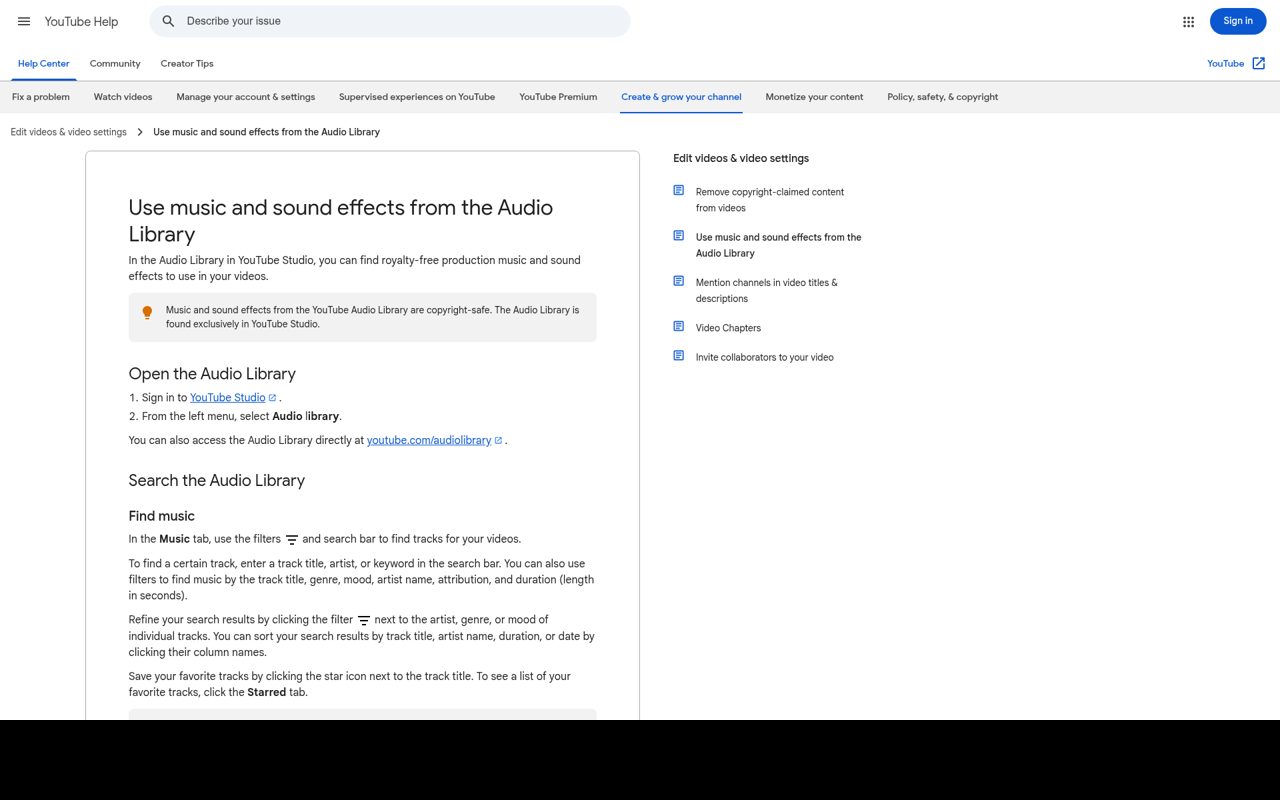
Inside YouTube Studio, the Audio Library separates Music and Sound effects into searchable tabs. Music filters cover genre, mood, artist, attribution, and duration; sound effects can be narrowed by category and length. You can preview recordings, star favorites, sort music by the date added, and download MP3 files.
Access requires signing in to YouTube Studio, but the library’s audio is free. Attribution required identifies Creative Commons tracks with copyable credit text for video descriptions; standard YouTube Audio Library tracks can be filtered for no attribution. YouTube also allows monetization of videos using its Audio Library material.
- Type
- Production music and effects
- Best for
- YouTube videos and straightforward music searches
- License
- YouTube Audio Library terms or Creative Commons; check track
- Price
- 100% free
Free Music Archive
Independent music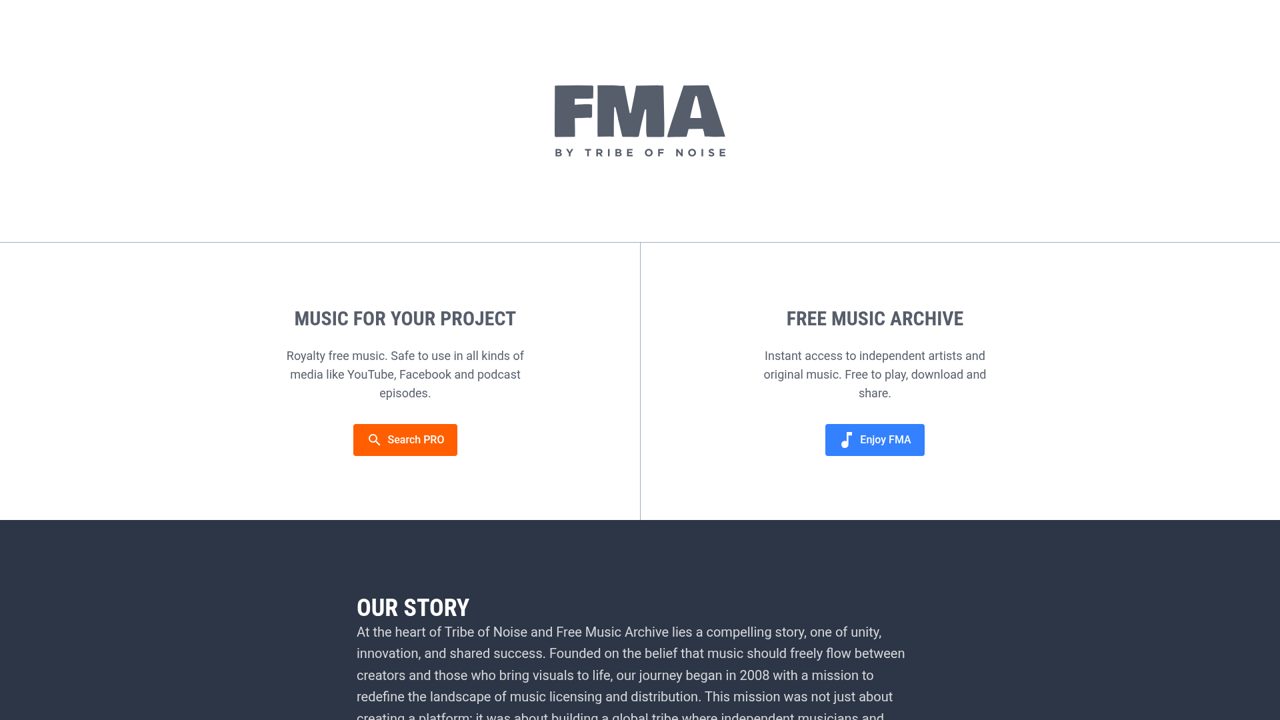
Independent artists and original recordings are the focus of Free Music Archive, while its parent platform, Tribe of Noise, separately promotes PRO music licensing for media projects. The free archive provides music to play, download, and share, alongside artist features and editorial posts introducing musicians such as CLOUDWARMER.
This is an artist-led catalog rather than a single composer’s stock library. Track-specific Creative Commons terms determine reuse, with attribution and commercial-use permissions varying between recordings. The free archive and the paid PRO search serve different licensing needs; downloading a recording from FMA does not automatically give it the broader permissions advertised for separately licensed music.
- Type
- Independent music
- Best for
- Distinctive tracks from independent artists
- License
- Varies by track; mostly Creative Commons
- Price
- Free downloads; paid licensing elsewhere
Incompetech
Instrumental production music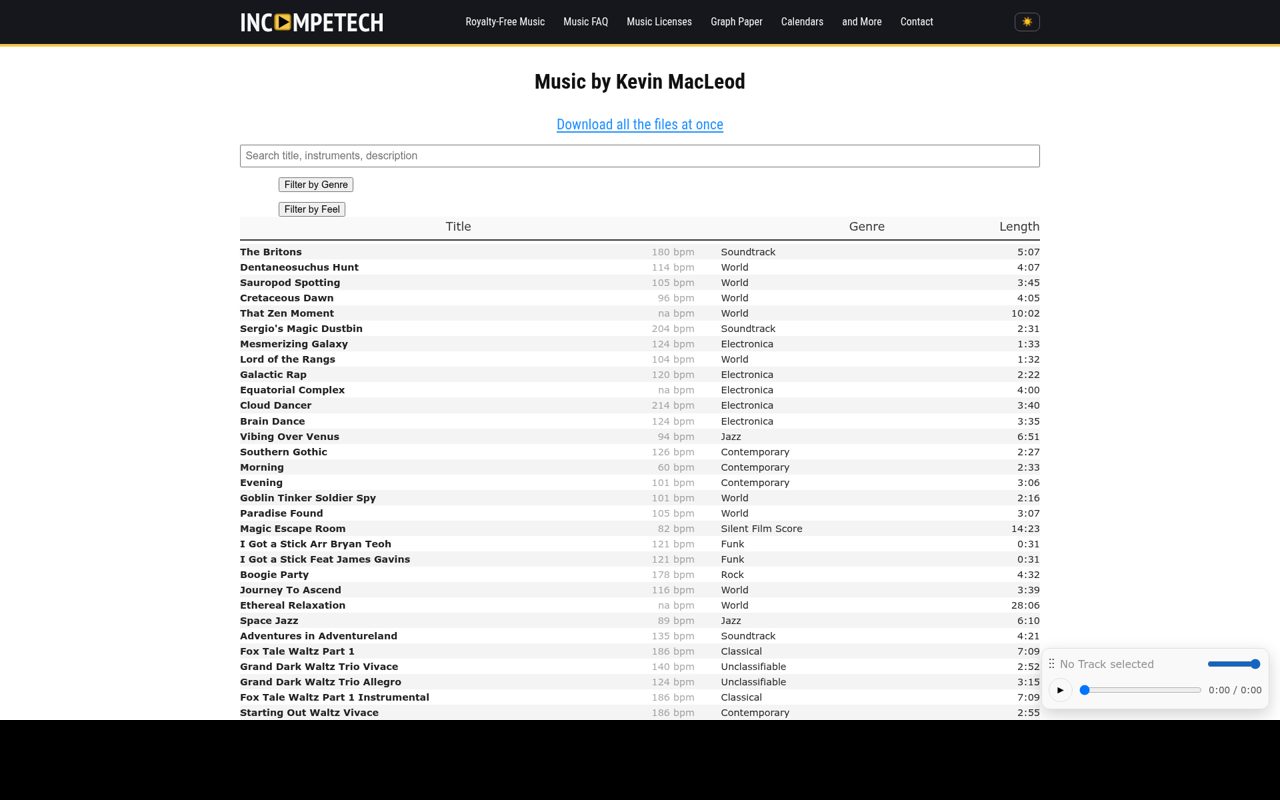
Kevin MacLeod’s Incompetech catalog makes soundtrack hunting unusually specific with Genre and Feel filters. Genre choices include African, blues, classical, horror, jazz, silent film score, stings, and world music, while individual tracks display tempo, duration, descriptions, and preview controls. Each listing supplies an Attribution Code naming the piece and composer and identifying the CC BY 4.0 license.
That route provides free use with the required credit, including commercial projects. A paid Standard License is available when attribution is unsuitable, and a separate Download all the files at once link offers a bulk alternative to collecting individual tracks.
- Type
- Instrumental production music
- Best for
- Narrative videos and characterful background scores
- License
- CC BY with credit; paid Standard License available
- Price
- Free + paid licensing
Zapsplat
Sound effects and music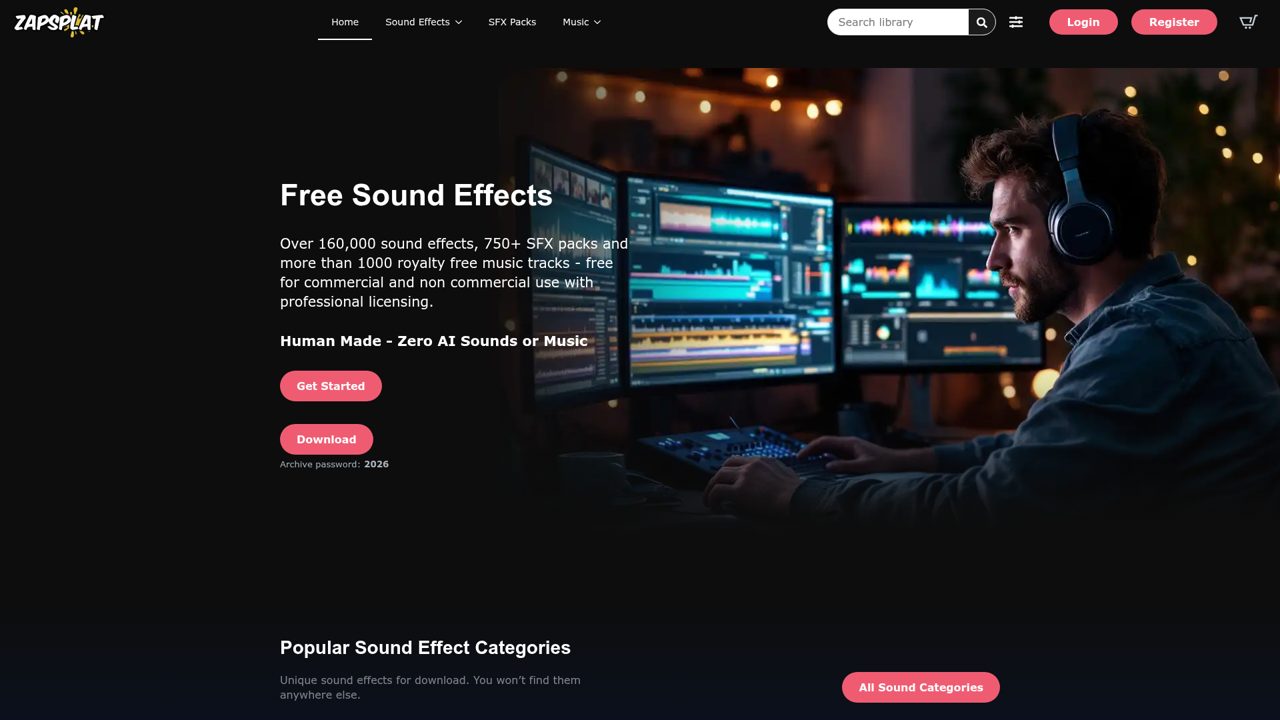
Zapsplat combines more than 160,000 sound effects with over 750 SFX packs and more than 1,000 royalty-free music tracks. Its category shortcuts include explosions, whooshes, guns, police sirens, bells, and glitches, with individual sounds and themed packs sharing the library. Free Basic membership provides MP3 downloads and requires credit to Zapsplat under its Standard License.
Premium membership adds WAV downloads and removes the attribution requirement, alongside expanded download access. The library permits commercial and noncommercial productions, but the membership distinction affects both file quality and credit obligations rather than merely hiding advertisements behind a paid plan.
- Type
- Sound effects and music
- Best for
- Everyday effects for regular content production
- License
- Standard License; Basic users must credit Zapsplat
- Price
- Free + premium
BBC Sound Effects
Archive sound effects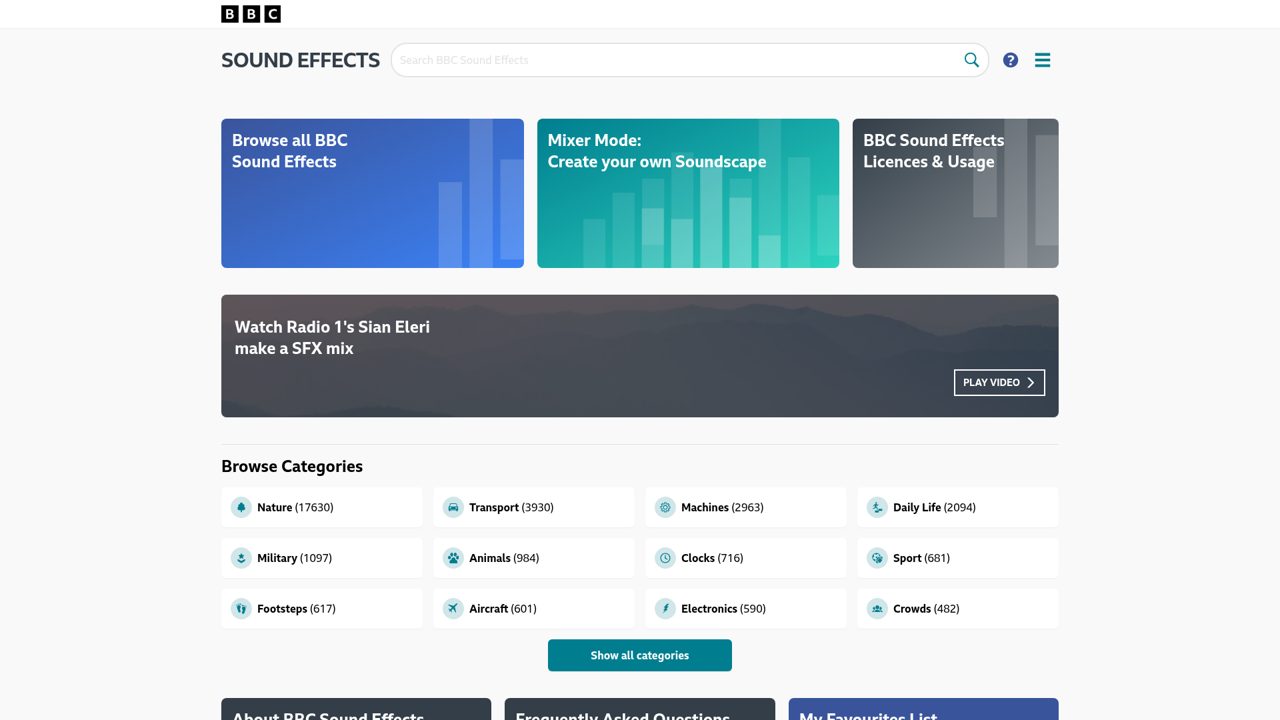
Drawn from the BBC archive, this collection offers more than 30,000 sound effects to preview and download, spanning natural sounds, machinery, crowds, and historical recordings. The site also includes a Mixer for combining recordings into a soundscape instead of treating each effect only as a separate file.
Access to the archive is free for eligible noncommercial uses under the RemArc licence, including personal, educational, or research projects. Commercial reuse follows a separate licensing route rather than the free archive permission. These are BBC archival recordings with defined reuse conditions, not CC0 clips or a general royalty-free commercial sound library.
- Type
- Archive sound effects
- Best for
- Educational projects and historical sound research
- License
- RemArc licence; free non-commercial use only
- Price
- Free non-commercial; commercial licensing separate
Mixkit Audio
Stock music and sound effects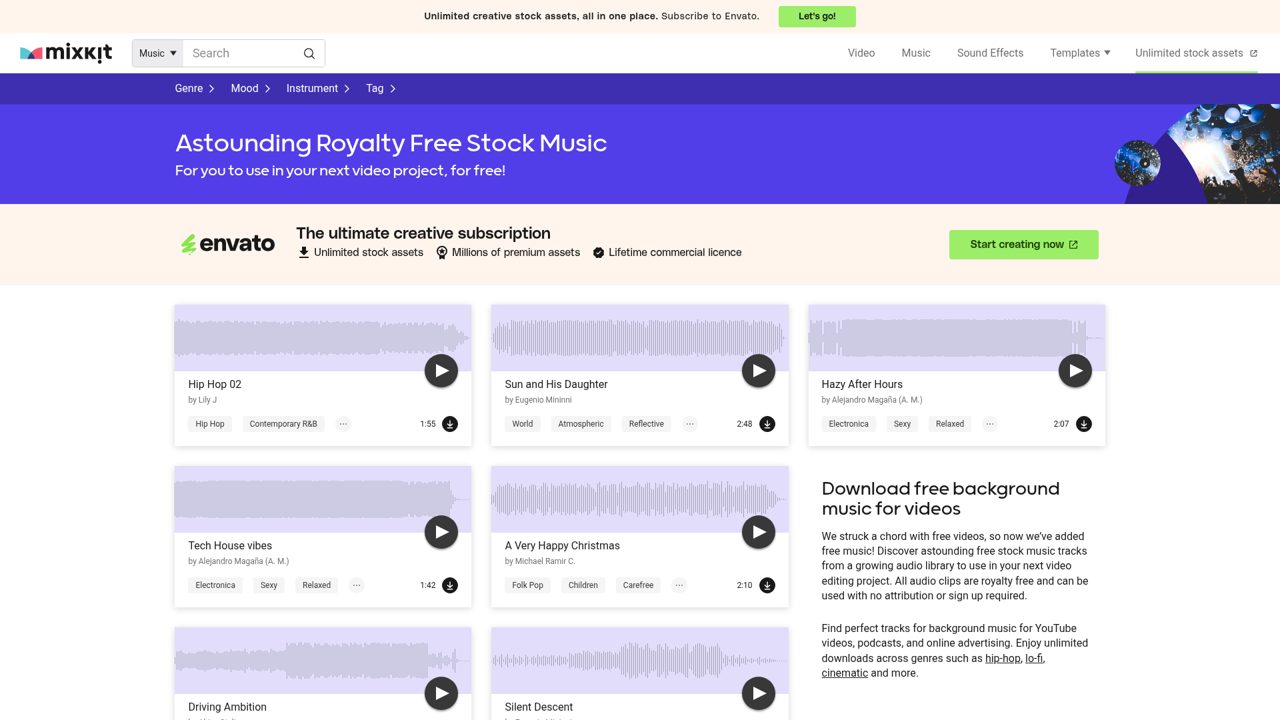
Mixkit’s audio offering combines free stock music with a separately licensed sound-effects library. The music browser groups tracks by genre, mood, and tags, and supplies previews before downloading; its FAQ explicitly permits YouTube use. No attribution is required, although credit and social tags are welcomed.
Music and effects do not share one interchangeable license: the license directory lists a Stock Music Free License and a distinct Sound Effects Free License. The surrounding pages also advertise Envato’s premium subscription, but those promotions are separate from Mixkit’s free audio downloads rather than a requirement to purchase access to the featured library.
- Type
- Stock music and sound effects
- Best for
- Online videos and quick production accents
- License
- Separate Stock Music Free and Sound Effects Free licences
- Price
- 100% free
Uppbeat
Creator music and sound effects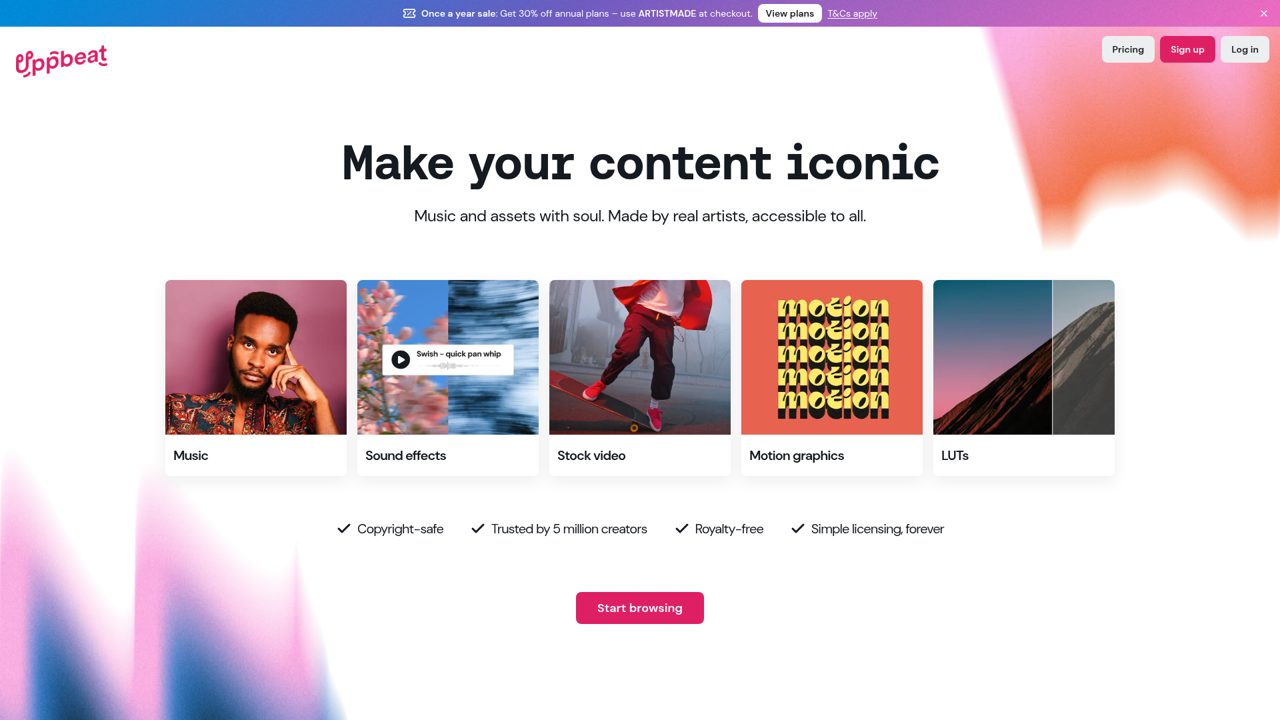
Uppbeat organizes creator audio around Music, Sound Effects, and Playlists, with navigation into Beats, Clips, and YouTube Essentials. Music choices include lo-fi, hip hop, classical, ambient, electronic, and indie, plus moods such as upbeat, chill, motivational, emotional, and cinematic.
Content-oriented collections cover vlogs, gaming, podcasts, documentaries, and travel, while the AI Playlist Generator offers another discovery route. A free starting plan sits alongside paid Personal and Pro options, so access and licensing depend on the plan. Free music requires credit using Uppbeat’s supplied attribution, rather than giving every visitor the unrestricted terms of a premium subscription.
- Type
- Creator music and sound effects
- Best for
- Individual creators seeking organised music discovery
- License
- Plan-specific licence; free music requires supplied credit
- Price
- Free + premium
Sonniss GDC Game Audio Bundles
Downloadable sound effects collections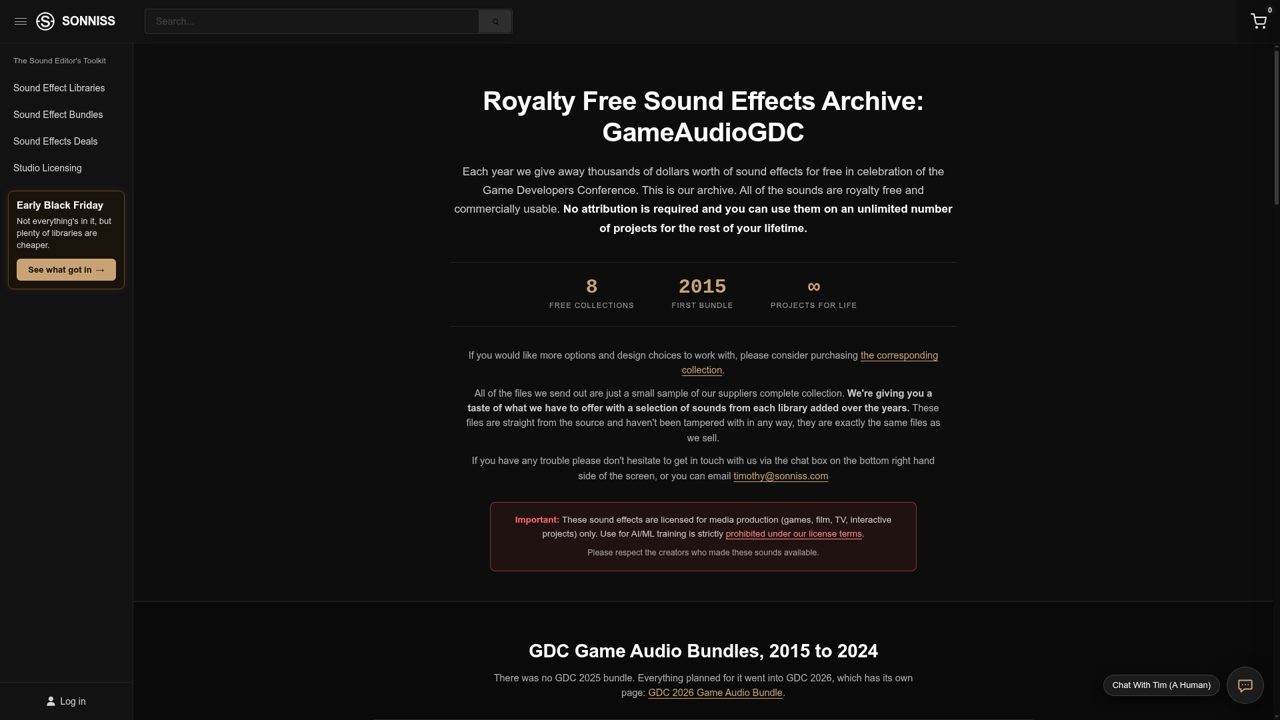
Sonniss’s GameAudioGDC archive collects annual giveaway bundles, with entries covering 2015–2024 and a link to the newer GDC edition. The page describes more than 200 GB of free audio, drawn from sound libraries in its commercial store, with previews covering vehicles, weapons, nature, machinery, crowds, and other effects.
These are large curated samplers rather than the complete paid libraries from contributing publishers. The GDC bundle terms permit commercial use without attribution, including modification and use across multiple projects. The giveaway remains separate from the surrounding Sonniss shop, where full libraries and other sound collections are sold individually.
- Type
- Downloadable sound effects collections
- Best for
- Game sound design and layered cinematic effects
- License
- GDC bundle licence; commercial use, no attribution required
- Price
- Free bundles; paid store separate
How to choose the right free audio library
Start with the destination of your finished project. A classroom exercise, a sponsored video and a downloadable game have different licensing needs, even if they use the same ten-second recording.
Shortlist sources that permit your intended use before auditioning tracks. For game music, for example, do not assume a library that permits online videos also permits embedding audio in an interactive product.
Then listen for what your edit actually needs. Dialogue usually benefits from restrained arrangements with space in the midrange, while a silent montage can support a stronger melody.
For effects, compare the recording perspective with the picture: a distant door should not sound as though the microphone is touching its handle. Download a few suitable options rather than collecting unrelated sounds indefinitely.
Free, royalty-free and Creative Commons explained
Free describes the cost of access; royalty-free describes a licensing arrangement, usually without recurring royalties for covered uses. Neither means the creator has abandoned copyright or allowed every possible use.
A paid track can be royalty-free, and a free track can require attribution or prohibit commercial projects. The binding permissions come from the applicable licence, not the search result or a promotional label.
CC0 aims to waive copyright and related rights as far as legally possible. CC BY allows reuse, including commercial adaptations, with attribution and its other conditions. CC BY-NC adds a non-commercial restriction, while NoDerivatives and ShareAlike introduce different limits.
Rights involving identifiable people, trademarks or third-party material may still need attention. When a licence is unclear, choose another recording or ask the rights holder before publishing.
How to credit music and sound effects properly
For a Creative Commons track, record the title, creator, original source and exact licence, including its version and link. State relevant changes, such as trimming or looping, where the licence requires it.
A plain-language example is: Evening Walk by Example Composer, from the original track page, used under Creative Commons Attribution 4.0; shortened and faded for this video. Replace every example detail with the real information.
Use the platform’s generated wording when it supplies a required credit, especially with Incompetech or Uppbeat. A generic thank-you to a website may not fulfil the conditions for a particular recording.
Put video credits in the description, game credits on an accessible credits screen, and podcast credits where the applicable terms require them. Pass this information to your client so it survives the final upload and later revisions.
Finding free music for YouTube without claim surprises
When you choose free music for YouTube, separate permission from automated detection. Content ID can recognise a recording even when your use is licensed. Keep the download date, source URL, artist name, licence text and any certificate together.
Upload a draft privately or unlisted early enough to review checks before a scheduled launch, but remember that an initially clear upload is not a permanent guarantee.
If a claim appears, read the claimant’s details and your licence before responding. A Content ID claim is not automatically a copyright strike, but it may affect monetisation or availability.
Follow the library’s documented claim process and submit evidence only when it supports your actual use. Changing pitch, adding noise or hiding credits does not create permission and is not a sensible licensing strategy.
WAV, MP3 and keeping your audio organised
WAV is generally the better editing source when you have the choice because typical production WAV files preserve uncompressed audio. MP3 uses lossy compression to reduce size, which is convenient for downloads but less suitable for repeated re-encoding.
Converting an MP3 to WAV does not restore information already removed. Keep the original file and make working copies for trimming, processing or format conversion.
Name your folders by project and purpose, then store a small licence record beside each asset. Include the creator, source page, credit wording and any distribution restrictions.
Check your editor’s sample-rate settings and listen after conversion, especially when building loops. For games, your final delivery format should match the engine and target hardware rather than simply using the largest available file for every sound.
Simple editing and mixing tips for free audio
Place dialogue first, then bring music up only as far as the story needs. Lower it during speech with volume automation rather than forcing the voice to compete.
Trim unwanted starts and endings, add short fades to prevent clicks, and audition effects with the picture running. A convincing mix often uses fewer well-chosen sounds instead of stacking every interesting download into the same moment.
Check the result on headphones and ordinary speakers, and make sure the loudest moments do not clip. Use equalisation gently when music masks speech, and avoid heavy noise reduction that leaves watery artefacts.
Before export, listen through the whole project rather than checking only your favourite section. Follow the destination platform’s current loudness guidance, and keep your editable session in case a licence issue requires replacing one asset later.
Frequently asked questions about free sound and music
Can you use free audio in commercial projects? Sometimes, but you need permission for that exact use. CC0 and correctly attributed CC BY recordings can be suitable, as can custom licences that explicitly allow commercial projects.
NonCommercial tracks and BBC’s free RemArc route are different. Check client work, advertising and monetisation specifically rather than assuming that a small audience makes a project non-commercial.
Can you sell or share the original downloads? Do not assume so. Many stock licences allow audio inside a larger creative production but prohibit distributing the source files as a sound pack, stock download or reusable template.
Creative Commons permissions can differ from those custom stock terms. If you deliver editable files to a client, check whether they need their own download or licence and include the relevant documentation.
What is the best free source if you cannot add credits? Start with individually verified CC0 sounds, Pixabay’s Content License, Mixkit’s applicable audio licence or the Sonniss GDC bundle licence, depending on your project.
None is a universal substitute for reading the conditions. If your preferred track requires attribution, use a suitable paid licence where offered or choose another recording instead of quietly removing the credit.