
A cutting machine is only as useful as the designs waiting for it. Free SVG files for Cricut cover everything from single-color quotes to layered vinyl projects, and the best libraries publish their terms in plain language so you know before downloading whether a design can become a product you sell.
This guide collects ten sources that actually let you download cut files without a credit card, including member libraries, browser editors and craft blogs that place the file inside the tutorial itself.
The sources below differ in ways that matter at the cutting mat. Some publish thousands of files in one searchable index, while others release a handful of designs each week through a newsletter.
Personal use and commercial use are not the same permission, and several popular blogs allow the first while selling the second, so the license line on each card tells you what that site states today. Formats matter too: every source here provides SVG, and several also include PNG or DXF for Silhouette Studio's free edition, Brother ScanNCut, Glowforge and Inkscape.
Start from the project you already have, not the biggest library. A birthday shirt needs one clean quote; a holiday batch of gift tags needs a matching set.
Pick the smallest source that solves today's project, download two or three files, and test-cut them on the same vinyl and material thickness you plan to use. Once the paths weed cleanly and the weeding is comfortable, the rest of that library becomes worth exploring.
Quick picks at a glance
| # | Resource | License | Best for |
|---|---|---|---|
| 1 | Jennifer Maker | Community license stated by the site; library access requires a free signup | One organized library instead of scattered blog posts |
| 2 | LoveSVG | Free account required; the site states design terms on each page | Rewording a design before you download it |
| 3 | Design Bundles | Free files carry the site's free-license terms; an unlimited subscription is optional | Rotating freebies with commercial-use terms |
| 4 | Cuttle | Free templates with a Cuttle account; creator terms vary by design | Layered projects assembled outside Design Space |
| 5 | Leap of Faith Crafting | Personal use only; a commercial license is sold separately | Files that arrive with a written project tutorial |
| 6 | The Country Chic Cottage | Personal use by default; the site asks to be contacted for commercial use | Machine-specific tutorials alongside the file |
| 7 | Crafting a Lovely Life | Personal use; the site notes affiliate links on project pages | Seasonal files matched to a finished gift idea |
| 8 | Have a Crafty Day | Personal projects only; selling or redistributing the files is not allowed | Choosing files by the finished project |
| 9 | Ruffles and Rain Boots | Personal use; the site's shop sells additional files | One index covering many holidays at once |
| 10 | That's What {Che} Said | Personal use; small commercial licenses are sold in the shop | Email members who want one-click downloads |
Jennifer Maker
Craft library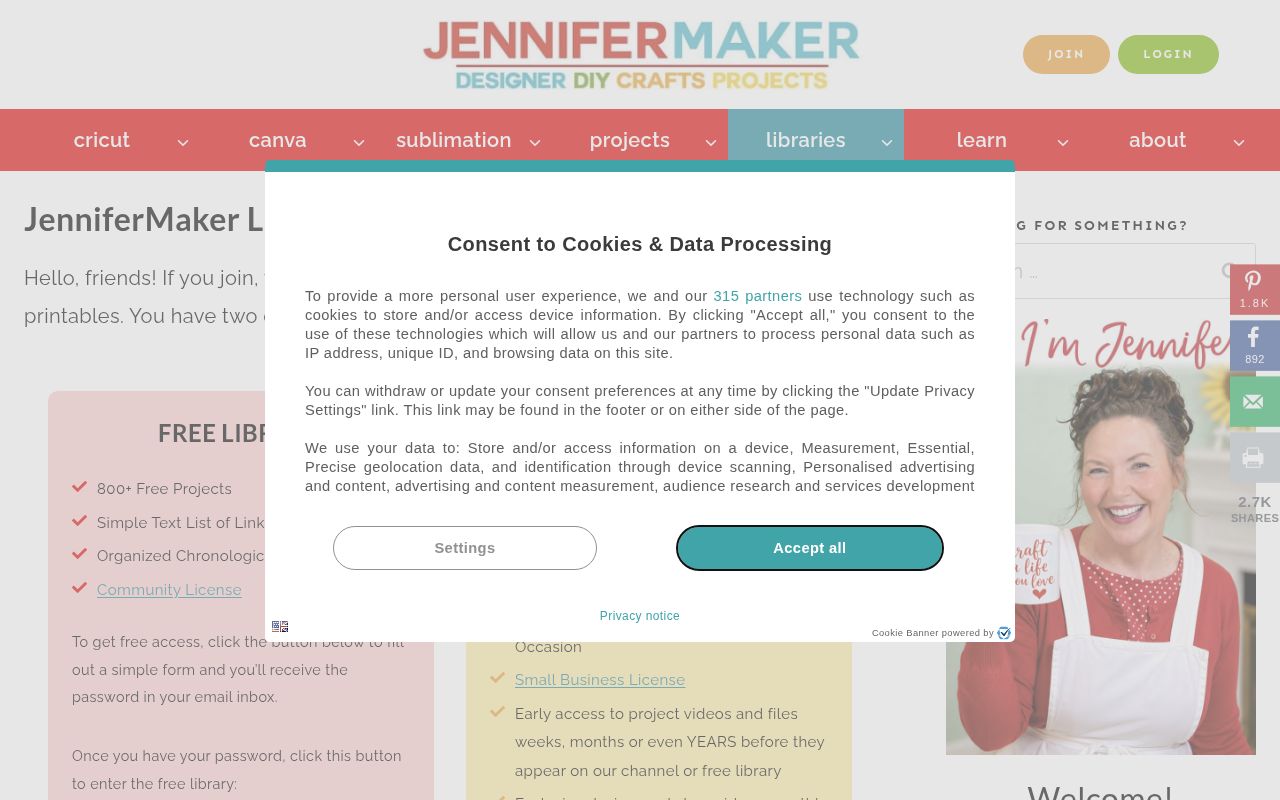
Jennifer Maker gathers its free files into a free library of more than 800 projects, listed chronologically as a simple text list rather than a scrolling gallery. Access is granted after a short form sends you the library password, and the site describes the files as covered by a community license with separate paid options for crafters who want more.
Alongside cut files, the same library holds printables and patterns, and the site publishes a dedicated page of free sublimation designs in PNG, useful when the project is a pressed mug rather than a vinyl decal.
- Type
- Craft library
- Best for
- One organized library instead of scattered blog posts
- License
- Community license stated by the site; library access requires a free signup
- Price
- 100% free
LoveSVG
SVG library and editor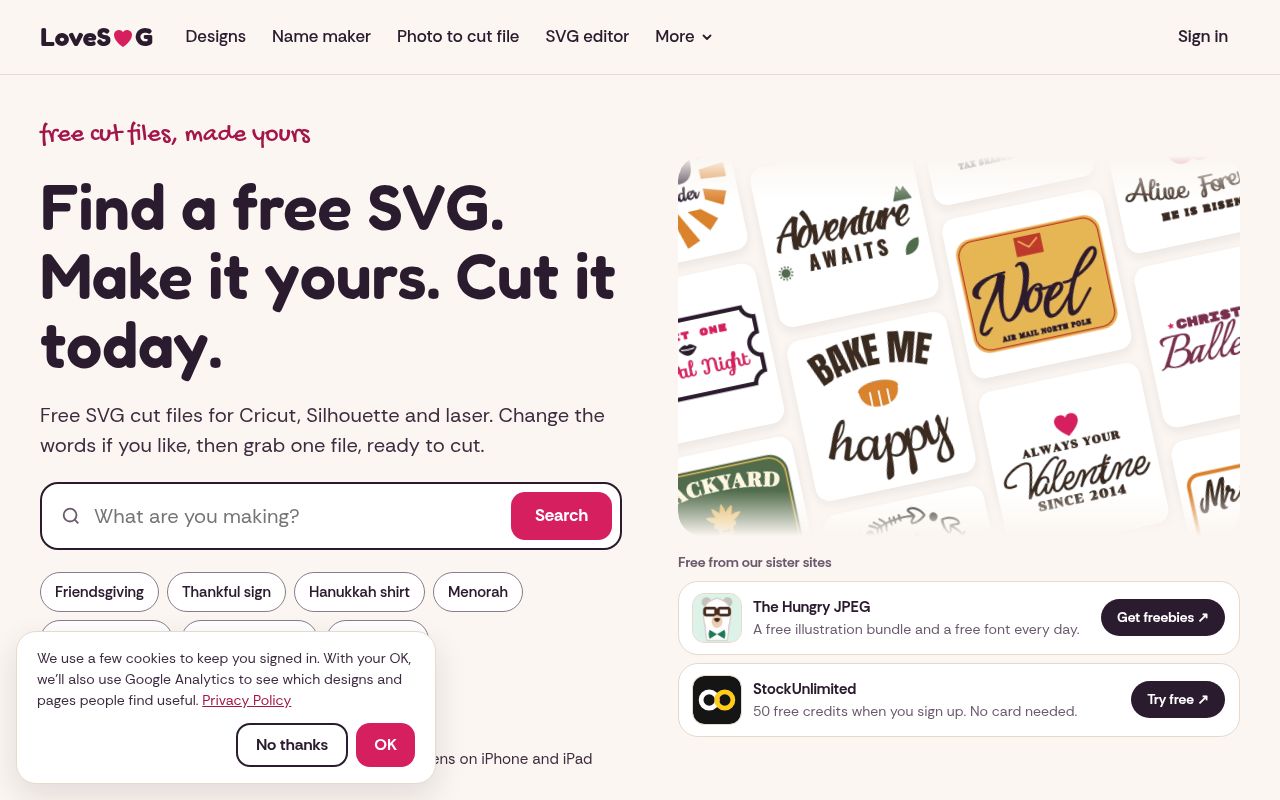
LoveSVG describes itself as free cut files "made yours", and the difference is its built-in SVG editor: many designs can be opened, edited and re-downloaded with your own wording, which turns a ready-made quote into a family name or a date.
The catalog spans Cricut, Silhouette and laser cutting, with tools such as a name maker and a photo-to-cut-file converter, and the browse page lists its collection in the tens of thousands with seasonal rows for Christmas shirts, family pajamas and New Year designs. A free account with no card is needed to save and download.
- Type
- SVG library and editor
- Best for
- Rewording a design before you download it
- License
- Free account required; the site states design terms on each page
- Price
- 100% free
Design Bundles
Creative marketplace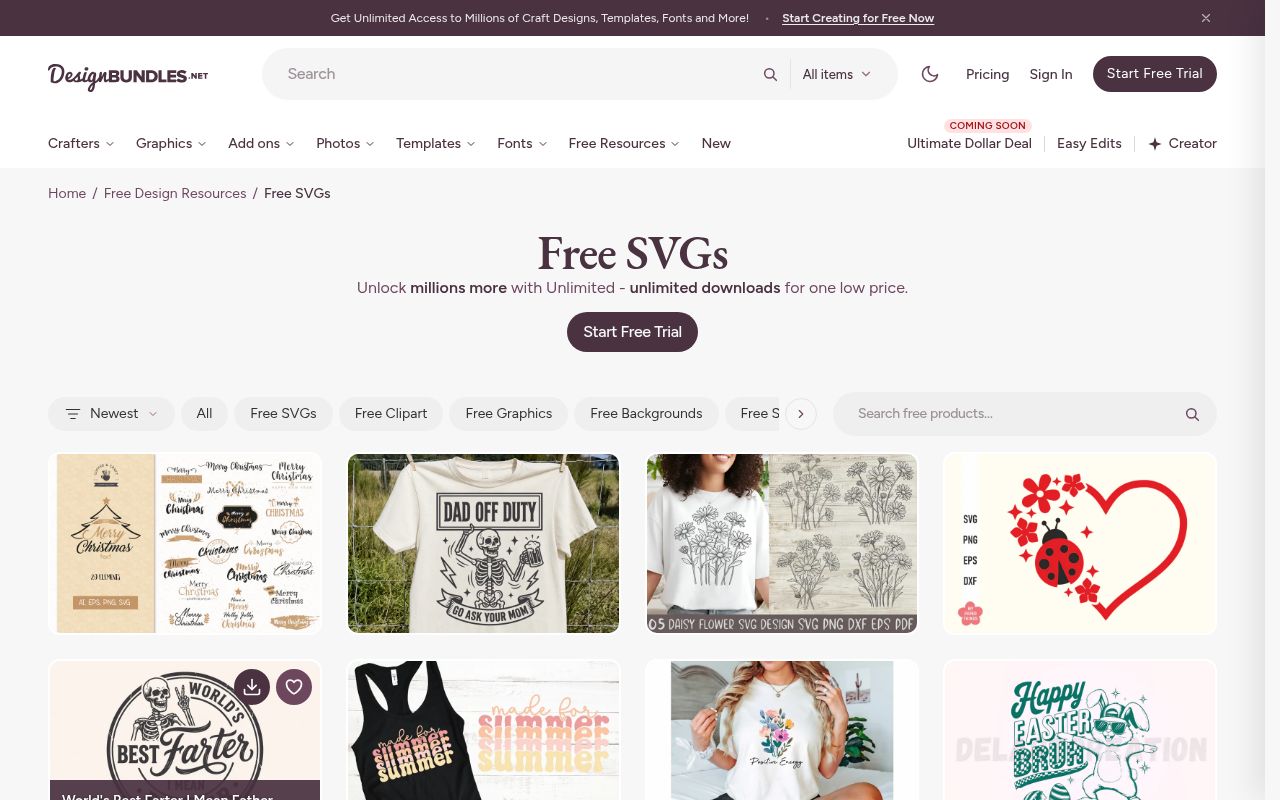
Design Bundles keeps a permanent free resources section that mixes SVG cut files, sublimation PNGs, fonts and clipart, refreshed with a weekly design offer rather than a static page. Its free files are presented with license information on the product page, and the marketplace also sells bundles for crafters who want matching sets in one purchase.
The free sublimation page alone lists hundreds of PNG designs, from tumbler wraps to mug artwork, and the site publishes dedicated holiday pages so a seasonal search lands on cut-ready files instead of an unrelated gallery.
- Type
- Creative marketplace
- Best for
- Rotating freebies with commercial-use terms
- License
- Free files carry the site's free-license terms; an unlimited subscription is optional
- Price
- Free downloads; subscription optional
Cuttle
Browser editor and template library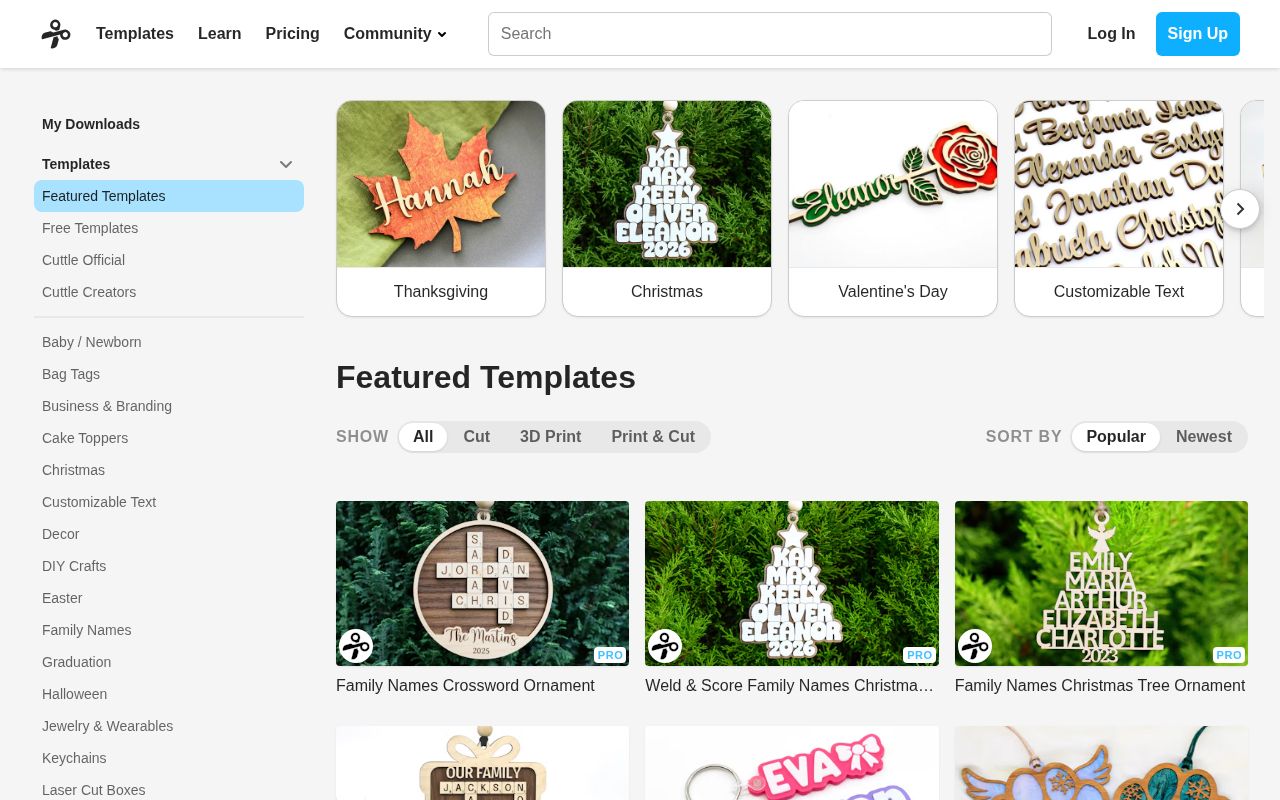
Cuttle pairs a browser-based editor with a template library organised into practical categories such as bag tags, baby and newborn designs, Christmas ornaments and Valentine's work, so a project can be assembled in the browser instead of being rebuilt inside Design Space.
Templates come from Cuttle's own designers and from community creators, and each row shows whether it is free before you open it. The library also explains which material and cut setting a template expects, which helps when the same artwork must be cut from cardstock, adhesive vinyl or heat transfer vinyl.
- Type
- Browser editor and template library
- Best for
- Layered projects assembled outside Design Space
- License
- Free templates with a Cuttle account; creator terms vary by design
- Price
- 100% free
Leap of Faith Crafting
Blog freebie library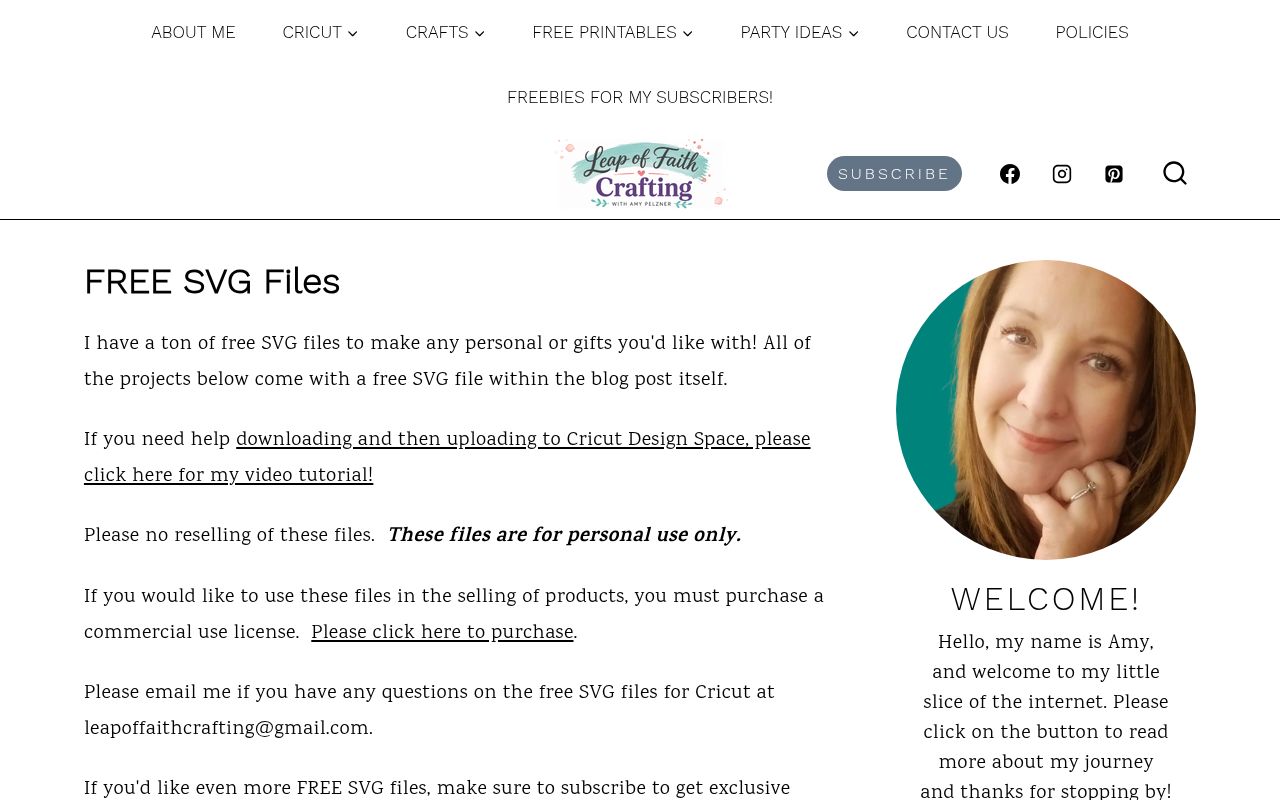
Leap of Faith Crafting publishes its free SVG files inside the blog post for the finished project, so the download arrives next to photos, a materials list and the maker's own notes about how the design cut and weeded.
The page states the boundary clearly: files are for personal use only, with reselling prohibited, and a commercial-use license can be purchased if you want to sell finished products. Subscribers also receive exclusive files, and the site links a video tutorial covering downloading a file and uploading it to Cricut Design Space.
- Type
- Blog freebie library
- Best for
- Files that arrive with a written project tutorial
- License
- Personal use only; a commercial license is sold separately
- Price
- 100% free
The Country Chic Cottage
Craft blog with weekly files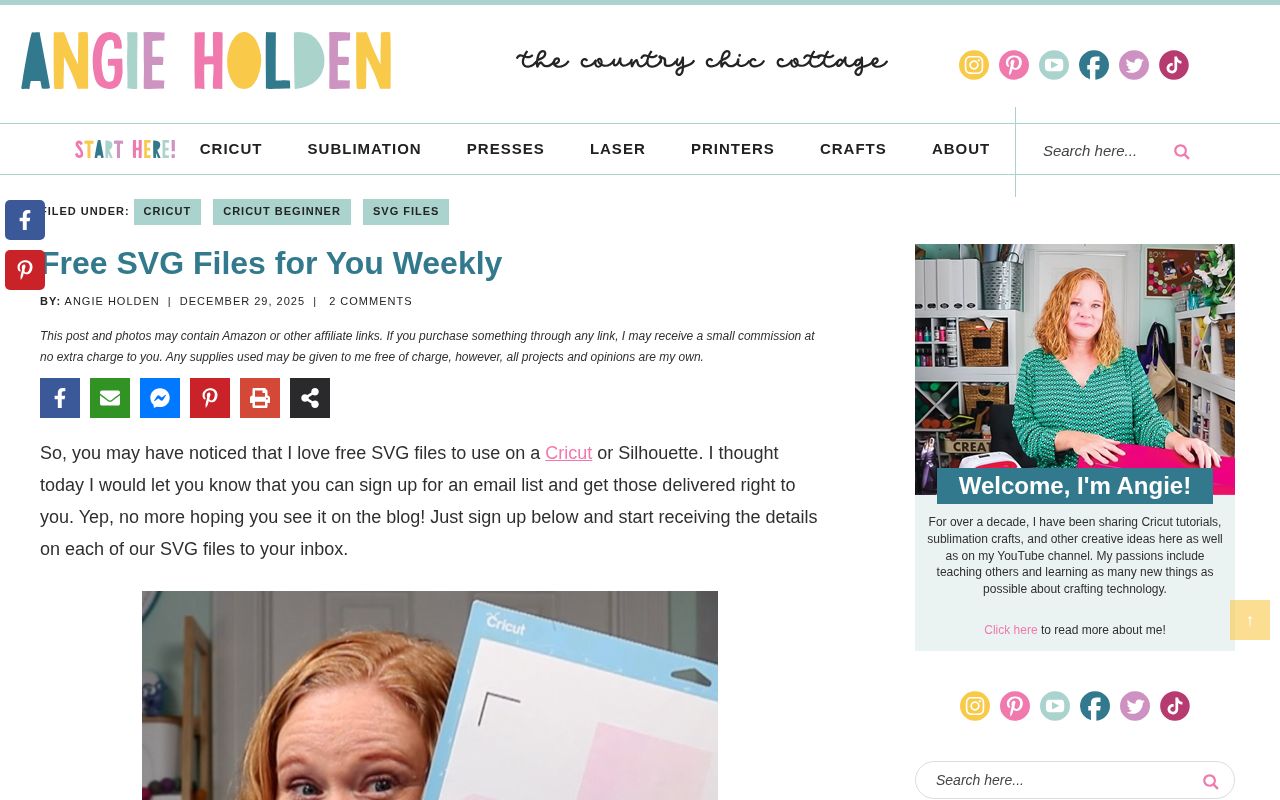
The Country Chic Cottage organises its free files by machine and method, with separate sections for Cricut, sublimation, heat presses, laser cutting and printers, which makes it useful when you need to know how a design behaves on a specific tool rather than simply where to download it.
Weekly free SVGs are published in posts, some delivered as a ZIP through a newsletter form, and the site walks through uploading a mug wrap to Design Space, ungrouping the sizes and adding a wrapper template that tucks under the handle. Files are marked personal use, with commercial questions directed to the team.
- Type
- Craft blog with weekly files
- Best for
- Machine-specific tutorials alongside the file
- License
- Personal use by default; the site asks to be contacted for commercial use
- Price
- 100% free
Crafting a Lovely Life
Craft and party blog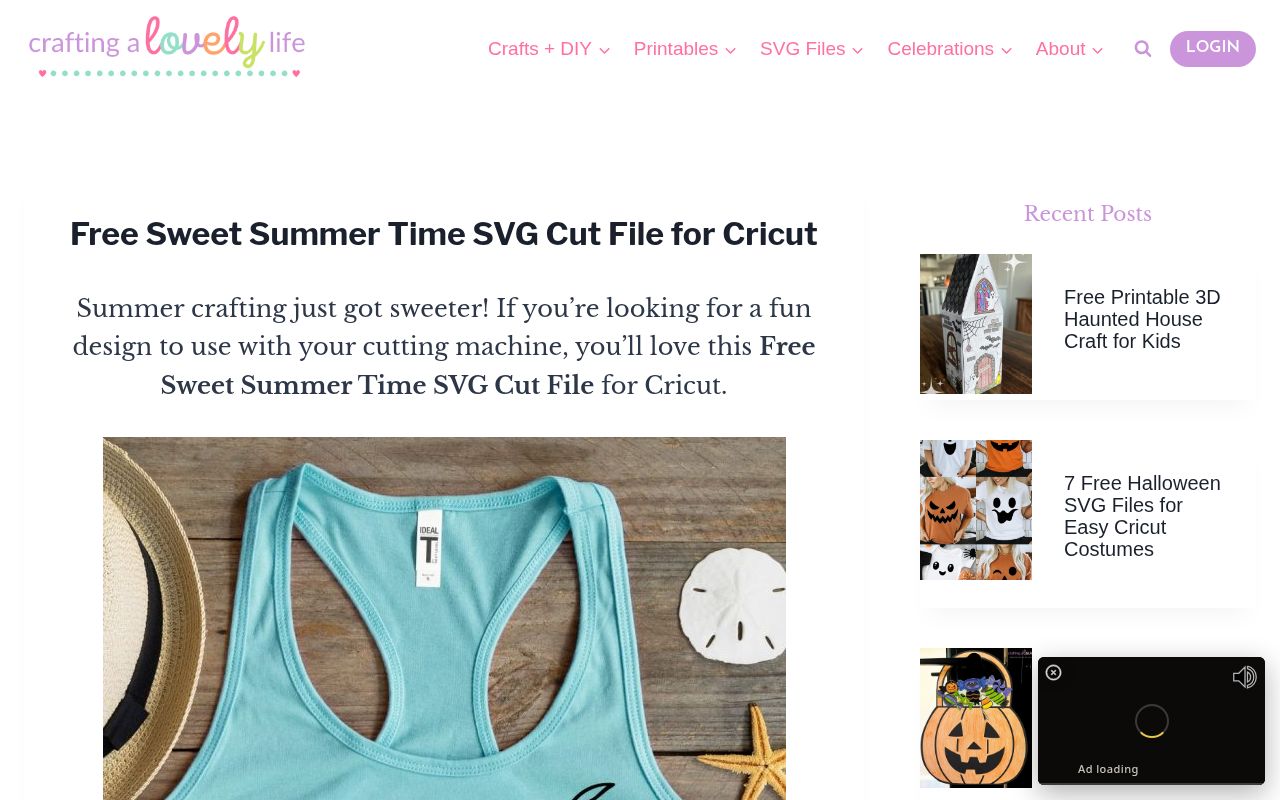
Crafting a Lovely Life publishes free SVG cut files alongside the project they were made for, with each post showing the finished t-shirt, tote, sign, tumbler or mug so you can judge the design at real scale before cutting.
The site keeps dedicated sections for SVG files, printables and celebrations, and recent projects include seasonal collections such as free Halloween cut files for Cricut and printable holiday crafts for kids. Because each file sits inside a tutorial, the suggested material, mat size and weeding notes are usually already on the same page.
- Type
- Craft and party blog
- Best for
- Seasonal files matched to a finished gift idea
- License
- Personal use; the site notes affiliate links on project pages
- Price
- 100% free
Have a Crafty Day
Free SVG library
Have a Crafty Day lists its free SVGs by the project they complete, so the library reads like a plan rather than a wall of thumbnails: cupcake toppers, summer coasters, koozies, napkins, a pencil pouch, a teatowel with moon phases, acrylic ornaments, felt banners and Christmas cards each sit under their own heading.
New files are added over time, and the page repeats two rules plainly — personal use, with no selling or redistribution of the files. For beginners, the same site links a short guide to using SVG files inside Cricut Design Space before the first download.
- Type
- Free SVG library
- Best for
- Choosing files by the finished project
- License
- Personal projects only; selling or redistributing the files is not allowed
- Price
- 100% free
Ruffles and Rain Boots
Holiday freebie index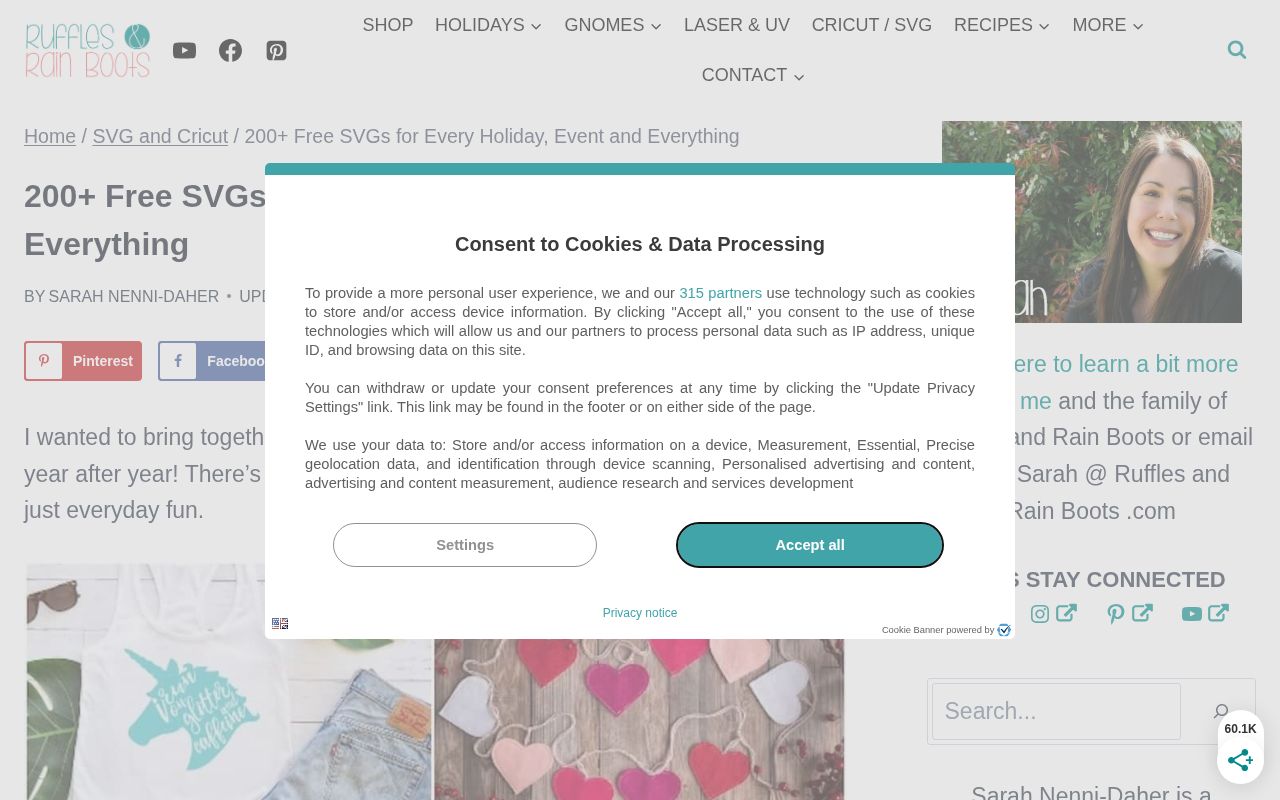
Ruffles and Rain Boots collects more than 200 free SVGs for Cricut and Silhouette into a single index organised by holiday, event and everyday theme, which saves the usual search across old blog archives.
The page also carries the maker's honest production advice: mirror text for heat transfer vinyl, attach script letters before cutting so a word does not arrive as loose characters, and be realistic about how much weeding a mandala will demand. Files released since the index was written sit in the site's shop, so the free list and the paid list stay clearly separate.
- Type
- Holiday freebie index
- Best for
- One index covering many holidays at once
- License
- Personal use; the site's shop sells additional files
- Price
- 100% free
That's What {Che} Said
Freebie library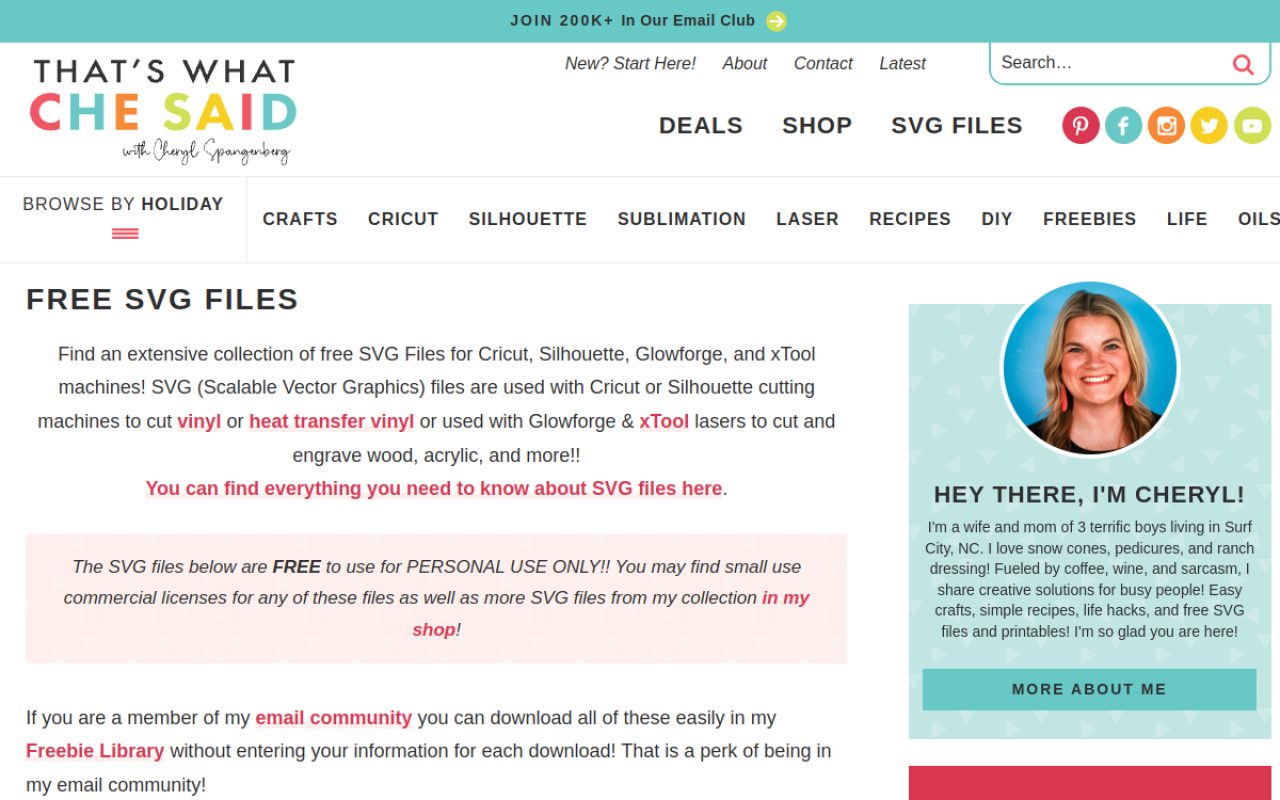
This freebie library covers Cricut, Silhouette, Glowforge and xTool, and the page explains how the same SVG behaves differently across those tools: cut as vinyl or heat transfer in Design Space and Silhouette Studio, or cut and engraved in wood and acrylic on a Glowforge or xCreative Space.
Files are free for personal use, with small commercial licenses available in the shop for makers who want to sell finished items. Members of the email community download from a shared freebie library instead of entering details for every single file, and the site also keeps free fonts and printables.
- Type
- Freebie library
- Best for
- Email members who want one-click downloads
- License
- Personal use; small commercial licenses are sold in the shop
- Price
- 100% free
Read the license line before the first cut
Personal use is not the same as permission to sell. Several of the blogs above state that plainly: the file is free to download and make at home, while selling finished products requires a purchased commercial license.
Others include commercial use in their free tier, and a marketplace may sell the same design in a bundle. Read the terms on the page you actually downloaded from, because a file saved to a shared drive or a Pinterest board often arrives with no license attached at all.
If you sell at craft fairs or online, keep a simple record of each design's source, the download date and the license text.
That folder answers customer questions and protects you if a design later disappears from the original site. Store the original ZIP, not just the exported PNG, so the layer names and any included license file survive.
Test-cut before you commit material
A free file that looks impressive on screen can still cut badly. Shapes thinner than a grain of rice are fragile to weed, overlapping paths confuse the machine, and a design built as one flattened image will not cut at all.
Before cutting a shirt, run a small test on the same vinyl and mat you intend to use, and check that the design arrives as vector paths rather than a picture with a traced outline.
Two habits save most of the frustration: attach grouped letters and layered elements before cutting so nothing shifts onto the mat, and mirror heat transfer vinyl before the cut.
If a file weeds poorly, try another source rather than forcing it — with ten libraries in the list, one stubborn design is never worth a ruined blank.