
A small photograph can look acceptable in a thumbnail and fall apart in a presentation, product listing, or larger layout. Free AI image upscalers offer a practical way to enlarge those files while reducing some visible compression and rough edges.
They estimate plausible detail rather than retrieve a hidden original, so the goal is a cleaner, more usable image—not proof that every reconstructed eyelash, texture, or letter is accurate.
The important difference is what each service actually lets you save. Some free photo enhancers provide a recurring download allowance; others run on your own computer without credits.
A large advertised enlargement factor does not necessarily belong to the free plan. The selections below distinguish monthly quotas, daily downloads, upload ceilings, and software requirements so you can choose around the finished file you need rather than an impressive preview.
This collection focuses on image enlargement and restoration, not color presets, decorative overlays, or full online editing suites. Start with Upscayl for approachable local processing, choose a browser tool for an occasional quick job, or consider the technical projects when you need repeatable control.
Before uploading private portraits or client material, check the service terms and obtain any necessary permission; local processing can be the more appropriate route for sensitive photographs.
Quick picks at a glance
| # | Resource | License | Best for |
|---|---|---|---|
| 1 | Upscayl | Free open-source software; AGPL-3.0 | Private local enlargement without recurring cloud credits |
| 2 | chaiNNer | Free open-source software; GPL-3.0; model terms vary | Repeatable processing chains with custom enhancement models |
| 3 | Real-ESRGAN | Free open-source software; BSD-3-Clause; check dependencies | Scripted photo enlargement and configurable batch workflows |
| 4 | waifu2x | Free hosted demonstration; linked source has separate license terms | Small illustrations and photos needing noise reduction |
| 5 | GFPGAN | Free software; Apache-2.0 project; check dependency terms | Technical face restoration for degraded portrait photographs |
| 6 | CodeFormer | Free for noncommercial use; NTU S-Lab License; commercial permission required | Noncommercial portrait restoration with adjustable fidelity tradeoffs |
| 7 | Bigjpg | Free tier under service terms; paid upgrades optional | Occasional illustration enlargement within a monthly allowance |
| 8 | Upscale.media | Free tier under service terms; paid credits optional | A few browser-based enhancements with explicit credits |
| 9 | Clipdrop | Free tier under service terms; Pro features paid | Regular twofold enlargements rather than extreme scaling |
| 10 | Pixelcut | Free tier; commercial output use permitted under terms; Pro optional | Quick watermark-free downloads without creating an account |
Upscayl
Desktop app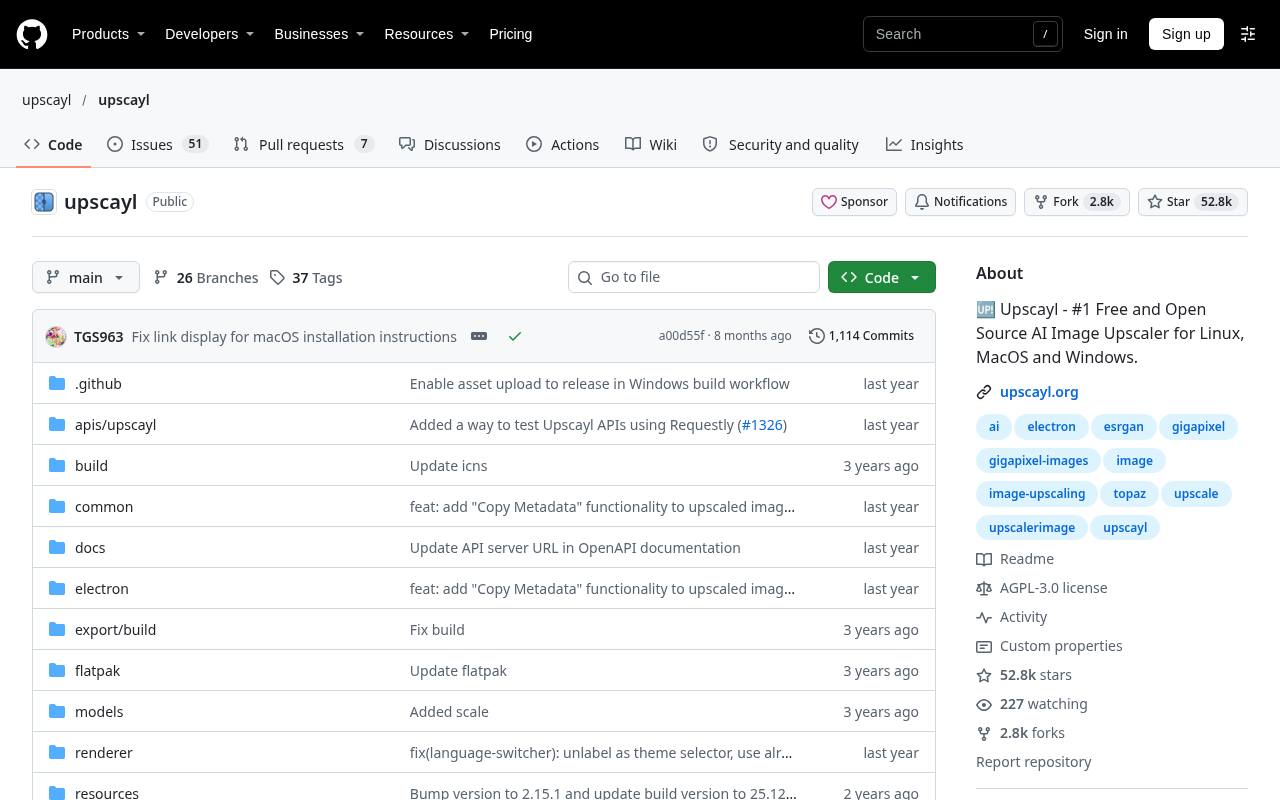
Upscayl packages local AI upscaling in a desktop interface for Windows, macOS, and Linux. The free application has no service-imposed monthly credit allowance: processing happens on your hardware, with batch work available for repeated jobs. Its documentation requires a Vulkan-compatible GPU and warns that many integrated graphics chips do not work.
Download the desktop release rather than confusing it with the separate cloud offering. This is a sensible starting point for designers who want an accessible open-source workflow, but it cannot reliably reverse severe blur or recreate an unavailable original.
- Type
- Desktop app
- Best for
- Private local enlargement without recurring cloud credits
- License
- Free open-source software; AGPL-3.0
- Price
- 100% free
chaiNNer
Node-based desktop app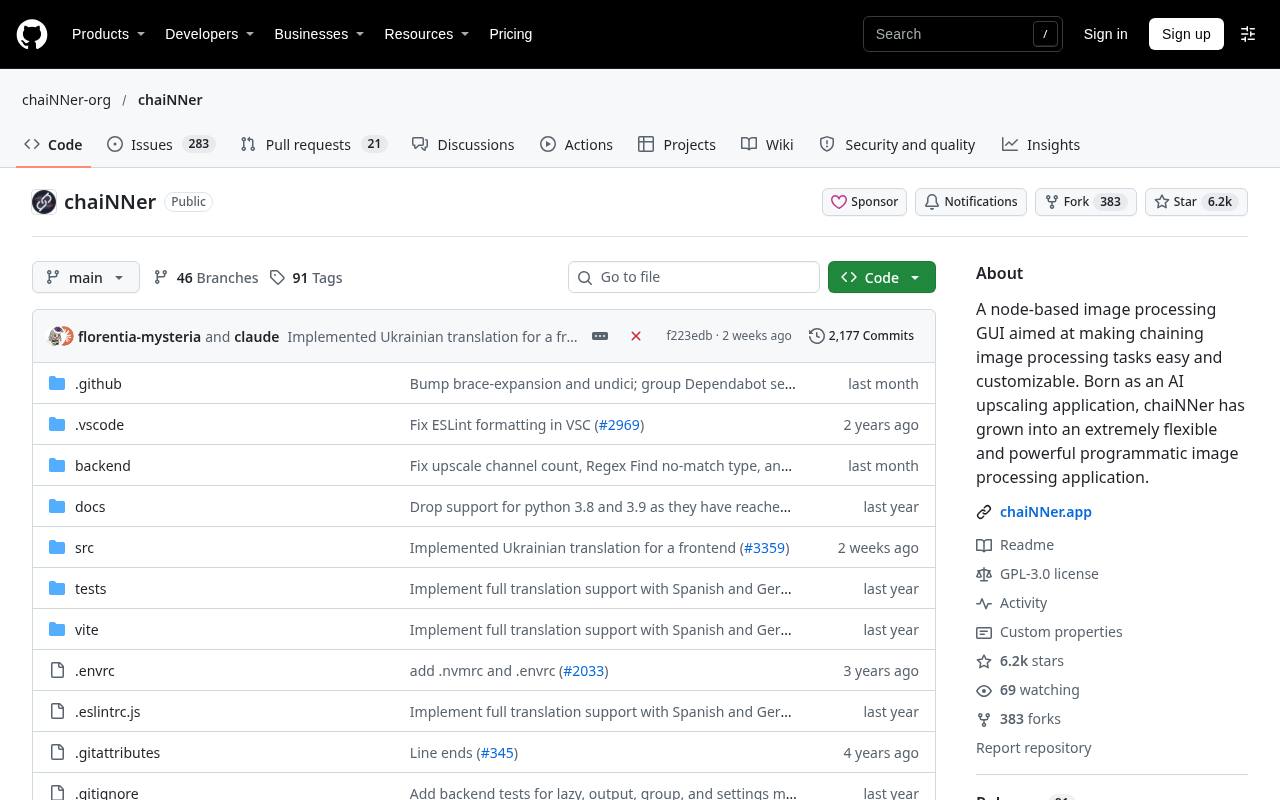
chaiNNer suits users who want node-based image processing rather than a single upload button. Connect loading, neural-network processing, resizing, and saving steps into a reusable chain, then apply a consistent operation across a collection. The application is free software with no hosted credit quota, although your hardware and chosen backend determine practical capacity.
You must supply compatible models and check their individual licenses; the application license does not grant blanket rights to every downloadable model. Expect some setup and experimentation before a useful chain becomes a dependable production shortcut.
- Type
- Node-based desktop app
- Best for
- Repeatable processing chains with custom enhancement models
- License
- Free open-source software; GPL-3.0; model terms vary
- Price
- 100% free
Real-ESRGAN
Command-line software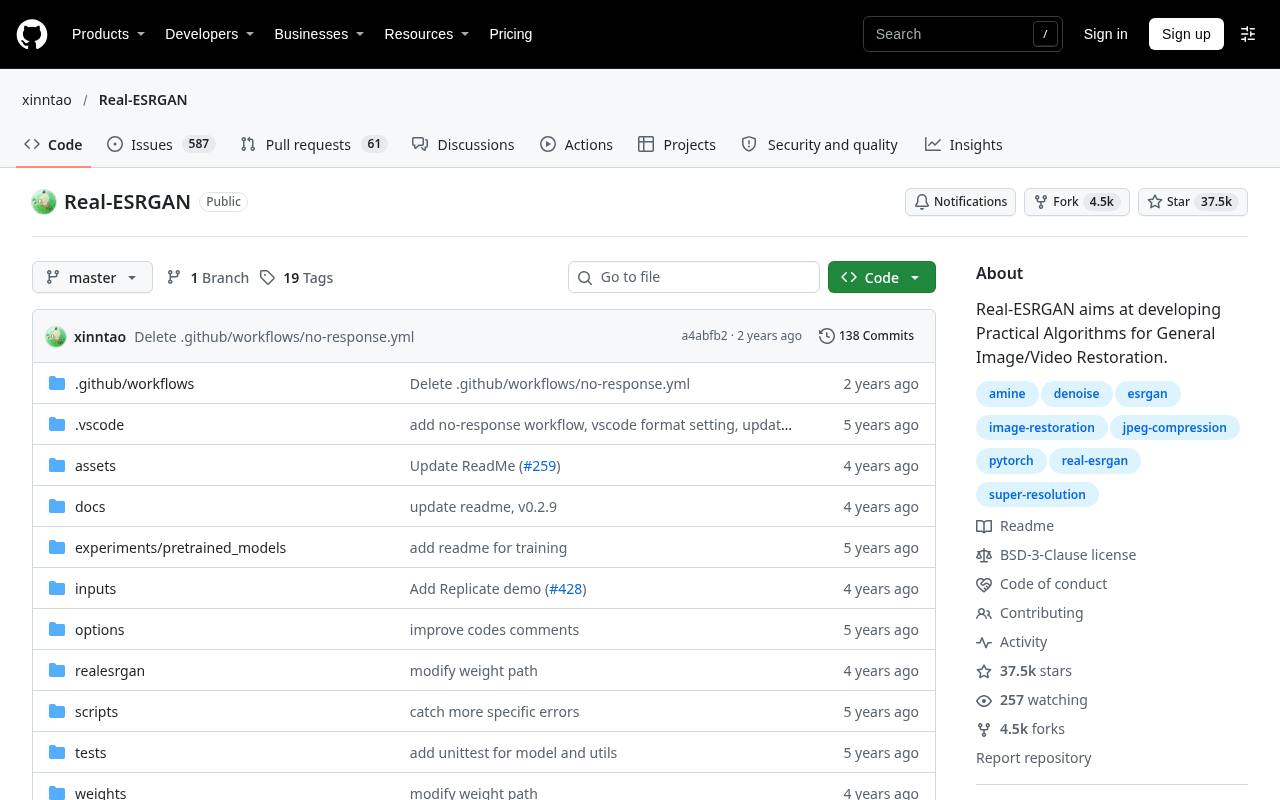
Real-ESRGAN is a research-backed restoration project with command-line inference and pretrained models for general images and illustrated content. Its repository links portable NCNN executables for Windows, Linux, and macOS that avoid a full CUDA or PyTorch installation.
Local operation means no account or download credits, but installation, model selection, and memory management remain your responsibility. The Python implementation includes options such as output scaling and tiling. Choose it when automation matters more than interface polish, and evaluate its reconstructed textures carefully before using the output in detailed product photography.
- Type
- Command-line software
- Best for
- Scripted photo enlargement and configurable batch workflows
- License
- Free open-source software; BSD-3-Clause; check dependencies
- Price
- 100% free
waifu2x
Web app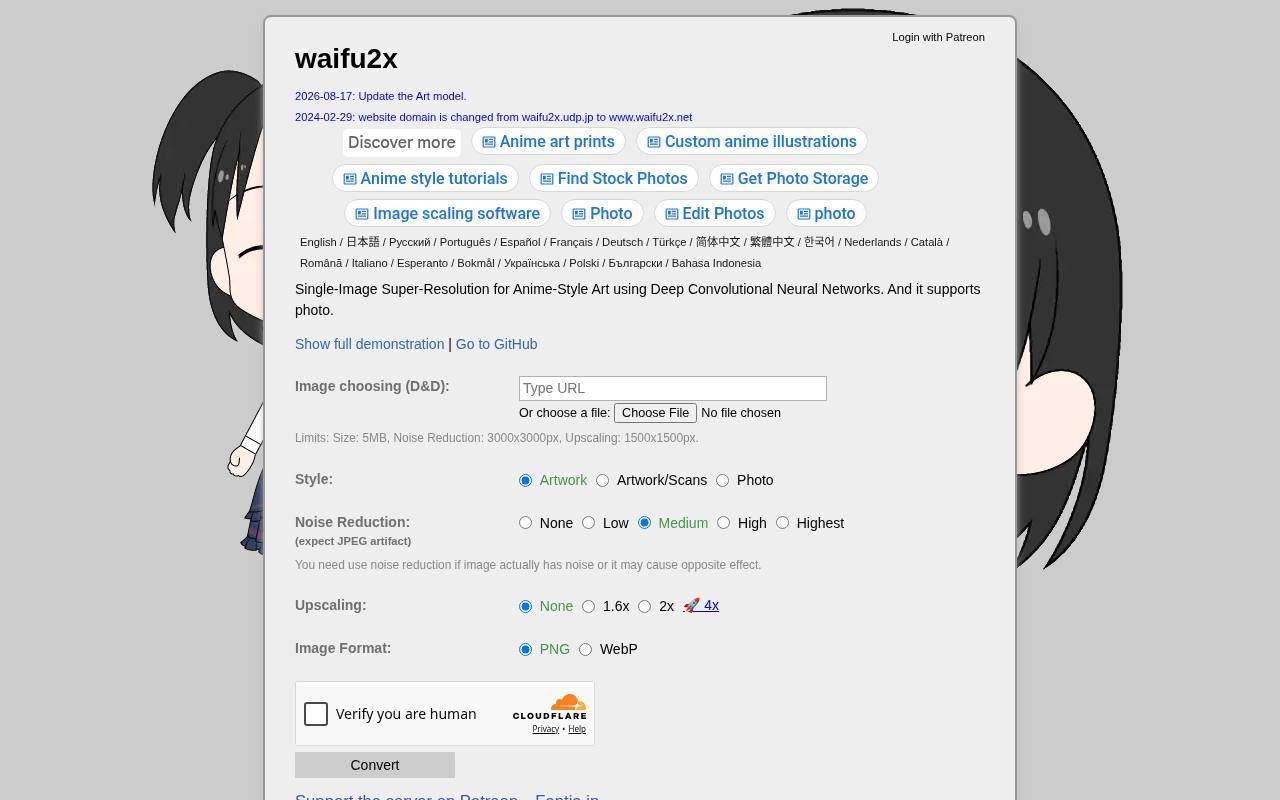
The official waifu2x demonstration provides artwork and photo modes, separate noise-reduction settings, and enlargement controls in a compact browser interface. Its published limits are unusually clear: uploads must stay within 5 MB per image, noise reduction accepts up to 3000 × 3000 pixels, and upscaling accepts up to 1500 × 1500 pixels.
Those ceilings make it better for small source files than large camera exports. The page does not publish a recurring credit allowance; treat it as a shared demonstration rather than guaranteed batch infrastructure. Compare denoising levels to avoid flattening intentional texture.
- Type
- Web app
- Best for
- Small illustrations and photos needing noise reduction
- License
- Free hosted demonstration; linked source has separate license terms
- Price
- 100% free
GFPGAN
Python restoration project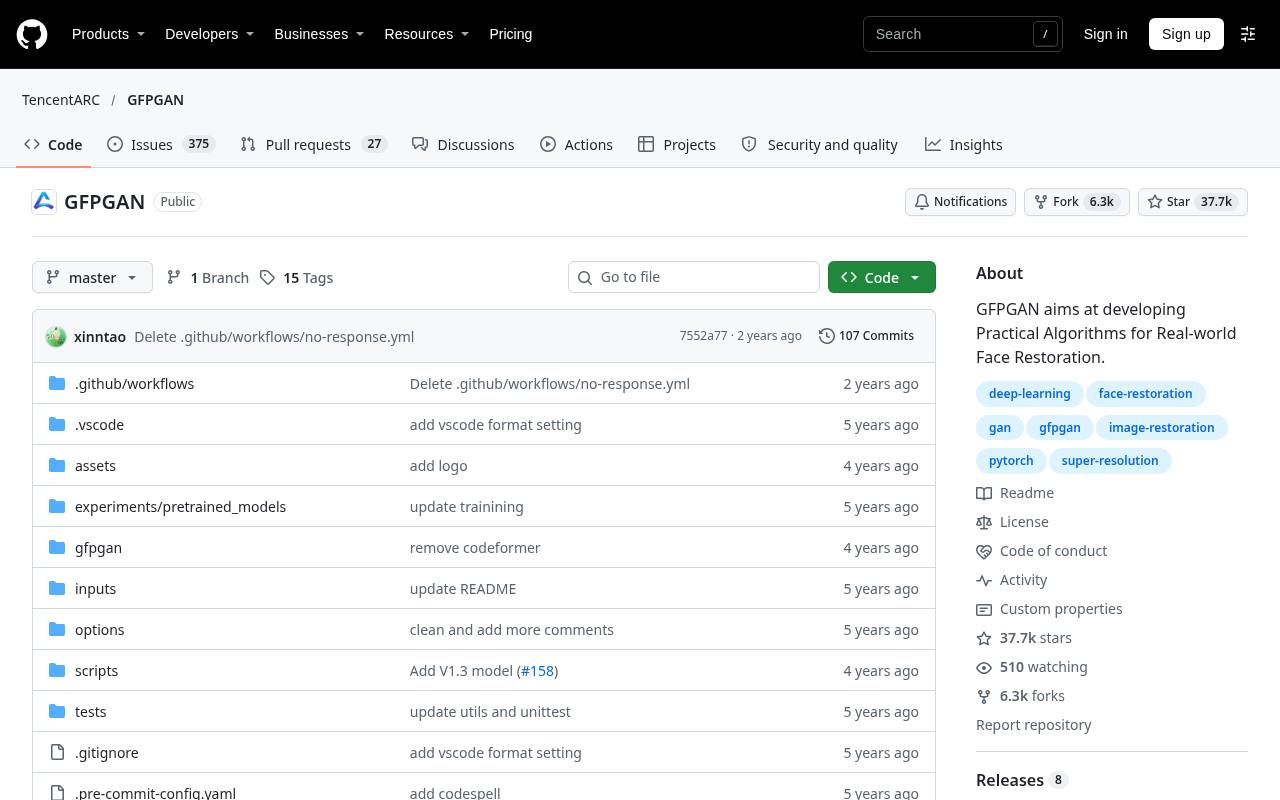
GFPGAN targets real-world face restoration, making it a different proposition from simply increasing the dimensions of an entire landscape. The official repository supplies installation instructions, pretrained models, and inference examples, including integration with Real-ESRGAN for background enhancement.
Running it yourself carries no service credit limit, but requires a suitable Python environment and enough computing resources. The project states an Apache-2.0 license; dependencies still deserve review. Use it for cautiously improving damaged or compressed portraits, and compare identities closely: a convincing reconstructed face is not necessarily a faithful record of the person photographed.
- Type
- Python restoration project
- Best for
- Technical face restoration for degraded portrait photographs
- License
- Free software; Apache-2.0 project; check dependency terms
- Price
- 100% free
CodeFormer
Python restoration project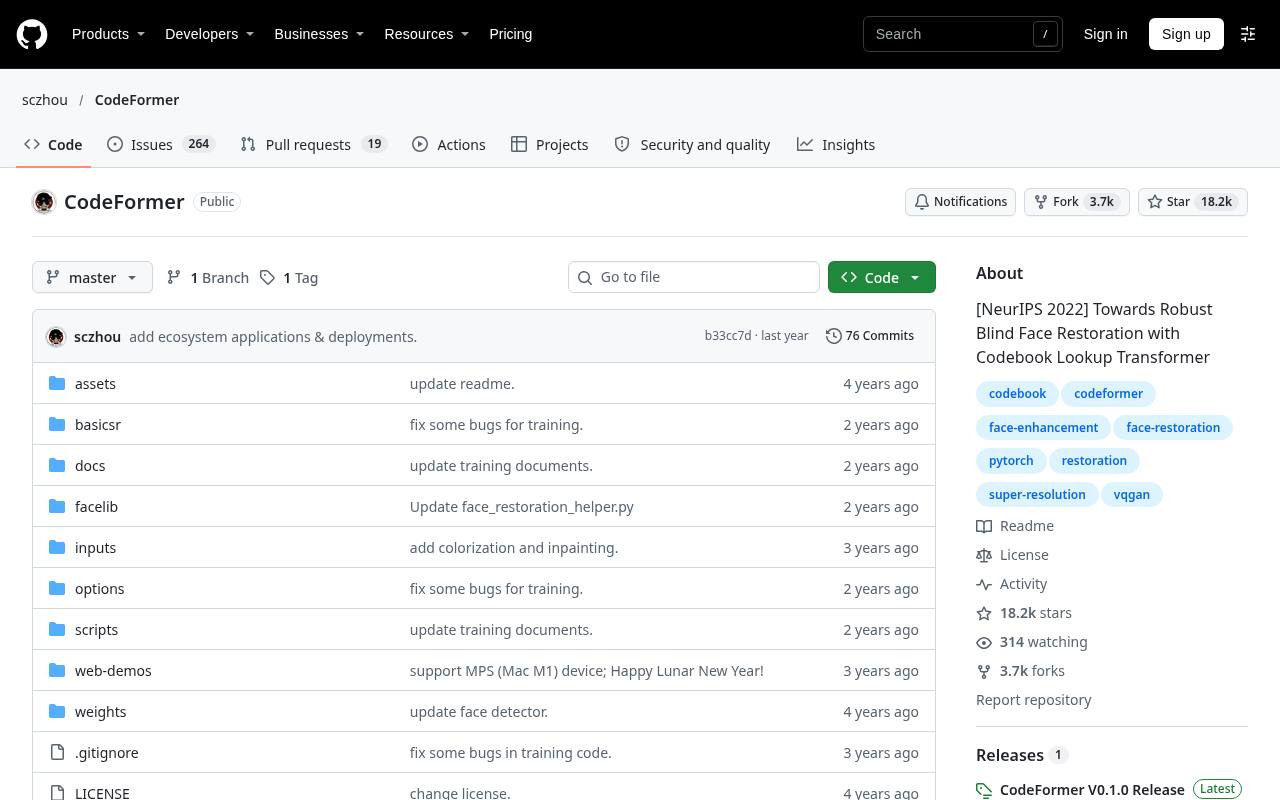
CodeFormer offers face restoration controls that let technical users explore the tradeoff between visual quality and fidelity to the input. Its repository documents local inference, background enhancement, and related restoration tasks, with pretrained weights provided through the project workflow.
There is no local processing quota, but this is noncommercial-use software, not an unrestricted commercial freebie: the NTU S-Lab license requires contacting the contributors for commercial use. Follow the official repository rather than similarly named websites. For personal family-photo experiments it is useful, provided you keep the original and scrutinize any reconstructed facial details.
- Type
- Python restoration project
- Best for
- Noncommercial portrait restoration with adjustable fidelity tradeoffs
- License
- Free for noncommercial use; NTU S-Lab License; commercial permission required
- Price
- Free for noncommercial use
Bigjpg
Web app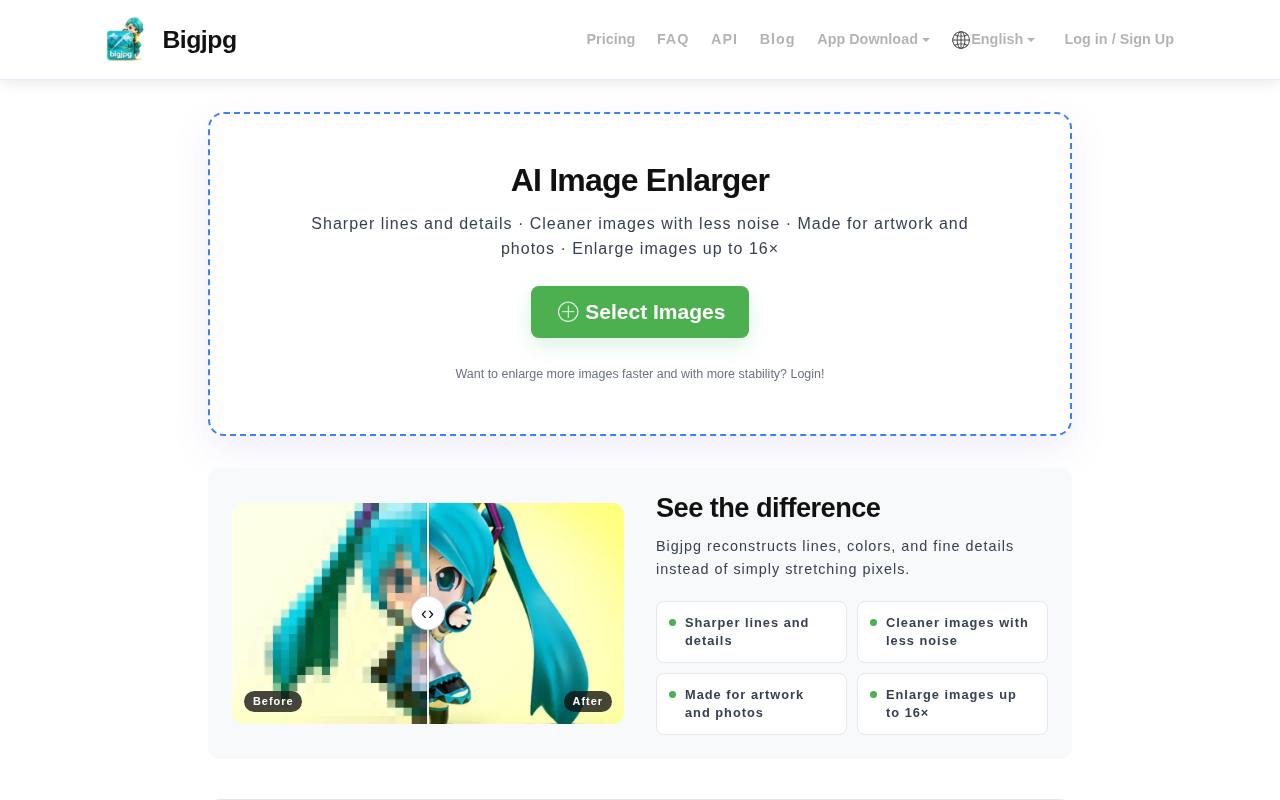
Bigjpg presents dedicated artwork and photo settings with adjustable noise reduction, making it easy to test the same source under different assumptions. Its free plan lists 20 pictures per month, a 5 MB maximum upload, and enlargement up to 4×.
Free processing uses shared, slower servers and does not include parallel enlargement or batch mode; 8× and 16× require an upgrade. The interface also offers output-format choices. This is a practical browser option for modest illustration workloads, as long as your schedule allows queue time and your source files fit the upload ceiling.
- Type
- Web app
- Best for
- Occasional illustration enlargement within a monthly allowance
- License
- Free tier under service terms; paid upgrades optional
- Price
- Free + Pro
Upscale.media
Web app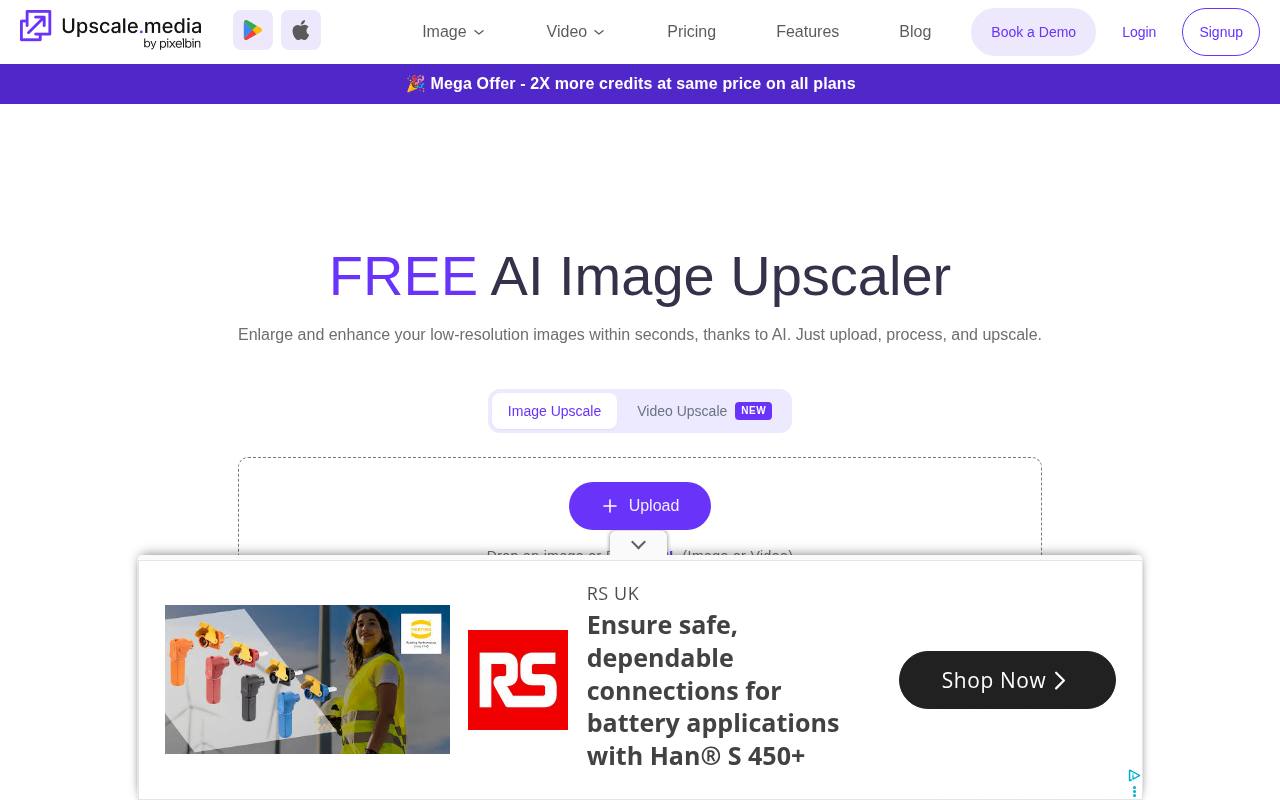
Upscale.media supports familiar image formats and presents a direct upload workflow for browser-based image enlargement. Its pricing page lists three free credits and three free downloads every month after registration, while also describing one free image per day without signing up.
Keep those access paths separate rather than adding them into a promised combined allowance. A standard image upscale generally costs one credit, with complexity potentially affecting usage. The site advertises multiple enlargement levels, but input-size ceilings vary with scale and account status, so check the upload table before committing a large image.
- Type
- Web app
- Best for
- A few browser-based enhancements with explicit credits
- License
- Free tier under service terms; paid credits optional
- Price
- Free tier
Clipdrop
Web app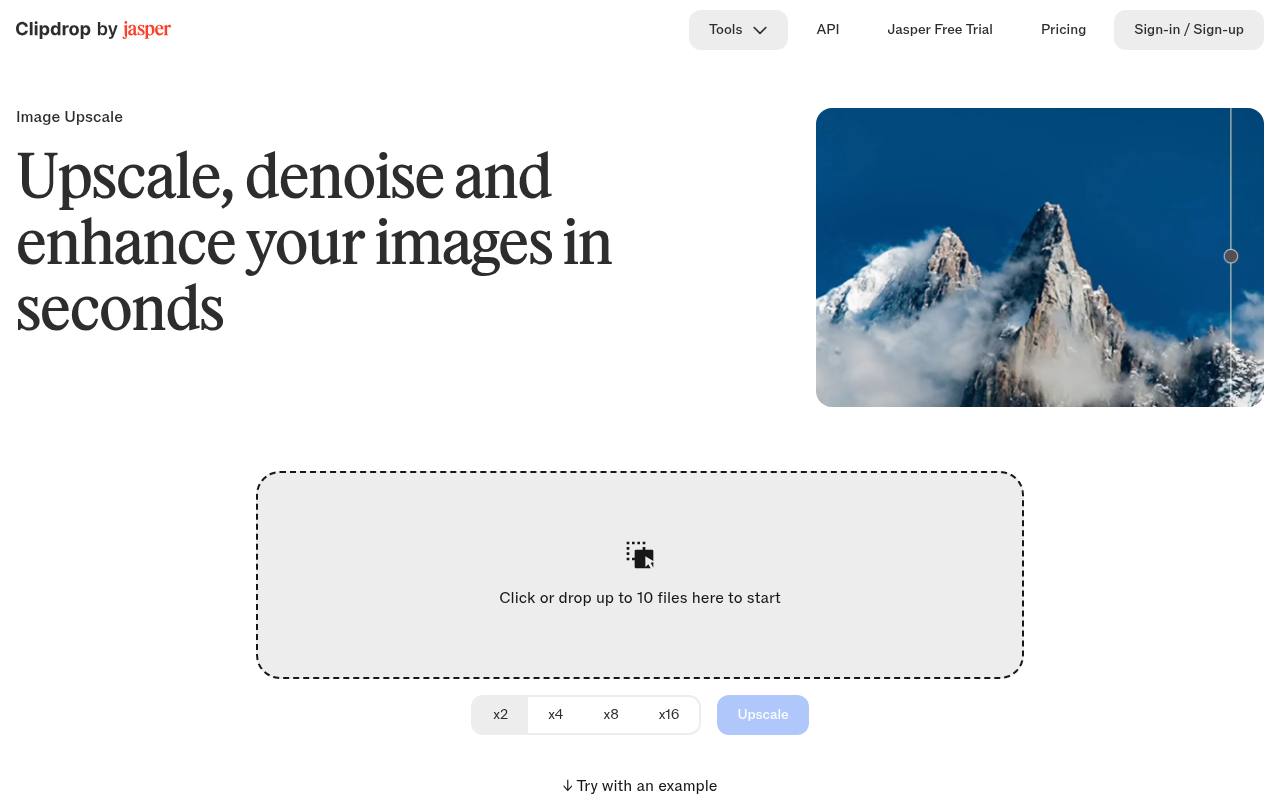
Clipdrop is worth considering when 2× image upscaling is enough. Its pricing page allocates the free Image Upscaler 20 uses per 24 hours, while the Pro comparison advertises up to 16× and a larger allowance. That distinction matters: the largest enlargement headline is not the free entitlement.
Use the dedicated upscaler rather than assuming every tool in the broader suite shares one quota or feature set. It fits recurring, modest enlargements for everyday layouts; if you need substantially larger outputs, compare a local application before planning around a paid-only scale factor.
- Type
- Web app
- Best for
- Regular twofold enlargements rather than extreme scaling
- License
- Free tier under service terms; Pro features paid
- Price
- Free + Pro
Pixelcut
Web app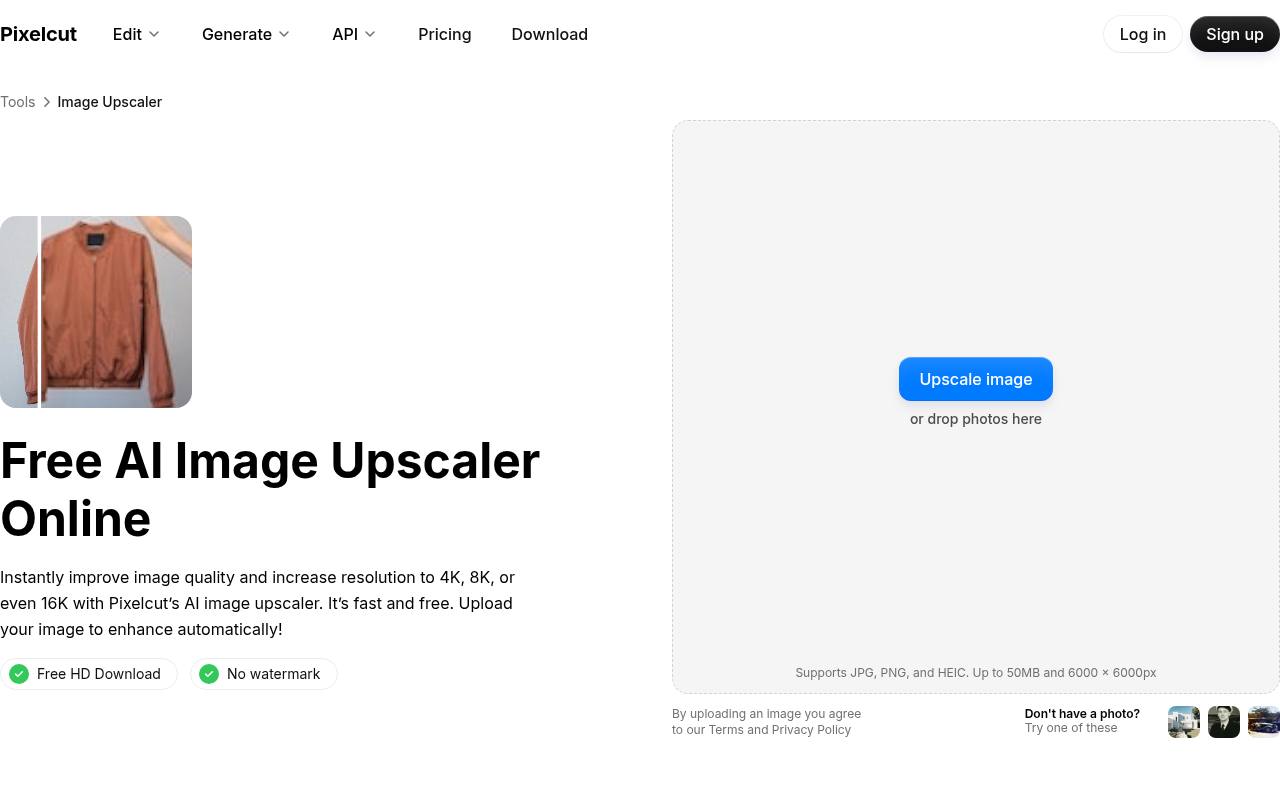
Pixelcut combines a straightforward upload process with watermark-free downloads and no required sign-up for the free tool. Its FAQ specifies three daily downloads; unlimited use and multi-image batch upscaling belong to Pro. The upload panel accepts JPG, PNG, and HEIC with limits of 50 MB and 6000 × 6000 pixels.
Pixelcut also states that users retain rights to their outputs and can use them commercially, subject to having rights to the source material. It is an approachable choice for a handful of product or presentation images, not an unlimited free batch service.
- Type
- Web app
- Best for
- Quick watermark-free downloads without creating an account
- License
- Free tier; commercial output use permitted under terms; Pro optional
- Price
- Free + Pro
Choose by workload, not maximum scale
For one or two files, free browser upscalers avoid installation overhead. For a large archive, local tools remove recurring service quotas but shift the cost to your computer, electricity, and time. Match the tool to the repeated task: a graphical desktop app for convenience, a node workflow for repeatability, or a command line for automation.
Separate enlargement from face restoration
A general upscaler works across the frame; a portrait restoration model may reconstruct facial features more aggressively. That difference can help a damaged family snapshot and harm a documentary image. Try the least invasive approach first, then compare the face, hairline, and skin texture with the original rather than judging only overall sharpness.
Understand free access and licensing
An available download is not automatically permission for every use. Software license terms, model licenses, cloud-service conditions, and rights in the original photograph are separate layers. CodeFormer is explicitly noncommercial without additional permission. For client work, record the applicable terms and retain source-image permissions instead of assuming a free tool removes copyright obligations.
Calculate the pixels you actually need
A 1000 × 750 image enlarged 2× becomes 2000 × 1500: each dimension doubles, so pixel count quadruples. Output pixel dimensions matter more than a vague HD label.
At 300 pixels per inch, a 2400 × 3000 file supports an 8 × 10-inch print mathematically, but the reconstructed detail still determines whether that print looks convincing.
Keep an editable master and export carefully
Preserve the original and save a separate enhanced master file before making delivery copies. PNG avoids introducing another round of lossy compression, while a carefully compressed JPEG may be more practical for photographic web content.
Check transparency, color appearance, and export dimensions after processing; do not assume an enhancer preserves every property of the uploaded file.
Inspect artifacts at realistic viewing sizes
Review the output at 100% and at its intended display size. AI reconstruction artifacts often appear as waxy skin, repeated foliage, halos, distorted lettering, or altered jewelry. A less dramatic 2× result may be better than an aggressive enlargement. Reject invented product details, and use the original whenever factual accuracy matters more than apparent crispness.
Protect sensitive photographs and device resources
Prefer local image processing for confidential client material when your hardware supports it. Cloud tools require sending the file to another provider, so check retention and privacy policies before uploading.
Local workflows have constraints too: test a small file first, monitor available storage, and reduce tile size where supported if a large job exhausts graphics memory.
Can a free enhancer fix any blurry photo?
No. Free photo enhancement can improve edge appearance and reduce some noise or compression, but it cannot establish missing historical facts or guarantee recovery from motion blur.
Start from the highest-quality original available, avoid repeated upscale cycles, and compare two tools on the same crop. Better source material usually matters more than choosing the biggest enlargement number.