
Glitch art works best when the distortion has a purpose. A broken color channel can make a portrait feel unstable; soft tape noise can suggest a forgotten recording; a restricted palette can turn an ordinary photograph into computer-era artwork.
These free glitch photo effects focus on changing the image itself, rather than supplying downloadable overlays or editing presets. They give you practical ways to explore digital distortion without committing to a paid creative suite.
Not every retro treatment belongs to the same family. VHS tools imitate analog signal problems, while JPEG glitchers exploit the appearance of corrupted image data. Dithering replaces continuous tones with patterned pixels, and pixel sorting stretches existing colors into ordered streaks.
Knowing those differences makes choosing retro photo effect tools much easier. Start with the visual behavior you want, then pick a specialist rather than searching through a general photo editor for something approximately similar.
The ten options below include quick browser experiments, more adjustable dithering applications, and an analog-video simulator that also accepts still images. Most are entirely free; Mosh, the successor to PhotoMosh, has a restricted free tier that deserves attention before you export.
Check the free export limits, keep your original photograph untouched, and test the final image at its actual display size. A convincing VHS photo effect rarely needs every available imperfection turned up at once.
Quick picks at a glance
| # | Resource | License | Best for |
|---|---|---|---|
| 1 | Mosh | Free tier; paid Pro license optional | Exploring layered distortion before committing to Pro |
| 2 | Image Glitch Tool | Free web tool; source available on GitHub | Creating unpredictable JPEG corruption with simple sliders |
| 3 | PhotoFunia | Free effect; PhotoFunia terms apply | Making a quick nostalgic VHS photo treatment |
| 4 | ntsc-rs | Free and open source; see repository license | Simulating analog television and VHS signal artifacts |
| 5 | Dithermark | MIT software; output unrestricted, subject to input rights | Comparing dithering algorithms and restricted color palettes |
| 6 | Ditherlicious | Free browser experiment; creator copyright applies | Turning photographs into stark black-and-white pixel textures |
| 7 | Glitch Image Generator | Free web tool; no separate output license stated | Trying blend-mode-driven glitches in a minimal interface |
| 8 | PixelSort | Free online tool; check source terms for usage | Exploring streaked color distortions through pixel sorting |
| 9 | Dither Me This | Free online tool; site terms apply | Applying classic computer palettes to everyday photographs |
| 10 | DitherEffect | Free browser effects; site terms apply | Combining sliced glitches with dithering and color fringing |
Mosh
Web app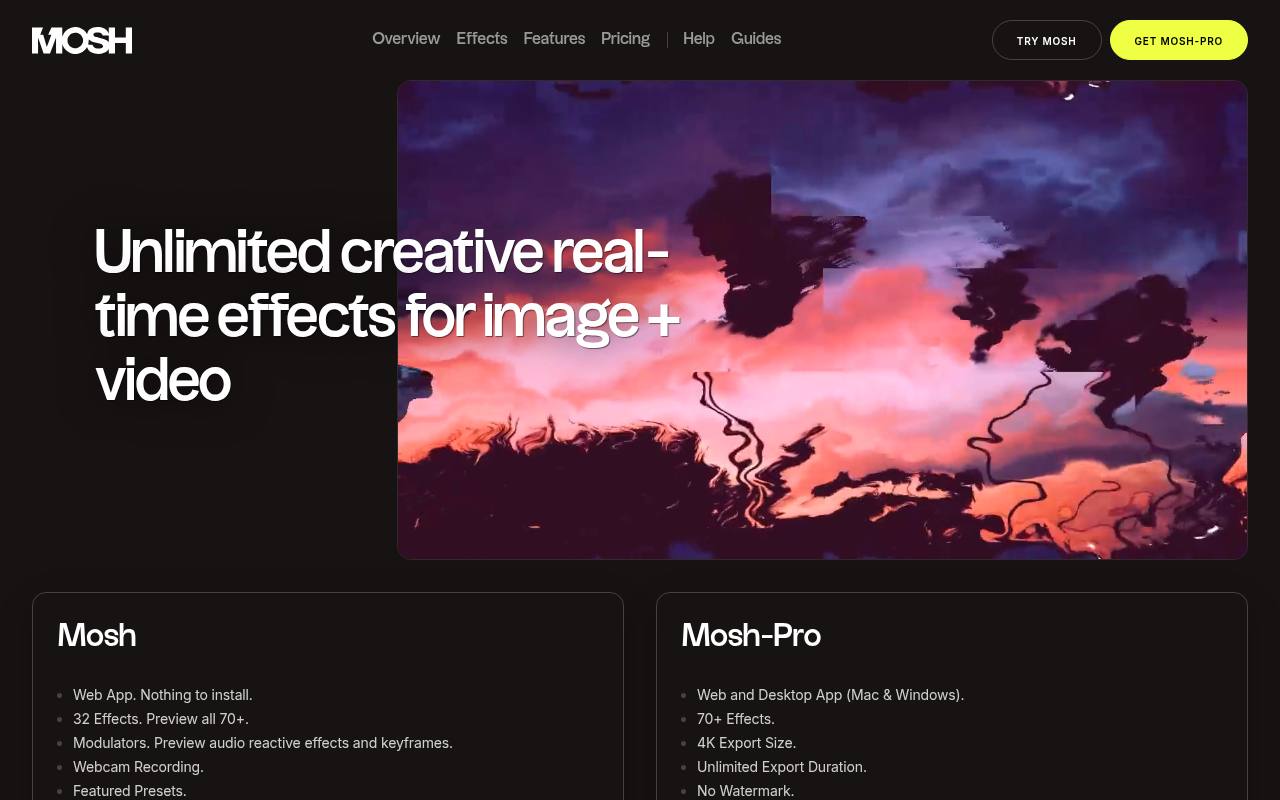
Mosh is the current home of the tool previously known as PhotoMosh. Its free browser tier includes 32 effects and lets you preview the wider paid collection, making it useful for exploring different directions before settling on a look.
The important restrictions are watermarked exports, a maximum export size of 1024 pixels, and a ten-second duration limit. Higher-resolution output and watermark removal belong to Pro. Treat this as a free experimentation tool, particularly for small concept images, rather than assuming the entire advertised effects library is freely exportable.
- Type
- Web app
- Best for
- Exploring layered distortion before committing to Pro
- License
- Free tier; paid Pro license optional
- Price
- Free + Pro
Image Glitch Tool
Web app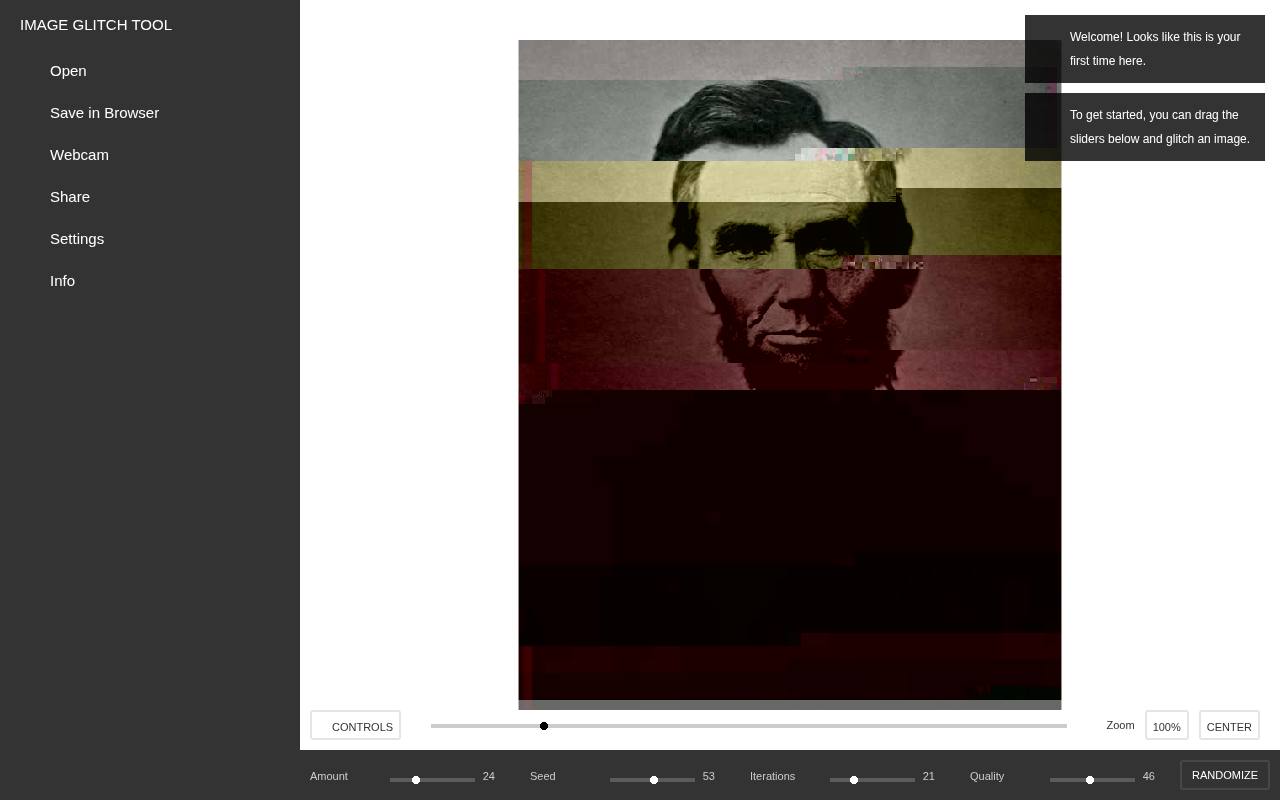
Georg’s Image Glitch Tool takes a direct approach: it corrupts bytes in an image while relying on JPEG encoding to keep the result viewable. Drag an image into the browser and adjust the control-panel sliders to change the damage; the preview updates in real time.
This makes its JPEG corruption effects meaningfully different from a decorative scanline treatment. Choose it for broken blocks and disrupted image structure, not a faithful tape simulation. The page also links to its source code and a desktop alternative for further glitch art experiments.
- Type
- Web app
- Best for
- Creating unpredictable JPEG corruption with simple sliders
- License
- Free web tool; source available on GitHub
- Price
- 100% free
PhotoFunia
Online effect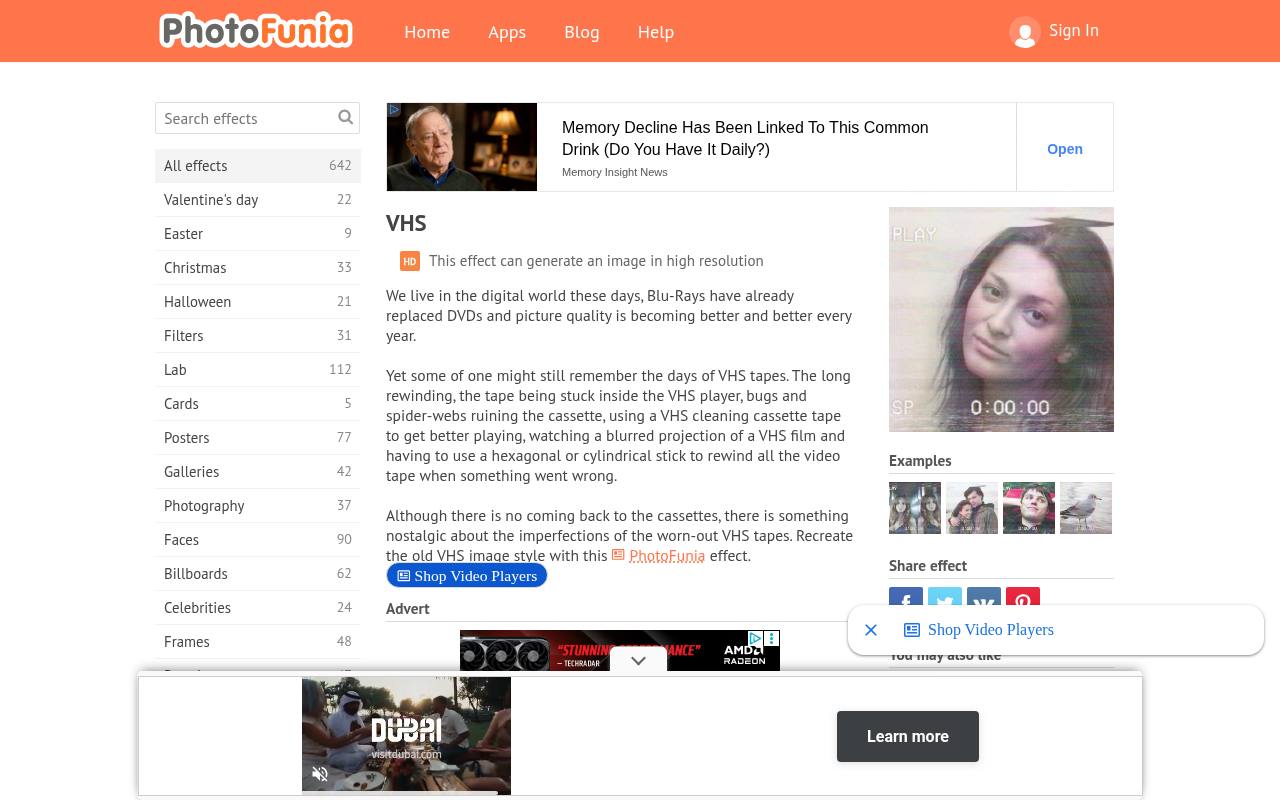
PhotoFunia’s dedicated VHS page is a straightforward option when you want an old-tape impression without learning a large control panel. Select Choose photo, provide your image, and run the effect using GO. The page explicitly identifies this effect as capable of generating high-resolution images, although it does not give a fixed output dimension there.
Unlike an adjustable signal simulator, its appeal is a short, focused workflow. Use this free VHS effect for a quick nostalgic still, and review PhotoFunia’s privacy policy before submitting sensitive or confidential photographs.
- Type
- Online effect
- Best for
- Making a quick nostalgic VHS photo treatment
- License
- Free effect; PhotoFunia terms apply
- Price
- 100% free
ntsc-rs
Web app and desktop software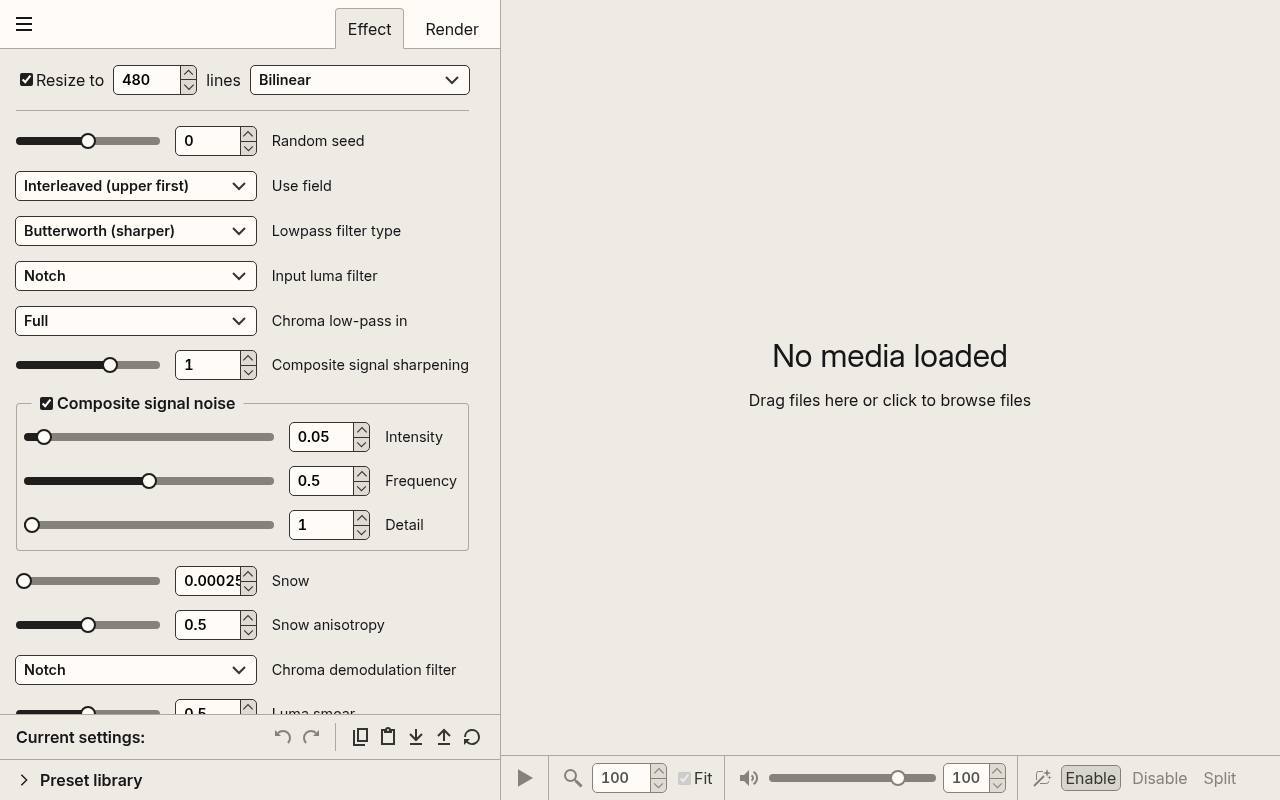
ntsc-rs models analog television transmission and VHS encoding rather than merely placing noise over a photograph. Its documented web application accepts images and videos, processes them on your device, and requires no account. That makes it a particularly useful choice for an analog-looking still when you want more than a stylized filter.
The wider project also provides a standalone application and editing plugins. Start with the free browser version for individual images; its documentation recommends desktop software for batch work or higher performance and notes browser-dependent video compatibility limitations.
- Type
- Web app and desktop software
- Best for
- Simulating analog television and VHS signal artifacts
- License
- Free and open source; see repository license
- Price
- 100% free
Dithermark
Web app
Dithermark is built around exploring how different dithering algorithms transform your own photographs. It combines image dithering tools with color quantization and editable palettes, with an 18-color palette limit explained in its FAQ. Images opened from your device stay local, and settings are saved in your browser rather than an account.
The software uses the MIT license; its FAQ separately states that it imposes no restrictions on output, while reminding users about input-image copyright. Prefer PNG exports for crisp pixel patterns, and remember that clearing browser storage can remove saved palettes and settings.
- Type
- Web app
- Best for
- Comparing dithering algorithms and restricted color palettes
- License
- MIT software; output unrestricted, subject to input rights
- Price
- 100% free
Ditherlicious
Web app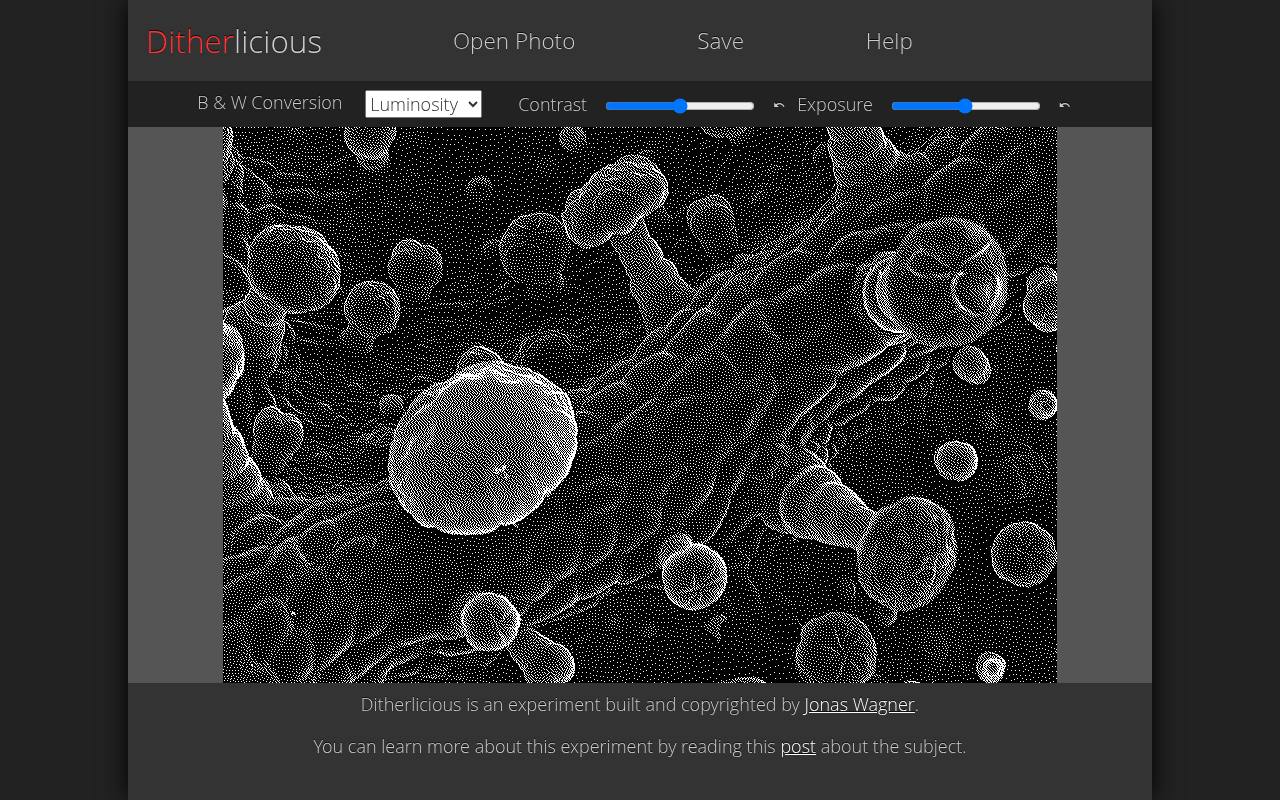
Jonas Wagner’s Ditherlicious specializes in one-bit black-and-white images, using Stucki dithering to translate tones into patterned dots. Its controls include luminosity and average conversions, individual red, green, and blue channel filters, plus contrast and exposure adjustments.
Those channel choices are useful when a face or background needs better separation before the final conversion. Processing stays on your computer, according to the built-in help. The app does not accept RAW files; prepare a standard image first and use lossless PNG files when preserving the tiny marks matters.
- Type
- Web app
- Best for
- Turning photographs into stark black-and-white pixel textures
- License
- Free browser experiment; creator copyright applies
- Price
- 100% free
Glitch Image Generator
Web app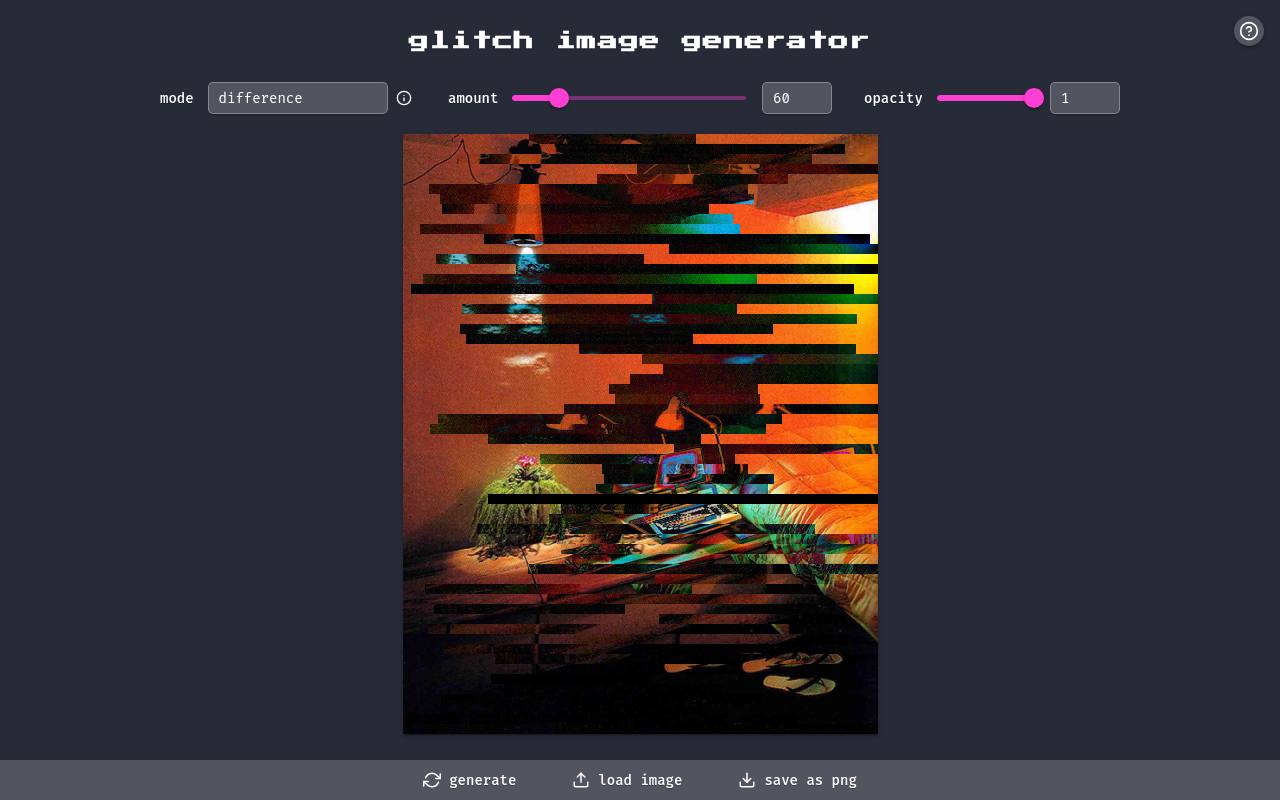
Glitch Image Generator presents a compact set of controls instead of a full editing workspace. Load an image, choose a compositing mode, adjust amount and opacity, and generate a result. The visible mode list includes difference, multiply, screen, overlay, exclusion, hue, and luminosity, giving you several ways to combine the distortion with the source.
Its blend mode controls make it worth testing when simple color splitting feels too predictable. The interface offers PNG saving, so you can take an interesting result into a separate layout application without first converting a screenshot.
- Type
- Web app
- Best for
- Trying blend-mode-driven glitches in a minimal interface
- License
- Free web tool; no separate output license stated
- Price
- 100% free
PixelSort
Web app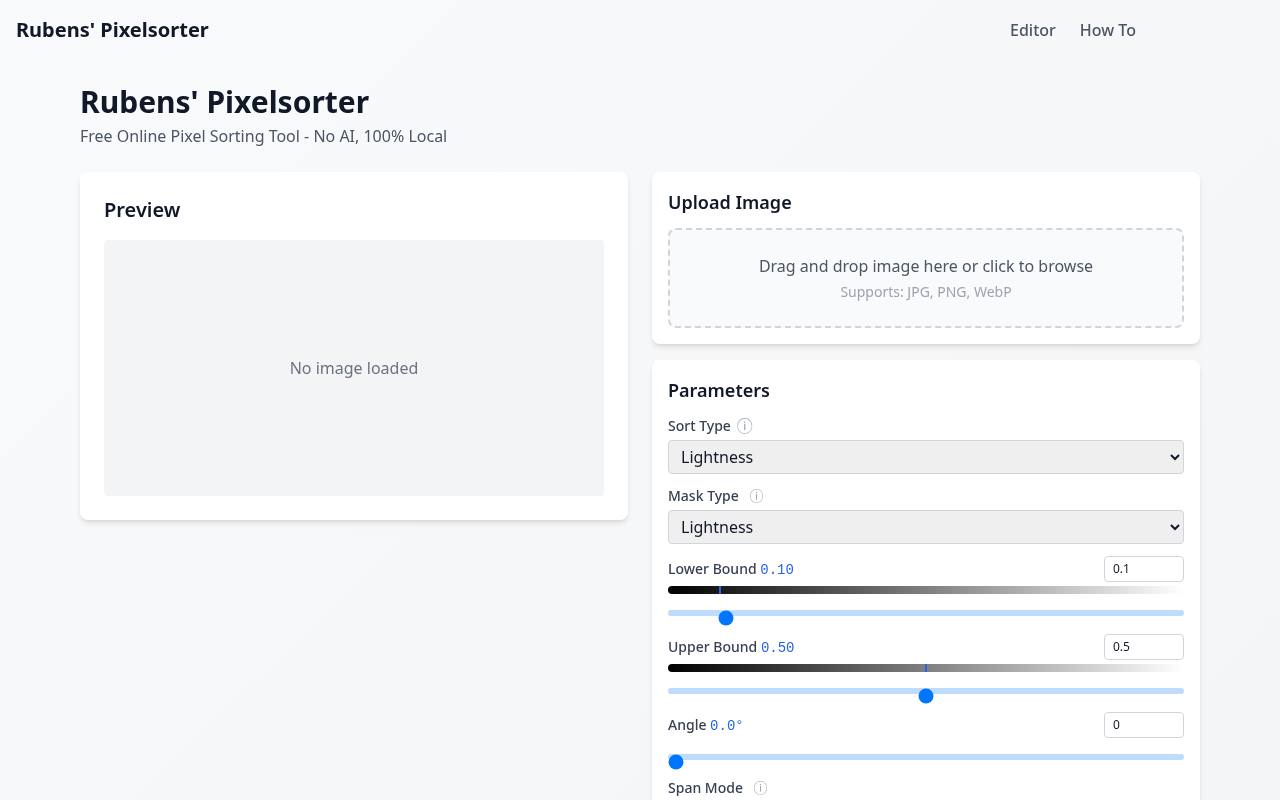
PixelSort is a focused browser destination for pixel sorting effects, with a page title that identifies the tool as free, non-AI, and fully local. Sorting rearranges pixels into ordered runs rather than adding a photographic overlay, so the visual interest comes from the colors already present in your source.
Try an image with bright highlights against dark surroundings to make that reorganization easier to judge. Its local processing approach is appealing for experimentation without an upload-based workflow. Keep the original alongside each variation, since aggressive sorting can quickly erase the recognizable subject.
- Type
- Web app
- Best for
- Exploring streaked color distortions through pixel sorting
- License
- Free online tool; check source terms for usage
- Price
- 100% free
Dither Me This
Web app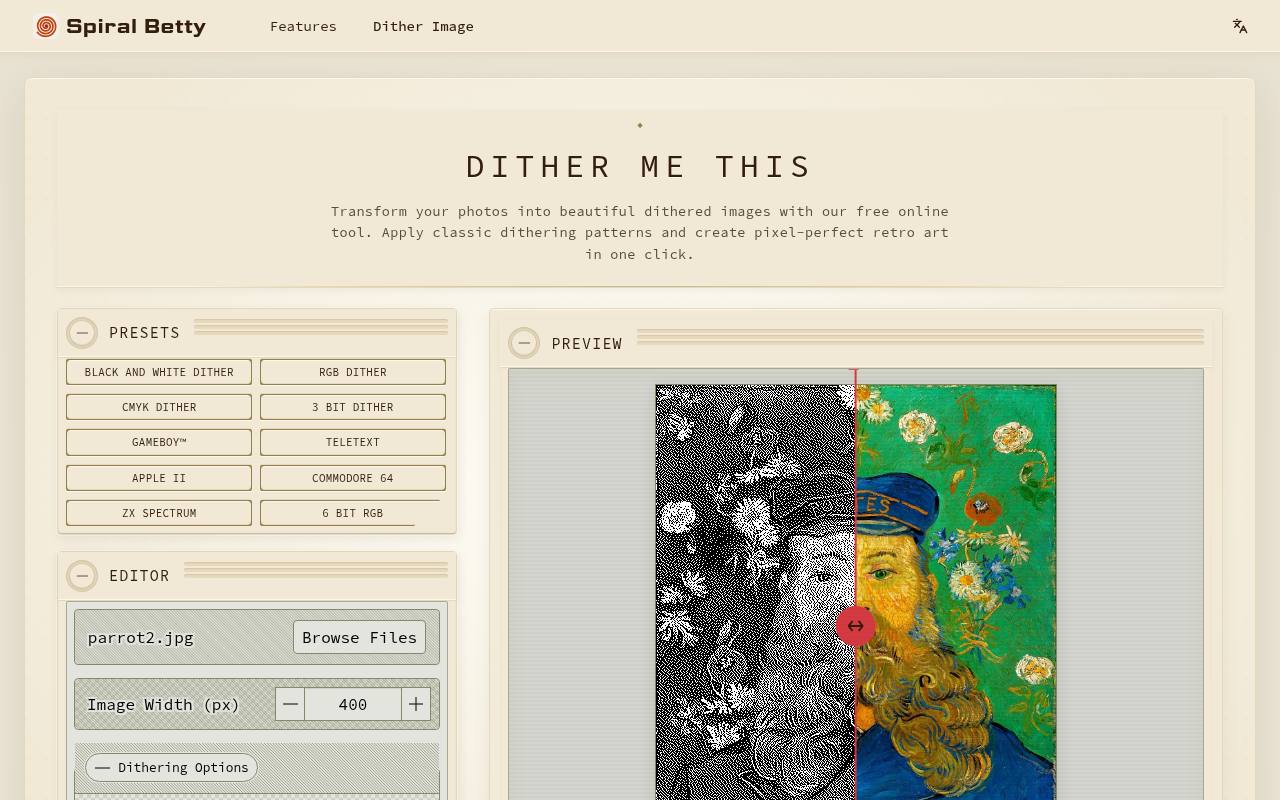
Spiral Betty’s Dither Me This brings together error diffusion, ordered dithering, random dithering, and color reduction in one browser tool. Its named retro palettes include GameBoy, Commodore 64, and ZX Spectrum, with custom palette editing available when your project needs different colors.
Adjust the output width and compare the result using the before-and-after slider. The page states that processing happens locally, without uploading your image. It also offers PNG and JPEG downloads, making this a practical starting point for colorful computer-era treatments rather than exclusively monochrome pixel art.
- Type
- Web app
- Best for
- Applying classic computer palettes to everyday photographs
- License
- Free online tool; site terms apply
- Price
- 100% free
DitherEffect
Web app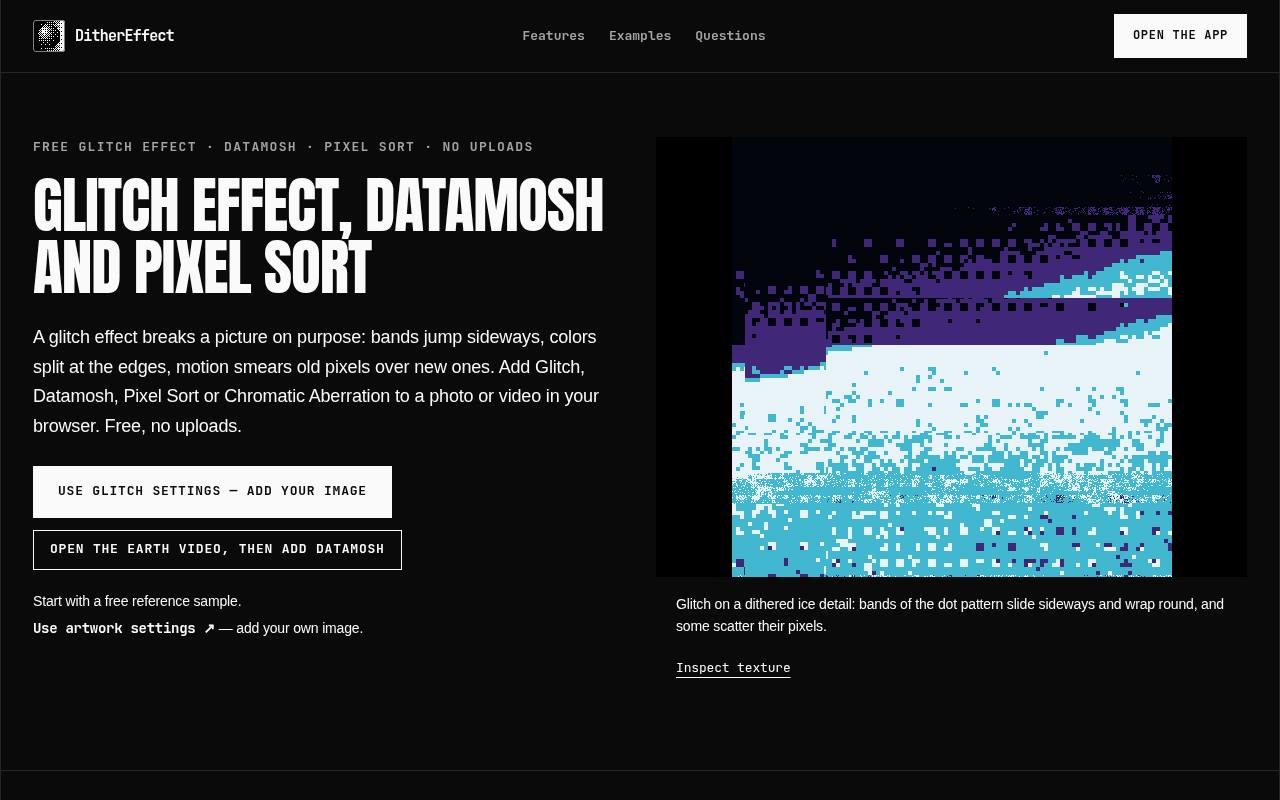
DitherEffect’s glitch page documents separate Glitch, Datamosh, Pixel Sort, and Chromatic Aberration effects. For still photographs, focus on the Glitch and Pixel Sort options; Datamosh requires moving input. Its Glitch effect includes horizontal slicing and tracking-style disruption, while seed controls help reproduce arrangements when the source and settings remain fixed.
Processing stays on your device and no account is required. Export a PNG still image for a photo workflow. The page also explains that its motion-based datamosh effect estimates movement rather than modifying compressed video frames directly.
- Type
- Web app
- Best for
- Combining sliced glitches with dithering and color fringing
- License
- Free browser effects; site terms apply
- Price
- 100% free
Choose the kind of damage first
Match the tool to the story before adjusting individual sliders. For a recorded-memory look, start with VHS signal artifacts in ntsc-rs or the dedicated PhotoFunia effect. For deliberate digital failure, try Image Glitch Tool.
If the reference is an early computer display, use limited-palette dithering instead. Pixel sorting fits streaked, abstract compositions better than believable home-video stills. Mixing those languages can work, but it should be a choice rather than an accidental pileup of unrelated defects.
Prepare a clean working copy
Crop and correct the photograph before introducing destructive visual effects. A subject that already disappears into a busy background will become harder to recognize after color separation or dithering. Keep one untouched original and export a separate working image for each experiment.
If the source is enormous, begin with a smaller copy to make browser previews more responsive. Once the direction is settled, repeat the treatment at the size your chosen free tool can actually export.
Understand free access and image rights
A free photo effect is not a license to reuse any photograph found online. You still need suitable rights to the source image, including any relevant permissions for identifiable people or protected artwork.
Software licensing is a separate question: an open-source app’s code license does not automatically describe every input image. Dithermark explicitly addresses output freedom in its FAQ. For tools without a clear output statement, review their terms before commercial delivery rather than assuming attribution is either required or waived.
Choose exports that preserve the texture
Use lossless PNG export when tiny dither dots, hard pixel boundaries, or clean channel offsets are central to the result. JPEG can introduce extra blocks and halos, which may be welcome in glitch art but undesirable in a carefully controlled palette.
Compare the exported file with the browser preview instead of trusting the preview alone. Also check final output dimensions early: Mosh’s free size cap and watermark can matter more to a print project than the quality of its interactive effects.
Control the order of effects
Order changes the result even when the ingredients stay the same. Dithering an already distorted image converts the damage into the chosen palette; distorting a dithered image breaks the pixel pattern itself.
For a restrained retro photo workflow, build one strong treatment first, export it, and add a second only if it improves the composition. Keep the filenames descriptive enough to retrace your steps. Record sliders or seeds where available, because an attractive randomized accident may otherwise be difficult to recreate.
Protect readability and viewing comfort
Keep readable text areas separate from dense noise, sliced edges, and busy dot patterns. Add essential headlines after processing the photograph so the message stays sharp. For animated variations, avoid rapid flashing and strong alternating brightness; a static version is often more usable for readers sensitive to motion.
Check the artwork at phone size as well as full resolution. A subtle texture that looks convincing on a large monitor may collapse into distracting interference in a small social preview.
Keep private images private
Local processing can be valuable when working with unreleased campaigns or personal portraits, but do not assume every browser editor works that way. Ditherlicious, Dithermark, ntsc-rs, and Dither Me This publish on-device processing information.
PhotoFunia instead asks you to supply a photo through its online effect workflow, so review its privacy policy first. For especially sensitive material, follow your organization’s approved software rules. A free tool’s convenience does not replace the permissions or security requirements attached to the image.
Can a still image be datamoshed?
Strictly speaking, video datamoshing involves relationships between compressed frames, so a single photograph does not contain the necessary motion history. A still-image tool can imitate the resulting smears and broken blocks without performing that process.
DitherEffect makes this distinction explicit and reserves its Datamosh effect for moving input. For a photograph, use pixel sorting effects, displacement, or JPEG corruption to pursue a similar visual direction. Choose the appearance you need without confusing a simulated treatment with a particular file-manipulation technique.