
Good clothing visuals help people understand more than the artwork alone. Free apparel mockups show print placement, garment color, and the relationship between a graphic and the body wearing it.
They are useful for testing a clothing identity, building a print-on-demand listing, or comparing several design directions before ordering samples. The challenge is choosing a scene that represents the garment honestly instead of making a generic shirt look like a product with a different fit or construction.
This selection combines online t-shirt generators with downloadable PSD resources and a specific hoodie option. Printful and Printify connect mockups to their product catalogs, while standalone tools focus on placing your artwork in prepared scenes.
PSD files offer a different workflow, giving designers control inside a compatible editor rather than through a browser interface. Start with the garment you actually intend to sell or present, then choose the tool whose available scenes and editing method fit that requirement.
Every free clothing mockup comes with practical boundaries. Some services require an account, some separate free output from premium resolution or templates, and others publish individual files with their own licences. A free generator does not grant rights to a logo or illustration you upload.
Before producing a full collection of images, check download access, commercial permission, available views, and garment accuracy. One early test with your own artwork usually reveals more than browsing dozens of attractive template thumbnails.
Quick picks at a glance
| # | Resource | License | Best for |
|---|---|---|---|
| 1 | Printful | Free tool; Printful content terms apply | Showing designs on actual Printful catalog garments |
| 2 | Printify | Free mockup tool; platform content terms apply | Watermark-free apparel images tied to selected products |
| 3 | MockupBro | Free generator; check template and content terms | Simple apparel previews without desktop graphics software |
| 4 | Mockup Mark | Free commercial and noncommercial use | Dedicated free clothing templates with commercial permission |
| 5 | Canva | Free assets available; Pro content and Canva terms apply | Combining shirt previews with broader promotional layouts |
| 6 | Renderforest | Free access has output restrictions; check download terms | Exploring shirt scenes in coordinated template packs |
| 7 | Designbolts | Personal and commercial projects on linked resource | Hoodie concept presentations with clearly disclosed AI imagery |
| 8 | Free Mockup Generator | Site image licence applies; check intended use | Private shirt and hoodie previews without account requirements |
| 9 | Graphic Burger | Free resources; verify individual item licence | Editable shirt styles including polos and long sleeves |
| 10 | Mockup World | Free listings; linked creator licences apply | Discovering independent apparel PSDs across multiple creators |
Printful
Product-linked online mockup generator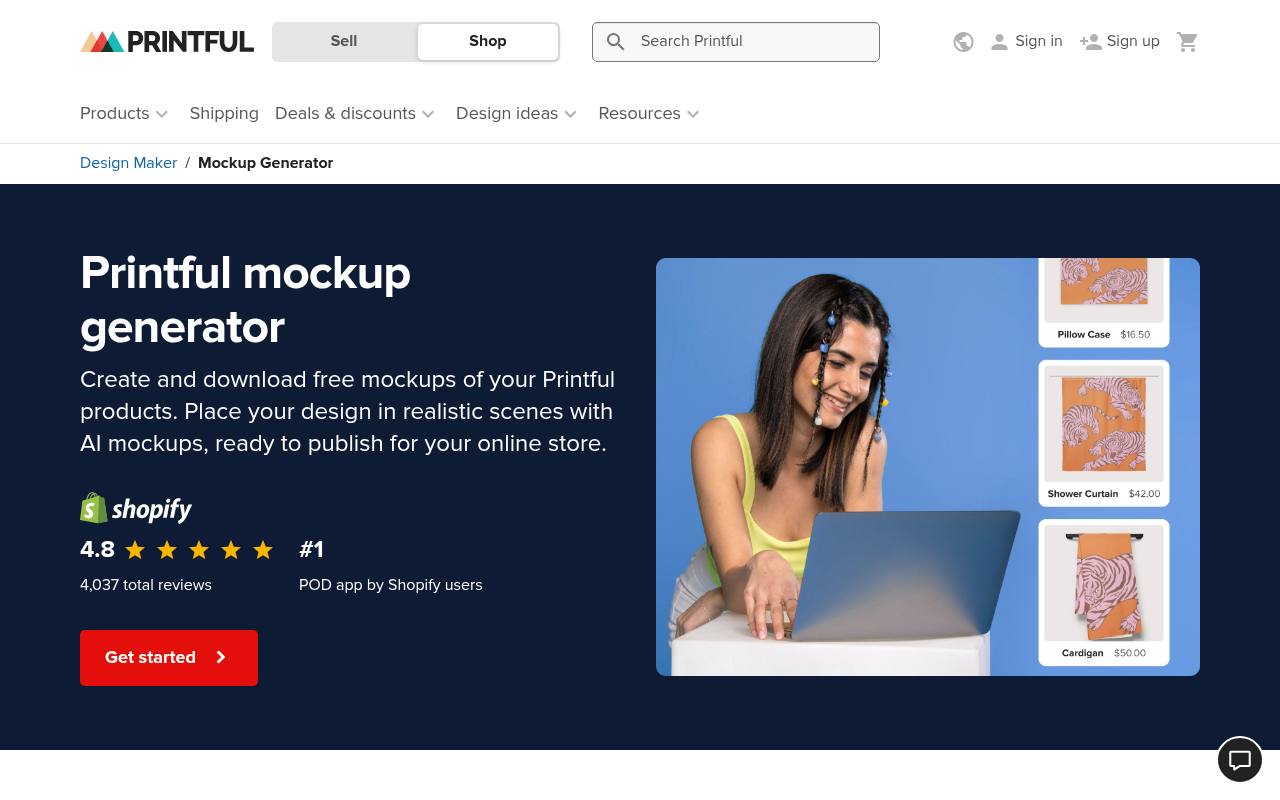
Printful’s free mockup generator is closely connected to its apparel catalog, making it especially useful when the shirt or hoodie in the image is also the item you plan to fulfill. Its product page describes uploading designs and downloading mockups, with a free account needed for the working product workflow.
This is a better starting point than an unrelated fashion photograph when accurate blank selection matters. Use catalog-matched apparel visuals alongside a real sample photograph when possible, and do not confuse access to the generator with free production, shipping, or permission to use third-party artwork.
- Type
- Product-linked online mockup generator
- Best for
- Showing designs on actual Printful catalog garments
- License
- Free tool; Printful content terms apply
- Price
- Free generator; products sold separately
Printify
Online product creator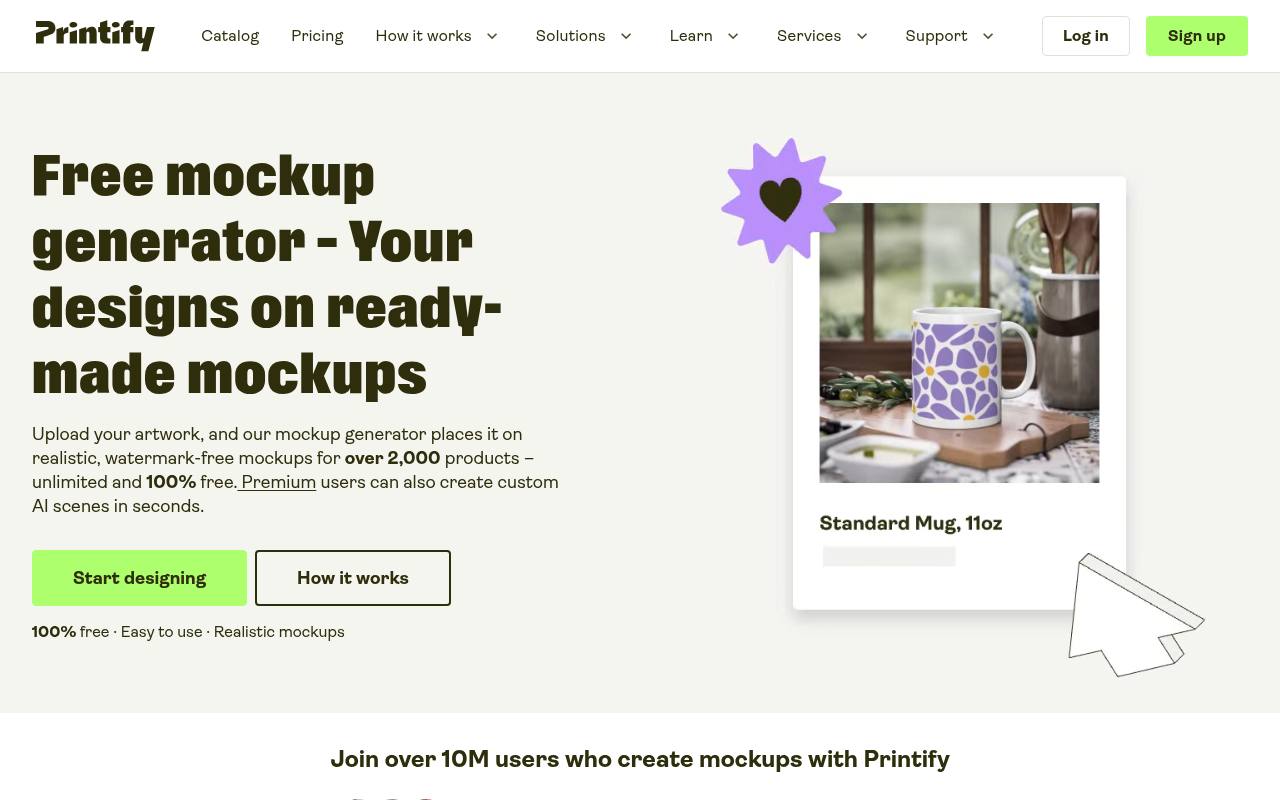
Printify explicitly advertises free watermark-free mockups across its catalog, including t-shirts, hoodies, and tote bags. Upload artwork in the product creator, save the design, and choose from the mockup views available for that particular product. The page describes front, back, folded, lifestyle, and other views where supported, while identifying custom AI scenes as a premium feature.
Choose product-specific mockup views rather than assuming every garment has the same photography. If several providers offer similar blanks, verify the selected product and color so the imagery does not drift away from the item customers can actually order.
- Type
- Online product creator
- Best for
- Watermark-free apparel images tied to selected products
- License
- Free mockup tool; platform content terms apply
- Price
- Free generator + paid extras
MockupBro
Online product mockup generator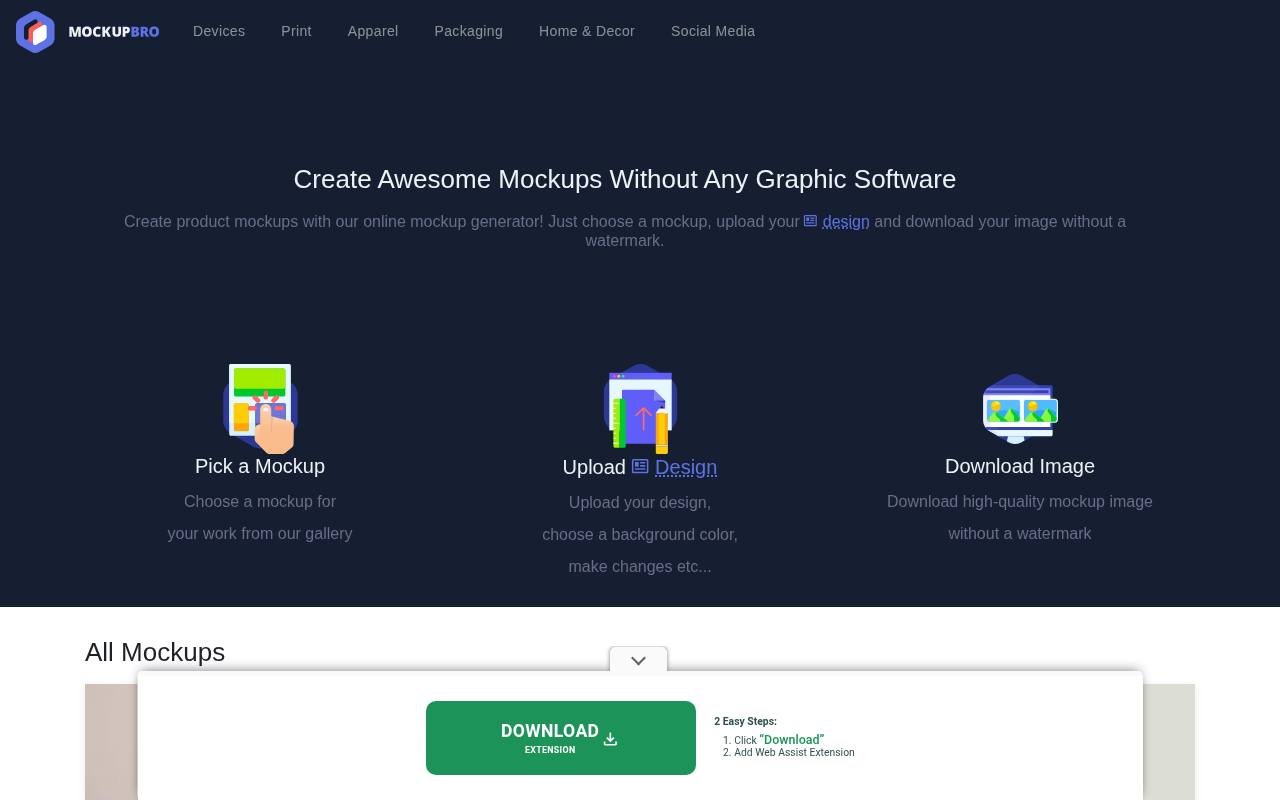
MockupBro offers a free online mockup generator based on choosing a template, uploading a design, adjusting the result, and downloading the finished image. Its library includes apparel alongside other product categories, making it useful for a straightforward shirt presentation without maintaining a PSD workflow.
Start with a clothing template and inspect the available color and artwork controls rather than expecting a complete garment-design system. The strength of this template-based browser workflow is its simplicity: it can turn finished transparent artwork into a review image quickly, but it does not establish production print areas or replace a supplier’s specifications.
- Type
- Online product mockup generator
- Best for
- Simple apparel previews without desktop graphics software
- License
- Free generator; check template and content terms
- Price
- 100% free
Mockup Mark
Online apparel mockup generator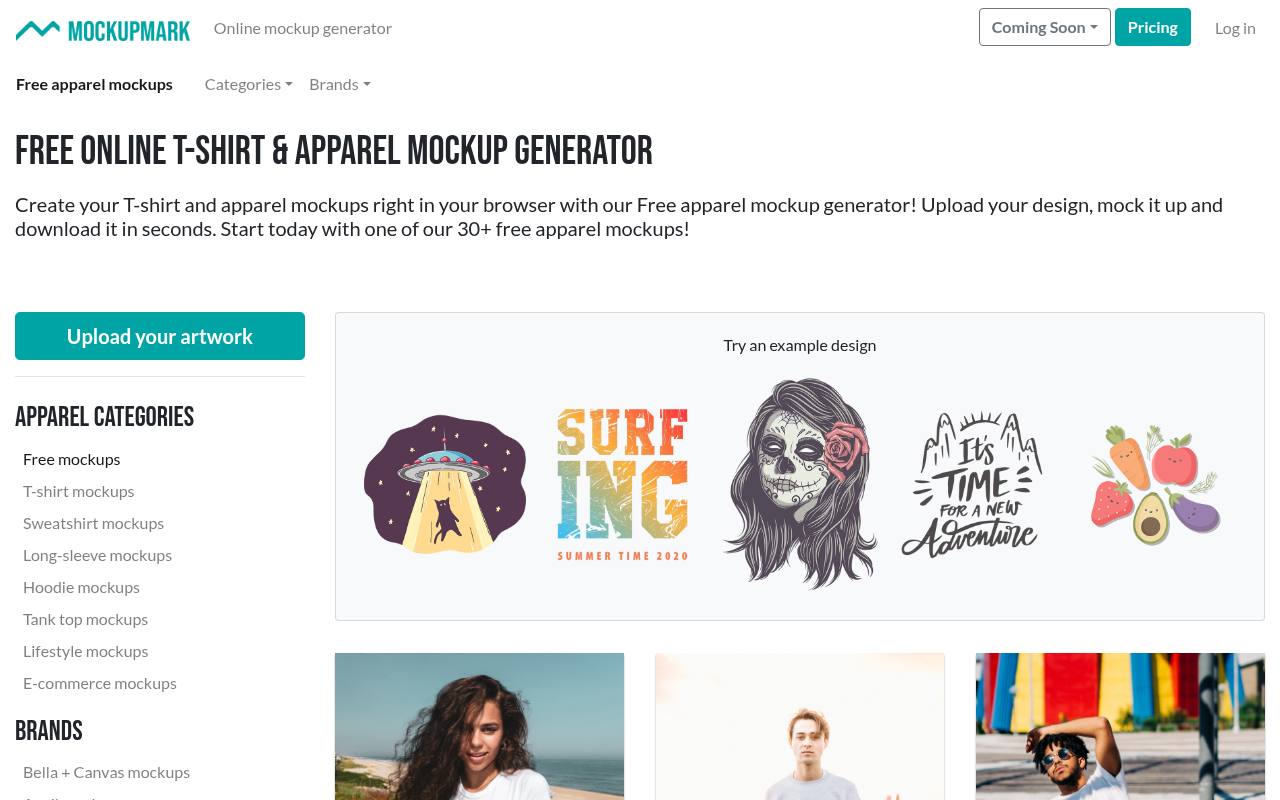
Mockup Mark has a dedicated free apparel generator page rather than asking you to search an unrestricted premium catalog. The page invites you to upload a design, create a mockup, and download it in the browser. It also explicitly allows the resulting images for commercial and noncommercial use across print and digital media.
That makes clear usage permission one of its strongest practical advantages for clothing presentations. Choose a free scene whose shirt cut and visible print area suit your design, then inspect the exported image carefully before extending the same composition across an entire product range.
- Type
- Online apparel mockup generator
- Best for
- Dedicated free clothing templates with commercial permission
- License
- Free commercial and noncommercial use
- Price
- Free collection + paid options
Canva
Online design and mockup editor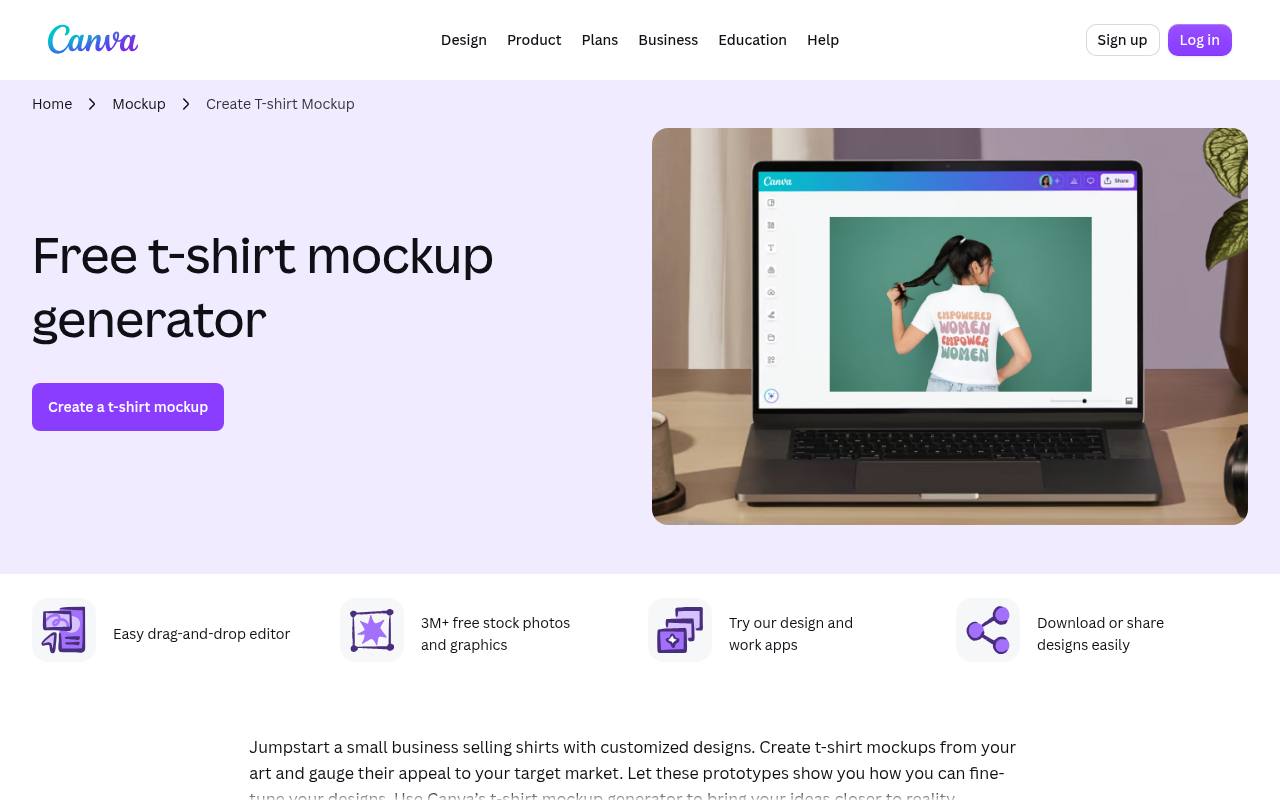
Canva’s t-shirt mockup workflow sits inside a wider design editor, useful when the garment image is only one part of an announcement, lookbook page, or social graphic. Free access is available, but templates and assets can include Pro content, so confirm the selected elements before export.
The appeal is the ability to combine a mockup with typography and other layout elements without moving immediately to another application. For free promotional compositions, keep the artwork placement believable and use Canva’s content licence for the assets involved rather than assuming everything visible in search results is cleared on the same terms.
- Type
- Online design and mockup editor
- Best for
- Combining shirt previews with broader promotional layouts
- License
- Free assets available; Pro content and Canva terms apply
- Price
- Free + Pro
Renderforest
Browser apparel mockup editor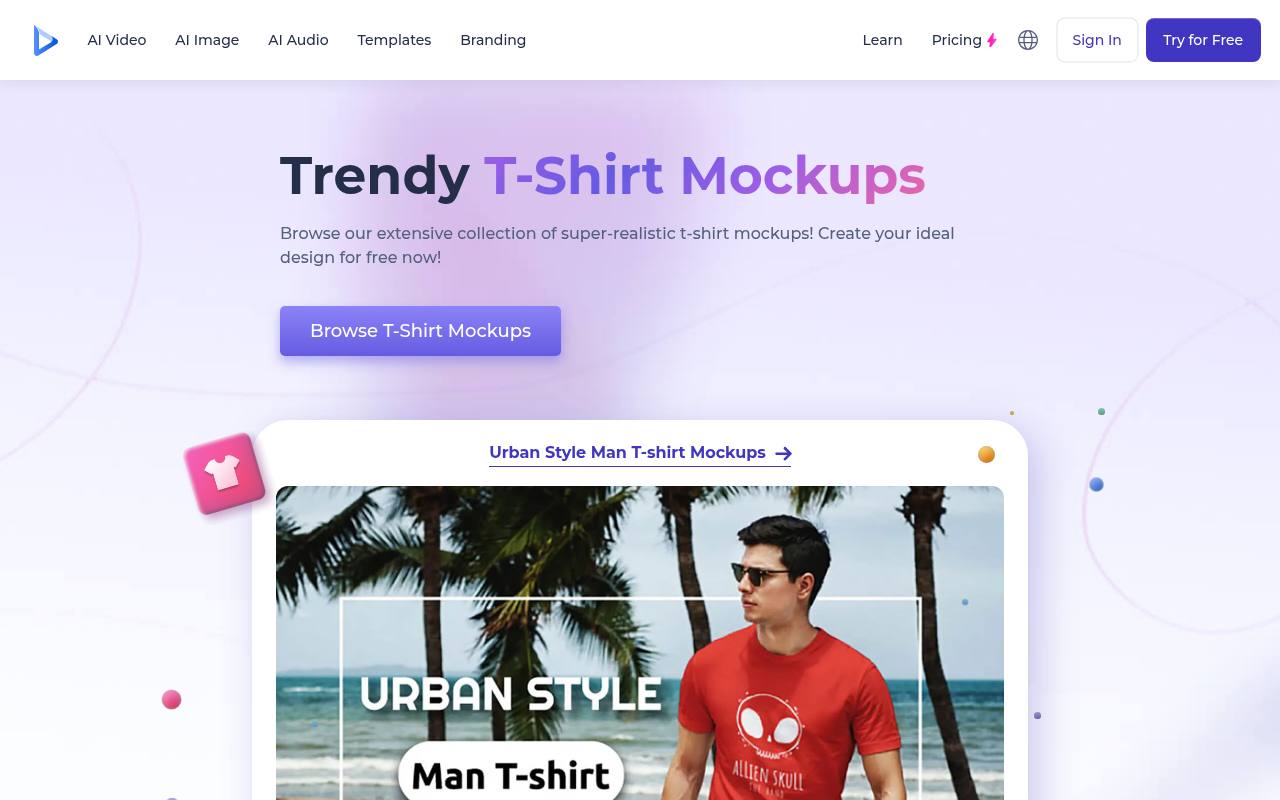
Renderforest’s t-shirt mockup generator organizes scenes into packs, including crewneck shirts, hanging garments, urban styles, and casual apparel branding. Its page describes signing in, selecting a template, uploading artwork, adjusting supported colors or backgrounds, and downloading the result.
Free creation is promoted, but final output quality and watermark conditions should be checked in the active download flow before you build a campaign around it. The coordinated scene packs are useful for visual consistency when comparing graphics across related presentations. Select an appropriate model and garment silhouette first; changing a shirt’s color cannot correct an inaccurate cut.
- Type
- Browser apparel mockup editor
- Best for
- Exploring shirt scenes in coordinated template packs
- License
- Free access has output restrictions; check download terms
- Price
- Free + paid plans
Designbolts
Editable hoodie PSD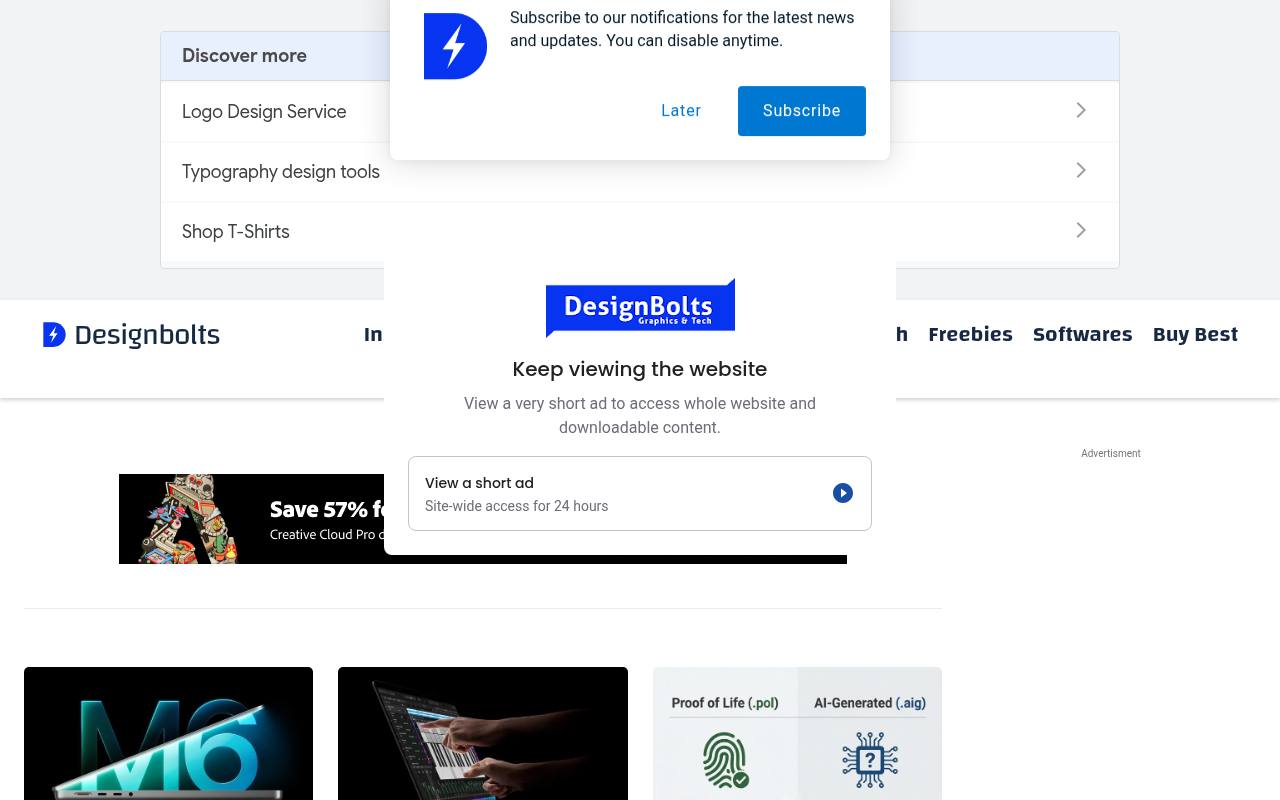
Designbolts’ linked free hoodie PSD is a specific downloadable resource rather than a promise of unrestricted access to a whole apparel platform. The article describes the mockup as AI-generated and discusses using it for personal and commercial projects. That disclosure matters when assessing fabric folds, seams, hands, or other details that may not match a manufactured garment.
Use this AI-generated hoodie scene for visual concepts where its appearance is suitable, and inspect the downloaded layers before committing to detailed revisions. For a live product listing, compare the result against the actual hoodie and avoid suggesting that synthetic details document a real sample.
- Type
- Editable hoodie PSD
- Best for
- Hoodie concept presentations with clearly disclosed AI imagery
- License
- Personal and commercial projects on linked resource
- Price
- Free download
Free Mockup Generator
Client-side apparel mockup generator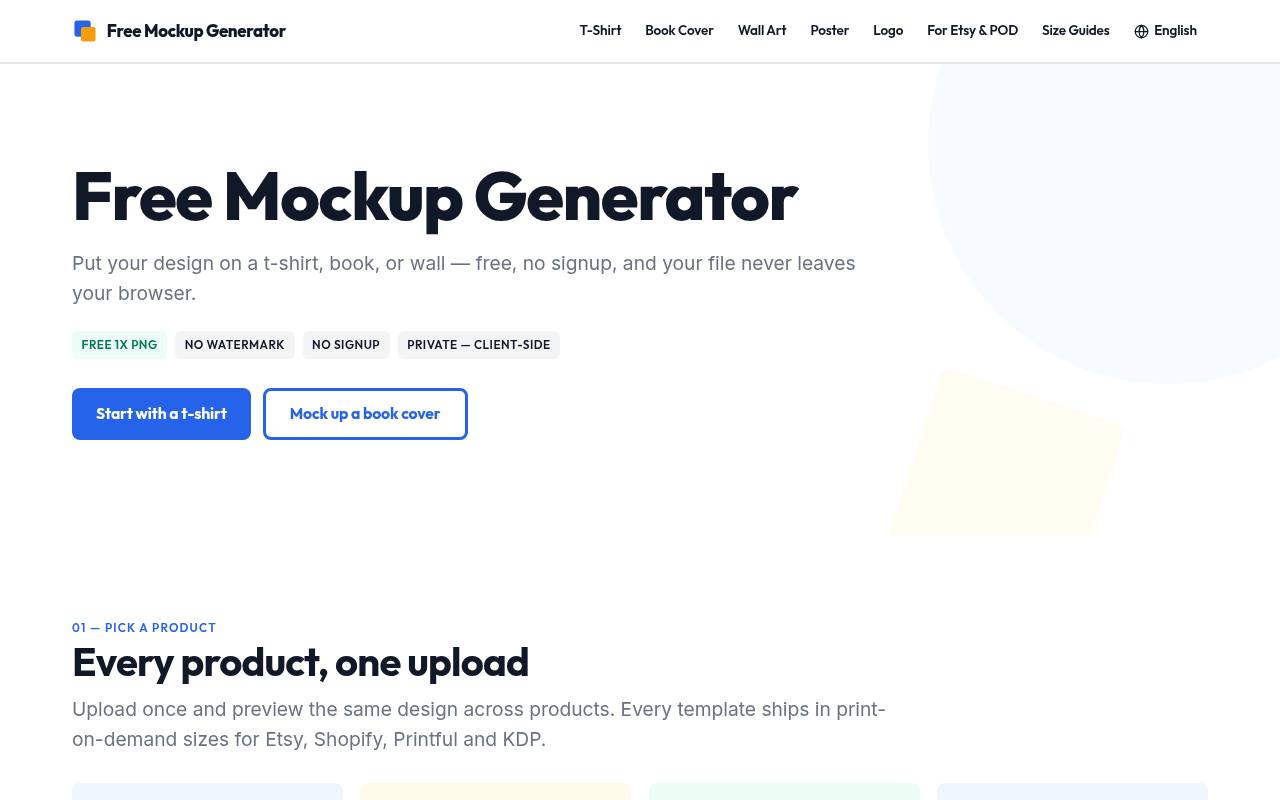
Free Mockup Generator states that free one-times PNG exports are available without a watermark, account, or email requirement. Its apparel routes include t-shirts, hoodies, sweatshirts, long sleeves, and other garments, while uploaded artwork is composited in the browser rather than sent to a server.
The homepage separates higher-resolution and batch features as optional add-ons, making the free-output boundary relatively clear. Use its client-side clothing workflow when you need a fast preview without uploading an unreleased design. Read the site image licence for your intended placement and inspect whether the available template dimensions are sufficient for your listing or presentation.
- Type
- Client-side apparel mockup generator
- Best for
- Private shirt and hoodie previews without account requirements
- License
- Site image licence applies; check intended use
- Price
- Free exports + optional paid add-ons
Graphic Burger
Apparel Photoshop PSD collection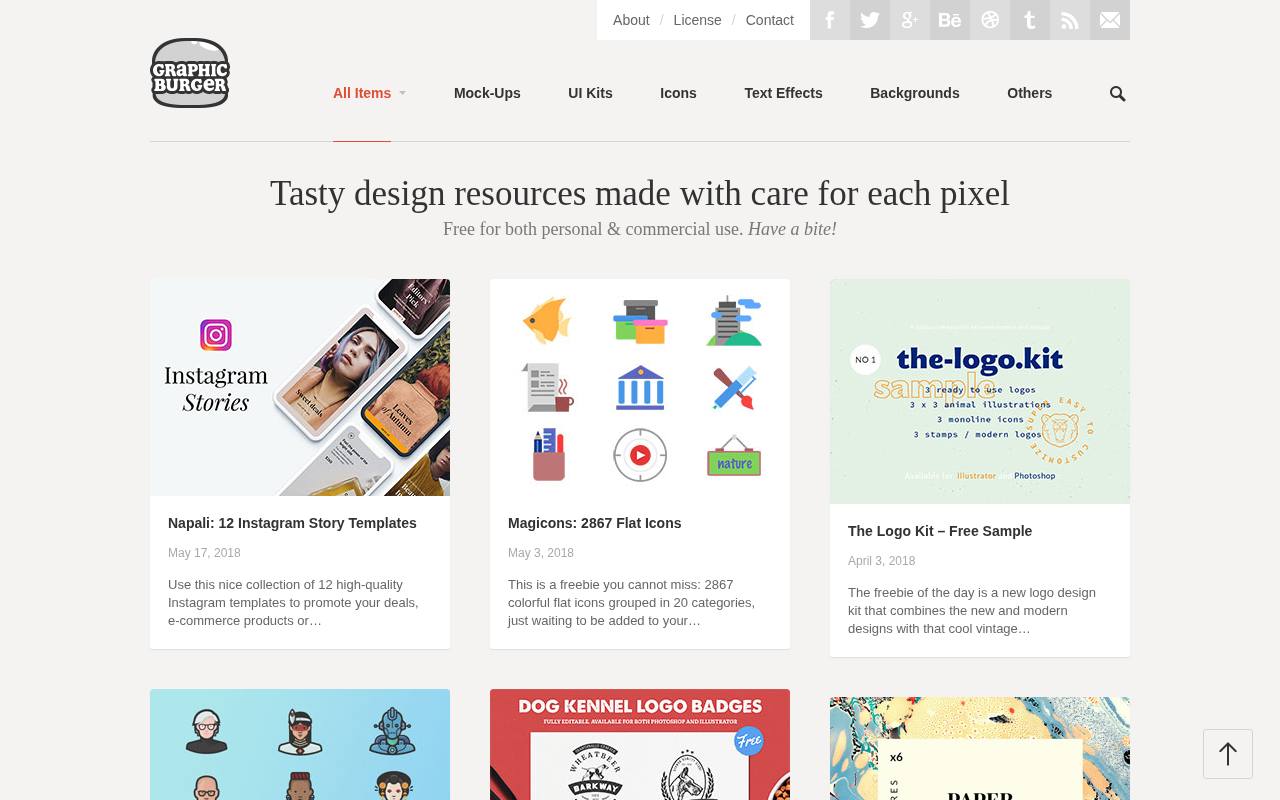
Graphic Burger’s t-shirt tag collection extends beyond a standard crewneck. The visible archive includes pocket tees, V-necks, polo shirts, long sleeves, and women’s shirt mockups, with some entries offering front and back views. These are downloadable PSD resources, not an online garment customizer, so plan on a compatible editor and inspect the individual layer setup.
For varied apparel silhouettes, the archive is useful when a basic shirt template would misrepresent the clothing concept. Many resources are older, so compare the cut and styling with your current product rather than treating the publication date as evidence of suitability.
- Type
- Apparel Photoshop PSD collection
- Best for
- Editable shirt styles including polos and long sleeves
- License
- Free resources; verify individual item licence
- Price
- Free downloads
Mockup World
Curated mockup download directory
Mockup World functions as a free mockup directory, useful for finding apparel resources from independent designers rather than committing to one editor. Search or browse clothing-related entries, then read the listing and follow its download link to the original source.
Available formats and permissions depend on the creator, so the directory should be treated as a discovery layer rather than one uniform asset licence. For independent clothing mockups, compare preview angles, garment fit, editable colors, and the stated software requirements before downloading. Preserve the original author’s information so future revisions and licence questions can be traced back to the right place.
- Type
- Curated mockup download directory
- Best for
- Discovering independent apparel PSDs across multiple creators
- License
- Free listings; linked creator licences apply
- Price
- Free resources
Match the blank rather than just the graphic
Begin with garment identity checks: neckline, sleeve length, fit, fabric weight, pocket position, and hem shape. A slim fitted tee is not an honest substitute for an oversized heavyweight blank.
Supplier-connected tools can help narrow that gap, but you still need to choose the correct product. If a standalone template is only approximate, use it for concept discussion instead of presenting it as an exact product photograph.
Prepare transparent artwork at a useful size
Use clean transparent artwork when the design should sit directly on fabric. Remove accidental white rectangles, inspect thin lines, and leave enough source resolution for the intended print area.
Keep the original illustration or vector file separate from the flattened upload. A mockup can make rough edges less obvious at thumbnail size, but those same defects may become visible in a larger listing image or printed sample.
Treat print placement as a production decision
A believable print position should respect the garment’s seams, collar, pocket, and likely printing method. Do not enlarge a graphic beyond the supplier’s printable region merely because the template permits it.
Hoodie drawstrings and front pockets can complicate artwork placement. Confirm production dimensions in the actual product specification, then use the mockup to communicate that choice rather than letting a decorative scene determine the manufacturing setup.
Read free-plan and commercial-use conditions separately
Check download and licensing limits independently. A platform may allow free editing but restrict export quality, add a watermark, or reserve some templates for paid accounts. Another may provide a genuinely free file with restrictions on redistributing its source.
Keep the relevant terms with the project, and remember that permission to use a clothing photograph does not clear copyrighted graphics, celebrity imagery, or brand marks you add yourself.
Mix flat views with model-based context
Build a balanced apparel image set with one clear garment view and one contextual scene where the licence and available templates permit. Flat lays make graphics easy to compare; model images communicate fit and styling.
Keep scale and color treatment consistent between them. Do not rely on a dramatic pose as the only view of a design, especially if folds hide important artwork or make the print placement difficult to judge.
Order samples before making quality claims
Use real product samples to evaluate fabric color, printing sharpness, hand feel, shrinkage, and how the garment fits. No PSD or browser render can verify those properties.
Mockups are valuable for prelaunch planning, but finished product photography provides evidence that a template cannot. If you use AI-generated scenes, inspect the anatomy and garment construction and avoid describing the image as a photograph of your manufactured item.
Export images that customers can actually inspect
Create listing-ready image exports at the marketplace’s recommended dimensions, leaving safe space for crops and mobile previews. Keep a high-quality master and optimize the published copy to avoid unnecessary loading delays.
Write alternative text that describes the shirt, color, and visible design rather than stuffing search phrases. Include useful product information in accessible page text too, since text baked into the image may be unreadable on smaller screens.