
Packaging needs to work as an object, not just as a flat piece of artwork. Free packaging mockups help you evaluate how a logo wraps around a bottle, whether a carton panel feels crowded, and how a bag design reads from a distance.
They also make early presentations easier to understand for clients who do not routinely read dielines. Use them to communicate direction while keeping structural engineering, print specifications, and material testing in a separate production process.
The sources below cover boxes, bottles, and bags, with broader collections extending into cans, pouches, cups, and cosmetic containers. Most deliver layered Photoshop documents rather than editable manufacturing files.
Several are publishers that curate work from outside creators, so a download may lead to the original author. Others supply their own files directly. Check the actual item page for format, editable surfaces, software requirements, and licence details rather than relying only on the category thumbnail.
A useful free packaging download should fit both the product shape and the intended use. A personal-use bottle template can be excellent for practice but unsuitable for a commercial campaign. A beautiful glossy jar scene can misrepresent a matte printed container.
Before choosing, identify the material, closure, proportions, and viewing angle you need. Then test one label replacement and one export so you know the resource will support the presentation you have in mind.
Quick picks at a glance
| # | Resource | License | Best for |
|---|---|---|---|
| 1 | Mockups Design | Free mockups; confirm item licence and usage conditions | Broad packaging searches with direct source downloads |
| 2 | Unblast | Check creator licence on each linked download | Discovering packaging scenes with clear creator context |
| 3 | Good Mockups | Free for personal and commercial use on linked item | Matching dropper bottles with their outer cartons |
| 4 | Resource Boy | Personal and commercial use on linked set | Comparing pouch artwork across front and perspective views |
| 5 | Mockuptree | Free listings; licence varies by author | Finding boxes, pouches, jars, and food packaging |
| 6 | Pixpine | Free for personal and commercial use on linked item | Presenting square and tall cartons together consistently |
| 7 | Freebiesbug | Free listings; original creator terms apply | Finding packaging downloads alongside wider branding assets |
| 8 | Pixelbuddha | Free item licences vary; Plus content requires payment | Browsing material-rich boxes, bottles, and pouch scenes |
| 9 | ZippyPixels | Personal use only; credit to ZippyPixels required | Practicing coordinated matte-bottle and carton branding |
| 10 | Mr.Mockup | Freebies licence: personal & commercial use | Coffee bags, boxes and cosmetic jars with realistic hands |
Mockups Design
Layered PSD mockup library
Mockups Design publishes free PSD mockups across a structured catalog that includes packaging alongside print and branding scenes. Its homepage emphasizes instant downloads and multi-scene studio resources, which is useful when you need more than one view of a box or container.
Browse by the relevant object rather than stopping at the newest releases, since the overall library spans many unrelated design categories. For coordinated packaging presentations, inspect whether the selected set supplies matching angles and separate editable surfaces. Keep the download instructions with your working files so later revisions follow the intended layer structure.
- Type
- Layered PSD mockup library
- Best for
- Broad packaging searches with direct source downloads
- License
- Free mockups; confirm item licence and usage conditions
- Price
- 100% free
Unblast
Curated packaging PSD resources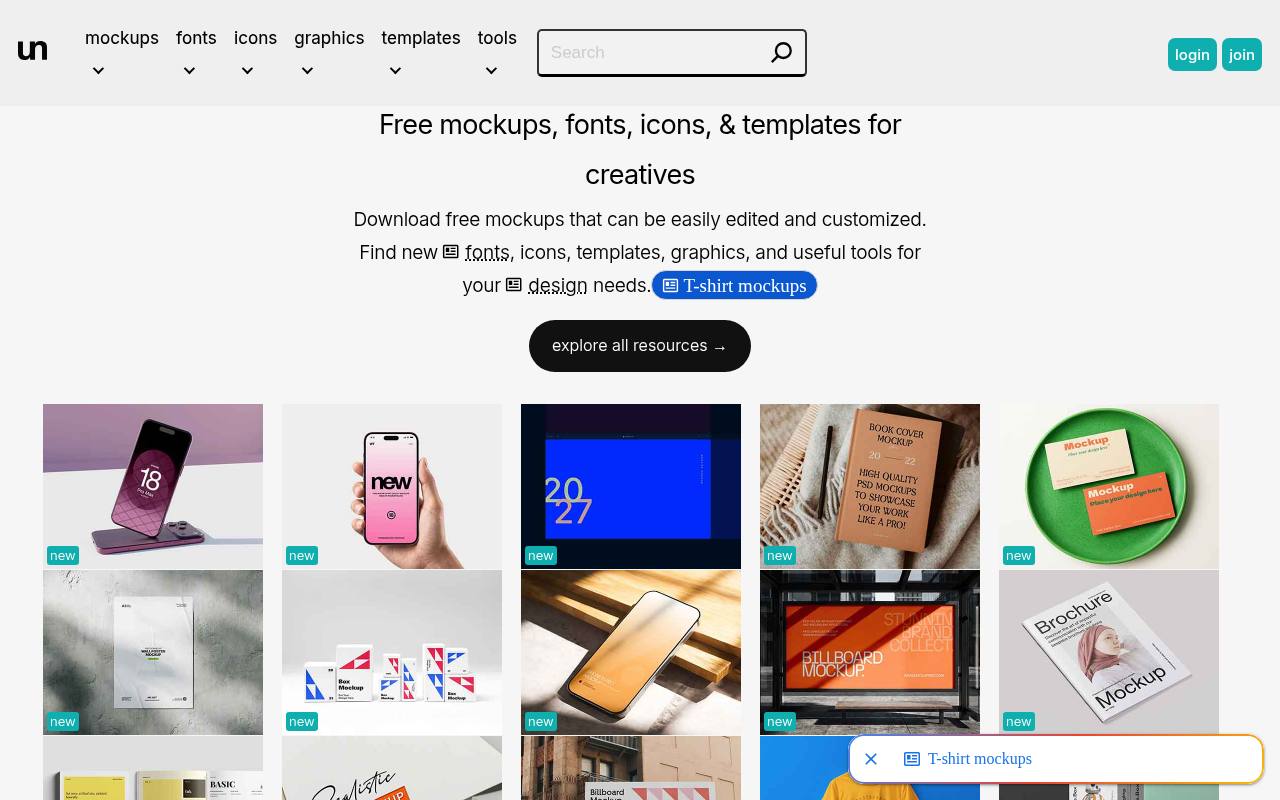
Unblast’s linked packaging resource presents a box and cup composition in PSD format, illustrating its role as a discovery destination for presentation assets. The packaging angle is helpful when a brand needs several related surfaces rather than one isolated label.
Because Unblast curates resources, follow the download through to the named creator and read the accompanying permission statement. Use the packaging scene preview to judge whether the arrangement suits your identity before downloading a large file. Do not assume every visible object has independently editable colors or artwork; verify those details in the specific resource description.
- Type
- Curated packaging PSD resources
- Best for
- Discovering packaging scenes with clear creator context
- License
- Check creator licence on each linked download
- Price
- Free resources
Good Mockups
Layered Photoshop PSD
Good Mockups’ linked cosmetic dropper mockup pairs a bottle with its packaging box, making it useful for checking an identity across primary and secondary packaging. The page identifies a layered PSD with smart-object insertion, a 3300 by 2200 pixel canvas, and personal and commercial permission.
It credits Pixpine as the creator and lists a Photoshop compatibility requirement. This bottle and box scene suits skincare or essential-oil concept presentations, provided the proportions match the real product. Replace both surfaces thoughtfully: the small bottle label and the larger carton should share a hierarchy without becoming identical layouts.
- Type
- Layered Photoshop PSD
- Best for
- Matching dropper bottles with their outer cartons
- License
- Free for personal and commercial use on linked item
- Price
- Free download
Resource Boy
Photoshop smart-object PSD set
Resource Boy’s linked stand-up pouch set contains three PSD mockups, with front and perspective views and compositions featuring single or paired pouches. The listing specifies Adobe Photoshop compatibility, smart objects, and personal and commercial use, and credits Free PSD Templates as the designer.
That combination makes it practical for exploring coffee, snack, or other flexible-packaging concepts without constructing a scene yourself. Use the multiple pouch views to check whether the brand remains legible as the surface turns away. Keep essential product information on the flatter central area rather than relying on the curved outer edges.
- Type
- Photoshop smart-object PSD set
- Best for
- Comparing pouch artwork across front and perspective views
- License
- Personal and commercial use on linked set
- Price
- Free download
Mockuptree
Packaging PSD directory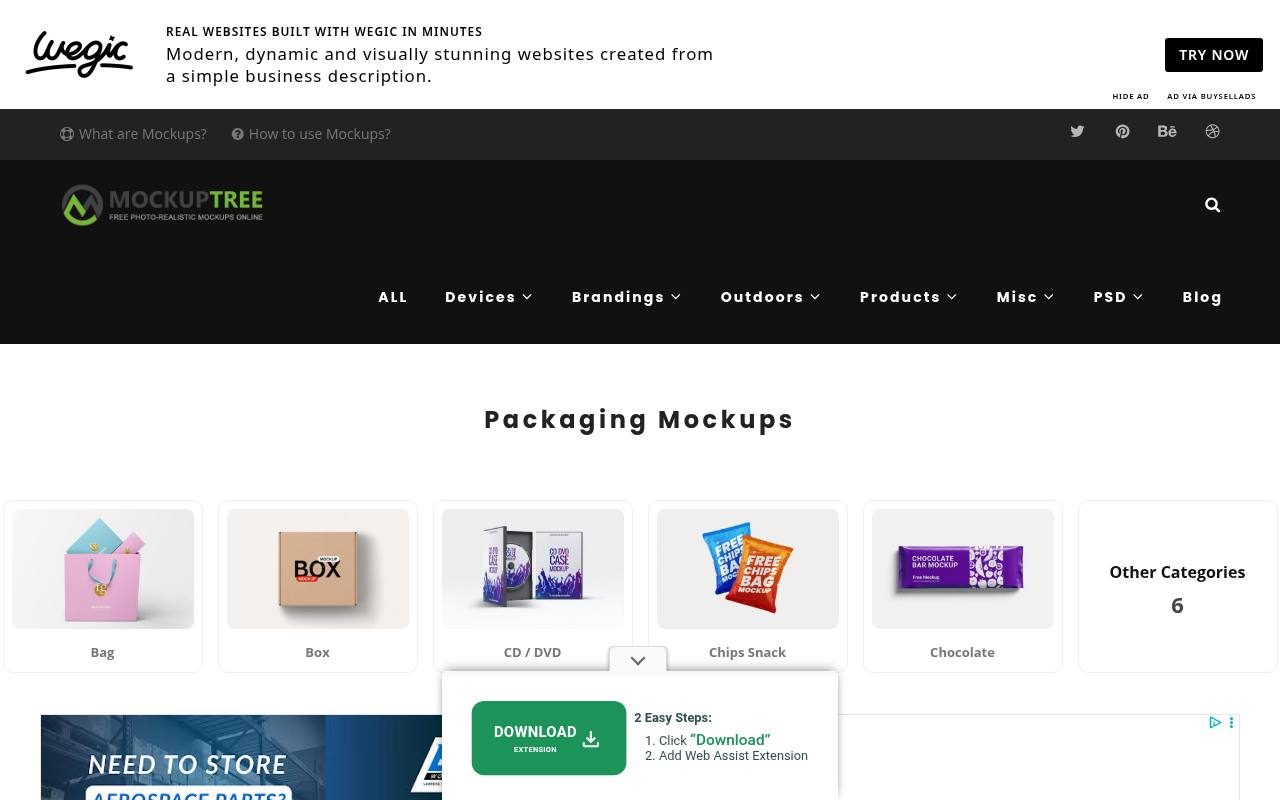
Mockuptree organizes its packaging mockup directory into object-led routes such as bags, boxes, jars, pouches, sachets, and cosmetics. Individual listings commonly describe Photoshop files and smart-object replacement, while download links may refer you to the originating designer. This structure is useful when the physical container is already decided and you need to compare presentation options quickly.
Treat the author and licence fields as part of the selection process, not an afterthought. A category-wide free label describes availability, but the original resource page remains important for understanding permitted usage and any conditions attached to the files.
- Type
- Packaging PSD directory
- Best for
- Finding boxes, pouches, jars, and food packaging
- License
- Free listings; licence varies by author
- Price
- Free resources
Pixpine
Editable Photoshop PSD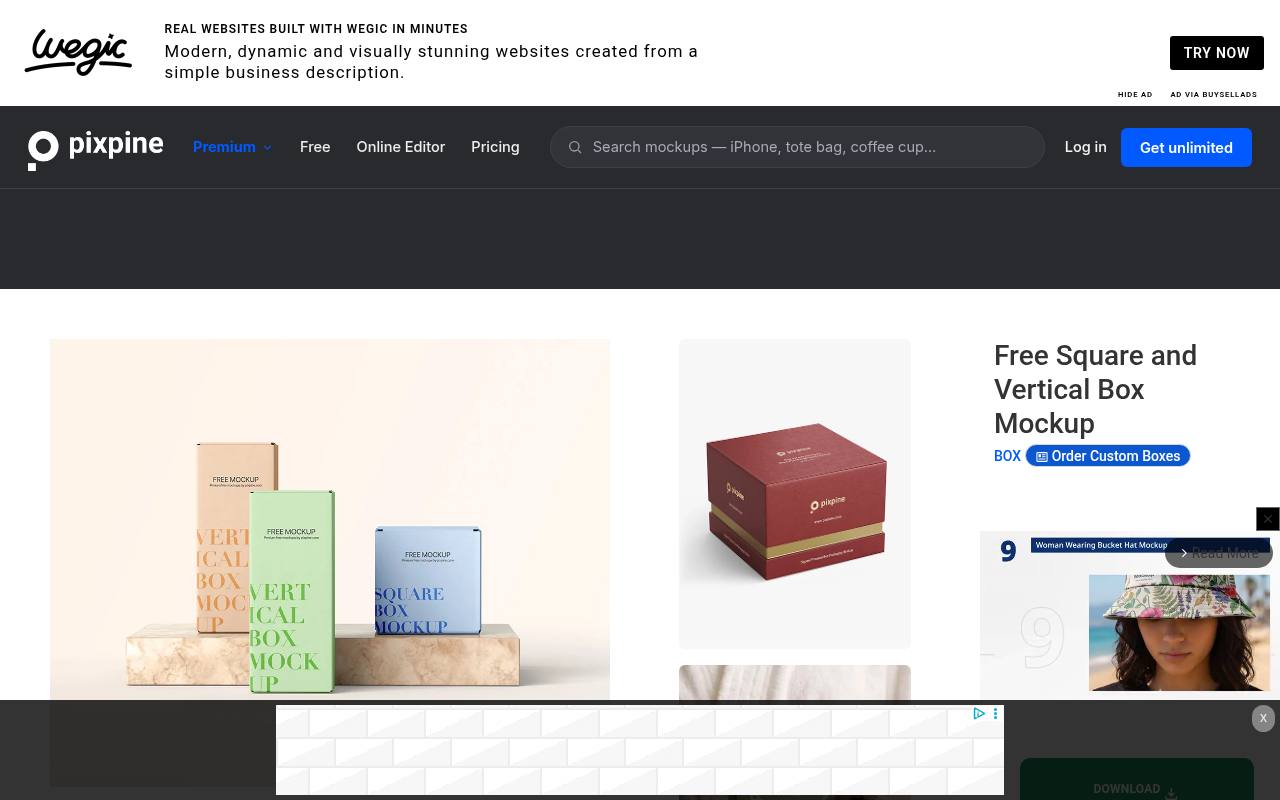
Pixpine’s square and vertical box mockup places two carton proportions in one resource, useful for a brand family that needs both compact and taller packaging. The source lists a Photoshop PSD, a 4500 by 3200 pixel canvas, smart-object editing, and permission for personal and commercial use.
Its broader catalog contains premium content, so this specific free item is a clearer starting point than an unrestricted homepage browse. Use the contrasting carton shapes to test how one identity adapts across different panel widths, especially when typography and ingredient information need more room on one product than another.
- Type
- Editable Photoshop PSD
- Best for
- Presenting square and tall cartons together consistently
- License
- Free for personal and commercial use on linked item
- Price
- Free download + premium catalog
Freebiesbug
Curated PSD mockup directory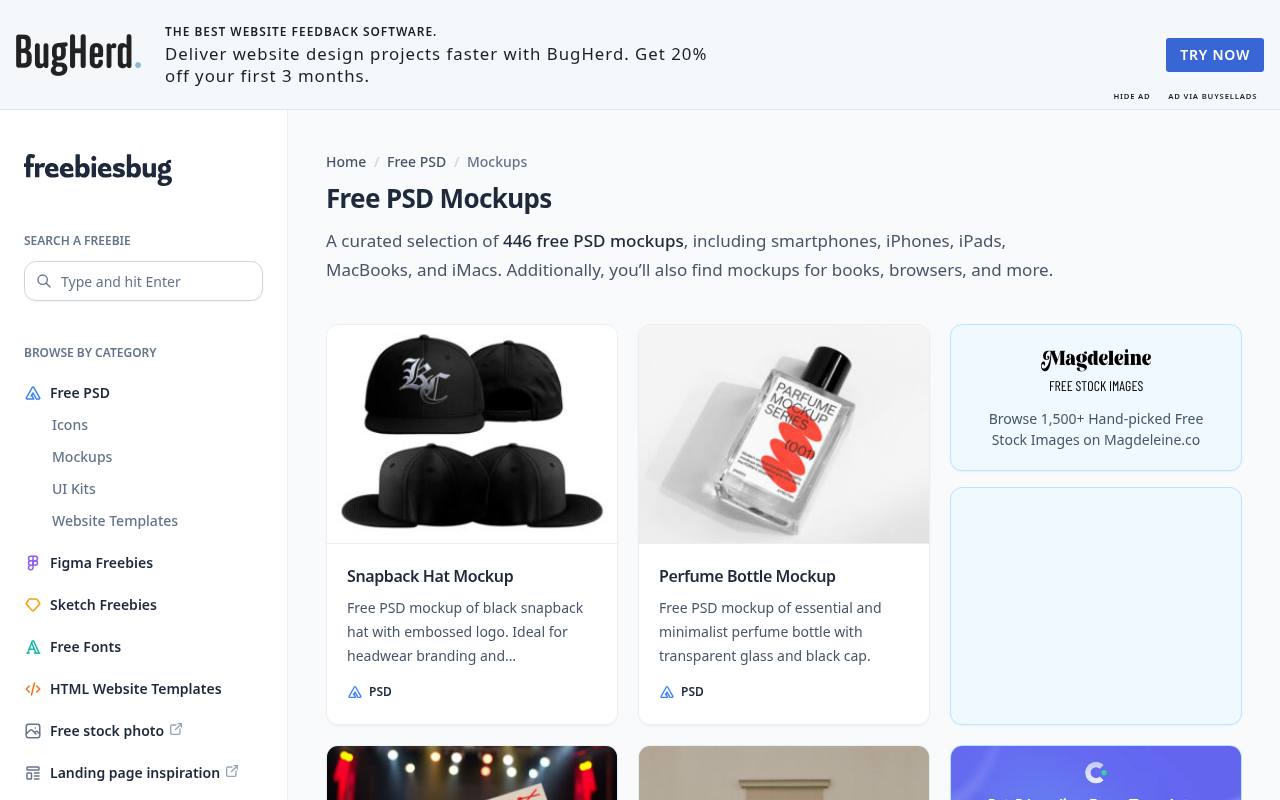
Freebiesbug maintains a free PSD mockup selection rather than a packaging-only editor. That wider scope is helpful when packaging is part of a complete identity presentation and you also need stationery or other supporting objects. Use the item descriptions and previews to locate relevant product containers, then continue to the original download source when the listing points elsewhere.
With curated third-party files, the practical benefit is discovery, not a single universal licence. Verify the author’s conditions and the actual PSD contents before promising a client that a particular bottle, box, or bag can be customized in every visible detail.
- Type
- Curated PSD mockup directory
- Best for
- Finding packaging downloads alongside wider branding assets
- License
- Free listings; original creator terms apply
- Price
- Free resources
Pixelbuddha
Packaging mockup collection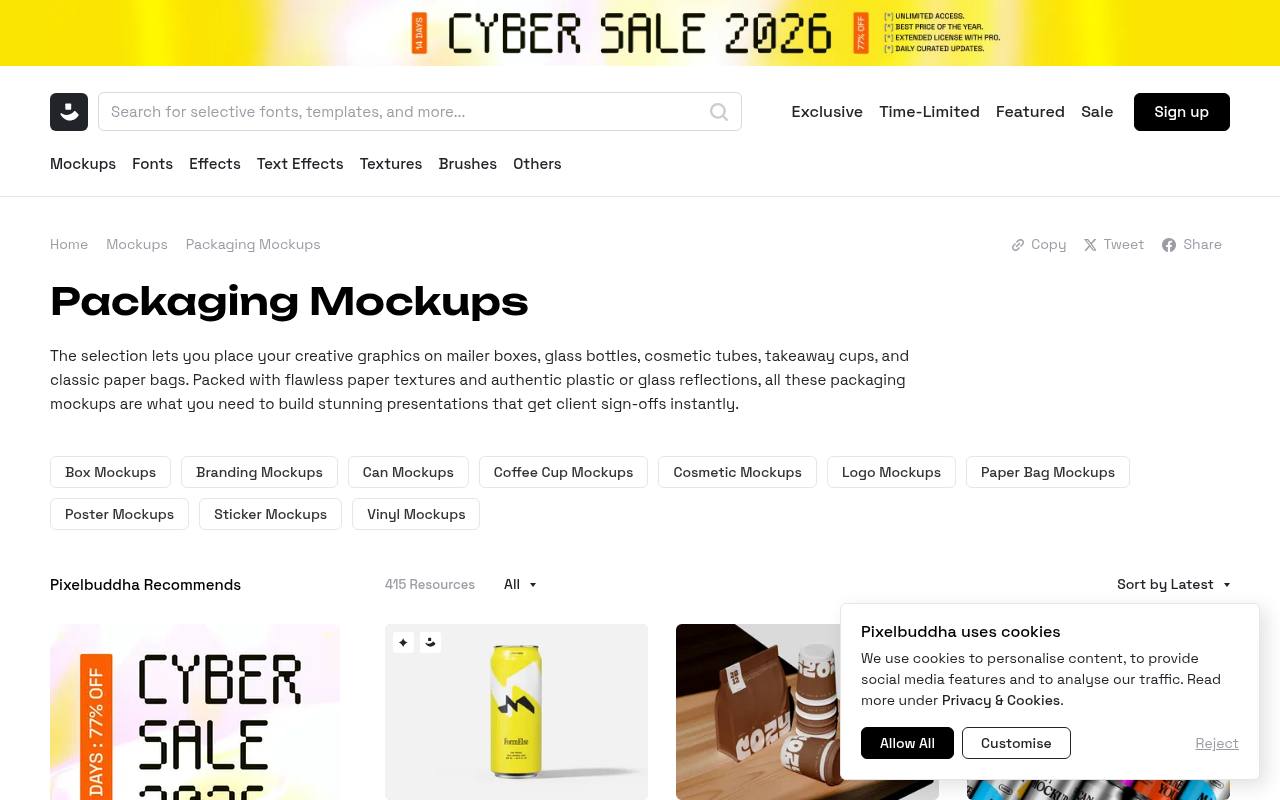
Pixelbuddha’s packaging collection covers mailer boxes, glass bottles, cosmetic tubes, takeaway cups, and paper bags. The category mixes free resources with clearly marked Plus items, so it is important to open the selected listing and confirm free availability before planning a presentation around it.
Its previews are particularly useful for comparing paper texture and reflective surfaces across different packaging concepts. Choose unmarked free downloads only after checking their individual licence and format details. A polished preview does not necessarily mean the same source file, scene count, or editing controls are included across every item in the collection.
- Type
- Packaging mockup collection
- Best for
- Browsing material-rich boxes, bottles, and pouch scenes
- License
- Free item licences vary; Plus content requires payment
- Price
- Free + Plus
ZippyPixels
Layered Photoshop PSD
ZippyPixels’ linked customizable bottle mockup includes a matte bottle and two packaging boxes with separate smart objects. The listing describes editable cap color, shadows, effects, and background in a layered PSD at 3500 by 2300 pixels. Most importantly, the free download is explicitly personal use only and requires credit to ZippyPixels.
That makes this a resource for learning, noncommercial experimentation, or personal concepts within those terms, not an unrestricted client-work recommendation. The combination of bottle and cartons is useful for practicing how label proportions and outer-box information can work together without copying the same layout onto every surface.
- Type
- Layered Photoshop PSD
- Best for
- Practicing coordinated matte-bottle and carton branding
- License
- Personal use only; credit to ZippyPixels required
- Price
- Free personal-use download
Mr.Mockup
Packaging PSD mockups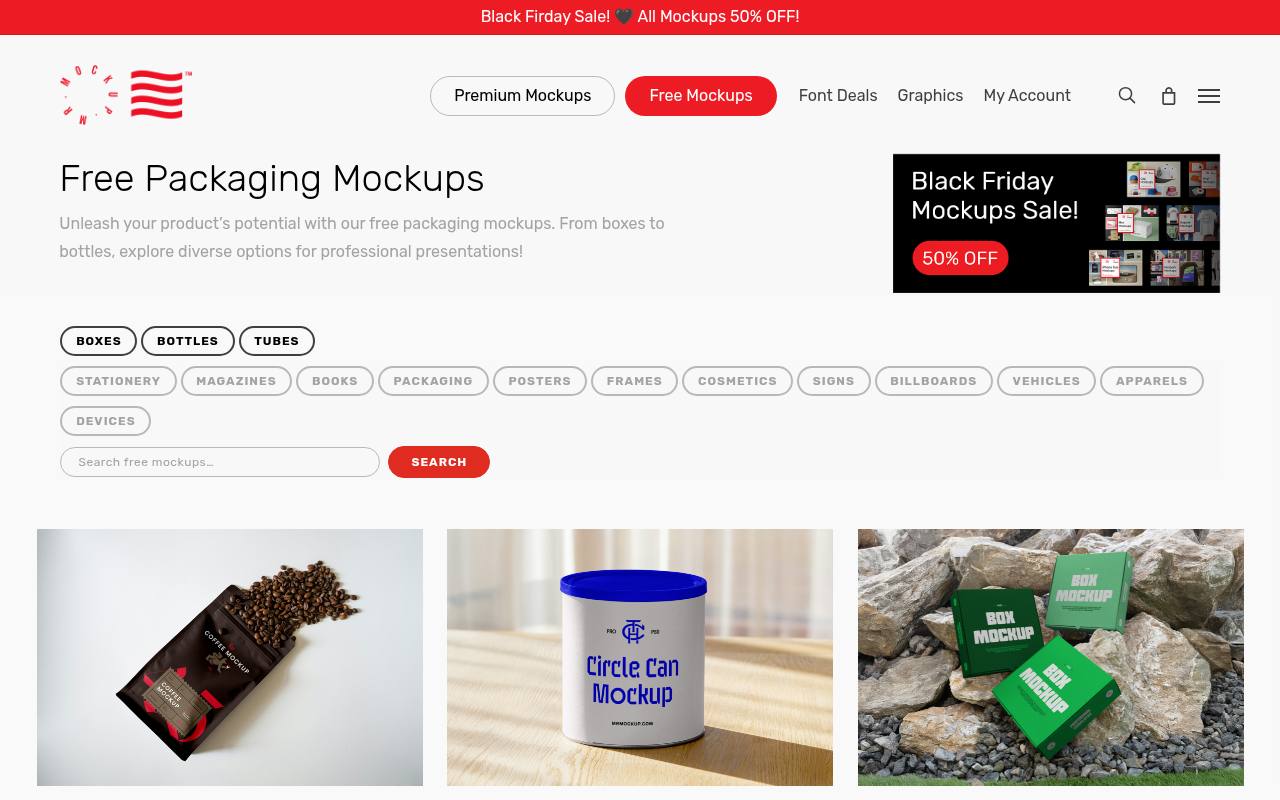
Mr.Mockup keeps its freebies in a dedicated Free Mockups area, and the packaging page alone runs to around ten pages of downloads, newest first. Recent additions include kraft and small coffee bags, a tall box PSD, shopping bags, wrapping paper, a cardboard box on a tripod and a transparent glass cosmetic jar, with separate free sub-pages for boxes, bottles, cosmetics and tubes.
Many scenes include hands, which suits lifestyle-style brand presentations. The site's Freebies License describes these files as royalty-free for personal and commercial projects, while the premium shop next to them is clearly priced, so check you are on a free listing.
- Type
- Packaging PSD mockups
- Best for
- Coffee bags, boxes and cosmetic jars with realistic hands
- License
- Freebies licence: personal & commercial use
- Price
- Free + premium store
Match the container before matching the mood
Prioritize physical packaging proportions over a fashionable background. A short wide jar cannot convincingly stand in for a tall bottle, and a gusseted pouch behaves differently from a flat sachet.
Compare the real container’s silhouette, seams, lid, and printable area with the preview. If the closest free mockup still differs substantially, label it as a concept illustration rather than a faithful product representation.
Use smart objects without flattening the master
In a layered PSD workflow, open the designated artwork smart object, replace its sample content, save that nested document, and return to the scene. Keep a duplicate of the original archive and work non-destructively.
Avoid flattening the only editable copy just to send a preview. The next revision may involve a new barcode, a color variant, or a second language that needs the same placement.
Check permissions at the actual download
Keep item-specific licence evidence beside the project files. Curated directories can link to creators with different conditions, while collections may mix free and paid assets.
ZippyPixels’ personal-use restriction is a concrete reason not to treat every free download as commercial-ready. Record the source URL, creator, required credit, and any redistribution restriction before sending work to a client or publishing it in a portfolio.
Do not confuse mockups with production dielines
A presentation PSD shows appearance; it does not certify folds, bleed, glue areas, or manufacturability. Build production artwork from the printer’s approved dieline and specifications, then adapt a copy for the mockup.
Perspective transformations in a scene can conceal alignment mistakes. For final sign-off, review a flat technical proof and, where possible, a physical sample in addition to the attractive rendered image.
Make material and color expectations explicit
Use material-aware presentation choices when showing kraft paper, metallic cans, clear bottles, or matte cartons. Reflections and scene lighting can make a flat ink color appear brighter, darker, or more saturated.
Do not promise a foil, embossing, or varnish effect simply because a template simulates it. Explain which visual effects describe an intended production finish and which are only characteristics of the supplied scene.
Build a small consistent presentation set
A useful packaging review set often needs a straightforward front view, a perspective view, and one closer detail rather than many decorative scenes. Keep artwork scale, background treatment, and lighting reasonably consistent across related products.
Include the flat label or panel alongside the mockups when reviewing copy. This lets stakeholders separate visual impact from practical questions about hierarchy, spelling, ingredients, and legal information.
Prepare files for portfolios and client review
Export a web-ready preview rather than sharing an enormous layered file when feedback is all that is needed. Preserve a high-quality master, create smaller review images, and name versions clearly so outdated packaging does not circulate.
Add concise image descriptions for online portfolios. If a licence prevents source redistribution, deliver permitted flattened visuals instead of quietly including the original mockup archive in a client handover.