
A well-chosen loop can express a reaction, explain a small process, or add personality to a message without demanding a full video production. The difficulty is finding free GIF sites that suit the actual job.
A reaction shared in a personal conversation is not the same use as an animation placed in a paid campaign. This collection separates discovery-focused archives, reusable illustration sources, and a couple of practical tools for making your own files.
The options below concentrate on animated GIFs and stickers, not animation frameworks or production software. Some are best for searching familiar reactions; others offer illustrated assets with more explicit reuse conditions.
Two GIF makers are included because adapting original artwork is often the most sensible alternative when a library cannot provide the right permissions. Free access means you can browse or use the stated free offering, but it does not automatically mean unrestricted commercial licensing.
Before downloading, decide where your animation will appear and whether it needs a transparent background. Then check the individual asset, its creator, and the destination platform. These free animated resources have different rules around attribution, branding, redistribution, and third-party material.
Keep a copy of the applicable terms with your chosen file, especially for client work. A few minutes spent on those checks can prevent a last-minute replacement when a project moves from an internal draft to public distribution.
Quick picks at a glance
| # | Resource | License | Best for |
|---|---|---|---|
| 1 | GIPHY | Free personal, noncommercial use under GIPHY terms; third-party rights apply | Finding expressive stickers for personal conversations |
| 2 | Tenor | Free service; consumer terms prohibit commercial use and third-party benefit | Searching conversational reactions by phrase or emotion |
| 3 | Pixabay | Pixabay Content License; no attribution required; prohibited uses and third-party rights apply | Finding decorative loops with documented reuse terms |
| 4 | Wikimedia Commons | Per-file licenses or public-domain status; attribution and ShareAlike may apply | Sourcing explanatory animations with individual license records |
| 5 | Icons8 | Free GIF options require credit under Icons8 terms; paid formats and plans available | Matching illustrated stickers to a consistent visual style |
| 6 | AnimatedImages.org | Free downloads and specified web uses; resale, print, logos, and archive copying restricted | Browsing traditional clip art for messages and websites |
| 7 | GifCities | Free archive access; original copyrights remain; no blanket reuse license | Exploring early-web animation and retro visual references |
| 8 | GIFER | Free browsing and sharing features; third-party copyright clearance not guaranteed | Finding reaction references and alternative visual expressions |
| 9 | Ezgif | Free tool, including commercial use; no attribution required; input rights remain your responsibility | Turning original artwork into compact reusable loops |
| 10 | Imgflip | Free maker with watermark and limits; Pro optional; source-media rights required | Adding captions to your own short reaction clips |
GIPHY
GIF and sticker library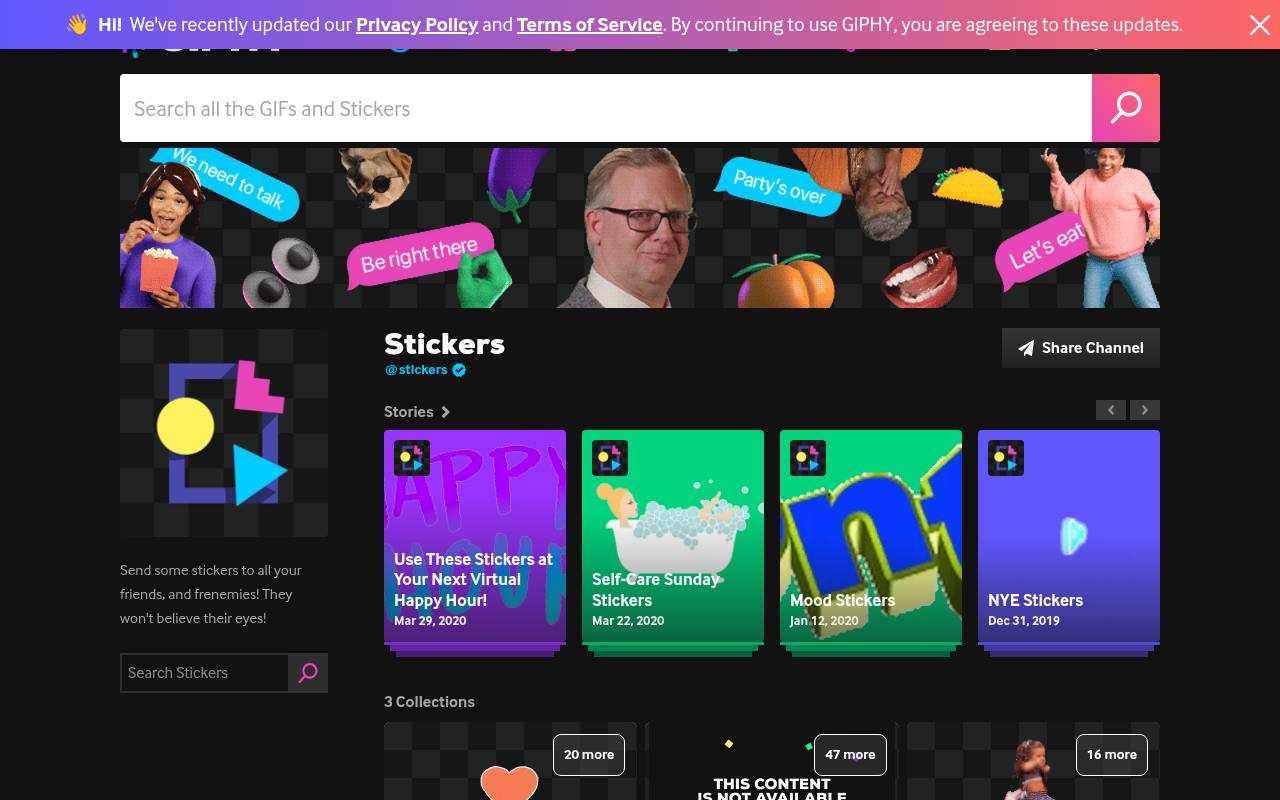
GIPHY combines reaction GIF discovery with a dedicated animated sticker library, making it useful when you want an isolated expression rather than a rectangular movie clip. Search by mood or subject, then inspect the creator channel and available sharing options.
Its recognizable entertainment content is not a stock collection with blanket advertising clearance. The [user terms](https://support.giphy.com/hc/en-us/articles/360020027752-GIPHY-User-Terms-of-Service) limit service use to personal, noncommercial purposes except as otherwise permitted. Treat brand campaigns, merchandise, and client deliverables as separate clearance questions, even when saving or sharing a file is technically simple.
- Type
- GIF and sticker library
- Best for
- Finding expressive stickers for personal conversations
- License
- Free personal, noncommercial use under GIPHY terms; third-party rights apply
- Price
- Free
Tenor
Reaction GIF search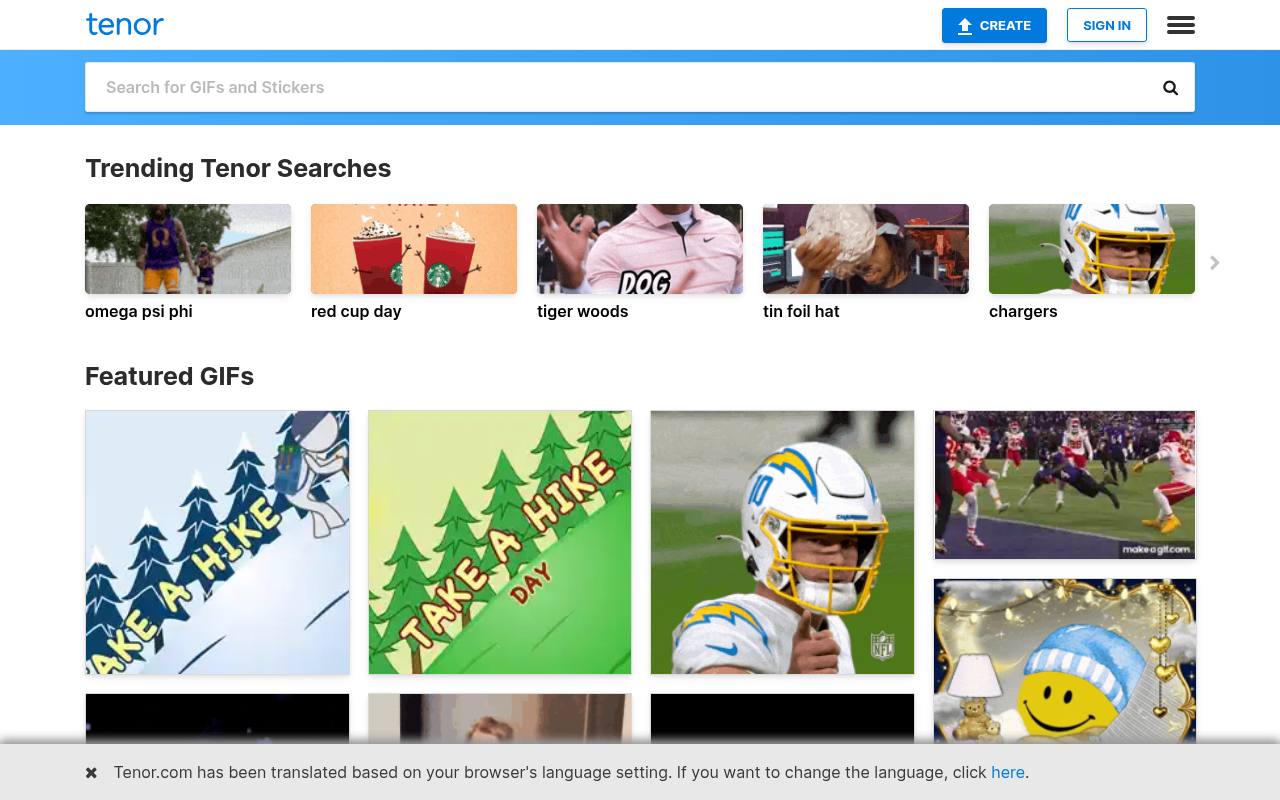
Tenor is built around reaction GIF search, with trending searches and visual responses that work well for everyday conversation. Try the emotion you want to convey rather than the name of a particular scene; this often reveals a more appropriate response.
Crucially, its [consumer terms](https://tenor.com/legal-terms) prohibit using Tenor for commercial purposes or for the benefit of a third party. Separate API terms address integrations, but they are not blanket asset licenses. Choose this source for personal reaction discovery, not as a shortcut to cleared advertising footage or client-ready stickers.
- Type
- Reaction GIF search
- Best for
- Searching conversational reactions by phrase or emotion
- License
- Free service; consumer terms prohibit commercial use and third-party benefit
- Price
- Free
Pixabay
Stock GIF library
Pixabay has a dedicated GIF section alongside its other stock media, giving you a starting point for free GIF downloads with a published sitewide licensing framework. Search for subjects such as celebration or abstract motion, and evaluate each result rather than assuming every loop matches your needs.
Its [Content License](https://pixabay.com/service/license-summary/) permits free use and adaptation without mandatory attribution, subject to restrictions. Standalone redistribution is prohibited, and recognizable brands, people, or other protected material may require additional permission. This makes the license more actionable than an unexplained download button, but not a substitute for checking depicted content.
- Type
- Stock GIF library
- Best for
- Finding decorative loops with documented reuse terms
- License
- Pixabay Content License; no attribution required; prohibited uses and third-party rights apply
- Price
- Free
Wikimedia Commons
Open media collection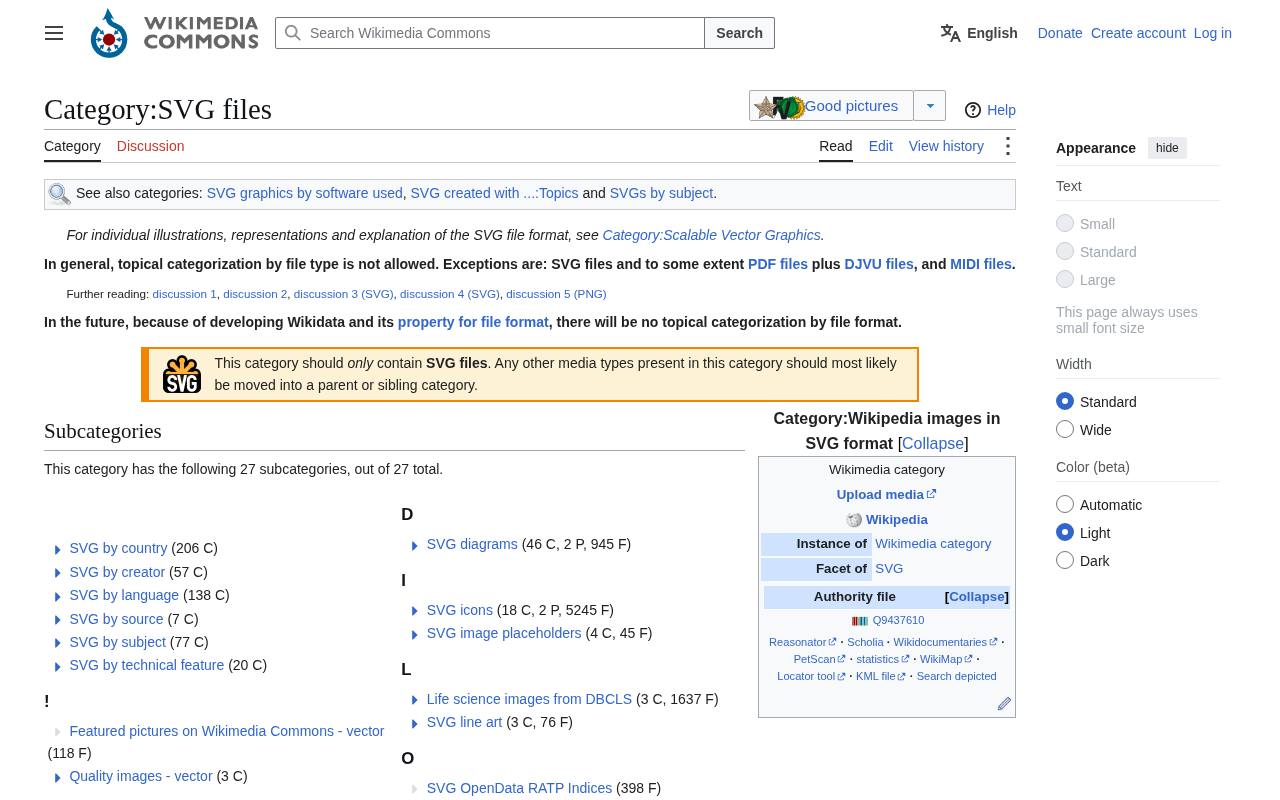
Wikimedia Commons is especially useful for explanatory animated GIFs: maps, charts, scientific processes, and other subjects that need more than an expressive reaction. Start in the animated GIF category and follow its subject subcategories to narrow the collection.
Every candidate needs an individual file-page check because Commons is not governed by one uniform image license. A work may be public domain or carry attribution and ShareAlike requirements. Record the author, source, license version, and any required notices. Its strength is file-level documentation, rather than a uniformly polished sticker aesthetic or guaranteed presentation-ready design.
- Type
- Open media collection
- Best for
- Sourcing explanatory animations with individual license records
- License
- Per-file licenses or public-domain status; attribution and ShareAlike may apply
- Price
- Free
Icons8
Animated illustration library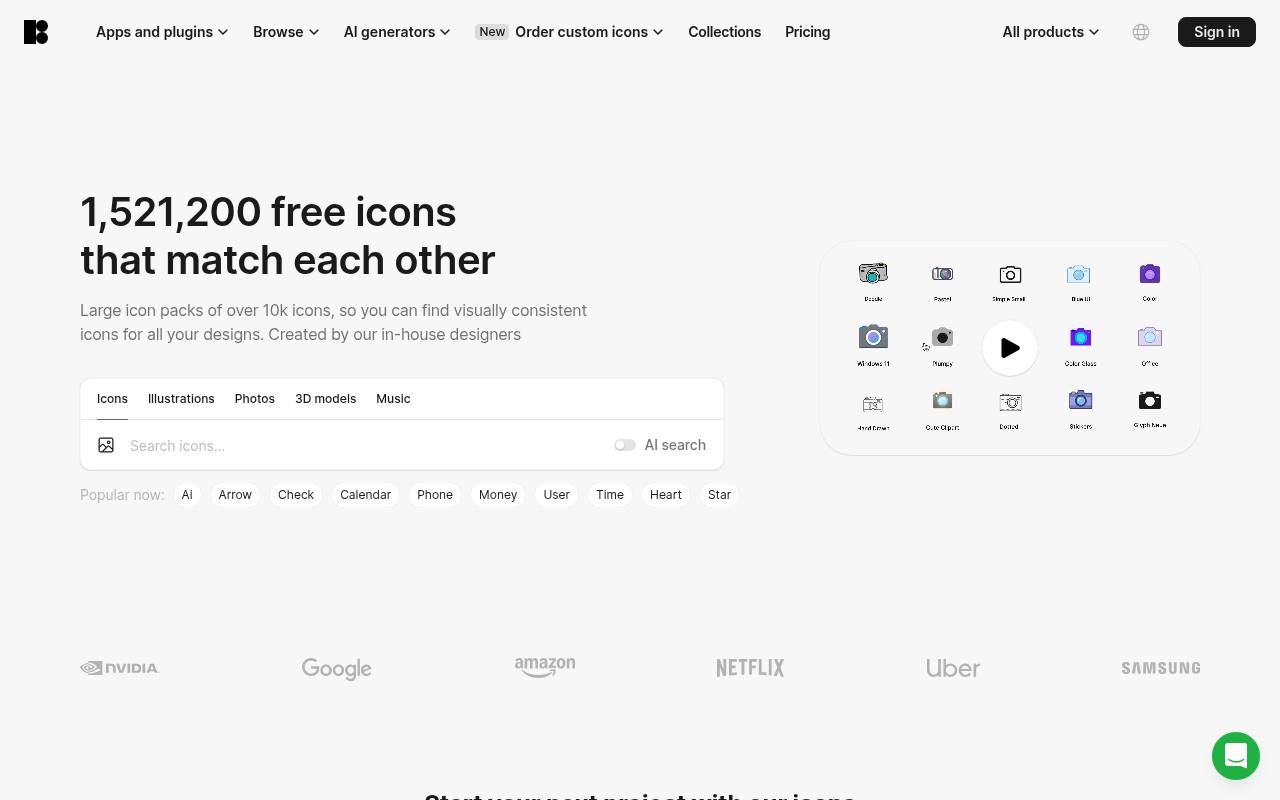
Icons8’s Ouch collection includes a sticker-themed page with both static and animated artwork. Look for animated sticker illustrations and inspect the download choices on the selected asset; a listing that mentions several formats does not mean every format is free.
The illustration catalog identifies GIF as a free option, while other downloads can require payment. Free use comes with required attribution, so confirm the applicable credit instructions before placing artwork in a finished design. This source suits coordinated illustrated scenes better than celebrity reactions, particularly when matching the surrounding visual style matters.
- Type
- Animated illustration library
- Best for
- Matching illustrated stickers to a consistent visual style
- License
- Free GIF options require credit under Icons8 terms; paid formats and plans available
- Price
- Free + paid
AnimatedImages.org
Animated clip-art archive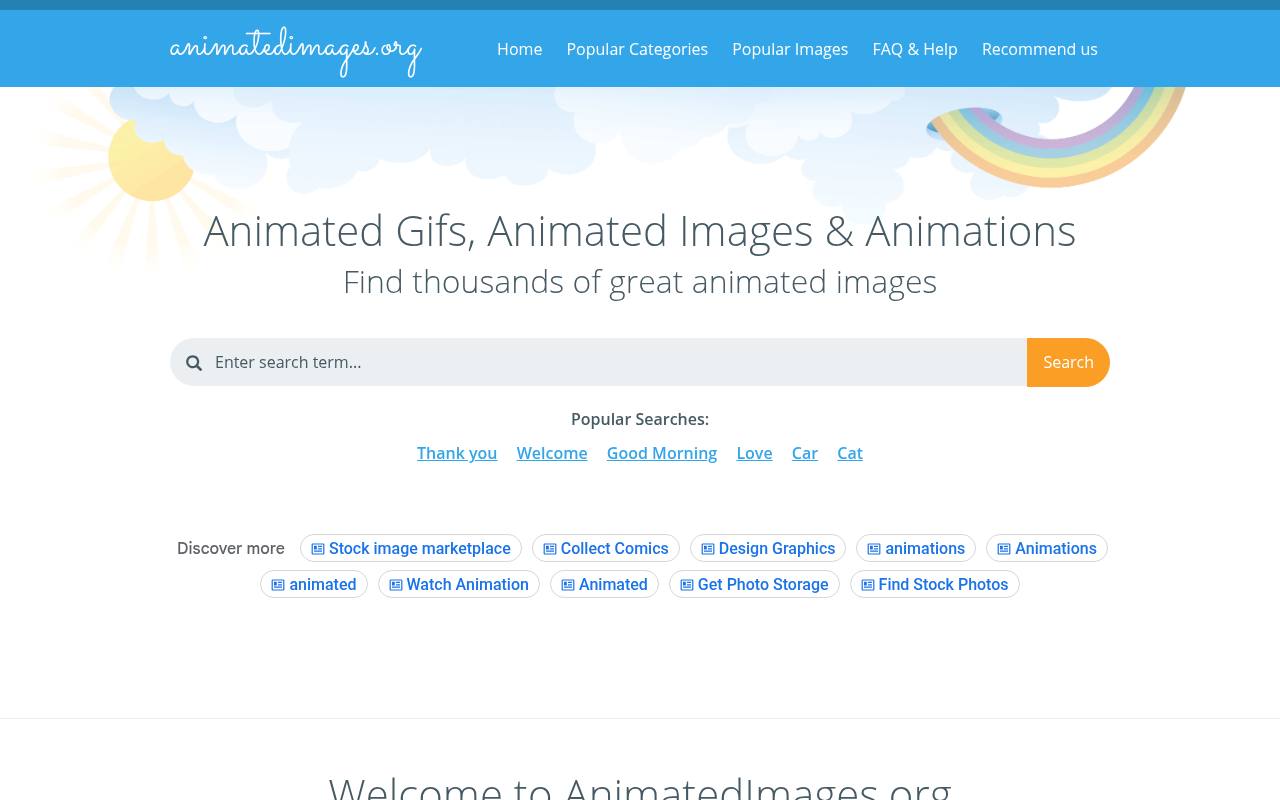
AnimatedImages.org organizes traditional animated clip art into subject categories and provides downloads, linking code, and electronic greeting-card options. It is a practical stop for classic web GIFs, including decorative subjects that do not depend on a current meme.
Its [FAQ](https://www.animatedimages.org/help.htm) allows private and business website uses but lists important exclusions, including printed media, logos, commercial reproduction on products, and copying the archive. For direct image linking, the supplied code must remain unchanged. Because the collection also includes user-provided material, inspect recognizable characters and brands rather than assuming every graphic has independent commercial clearance.
- Type
- Animated clip-art archive
- Best for
- Browsing traditional clip art for messages and websites
- License
- Free downloads and specified web uses; resale, print, logos, and archive copying restricted
- Price
- Free
GifCities
Historical GIF search
GifCities is the Internet Archive’s search engine for animated images preserved from GeoCities. Its appeal is early-web visual history: small decorative loops, pixel graphics, and the kinds of embellishments that shaped personal homepages. The updated interface supports semantic discovery and size-based searching, while results can lead back to archived pages for context.
However, preservation does not transfer ownership. There is no blanket reuse license covering everything you find, so use the archive for research and inspiration unless you can establish permission for your intended reuse. Save the original page reference when investigating an image’s provenance.
- Type
- Historical GIF search
- Best for
- Exploring early-web animation and retro visual references
- License
- Free archive access; original copyrights remain; no blanket reuse license
- Price
- Free
GIFER
GIF discovery library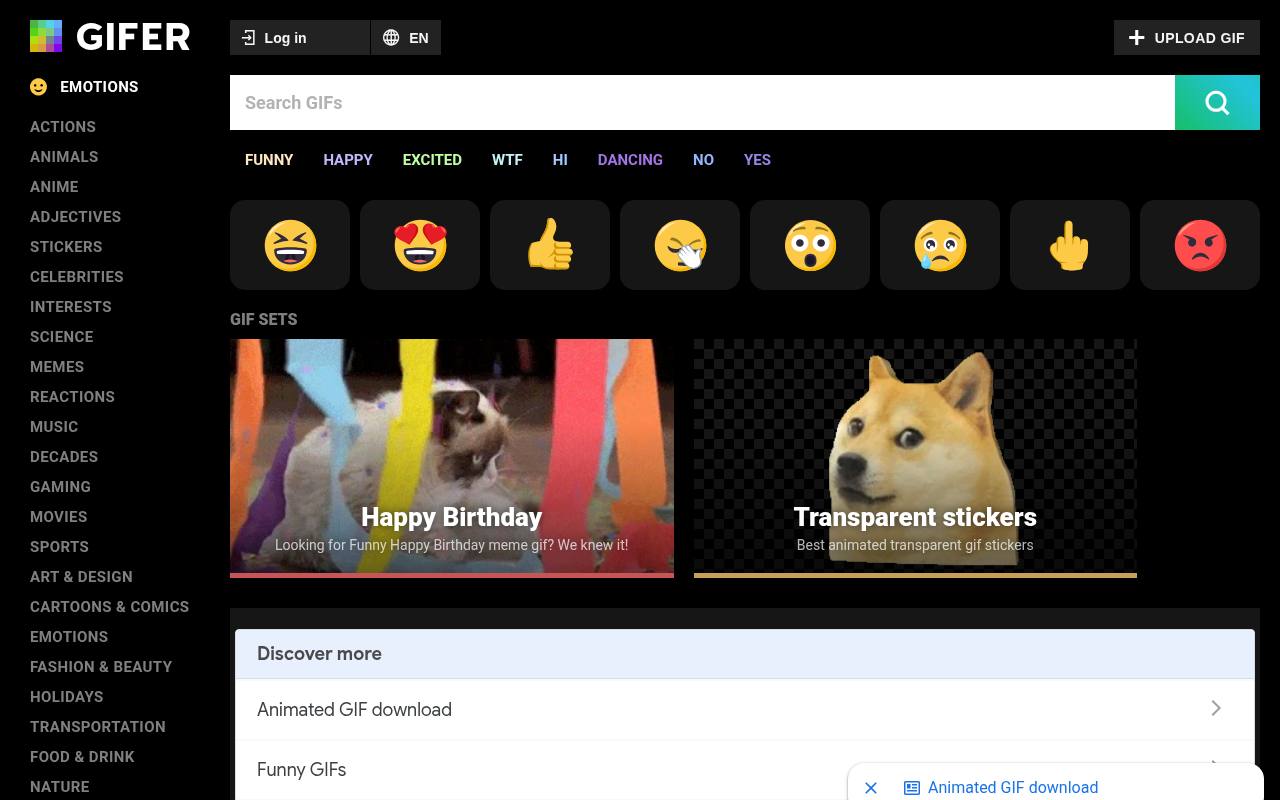
GIFER offers another route into reaction GIF discovery, useful when a familiar search elsewhere keeps returning the same few expressions. Browse the site and inspect an individual result before choosing how to share it.
Its collection is not presented here as a source of universally cleared stock assets: a hosted GIF may contain footage, characters, or artwork owned by someone other than its uploader. Make rights verification essential for any reuse outside permitted sharing. For a commercial project, prefer an explicitly licensed illustration or your own recording when the original rights holder cannot be identified.
- Type
- GIF discovery library
- Best for
- Finding reaction references and alternative visual expressions
- License
- Free browsing and sharing features; third-party copyright clearance not guaranteed
- Price
- Free
Ezgif
GIF maker and editor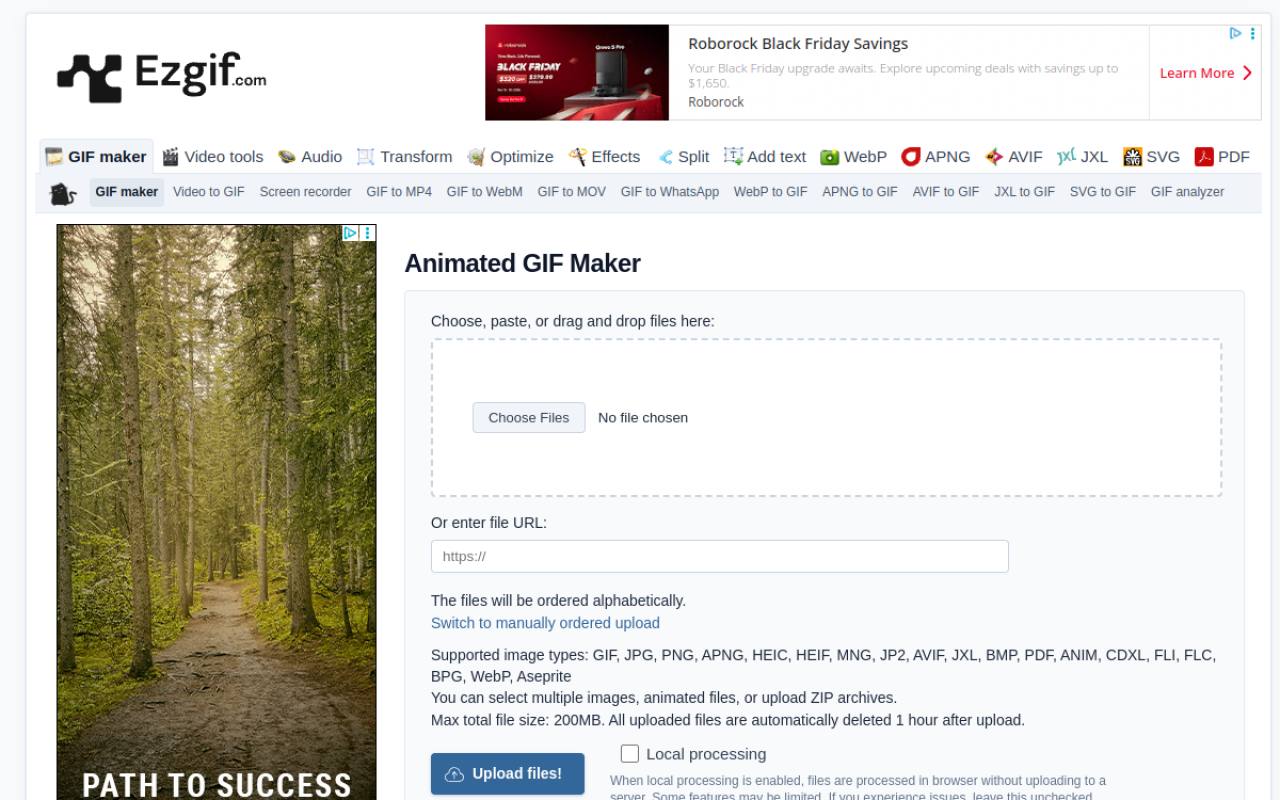
Ezgif earns its place as a free GIF maker for situations where an existing library cannot supply a suitable, properly licensed animation. Upload a sequence of images, set frame timing, and generate a loop; related tools handle cropping, resizing, and optimization.
Output does not require a visible watermark or attribution, and the service permits commercial use of the tool. That permission does not license someone else’s input material. Build from your own artwork or correctly licensed frames, download the result promptly, and avoid treating temporary server links as permanent hosting for a website or campaign.
- Type
- GIF maker and editor
- Best for
- Turning original artwork into compact reusable loops
- License
- Free tool, including commercial use; no attribution required; input rights remain your responsibility
- Price
- Free
Imgflip
GIF creation tool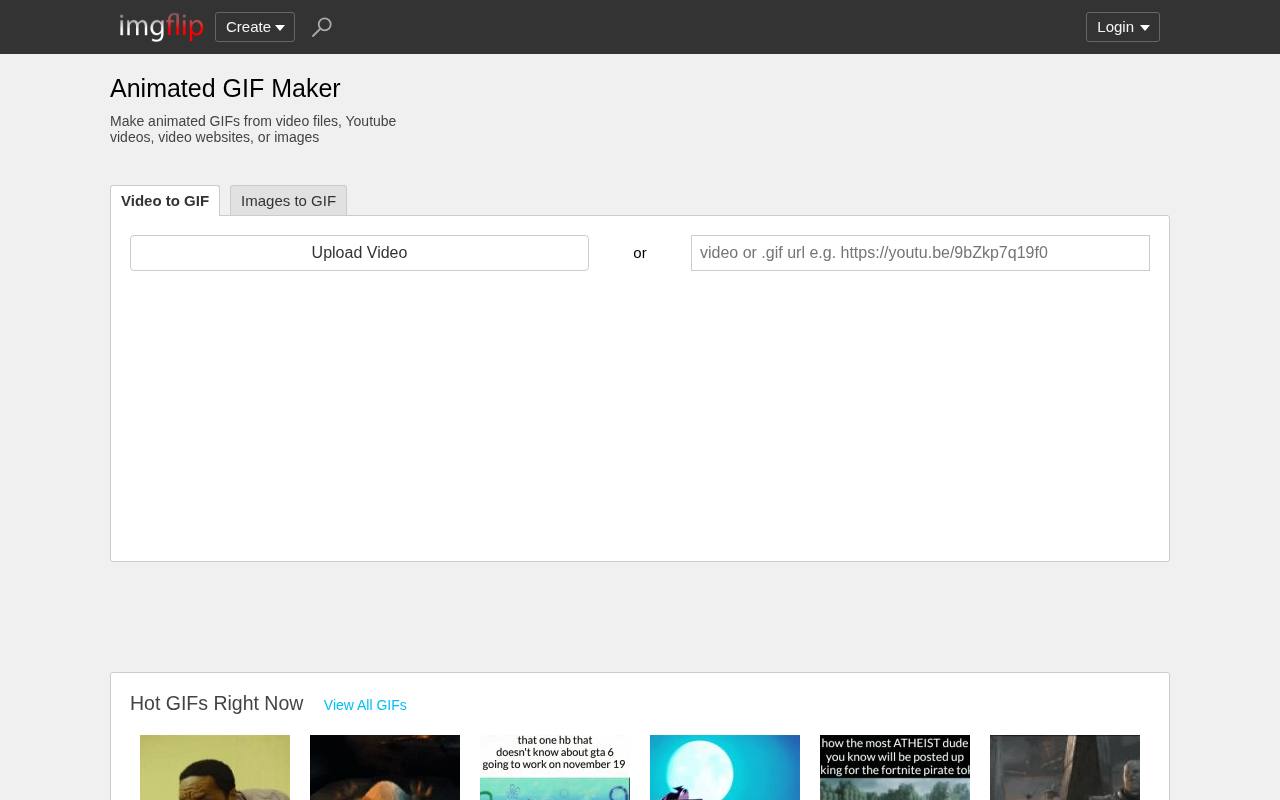
Imgflip’s GIF maker is relevant when you need custom reaction GIFs rather than another downloadable library asset. It accepts image sequences or video and provides controls for additions such as captions and basic presentation adjustments. The free offering has output limits and generally includes an imgflip.com watermark; Pro removes the watermark and expands capabilities.
Check the current controls before committing a project to a particular size or duration. Most importantly, creation is not clearance: uploading a film scene does not grant permission to republish it. Original recordings are a more controllable starting point for branded reactions.
- Type
- GIF creation tool
- Best for
- Adding captions to your own short reaction clips
- License
- Free maker with watermark and limits; Pro optional; source-media rights required
- Price
- Free + Pro
Choose by destination, not just appearance
Start with the publishing context. Personal messaging favors fast reaction discovery, while an educational article may need an explanatory Commons animation. A business landing page usually calls for an asset with documented reuse permissions or an original loop.
If you cannot describe the intended placement clearly, you are not ready to assess the license. Also check whether your destination accepts uploaded GIFs, embedded media, or only files supplied through its own sticker picker.
Separate free access from reuse permission
A free download button answers a pricing question, not every rights question. Read the source terms and any asset-specific license before using a loop publicly. Commercial permission, attribution, permission to modify, and permission to redistribute are separate issues.
A platform’s agreement with an uploader does not necessarily grant you equivalent rights. For advertising or merchandise, unclear ownership is a reason to select different artwork rather than rely on its popularity.
Check transparency and the actual file format
An animated sticker preview may sit on a transparent background, yet the downloaded version can behave differently. GIF transparency is limited compared with full alpha transparency, so edges may look rough against a new color.
Inspect the file on your intended background. Some services deliver MP4 or WebM for playback even when the content is described as a GIF. Confirm the actual extension and your destination’s format support before editing or handing the asset to someone else.
Keep loops light enough to publish
For smaller animated files, shorten the sequence, crop unused space, and reduce dimensions before sacrificing all visual quality. Lowering frame rate can help decorative motion, but may damage a diagram that depends on precise steps.
Test the result at its displayed size rather than judging only the full-resolution preview. When your publishing environment supports it, a short video alternative may deliver smoother motion with less data than a large GIF.
Make motion optional and understandable
Use accessible animated content as an enhancement, not the only way to communicate a message. Put essential instructions in nearby text and provide appropriate text alternatives where supported.
Avoid rapid flashing, distracting repeated motion, and captions that vanish before readers can finish them. On a website, respect reduced-motion preferences with a static replacement or another suitable presentation. Remember that an image element does not automatically provide a convenient pause control.
Keep a small asset record
Maintain a licensing record containing the source page, creator, download date, terms, and any required attribution. Store the original alongside your edited export so you can trace modifications later.
This is especially useful when several people manage social publishing or a client asks where an illustration came from. Save the actual file instead of relying on a temporary editing-service link, and check that credits survive when a design is copied into a new layout.
When is a maker the better option?
Choose original GIF creation when you need a specific gesture, brand-safe wording, or a loop with known provenance. A few frames of your own illustration can be more appropriate than an elaborate reaction pulled from entertainment footage.
Ezgif focuses on assembling and adjusting files; Imgflip is useful for caption-led reactions with a free-tier watermark trade-off. Neither tool removes obligations attached to imported images, video, fonts, or other source material.