
A strong photo edit often starts with a few coordinated adjustments rather than a long list of effects. Free Lightroom presets save those adjustments so you can try a different treatment quickly, whether you want brighter portraits, balanced travel photos, or more expressive landscapes.
They are especially useful when a folder of images needs a consistent starting point, but each photograph still deserves its own exposure and white balance decisions before you export.
The sites below offer free preset downloads through a mix of individual files, sample collections, and larger browsing libraries. Some ask for an email address or a free account; others place complimentary downloads beside paid bundles.
Follow the linked free page rather than assuming everything in a store costs nothing. A small, clearly labeled collection is usually easier to learn than hundreds of unfamiliar presets imported at once into your editing workspace.
Compatibility matters as much as appearance. Lightroom Classic presets commonly arrive as XMP files, while mobile downloads may include DNG images that carry editable settings. Older collections can use LRTemplate files and require a different import process.
These recommendations focus on practical photographic edits rather than recreating particular film stocks. Use their previews to shortlist a style, check the download instructions for your app, and expect to fine-tune the result on your own photographs.
Quick picks at a glance
| # | Resource | License | Best for |
|---|---|---|---|
| 1 | ON1 | Free downloads; pack-specific terms apply | Comparing portrait, landscape, and seasonal starting points |
| 2 | PresetLove | Free individual presets; check individual terms | Finding subject-specific edits without buying a bundle |
| 3 | BeArt-Presets | Free at $0; creator terms apply | Trying a compact desktop and mobile collection |
| 4 | PHLEARN | Free account required; PHLEARN terms apply | Learning soft portrait edits with practice images |
| 5 | FilterGrade | Free pack; check download license | Exploring color and clarity in beauty portraits |
| 6 | Signature Edits | Free tutorial preset; creator terms apply | Adjusting autumn foliage while protecting portrait colors |
| 7 | Loaded Landscapes | Free with email subscription; creator terms apply | Testing HDR-style contrast on outdoor photo collections |
| 8 | FixThePhoto | Free downloads; review each pack’s terms | Browsing broad photo categories with before-and-after examples |
| 9 | Greater Than Gatsby | Free sample download; vendor terms apply | Combining color treatments with practical adjustment tools |
| 10 | Helene in Between | Free for personal and commercial work | Starting a cohesive travel and lifestyle photo style |
ON1
Preset library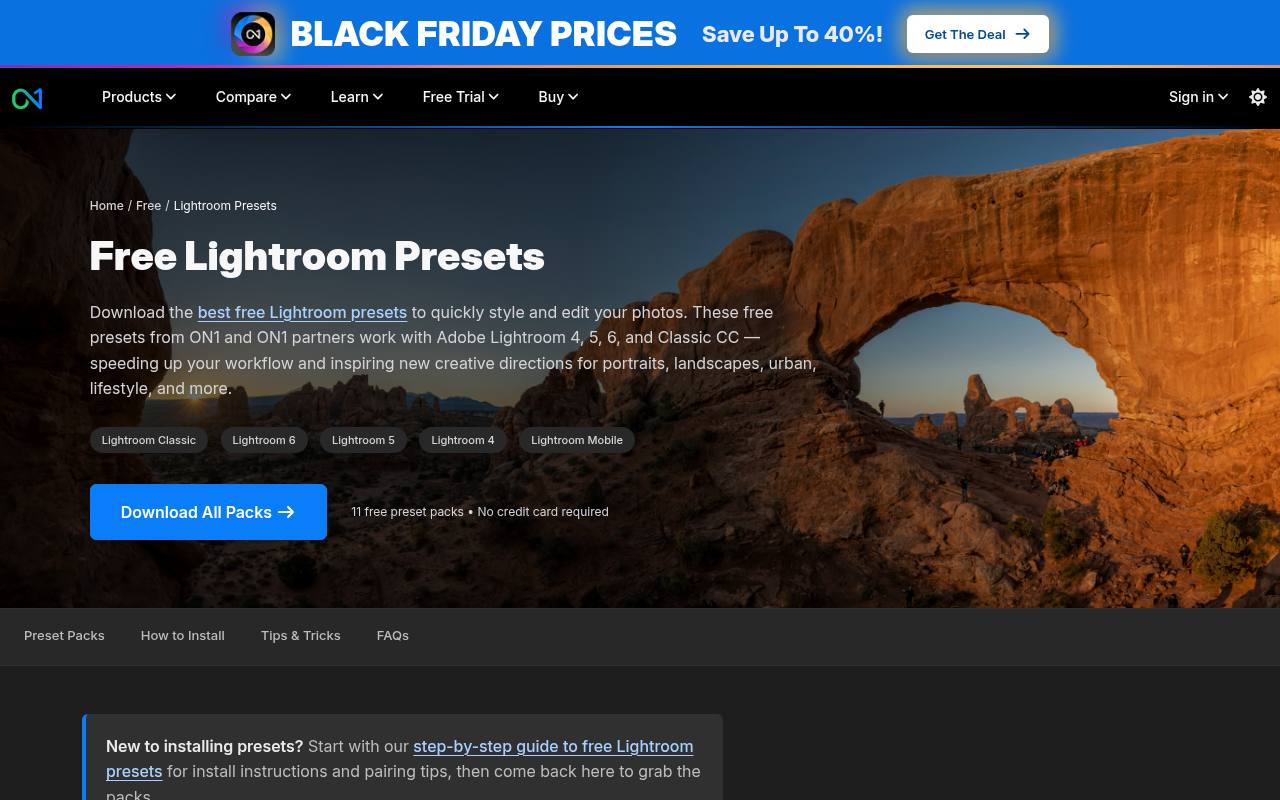
ON1 brings its own presets and partner collections together on one free Lightroom presets page. The library separates options into landscape, portrait, seasonal, and black-and-white categories, making it easier to browse by assignment rather than a vague aesthetic.
Examples include Allrounder presets from Shotkit and Landscape Vibrations from Sleeklens. Read each pack’s compatibility notes carefully: newer adaptive masking features should not be assumed to work in every older Lightroom release listed elsewhere on the page. Paid ON1 software is separate from these complimentary preset downloads.
- Type
- Preset library
- Best for
- Comparing portrait, landscape, and seasonal starting points
- License
- Free downloads; pack-specific terms apply
- Price
- Free + paid packs
PresetLove
Preset library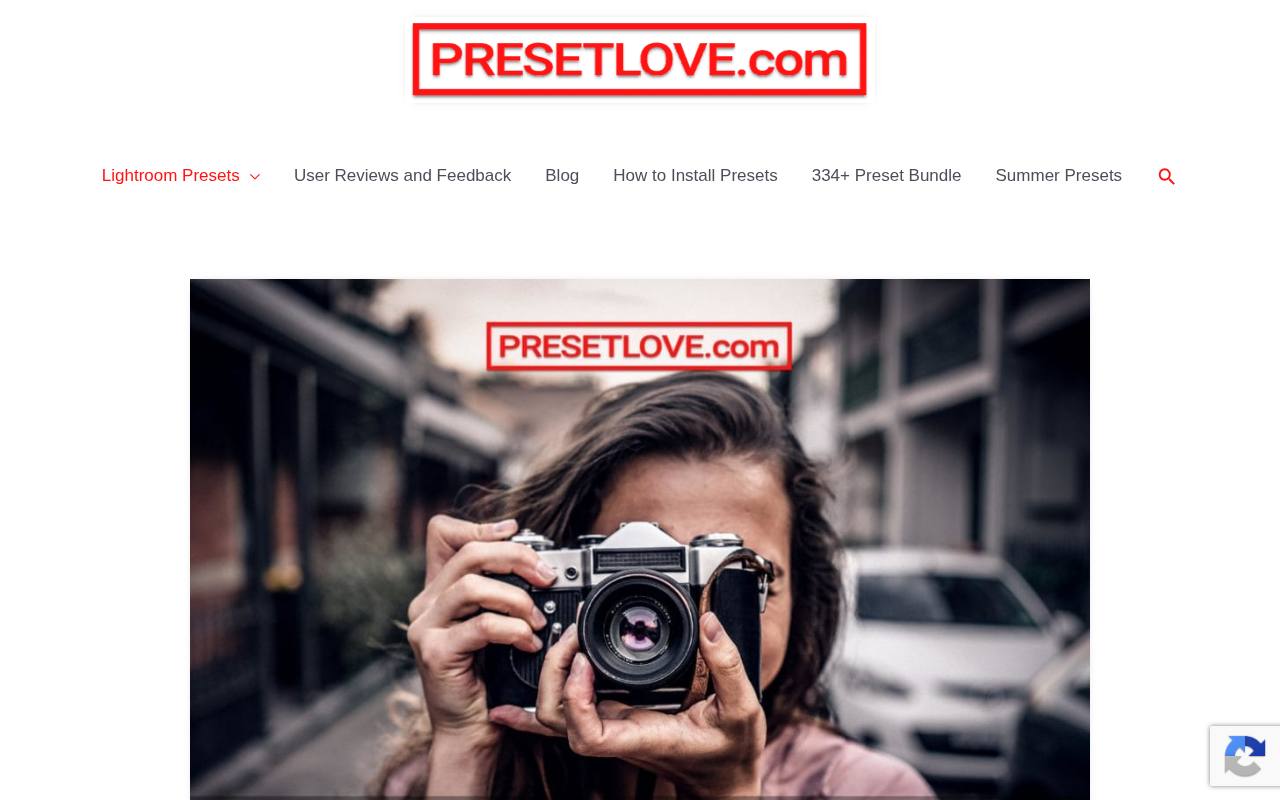
PresetLove organizes its free preset library around recognizable subjects and editing goals, including food, real estate, sports, skin tones, travel, and night photography. That makes it useful when you know what needs editing but have not settled on a particular look.
Its collection page distinguishes individual free downloads from a paid all-in-one bundle, which primarily offers a more convenient way to collect the presets. Follow the individual entries to inspect examples and download details, and confirm whether you need the desktop XMP or mobile DNG version before importing.
- Type
- Preset library
- Best for
- Finding subject-specific edits without buying a bundle
- License
- Free individual presets; check individual terms
- Price
- Free + paid bundle
BeArt-Presets
Desktop and mobile pack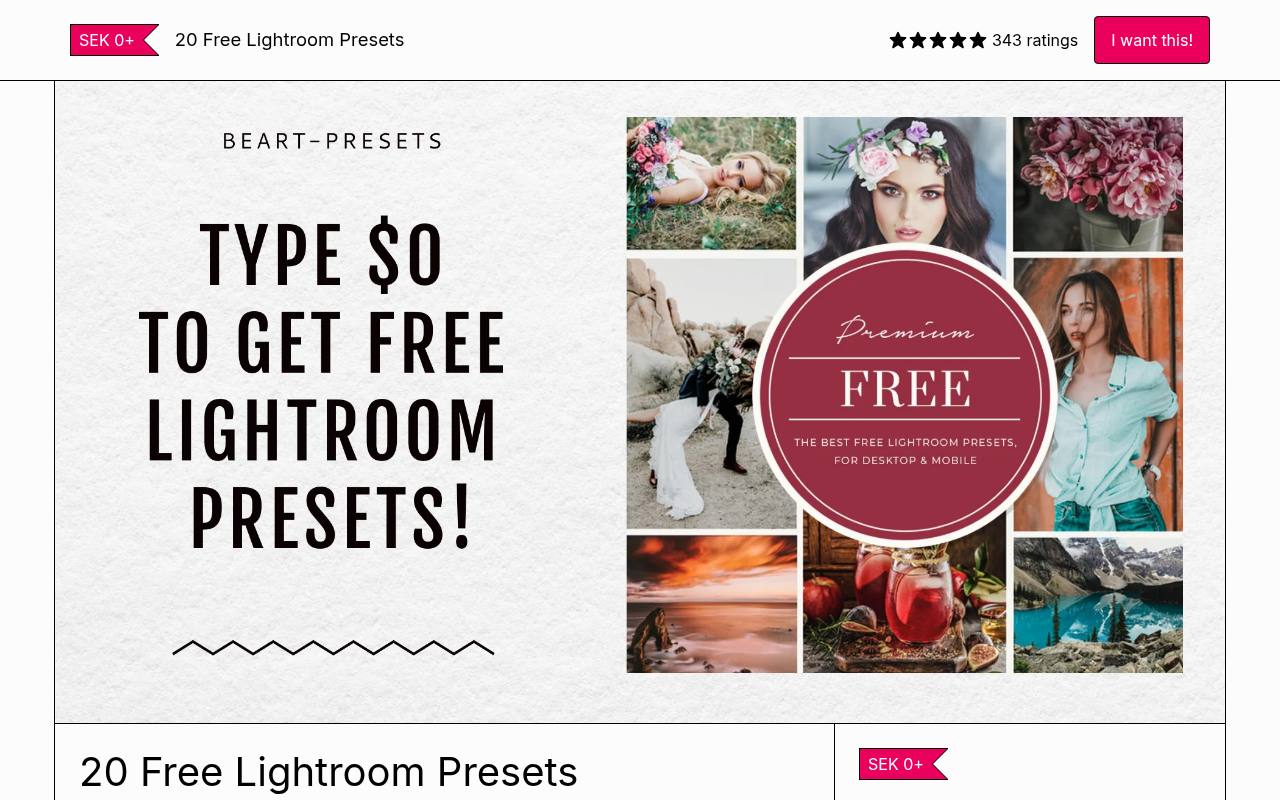
BeArt-Presets distributes this sample through a Gumroad download page with a name-your-price field. The listing explicitly tells visitors to enter zero for the free option, so a suggested contribution is not a mandatory purchase. Its contents are listed as 20 Lightroom presets and 20 mobile Lightroom presets, giving you a defined collection rather than an open-ended directory.
Choose this source if you prefer a single sample package to browsing many separate posts. Keep the included instructions and creator terms alongside the files rather than treating a zero-dollar price as permission to redistribute them.
- Type
- Desktop and mobile pack
- Best for
- Trying a compact desktop and mobile collection
- License
- Free at $0; creator terms apply
- Price
- Free; optional payment
PHLEARN
Preset sample pack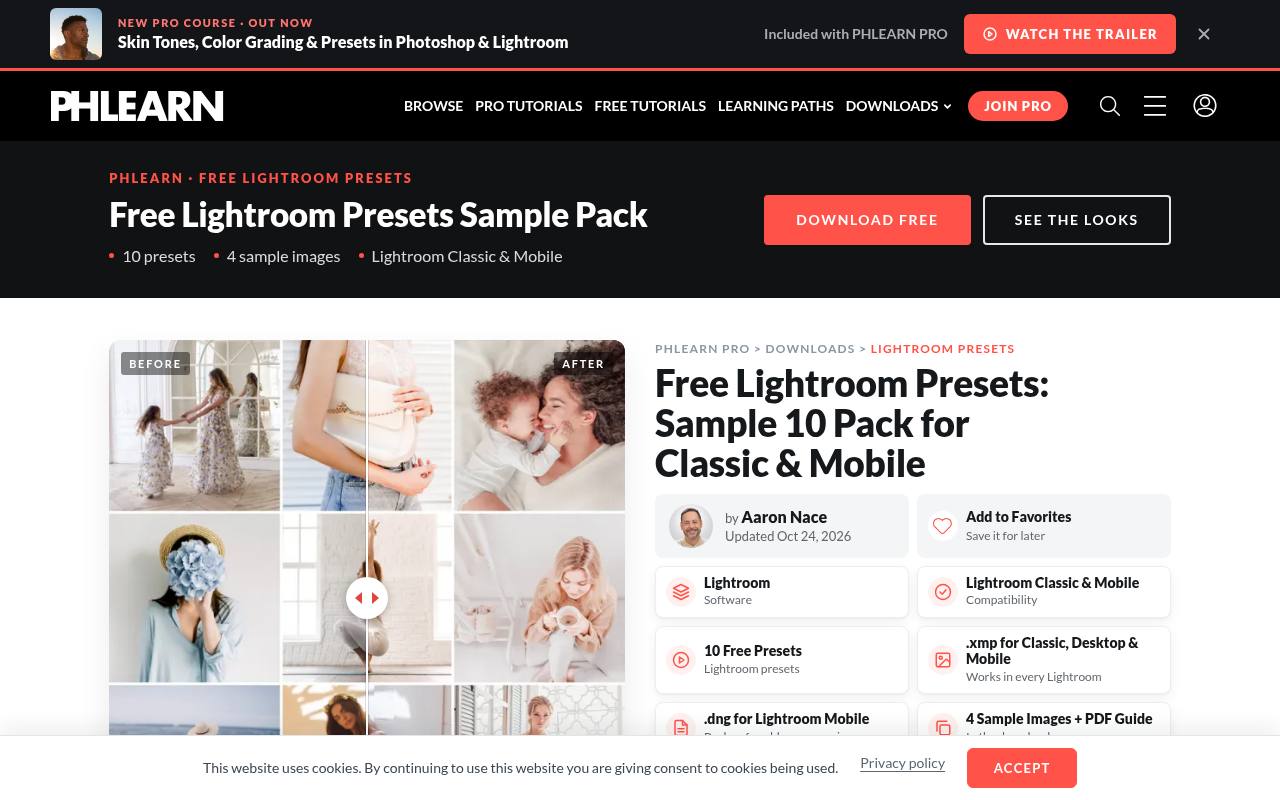
PHLEARN offers a ten-preset sample pack drawn from its Family, Minimal Blogger, Neutral Airy, and Pastels collections. The page describes softened contrast, lifted shadows, and restrained highlights, making the selection particularly relevant to gentle portrait and lifestyle edits. A free PHLEARN account is required for the download.
The package includes XMP presets, DNG alternatives for older mobile releases, four practice images, and installation instructions in a PDF. Those sample photographs are helpful for understanding the intended treatment before judging how the same settings respond to a different camera or lighting situation.
- Type
- Preset sample pack
- Best for
- Learning soft portrait edits with practice images
- License
- Free account required; PHLEARN terms apply
- Price
- Free + Pro
FilterGrade
Beauty preset pack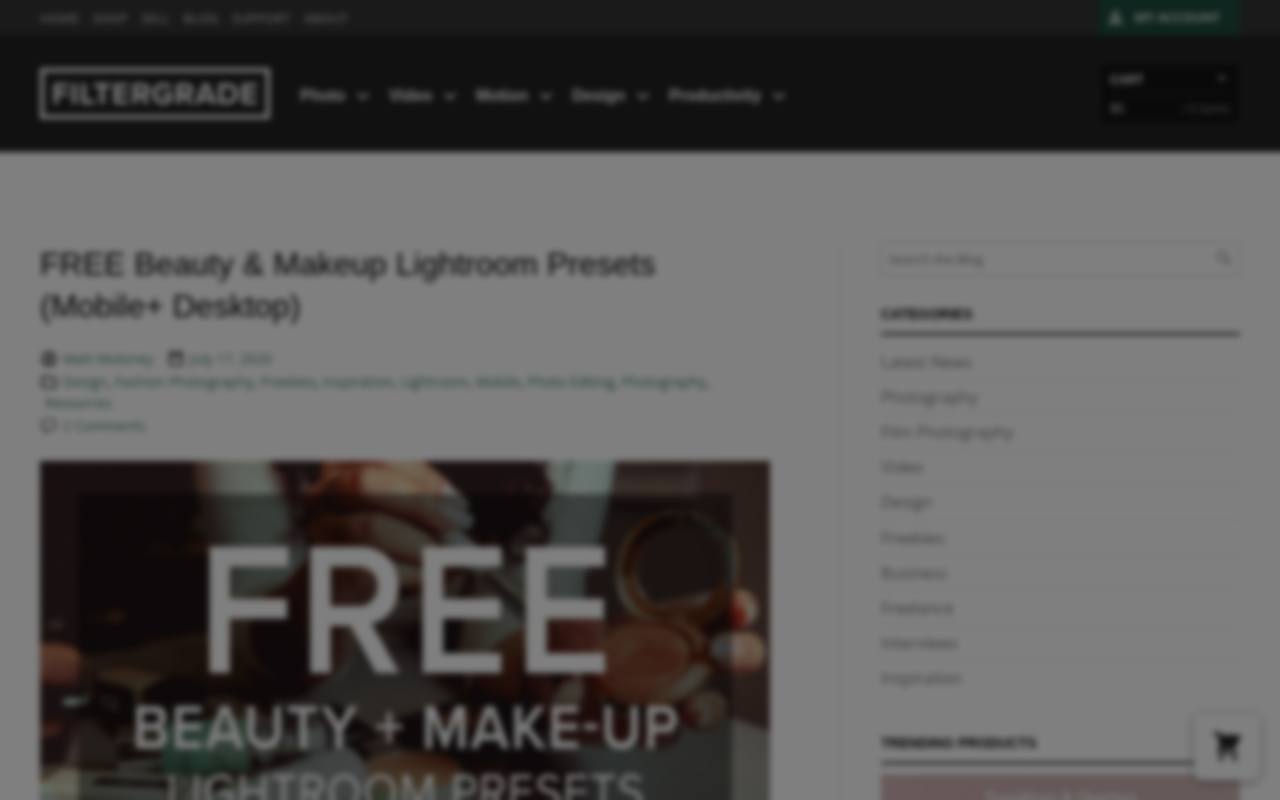
FilterGrade’s beauty and makeup freebie narrows the task to fashion portraits and skin-tone editing instead of offering an unrelated assortment. The post lists seven desktop presets and seven mobile presets, with multiple color-tone variations and clarity effects. It also points to installation tutorials for computer and phone workflows.
Use the examples as a starting reference for beauty photo edits, then inspect skin texture and makeup colors closely on your own image. A preset can alter the apparent shade of cosmetics, so a pleasing overall treatment is not automatically the most accurate choice for product-focused work.
- Type
- Beauty preset pack
- Best for
- Exploring color and clarity in beauty portraits
- License
- Free pack; check download license
- Price
- Free + paid products
Signature Edits
Tutorial and preset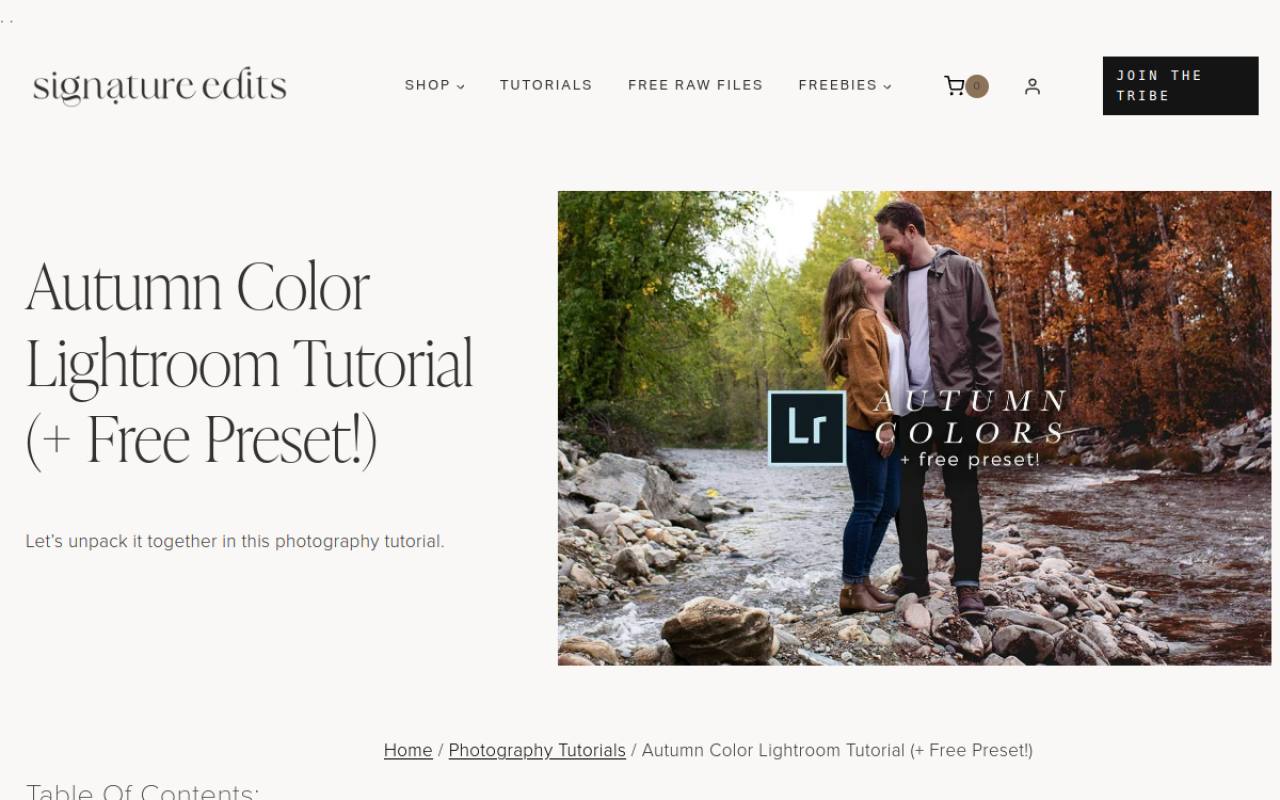
Signature Edits pairs its autumn color preset with a tutorial explaining how the look is built. The page specifically discusses changing green and yellow hues with Lightroom’s HSL controls while keeping skin tones natural.
It offers an LRTemplate download for desktop users and a DNG download for mobile, so this is an older-format resource rather than a promise of native XMP files. The accompanying editing walkthrough is the main distinction: you can study the adjustments, adapt the foliage treatment, and avoid applying strong seasonal color shifts indiscriminately to every object in the frame.
- Type
- Tutorial and preset
- Best for
- Adjusting autumn foliage while protecting portrait colors
- License
- Free tutorial preset; creator terms apply
- Price
- Free + paid products
Loaded Landscapes
Landscape sample pack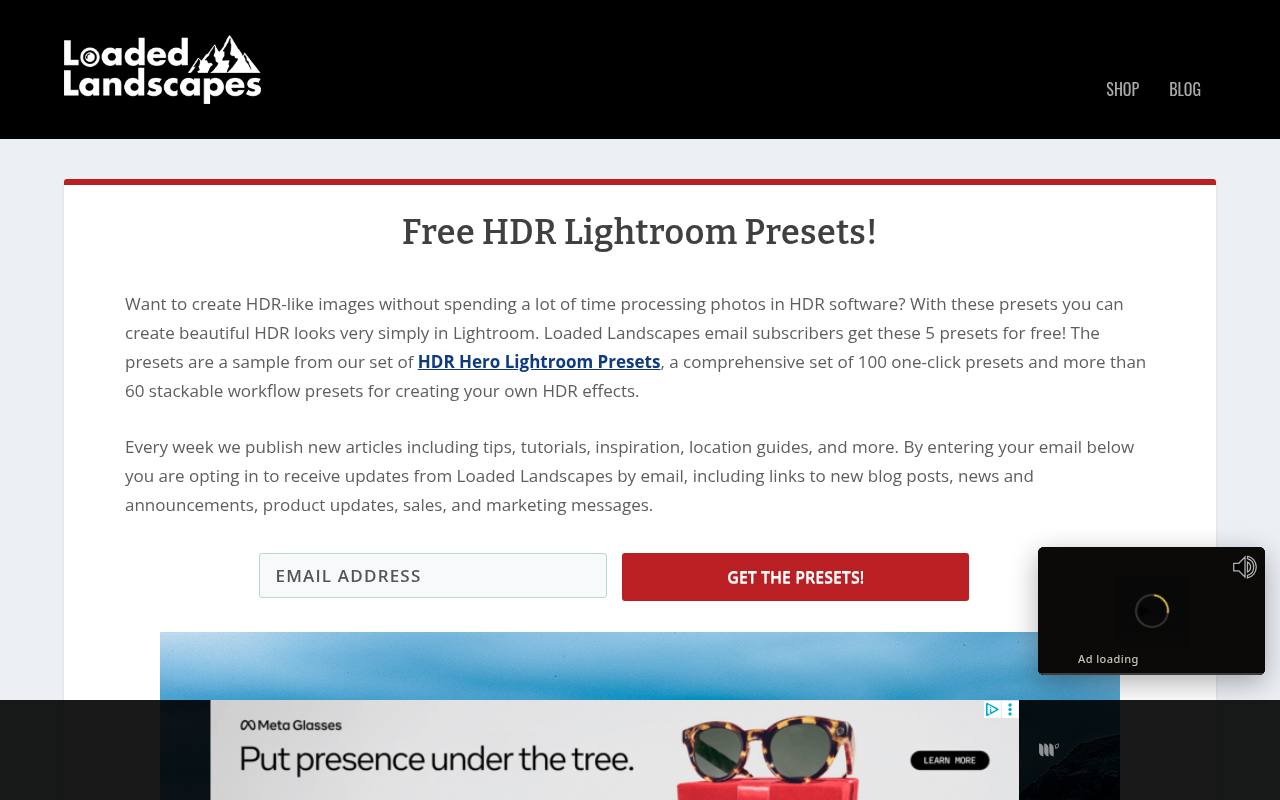
Loaded Landscapes provides five free presets as a sample of its HDR Hero collection. The aim is an HDR-like appearance inside Lightroom, not a tool that combines bracketed exposures or recovers information missing from a single image. Access is tied to an email subscription, and the page explicitly describes updates, announcements, sales, and marketing messages.
That disclosure makes the exchange worth considering before you submit your address. Try the samples on outdoor scenes with visible shadow detail, then reduce excessive contrast or saturation if the treatment makes foliage, skies, or building edges look unnatural.
- Type
- Landscape sample pack
- Best for
- Testing HDR-style contrast on outdoor photo collections
- License
- Free with email subscription; creator terms apply
- Price
- Free + paid packs
FixThePhoto
Preset library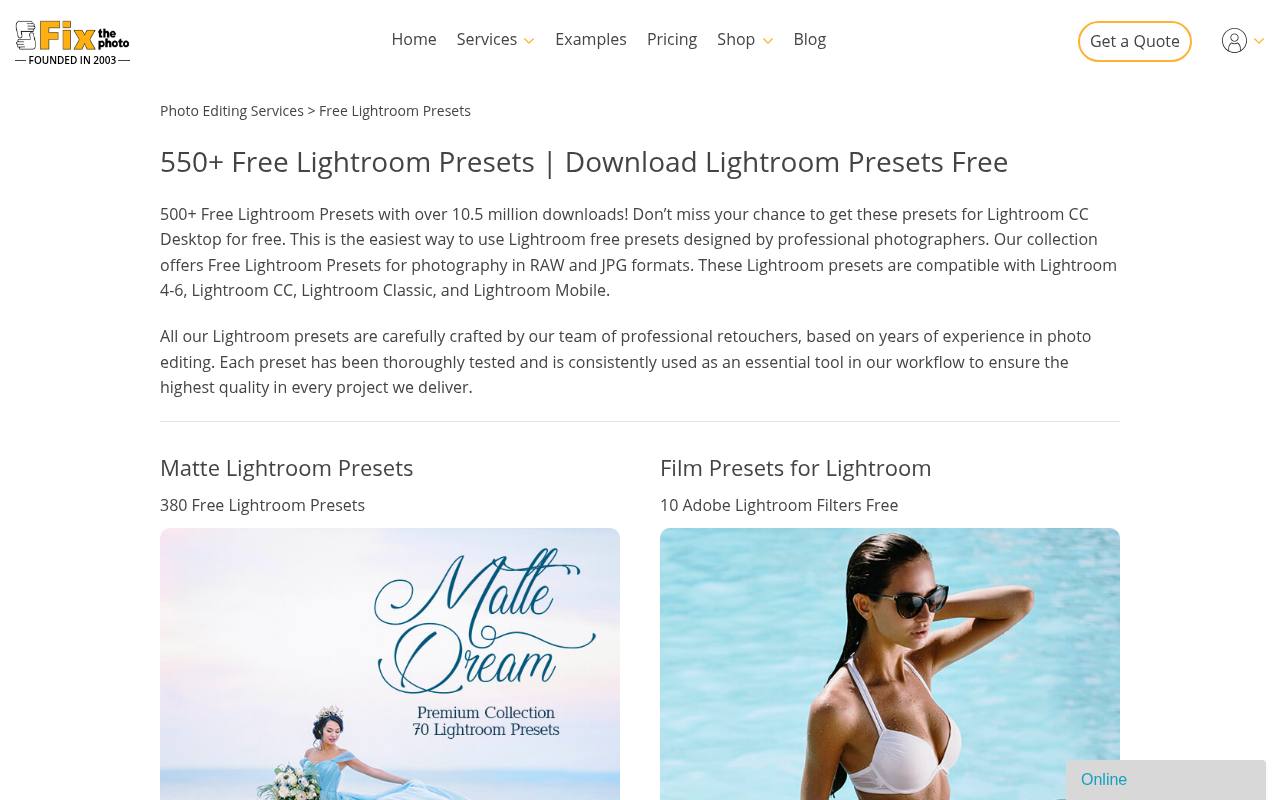
FixThePhoto has a large free Lightroom collection divided into recognizable categories such as portraits, babies, pastel looks, golden hour, and crisp-and-clean edits. The landing page discusses RAW and JPG workflows and lists both desktop and mobile Lightroom compatibility, but you should still read the requirements for the particular download you choose.
Start with its subject-based categories instead of collecting every available package. For everyday editing, a restrained portrait or clean-color option will often be more reusable than a highly stylized look, especially when a gallery contains several lighting conditions.
- Type
- Preset library
- Best for
- Browsing broad photo categories with before-and-after examples
- License
- Free downloads; review each pack’s terms
- Price
- Free + paid services
Greater Than Gatsby
XMP sample pack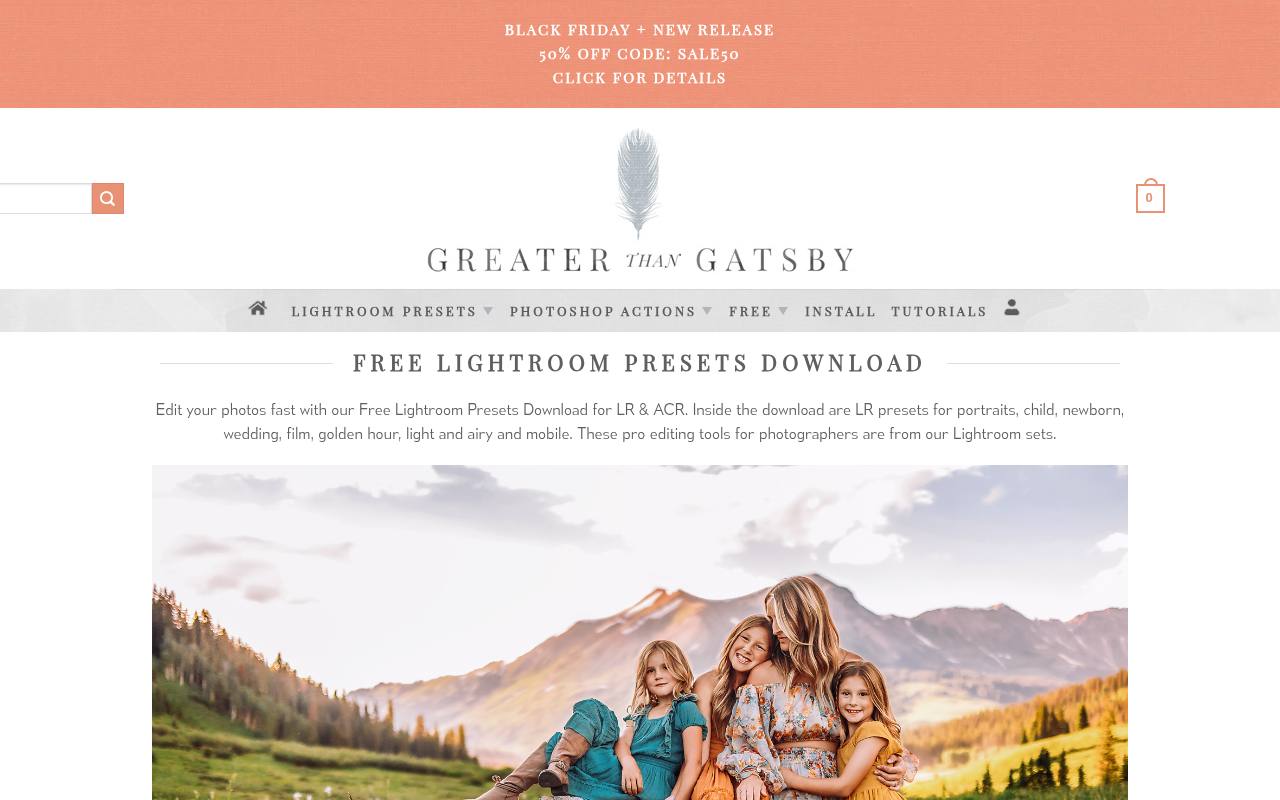
Greater Than Gatsby presents a 16-preset sample download for Lightroom and Adobe Camera Raw. The listed contents extend beyond overall color treatments to include black-and-white conversion, detail and noise adjustments, shadow balance, and smart masking options. This makes the collection interesting if you want to compare creative and corrective presets within one package.
The page identifies XMP files and describes mobile use through a Creative Cloud account. Check feature requirements before relying on the masking presets, because an older Lightroom installation may not support the same selective adjustments as a current release.
- Type
- XMP sample pack
- Best for
- Combining color treatments with practical adjustment tools
- License
- Free sample download; vendor terms apply
- Price
- Free + paid collections
Helene in Between
Desktop preset trio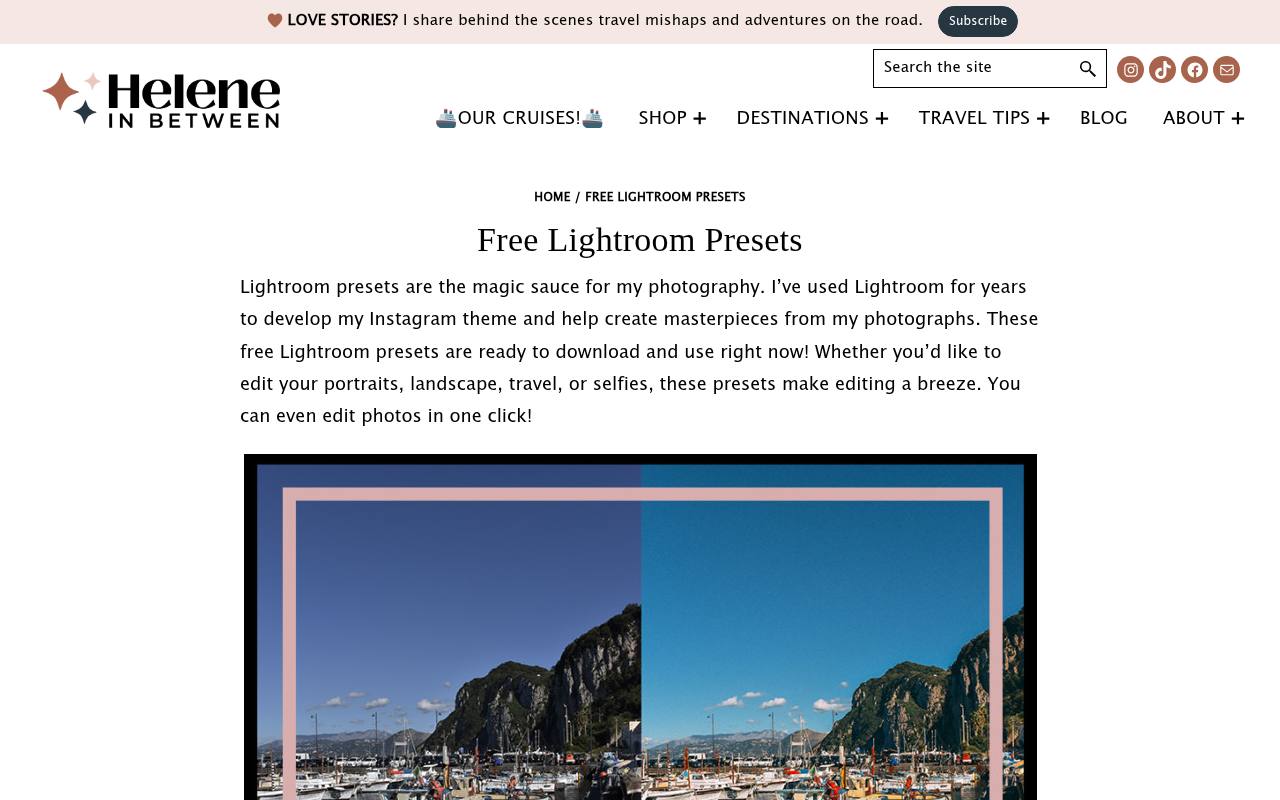
Helene in Between offers three desktop presets through an email signup, positioning them as an approachable introduction to consistent travel, landscape, portrait, and social photography. Unlike pages that leave usage permissions unstated, this one explicitly allows personal and commercial work.
Tagging the creator on Instagram is presented as an invitation, not a condition in that statement. The page also cautions that different lighting can require adjustments after application. Choose this small collection if you would rather learn a few repeatable treatments than spend your editing session comparing a long menu of near-identical options.
- Type
- Desktop preset trio
- Best for
- Starting a cohesive travel and lifestyle photo style
- License
- Free for personal and commercial work
- Price
- Free + paid products
Choose by subject before choosing a mood
Start with the photograph you actually need to finish. Portrait Lightroom presets should preserve believable skin, while landscape settings can tolerate stronger local contrast or more dramatic color.
Test one representative image from each lighting situation before committing to a collection. If a preset improves the background but harms the face, it is not yet a successful edit.
Check file formats before downloading
For current desktop applications, XMP preset files are a common choice. DNG mobile packages work differently: import the supplied image, open it, and save its settings as a preset using the app’s available controls.
LRTemplate files belong to older workflows and may need conversion or an older import route. Follow the source’s instructions rather than renaming file extensions.
Separate free presets from software costs
A free preset pack does not include a Lightroom desktop subscription. Lightroom mobile offers free editing features, but some presets may reference premium tools or features your app version cannot use.
Check that distinction before signing up for a download. An email requirement, optional contribution, and paid software requirement are three different things, even when the preset itself costs nothing.
Read usage terms without assuming ownership
Permission to apply settings to photographs is different from permission to sell or repackage the preset files. Save the download license terms and any included readme with your archive.
Where a page does not clearly state commercial permissions or attribution rules, inspect the checkout terms or ask the creator. Free pricing alone does not establish unrestricted distribution rights.
Build a repeatable editing sequence
Correct obvious exposure and white balance problems, try your chosen preset, then refine the result. For consistent batch editing, synchronize only appropriate settings across photographs made under similar light.
Avoid copying crops, spot repairs, or subject-specific masks blindly. Review the first and last images in each sequence, because changing sunlight or camera position can make identical settings produce noticeably different results.
Keep downloads organized and comparisons fair
Create clearly named preset groups and keep a backup of original ZIP files outside your working catalog. When comparing free Lightroom presets, reset the image between tests so earlier manual adjustments do not confuse the comparison.
Retain only the options you can recognize and reuse. A smaller collection reduces browsing time and makes it easier to identify which settings are shaping your signature look.
Why does the preview look different?
The source photograph, camera profile, lens, lighting, and existing edits all affect preset editing results. A bright outdoor demonstration cannot predict what happens to a dim indoor JPEG.
Presets do not restore clipped highlights or correct missed focus. Adjust exposure, temperature, tint, and color intensity first; if substantial repairs remain, choose a better starting preset rather than forcing the sample appearance.
Review the exported photo, not just the thumbnail
Inspect faces, bright edges, dark clothing, and saturated colors at a useful viewing size. For natural photo edits, watch for excessive sharpening, blocked shadows, and orange skin.
Export a test at the size you plan to publish and view it away from the editing interface. That final check matters more than whether a preset looked impressive in a small preview.