
Consistent color can bring a mixed collection of clips or photographs together, but building every look from scratch takes time. Free color grading LUTs offer a reusable starting point by mapping incoming color values to different output values.
They can introduce warmer highlights, quieter greens, deeper shadows, or a cleaner commercial finish. The useful part is not simply finding a dramatic preview: it is finding a look that responds predictably to your own images.
This selection focuses on downloadable LUT files rather than photo presets, recorded actions, or texture overlays. Most options use the widely supported CUBE format, so you can take the same file between compatible video and photo applications.
Some sources offer broad creative libraries; others provide a tightly defined sample pack or camera-specific transformation. Check the expected input before applying anything, because an attractive look designed for Rec.709 can behave very differently on unconverted log footage.
You do not need a large collection to get useful results from free LUTs for video or still photography. Start with a few looks, test them against representative shots, and keep the downloads with clear documentation.
The resources below explain their available files or intended uses at the source. Where free samples sit beside paid products, stay with the free download route and read the included terms before using the files in client work.
Quick picks at a glance
| # | Resource | License | Best for |
|---|---|---|---|
| 1 | FreeVisuals | Free; commercial use allowed; check individual download terms | Finding specific looks for everyday video projects |
| 2 | Clipabay | CC0; commercial use; no credit required | Testing a compact range of Rec.709 looks |
| 3 | Luttie | Free downloads for commercial and client work | Downloading individual looks without creating an account |
| 4 | DAEDAL | CC0; commercial use; no credit required | Choosing looks by production type and subject |
| 5 | slay | CC BY 4.0; attribution required; review repository terms | Comparing five documented looks on photos and video |
| 6 | Editor Hub | Free for personal and commercial projects; check site terms | Previewing a creative grade on your own frame |
| 7 | PremiumBeat | Free personal and commercial use; no resale or redistribution | Exploring travel-oriented looks intended for log footage |
| 8 | IWLTBAP | Free downloads; consult included usage terms | Selecting pronounced color treatments with useful cautions |
| 9 | Bounce Color | Free sample access by email; vendor license applies | Trying a vendor sample before buying larger collections |
| 10 | Sony | Free manufacturer downloads; Sony download terms apply | Starting with documented Sony log and gamut combinations |
FreeVisuals
CUBE LUT library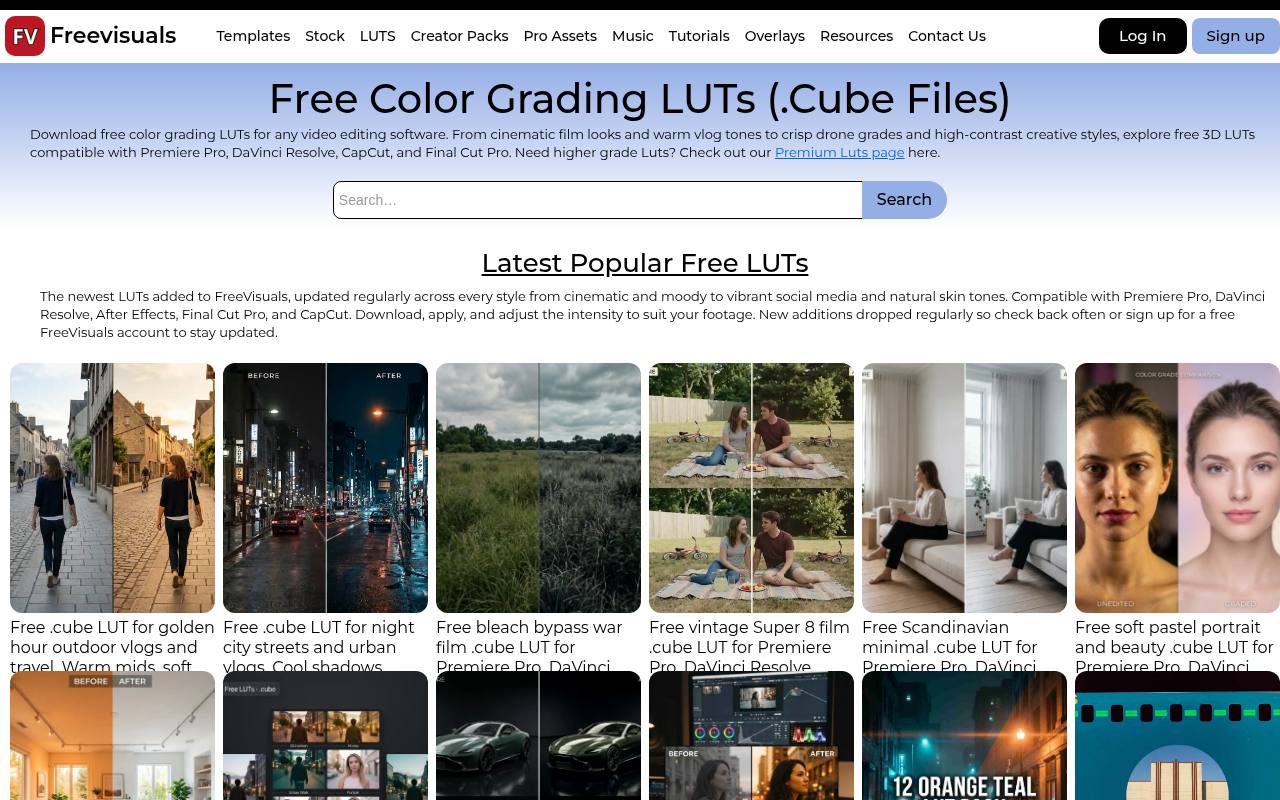
FreeVisuals organizes its free CUBE LUTs around recognizable shooting situations, including golden-hour vlogs, night streets, soft portraits, interiors, and high-contrast car footage. That makes the library useful when you know the scene you need to finish but not the technical name of the look.
The page lists compatibility with major editors and explains intensity adjustment. It also allows commercial project use without attribution, while asking readers to check individual download conditions. Premium LUTs are separate, so choose the free entries rather than assuming every linked collection is included.
- Type
- CUBE LUT library
- Best for
- Finding specific looks for everyday video projects
- License
- Free; commercial use allowed; check individual download terms
- Price
- Free + paid packs
Clipabay
33-point CUBE pack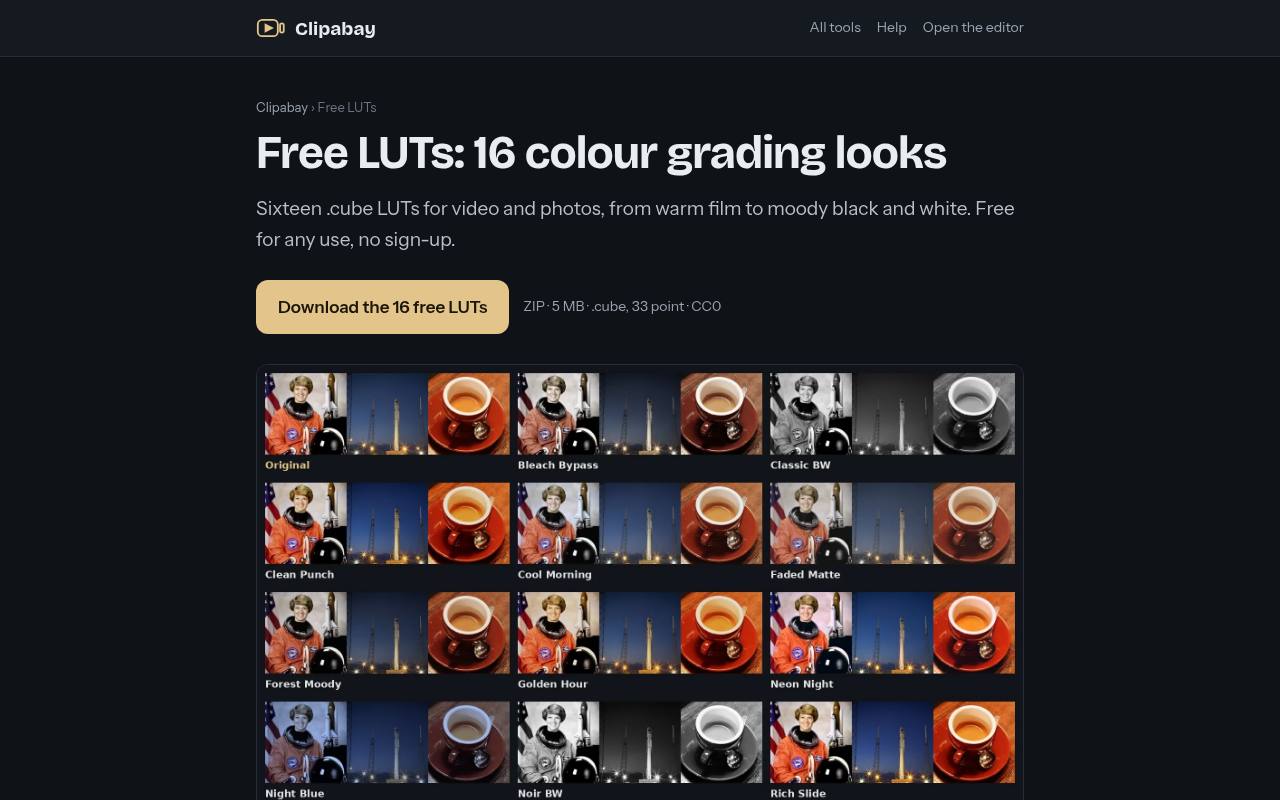
Clipabay packages sixteen looks into a single ZIP, with options such as Cool Morning, Forest Moody, Clean Punch, Soft Pastel, and Noir BW. Its 33-point CUBE files are intended for Rec.709 material, and the page explicitly tells log shooters to convert their footage first.
There is no signup requirement, making this a convenient first collection for testing across applications. The CC0 release permits commercial work without mandatory credit. Installation notes cover several video editors, OBS, and Photoshop, giving both moving-image and still-image users a practical route into the pack.
- Type
- 33-point CUBE pack
- Best for
- Testing a compact range of Rec.709 looks
- License
- CC0; commercial use; no credit required
- Price
- 100% free
Luttie
CUBE LUT library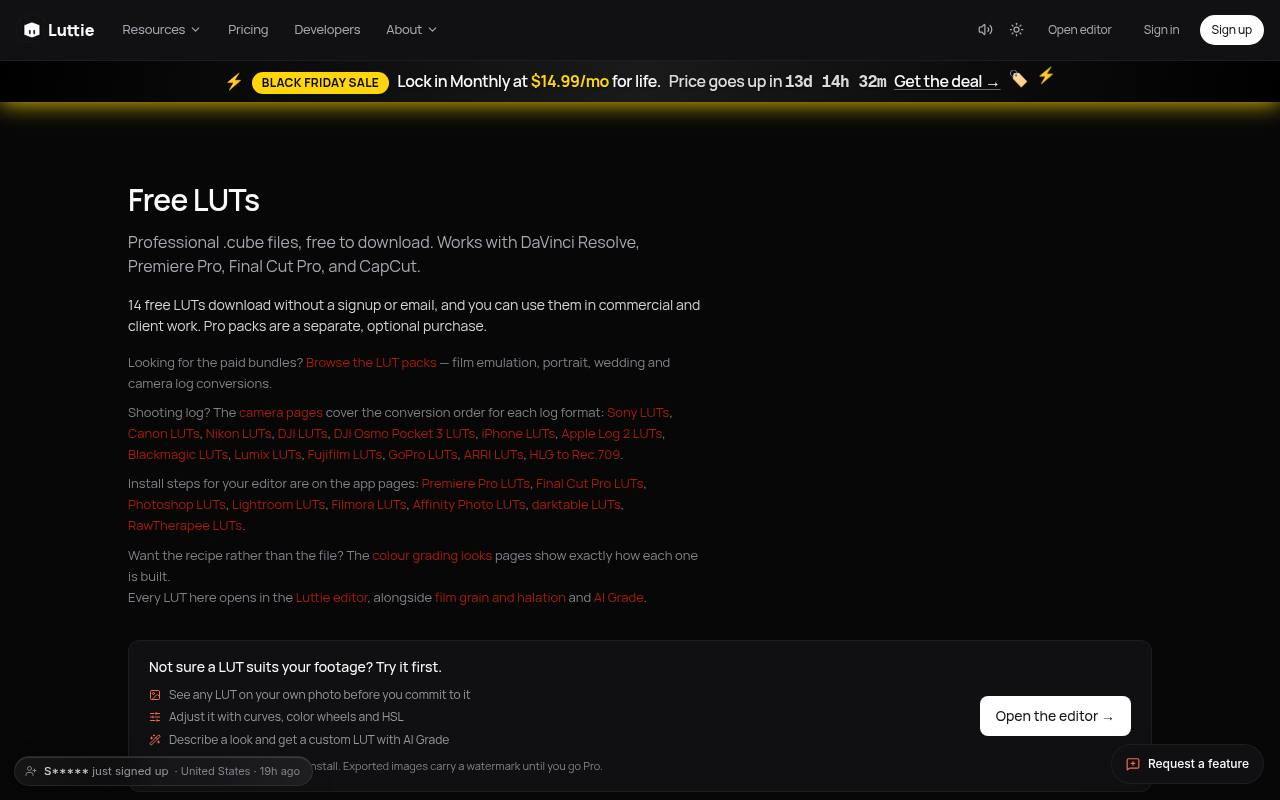
Luttie separates its free LUT downloads from optional Pro packs and says the free files require neither signup nor email. The library includes individual looks with descriptions of their intended color response, while linked camera pages discuss conversion order for different log formats.
This is especially helpful when you need to distinguish a creative look from a technical transform. Commercial and client use are allowed. Note the distinction between downloading a file and using the browser photo editor: exported images from that editor carry a watermark unless you upgrade.
- Type
- CUBE LUT library
- Best for
- Downloading individual looks without creating an account
- License
- Free downloads for commercial and client work
- Price
- Free + Pro
DAEDAL
33-point CUBE collections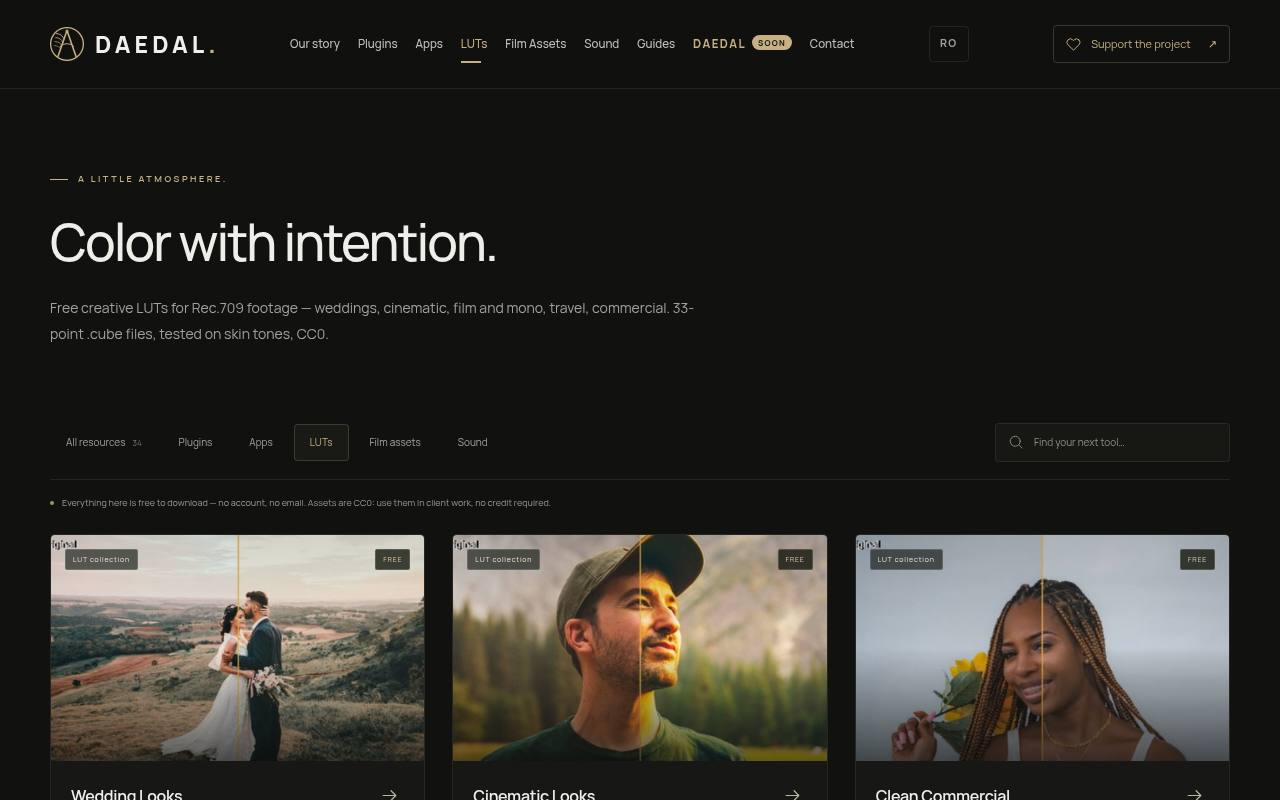
DAEDAL groups its Rec.709 creative LUTs into collections for weddings, cinematic work, clean commercial footage, film and monochrome, and travel or documentary projects. The files are 33-point CUBE LUTs, and the library states that downloads need no account or email.
Its CC0 asset terms allow client use without credit. Clean Commercial is a particularly relevant starting point for product, food, beauty, or corporate edits. Keep the input requirement in mind: these collections supply creative styling after conversion and correction, not a universal replacement for camera-specific log handling.
- Type
- 33-point CUBE collections
- Best for
- Choosing looks by production type and subject
- License
- CC0; commercial use; no credit required
- Price
- 100% free
slay
33-point CUBE pack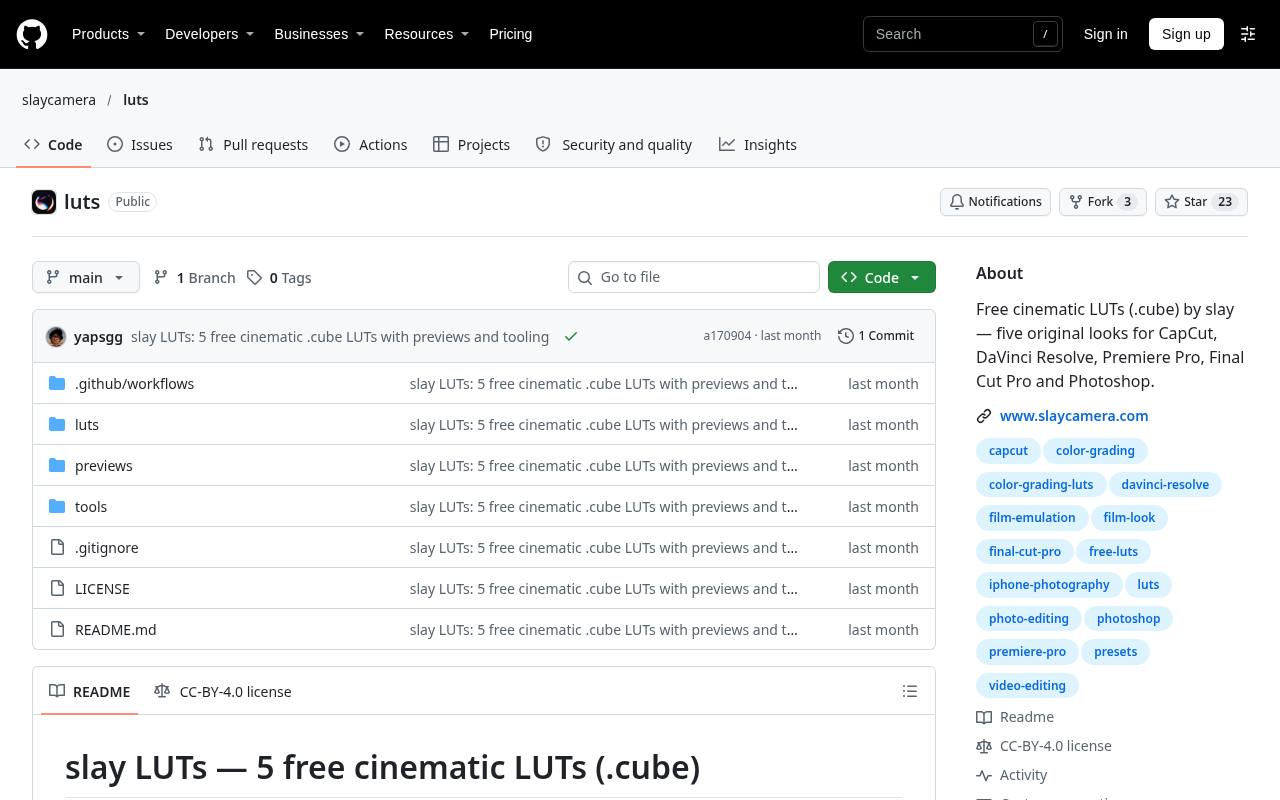
The slay repository provides five original looks as 33-point CUBE LUTs, with before-and-after examples and individual files inside its LUT folder. Amber emphasizes warm highlights and outdoor scenes, Fade lifts blacks and softens color, and Neon pushes night-city color separation.
The documentation lists Photoshop and Affinity Photo alongside common video editors, making the pack relevant to mixed photo and video work. Its attribution requirement matters: the repository identifies CC BY 4.0 and asks users to credit slay and its website. Read the accompanying sharing and resale notes before repackaging files.
- Type
- 33-point CUBE pack
- Best for
- Comparing five documented looks on photos and video
- License
- CC BY 4.0; attribution required; review repository terms
- Price
- 100% free
Editor Hub
CUBE preview library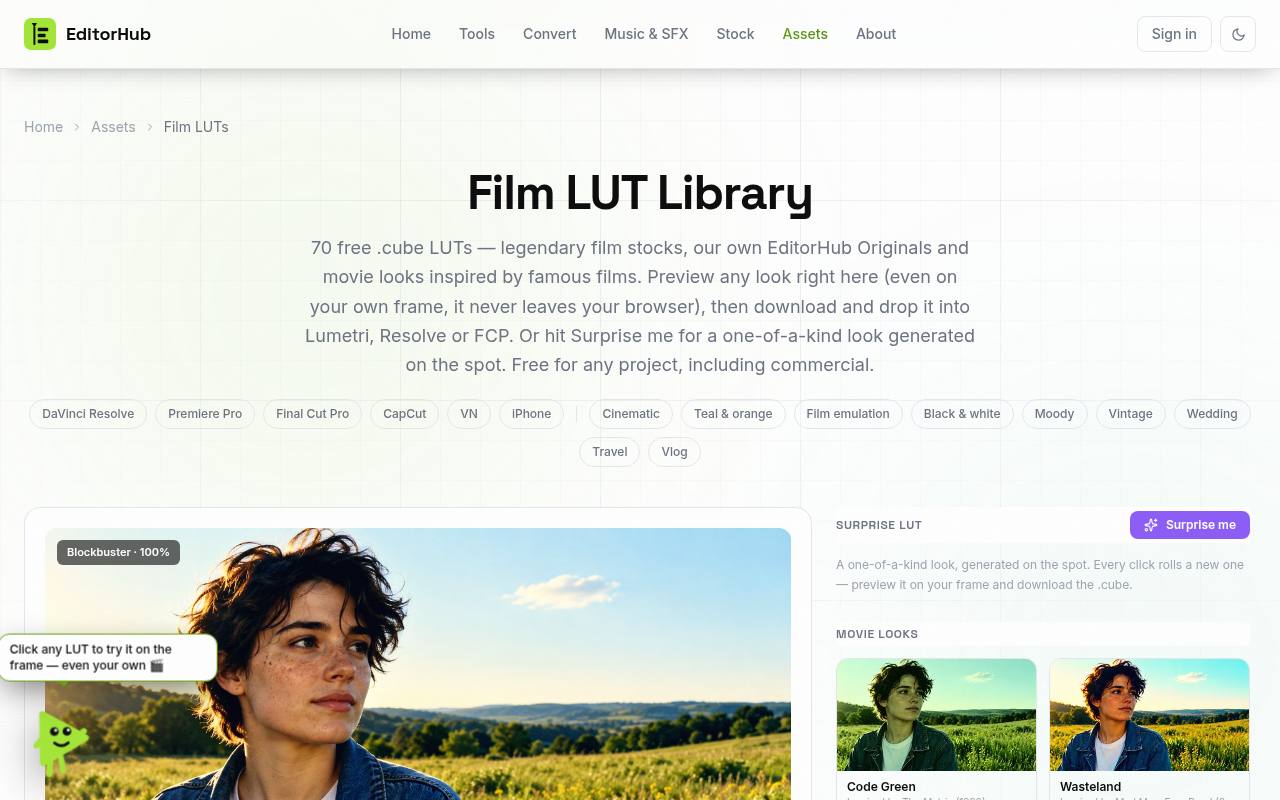
Editor Hub combines a downloadable CUBE library with local frame previews, letting you compare a look on your own image before saving it. The page says your uploaded frame stays in the browser, a useful distinction when evaluating unfinished client visuals.
Alongside movie-inspired looks, its Originals section includes options such as Deep Teal, Midnight, Golden Hour, and Crisp Clean. A Surprise LUT generator creates another downloadable variation on demand. The library permits commercial projects, but a familiar movie reference describes visual inspiration rather than an official studio color pipeline.
- Type
- CUBE preview library
- Best for
- Previewing a creative grade on your own frame
- License
- Free for personal and commercial projects; check site terms
- Price
- 100% free
PremiumBeat
CUBE LUT pack
PremiumBeat’s Wanderlust download contains seventeen CUBE LUT files presented specifically for log footage, with travel imagery as the creative starting point. The article includes import instructions for Premiere Pro, Final Cut Pro, and DaVinci Resolve, although its interface examples come from older software releases.
Use your current editor’s documentation when menu names differ. The stated personal and commercial permissions allow finished projects but prohibit reselling or redistributing the assets. Because log is not one universal encoding, test the pack against your actual camera profile rather than assuming every file supplies an accurate technical conversion.
- Type
- CUBE LUT pack
- Best for
- Exploring travel-oriented looks intended for log footage
- License
- Free personal and commercial use; no resale or redistribution
- Price
- 100% free
IWLTBAP
Creative LUT downloads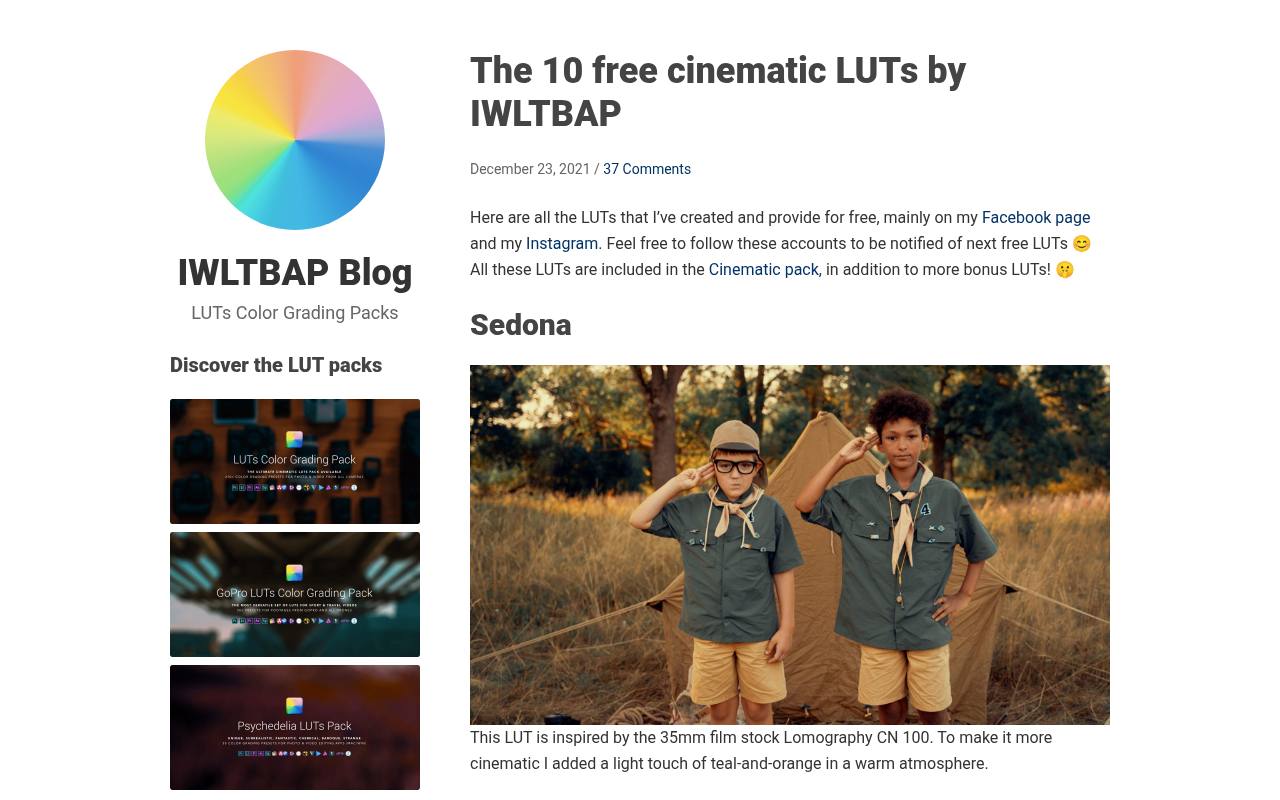
IWLTBAP’s free collection explains the character of individual downloads instead of presenting an anonymous bundle. Sedona adds a warm atmosphere with a light teal-and-orange influence, while Arapaho shifts vegetation toward autumn colors. Humble introduces green into shadows and midtones, and Coronado targets a strong blue mood.
These look-specific descriptions help narrow the options before downloading. The Aspen entry even warns about banding in gradients on heavily compressed material and recommends reducing intensity. Free downloads appear alongside a larger paid collection; consult the accompanying terms for your intended usage rights.
- Type
- Creative LUT downloads
- Best for
- Selecting pronounced color treatments with useful cautions
- License
- Free downloads; consult included usage terms
- Price
- Free + paid packs
Bounce Color
LUT sample pack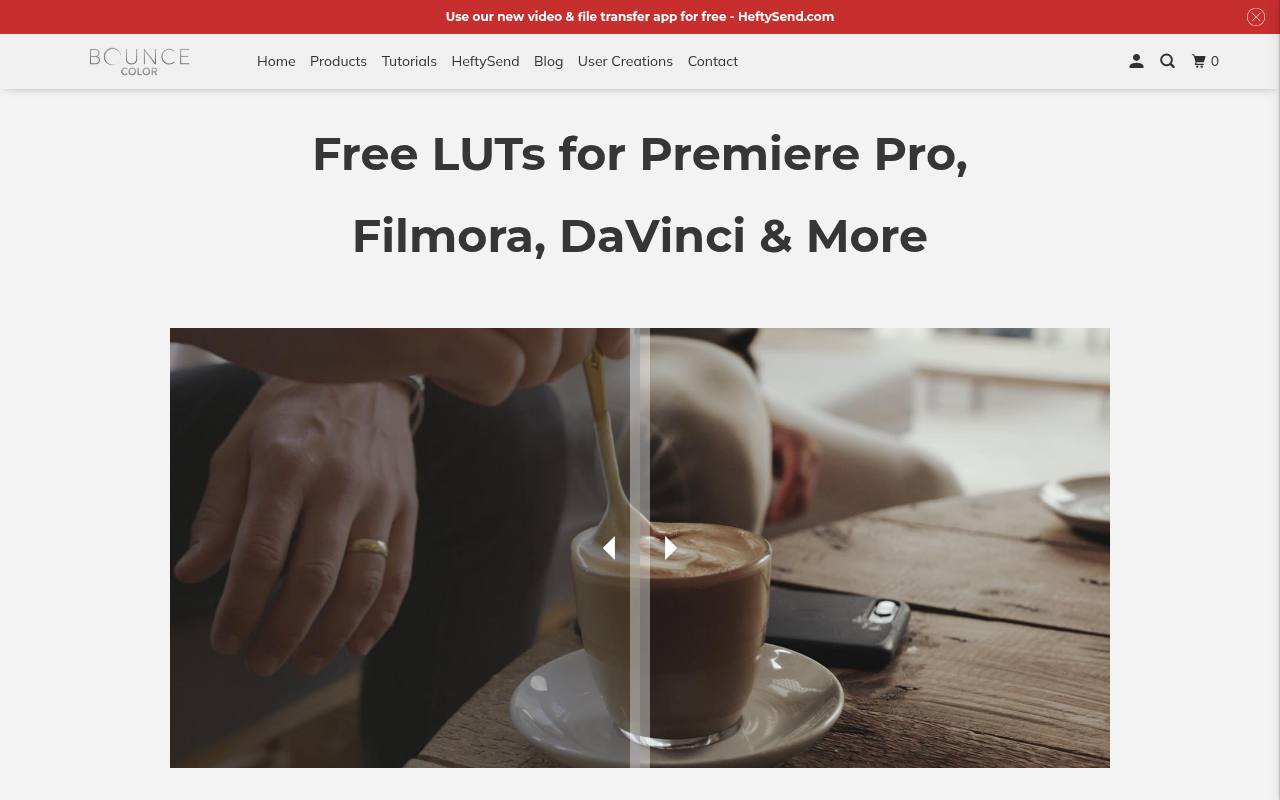
Bounce Color offers a free sample collection drawn from its broader catalog, with an email address required to receive the download link. The page discusses both creative styling and log correction, and links to separate material about its log-conversion products. Treat those as different tasks rather than assuming every sample handles both.
Its software tutorial links include Photoshop as well as Premiere Pro, Resolve, Final Cut Pro, and other editors. This is a practical option for evaluating the vendor’s approach before purchasing, provided you are comfortable with email delivery and review its license terms.
- Type
- LUT sample pack
- Best for
- Trying a vendor sample before buying larger collections
- License
- Free sample access by email; vendor license applies
- Price
- Free samples + paid packs
Sony
Camera look-profile LUTs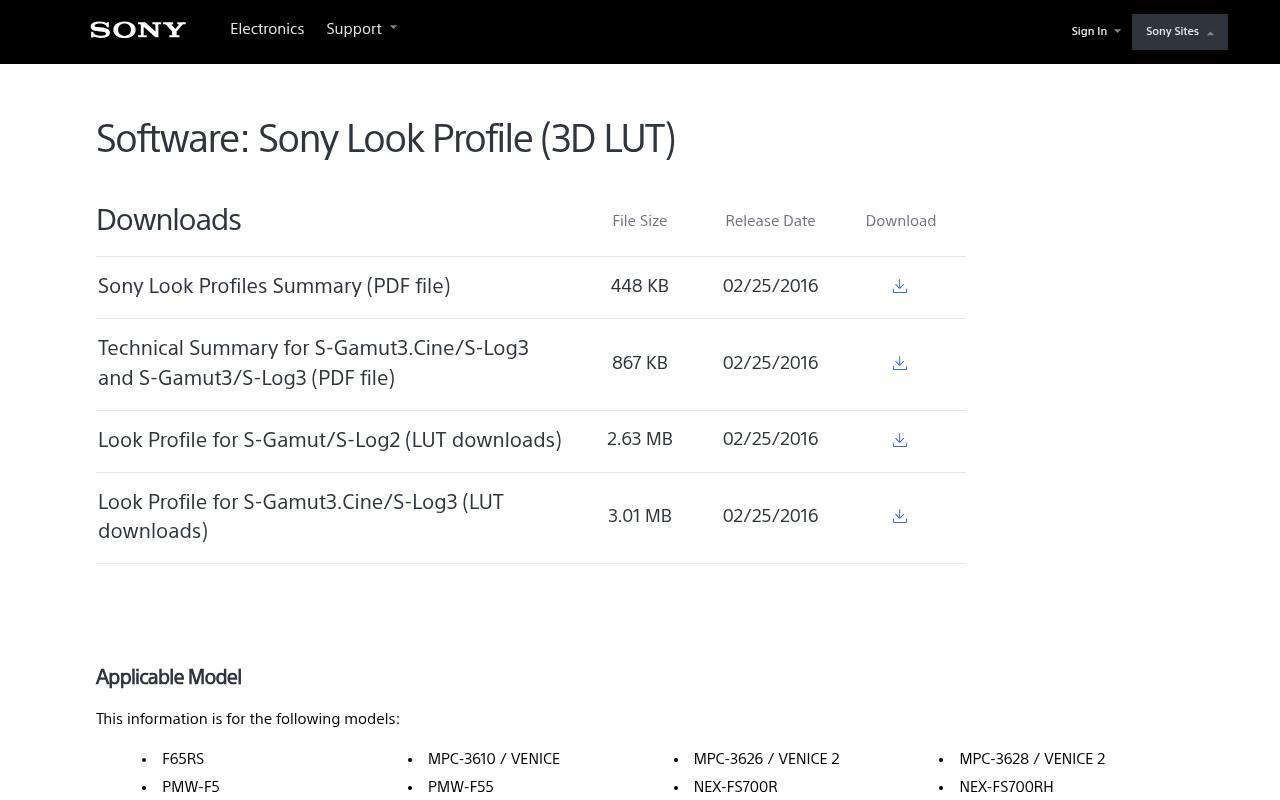
Sony’s support download page provides manufacturer look profiles for S-Gamut/S-Log2 and S-Gamut3.Cine/S-Log3, accompanied by a look-profile summary and a technical summary. Unlike a general creative library, this resource is organized around specific input encodings and lists applicable camera models.
It is valuable when your footage comes from a compatible Sony workflow and you want documentation alongside the files. Match both gamut and gamma before applying a profile. These are video-oriented resources, not general photo filters, and the support-page download terms govern the supplied files.
- Type
- Camera look-profile LUTs
- Best for
- Starting with documented Sony log and gamut combinations
- License
- Free manufacturer downloads; Sony download terms apply
- Price
- 100% free
Choose the input before the look
A LUT expects a particular input color space and tonal encoding. A creative file designed for Rec.709 usually belongs after a log-to-Rec.709 conversion, while a camera conversion LUT belongs at the relevant technical stage.
Do not apply both an automatic transform and an equivalent conversion LUT without checking the pipeline. That double treatment can crush shadows, exaggerate saturation, and make a perfectly usable download look broken.
Use CUBE files across compatible applications
The CUBE file format describes a color mapping, not an entire editing session. It does not automatically recreate masks, grain, sharpening, tracking, or local exposure changes.
Confirm that your application supports importing third-party 3D LUTs; support varies between desktop and mobile editions. For still photography, use a LUT-capable adjustment or filter rather than expecting the file to behave like a native raw-development preset.
Correct first, then adjust strength
Set exposure and white balance before judging a creative LUT. A warm look cannot reliably correct mixed lighting, and lifting a dark clip after a harsh transformation may reveal damaged-looking tones.
Keep correction and styling on separate nodes or layers where possible. Begin below full strength, compare against the untreated image, and inspect skin, bright fabric, and saturated signs rather than judging only the most flattering part of the frame.
Understand free download permissions
A free price does not automatically grant redistribution or resale rights. Clipabay and DAEDAL state CC0 terms, while PremiumBeat explicitly restricts redistribution of its free assets. Attribution-based resources require their own credit workflow.
Save the license text with each download and distinguish permission to publish a graded video from permission to include the original LUT in a template, course download, client handoff, or competing asset collection.
Test matching shots, not just previews
Build a short representative test sequence containing faces, greenery, a neutral object, highlights, and a low-light shot. Apply one candidate look across that sequence, then make modest shot-level corrections.
If a LUT only works on a sunset preview, it may not suit an entire interview or product shoot. For photo sets, compare several lighting situations before batch application so that consistency does not come at the expense of natural color.
Watch gradients, compression, and viewing conditions
Strong color mappings can expose banding and compression artifacts, especially in skies, walls, and shadow transitions. Inspect an exported sample rather than relying solely on a small playback window.
Use scopes alongside a reasonably consistent display, and remember that phone brightness and ambient light change perceived contrast. Preserve enough detail for faces, products, and any text placed over the image; dramatic grading should not make essential information harder to see.
Can the same LUT work on photos and video?
Often yes, when both applications support the file and the expected input matches. A Rec.709 video look can be a useful experiment on a prepared photo, but sRGB and Rec.709 workflows are not interchangeable in every respect.
Compare the results rather than promising identical rendering. Keep original photos and ungraded footage, retain adjustable layers or nodes, and export a small test before committing an entire delivery to one treatment.