
A good free online photo editor should let you finish an image, not just preview an attractive effect. Browser tools now cover everything from quick color corrections to layered compositions, but their business models differ considerably.
Some provide a genuinely free editing workspace; others reserve particular filters, export options, or automation features for subscribers. The selections below focus on editing your existing photographs, with practical distinctions between free tools and optional paid features before you commit time to a project.
Start by deciding whether you need adjustable photo filters or a more involved editing environment. A simple editor can handle brightness, cropping, and a softer color treatment without much learning.
Layer-based tools make more sense when an effect needs to affect only part of a photograph or remain separate from the original. These are working browser editors rather than downloadable presets, LUTs, actions, or overlay packs, so you can experiment directly without installing a separate desktop application first.
Pay particular attention to free export limits and asset labels. A visible filter is not necessarily included in the free plan, and an AI button may use credits even when ordinary editing costs nothing.
For any important job, open a representative image and download a small test before building the full treatment. Keep your original file elsewhere, especially when working in a browser session that could close unexpectedly, and check the resulting dimensions rather than judging quality from the preview alone.
Quick picks at a glance
| # | Resource | License | Best for |
|---|---|---|---|
| 1 | Photopea | Free, ad-supported; Premium optional | Layered corrections and detailed control over effects |
| 2 | Pixlr | Free with ads and save limits; paid plans optional | Quick visual treatments with straightforward browser controls |
| 3 | BeFunky | Free tools and exports; Plus and Pro optional | Beginner-friendly adjustments with clearly separated premium tools |
| 4 | iPiccy | Free online service; site terms apply | Combining everyday adjustments with portrait-focused editing tools |
| 5 | LunaPic | Free online service; site terms apply | Exploring extensive effects through a menu-driven interface |
| 6 | PhotoFilters.com | Free service; no registration required | Applying selective artistic effects without creating accounts |
| 7 | Adobe Express | Free plan; Premium assets and features restricted | Filtering photos before turning them into layouts |
| 8 | Canva | Free plan; Pro content separately licensed | Matching filtered images to simple marketing designs |
| 9 | miniPaint | MIT-licensed open-source software; free browser app | Layered image effects in an open-source workspace |
| 10 | Edit•Photo | Free hosted editor; underlying Pintura software commercial | Private quick edits without ads or accounts |
Photopea
Web app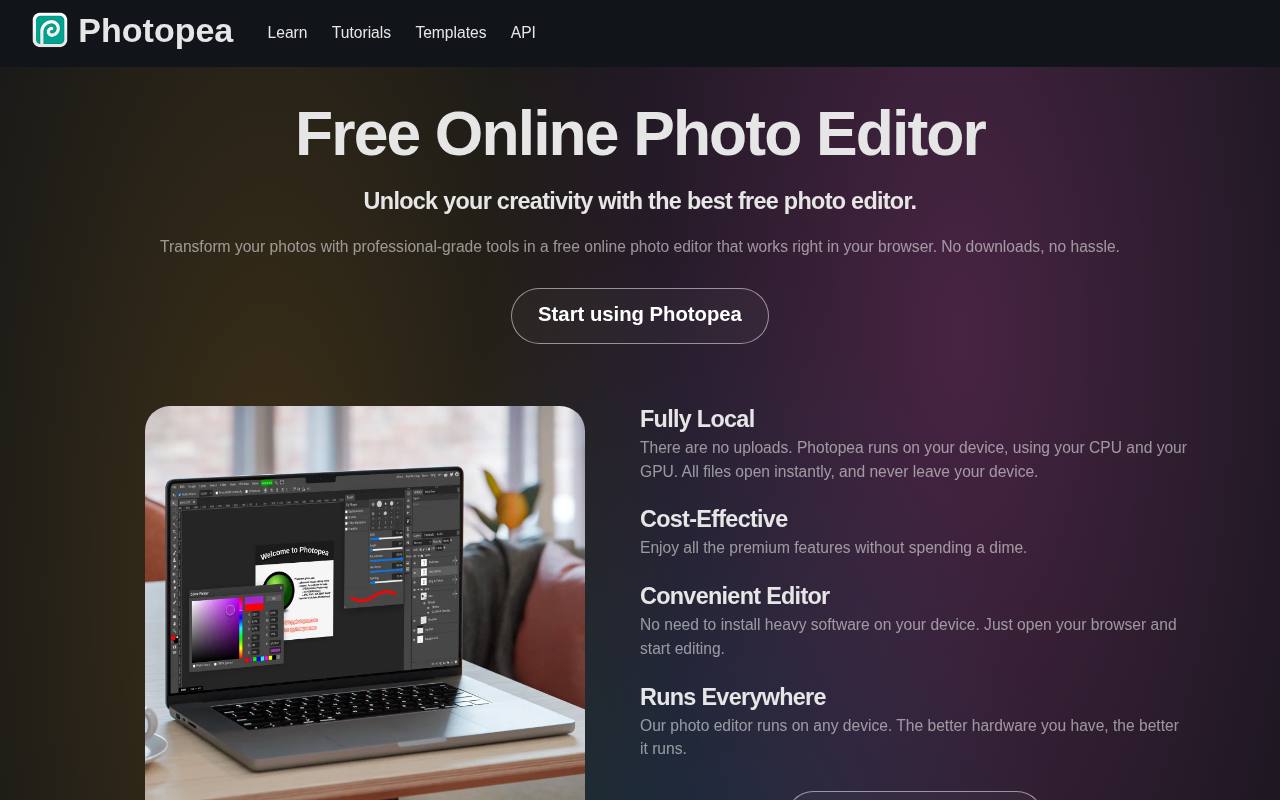
Photopea suits photographers who want layer-based editing rather than a gallery of one-click looks. Its workspace includes selections, masks, adjustment layers, and filters, with PSD support that helps preserve an editable composition. You can open local images, work in your browser, and export finished JPEG or PNG files without a subscription.
The standard editor is free with ads; Premium removes advertising and adds account benefits. Ordinary manual editing is distinct from optional AI services, so do not assume that every credit-based feature has unlimited free access. Expect a denser interface than a quick-filter app.
- Type
- Web app
- Best for
- Layered corrections and detailed control over effects
- License
- Free, ad-supported; Premium optional
- Price
- Free + Premium
Pixlr
Web app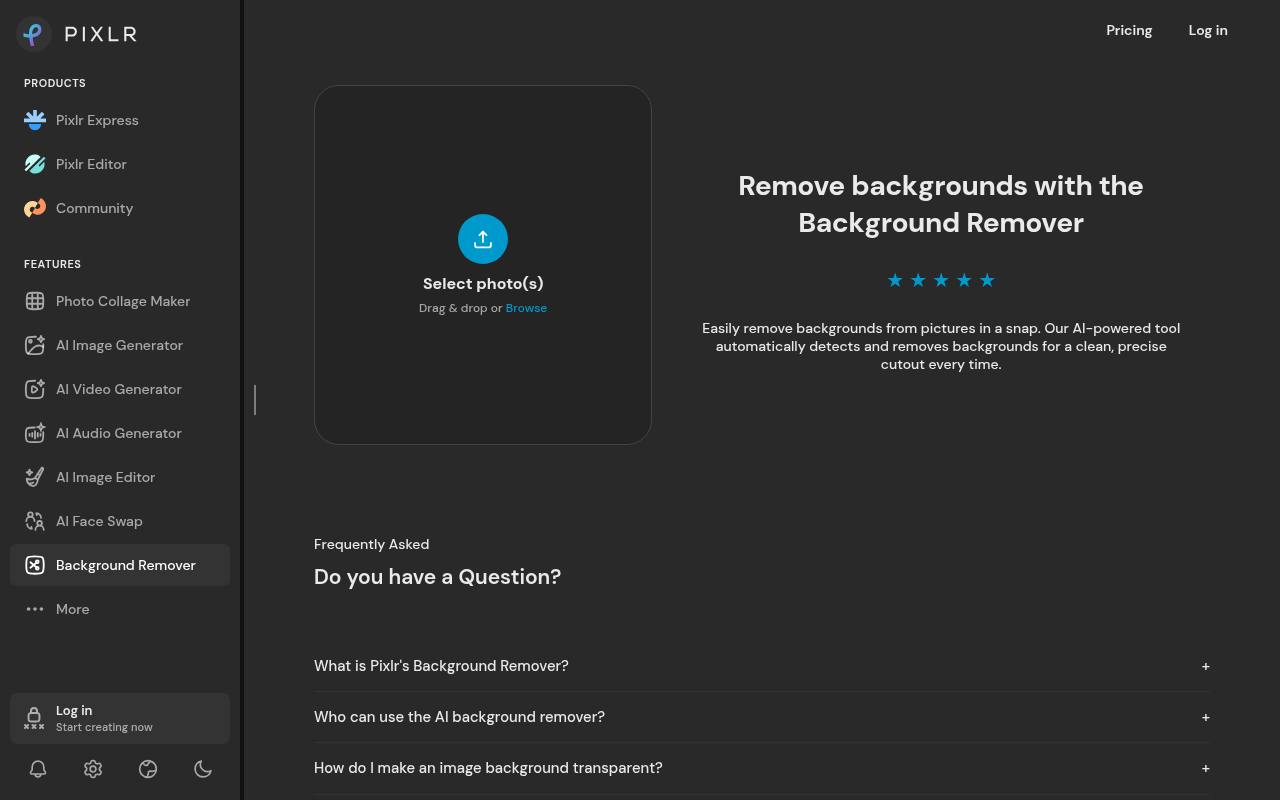
Pixlr Express places quick photo effects in a more approachable environment than a traditional desktop-style editor. Open a photograph, adjust its tone, and explore the filters available to your account; Pixlr Editor is the related option for more detailed layer work.
The free service carries ads and limits free saves, while Plus explicitly includes ad-free use and unlimited saves. The public pricing page does not clearly state a universal free daily allowance, so check the live save counter before starting several images. Premium features and AI credits are separate considerations, not an unlimited free bundle.
- Type
- Web app
- Best for
- Quick visual treatments with straightforward browser controls
- License
- Free with ads and save limits; paid plans optional
- Price
- Free tier
BeFunky
Web app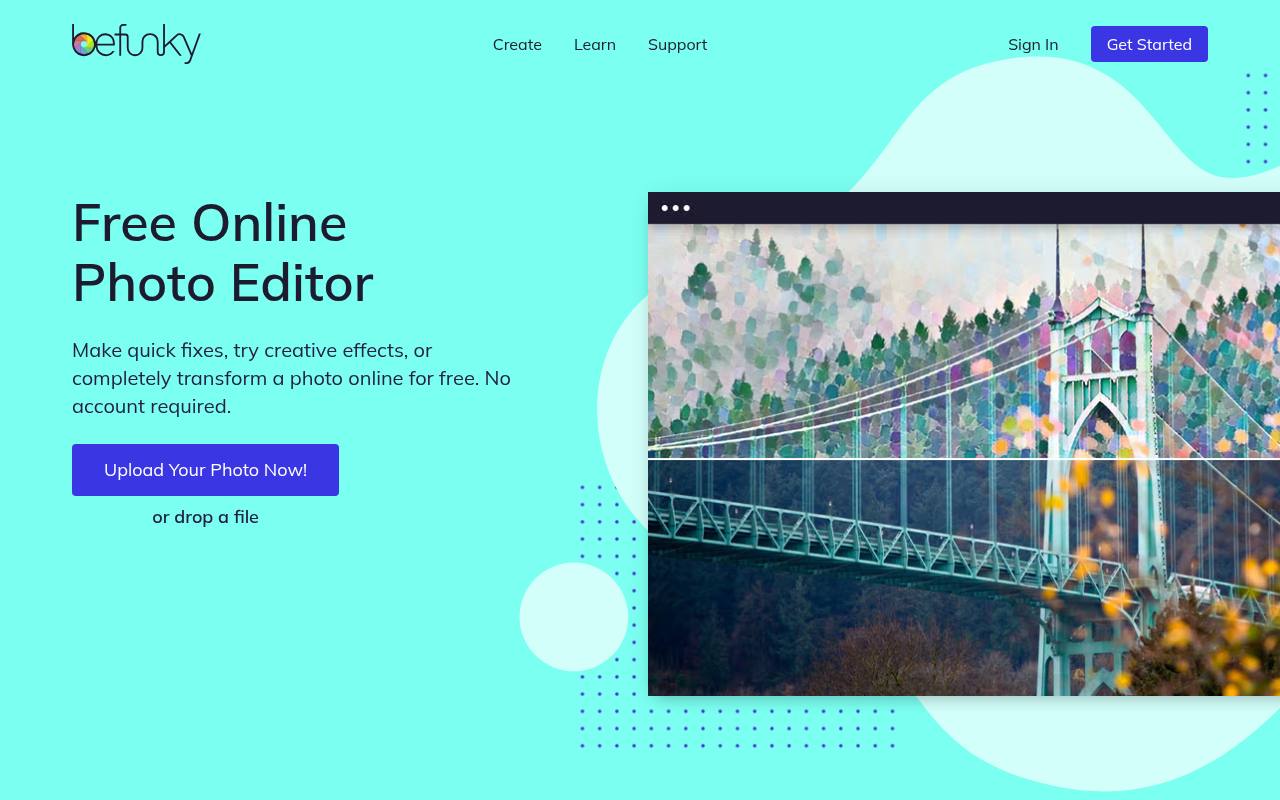
BeFunky combines essential photo adjustments with an effects-oriented interface that makes casual experimentation approachable. Its free tools cover jobs such as cropping, resizing, exposure correction, and color changes, and you can start without an account. Photos made entirely with free tools can be downloaded without a watermark.
However, previewing a premium effect does not make it free: using premium tools or assets requires a subscription to export. Plus unlocks premium effects and basic batch editing, while Pro adds AI batch options. Treat the advertised photo-to-art and AI features as paid unless specifically labeled otherwise.
- Type
- Web app
- Best for
- Beginner-friendly adjustments with clearly separated premium tools
- License
- Free tools and exports; Plus and Pro optional
- Price
- Free + paid plans
iPiccy
Web app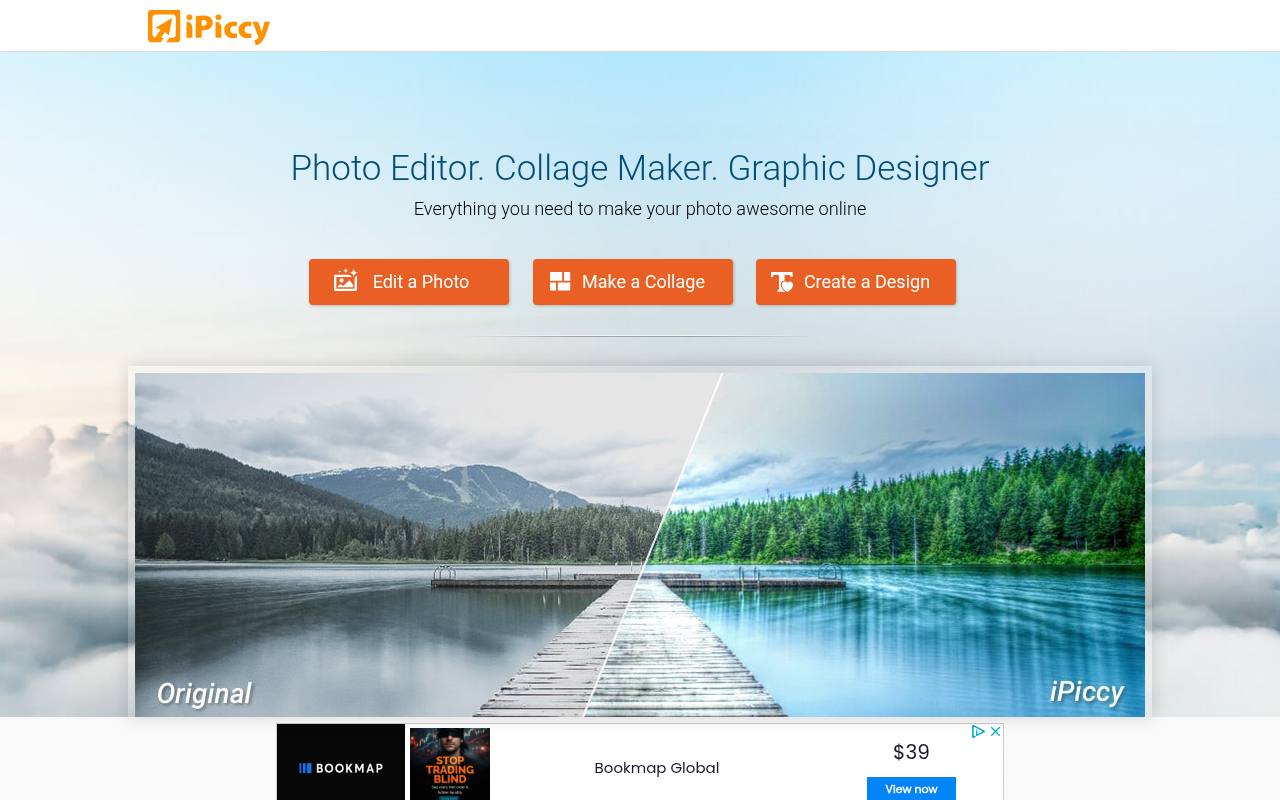
iPiccy offers a free photo workspace with automatic correction, crop and resize controls, facial retouching, frames, and a substantial photo-effects section. It also separates its collage maker and design workspace from the main editing experience, useful when you want to finish a photo before arranging it in a layout.
The service describes its editing tools as free rather than presenting a subscription filter catalog. Choose a desktop browser for this one: the website explicitly warns that it is not yet optimized for mobile devices. JavaScript must be enabled for the editor to function.
- Type
- Web app
- Best for
- Combining everyday adjustments with portrait-focused editing tools
- License
- Free online service; site terms apply
- Price
- 100% free
LunaPic
Web app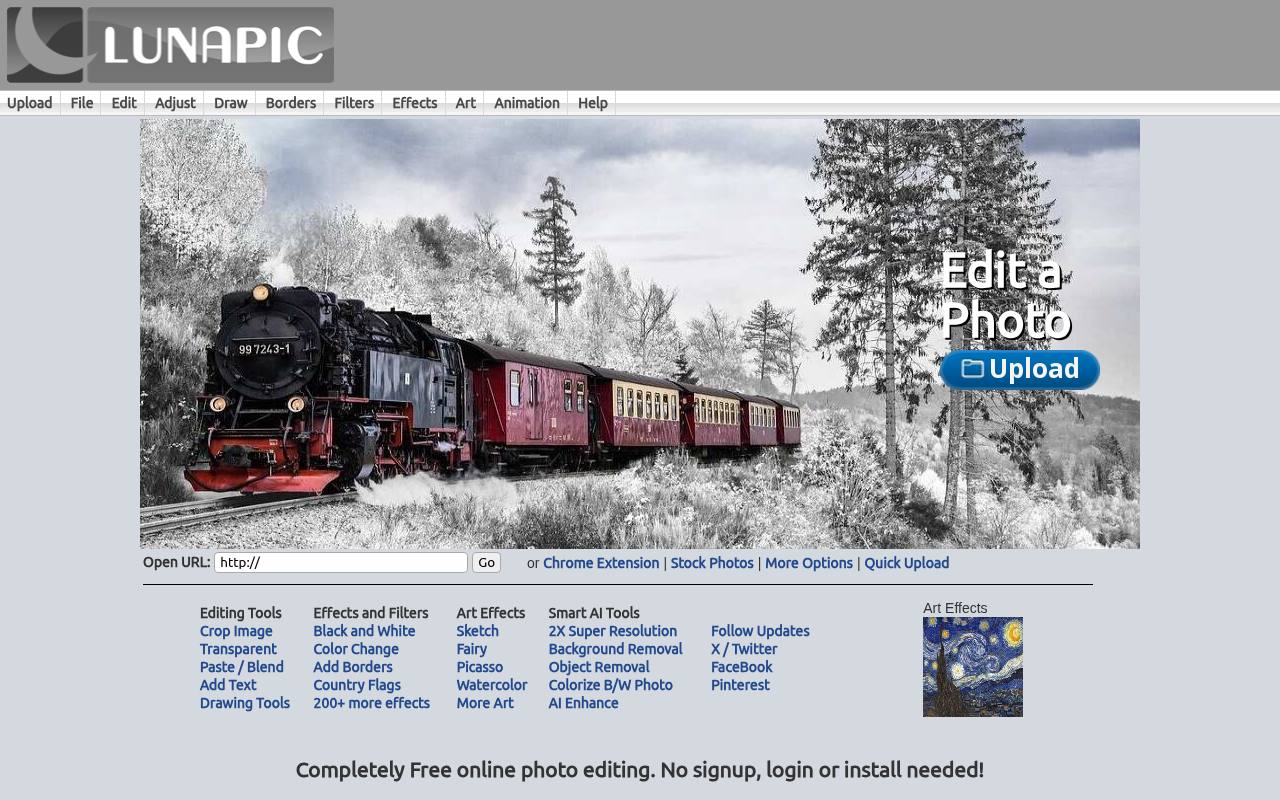
LunaPic favors extensive effect menus over a minimal modern workspace. Its Filters, Effects, Art, and Adjust sections include treatments such as embossing, charcoal lines, color adjustments, and watercolor-style transformations. That makes it useful when you know the kind of visual change you want and prefer browsing named operations.
The site states that editing is completely free, with no signup required. Its interface also offers animation tools, but ordinary still-image treatments are the focus here. Review the output after each strong transformation, since combining several destructive effects can quickly obscure the original photograph's detail.
- Type
- Web app
- Best for
- Exploring extensive effects through a menu-driven interface
- License
- Free online service; site terms apply
- Price
- 100% free
PhotoFilters.com
Web app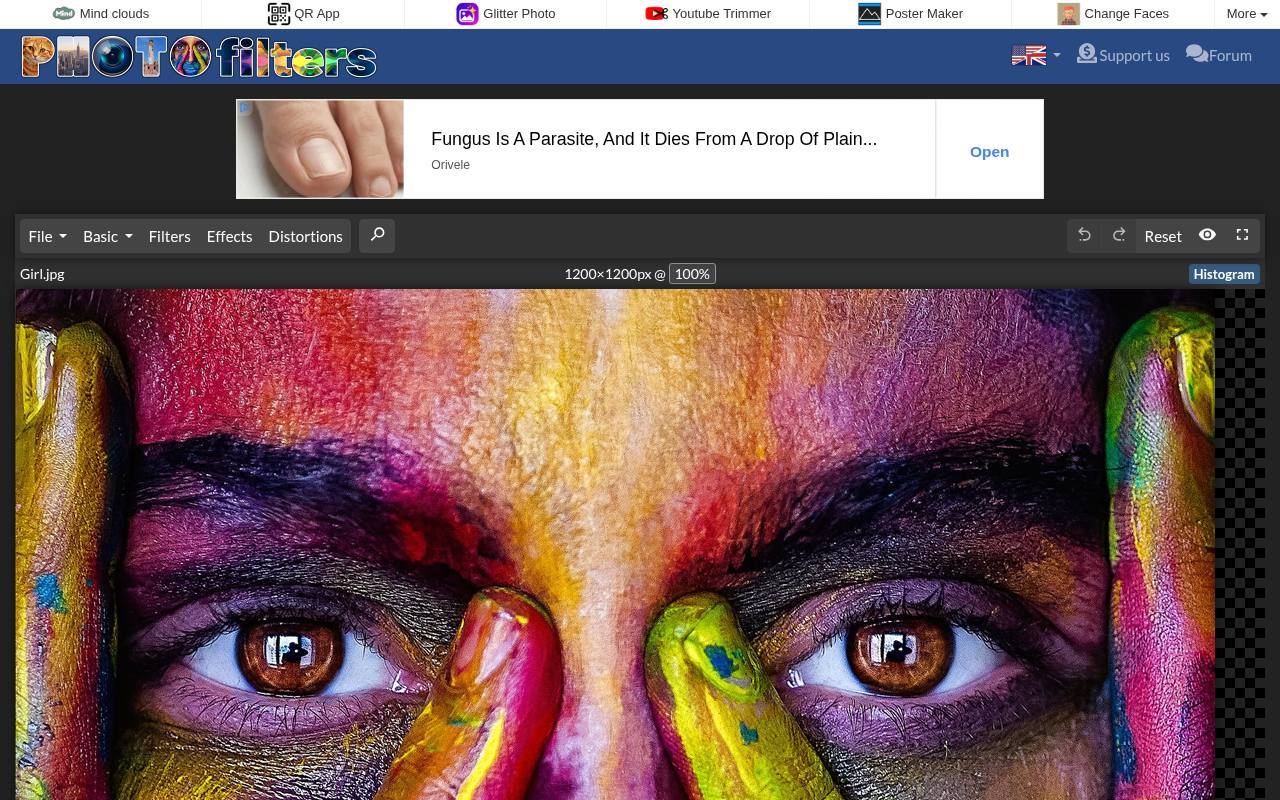
PhotoFilters.com is particularly direct about free photo effects: the site says its editor is completely free without restrictions and does not require registration. Its catalog includes oil paint, duotone, vignette, bokeh, pointillism, and tilt-shift effects alongside crop, resize, exposure, and RGB curves.
Many operations can target the whole image or a selected part, giving you more flexibility than an all-or-nothing filter. The provider also states that browser-based processing keeps photos on your device. Use its effect search when you have a particular treatment in mind instead of browsing every option.
- Type
- Web app
- Best for
- Applying selective artistic effects without creating accounts
- License
- Free service; no registration required
- Price
- 100% free
Adobe Express
Web app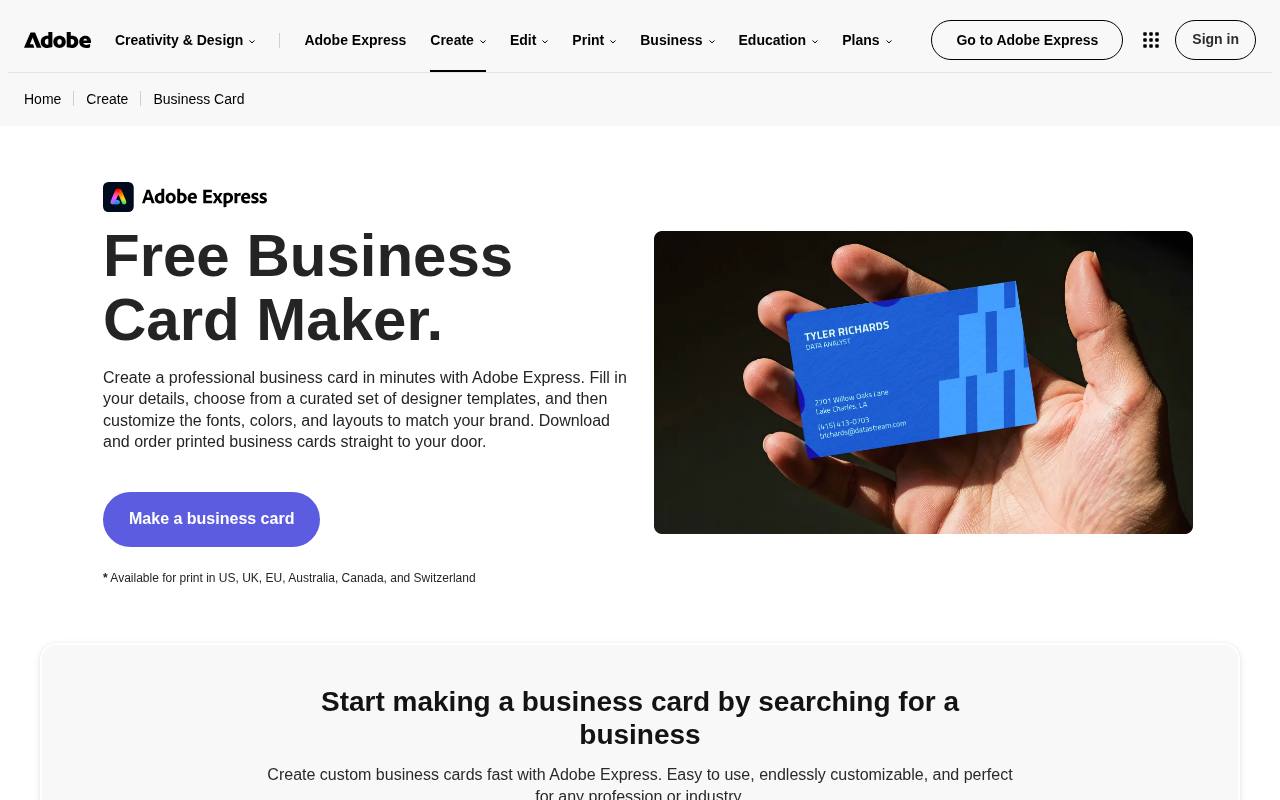
Adobe Express works well when photo filters and layouts belong in the same workflow. Its official filter page describes looks such as Golden hour and Matte black and white, with an intensity slider for controlling the treatment. You can continue editing the image within an Express project instead of moving immediately to another design app.
The free plan includes essential photo editing tools and effects, but it does not unlock the entire template, asset, or premium feature library. Expect an Adobe account for the full editor workflow, and check paid labels before incorporating stock content into a downloadable design.
- Type
- Web app
- Best for
- Filtering photos before turning them into layouts
- License
- Free plan; Premium assets and features restricted
- Price
- Free + Premium
Canva
Web app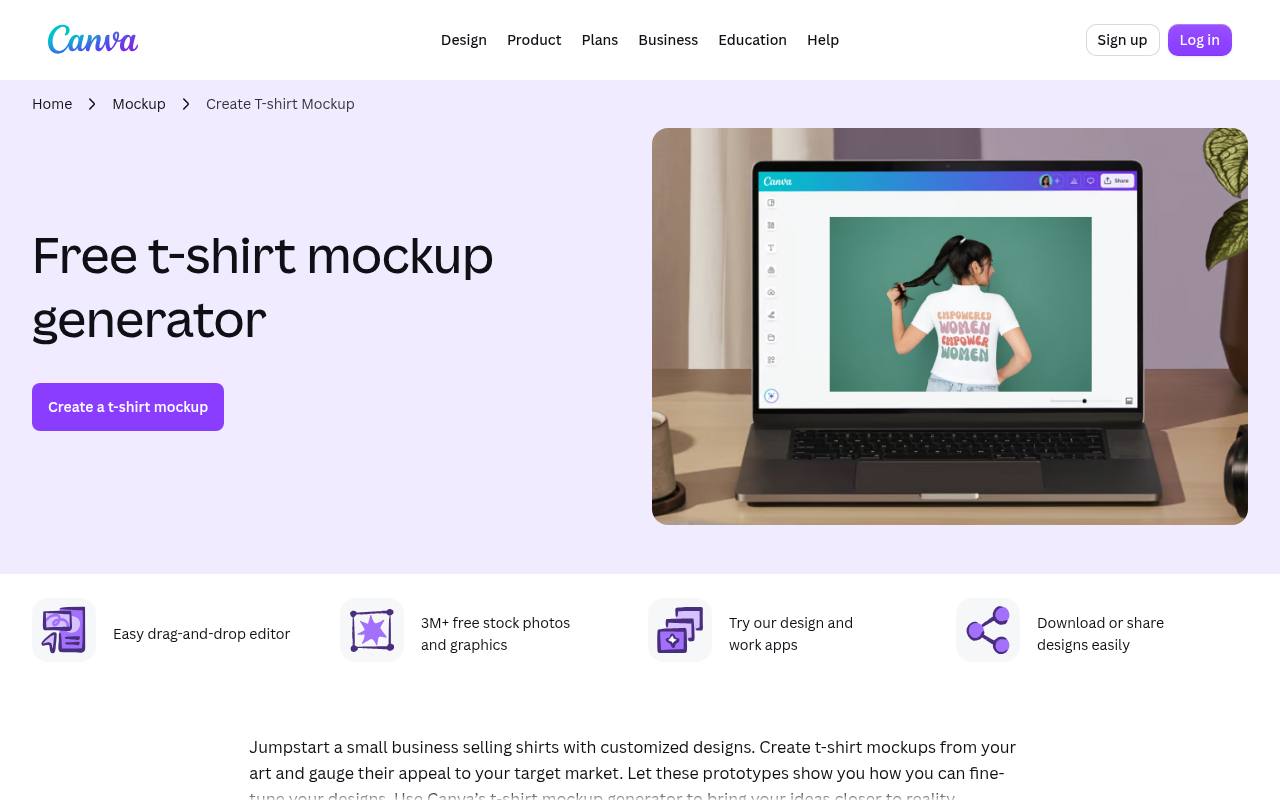
Canva's photo editor connects adjustable image filters with its familiar design canvas. Crop and rotate a photograph, modify warmth or brightness, and carry the result into a social graphic or other layout. That continuity is its main advantage over a standalone effects page.
For a free downloadable design, stick to your own uploads and elements marked free; premium stock content can require payment or a subscription and may appear watermarked without the appropriate license. Pro tools are not automatically included just because the basic editor is free, and individual AI features can have separate usage allowances.
- Type
- Web app
- Best for
- Matching filtered images to simple marketing designs
- License
- Free plan; Pro content separately licensed
- Price
- Free + Pro
miniPaint
Web app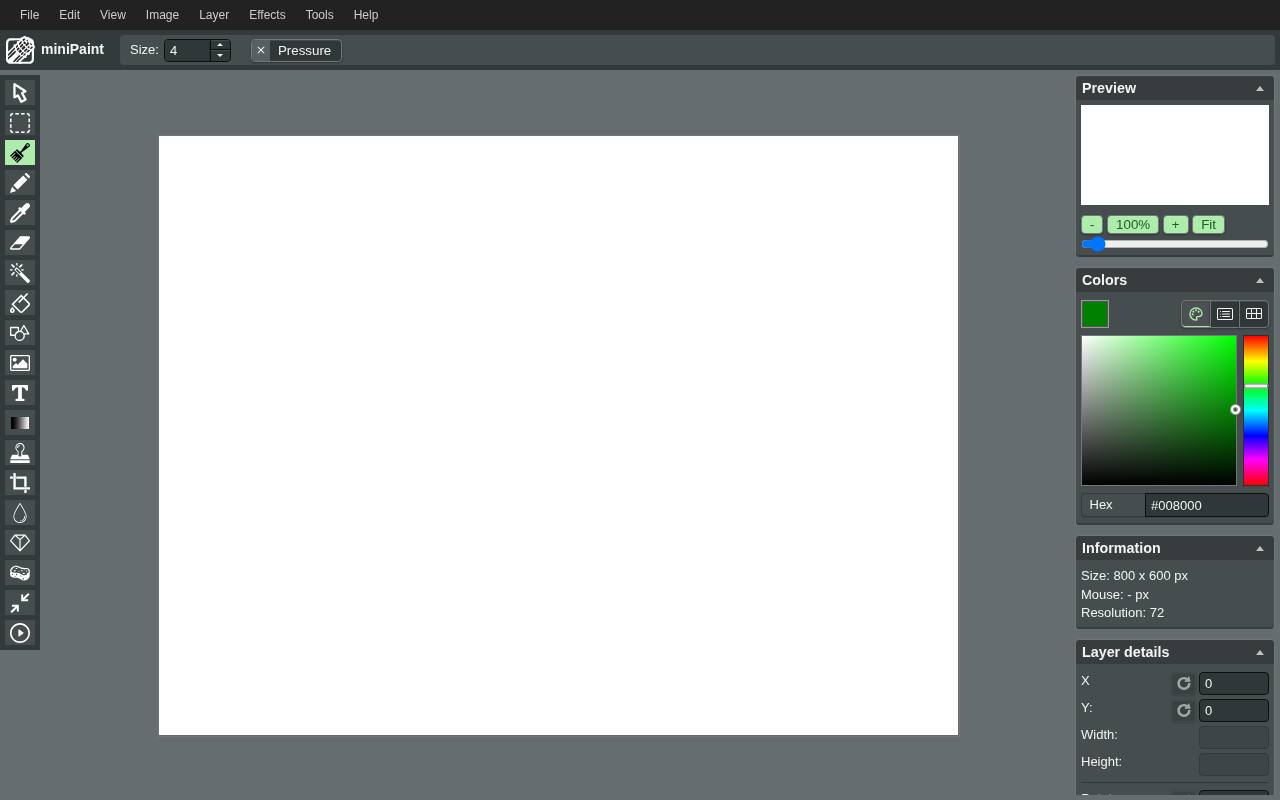
miniPaint is an open-source image editor with a surprisingly broad effects menu, including vignette, grain, emboss, pencil, and named color filters. Its multilayer workspace supports more deliberate editing than a single filter selector, while remaining available directly in the browser without installation.
The project documents multiple export formats, including PNG, JPEG, WebP, and JSON layer data for editable work. Its source code uses the MIT license, and the hosted editor is presented without ads. That software license does not clear rights to photographs you import, so retain the original image permissions separately.
- Type
- Web app
- Best for
- Layered image effects in an open-source workspace
- License
- MIT-licensed open-source software; free browser app
- Price
- 100% free
Edit•Photo
Web app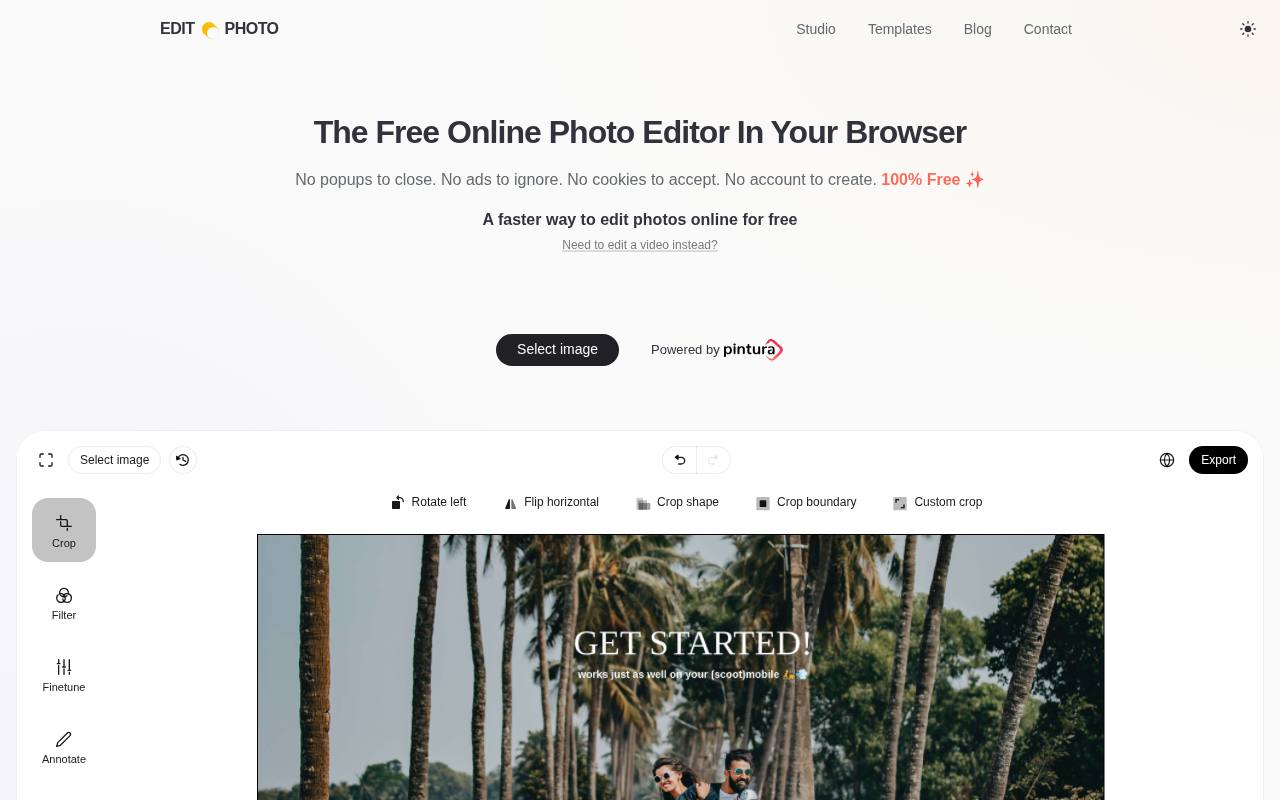
Edit•Photo keeps everyday browser editing focused and uncluttered, with photo filtering and adjustment controls rather than a large template marketplace. The site explicitly promises no ads, popups, cookies, or account requirement, and says image editing happens on your device without uploads.
Its free hosted editor is financed indirectly by customers of Pintura, the commercial image-editing component behind the service. You can use this page for free photo work, but that does not grant a free license to embed Pintura in your own product. Choose it when a short, distraction-free editing session matters more than a complex layered project.
- Type
- Web app
- Best for
- Private quick edits without ads or accounts
- License
- Free hosted editor; underlying Pintura software commercial
- Price
- 100% free
Choose the editor around the finished image
For a quick crop and restrained color treatment, start with Edit•Photo or PhotoFilters.com. For a composition that needs editable layers, consider Photopea or miniPaint.
Canva and Adobe Express are more convenient when the photograph will immediately become part of a designed layout. Choose the smallest toolset that completes the job; a complex workspace is not inherently better for a straightforward image.
Test the free download before committing
Run a test export first using the same kind of effect you plan to keep. Confirm that the download works without a trial, that no paid element blocks it, and that the saved image has suitable dimensions.
Pixlr users should inspect the current save allowance, while BeFunky users should keep premium effects out of an otherwise free edit. This small check prevents substantial rework later.
Separate software access from image rights
A free editing service gives you access to tools, not ownership of every photograph or graphic you find online. Use your own images or properly licensed source material, and review any stock asset's terms before publishing commercially.
Attribution obligations usually come from the imported asset's license rather than from the act of applying a filter. Open-source software licensing is a separate issue from rights in your finished image.
Keep an editable copy and a delivery copy
Choose JPEG for photographs when you need compact files for sharing. PNG is useful when transparency or crisp graphic edges matter, although photographic PNG files can be much larger.
Save an editable project separately when the editor supports it: a flattened download does not preserve masks and adjustment layers. In Photopea, retaining a PSD can make later revisions much easier than rebuilding the treatment from the exported image.
Correct the photograph before adding style
Begin with basic exposure correction, straighten the horizon, and remove distracting empty space before applying an effect. Then reduce the filter strength until skin, product colors, and important details still look believable.
Compare against the original at a similar viewing size. A dramatic preview can look exciting on screen yet fail when used as a small product thumbnail or placed alongside other photographs in a consistent series.
Check privacy and browser performance
For sensitive images, favor a service with a clear local processing statement, such as PhotoFilters.com or Edit•Photo, and review its current privacy information. Do not assume every online editor handles uploads the same way.
Large images and multiple layers also consume browser memory. Close unnecessary tabs, work from a copy, and save periodically rather than treating an open tab as permanent storage for an unfinished project.
Can a free editor replace a paid application?
For occasional social images and ordinary web graphics, free online editing is often enough. Dedicated desktop software may still be preferable for demanding color-managed print work, extensive photo libraries, or predictable offline production.
Browser tools are especially useful for fast access across computers, but mobile usability varies. iPiccy specifically recommends desktop use, so do not assume that every editor on this list offers equivalent controls on a phone.
Make effects support clarity and accessibility
After applying creative photo effects, check that faces remain recognizable and important subjects have enough separation from the background. Avoid excessive blur or contrast when the picture communicates practical information.
If you place the image in a webpage, write useful alternative text and keep essential wording in real page text where possible. A stylish treatment should reinforce the image's purpose rather than make the message harder to understand.