
An overlay is a separate image placed above a photograph to add visible atmosphere: a warm edge flare, scattered circles of light, fine dust, or falling rain. Unlike a preset, it gives you something you can position, resize, rotate, and mask.
These free photo overlays focus on those tangible additions rather than global color treatments. They are useful when a composition needs a little depth, a stronger light direction, or a deliberately imperfect finish.
The most convincing results start with a compatible photograph. Free light leak overlays work naturally beside bright windows or backlit subjects, while bokeh usually belongs in an already soft background. Rain needs believable weather and lighting; dust benefits from restraint.
Rather than treating every download as a complete effect, think of it as raw material. A small adjustment to opacity or placement often contributes more than stacking several dramatic textures over an image.
The ten sources below include focused packs, individually downloadable textures, and larger collections with free files. Photo overlay textures are not tied to one editing brand: many work anywhere you can stack image layers and change blending modes.
Read each download page for its particular terms, especially before client work. Start with one light texture and one weather or particle texture, then build a small library around the effects you actually use.
Quick picks at a glance
| # | Resource | License | Best for |
|---|---|---|---|
| 1 | Overlayshelf | Free personal and commercial use; no attribution required | Choosing light direction and bokeh shapes quickly |
| 2 | LOECK.LI | Free private and commercial projects; no credit; no redistribution | Working with flares from specific real lenses |
| 3 | Richard Rosenman | Freeware pack; check included terms for your intended use | Adding optically captured light with visible grain |
| 4 | Spoon Graphics | Free download; check current resource license before commercial use | Framing photographs with colorful edge lighting |
| 5 | Giggster | Free downloads; confirm reuse terms before commercial publication | Browsing photographed bokeh by size and distribution |
| 6 | PhotoWhoa | Free bundle with extended commercial license; check supplied terms | Adding floating particles without a large library |
| 7 | FixThePhoto | Free downloads; review download terms for project permissions | Comparing falling rain and wet window effects |
| 8 | Tonytextures | Free; commercial architectural rendering projects explicitly permitted | Building rainy atmosphere around buildings and streets |
| 9 | Textures4Photoshop | Free commercial use with attribution | Adding a single strong sheet of rainfall |
| 10 | WeGraphics | Free download; review site license before commercial use | Choosing scanned dust with optional transparent backgrounds |
Overlayshelf
Image overlays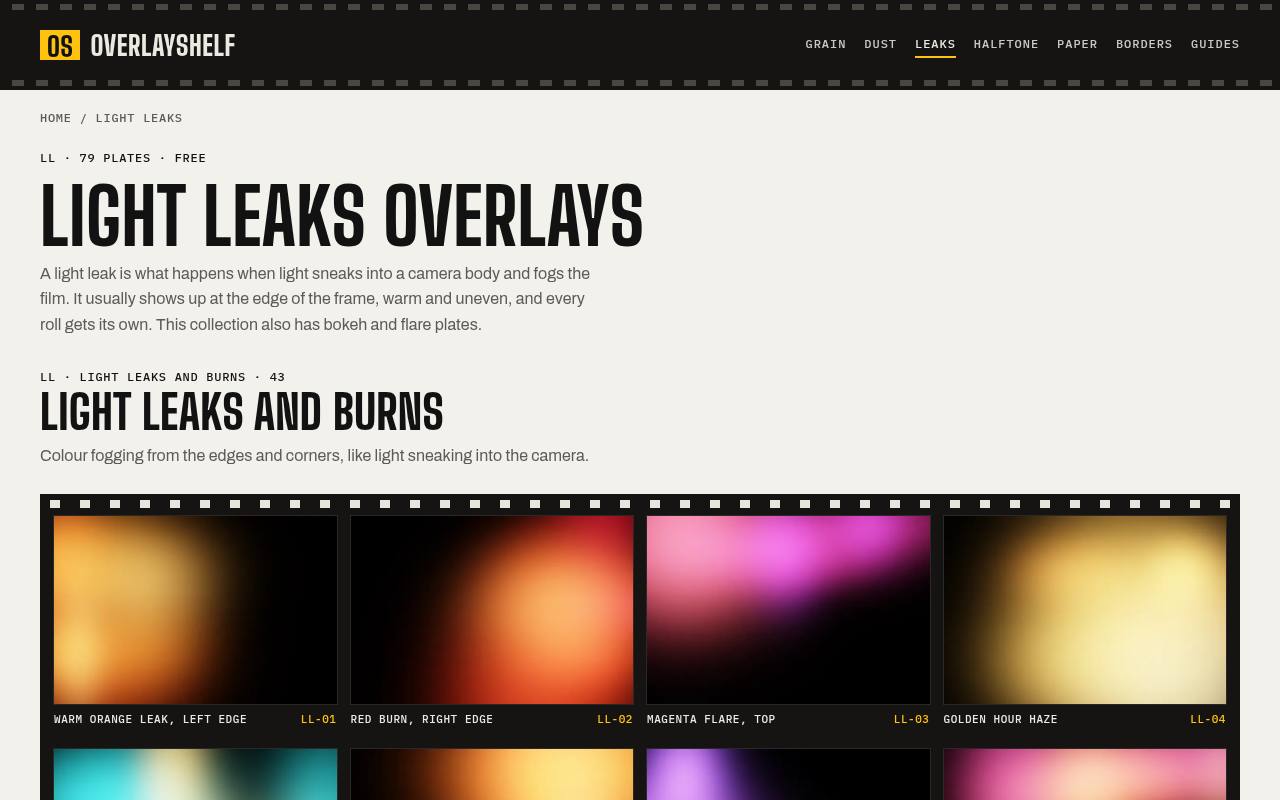
Overlayshelf organizes its light collection into light leaks and burns, ordinary bokeh, shaped bokeh, flares, and vertical compositions. That makes it easy to compare a subtle peach glow with a stronger red edge burn before downloading.
The plates are generated with code rather than captured through a lens, a useful distinction if you want controlled shapes. Its black-backed light plates are intended for Screen blending. The site permits free personal and commercial use without attribution or registration, and its broader library also includes dust and scratches.
- Type
- Image overlays
- Best for
- Choosing light direction and bokeh shapes quickly
- License
- Free personal and commercial use; no attribution required
- Price
- 100% free
LOECK.LI
Lens-captured overlays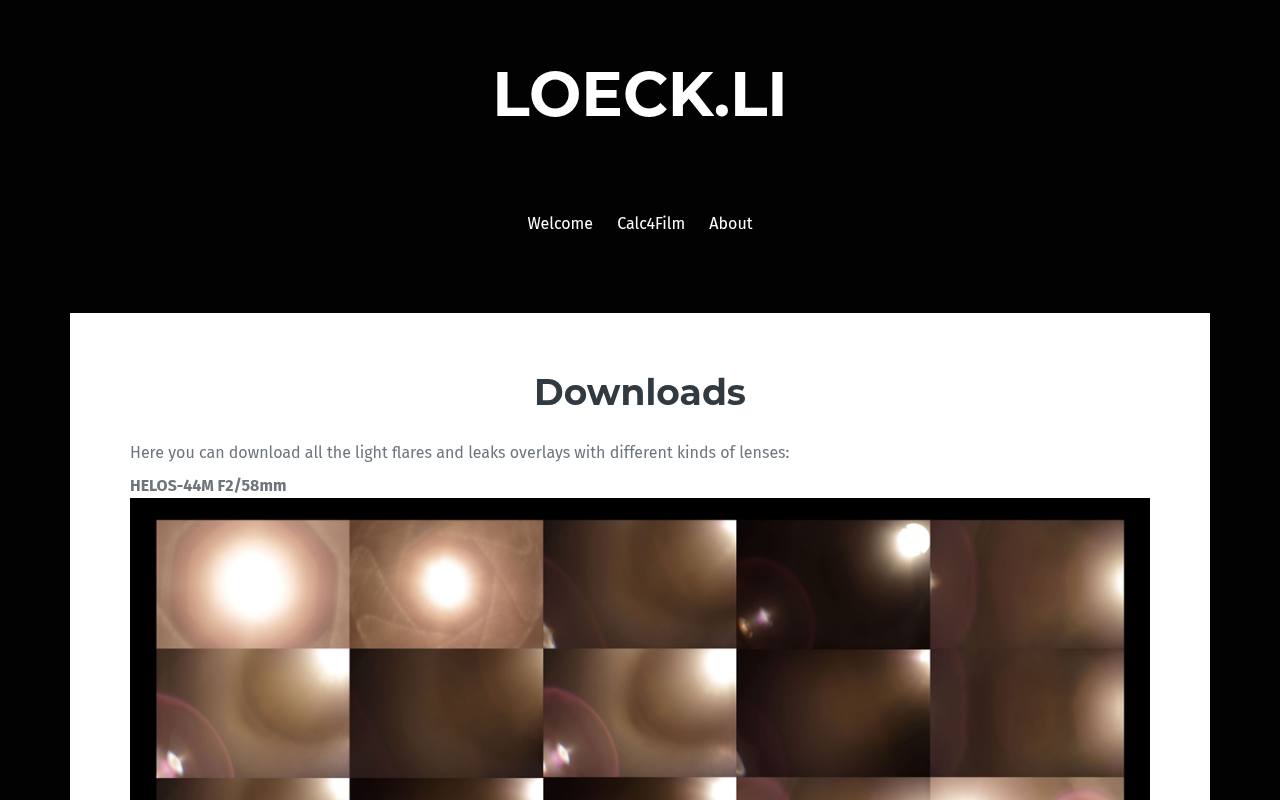
LOECK.LI offers flares and leaks grouped by the lenses used to capture them: Helios, Petzval, and Canon. The download page includes RAW download options, making this a distinctive choice when you want to start from photographic source material rather than a generated glow.
Linked tutorials explain application in Photoshop. Its rights of use explicitly allow private and commercial productions without a credit. However, selling the source flares or offering them for download through your own website, cloud storage, or other distribution channels is prohibited.
- Type
- Lens-captured overlays
- Best for
- Working with flares from specific real lenses
- License
- Free private and commercial projects; no credit; no redistribution
- Price
- 100% free
Richard Rosenman
JPG overlay pack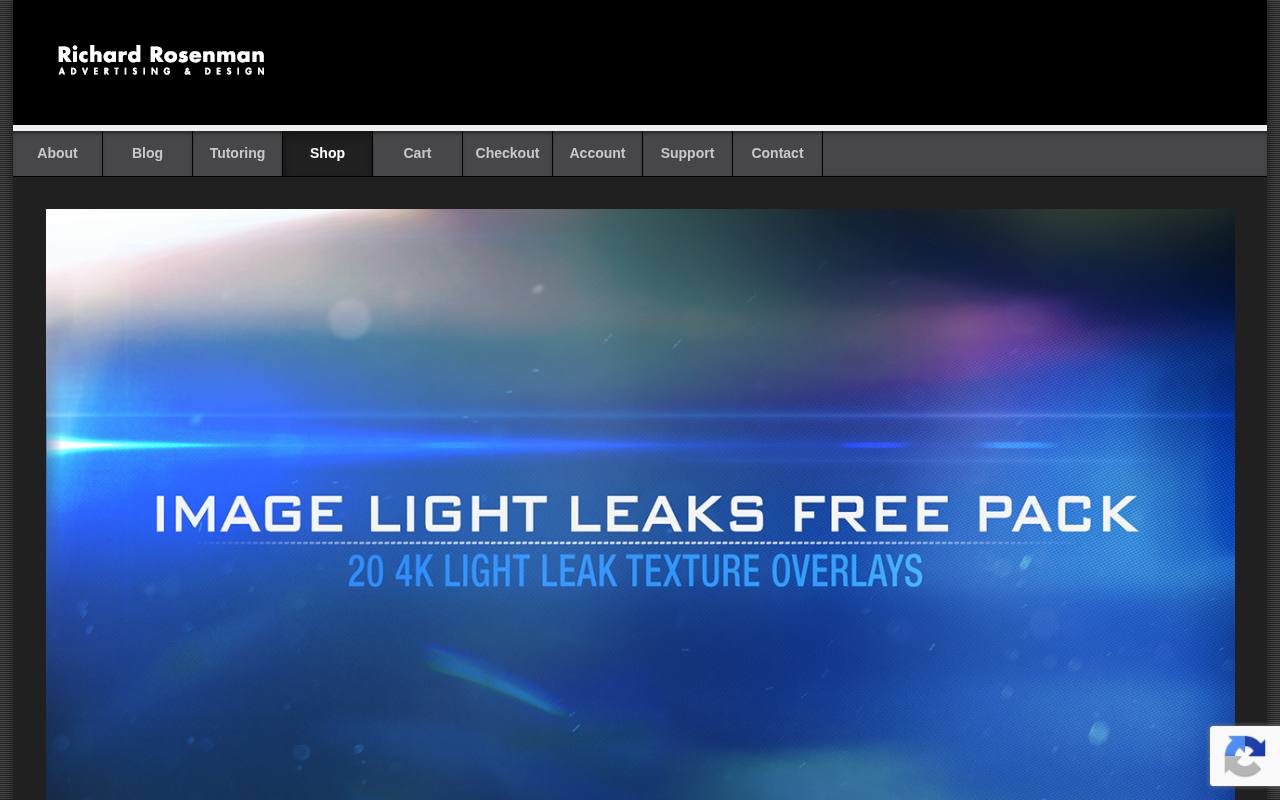
Richard Rosenman’s Image Light Leaks Free Pack supplies 20 real light leaks at 4K resolution. The product page emphasizes controlled photographic capture and real grain, rather than digitally generated imitations. Those characteristics make the pack worth considering for a photograph that looks too clinically clean, or a render that needs an optical imperfection.
These are still-image resources, not frames extracted from compressed motion footage. The page discusses non-destructive application and compatibility with common imaging software; use the free-pack download rather than the separately promoted commercial volumes.
- Type
- JPG overlay pack
- Best for
- Adding optically captured light with visible grain
- License
- Freeware pack; check included terms for your intended use
- Price
- 100% free
Spoon Graphics
Light leak graphics
Spoon Graphics provides 15 light leak overlays sized at 3000 × 2000 pixels. The collection ranges from yellow-orange flares to red burns and blue flashes, so it is particularly useful when you want to compare warm and cool accents on the same photograph.
The accompanying examples explain how Screen mode removes the black background visually and lets the light brighten the image below. Follow the free download link within the article; the related product recommendations underneath are separate paid resources, not requirements for using this set.
- Type
- Light leak graphics
- Best for
- Framing photographs with colorful edge lighting
- License
- Free download; check current resource license before commercial use
- Price
- 100% free
Giggster
Bokeh image collection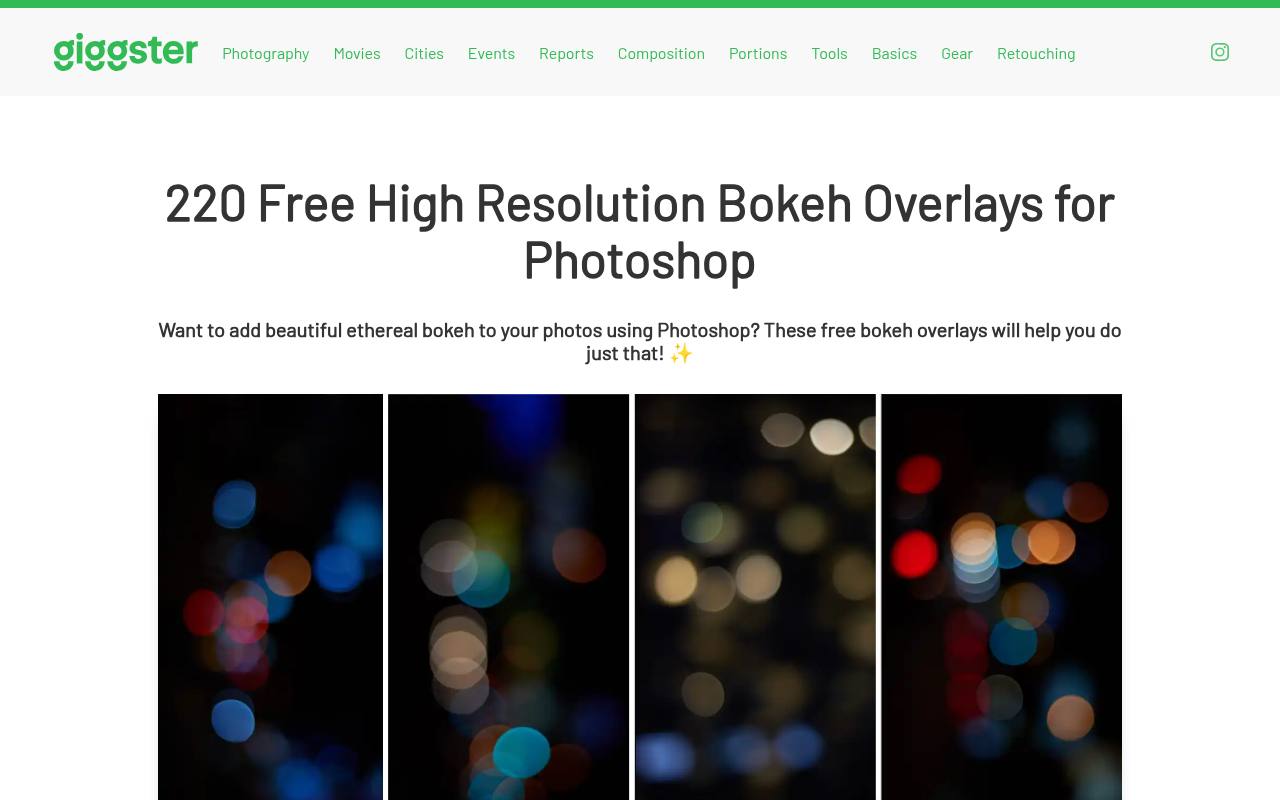
Giggster hosts a collection of 220 free bokeh overlays made from real photographs. Clicking an individual thumbnail downloads its high-resolution version, which is convenient when you need only a few arrangements rather than an entire archive.
The accompanying walkthrough demonstrates rotation, resizing, slight Gaussian blur, and a clipped Hue/Saturation adjustment. Its most helpful selection advice is to prioritize size and distribution before color, because hue can be changed afterward. The page offers free files but does not prominently spell out a detailed commercial reuse license.
- Type
- Bokeh image collection
- Best for
- Browsing photographed bokeh by size and distribution
- License
- Free downloads; confirm reuse terms before commercial publication
- Price
- 100% free
PhotoWhoa
JPG particle overlays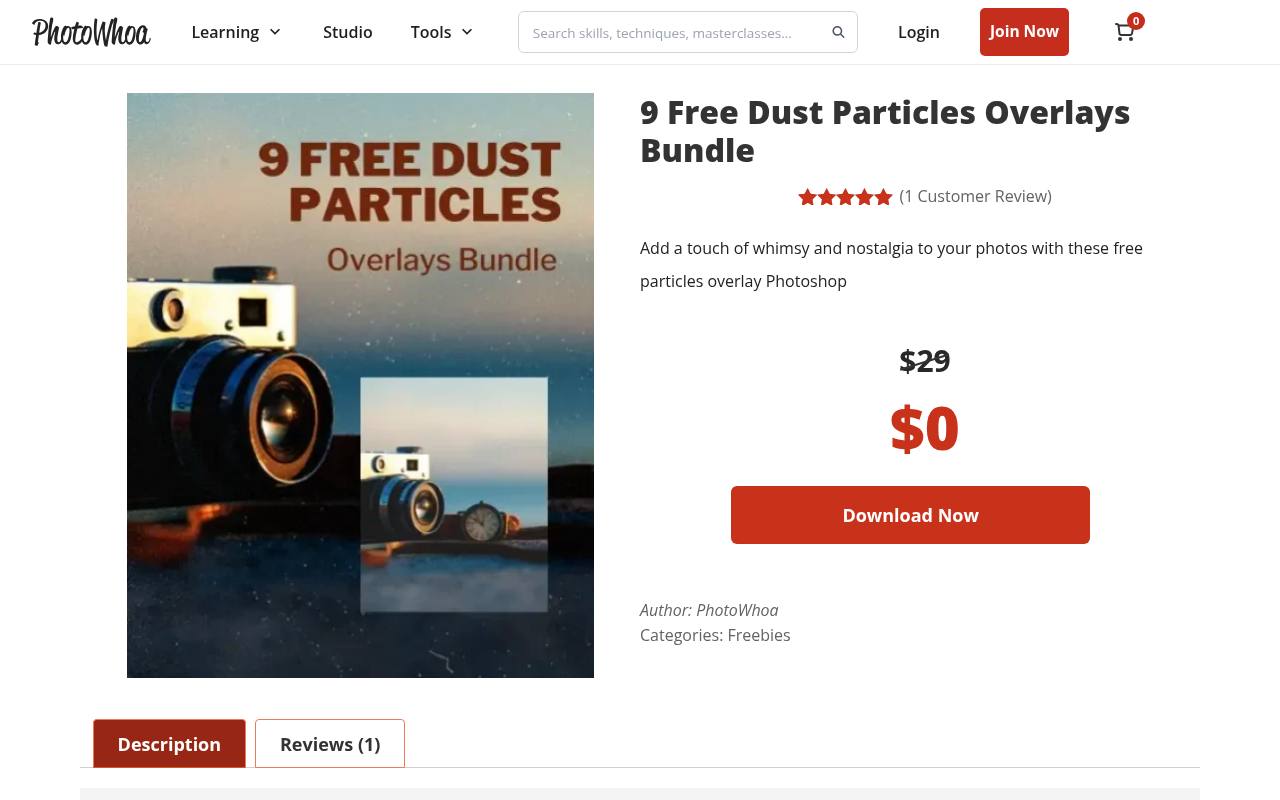
PhotoWhoa’s free bundle contains nine dust particle overlays in JPG format. The relatively small selection suits an editor who wants a manageable starting point for atmospheric specks rather than hundreds of similar downloads. Its product page includes before-and-after examples and identifies the bundle as coming with an extended commercial license.
The files are designed for layer-based editing, with size and density adapted to the photograph. Use the zero-price offer on the product page and retain the supplied license with the downloaded images for future project reference.
- Type
- JPG particle overlays
- Best for
- Adding floating particles without a large library
- License
- Free bundle with extended commercial license; check supplied terms
- Price
- 100% free
FixThePhoto
Rain overlay collection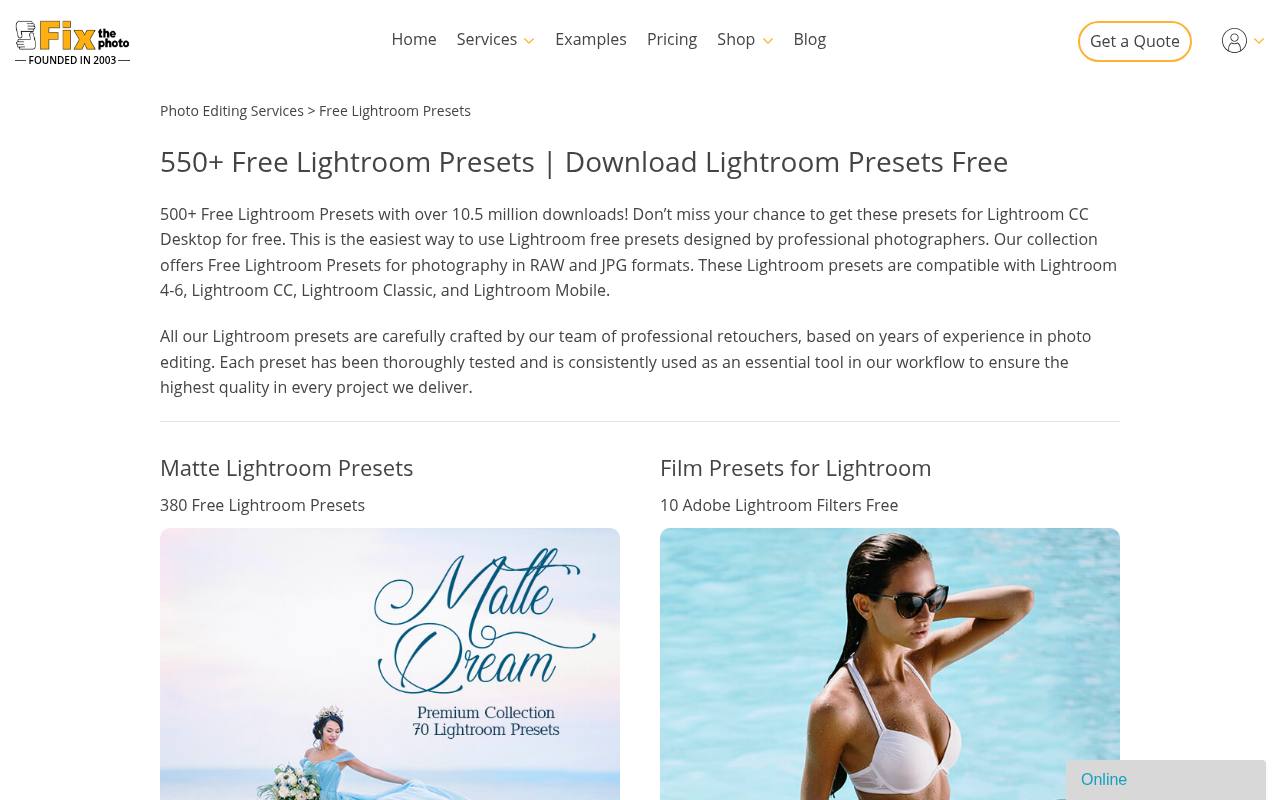
FixThePhoto’s rain collection separates several visual situations that are often grouped together: falling rain, window droplets, and rain combined with bokeh. Named previews such as Window, Car Window, and Natural help you judge whether the texture belongs in front of the camera or across a distant outdoor scene.
Individual entries carry free download controls, while related overlay categories appear farther down the page. Choose by perspective rather than intensity alone: wet glass effects imply a surface between the viewer and the subject, unlike open-air rainfall.
- Type
- Rain overlay collection
- Best for
- Comparing falling rain and wet window effects
- License
- Free downloads; review download terms for project permissions
- Price
- 100% free
Tonytextures
Weather texture images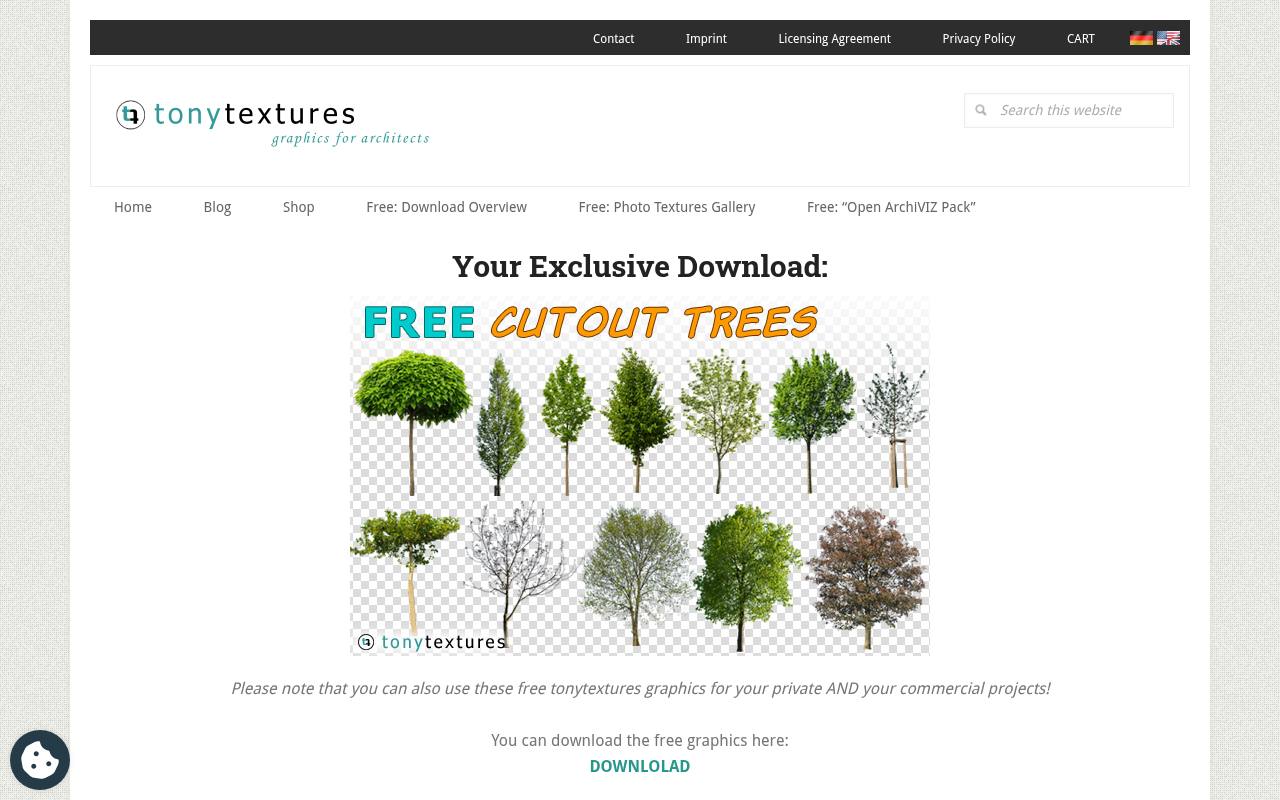
Tonytextures shares rain and fog textures developed around architectural visualization. The images are 3000 × 2000 pixels, and the page explains that you can save them directly by right-clicking the displayed images. Its workflow covers scaling, Screen or Color Dodge blending, opacity, and optional masks.
The author explicitly permits use in commercial architectural renderings, making the collection especially relevant to exterior visualization and property imagery. Fog and smoke options also help soften distance, although you should still match the added atmosphere to the scene’s existing light.
- Type
- Weather texture images
- Best for
- Building rainy atmosphere around buildings and streets
- License
- Free; commercial architectural rendering projects explicitly permitted
- Price
- 100% free
Textures4Photoshop
JPEG rain texture
Textures4Photoshop offers a dedicated heavy rain texture as a JPEG, rather than asking you to search through a broad mixed-effects pack. The page recommends placing it above the photograph and using Screen to reveal the brighter rain while suppressing the dark background.
Its site notice specifies commercial use with attribution, so this is not a no-credit download. Keep the source link with your project and check the attribution instructions before publication. Use it when a scene needs clearly visible rainfall rather than a faint decorative dusting.
- Type
- JPEG rain texture
- Best for
- Adding a single strong sheet of rainfall
- License
- Free commercial use with attribution
- Price
- 100% free
WeGraphics
JPG and PNG textures
WeGraphics offers eight dust and dirt textures created by scanning actual dust, dirt, and loose fibers on a flatbed scanner. That physical origin gives the pack a different character from cleanly generated particle patterns.
Files are supplied at 3000 × 4000 pixels in both white-on-black JPG and transparent PNG versions, allowing you to choose the format that fits your layer workflow. The page identifies the collection as a freebie and provides a download control; review the site’s license before putting the textures into commercial deliverables.
- Type
- JPG and PNG textures
- Best for
- Choosing scanned dust with optional transparent backgrounds
- License
- Free download; review site license before commercial use
- Price
- 100% free
Choose the effect that supports the photograph
Use light leak overlays to direct attention, bokeh to suggest defocused lights, dust to introduce floating particles, and rain to establish weather. These effects are not interchangeable.
Before downloading, identify the area that needs visual interest and the direction of the existing light. A restrained edge glow often preserves a portrait better than a bright texture spread across the entire face.
Understand black backgrounds and transparency
A black-backed JPG is not necessarily the wrong file. With Screen blend mode, black contributes no visible light while brighter pixels lighten the layer underneath.
A transparent PNG behaves differently and may work in Normal mode. Check the source instructions instead of assuming every overlay needs the same setting. Pale gray backgrounds may require tonal adjustment to avoid a washed-out rectangle.
Keep your layers editable
Place each texture on its own layer and use non-destructive masking to remove unwanted portions. Preserve the downloaded original, and use a smart object or your editor’s equivalent when repeated resizing is likely.
Name layers by purpose, such as foreground rain or left-edge glow. This makes it much easier to revise strength or placement after feedback without rebuilding the complete composition.
Match scale, focus, and direction
Believable rain photo overlays need a consistent falling angle across the frame. Nearby drops may look larger and softer than distant ones, but sharply defined streaks should not contradict the photograph’s depth of field.
For bokeh, try slight blur before increasing opacity. Rotate or flip light leaks so their brightest area sits near a plausible light source, not randomly across the subject.
Choose dimensions for the final output
Compare overlay pixel dimensions with the actual area the texture will cover. DPI labels alone do not tell you whether a file has enough detail for a large print.
Soft light leaks tolerate enlargement better than crisp particles or scratches. Keep full-resolution working files, then resize and compress the finished image for the website, email, or social placement where it will appear.
Protect legibility and honest representation
Keep text and faces clear by masking distracting bright spots, especially behind small captions or over eyes. Evaluate the flattened result at its real display size, not only zoomed in.
Added weather can materially change what an image appears to document, so reserve obvious atmospheric composites for creative work rather than presenting altered conditions as an unedited record of an event.
Can these work outside Photoshop?
Often, yes: JPG photo overlays are ordinary image files, but the editor must support layers and the blending controls the texture requires. Check those capabilities before collecting a large pack.
Start with one file, confirm that its background blends away, and export a test image. Once that small workflow succeeds, expand your library with only the light, dust, bokeh, and rain variations you need.