
A good Photoshop action saves more than a few mouse clicks. It records a sequence of editing commands that you can replay on another photograph, making repeated adjustments easier to reproduce.
These free Photoshop actions cover portrait enhancement, black-and-white conversion, creative photo arrangements, and other practical effects. The sites below offer actual action downloads rather than just inspiration galleries, with a mix of broad collections, focused samples, and photographer-created tools to explore.
The phrase one-click photo effects describes the starting point, not a promise that every image will be finished instantly. Some actions need a flattened background, a selection, or a particular document mode before playback.
Others create layers that you should refine afterward. Choosing an effect that matches your photograph’s lighting and subject usually matters more than collecting hundreds of downloads. Start with one useful look and learn how its settings behave before expanding your library.
This selection stays focused on Photoshop action downloads, not Lightroom presets, LUTs, overlay packs, or browser editors. Several sources sell other editing products too, so follow their free action listings carefully.
The downloads may cost nothing, but the Photoshop software needed to run them is separate. Check compatibility, download requirements, and usage terms on the source page, then try each action on a duplicate image before making it part of a regular editing workflow.
Quick picks at a glance
| # | Resource | License | Best for |
|---|---|---|---|
| 1 | FixThePhoto | Free downloads; review individual usage terms | Finding photography actions across different subjects |
| 2 | PanosFX | Free add-ons; source terms apply | Building dimensional compositions from ordinary photographs |
| 3 | Nino Batista | Free creator downloads; check accompanying terms | Learning portrait retouching alongside demonstrated action workflows |
| 4 | The CoffeeShop Blog | Free individual actions; check post terms | Exploring soft portrait finishes and monochrome variations |
| 5 | Greater Than Gatsby | Free sample collection; vendor terms apply | Sampling portrait and family editing looks together |
| 6 | Photoshop Supply | Free for personal and commercial use with attribution; no redistribution | Single-purpose actions paired with step-by-step tutorials |
| 7 | CreativeUltra | Free for personal and commercial use, per page | Testing varied adjustments from one downloadable bundle |
| 8 | InventActions | Free marked products; check seller license | Browsing subject-specific actions from different individual creators |
| 9 | ShutterPulse | Free email-download sample; vendor terms apply | Experimenting with a stronger local-contrast photo treatment |
| 10 | Exposure Empire | Free email-download collection; site terms apply | Comparing previewed effects before an email-based download |
FixThePhoto
Action collection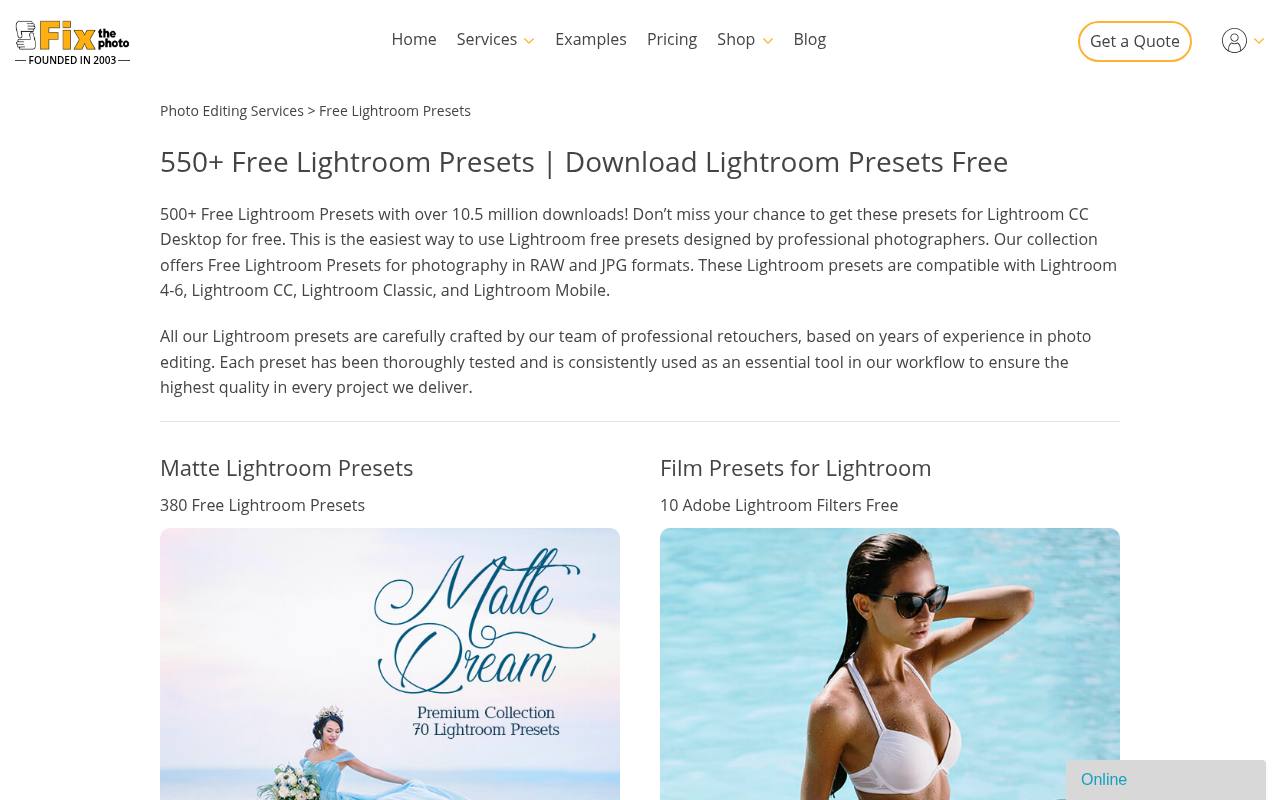
FixThePhoto organizes a large collection of free Photoshop actions around photographic editing needs, with bundles such as Fashion and links to additional effect sets. Its page also explains how to unpack an ATN file, load it through the Actions panel, and play an installed action.
That makes it a useful starting point if downloading and installing actions is still unfamiliar. The stated compatibility includes Photoshop CS4–CS6 and CC; inspect the particular bundle before relying on it for a newer setup or a client project.
- Type
- Action collection
- Best for
- Finding photography actions across different subjects
- License
- Free downloads; review individual usage terms
- Price
- Free downloads
PanosFX
Creative action library
PanosFX is especially useful when you want creative photo compositions, rather than another color adjustment. Its free collection includes Stack of Photos, Coin Portrait, Out of Bounds, and Bent Photos, with examples explaining what each effect produces.
Several listings explicitly support Photoshop and Photoshop Elements, although compatibility should still be checked on the individual download page. Start with a framing or photo-stack effect for presentation work. Read the accompanying preparation notes carefully: a dimensional arrangement may need more input than simply pressing Play on an untouched photograph.
- Type
- Creative action library
- Best for
- Building dimensional compositions from ordinary photographs
- License
- Free add-ons; source terms apply
- Price
- Free + paid products
Nino Batista
Retouching actions and videos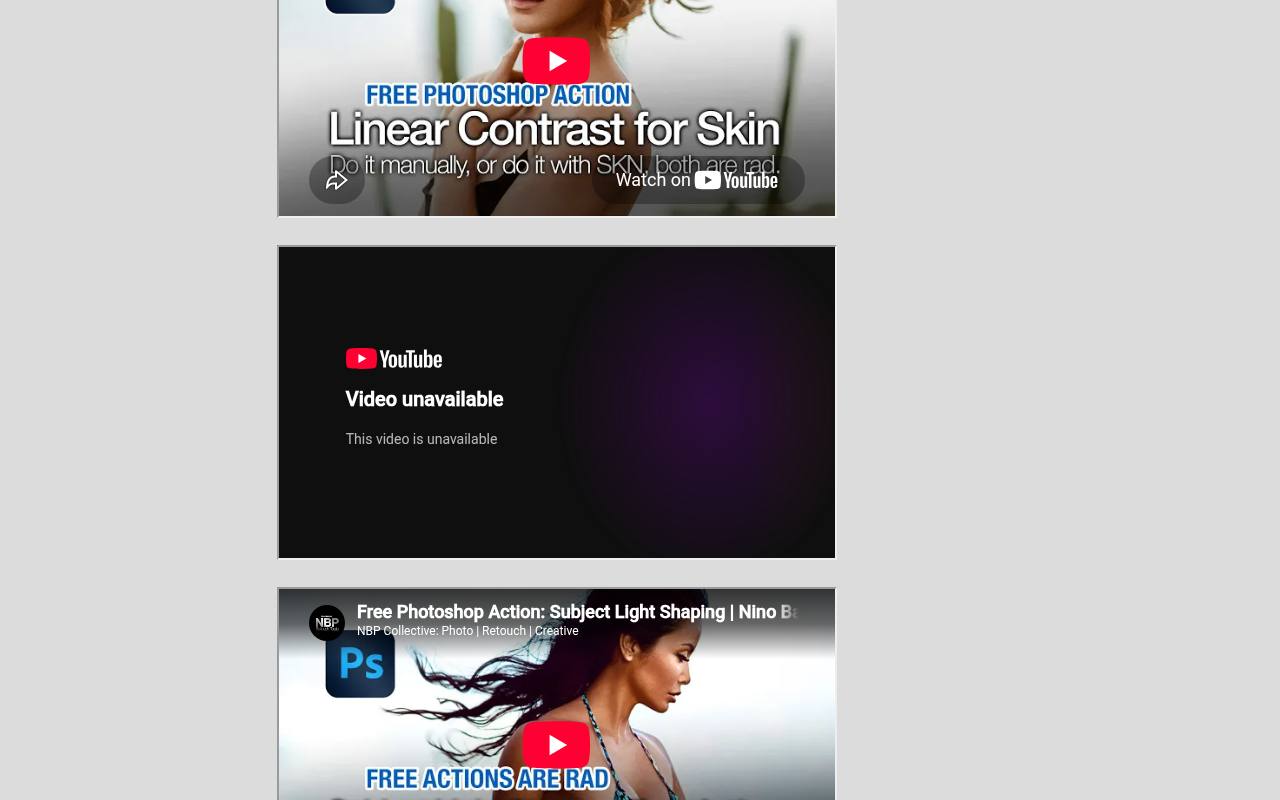
Nino Batista offers free retouching actions aimed at portrait, glamour, fashion, and editorial workflows. The useful distinction is the presentation: each action has a walkthrough video, and the page directs you to download links in the video descriptions or its YouTube playlist.
That connection between demonstration and file helps you understand the intended use before applying an unfamiliar tool. Expect video-linked downloads, not a conventional searchable marketplace. Watch the relevant demonstration first, then evaluate the result at full size so automated adjustments do not overwhelm facial detail.
- Type
- Retouching actions and videos
- Best for
- Learning portrait retouching alongside demonstrated action workflows
- License
- Free creator downloads; check accompanying terms
- Price
- Free downloads
The CoffeeShop Blog
Photoshop and PSE actions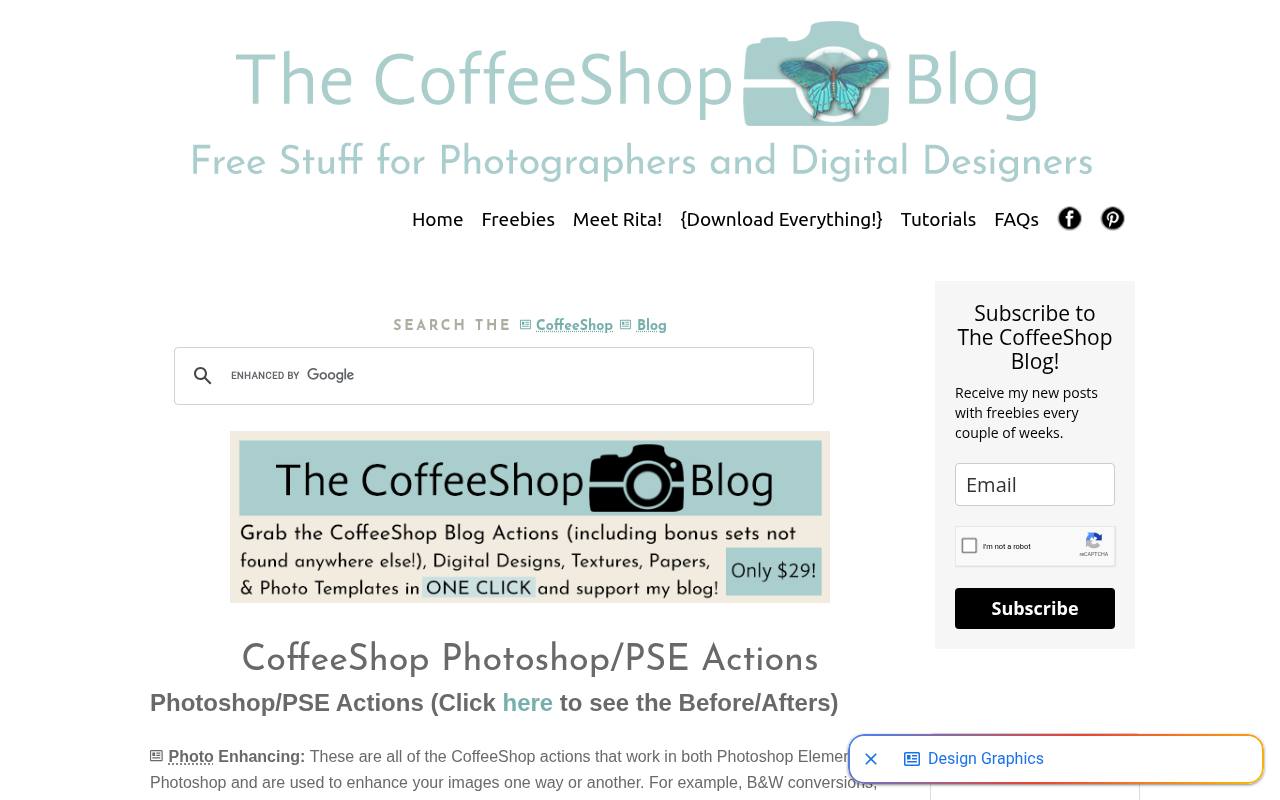
The CoffeeShop Blog maintains a long index of free Photoshop/PSE actions, with photo-enhancing options separated from retouching entries. Names such as Airy Pastel, Soft Bright B&W, Light and Bright, and Dark & Dramatic Color make it easy to identify a direction before opening individual posts.
A separate before-and-after page helps with visual comparisons. The blog also promotes a paid convenience pack, but individual free downloads remain the relevant route here. Read the specific post for instructions and compatibility rather than assuming every action in the index installs identically.
- Type
- Photoshop and PSE actions
- Best for
- Exploring soft portrait finishes and monochrome variations
- License
- Free individual actions; check post terms
- Price
- Free + paid bundle
Greater Than Gatsby
Photography action sampler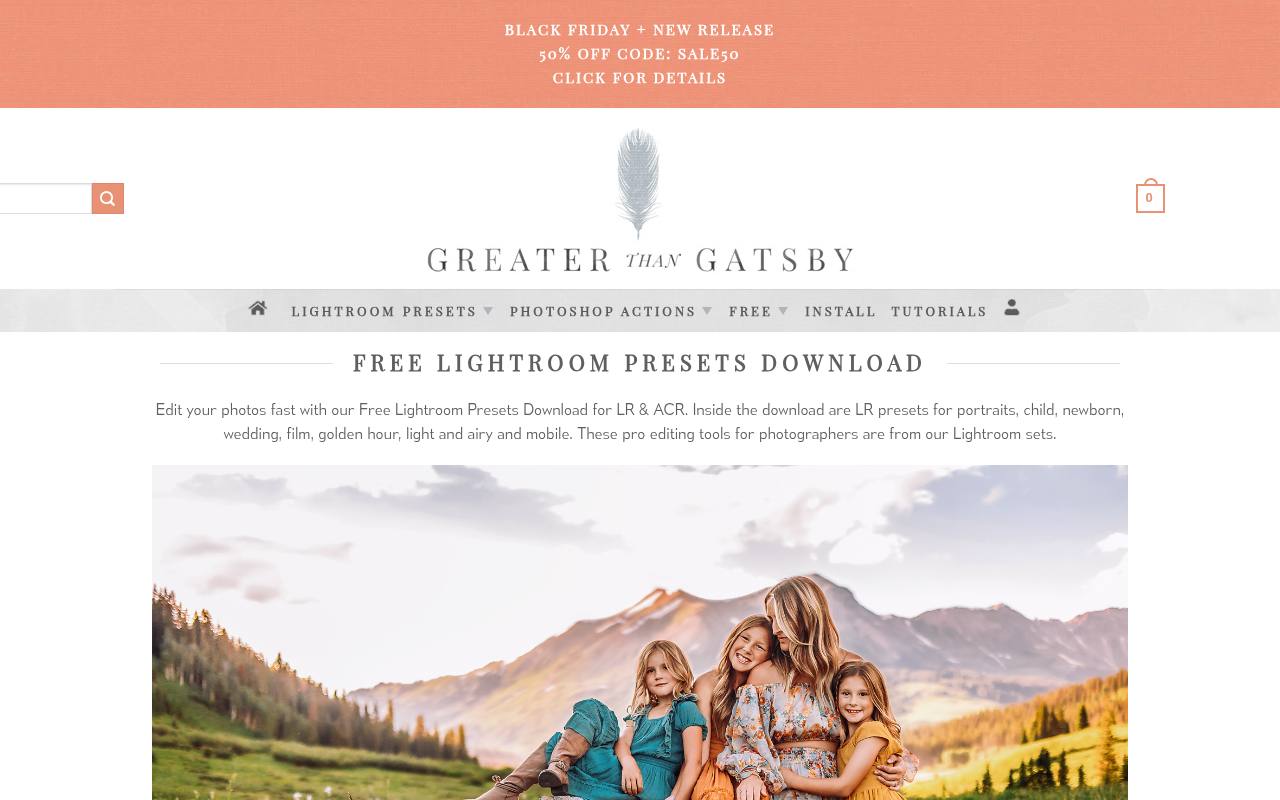
Greater Than Gatsby provides a free action sampler drawn from its premium photography collections. The download page describes options for portrait, newborn, wedding, clean editing, and related work, plus an Exact Dimension Resize and Sharpen action. It lists support for Photoshop CC, CS2–CS6, and Elements on Mac and PC.
This is a focused way to compare a vendor’s editing approach without buying a complete collection. Check the before-and-after examples and current download conditions, then choose a sample suited to your source image rather than stacking every available effect.
- Type
- Photography action sampler
- Best for
- Sampling portrait and family editing looks together
- License
- Free sample collection; vendor terms apply
- Price
- Free sample + paid collections
Photoshop Supply
Action downloads with tutorials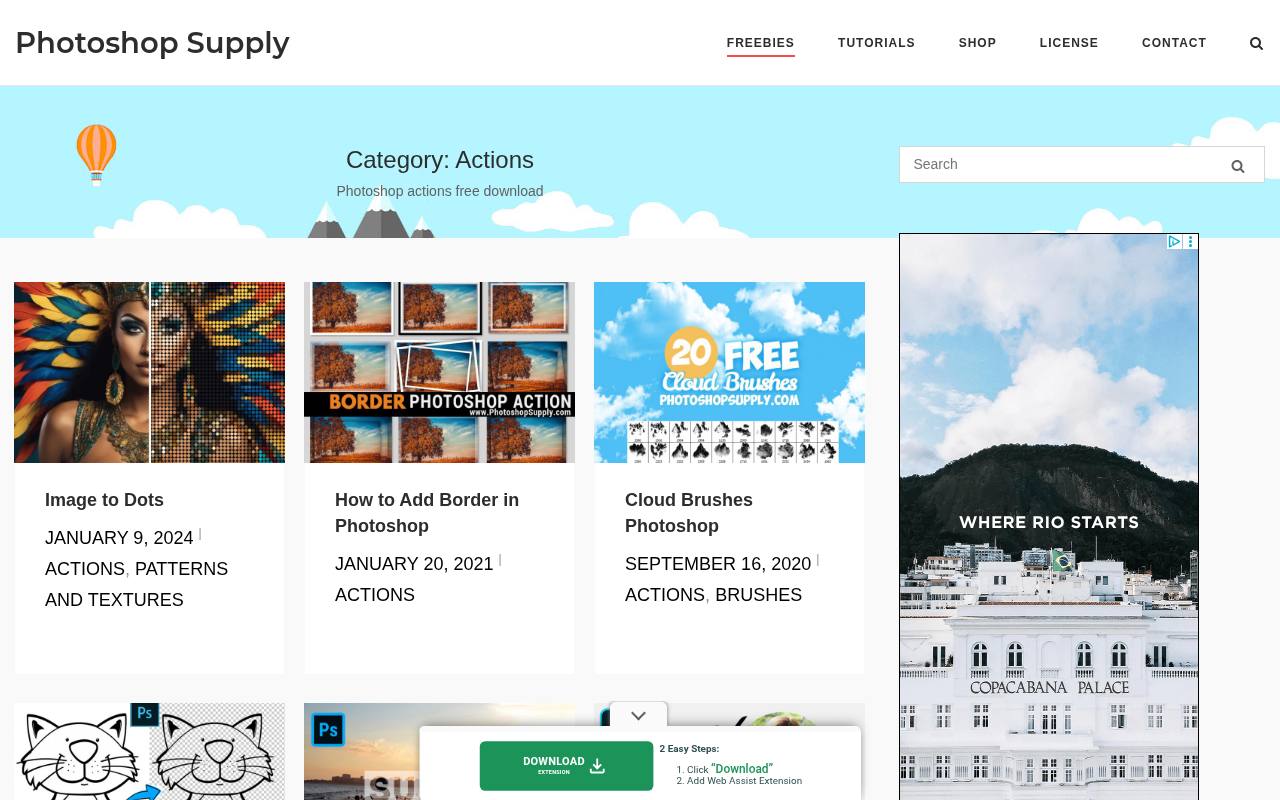
Photoshop Supply keeps an Actions archive where each free download sits inside a short tutorial, so you learn the manual technique and get the one-click shortcut together. Recent posts include a line art action that turns photos into drawings, a transparent text effect, a circle crop, shape-fill cropping, a decorative border action and an anaglyph 3D effect action.
The same site also offers brushes, layer styles, gradients and patterns if you want matching assets. Its license allows personal and commercial use with attribution via a link back, and it forbids re-uploading or reselling the files on other websites or marketplaces.
- Type
- Action downloads with tutorials
- Best for
- Single-purpose actions paired with step-by-step tutorials
- License
- Free for personal and commercial use with attribution; no redistribution
- Price
- 100% free
CreativeUltra
ATN action bundle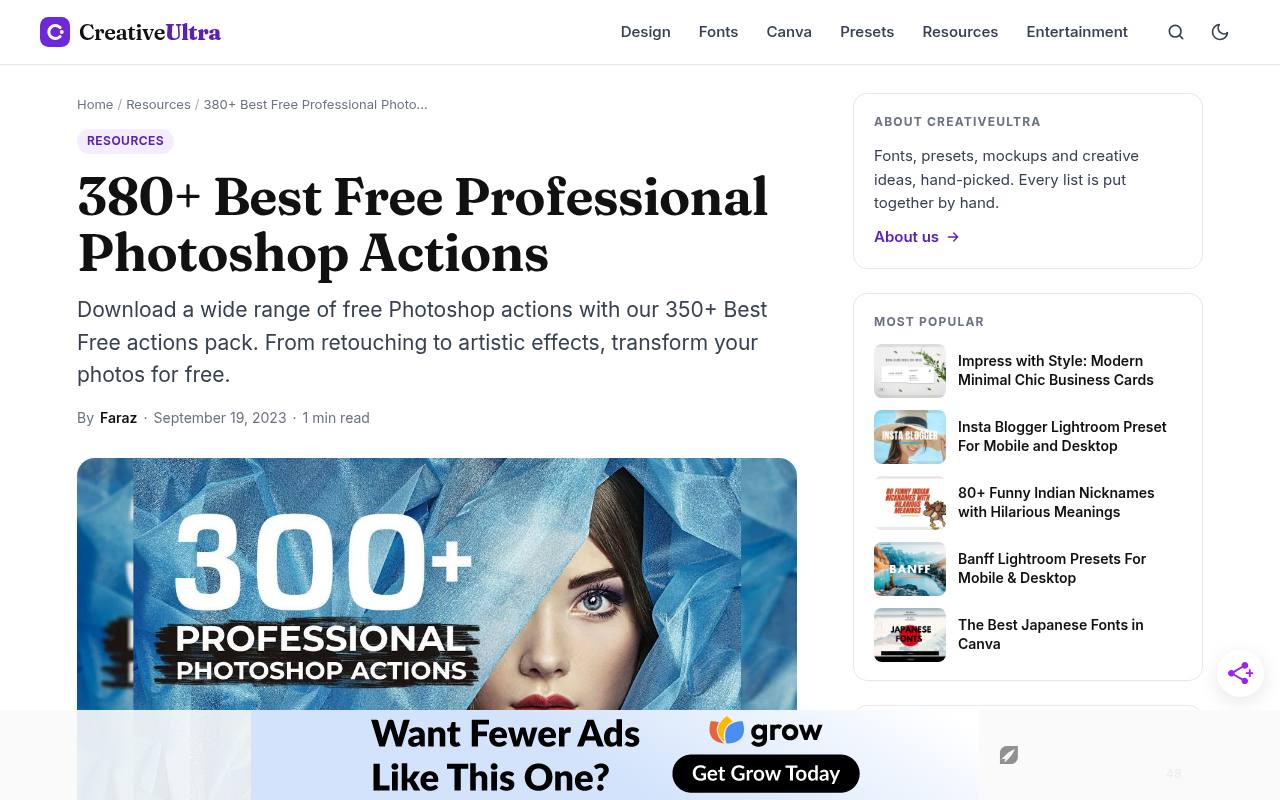
CreativeUltra offers a broad ATN action bundle covering HDR-style adjustments, color correction, matte looks, and winter effects. The resource table identifies Adobe Photoshop as the required software and explicitly lists personal and commercial use.
Its page also describes contrast, sharpening, brightening, warming, and cooling adjustments, making this a practical collection for comparing different treatments on the same image. Use the free Download Now option rather than the neighboring premium collection link. Keep the supplied files organized after extraction so the larger bundle does not clutter your Actions panel unnecessarily.
- Type
- ATN action bundle
- Best for
- Testing varied adjustments from one downloadable bundle
- License
- Free for personal and commercial use, per page
- Price
- Free download
InventActions
Multi-creator action marketplace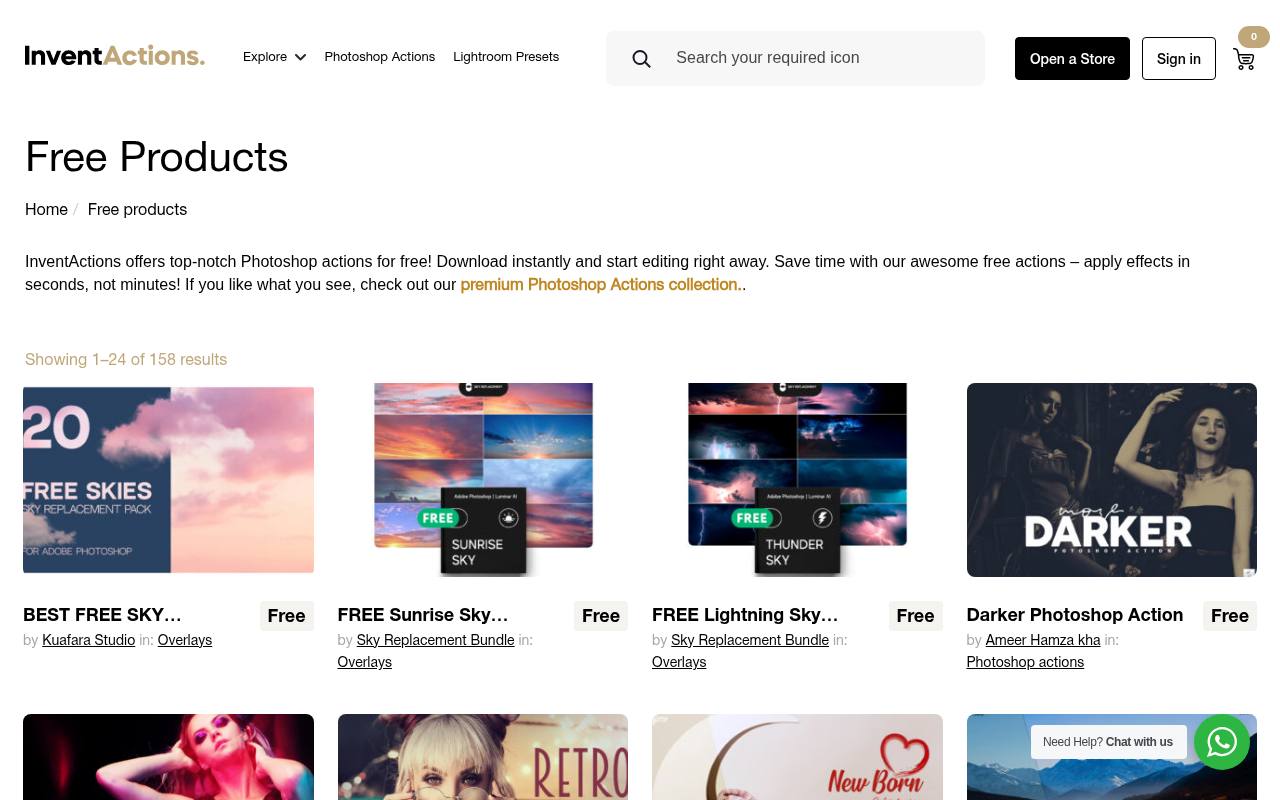
InventActions has a dedicated free products section with clearly marked free listings from different creators. Relevant choices include Food Photoshop Action, Free Landscape Photoshop Action, Color Boost Photoshop Action, and Black and White Photoshop Action. Because the same page also contains sky-replacement assets, check that the product category actually says Photoshop actions before downloading.
Listings use an Add To Cart workflow, so this is a marketplace experience rather than a single direct archive. Inspect the seller’s product details, included files, compatibility information, and license before using an action in commissioned work.
- Type
- Multi-creator action marketplace
- Best for
- Browsing subject-specific actions from different individual creators
- License
- Free marked products; check seller license
- Price
- Free + paid products
ShutterPulse
Email-delivered action sample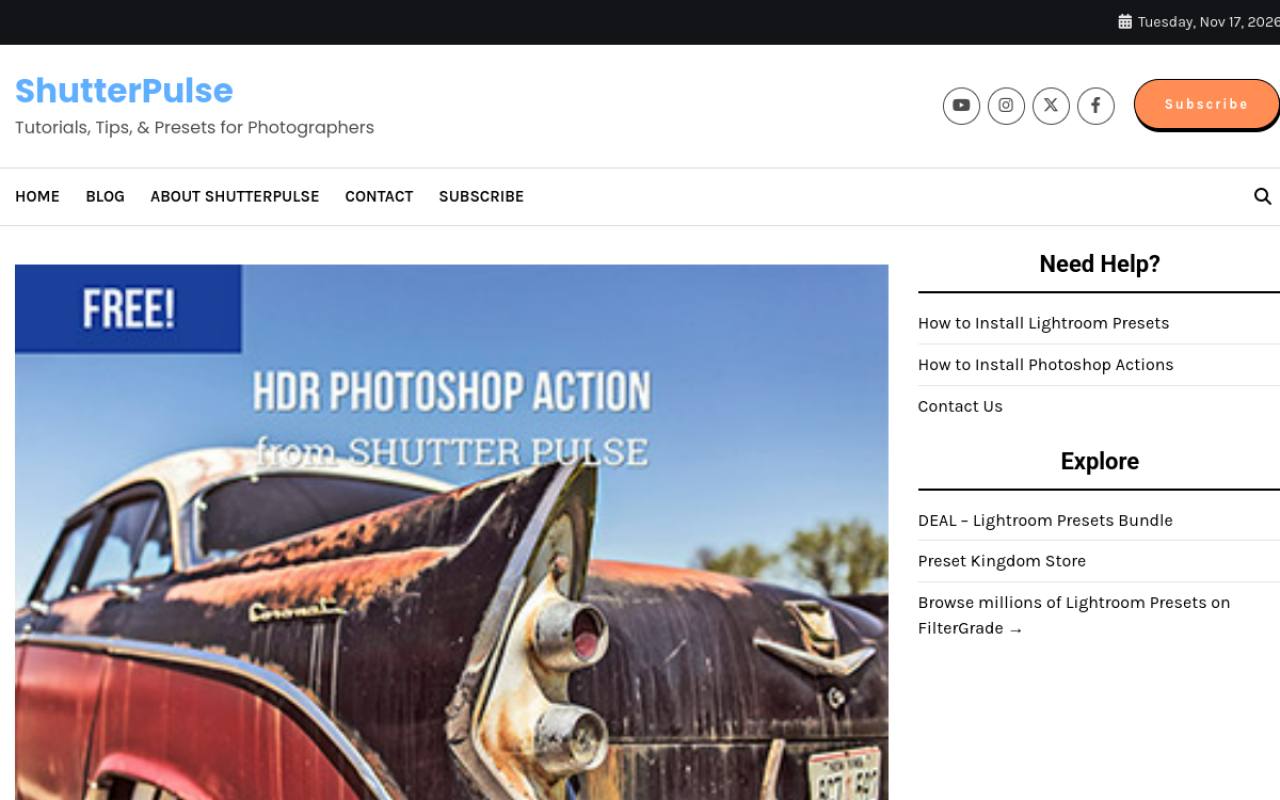
ShutterPulse’s free HDR Photoshop action offers a clearly defined starting point: a strong HDR-like treatment rather than a general-purpose retouching toolkit. The page shows a before image and explains that the sample comes within a free bundle containing Photoshop actions and Lightroom presets.
Delivery requires entering an email address, so allow for that step before expecting the files. Use the Photoshop action files from the bundle for this workflow. Judge the treatment on textured subjects first, and inspect high-contrast edges for an overly forceful result before committing to the finished image.
- Type
- Email-delivered action sample
- Best for
- Experimenting with a stronger local-contrast photo treatment
- License
- Free email-download sample; vendor terms apply
- Price
- Free + paid products
Exposure Empire
Photo-effect action collection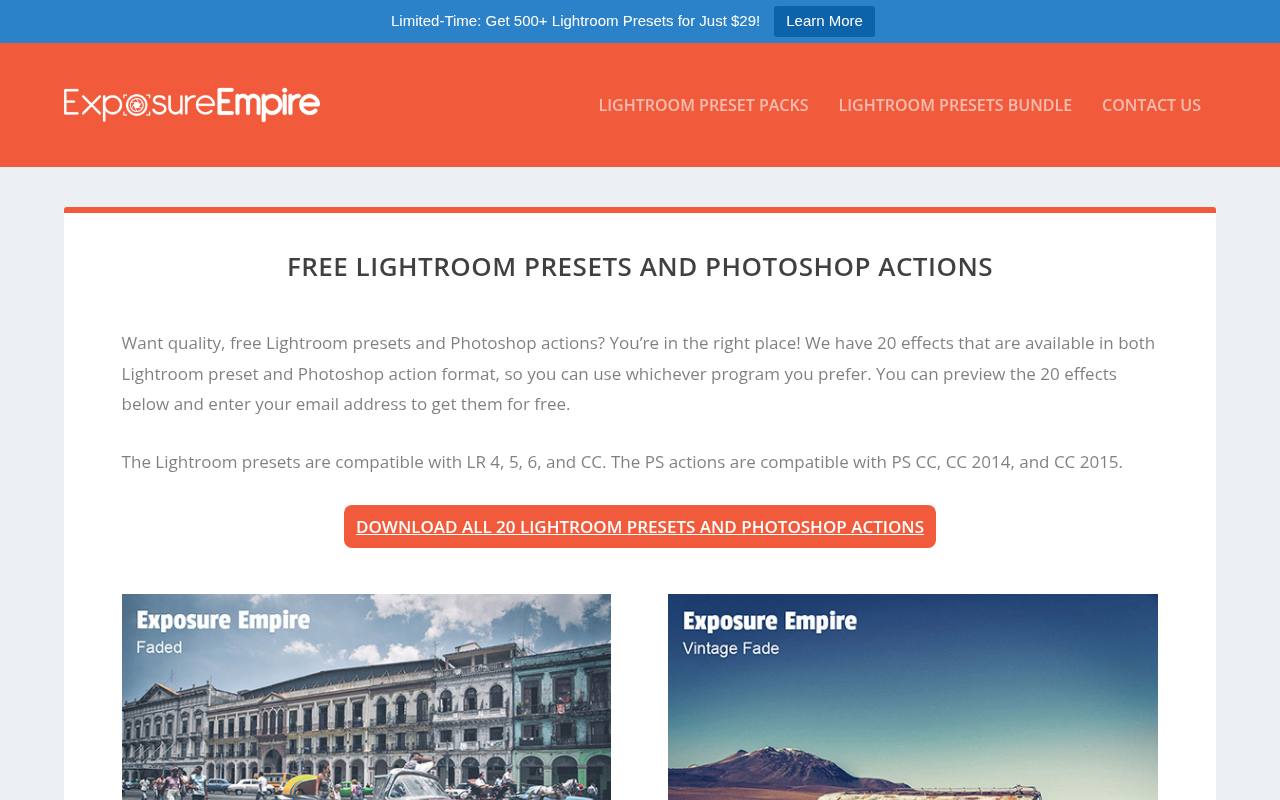
Exposure Empire presents twenty free effects in both Photoshop action and Lightroom preset formats, with previews on its download page. Entering your email address provides access to the collection; choose the action format when you unpack it for Photoshop.
The published action compatibility names Photoshop CC, CC 2014, and CC 2015, so older compatibility claims deserve attention if you use a much newer release. Treat this as a collection to test, not a guarantee of universal support. Compare previews against your photograph’s exposure and contrast before deciding which action to try first.
- Type
- Photo-effect action collection
- Best for
- Comparing previewed effects before an email-based download
- License
- Free email-download collection; site terms apply
- Price
- Free downloads
Choose an action for the photograph you have
Begin with the job, not the most dramatic preview. For a family portrait, subtle photo enhancement is usually more useful than a complex composition. For an announcement or editorial layout, a photo-stack effect might solve the presentation problem immediately.
Compare previews with similar lighting, skin tones, and subject matter to your own image. An action cannot reliably rescue missed focus or badly clipped highlights.
Install ATN files without clutter
Extract the downloaded archive before looking for the ATN action file. In desktop Photoshop, open Window > Actions, use the panel menu to choose Load Actions, and select the file.
Expand the set, select an actual action, and press Play. Keep the accompanying instructions nearby. Some creative downloads also include brushes or patterns that must be loaded separately before the recorded sequence can finish successfully.
Check software and document requirements
Read the source’s Photoshop compatibility notes before troubleshooting the effect itself. Elements support must be explicitly stated; a desktop Photoshop action is not automatically compatible with every Adobe application.
Check document color mode, bit depth, layer naming, and language requirements when provided. If playback stops, inspect the failed step and the preparation instructions rather than repeatedly running the action over a partly modified document.
Understand what free permission covers
A zero-cost download and a broad license are different things. Read free action licensing for the specific product, particularly before using it on client photographs or distributing files within a team.
Permission to deliver an edited photograph does not necessarily include permission to redistribute the ATN itself. Where the landing page leaves commercial rights unclear, check the archive’s documentation or ask the creator instead of assuming unrestricted use.
Refine the result instead of accepting everything
Run unfamiliar actions on a duplicate document and preserve the original photograph. When the action produces editable adjustment layers, reduce opacity or use masks to protect faces, clothing, or important product colors.
Check the image at full size as well as the intended display size. Strong sharpening, excessive skin smoothing, and heavy contrast can look appealing in a thumbnail while weakening a larger print or a detailed portfolio image.
Test before batch processing
For a consistent shoot, try the action on several representative frames before using batch photo editing. Include a bright image, a darker image, and a difficult skin-tone example.
Avoid unattended processing when an action pauses for selections or saves over existing files. Record which action you used and any manual changes afterward; a repeatable small collection is easier to maintain than a large folder of unexplained downloads.
Can one click finish every photo?
Usually, one click starts a repeatable treatment rather than replacing editorial judgment. These free Photoshop action sites offer useful shortcuts, but exposure, color balance, cropping, and selective cleanup still depend on the photograph.
Keep a layered working file when practical, then export a separate delivery copy. For web images, inspect the final compressed version too: sharpening and fine detail can change after resizing and export.