
A good template removes repetitive work without making every project look identical. Free Premiere Pro templates are especially useful when the same edit needs speaker identification, a channel opener, a short countdown, and a clear closing message. Instead of animating every element from zero, you can start with a prepared structure and spend your attention on the story.
The important distinction is between a complete project and an individual graphic: one supplies an editing framework, while the other drops into an existing sequence. This collection deliberately includes both libraries and focused packs, with their practical differences explained below.
Before downloading, identify the file format and host requirements. A MOGRT exposes selected controls inside Premiere, a project file opens an editing structure, and a preset changes an effect setup. Those are related conveniences, not interchangeable products. Some collections also contain After Effects material that is not directly usable as a Premiere template.
Read the pack breakdown rather than assuming that every advertised asset belongs to your application. Use the source page to check version requirements, install any required fonts, and make a short render before committing to a graphic system for a long assignment.
The word free describes a price, not unlimited rights. Commercial permission varies across these sources, and the Brooker Films pack makes that difference particularly explicit. Other publishers offer free files beside paid subscriptions, optional donations, or partner advertisements.
Follow the actual download route, keep a copy of the included terms, and distinguish template rights from music or footage shown in a preview. The ten entries here are starting points for building a useful personal library, not a promise that every resource on a linked marketplace is free or that a preview soundtrack accompanies your download.
Quick picks at a glance
| # | Resource | License | Best for |
|---|---|---|---|
| 1 | Mixkit — Premiere Pro Library | Mixkit Free License for video templates; restrictions apply | Building a small coordinated graphics collection |
| 2 | MotionElements — Free Premiere Resources | Royalty-free personal and commercial use under MotionElements terms | Comparing several Premiere file formats |
| 3 | PremiumBeat — 21 Motion Graphics | Personal and commercial projects; no resale or redistribution | Combining editable titles and graphic transitions |
| 4 | SonduckFilm — Duck Pack | Free download under SonduckFilm license; review included terms | Trying a broad motion-graphics starter selection |
| 5 | AEJuice — Starter Pack | Single-user license; unlimited videos and clients as stated on product page | Sampling a larger motion-design ecosystem |
| 6 | Enchanted Media — Free MOGRT Library | Publisher terms apply; page requests Enchanted Media credit | Finding editable branded graphics without After Effects |
| 7 | Brooker Films — 50 Title Animations | Free for personal use only; commercial option is paid | Noncommercial school and personal video titles |
| 8 | Velosofy — Premiere Creator Templates | Creator-specific terms; check each download and attribution requirements | Discovering creator-made channel and social graphics |
| 9 | Enchanted Media — Countdown and End Cards | Enchanted Media terms; credit requested on free-library page | Giving presentations a clear opening and ending |
| 10 | PremiumBeat — Included After Effects Source | Same free-pack terms: personal and commercial; no asset redistribution | Extending a graphic beyond exposed Premiere controls |
Mixkit — Premiere Pro Library
Premiere Pro template library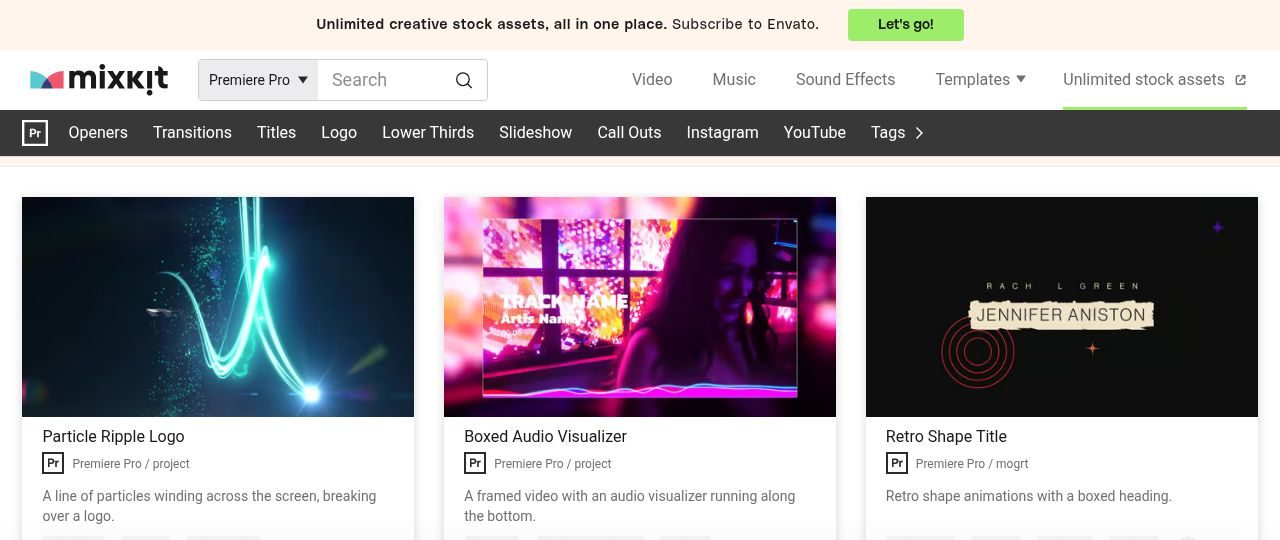
Mixkit gathers free Premiere Pro templates into a software-specific library with categories such as titles, openers, lower thirds, and transitions. The category page is a better starting point than the wider stock homepage because its downloads are intended for this editor.
Follow the individual listing for file details and supported versions; a library label does not make every asset the same format. Video templates use the Mixkit Free License, rather than a public-domain dedication, so consult that license before reusing or distributing source files.
For a practical first pass, choose one restrained title and one matching supporting element from Mixkit rather than downloading every visual style. Replace the demonstration wording with your actual copy, then judge whether the animation still helps viewers understand the message at ordinary playback speed.
- Type
- Premiere Pro template library
- Best for
- Building a small coordinated graphics collection
- License
- Mixkit Free License for video templates; restrictions apply
- Price
- Free
MotionElements — Free Premiere Resources
Projects, MOGRTs, and effect presets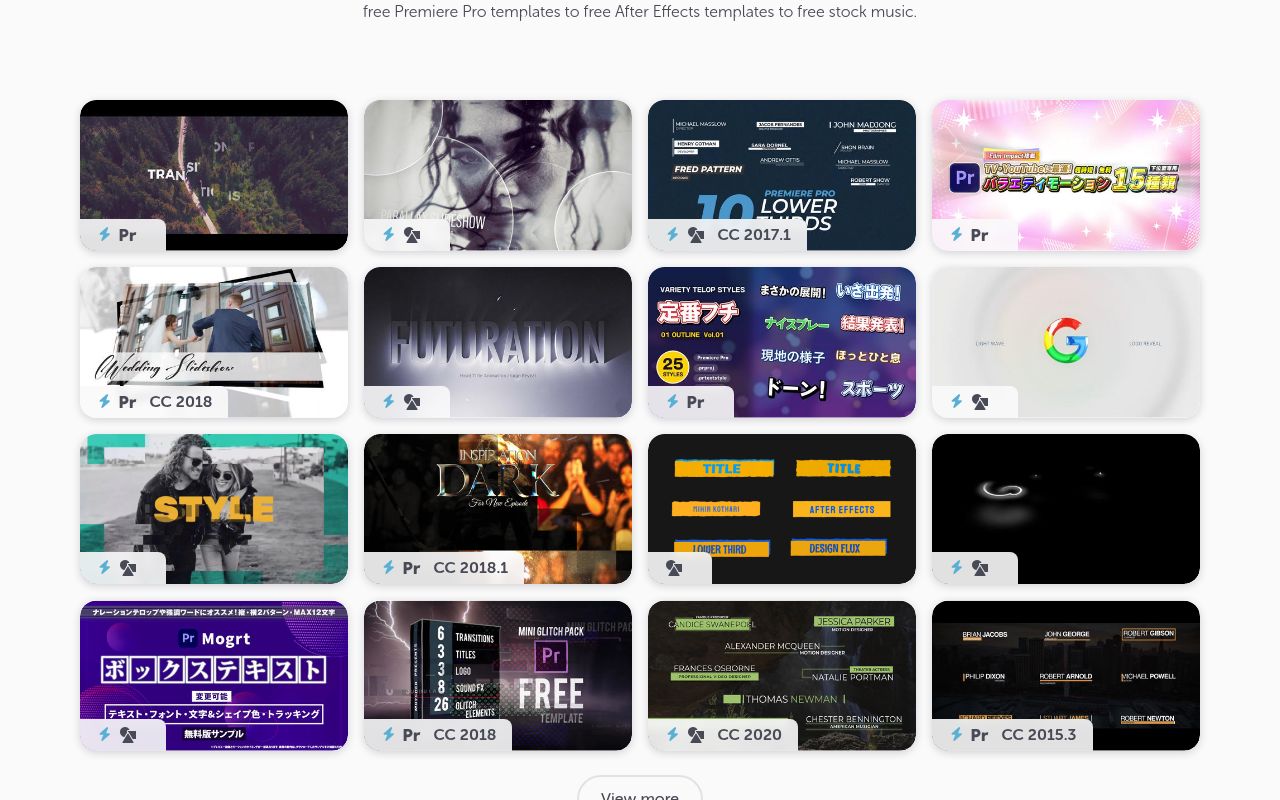
MotionElements explains the distinction between Premiere project files, MOGRT graphics, and PRFPSET effect presets directly in its free Premiere area. That makes it useful for editors who know the desired result but are unsure which package to seek.
Its page advertises royalty-free personal and commercial use under the marketplace license. Stay within the free selection: the surrounding marketplace also sells assets, and current account or download allowances should be checked during retrieval rather than assumed to be unlimited.
When browsing MotionElements, decide whether you need an entire sequence or an overlay that preserves your existing cut. This decision narrows the search more effectively than an attractive thumbnail and reduces the chance of opening a project when you only wanted a simple caption.
- Type
- Projects, MOGRTs, and effect presets
- Best for
- Comparing several Premiere file formats
- License
- Royalty-free personal and commercial use under MotionElements terms
- Price
- Free selection; account and download conditions apply
PremiumBeat — 21 Motion Graphics
MOGRT pack with After Effects project
PremiumBeat offers 21 motion graphics consisting of eight animated text titles and thirteen clean transitions with customizable colors. The article supplies Premiere installation guidance and includes an After Effects project for deeper changes beyond the exposed template controls.
These are MOGRT-based graphics, not a subscription to PremiumBeat music. The stated permission covers personal and commercial projects, while resale and redistribution of the assets are prohibited. Follow the font instructions before evaluating the appearance, because missing typefaces can change spacing and composition.
Use the PremiumBeat collection when a project benefits from related text and scene-change treatments. Start with the supplied controls, and open the accompanying After Effects source only if the required change genuinely falls outside those controls and you have access to that application.
- Type
- MOGRT pack with After Effects project
- Best for
- Combining editable titles and graphic transitions
- License
- Personal and commercial projects; no resale or redistribution
- Price
- Free
SonduckFilm — Duck Pack
Mixed After Effects and Premiere template pack
SonduckFilm’s Duck Pack advertises more than one hundred templates split between fifty After Effects and fifty Premiere Pro assets. Its description includes titles, vertical stories, transitions, and social media elements, with an additional set of animation presets specifically for After Effects.
The download requires a login, so it is not a completely anonymous grab. Treat the application split seriously: the total pack count does not mean every file runs directly in Premiere, and the publisher’s license governs use of the supplied material.
For Duck Pack, extract the Premiere portion into a clearly labeled folder before beginning a deadline-driven edit. Keeping its After Effects presets separate prevents installation confusion and makes it easier to identify which graphics can be adjusted without leaving your primary editing application.
- Type
- Mixed After Effects and Premiere template pack
- Best for
- Trying a broad motion-graphics starter selection
- License
- Free download under SonduckFilm license; review included terms
- Price
- Free; login required
AEJuice — Starter Pack
Asset and effects starter collection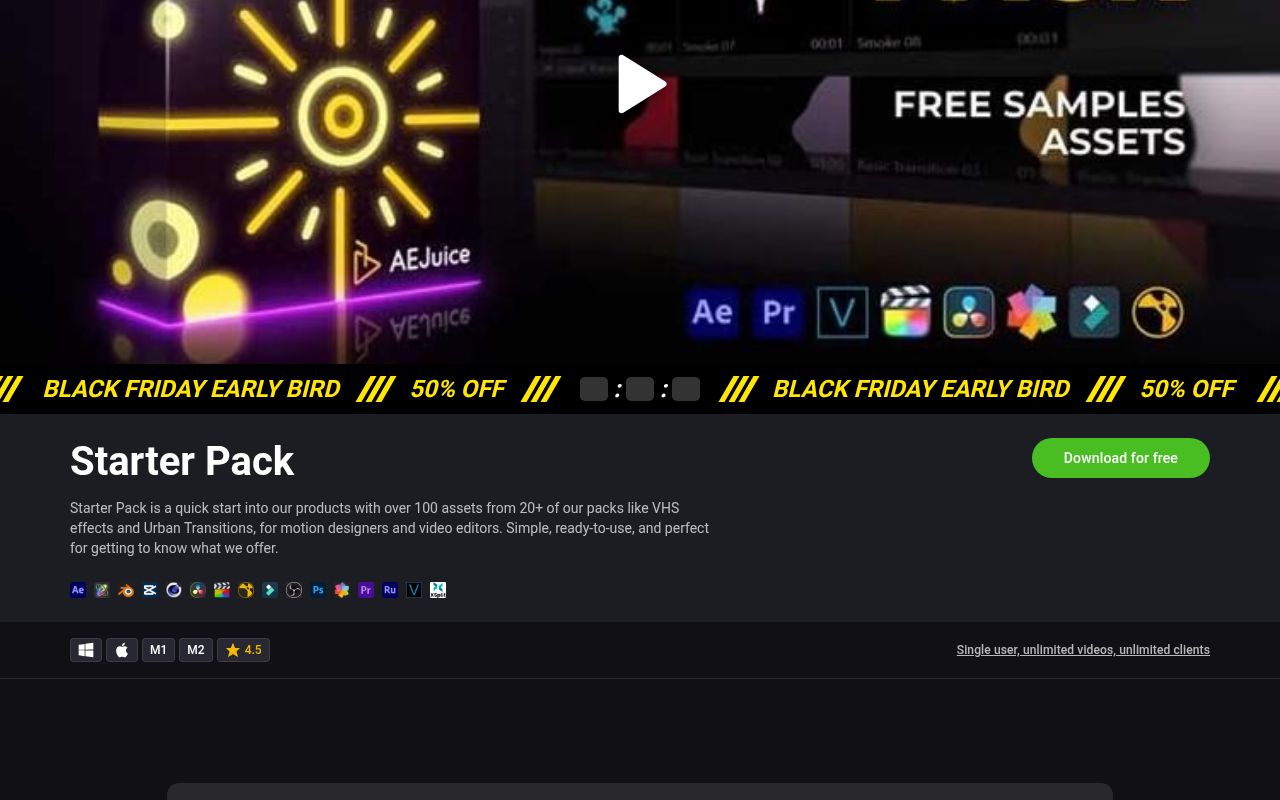
AEJuice positions its Starter Pack as a free introduction to its larger product ecosystem, with more than one hundred assets sampled from over twenty packs. VHS looks and Urban Transitions are among the examples named on the page.
This is an asset collection rather than a guarantee of one hundred standalone Premiere project files, so check the supplied installation workflow and host support. The product page describes a single-user license with unlimited videos and clients; that does not authorize sharing the underlying download with other editors.
Approach AEJuice as an integration test as well as a creative download. Confirm that the components you want appear in your installed Premiere workflow, and avoid planning an entire sequence around a preview effect until you know it belongs to the free starter selection.
- Type
- Asset and effects starter collection
- Best for
- Sampling a larger motion-design ecosystem
- License
- Single-user license; unlimited videos and clients as stated on product page
- Price
- Free starter selection; paid expansions separate
Enchanted Media — Free MOGRT Library
Plugin-free Premiere MOGRT library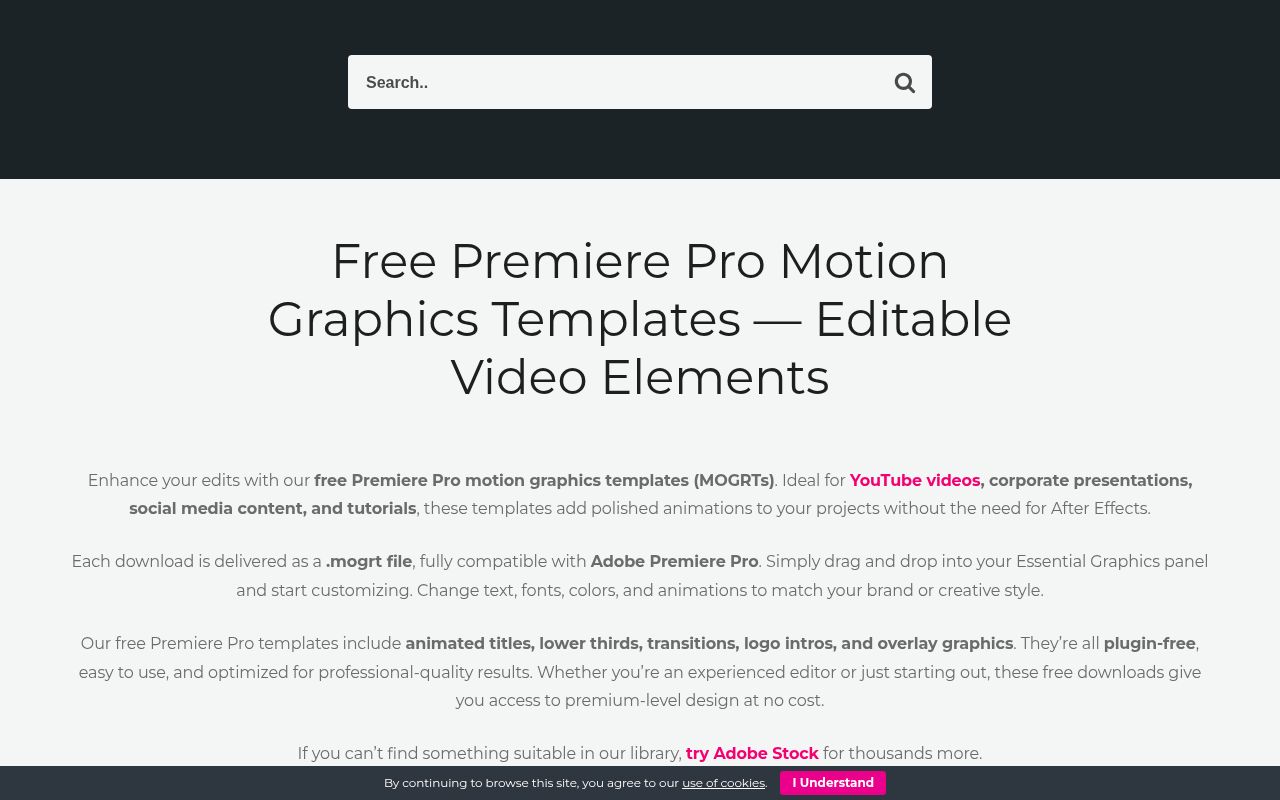
Enchanted Media’s free Premiere section explicitly supplies editable MOGRT files with controls for text, fonts, colors, and animation. Its categories include lower thirds, logo intros, transitions, overlays, and titles, and the page describes the downloads as plugin-free.
Use listings marked free rather than nearby paid bundles or partner promotions. The publisher also requests website credit, so read the linked terms and the downloaded instructions before deciding how to acknowledge the work or whether a particular commercial delivery fits the license.
A useful Enchanted Media trial is a logo treatment using your actual artwork, including any fine detail or unusually wide proportions. Check whether the available controls handle that shape naturally before building matching titles around a result that may require additional compositing.
- Type
- Plugin-free Premiere MOGRT library
- Best for
- Finding editable branded graphics without After Effects
- License
- Publisher terms apply; page requests Enchanted Media credit
- Price
- Free listed downloads
Brooker Films — 50 Title Animations
50 Premiere Pro MOGRT titles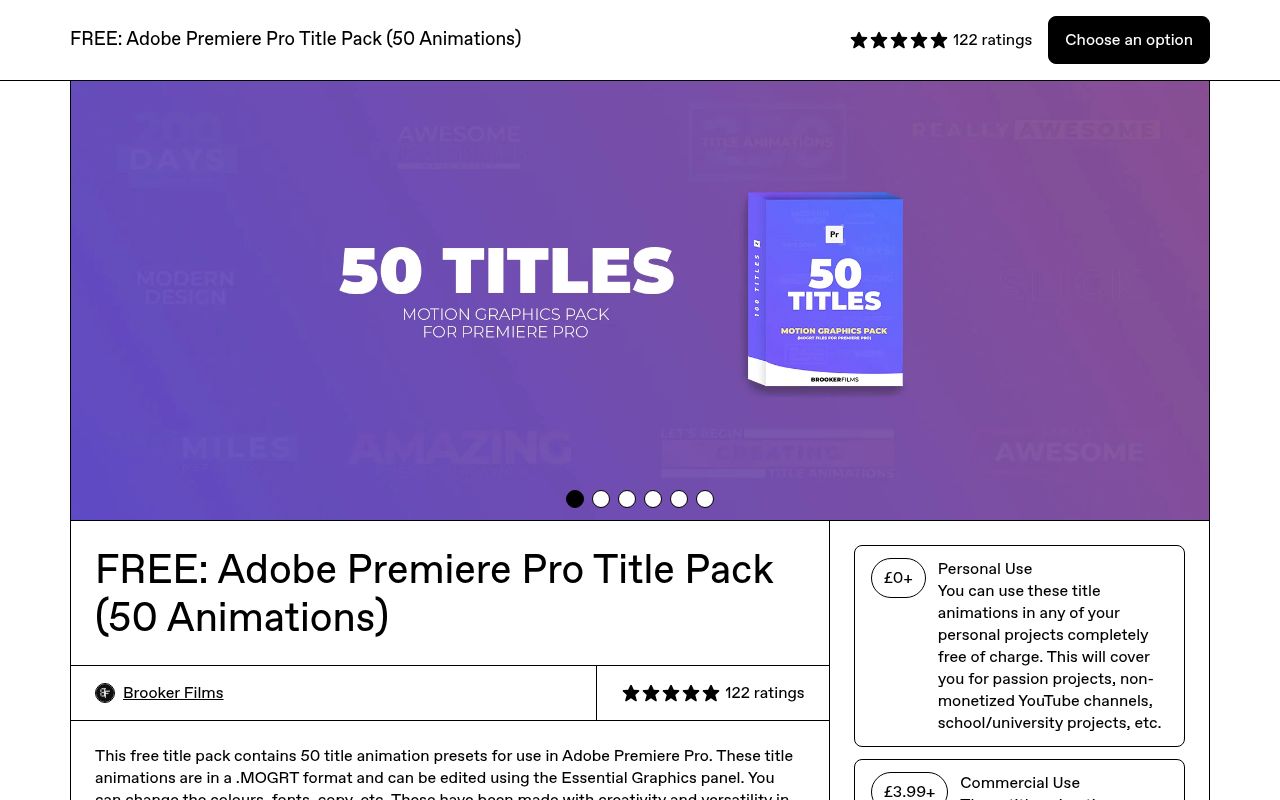
Brooker Films supplies fifty MOGRT title animations with editable wording, colors, fonts, and other graphic controls. The product identifies Premiere Pro 2021 or later and notes testing in the 2022 release, which is useful context rather than a universal compatibility guarantee.
Its most important limitation is the personal-use-only free tier. Monetized YouTube channels, paid client projects, television, and broadcast belong to the paid commercial option; selecting a zero-price download does not clear those uses.
Choose the Brooker Films license before importing the titles, particularly if a personal channel might later become monetized. A small license decision recorded at the start is simpler than discovering after publication that a seemingly casual upload falls into the commercial category described by its creator.
- Type
- 50 Premiere Pro MOGRT titles
- Best for
- Noncommercial school and personal video titles
- License
- Free for personal use only; commercial option is paid
- Price
- £0+ personal tier; commercial tier sold separately
Velosofy — Premiere Creator Templates
Community Premiere template directory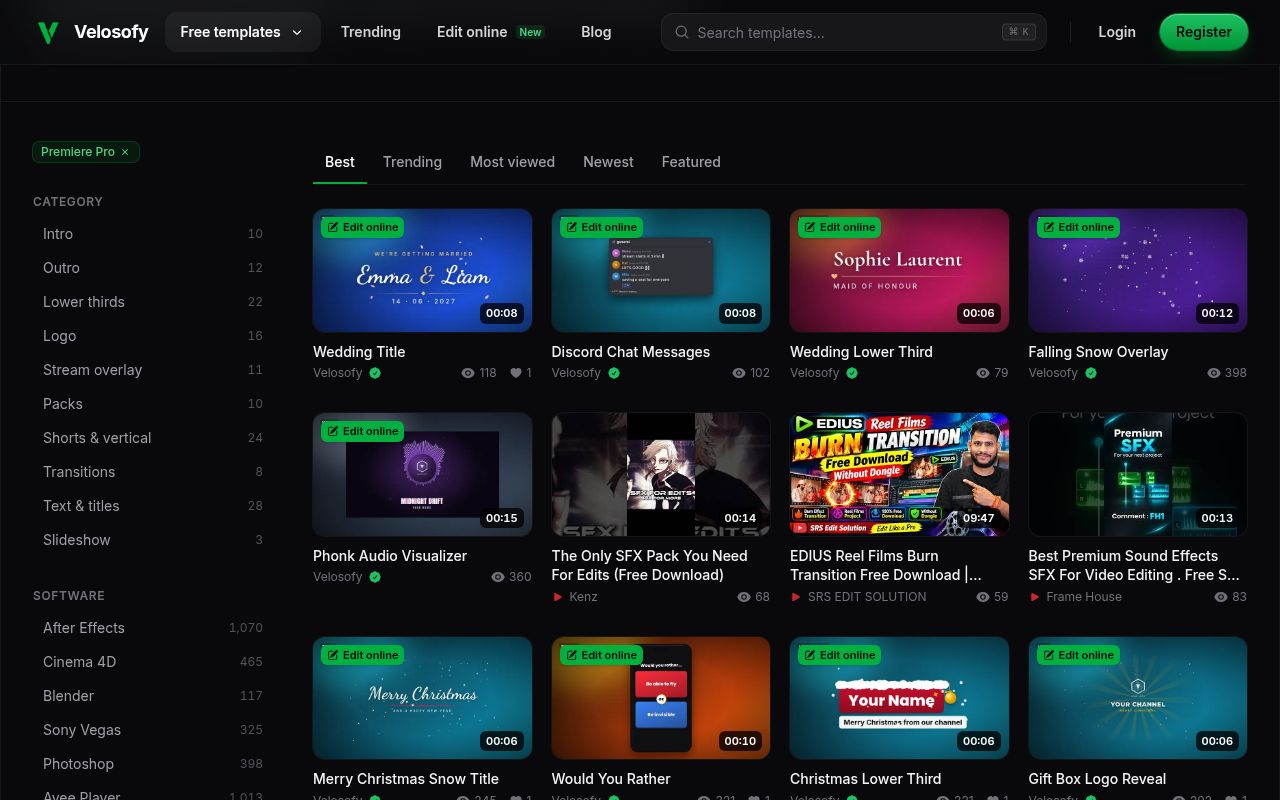
Velosofy’s Premiere Pro directory lists creator-shared templates across titles, vertical videos, logos, lower thirds, and other categories. Its software filter is useful, but the broader site also includes online-editable material and resources for many unrelated applications.
Read the actual download listing to establish the delivered file format. Because this is a multi-creator collection, do not assume a single commercial license or identical attribution requirement applies to every result, even when the directory describes the templates as free.
On Velosofy, prioritize listings that clearly describe both the editor requirement and the downloadable package. Keep the creator’s instructions with the file, and inspect any externally hosted download carefully rather than treating a community thumbnail as proof of compatibility or commercial clearance.
- Type
- Community Premiere template directory
- Best for
- Discovering creator-made channel and social graphics
- License
- Creator-specific terms; check each download and attribution requirements
- Price
- Free listed templates; external conditions may vary
Enchanted Media — Countdown and End Cards
Countdown and end-screen MOGRTs
The same Enchanted Media free library contains named options including a Glass Ball 10 Second Countdown Overlay, Audio Waveform End Screen Cards, and Black End Screen Cards. This entry highlights those specific utility graphics rather than claiming another independent source.
Downloads are offered as Premiere MOGRTs, with the library’s plugin-free positioning and publisher terms. The free status belongs to the marked listings; linked music services, premium bundles, and other artwork remain separate products with their own permissions.
A countdown and an end card solve different communication problems, so test their timing independently. For the Enchanted Media examples, leave enough final-screen duration for a real viewer to read the message rather than simply copying the pacing of a short promotional preview.
- Type
- Countdown and end-screen MOGRTs
- Best for
- Giving presentations a clear opening and ending
- License
- Enchanted Media terms; credit requested on free-library page
- Price
- Free designated MOGRT listings
PremiumBeat — Included After Effects Source
Editable source accompanying Premiere MOGRTs
The After Effects source project included with PremiumBeat’s twenty-one-graphics download is useful when a Premiere MOGRT almost fits but does not expose a needed adjustment. This is a second workflow within the same free pack, not another publisher or a separate set of twenty-one graphics.
Premiere handles normal template customization; deeper source editing requires the appropriate After Effects setup. The pack’s commercial permission and redistribution ban still apply, and neither application becomes free merely because the graphic assets are available without charge.
Reserve this PremiumBeat source workflow for meaningful changes such as restructuring a title rather than routine wording updates. Maintaining a clean original and a separately named modified version helps you recover if an ambitious source edit accidentally removes a useful template control.
- Type
- Editable source accompanying Premiere MOGRTs
- Best for
- Extending a graphic beyond exposed Premiere controls
- License
- Same free-pack terms: personal and commercial; no asset redistribution
- Price
- Free within the 21-graphics download
Choose graphics that survive real copy
Begin your template evaluation with the longest headline and the most awkward name in the project, not the sample words in the promotional video. A lower third that looks elegant with six characters can break with a long organization name. Substitute your actual fonts, check line wrapping, and view the frame at normal playback size.
If the design needs constant manual repair, its download price is irrelevant to the time you will spend. Save a small test sequence containing your chosen title, a busy background, and representative footage so that every candidate faces the same practical comparison.
Think about brand consistency before collecting more files. Choose a limited set of font weights, a predictable margin, and two or three accent colors that work across the entire video. An opener, caption, and closing card should feel related even when they come from different publishers.
Look for accessible controls rather than merely elaborate animation. Useful customization can be as simple as changing the duration, adjusting a background panel, and keeping text away from faces. When a template conceals a control you genuinely need, consider another design instead of forcing the whole edit around it.
Keep a reusable, licensed production library
Create a download record alongside every template folder. Include the publisher, the original page address, the date, and the license supplied with the file. This is particularly important when a free personal tier sits next to a paid commercial option, or when a marketplace changes its available freebies.
Do not distribute raw template files to a client merely because you can deliver a finished video made with them. If the client needs editable source material, check whether the license permits that transfer and whether their own editor needs a separate download or account.
Finish by making a reliable export test rather than trusting smooth playback in a small preview window. Test the intended sequence resolution, frame rate, and output codec with your real footage underneath the graphic. Look for missing fonts, clipped letterforms, unexpected transparency, and animation that ends before the spoken information does.
Archive the tested file version with the project and avoid updating a working template halfway through delivery. A compact library of dependable, understood resources will usually accelerate future edits more than a large folder of downloads you have never opened.