
Working faster in Premiere Pro does not mean accepting every default animation. Free transitions and glitch presets can remove repetitive setup while leaving the editorial decisions with you. This selection focuses on practical starting points: downloadable packages, clearly identified free resources, and useful variations within a documented collection.
Some entries come from the same publisher because they solve different problems; they are not presented as ten unrelated companies. Compare the underlying workflow as carefully as the visual preview, and choose the smallest set that genuinely helps your current project.
Begin with format awareness before collecting Premiere Pro resources. A project, an installed effect, a preset, and a platform-hosted template do not enter the editor in the same way. The source listing should explain which application version is required and whether additional software is involved.
Imported media, preview music, and demonstration footage may have permissions separate from the design itself. Make an inexpensive test with your own pictures and wording, then export it using your planned delivery settings before you build an entire sequence around an unfamiliar download.
Treat free pricing and usage rights as two separate questions throughout this Premiere Pro roundup. A zero-price option can still require an account, an email address, creator credit, or a personal-use license. A free category can also sit beside paid packs with very similar names.
The notes below identify what the research actually supports and avoid promising blanket commercial permission where the source does not establish it. Save the supplied terms with each download, especially if your work might move from a personal experiment into monetized publishing or a paid client assignment.
Quick picks at a glance
| # | Resource | License | Best for |
|---|---|---|---|
| 1 | Mixkit — Free Premiere Transitions | Mixkit video-template license | quick scene changes in an existing Premiere sequence |
| 2 | FILM CRUX — Transitions Vol. 1 | Publisher terms apply; review supplied license | a broad adjustment-layer transition toolkit |
| 3 | FILM CRUX — Glitch 1 and Glitch 2 | Same Vol. 1 terms; not an independent pack | testing restrained digital disruption |
| 4 | PremiumBeat — Thirteen Graphic Transitions | Personal and commercial use; no resale or redistribution | matching scene changes to a graphic identity |
| 5 | Enchanted Media — Free Transitions Pack | Publisher terms; credit requested | editable graphic wipes without extra plugins |
| 6 | SonduckFilm — Duck Pack Transitions | SonduckFilm license; login required | sampling transitions alongside matching motion graphics |
| 7 | AEJuice — Starter Selection | Single user; unlimited videos and clients per product page | exploring stylized cuts within a larger effects system |
| 8 | MotionElements — Free Premiere Presets | Royalty-free personal and commercial use under marketplace terms | understanding preset formats before installing effects |
| 9 | Velosofy — Premiere Transition Listings | Individual creator terms and attribution requirements | finding community-made scene-change ideas |
| 10 | PremiumBeat — Textured Transition Freebie | Review the download’s included license before commercial delivery | exploring texture-led alternatives to digital glitches |
Mixkit — Free Premiere Transitions
Premiere transition templates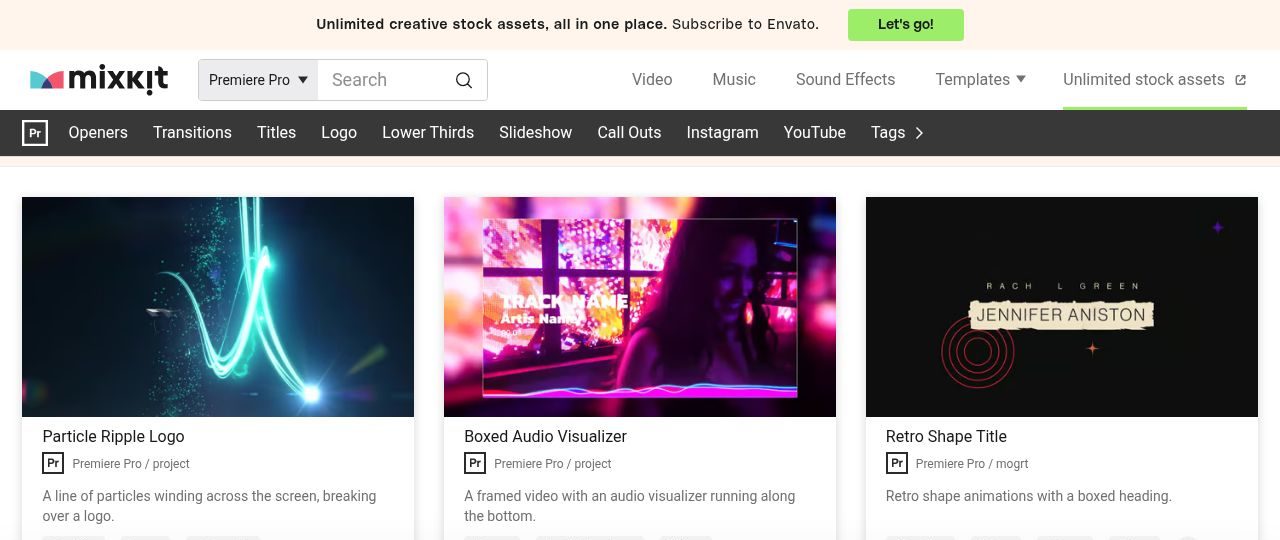
Mixkit — Free Premiere Transitions offers transitions and glitch presets for quick scene changes in an existing Premiere sequence. The dedicated transition section separates scene-change downloads from the rest of the free Premiere library. Check each listing for its file type, supported version, and installation method; the free template license is not a right to redistribute the library.
When evaluating Mixkit — Free Premiere Transitions, place the result over a deliberately busy shot as well as a simple background. Before committing Free Premiere Transitions to a client cut, confirm which fonts it installs and whether the demo footage ships with it.
Drop Free Premiere Transitions onto your own clip rather than the promo reel; contrast, motion and subject placement rarely match the preview. Confirm that Free Premiere Transitions ships the fonts its preview shows, or expect the lettering to shift on first render.
- Type
- Premiere transition templates
- Best for
- quick scene changes in an existing Premiere sequence
- License
- Mixkit video-template license
- Price
- Free listed option; paid alternatives separate
FILM CRUX — Transitions Vol. 1
Premiere effect presets
FILM CRUX — Transitions Vol. 1 offers transitions and glitch presets for a broad adjustment-layer transition toolkit. The page lists twenty-four free transitions, including blur, stutter, spins, slides, and whip pans. Delivery requires an email address and subscribes you to occasional messages.
Import the preset file through the Effects panel and apply the treatment to an adjustment layer spanning the cut. For FILM CRUX — Transitions Vol. 1, replace every demonstration element before judging the design. Keep the untouched copy of Transitions Vol. 1 beside your working file so a late change can be reversed in one step.
Export Transitions Vol. 1 at normal viewing size and watch the first and last second, where timing problems surface. Run Transitions Vol. 1 over a busy frame and a static one; a treatment that survives both is worth keeping in the kit.
- Type
- Premiere effect presets
- Best for
- a broad adjustment-layer transition toolkit
- License
- Publisher terms apply; review supplied license
- Price
- Free listed option; paid alternatives separate
FILM CRUX — Glitch 1 and Glitch 2
Two presets within Vol. 1
FILM CRUX — Glitch 1 and Glitch 2 offers transitions and glitch presets for testing restrained digital disruption. Glitch 1 and Glitch 2 are explicitly named in the free twenty-four-preset collection. They are highlighted here as a focused choice inside that package, not another download of twenty-four unique effects.
The supplied frame-offset recommendations guide adjustment-layer placement around an edit. Build a small trial around FILM CRUX — Glitch 1 and Glitch 2 before adding it throughout a long sequence. Note the exact Glitch 1 and Glitch 2 download link and its terms in your project folder, in case the pack moves or disappears.
Test Glitch 1 and Glitch 2 in landscape, square and vertical crops before it becomes the visual spine of a campaign. Store the Glitch 1 and Glitch 2 licence text beside the files, since a reposted ZIP rarely arrives with its terms.
- Type
- Two presets within Vol. 1
- Best for
- testing restrained digital disruption
- License
- Same Vol. 1 terms; not an independent pack
- Price
- Free listed option; paid alternatives separate
PremiumBeat — Thirteen Graphic Transitions
MOGRT transitions
PremiumBeat — Thirteen Graphic Transitions offers transitions and glitch presets for matching scene changes to a graphic identity. Thirteen customizable-color transitions accompany eight titles in the free twenty-one-graphics download. These graphic templates differ from footage-distortion presets, and an After Effects source project is also included.
Install the provided fonts and follow the MOGRT instructions rather than attempting to import them as PRFPSET files. Keep a download note for PremiumBeat — Thirteen Graphic Transitions containing its source address and the permission supplied with the files.
Log which Thirteen Graphic Transitions controls you actually changed; that record answers a client's later request for the editable file. Check whether Thirteen Graphic Transitions needs a plugin, a paid tier or an account before you build a deadline around it.
- Type
- MOGRT transitions
- Best for
- matching scene changes to a graphic identity
- License
- Personal and commercial use; no resale or redistribution
- Price
- Free listed option; paid alternatives separate
Enchanted Media — Free Transitions Pack
Premiere MOGRT transitions
Enchanted Media — Free Transitions Pack offers transitions and glitch presets for editable graphic wipes without extra plugins. The free MOGRT library explicitly lists a Free Transitions Pack for Premiere Pro. Its library description emphasizes plugin-free editing and customizable graphic controls.
Follow that named free listing rather than nearby premium bundles; credit is requested on the publisher’s free resources page. Choose Enchanted Media — Free Transitions Pack for a specific storytelling task rather than simply because the download costs nothing. Compare Free Transitions Pack against a plain cut with the audio muted, since a soundtrack often hides awkward pacing.
Treat Free Transitions Pack as one layer of a small, understood toolkit rather than another file in an unsorted downloads folder. Export a thirty-second test with Free Transitions Pack and watch it full screen; thumbnails flatter almost every effect.
- Type
- Premiere MOGRT transitions
- Best for
- editable graphic wipes without extra plugins
- License
- Publisher terms; credit requested
- Price
- Free listed option; paid alternatives separate
SonduckFilm — Duck Pack Transitions
Mixed-application template collection
SonduckFilm — Duck Pack Transitions offers transitions and glitch presets for sampling transitions alongside matching motion graphics. Transitions are among the resources advertised in Duck Pack alongside titles, social elements, and vertical stories.
The collection is divided between Premiere and After Effects, so the headline total is not a count of Premiere transitions. The additional After Effects animation presets should not be mistaken for Premiere effect presets.
Allow time to inspect the installation instructions for SonduckFilm — Duck Pack Transitions, especially on a machine used for paid production. Check whether Duck Pack Transitions needs a plugin, a subscription tier or an account before you schedule the edit around it.
Move the key faces and captions in Duck Pack Transitions by hand; its default framing assumes the demo's subject placement. Keep Duck Pack Transitions in its own labelled folder so a year-old edit can be rebuilt without guesswork.
- Type
- Mixed-application template collection
- Best for
- sampling transitions alongside matching motion graphics
- License
- SonduckFilm license; login required
- Price
- Free listed option; paid alternatives separate
AEJuice — Starter Selection
Starter assets and effects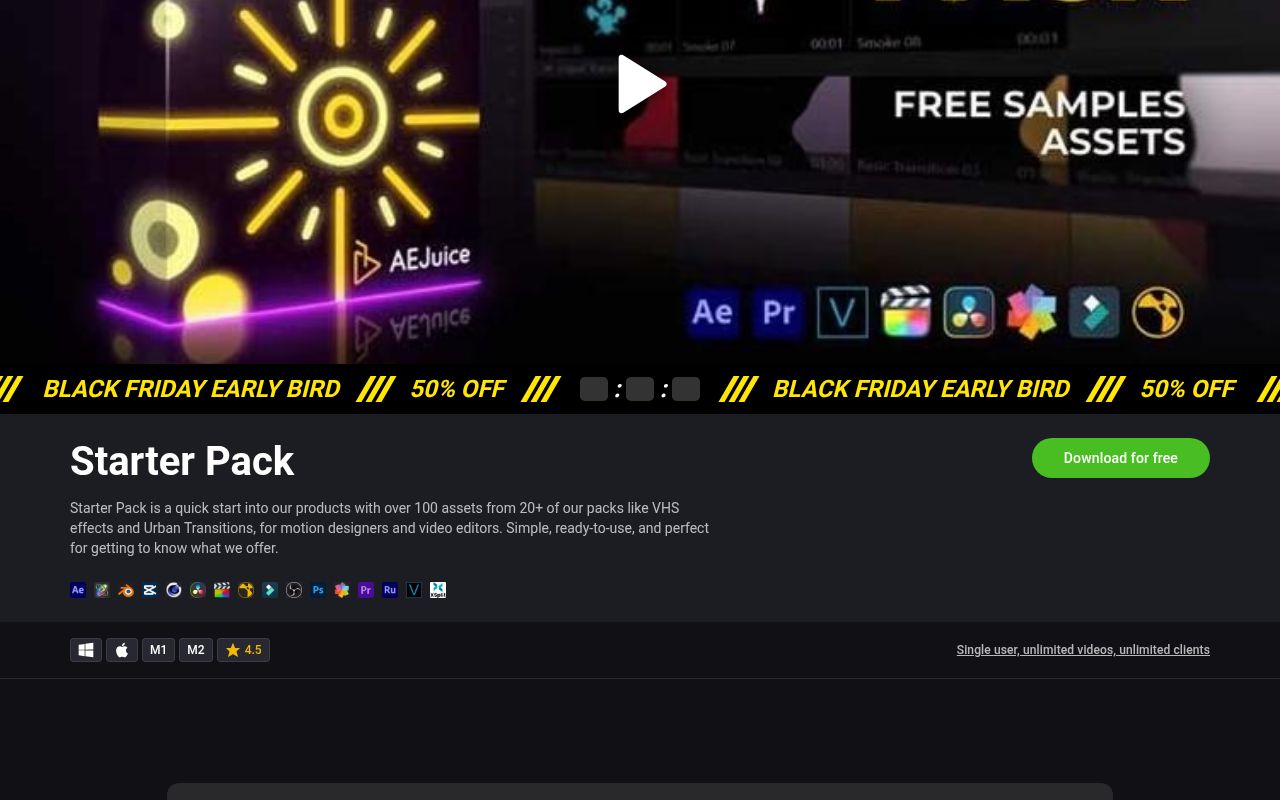
AEJuice — Starter Selection offers transitions and glitch presets for exploring stylized cuts within a larger effects system. The free starter collection names Urban Transitions and VHS effects among samples drawn from more than twenty packs. Confirm which starter components support your installed Premiere workflow before downloading for a particular effect.
Paid expansions are separate from the starter selection and should not be counted as free content. Consider the audience when working with AEJuice — Starter Selection.
Keep Starter Selection only if it adds rhythm or information a simpler treatment cannot, and archive it once that case ends. Screenshot the Starter Selection listing page on download day, so a changed description or price can be traced later. Mute the soundtrack when reviewing Starter Selection, because music routinely disguises a clumsy transition.
- Type
- Starter assets and effects
- Best for
- exploring stylized cuts within a larger effects system
- License
- Single user; unlimited videos and clients per product page
- Price
- Free listed option; paid alternatives separate
MotionElements — Free Premiere Presets
PRFPSET, MOGRT, and project listings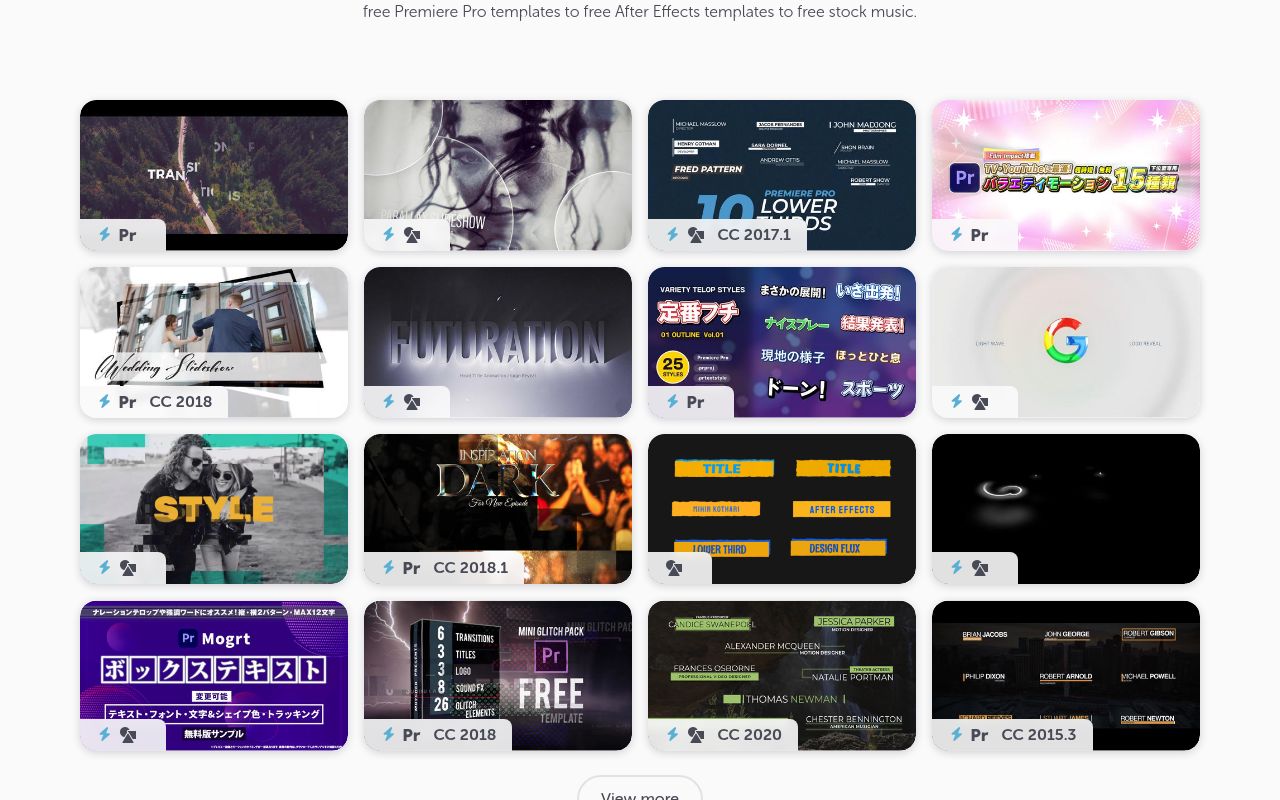
MotionElements — Free Premiere Presets offers transitions and glitch presets for understanding preset formats before installing effects. The free software page explains that effect presets use PRFPSET files and can contain transitions, grading, or text effects. Actual inventory varies, so inspect the asset card rather than assuming every free listing is a transition.
Account requirements and current download limits belong to the marketplace’s retrieval process. Use a clearly named test timeline for MotionElements — Free Premiere Presets and record any adjustments that make it suit your footage. Re-open Free Premiere Presets in a blank project first; a template that misbehaves there will misbehave under deadline pressure.
Read the Free Premiere Presets terms for redistribution, because a personal-use permission does not cover handing the file to a client. Reframe the subject yourself in Free Premiere Presets; its default composition was built for the demo clip, not yours.
- Type
- PRFPSET, MOGRT, and project listings
- Best for
- understanding preset formats before installing effects
- License
- Royalty-free personal and commercial use under marketplace terms
- Price
- Free listed option; paid alternatives separate
Velosofy — Premiere Transition Listings
Creator-shared transition resources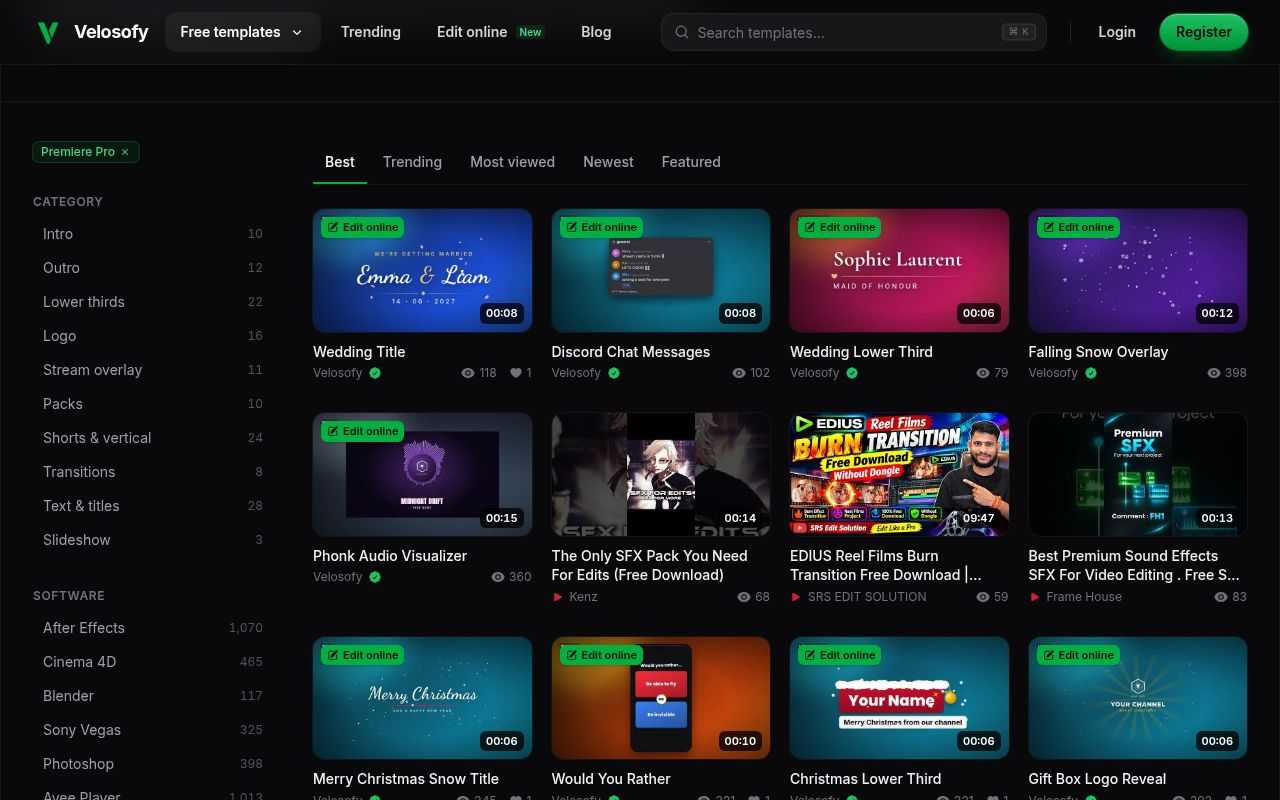
Velosofy — Premiere Transition Listings offers transitions and glitch presets for finding community-made scene-change ideas. The Premiere directory includes a transitions filter alongside graphics and other editing resources. Some listings are online-editable or externally hosted, which makes checking the actual delivered format essential.
Free directory placement does not establish uniform commercial permission across all contributing creators or guarantee that every result is a native preset.
Before relying on Velosofy — Premiere Transition Listings, inspect the final delivery dimensions rather than only the editing preview. Judge Premiere Transition Listings on a mid-length sequence: treatments that feel sharp on a short social post can drag in an interview.
Confirm the Premiere Transition Listings file format matches your editor before installing, rather than assuming a marketplace label covers it. Ask what Premiere Transition Listings adds that a straight cut does not, and retire it from the timeline when the answer is nothing.
- Type
- Creator-shared transition resources
- Best for
- finding community-made scene-change ideas
- License
- Individual creator terms and attribution requirements
- Price
- Free listed option; paid alternatives separate
PremiumBeat — Textured Transition Freebie
Premiere transition download
PremiumBeat — Textured Transition Freebie offers transitions and glitch presets for exploring texture-led alternatives to digital glitches. This confirmed freebie article is a separate destination from PremiumBeat’s twenty-one-graphics collection. Use its own download instructions and package documentation to establish the supplied format, compatibility, and permissions; the terms of another PremiumBeat giveaway should not automatically be transferred to this one.
Preview media and music need their own clearance. Archive the tested version of PremiumBeat — Textured Transition Freebie with enough information to find its official source again. Give Textured Transition Freebie one honest test render, then decide from the output rather than from the thumbnail.
Before committing Textured Transition Freebie to a client cut, confirm which fonts it installs and whether the demo footage ships with it. Screenshot the Textured Transition Freebie listing when you download it, so a later price or licence change is traceable.
- Type
- Premiere transition download
- Best for
- exploring texture-led alternatives to digital glitches
- License
- Review the download’s included license before commercial delivery
- Price
- Free listed option; paid alternatives separate
Build a dependable Premiere Pro test sequence
Create a representative test for Premiere Pro rather than deciding from promotional previews alone. Include moving footage, a difficult background, and the longest text your real project requires. Apply the candidate resource, adjust only the controls the publisher exposes, and play the whole passage at its intended speed.
Look for abrupt starts, insufficient reading time, and effects that cover the subject. This controlled approach makes comparison fairer: every download faces the same footage instead of benefiting from whichever demonstration material its creator chose.
Review delivery behavior after the first successful preview. Your Premiere Pro timeline may be smooth at reduced playback quality while the final render reveals scaling errors or missing elements. Export a short sample at the actual resolution and frame rate, then watch it on the kind of screen your audience uses.
For a vertical version, check the space needed by captions and interface overlays. For a longer presentation, make sure repeated animation does not become more noticeable than the information it introduces.
Keep Premiere Pro downloads organized and usable
Maintain a source and license record for every Premiere Pro asset you retain. Store the original address, download date, included instructions, and permission statement in the same archive as the package.
Distinguish your edited copy from the original so you can start again without hunting through a changed storefront. When handing work to another editor, verify source-transfer rights rather than assuming that permission to publish a finished video also permits redistribution of the template files themselves.
Favor a coherent visual vocabulary over an ever-growing Premiere Pro download folder. A few compatible treatments with predictable timing will usually serve a real project better than dozens of unrelated designs. Record which controls you changed, which versions you tested, and any fonts or external requirements needed to reproduce the result.
Review the final edit for clarity before adding another effect. The strongest free resource is the one you can understand, adapt, and reliably deliver, not necessarily the one with the longest feature list.