
A great slide deck can win a client, a grant or a classroom. A forgettable one loses attention by slide three. Free presentation templates give you professional layouts, consistent typography and polished charts without hiring a designer.
We tested the most popular sources of free PowerPoint templates and free Google Slides themes. For each one you will find what it offers, any attribution requirements, who it suits and a direct link to download the templates free.
From investor pitch decks to lesson plans, these ten sites cover almost every kind of presentation.
Quick picks at a glance
| # | Resource | License | Best for |
|---|---|---|---|
| 1 | Slidesgo | Free with attribution | Education and marketing decks |
| 2 | SlidesCarnival | Free with attribution | Clean business presentations |
| 3 | Canva Presentations | Canva free content license | Non-designers who want speed |
| 4 | Microsoft Create | Microsoft terms | Office-native corporate decks |
| 5 | SlidesMania | Free with attribution | Teachers and students |
| 6 | Pitch | Pitch terms | Startup pitch decks |
| 7 | Beautiful.ai | Beautiful.ai terms | Auto-formatted business slides |
| 8 | Envato Elements Free Files | Envato license | Premium-quality decks |
| 9 | Presentation Magazine | Free use | Simple, practical templates |
| 10 | FPPT | Free use | Quick themed backgrounds |
Slidesgo
PowerPoint & Google Slides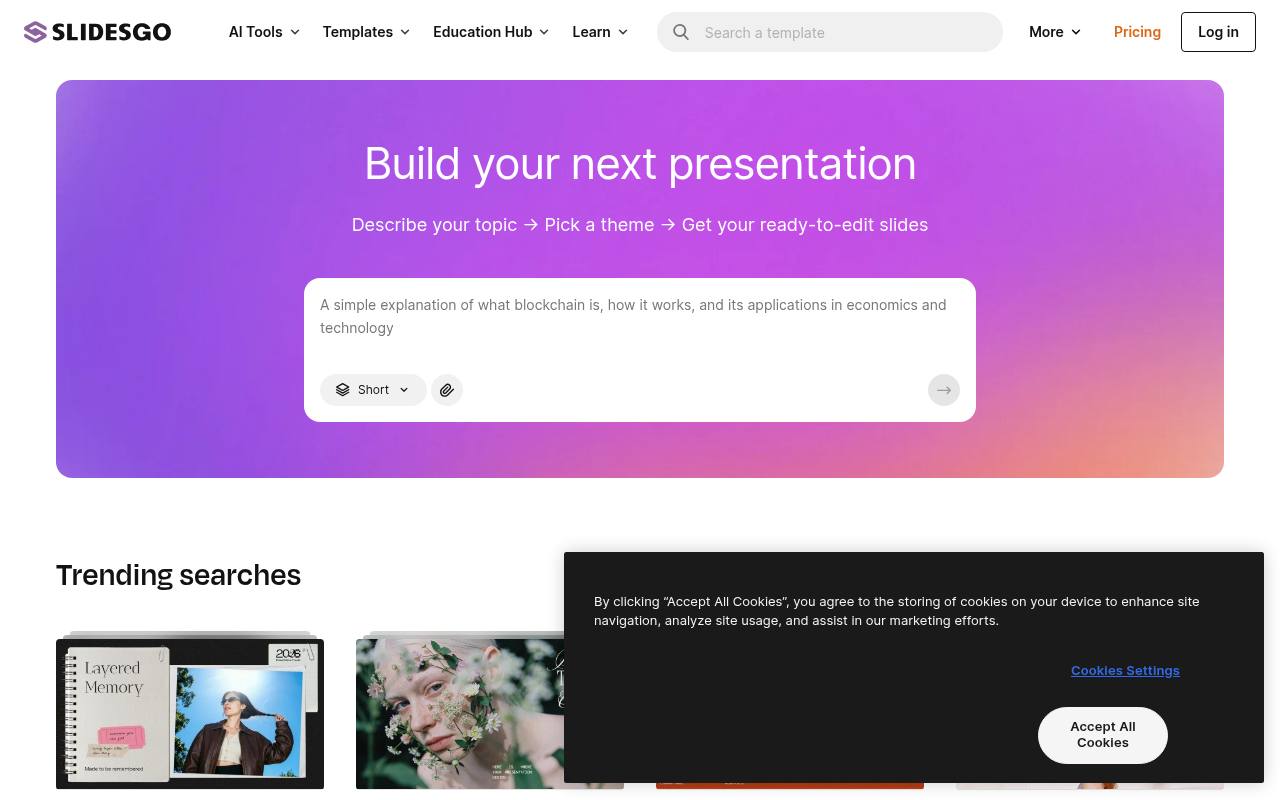
Slidesgo combines presentation decks with editable infographics, covering education, business proposals, health, culture, and seasonal subjects. Template listings provide options for PowerPoint and Google Slides, and selected designs also open in Canva. Free access requires registration: the homepage currently advertises three free templates monthly, while Premium removes that download limit.
Free templates require attribution, distinguishing the no-cost tier from a completely unrestricted asset library. Individual entries describe the subject and available editing routes, so a business proposal, a sports-nutrition deck, and a data-infographics pack are identifiable as different kinds of presentation resource.
- Type
- PowerPoint & Google Slides
- Best for
- Education and marketing decks
- License
- Free with attribution
- Price
- Free + premium
SlidesCarnival
PowerPoint & Google Slides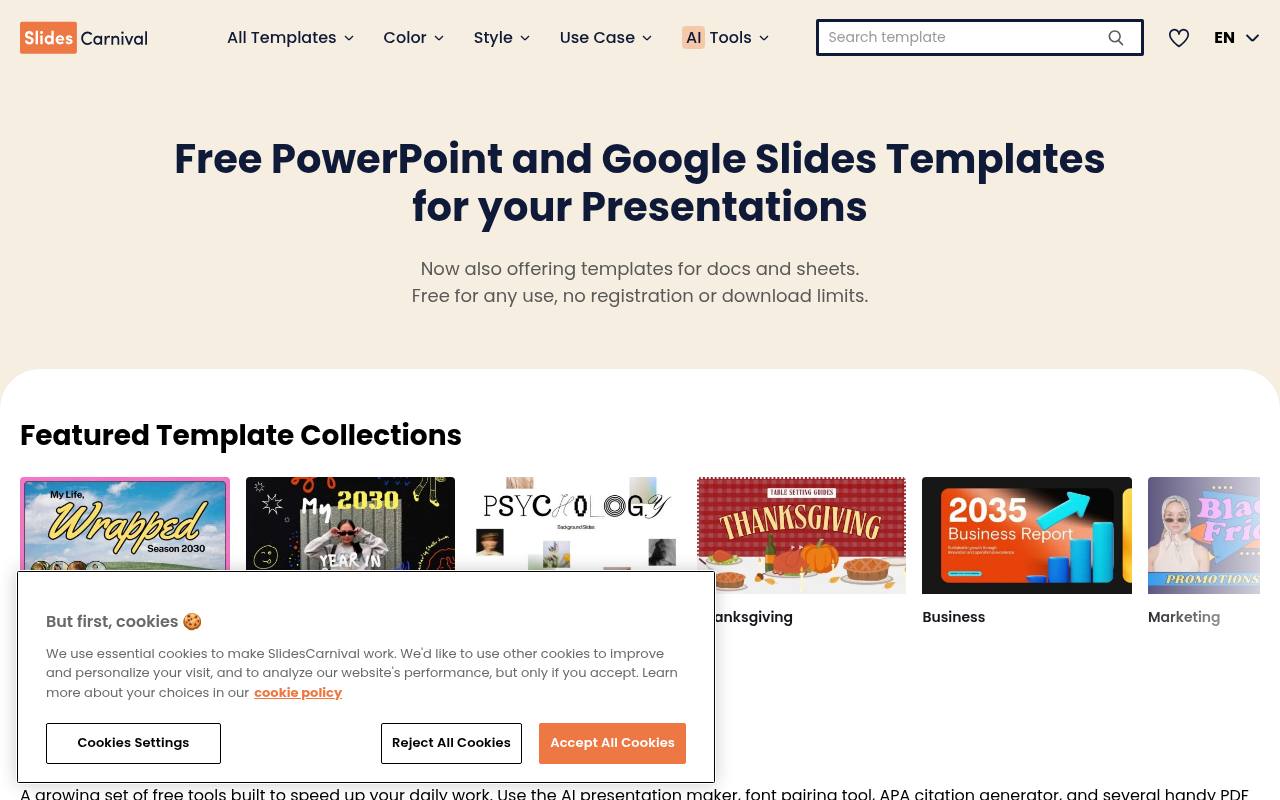
Find classroom decks, business presentations, and visual explainers through SlidesCarnival’s Education, Popular, and Editor’s Choice collections. The site also organizes seasonal material and offers designs ranging from a modern pitch deck to cute robot slides and online learning planners.
Editing routes include PowerPoint, Google Slides, and Canva, although some listings send users through Canva before exporting to another format. Templates are free with attribution, rather than being sold as individual slide packs. Preview cards expose the available editing services, making the catalog useful for people who already know which presentation application they want to use.
- Type
- PowerPoint & Google Slides
- Best for
- Clean business presentations
- License
- Free with attribution
- Price
- 100% free
Canva Presentations
Online editor templates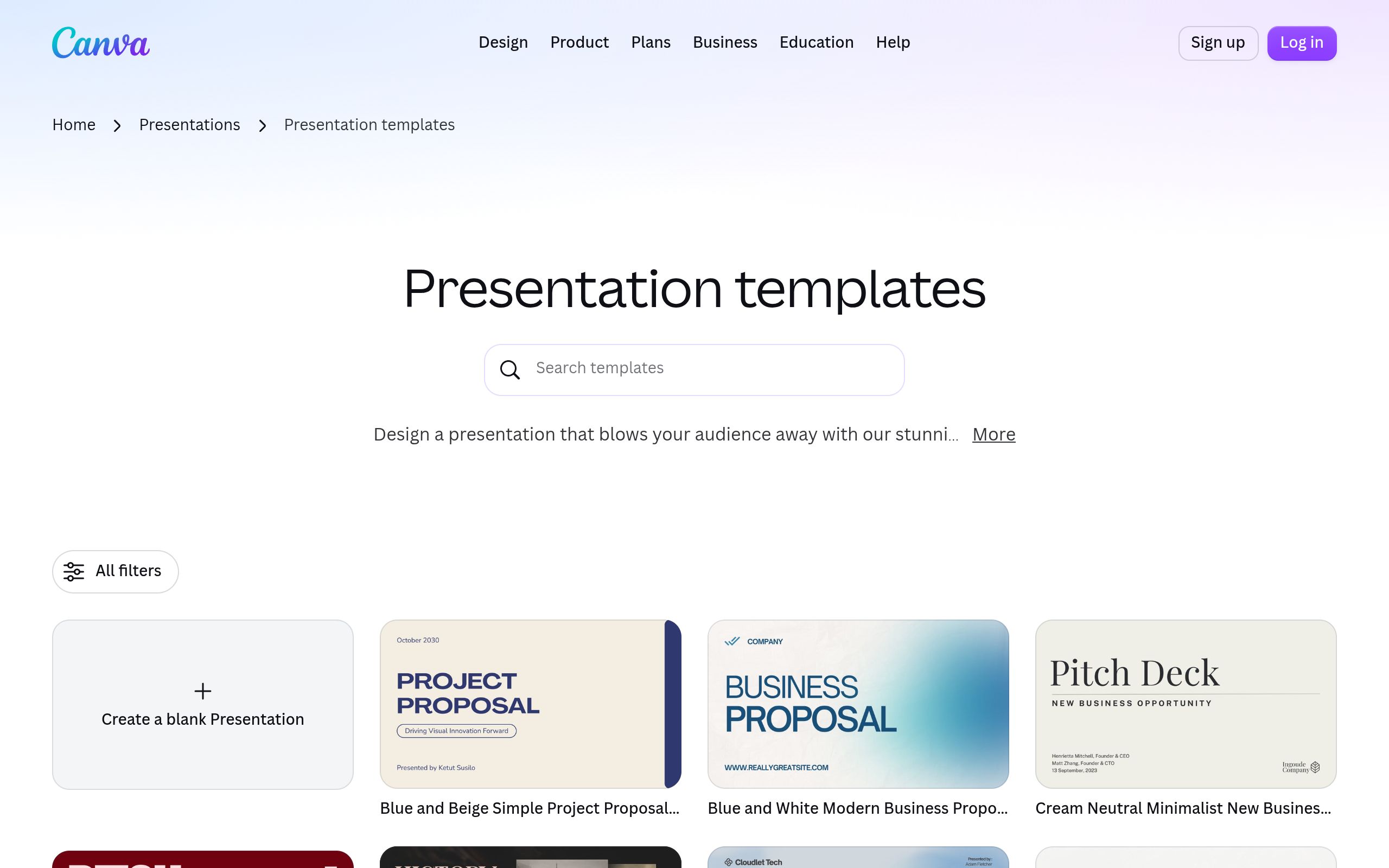
Canva’s presentation template library feeds directly into its online design workflow, where a selected layout becomes an editable presentation rather than just a downloaded background. The collection includes free and Pro designs, with licensing tied to Canva’s content terms and the assets used in a project.
Its presentation editor is the central tool for replacing template content and building a finished deck inside Canva. This makes the resource different from repositories devoted exclusively to PowerPoint files. The catalog’s large visual previews emphasize complete presentation styles, while the wider Canva interface connects templates to other design formats.
- Type
- Online editor templates
- Best for
- Non-designers who want speed
- License
- Canva free content license
- Price
- Free + Pro
Microsoft Create
PowerPoint templates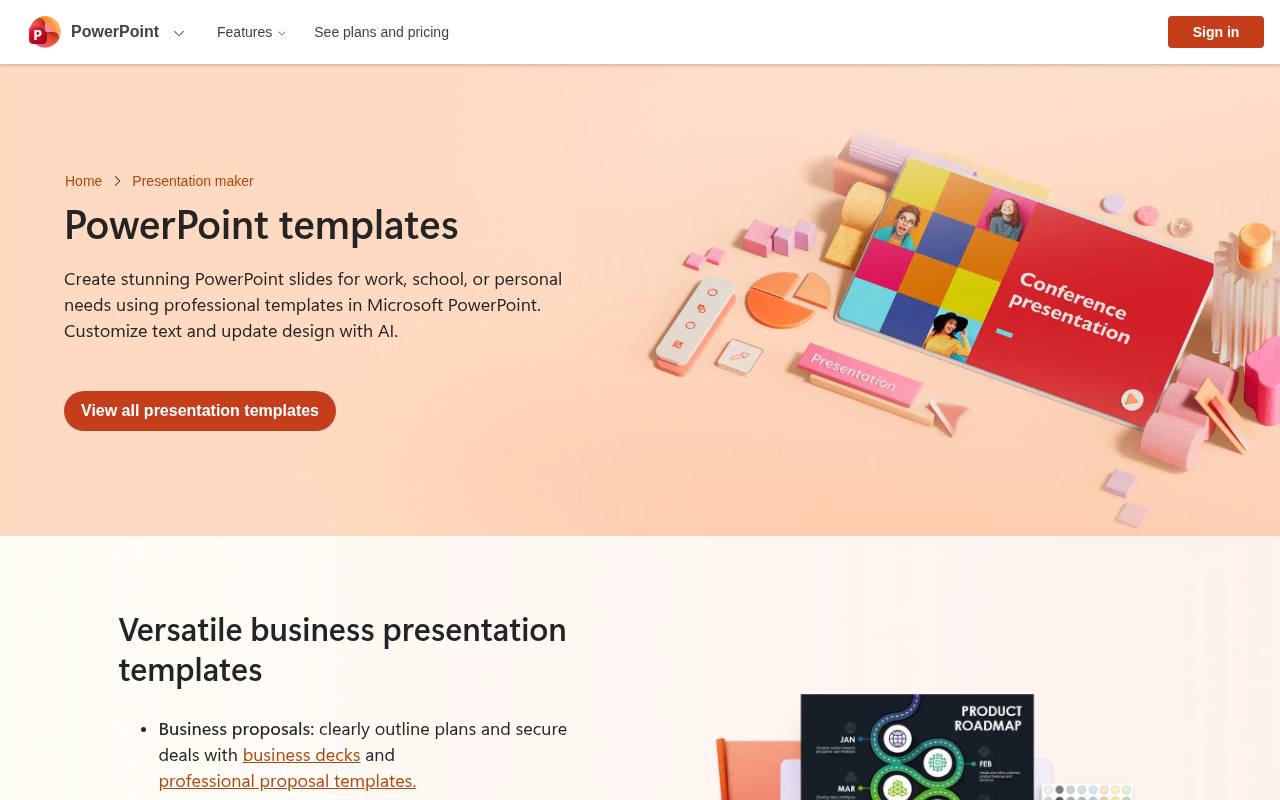
Microsoft Create now opens on its PowerPoint templates hub, with collections for business proposals, project planning, pitch decks, and employee training. Education resources extend beyond standard slides to teacher presentations, certificates, and classroom posters, while personal projects include photo albums and portfolios.
The page advertises free online editing and saving, with finished work available as a PowerPoint file or PDF or through a OneDrive sharing link. Templates follow Microsoft terms. The hub also promotes Copilot-assisted content and layout changes, alongside ordinary replacement of text, images, colors, and fonts.
- Type
- PowerPoint templates
- Best for
- Office-native corporate decks
- License
- Microsoft terms
- Price
- Free
SlidesMania
Google Slides & PowerPoint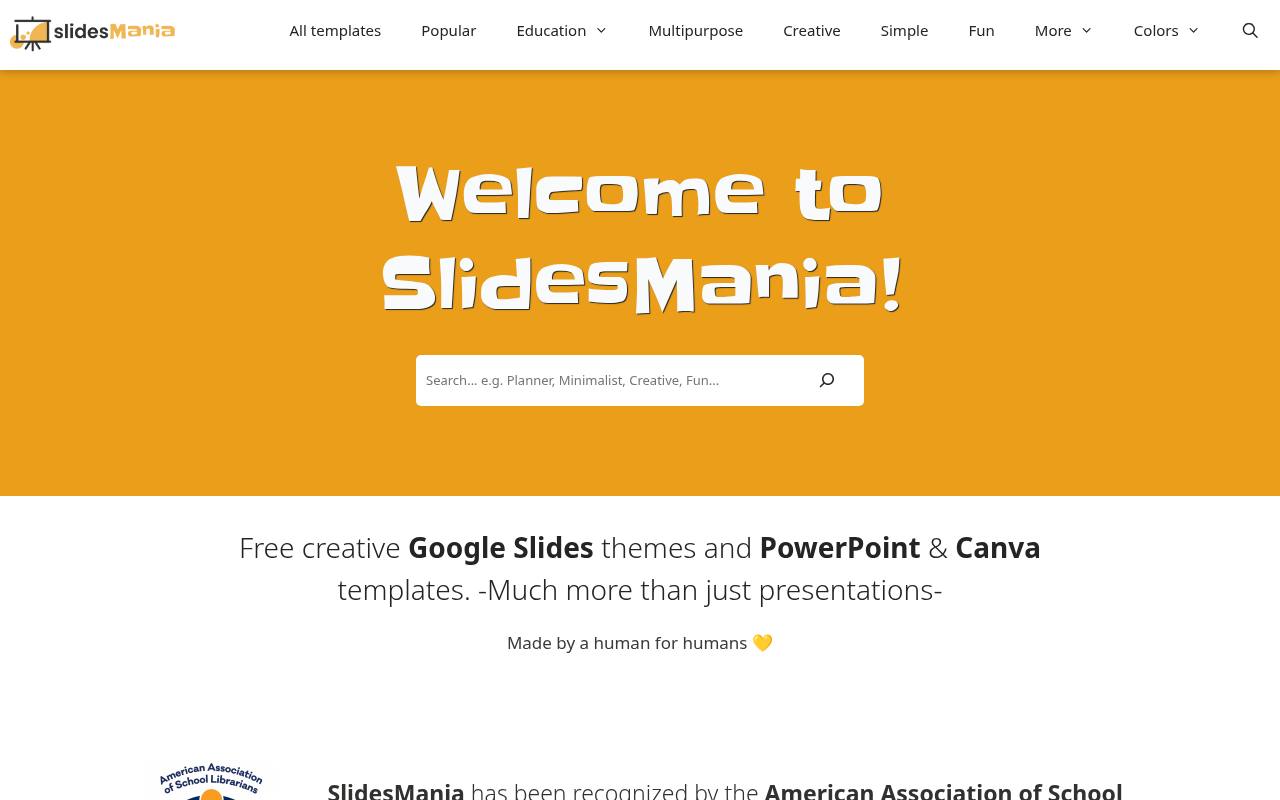
Teacher-friendly formats give SlidesMania a broader scope than ordinary slideshow backgrounds. Alongside free Google Slides and PowerPoint themes, it offers Canva templates and collections for digital notebooks, games, animated slides, and interface-style layouts. Browsing shortcuts cover Education, History, Aesthetic, Professional, Popular, and seasonal subjects, reflecting both classroom activities and general presentations.
The site describes its resources as human-made and notes recognition from the American Association of School Librarians. Templates are free with attribution, making the collection useful for lessons and interactive classroom materials without turning it into a paid subscription catalog.
- Type
- Google Slides & PowerPoint
- Best for
- Teachers and students
- License
- Free with attribution
- Price
- 100% free
Pitch
Online presentation templates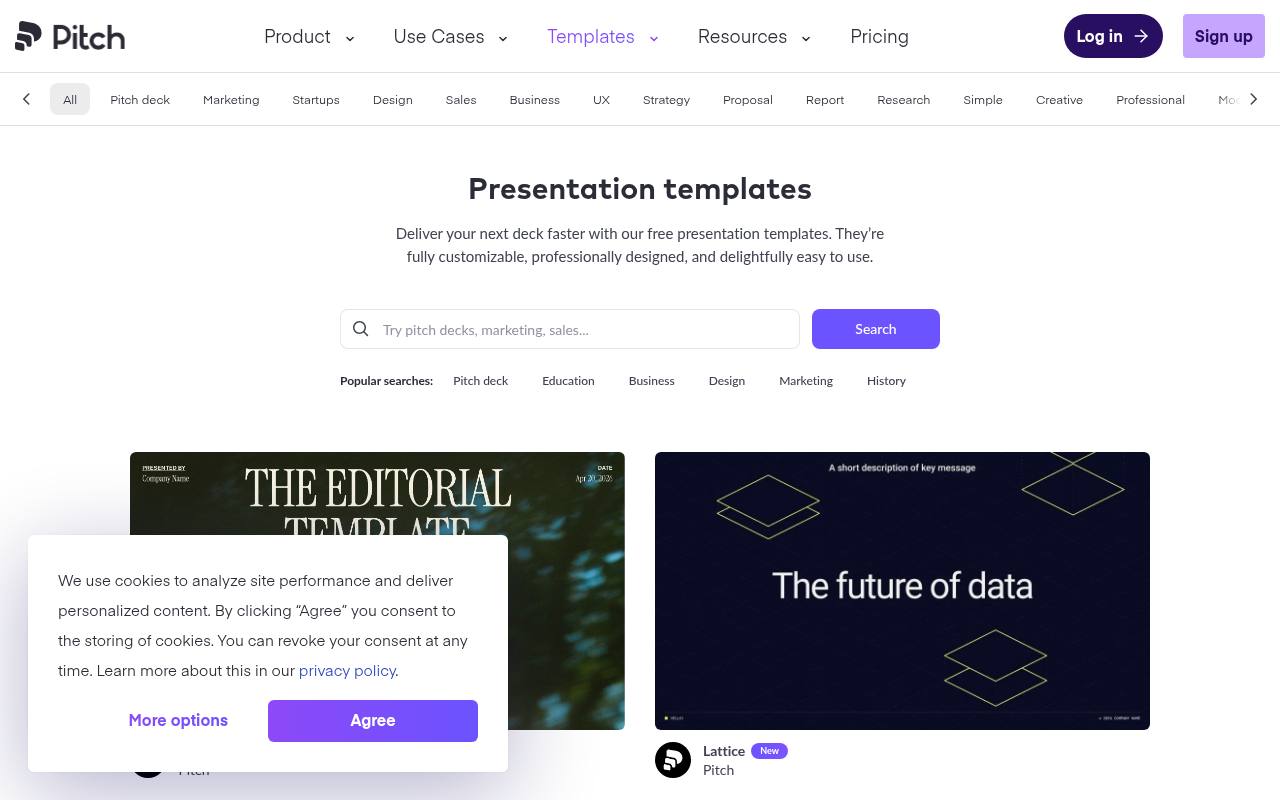
Pitch’s template gallery supports building presentations inside its collaborative presentation platform, rather than functioning solely as a PowerPoint download library. Its Free plan allows unlimited presentations and is listed for teams of one to five people. The pricing page separates PDF exports from PowerPoint exports: PPTX export without added Pitch branding is promoted as a paid-plan feature.
Templates therefore provide a free starting point within Pitch, with platform terms governing use and account-based creation. The service also accepts imported PPTX files, including presentations exported from Google Slides or Keynote, for continued editing in Pitch.
- Type
- Online presentation templates
- Best for
- Startup pitch decks
- License
- Pitch terms
- Price
- Free plan
Beautiful.ai
Smart templates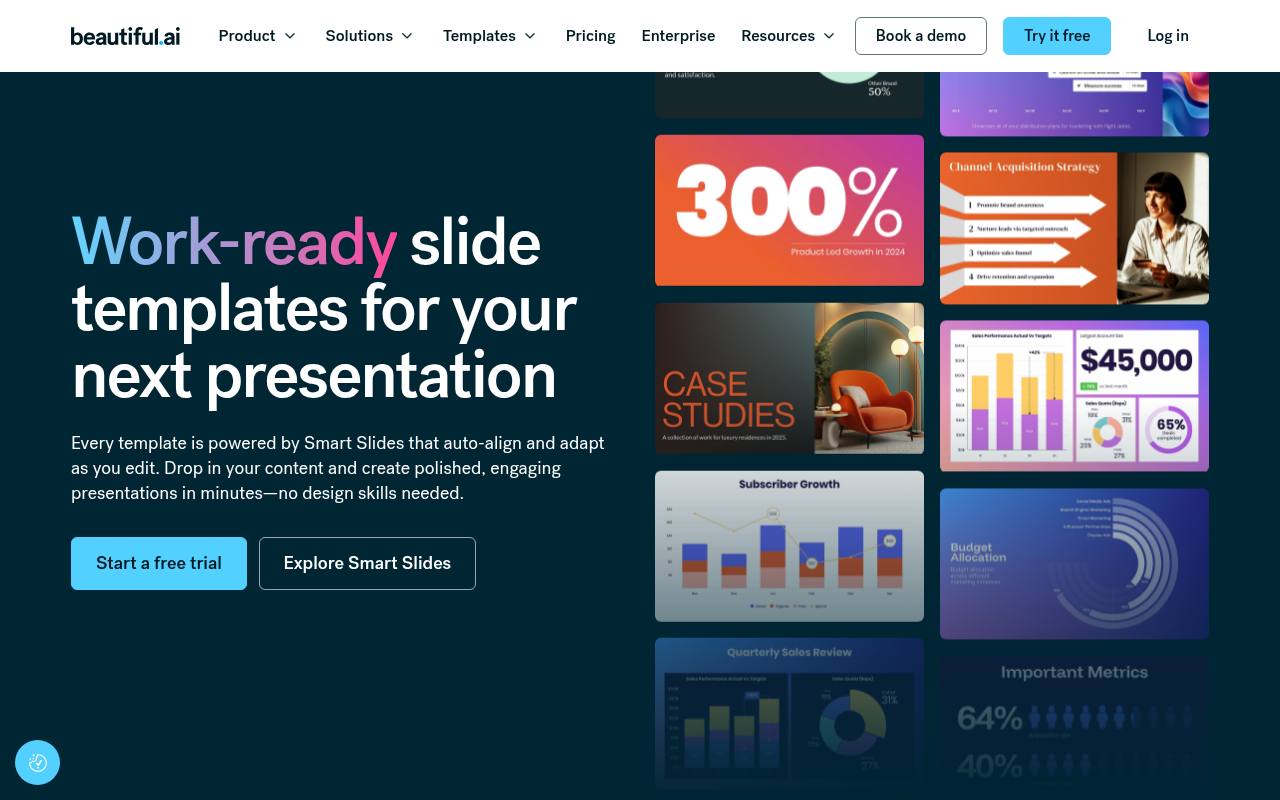
Beautiful.ai pairs its template gallery with an editor that automatically reformats slides as content changes. Instead of manually aligning every element, users choose a theme, add their own material, and let the slide layouts adapt.
The catalog includes complete presentation starting points and individual slide resources, such as a team slide template, connecting template selection to the platform’s design system. Access is promoted through a 14-day free trial, followed by paid service rather than a permanent free template-download plan. Beautiful.ai’s own terms govern the templates and the presentations created through its account-based editing workflow.
- Type
- Smart templates
- Best for
- Auto-formatted business slides
- License
- Beautiful.ai terms
- Price
- Free trial + paid
Envato Elements Free Files
Premium templates (free picks)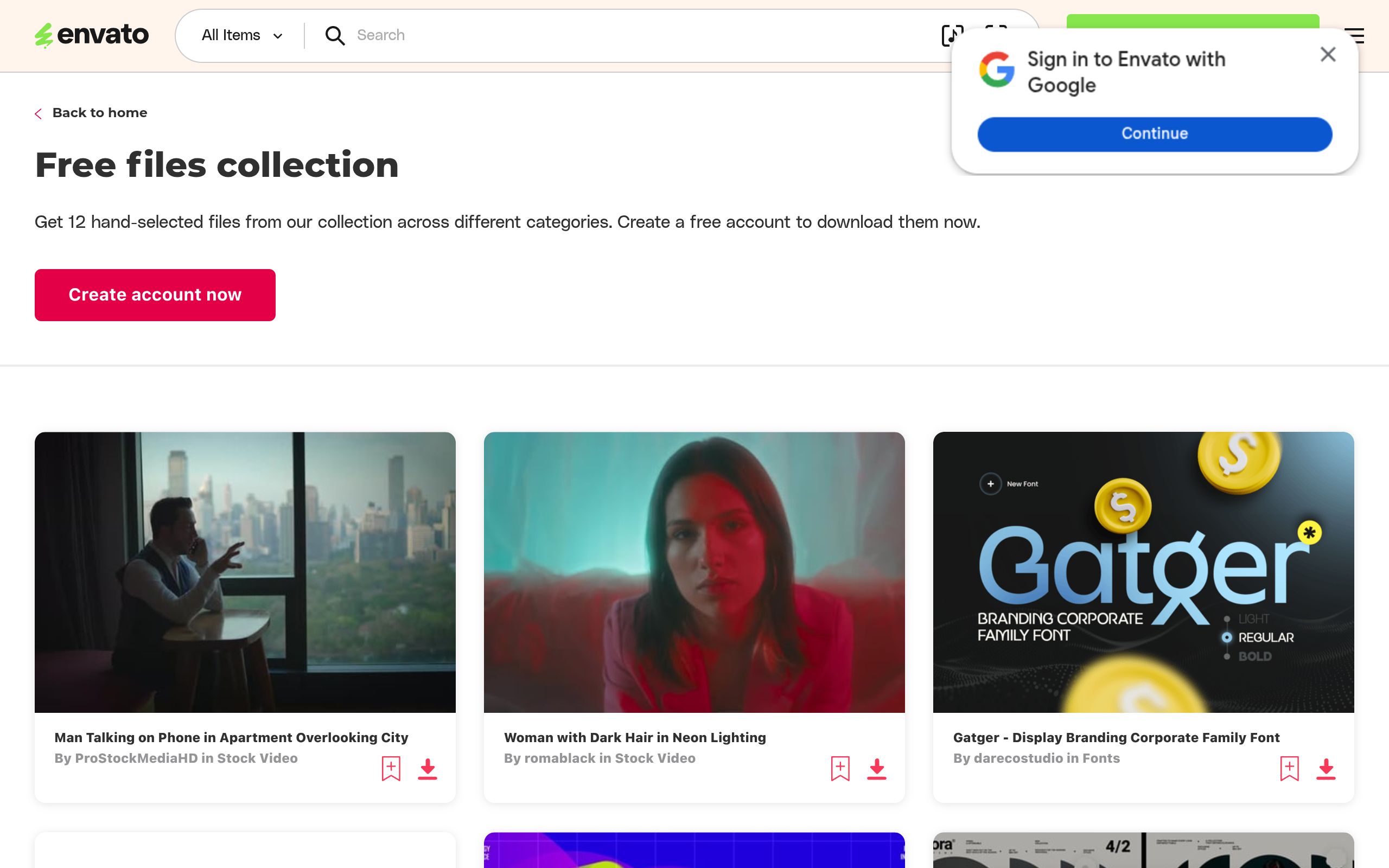
Envato’s free-files selection spans far more than presentation templates. The live page includes stock footage such as a city-view phone-call clip and music such as Wheels and Waves, with item titles, creator credits, and media-category links. This is therefore a mixed creative-asset promotion, not a dedicated source of free slide decks.
Files fall under Envato licensing, and the broader service remains a subscription marketplace. The current page does not establish a monthly presentation-template allowance, so its visible selection is a more accurate description than promising new PowerPoint downloads every month.
- Type
- Premium templates (free picks)
- Best for
- Premium-quality decks
- License
- Envato license
- Price
- Free monthly files
Presentation Magazine
PowerPoint templates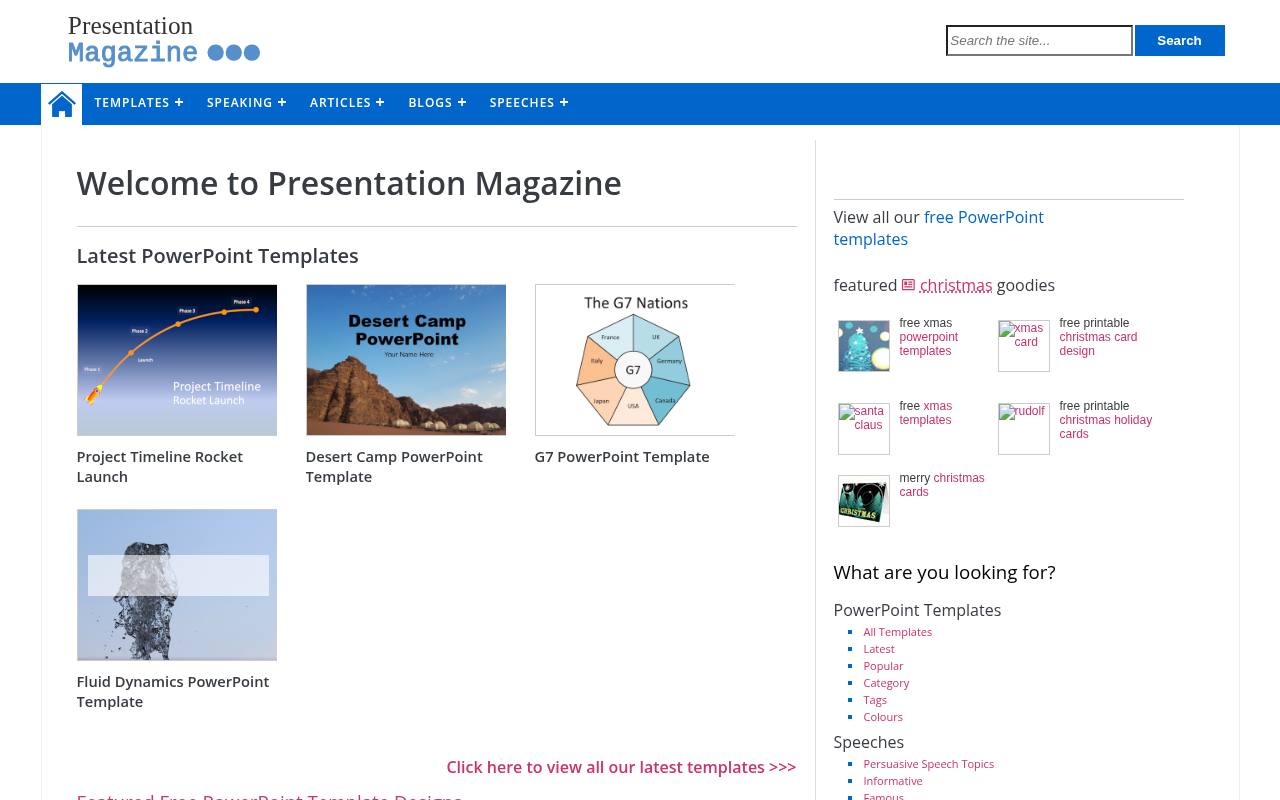
Presentation Magazine combines a free PowerPoint template archive with practical presentation material. Its homepage separates Latest PowerPoint Templates from featured designs, with examples including a rocket-launch project timeline, desert camping, fluid dynamics, and colored-pencil imagery. The site also carries PowerPoint maps, chart ideas, clip art, and printable calendars, giving it a wider scope than themed slide backgrounds alone.
Templates are offered for free use rather than through the account-based editing workflow of an online presentation app. Its article-style entries let visitors browse individual subjects and download resources alongside related presentation guidance and visual material.
- Type
- PowerPoint templates
- Best for
- Simple, practical templates
- License
- Free use
- Price
- Free + premium
FPPT
PowerPoint templates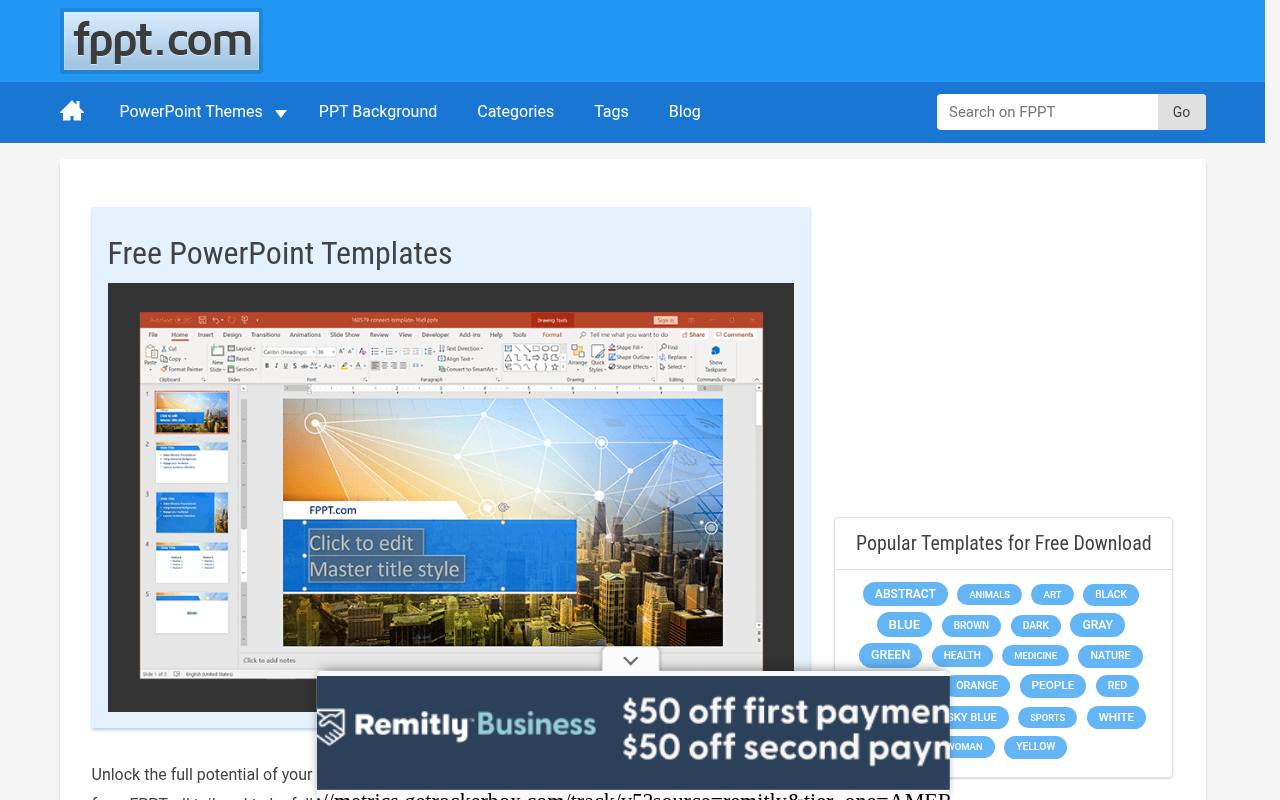
FPPT focuses on free PowerPoint backgrounds and templates, with thousands of designs covering business, finance, technology, psychology, and creative subjects. Featured examples include artificial intelligence, behavioral psychology, biotechnology, and influencer marketing, with individual pages providing the downloads. The site also explains using its presentations in Google Slides, Keynote, and OpenOffice through conversion.
Its terms permit personal, company, and classroom presentations, but redistribution requires authorization, as does removing a watermark. Some included artwork carries separate copyright or trademark restrictions and permission requirements, so the stated free use is not a blanket right to redistribute the underlying assets.
- Type
- PowerPoint templates
- Best for
- Quick themed backgrounds
- License
- Free use
- Price
- Free + premium
Tips for using free presentation templates
Pick one template and stick to its layouts — mixing templates is the fastest way to make a deck look amateur. Replace sample images with your own photos, keep one idea per slide, and limit yourself to two fonts.
If a template requires attribution, put the credit on your final slide. It keeps you within the license and costs you nothing.
Frequently asked questions
Where can I get free PowerPoint templates without attribution? Microsoft Create templates do not require attribution. Most other free sites ask for a credit slide.
Can I use free Google Slides themes for business? Yes, all the sites above allow commercial use under their terms.
Build a narrative outline before choosing slide layouts
Start with the decision or understanding you want your audience to leave with, then work backwards through the evidence they need. Write a short sentence for each stage of that argument before browsing free presentation templates.
This gives you a practical shopping list of layouts: perhaps a problem statement, a comparison, an explanation and a next step. You can judge a design by how well it supports your message instead of allowing a gallery of attractive slides to dictate the story.
For a free pitch deck template, check whether the structure leaves room for your actual evidence rather than generic claims. You may need to explain the customer problem, show how the solution works and identify the support you are requesting.
Pitch is a relevant source to explore for this workflow, but any candidate still needs editorial judgement. Remove placeholder claims and unsupported market statements immediately, then mark the places where your team must supply verifiable information before the deck is shared.
Choose an editing environment your whole team can use
A presentation workflow includes more than the person assembling the first draft. Consider who reviews the wording, who updates figures and who presents the finished file.
Free PowerPoint templates from Microsoft Create may fit an established desktop workflow, while free Google Slides themes from Slidesgo or SlidesMania may suit a team that edits together online. Ask collaborators to open a sample early so you can identify access restrictions, unfamiliar controls or formatting differences before the presentation becomes urgent.
If you are searching for free Keynote templates, check the actual download format rather than assuming every listing supplies a native file. Opening a converted presentation can change typography, spacing or transitions, so rehearse in the application you will use on the day.
Canva Presentations also offers an editing and export workflow worth testing with a short sample. The useful question is not simply whether a file opens, but whether it remains editable and visually dependable throughout your team's review process.
Make charts communicate a clear takeaway
Treat every sample chart as a placeholder that needs both factual and visual checking. Replace the underlying figures, confirm units and explain the period or population being shown. A chart can look polished while communicating very little if its labels are vague or its scale is misleading.
Use a descriptive slide title that states the point the audience should notice, then keep supporting context close enough that readers do not have to search another slide to interpret the graphic.
When adapting free presentation templates, do not rely on colour alone to separate important series. Direct labels, line styles and clear legends can help viewers follow the comparison in different viewing conditions.
Check whether the chart remains readable when projected or exported to a smaller image. For an internal update using Presentation Magazine or SlidesCarnival, a simple, well-labelled comparison is often more useful than a decorative infographic whose meaning you must explain at length during the meeting.
Design separately for live delivery and later reading
A slide that works while you explain it may be confusing when someone reads it alone afterwards. Decide whether your main deliverable is a live talk, a reference deck or both.
For live delivery, give the audience a clear visual focus and keep detailed explanations in your speaking notes. For a shared reading version, add enough context to make conclusions understandable without your voice, or prepare a companion document rather than crowding every slide with complete paragraphs of narration.
Test practical readability from the audience's perspective. View slides at a smaller size, inspect text against photographs and check whether screenshots contain details too small to recognise. Classroom designs from SlidesMania and topic-based backgrounds from FPPT still need this review after your own content is added.
Include meaningful descriptions for essential visuals where your presentation tool supports them, and check the reading order. Free layouts save composition time, but they do not remove your responsibility to make the information accessible.
Check the difference between a free file and a free workflow
Read each source's licence page and the conditions attached to your chosen download before building a client-facing deck. Where attribution is required, preserve the relevant credits throughout editing and export. Review photographs, illustrations and icons as well as the slide layout itself.
A free resource can contain several kinds of content, and your permission to use the template does not justify assuming that every asset can be extracted, redistributed or reused independently in another project without further checking.
Pay particular attention to listings that mix free resources with subscriptions, trials or rotating offers. Beautiful.ai is described here as free to browse with trial-based editing, not as an unrestricted free presentation editor.
Envato Elements Free Files offers a changing selection, so confirm that the file you want is currently included and read its associated terms. Keeping this distinction clear helps you estimate the real workflow before your team commits to a design that may require a different level of access.
Rehearse the file as well as the speech
Run the finished deck on the equipment and application you expect to present with whenever possible. Check embedded media, transitions, speaker notes and links, then confirm that any online content has a workable fallback.
Free PowerPoint templates and browser-edited decks can behave differently after export or transfer. A brief technical rehearsal lets you spot missing fonts, altered line breaks or a video that depends on an unavailable connection while you still have time to simplify the affected slide.
Create a clearly named final version and an appropriate backup, then open both rather than assuming the export succeeded. If you supply a PDF, check that essential information is not hidden in animation steps or speaker notes that the reader cannot see.
Remove internal comments and draft material before sharing, and keep a separate editable master for future updates. This closing routine turns a free template into a dependable communication asset rather than merely a set of attractive slides awaiting presentation.