
A good free website template can save days of work. Instead of starting from a blank file, you begin with a tested layout, responsive grid and polished typography, then make it your own. The trick is finding free website templates that are well coded, actively maintained and licensed for commercial use.
We reviewed the most popular sources of free HTML templates, free Bootstrap templates and free Tailwind templates. Below you will find what each site offers, its license, who it suits best and a direct link to download the templates free from the creator.
Whether you need a free landing page template for a product launch, a portfolio for a freelancer or a full multi-page business site, one of these ten libraries will get you there faster.
Quick picks at a glance
| # | Resource | License | Best for |
|---|---|---|---|
| 1 | HTML5 UP | CC BY 3.0 | Portfolios and one-page sites |
| 2 | Start Bootstrap | MIT | Admin dashboards and business sites |
| 3 | Cruip | GPL / free license | SaaS landing pages |
| 4 | Astro Themes | Varies (mostly MIT) | Blogs, docs and fast marketing sites |
| 5 | Bootstrap Examples | MIT | Clean starter layouts |
| 6 | Colorlib | Free, no attribution required | Restaurants, agencies and events |
| 7 | TailwindFlex | MIT | Copy-paste Tailwind sections |
| 8 | Webflow Free Templates | Webflow license | No-code designers |
| 9 | Framer Free Templates | Framer license | Animated landing pages |
| 10 | ThemeWagon | Varies | Dashboards and app UIs |
HTML5 UP
HTML templates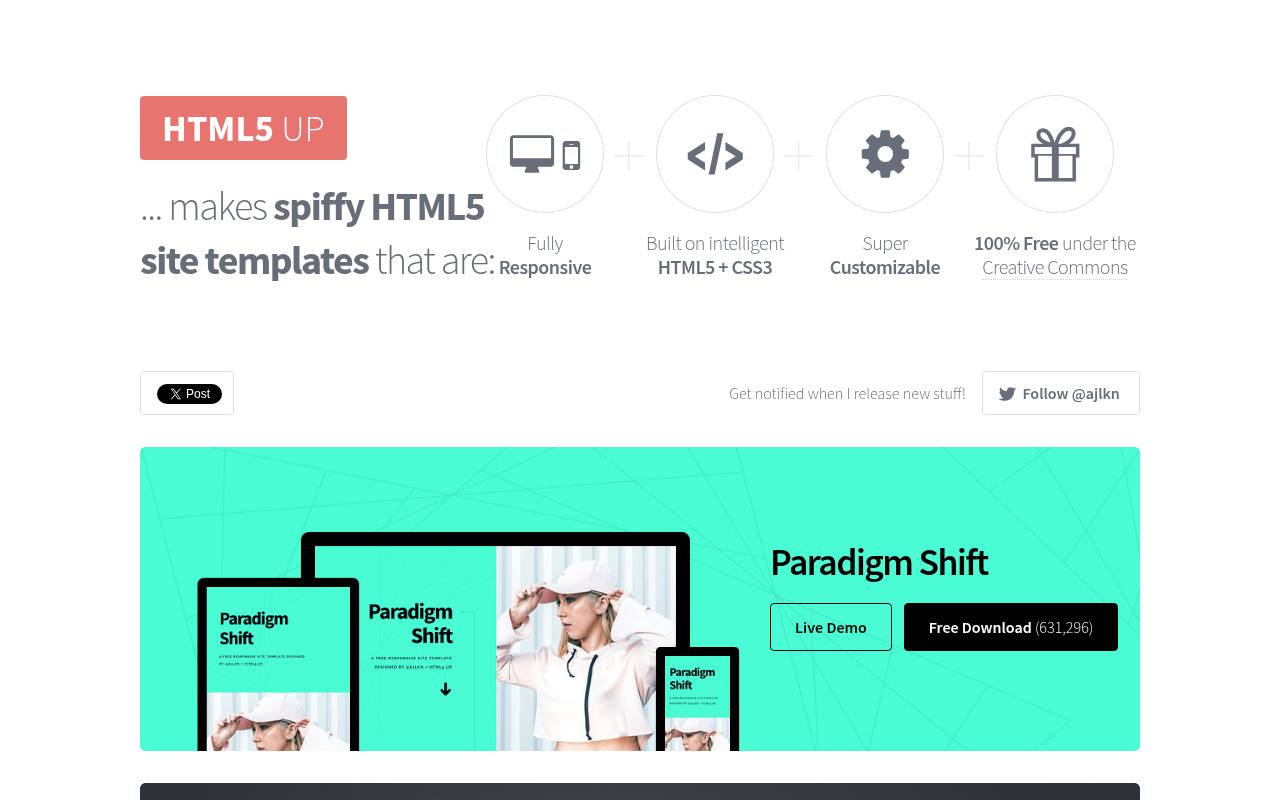
Distinctive layouts such as Editorial, Massively, Dimension, and Story make HTML5 UP a focused source of free HTML website templates. The gallery links directly to individual designs, spanning magazine-style pages, image-heavy portfolios, and compact personal sites rather than organizing everything by business industry.
Templates use the CC BY 3.0 license, so attribution is part of the free offering. For a separate paid option, the homepage points to Pixelarity, which includes the HTML5 UP collection alongside additional responsive templates, extras, and support. The downloadable-template approach suits developers editing their own website files.
- Type
- HTML templates
- Best for
- Portfolios and one-page sites
- License
- CC BY 3.0
- Price
- 100% free
Start Bootstrap
Bootstrap templates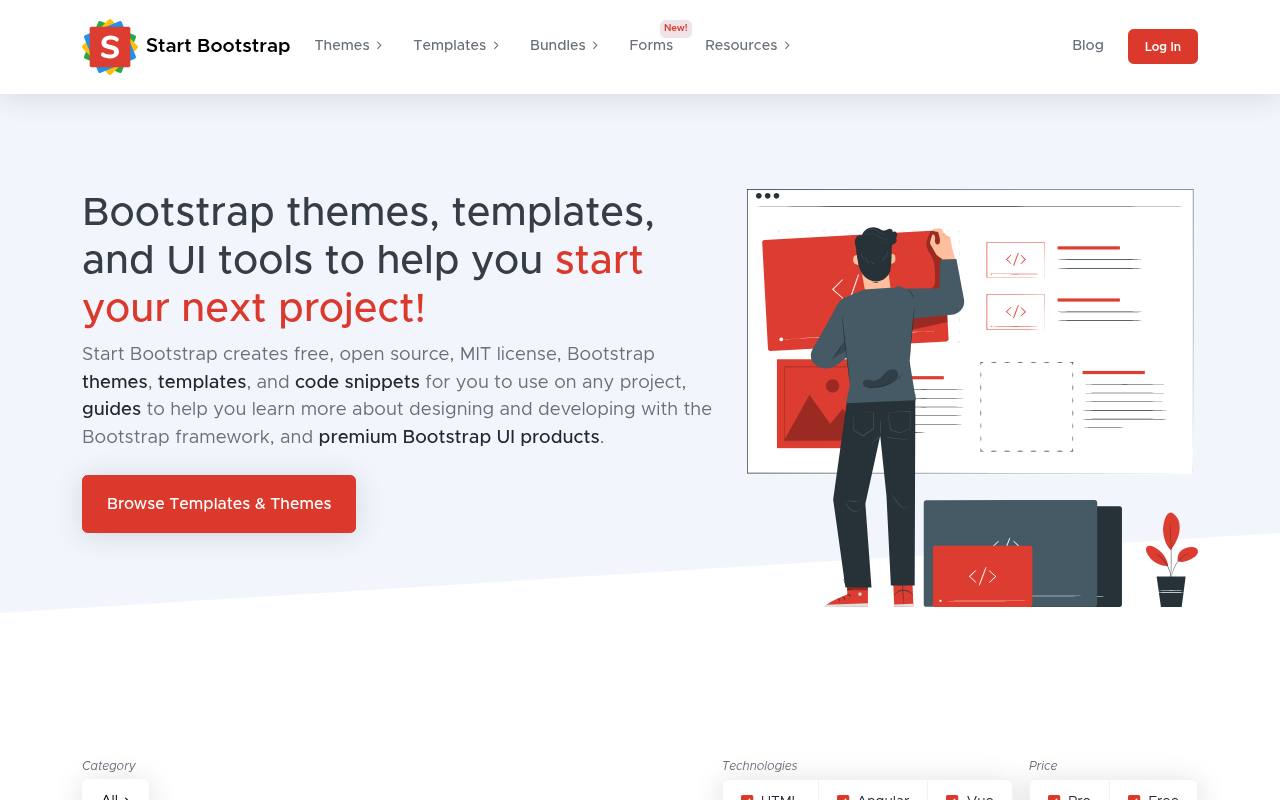
Browse Start Bootstrap by Admin & Dashboard, Landing Pages, Business & Corporate, Portfolio & Resume, or smaller page and navigation layouts. Its catalog separates Free and Pro designs and provides technology filters for HTML, Angular, and Vue.
Familiar free options include SB Admin 2 for dashboards and Freelancer for a one-page portfolio, while SB Admin Pro belongs to the paid collection. Free Bootstrap templates use the MIT license, allowing adaptation and commercial use with the license notice retained. Product cards make the free-versus-premium distinction visible before opening a particular theme.
- Type
- Bootstrap templates
- Best for
- Admin dashboards and business sites
- License
- MIT
- Price
- Free + premium
Cruip
Tailwind templates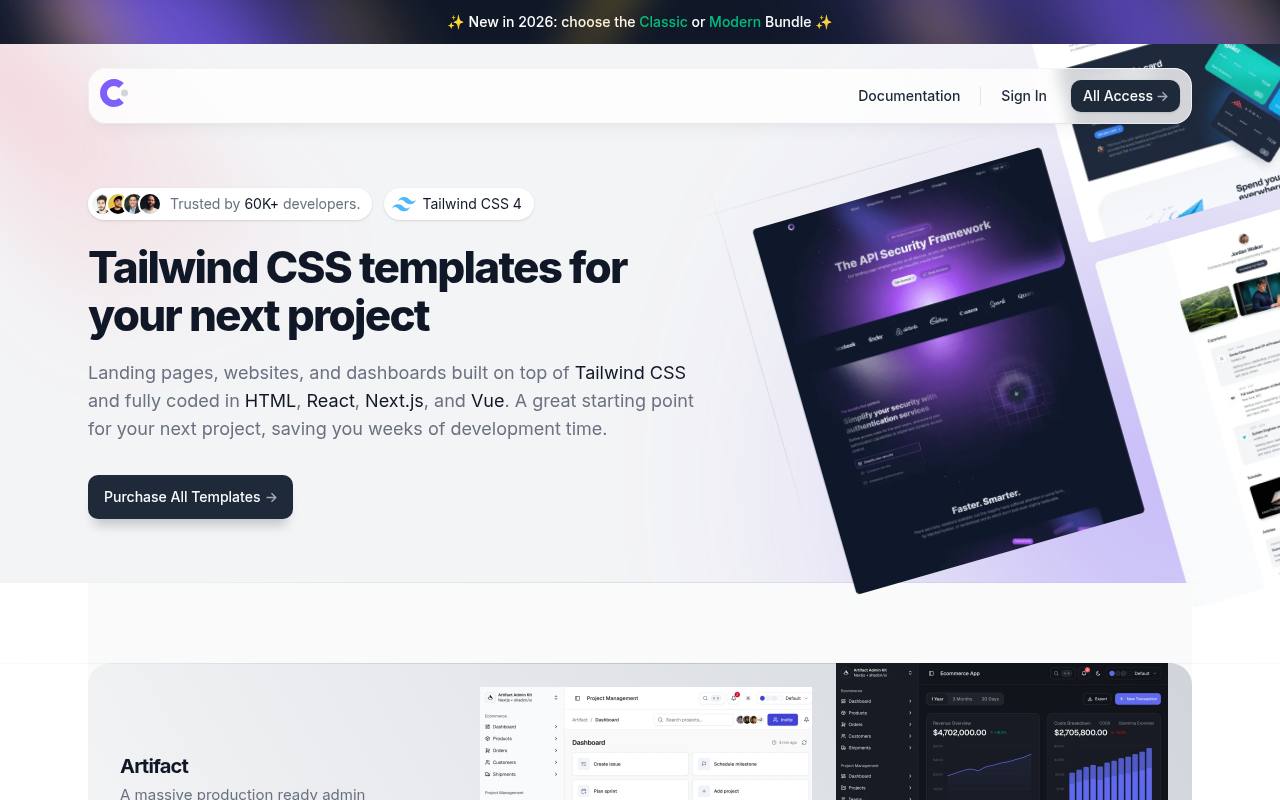
Built around Tailwind CSS, Cruip offers coded landing pages, marketing websites, and dashboards rather than a browser-based site builder. Its current catalog identifies framework availability on each product, including Next.js, Astro, React, and Vue, with HTML versions also advertised across the collection.
Relay targets developer-focused SaaS marketing, Cadence emphasizes restrained motion, and Artifact provides an admin dashboard kit using shadcn/ui. The resource combines free and premium offerings, but the main storefront prominently features paid products and template bundles. Framework badges and live demos distinguish the individual designs before purchase or download.
- Type
- Tailwind templates
- Best for
- SaaS landing pages
- License
- GPL / free license
- Price
- Free + premium
Astro Themes
Astro themes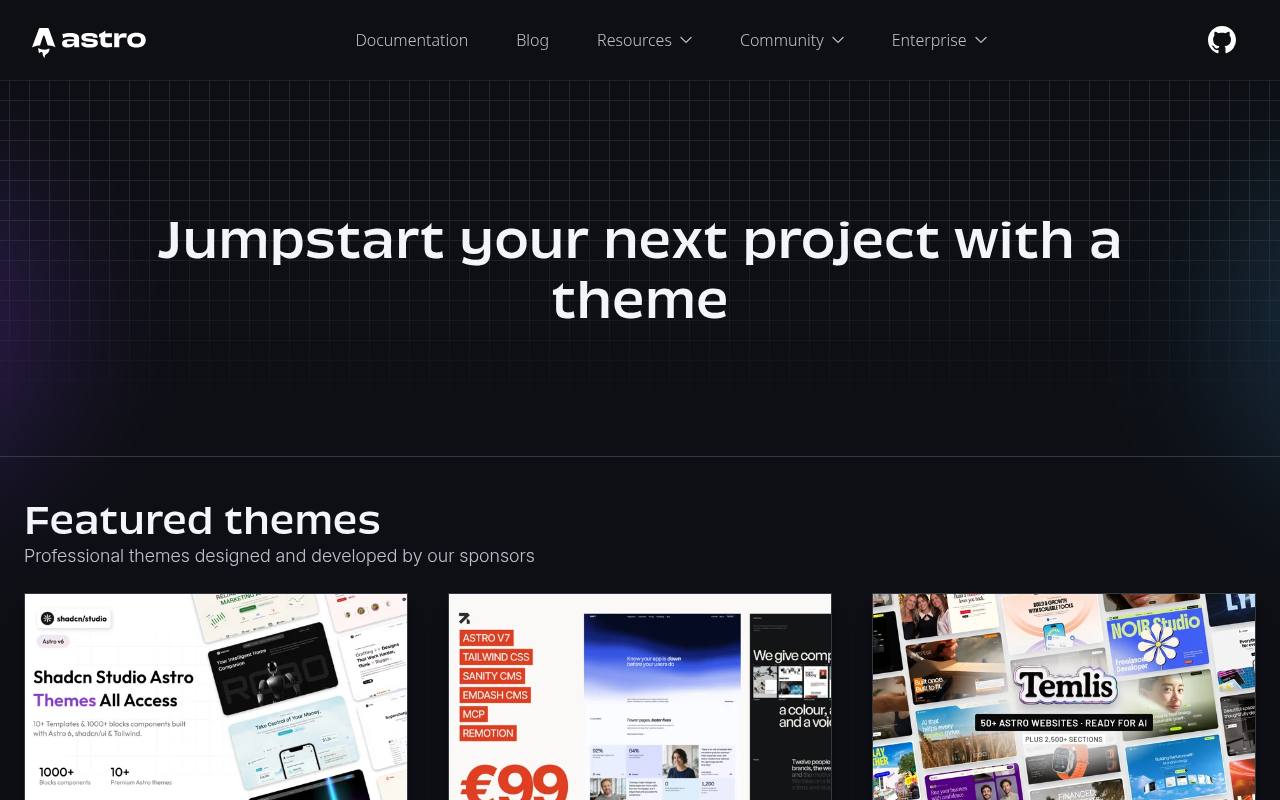
The official Astro theme directory groups its free and premium starters into Blogs, E-commerce, Landing pages, Portfolio, and Documentation. A separate discovery area lets visitors filter by technology, including Tailwind and Vue, so the catalog covers different stacks within the Astro ecosystem.
Featured sponsor listings include individual themes and larger commercial bundles, clearly separate from the broader directory. These are developer-oriented starting points for Astro projects, not hosted visual-editor templates. Licenses vary by theme, with many MIT options, because the directory brings together work from multiple authors rather than applying one universal download license.
- Type
- Astro themes
- Best for
- Blogs, docs and fast marketing sites
- License
- Varies (mostly MIT)
- Price
- Many free
Bootstrap Examples
Official Bootstrap templates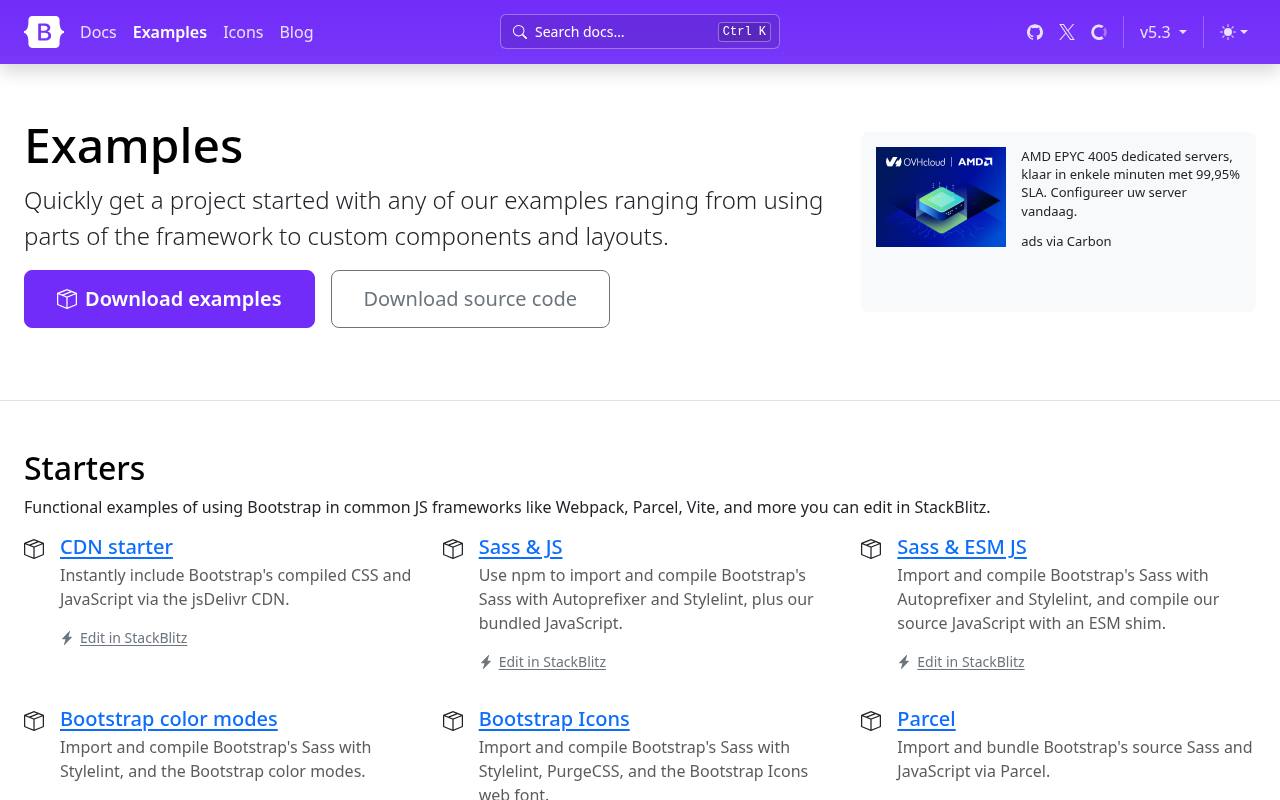
Start with the framework itself: Bootstrap Examples supplies free, official layouts for Bootstrap 5.3, alongside demonstrations of individual interface patterns. The collection includes practical building blocks such as dropdowns with filters and icons, plus complete starting layouts that show Bootstrap components working together.
A dedicated RTL examples section adapts designs for right-to-left text, making this more than a gallery of conventional left-to-right pages. The examples are code-based resources for developers, not a hosted page builder or a premium theme marketplace. Bootstrap code is distributed under the MIT license, including its notice requirements.
- Type
- Official Bootstrap templates
- Best for
- Clean starter layouts
- License
- MIT
- Price
- 100% free
Colorlib
HTML templates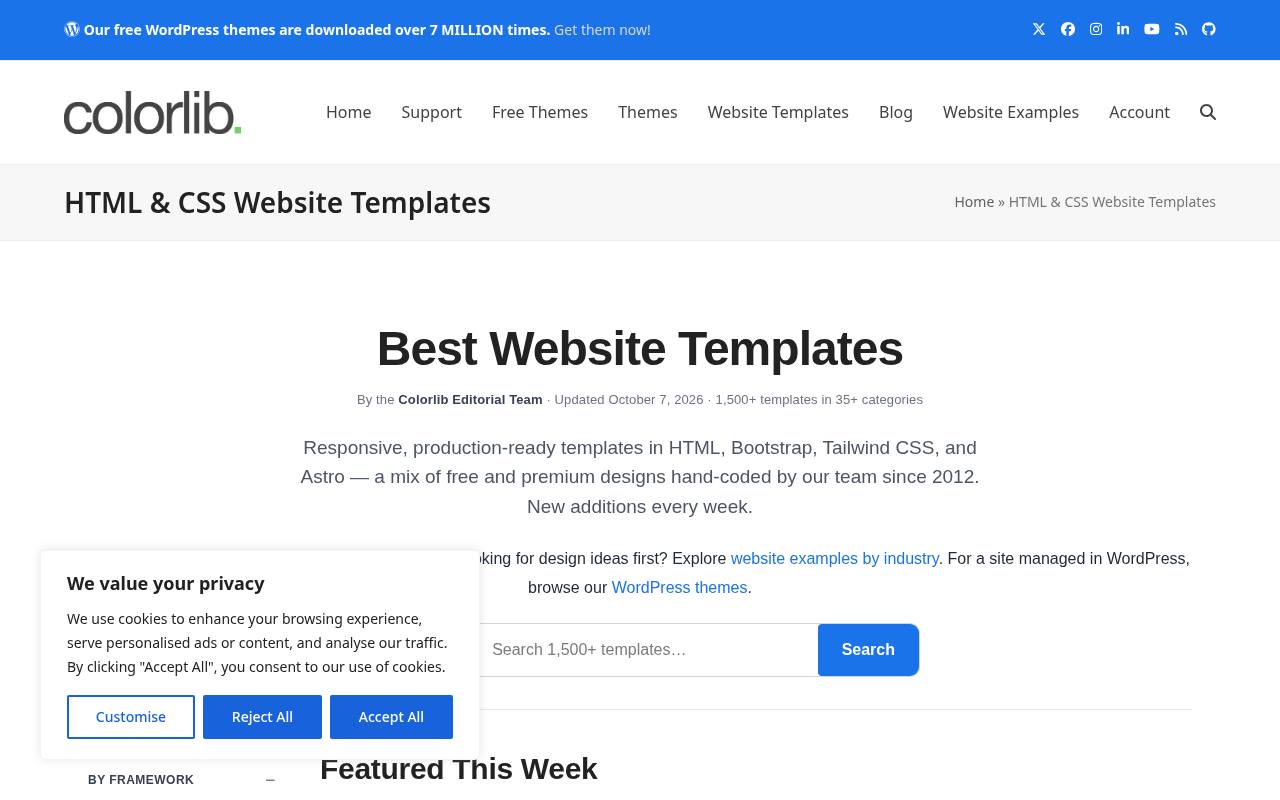
Colorlib organizes its HTML template library around business sites, admin dashboards, landing pages, eCommerce, portfolios, and other niches. The catalog mixes premium designs with 400+ free templates, with detail pages identifying the download tier. Its current library page explicitly permits personal and commercial projects, including client work, and states that no attribution is required for free or premium templates.
Reselling an unchanged template on another marketplace is prohibited. Downloads provide source files, while premium purchases add richer features and extended support. The page also links to separate WordPress theme collections rather than treating those as HTML templates.
- Type
- HTML templates
- Best for
- Restaurants, agencies and events
- License
- Free, no attribution required
- Price
- Free + premium
TailwindFlex
Tailwind components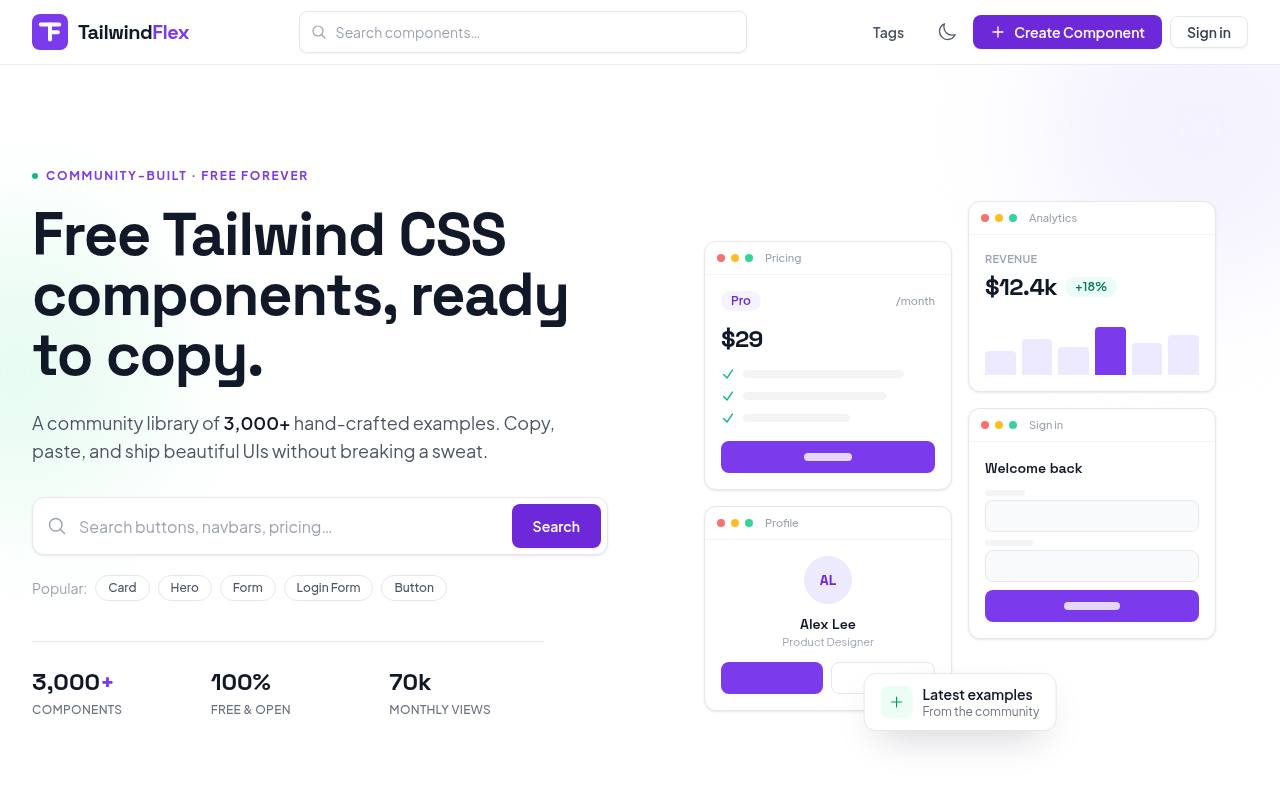
Copy individual interface sections from TailwindFlex instead of committing to a complete website theme. This community-built library presents free Tailwind CSS components, including project timelines, notification centers, cards, and dashboard-oriented interface patterns. Component cards show previews, author names, and short descriptions, with examples such as status filters and unread-notification indicators illustrating behavior as well as appearance.
The site describes the components as free for personal and commercial projects under open-source licenses, allowing modification and redistribution. Its separate promotion for free and premium Astro themes does not turn the component library itself into a paid template collection.
- Type
- Tailwind components
- Best for
- Copy-paste Tailwind sections
- License
- MIT
- Price
- 100% free
Webflow Free Templates
No-code templates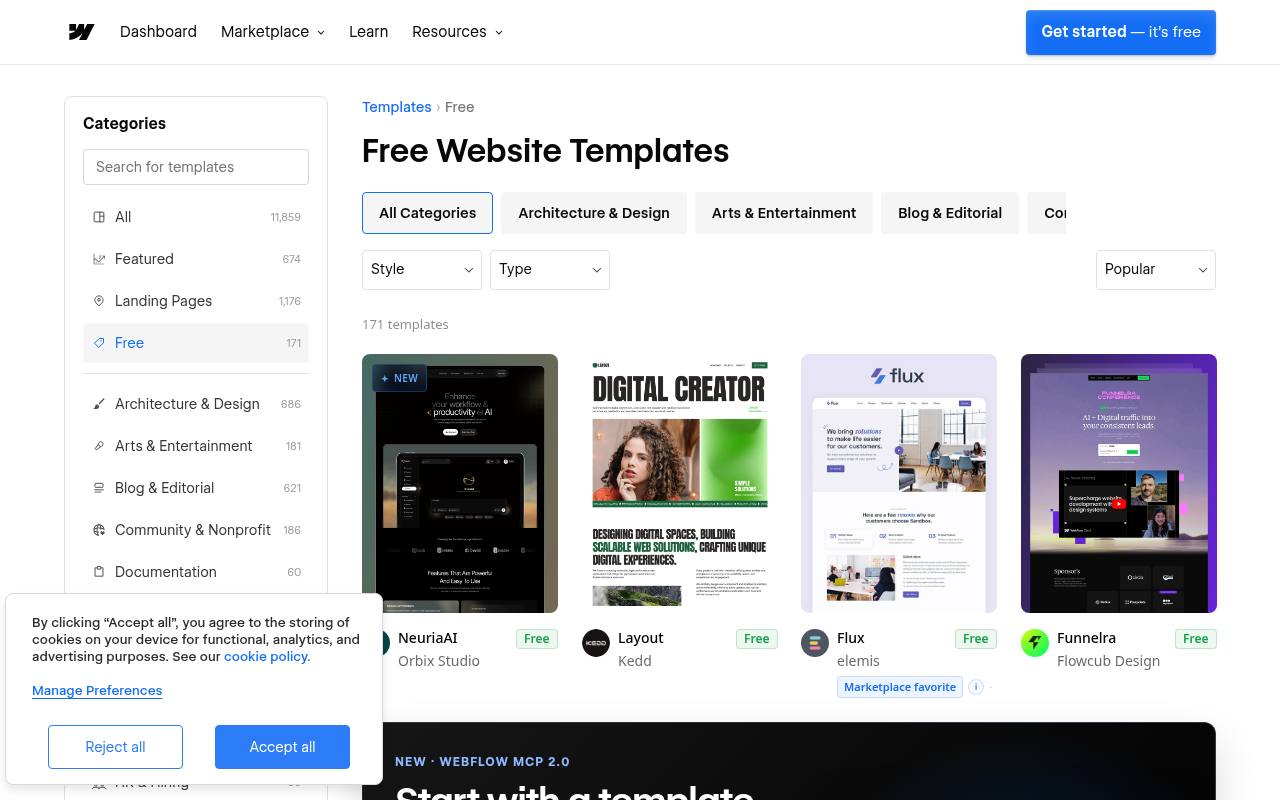
Webflow’s free template collection is organized into detailed categories, including Portfolio & Agency, Blog & Editorial, Food & Drink, Documentation, and Retail & E-Commerce. Each listing belongs to the Webflow ecosystem: designs are starting points for the platform’s visual website-building workflow rather than a conventional archive of standalone HTML themes.
The page offers free account signup and marks eligible templates as Free, while the wider marketplace also contains paid designs. Use is governed by the Webflow template license. Category filters make it possible to narrow the free selection to a particular industry or site purpose.
- Type
- No-code templates
- Best for
- No-code designers
- License
- Webflow license
- Price
- Free templates
Framer Free Templates
No-code templates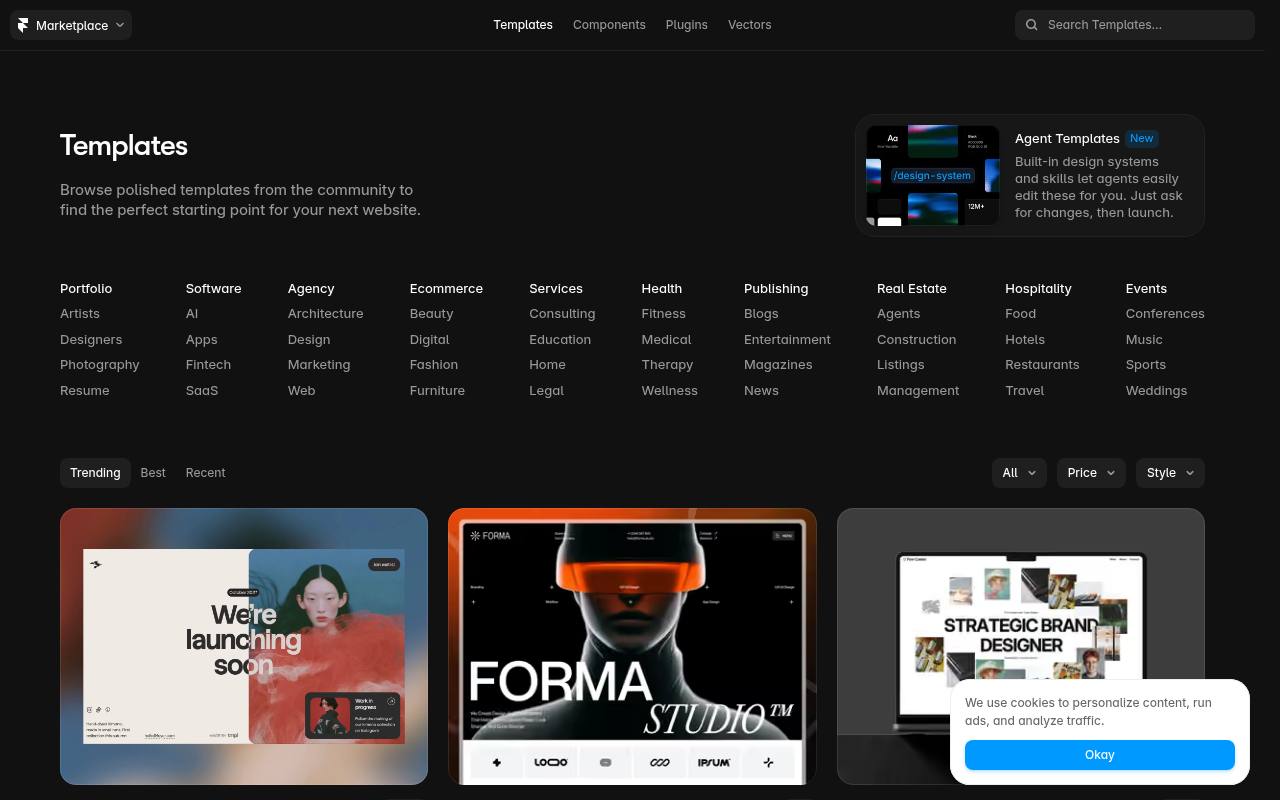
Community designers supply Framer’s marketplace with portfolio, studio, and business website starting points, presented through large previews and creator credits. Navigation switches between Trending, Best, and Recent, while price and style controls refine browsing.
Free listings link to template duplication flows so a design can become the starting point for a Framer project; paid listings instead show their prices and purchase links. The free filter still mixes in some priced entries, so look for the visible Free label on each card. Templates follow Framer’s licensing terms rather than an open-source code license.
- Type
- No-code templates
- Best for
- Animated landing pages
- License
- Framer license
- Price
- Free templates
ThemeWagon
Bootstrap & React templates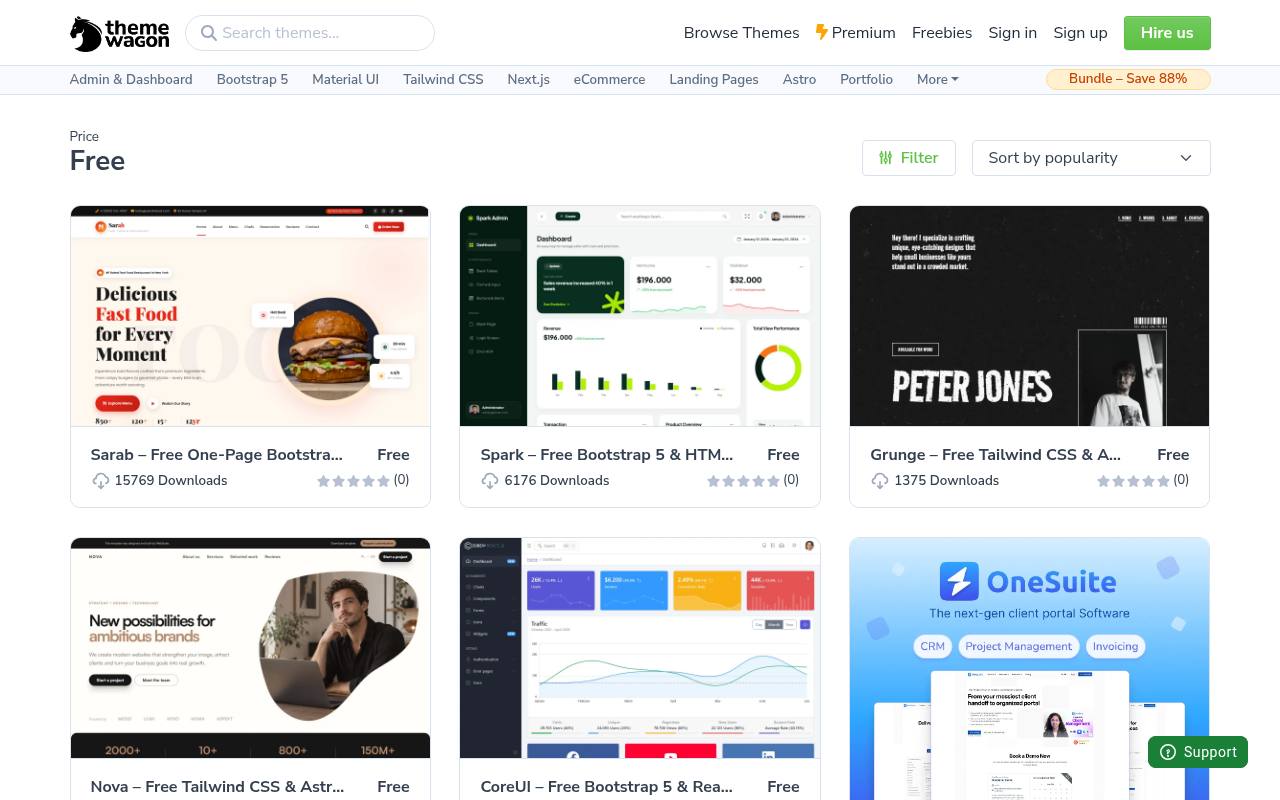
ThemeWagon’s free-theme collection brings together website templates for developers working on business pages, portfolios, and administration interfaces. The broader marketplace includes free and premium products, so this dedicated free listing keeps no-cost starting points separate from paid alternatives.
Product titles identify relevant technologies and intended layouts, helping distinguish a full website from an admin dashboard before opening its detail page. The catalog draws on multiple template sources rather than providing one uniform design system. Licensing varies by product, matching its role as a template marketplace instead of a single MIT-licensed library or hosted no-code editor.
- Type
- Bootstrap & React templates
- Best for
- Dashboards and app UIs
- License
- Varies
- Price
- Free + premium
How to choose a free website template
Start with your stack: plain HTML is simplest to host, Bootstrap templates are quick to customise, Tailwind templates are easiest to restyle, and no-code templates suit people who never want to touch code. Then check three things — mobile layout, page speed and license terms — before you commit.
A free template is a starting point, not a finished brand. Swap in your own fonts, colours and photos (see our free fonts and free stock photo articles) and the result will look custom.
Are free website templates safe for commercial use?
Usually, yes — but licenses differ. MIT templates have almost no conditions. Creative Commons Attribution templates require you to keep a credit link. Platform templates (Webflow, Framer) are licensed for use on that platform. Always read the license on the source site.
Frequently asked questions
What is the best site for free HTML templates? HTML5 UP for design quality, Start Bootstrap for open-source Bootstrap templates, and Cruip for modern Tailwind landing pages.
Can I remove the footer credit from a free template? Only if the license allows it. Many sites sell a credit-removal license for a small fee.
Map your content before opening the demo
Before you compare free website templates, list the information your visitors need to make a decision. A local service business might need opening hours, service areas, enquiries and directions, while a consultant needs evidence of expertise and a clear booking route.
Turn that list into a simple page outline. You can then judge whether a template supports your content, rather than squeezing important information into whichever attractive blocks happen to appear in the demo.
Try replacing the demo headline with your actual headline before committing. Add a realistic service description and your longest navigation label, then inspect the result on a narrow screen.
Free HTML templates can look balanced with carefully chosen sample copy yet struggle with longer business names or detailed explanations. This small content rehearsal exposes layout problems early, when changing direction is still straightforward and you have not invested time in customising every section.
Match the editing workflow to the person maintaining it
Think beyond launch day and identify who will update the site. Start Bootstrap and Bootstrap Examples make useful candidates when your team already understands Bootstrap conventions. Cruip and TailwindFlex are worth examining when you prefer working with utility classes.
Comparing free Bootstrap templates with free Tailwind templates is therefore partly a staffing decision: the most practical option is often the one your maintainer can confidently troubleshoot, extend and document without learning an unfamiliar approach under pressure.
For a visually managed project, review the editing experience offered by Webflow Free Templates or Framer Free Templates before promising an easy handover. Ask the future editor to change a heading, replace an image and update a link.
A free template does not automatically mean every publishing requirement is free, so check the platform's current terms and available services separately. Write down the exact tasks the editor can complete and which changes will still need specialist support.
Turn a landing page into a measurable enquiry route
When evaluating free landing page templates, trace the journey from the opening message to the final action. Your visitor should understand what you offer, why it matters and what happens after clicking.
Remove sections that interrupt that journey, even when they look impressive. A short service page with relevant evidence can be more useful than a long sequence of decorative features, particularly when visitors arrive with a specific question and little time to browse.
Test the enquiry route as though you were a new customer. Submit the form, check its confirmation message and verify that the enquiry reaches the right inbox. Explain required fields clearly and provide an alternative contact method where appropriate.
If a downloaded template contains only a visual form, remember that delivery and validation still need implementing. The free layout supplies the interface; you remain responsible for making the interaction reliable and understandable from beginning to end.
Review keyboard access and motion before launch
Navigate your customised site without using a mouse. Check that links and buttons receive a visible focus indicator, menus can be opened and closed, and the tab order follows the reading order. Inspect headings as a meaningful outline rather than choosing heading levels for their appearance.
These checks matter with every free starting point, including a polished HTML5 UP portfolio or a business layout from Colorlib, because your own edits can introduce obstacles that were absent from the original demo.
Treat animation as an optional enhancement rather than the only way to reveal essential information. Content should remain understandable when motion is reduced, and important controls should not disappear behind elaborate transitions. Also test enlarged text and narrow viewports with your real images in place.
A responsive preview is useful, but it cannot anticipate every combination of your copy, navigation and visual assets. Make accessibility checks part of your editing routine rather than a task reserved for launch day.
Separate template rights from the assets inside it
Keep a record of the source page, downloaded package and licence information before you begin editing. Read each source's licence page for the specific template, including any attribution instructions.
ThemeWagon and Astro Themes bring together different contributions, so a directory listing should not replace checking the individual resource. If a footer credit is present, investigate its purpose before deleting it; visual tidiness is not a sufficient reason to remove a required acknowledgement.
Review photographs, icons and fonts separately from the layout code. A template's headline licence may not explain every third-party asset shown in its demo, and some preview imagery may not be included in the download.
Replace uncertain assets with material you are authorised to use and keep any required notices with the project. This simple documentation habit makes a free website easier to hand over, especially when a client later asks where a particular image or font came from.
Create a maintainable first release
Start your first release with only the pages and features you can maintain properly. Remove unused demo sections, redundant scripts and sample links, checking the result after each change.
Resize large images for their actual display purpose and avoid loading decorative media that adds little meaning. A free template can provide a useful foundation, but the final loading experience depends on the assets and integrations you add as much as on the original layout.
Before handing over, create a brief maintenance note explaining where shared colours, navigation and contact details are controlled. Include the source of the free template, licence records and the process for testing future changes.
Save a clean copy of the downloaded starting point so later troubleshooting has a reference. A thoughtful first release leaves room to grow without making routine edits mysterious, which is especially valuable when the site will be maintained by someone other than its original builder.