
Scroll can do more than move visitors down a page. A well-timed reveal can clarify a section change, a moving illustration can explain a relationship, and a sticky graphic can respond as a story develops.
These free scroll animation libraries focus on that connection between movement and reading. The selection covers practical tools for scroll triggered animations, rather than general animation engines, looping artwork, or collections of decorative CSS effects.
Not every scroll library solves the same problem. Some watch for elements entering the viewport and trigger a short transition; others continuously map scroll position to visual properties. A third group changes the feel of scrolling itself.
Distinguishing viewport reveal effects from smooth scrolling behavior helps you avoid installing a complex system when a few subtle entrances would achieve the same result. Each recommendation below identifies a useful role and links directly to its official source repository.
All ten resources offer a free route to use, but their licensing conditions are not identical. Most use the permissive MIT license, while ScrollReveal requires particular attention before use in a proprietary commercial project.
Alongside free JavaScript libraries, consider the implementation cost: testing keyboard navigation, reduced-motion preferences, responsive layouts, and content visibility still belongs in your schedule. Choose movement that supports the page, and make sure the underlying reading experience remains useful without it.
Quick picks at a glance
| # | Resource | License | Best for |
|---|---|---|---|
| 1 | AOS | Free under MIT license | Adding preset entrances with simple HTML attributes |
| 2 | ScrollReveal | Free under GPLv3; proprietary commercial license paid | Configuring reusable JavaScript reveals across page sections |
| 3 | Lenis | Free under MIT license | Smoothing page movement while coordinating custom scroll effects |
| 4 | Locomotive Scroll | Free under MIT license | Combining element detection with smooth scrolling and parallax |
| 5 | Sal.js | Free under MIT license | Applying lightweight preset reveals through declarative markup |
| 6 | Scrollama | Free under MIT license | Connecting narrative steps to changing graphics and charts |
| 7 | basicScroll | Free under MIT license | Driving CSS custom properties from measured scroll ranges |
| 8 | Rellax | Free under MIT license | Creating layered decorative movement with responsive speed controls |
| 9 | lax.js | Free under MIT license | Mapping scroll position to custom animated property values |
| 10 | ScrollOut | Free under MIT license | Styling viewport entry states with your own CSS |
AOS
Scroll reveal library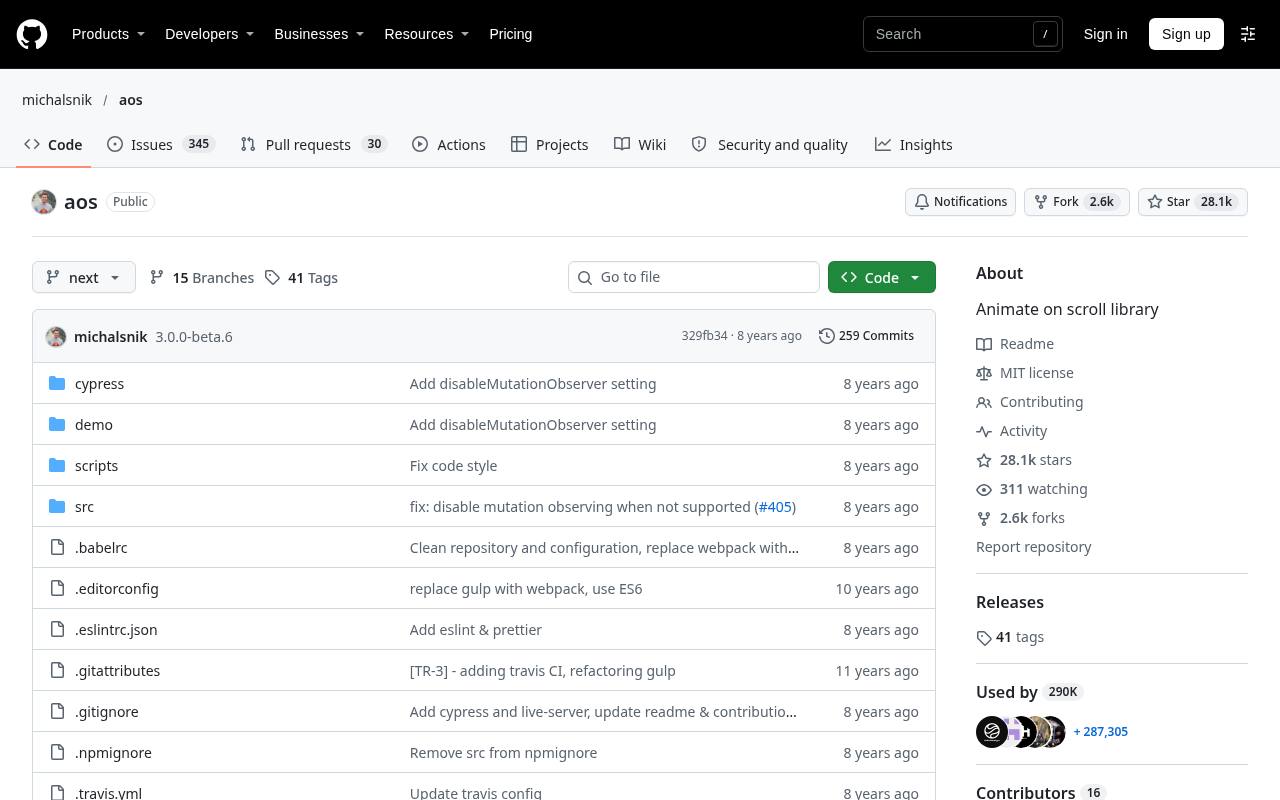
AOS connects HTML data attributes with ready-made entrance effects, making it convenient for landing pages that need fades, slides, zooms, or flips. Include its stylesheet and JavaScript, initialize the library, then adjust settings such as delay, duration, offset, and whether an effect runs once.
Its anchor placement options help align an entrance with the element or another reference point. The repository distinguishes its next-release documentation from the stable branch, so match examples to your installed package rather than mixing instructions across releases.
- Type
- Scroll reveal library
- Best for
- Adding preset entrances with simple HTML attributes
- License
- Free under MIT license
- Price
- 100% free
ScrollReveal
Scroll reveal library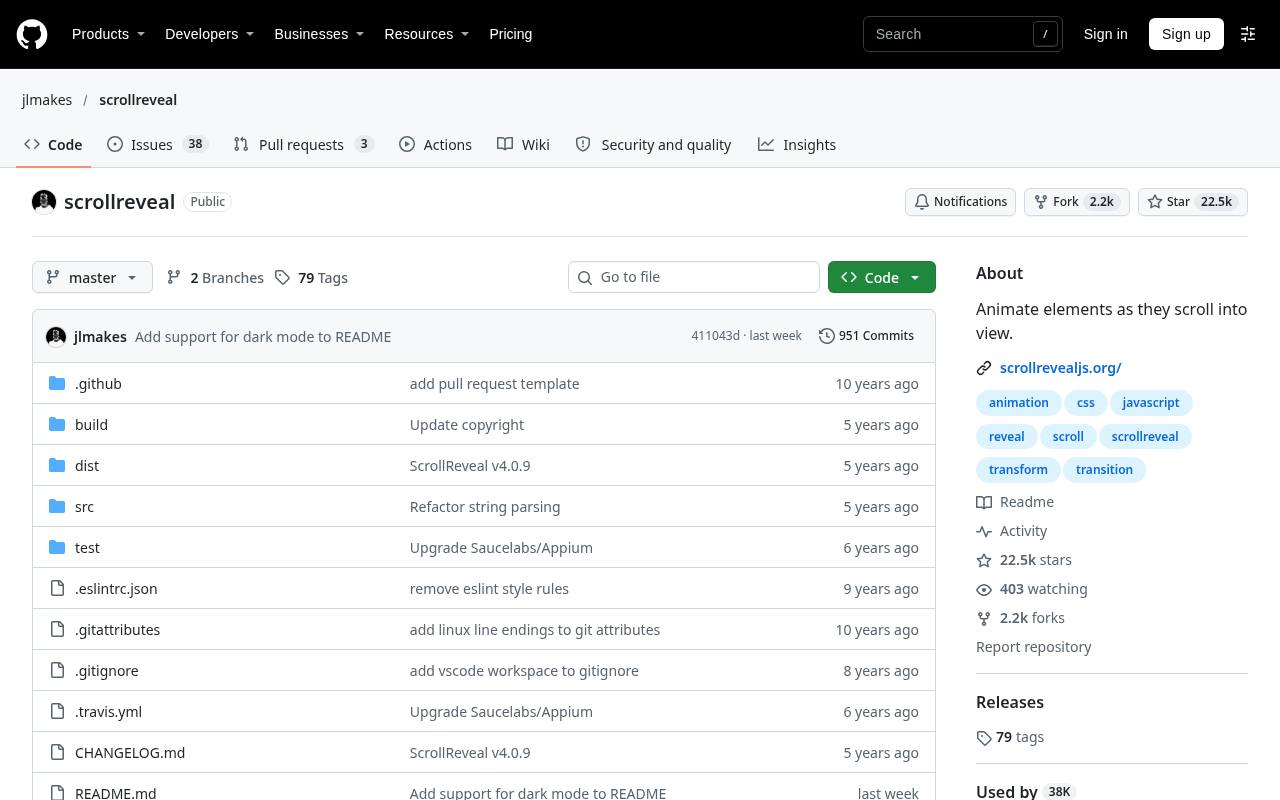
ScrollReveal offers a JavaScript reveal API for selecting elements and controlling how they enter the viewport. Options such as distance, origin, duration, and interval make it useful for coordinated groups without adding animation attributes to every element.
Its licensing needs care: the source is available under GPLv3 for compatible open-source projects and noncommercial use, while the publisher sells a commercial license for keeping commercial project code private. Treat that distinction as a selection criterion, not an afterthought, especially when building client sites or distributing proprietary themes.
- Type
- Scroll reveal library
- Best for
- Configuring reusable JavaScript reveals across page sections
- License
- Free under GPLv3; proprietary commercial license paid
- Price
- Free + paid license
Lenis
Smooth scrolling library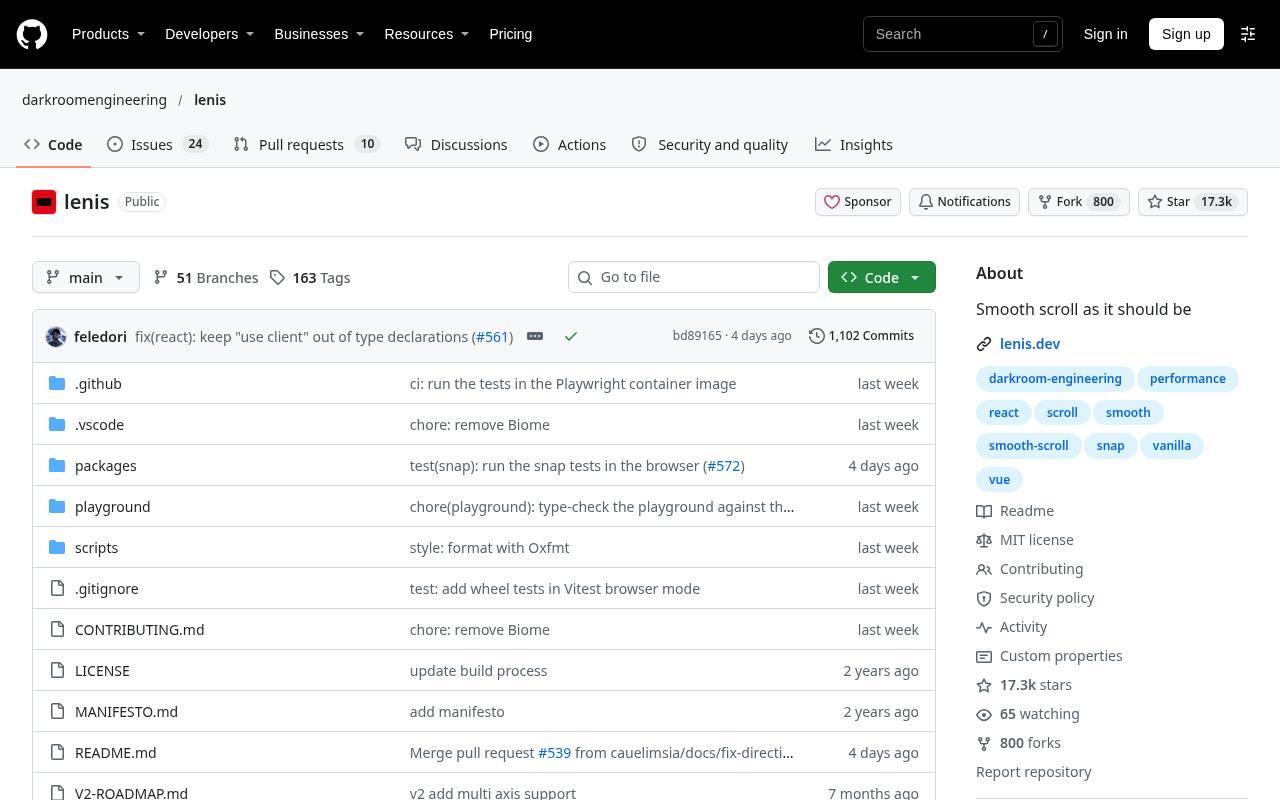
Lenis focuses on smooth scrolling behavior, rather than supplying a gallery of ready-made entrance animations. Its documented setup includes a stylesheet and a JavaScript instance, with settings and events for connecting scroll movement to other visuals.
That makes it useful when a page needs a consistent scrolling foundation for custom effects or WebGL scenes. The official repository includes framework integration packages, configuration details, and limitations. Start with its basic setup and evaluate the result on real input devices before introducing additional scroll-linked animation layers.
- Type
- Smooth scrolling library
- Best for
- Smoothing page movement while coordinating custom scroll effects
- License
- Free under MIT license
- Price
- 100% free
Locomotive Scroll
Scroll interaction library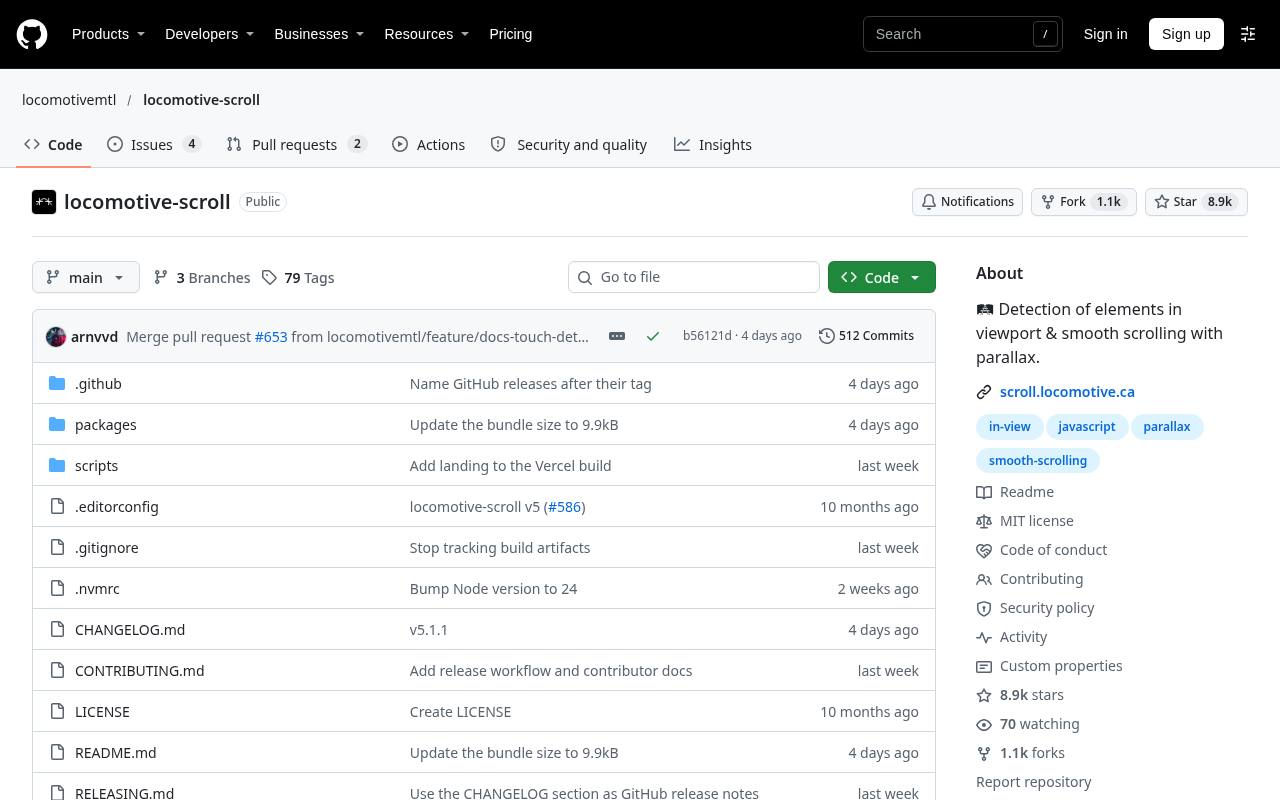
Locomotive Scroll combines scroll detection and parallax with a smooth-scrolling foundation. Its current repository describes an implementation built on Lenis, with TypeScript support and separate intersection observers for triggers and animations. The quick start demonstrates the data-scroll attribute and a speed value for moving an element relative to the page.
This integrated scroll toolkit suits layouts needing more than isolated entrances. Older tutorials may describe substantially different architecture, so follow the documentation linked by the installed release and avoid combining incompatible initialization patterns.
- Type
- Scroll interaction library
- Best for
- Combining element detection with smooth scrolling and parallax
- License
- Free under MIT license
- Price
- 100% free
Sal.js
Scroll reveal library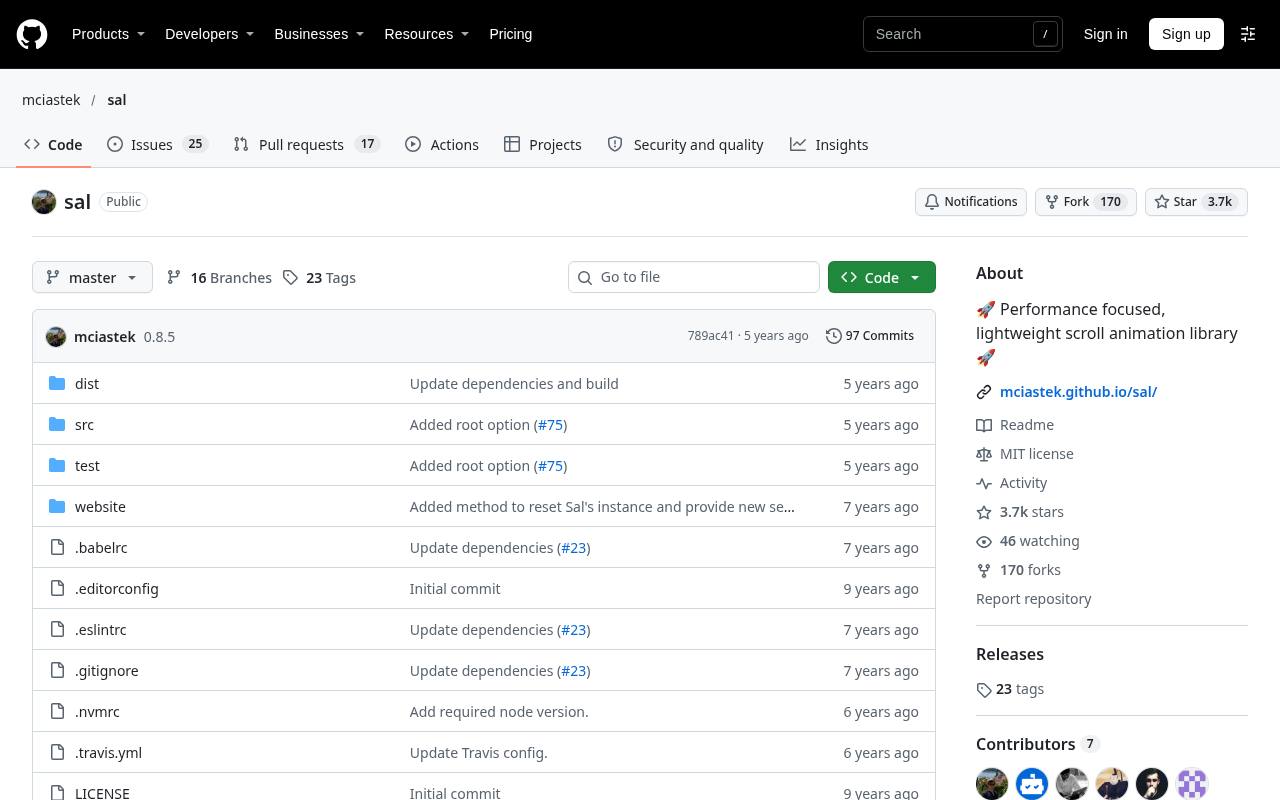
Sal.js uses Intersection Observer detection to activate scroll entrances without bringing in a broader animation framework. Its documented effects include fades, slides, zooms, and flips, with data attributes for timing and easing. You import its CSS alongside the script and initialize sal to connect marked elements to the observer.
The project also documents animation lifecycle events and methods for enabling or disabling behavior. It is a practical candidate for straightforward content reveals when you prefer declarative markup and a focused dependency rather than a custom animation system.
- Type
- Scroll reveal library
- Best for
- Applying lightweight preset reveals through declarative markup
- License
- Free under MIT license
- Price
- 100% free
Scrollama
Scrollytelling library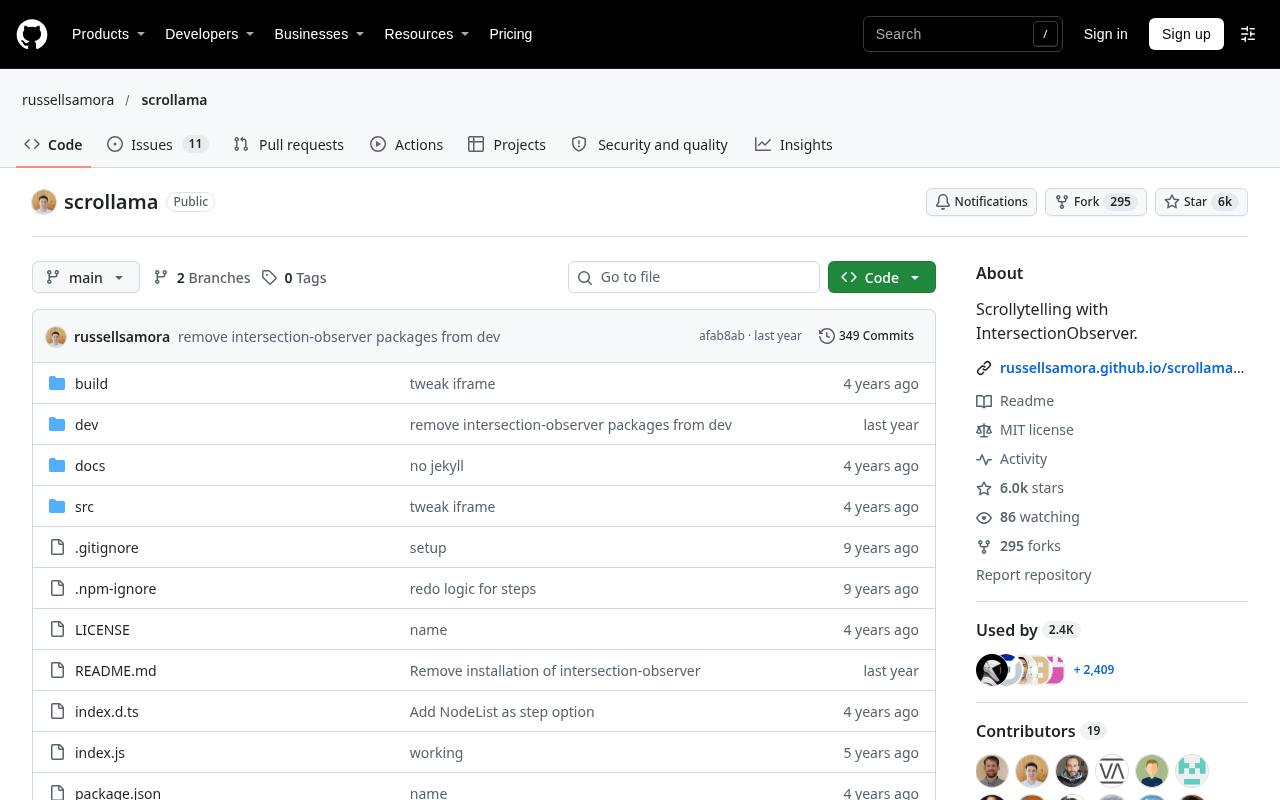
Scrollama is designed for scroll driven storytelling, where blocks of text trigger changes in an accompanying graphic. Instead of prescribing visual effects, it exposes step-enter, step-exit, and optional progress callbacks powered by Intersection Observer. Its examples show basic triggers, progress tracking, custom offsets, and sticky graphic arrangements.
That callback based approach works well for editorial features or product explanations where your chart or illustration supplies the animation. CSS handles sticky positioning; Scrollama handles when the narrative changes, keeping those responsibilities separate and easier to reason about.
- Type
- Scrollytelling library
- Best for
- Connecting narrative steps to changing graphics and charts
- License
- Free under MIT license
- Price
- 100% free
basicScroll
Scroll interpolation library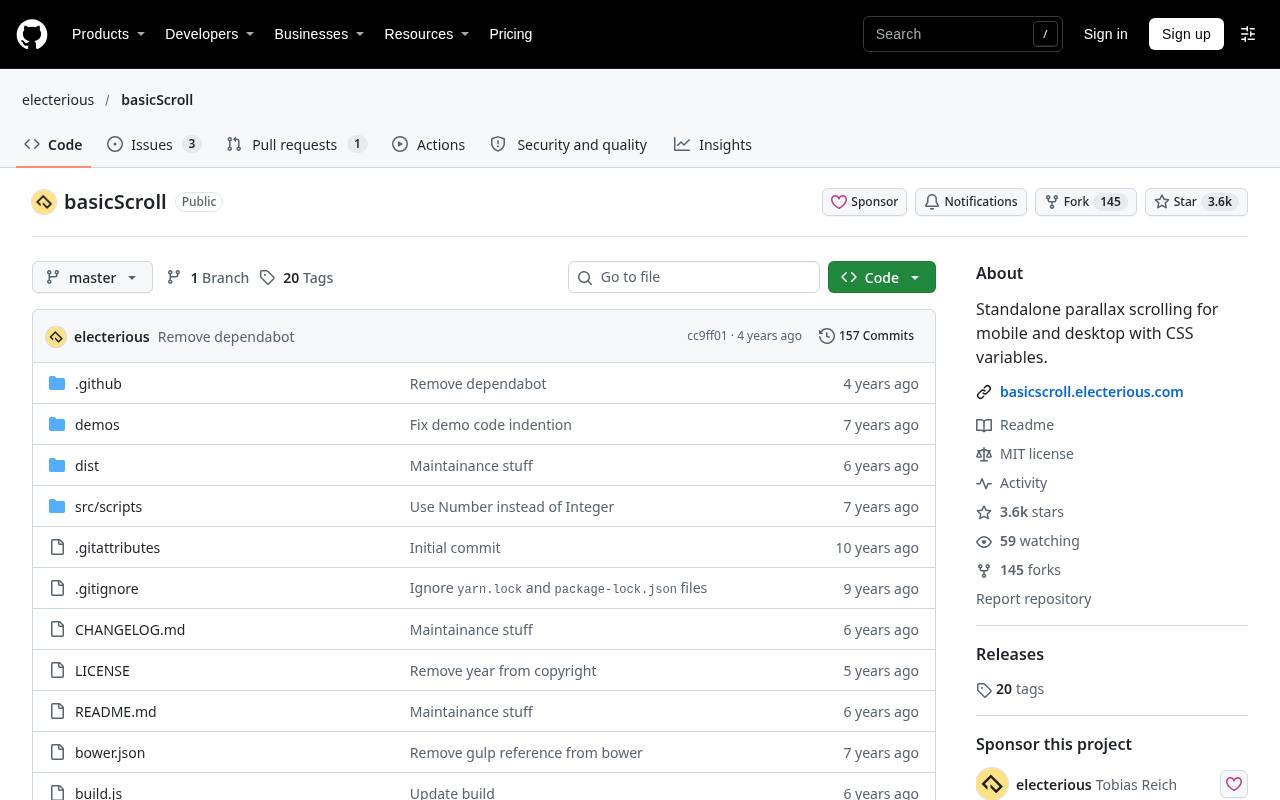
basicScroll maps a defined scroll range to CSS custom properties, letting your stylesheet turn position values into movement, opacity, or other visual changes. Its setup defines an element, start and stop positions, and properties with beginning and ending values.
Documentation also covers direct application to elements and callbacks for positions inside or outside the configured range. This CSS centered workflow is useful when designers want visual behavior expressed in styles rather than scattered JavaScript updates. Prefer transforms and opacity, and reassess geometry when responsive content changes the layout.
- Type
- Scroll interpolation library
- Best for
- Driving CSS custom properties from measured scroll ranges
- License
- Free under MIT license
- Price
- 100% free
Rellax
Parallax scrolling library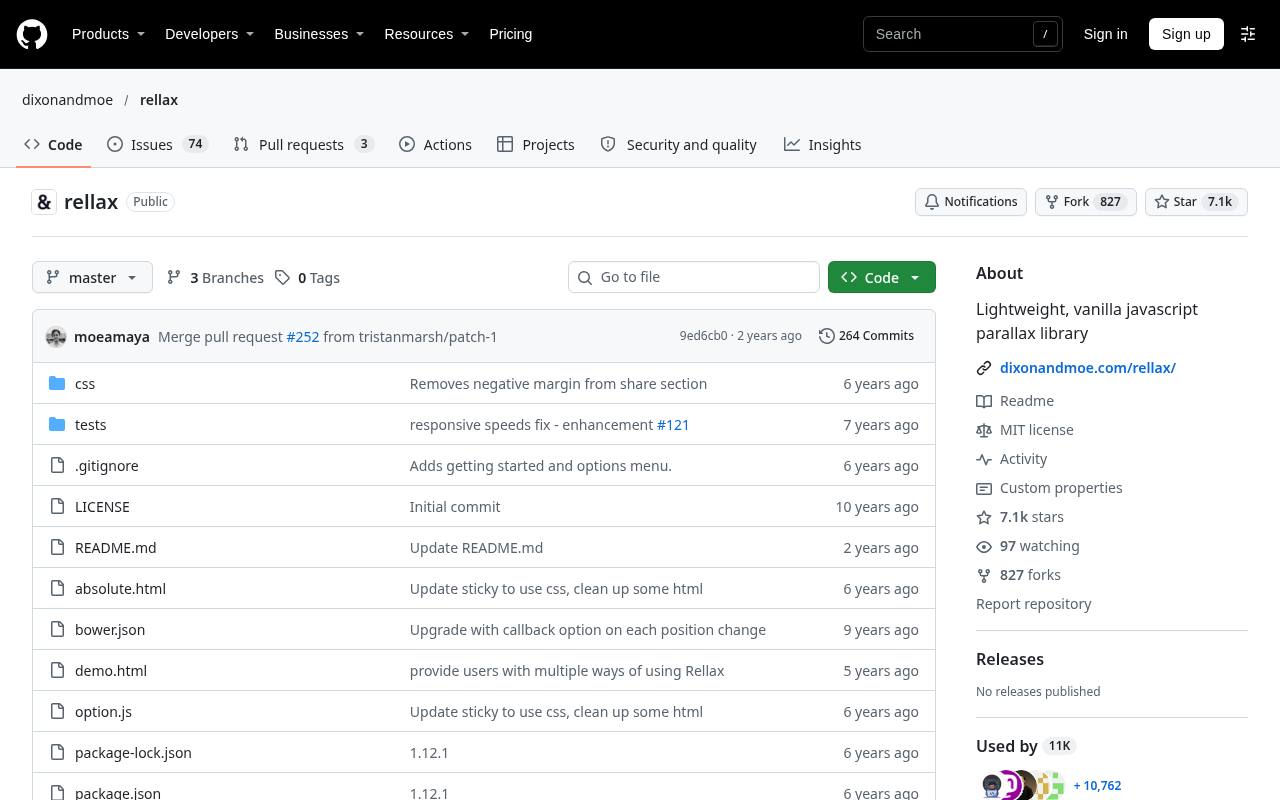
Rellax concentrates on parallax scroll effects, allowing selected elements to move at different rates as the page travels. Add a class, initialize the library, and use a speed attribute to vary the apparent depth of individual layers.
The repository documents responsive speed attributes, configurable breakpoints, centering, horizontal movement, and wrapper options. This narrow focus makes Rellax a sensible choice for decorative illustrations or background accents that need depth without a full storytelling system. Keep foreground text stable, and check that moving layers never obscure controls or important content.
- Type
- Parallax scrolling library
- Best for
- Creating layered decorative movement with responsive speed controls
- License
- Free under MIT license
- Price
- 100% free
lax.js
Scroll animation library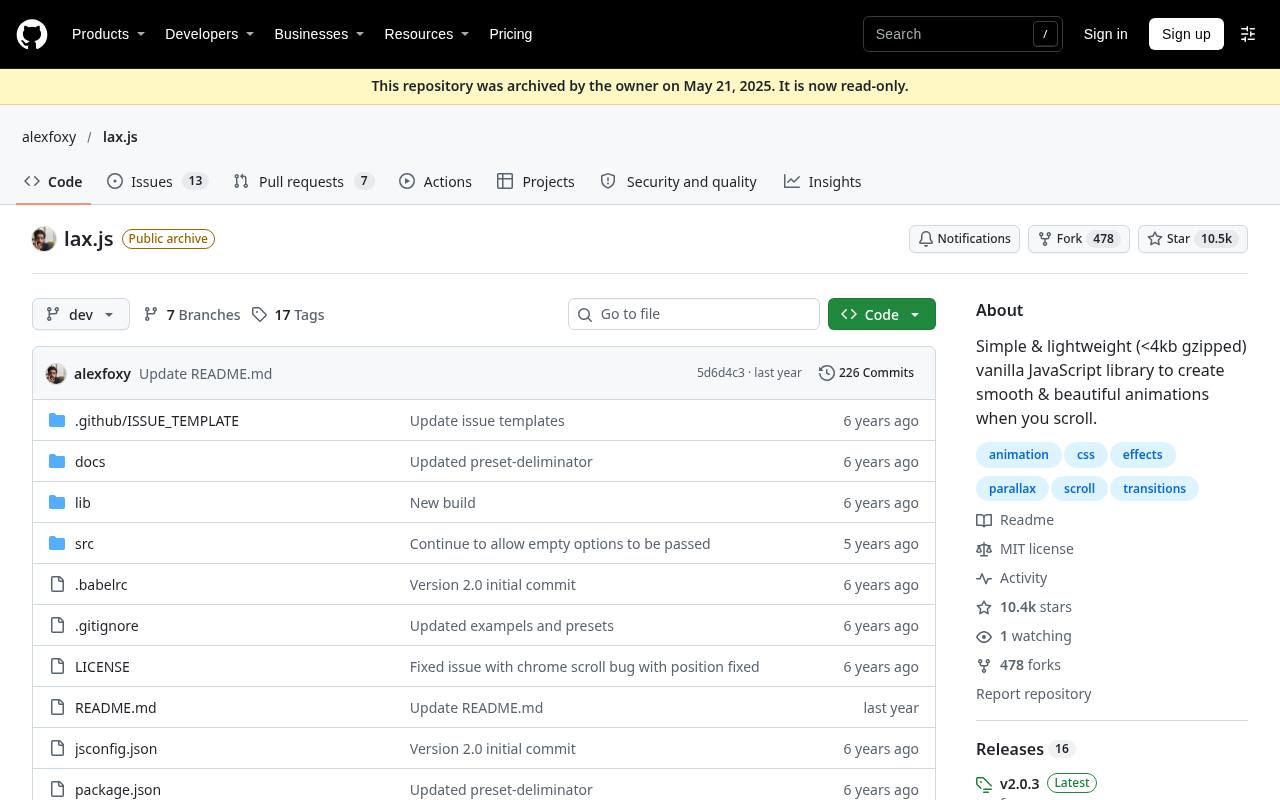
lax.js supports scroll linked value mapping through drivers that provide input values and element definitions that translate those values into visual properties. Its documentation demonstrates a scroll-position driver, animation presets, custom mappings, and responsive breakpoints.
Compared with a reveal-only tool, it gives you more scope to choreograph movement continuously as visitors scroll. The custom driver model also supports inputs beyond scrolling, but its scroll examples are the relevant starting point here. Expect to define and test the behavior yourself rather than simply selecting one entrance per section.
- Type
- Scroll animation library
- Best for
- Mapping scroll position to custom animated property values
- License
- Free under MIT license
- Price
- 100% free
ScrollOut
Scroll detection library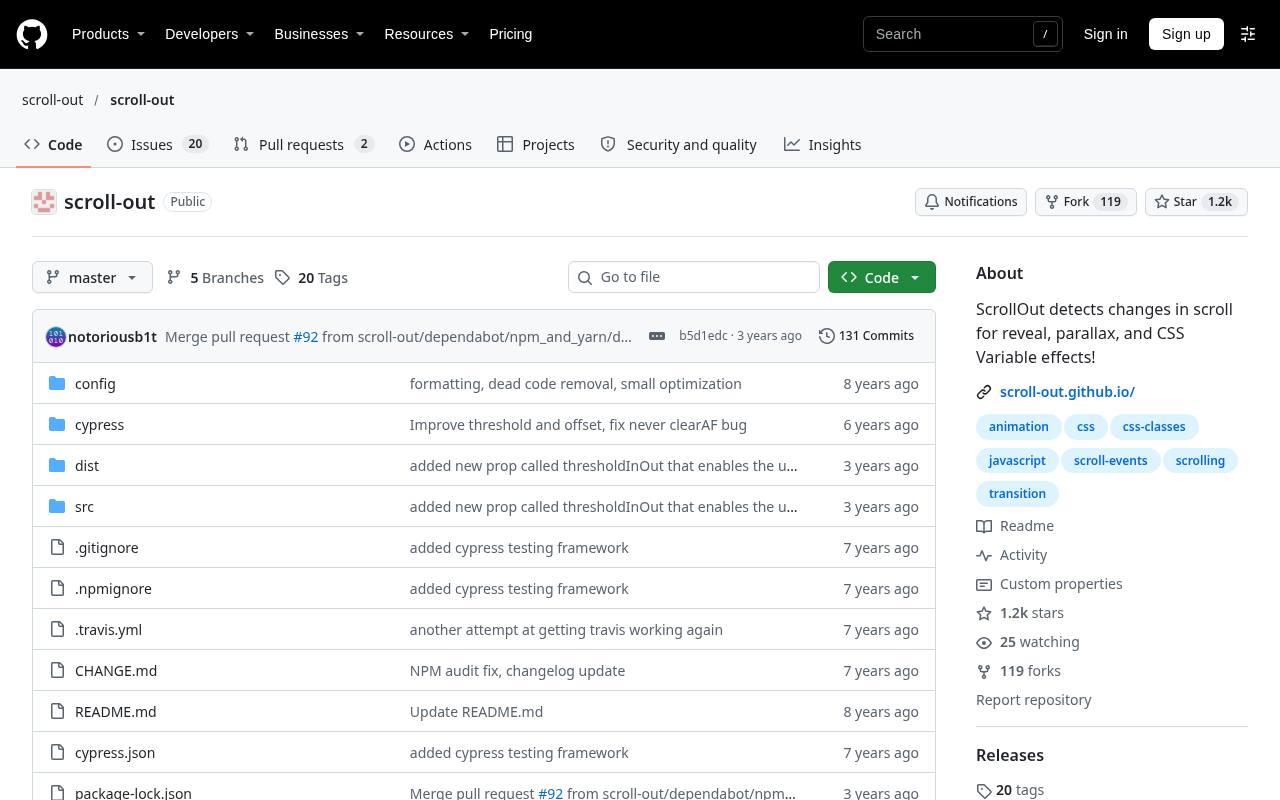
ScrollOut provides viewport state detection and leaves the visual treatment to your CSS or JavaScript. Its basic pattern marks elements with data-scroll; the library updates that attribute to in or out as visibility changes. That straightforward contract is useful when an existing design system already contains transitions and only needs scroll-aware state.
The official repository links to documentation and examples, and explicitly permits commercial and noncommercial use under MIT. Choose this bring your own styles approach when preset animation names would add unnecessary constraints to the project.
- Type
- Scroll detection library
- Best for
- Styling viewport entry states with your own CSS
- License
- Free under MIT license
- Price
- 100% free
Choose the behavior before choosing the library
Start with a single sentence describing the interaction. If a card should fade in once, choose a scroll reveal library such as AOS or Sal.js.
If an illustration should move continuously with page position, investigate Rellax, basicScroll, or lax.js. For a chart that changes as paragraphs pass a threshold, Scrollama offers a more suitable structure than a collection of entrance presets.
Understand what smooth scrolling does not provide
Lenis changes the scrolling experience; it does not automatically design section reveals or narrative transitions. Locomotive Scroll packages more scroll-related behavior around its foundation.
Avoid running multiple smooth scrolling systems on the same page, and do not add a second Lenis instance simply because another example uses one. Establish which component owns scrolling before integrating additional effects, especially inside a framework with repeated mounting and route changes.
Check free-use terms before client delivery
The MIT-licensed options generally allow commercial use, modification, and redistribution while requiring preservation of their copyright and license notices. Free library licensing is not the same as permission to remove those notices from redistributed software.
ScrollReveal follows a different model: review its GPLv3 and commercial terms against your deployment and distribution plans. If the obligations do not fit a proprietary project, choose an appropriate MIT alternative or budget for the paid license.
Plan a readable reduced-motion experience
Use reduced motion preferences to bypass nonessential reveals, parallax, and smoothing where appropriate. Do not assume every library applies your preferred accessibility policy automatically. A reduced-motion page should show the final content state immediately, not leave elements transparent while JavaScript waits for a trigger.
Test keyboard navigation, focus visibility, anchor links, and browser find. Decorative movement should never be required to discover a heading, follow a link, or understand the page.
Keep scroll animation performance measurable
Begin with transform and opacity effects and profile the actual page instead of relying on bundle size alone. Large images, expensive shadows, layout recalculations, and excessive animated elements can outweigh a small library footprint.
Test fast scrolling on a modest phone, not just a desktop trackpad. Limit active effects to meaningful areas, reserve image dimensions to reduce layout shifts, and avoid keeping an unnecessary animation loop alive after its section is removed.
Install matching scripts, styles, and examples
These resources are JavaScript source libraries, not downloadable videos or image packs. Some require a companion stylesheet; others expect your own CSS and callbacks. Use the official repository to locate package installation instructions and release-specific documentation.
Pin a tested version for production, particularly when loading from a CDN. Examples from an older release may use different imports, options, or markup, and copying those fragments can create problems unrelated to the intended effect.
Test responsive layouts and page transitions
A scroll trigger depends on geometry that can change after fonts, images, or asynchronously loaded content arrive. Check each library’s documented refresh, resize, and cleanup behavior, then integrate it with your page lifecycle.
Responsive scroll testing should include narrow viewports, orientation changes, long translated headings, and route navigation. Remove observers, listeners, or instances when components unmount so that returning to a page does not multiply callbacks or leave stale element references behind.
Do you need a library for every scroll effect?
No. For a handful of viewport entrances, native Intersection Observer plus a CSS class may be sufficient. Native CSS scroll-driven animations are another possibility where browser support matches your audience.
A free library becomes valuable when its presets, callbacks, responsive controls, or established integration patterns save meaningful development work. Prototype one representative section first, compare its readability with an unanimated version, and expand only when the movement improves comprehension rather than merely adding activity.