
A well-timed transition can connect two shots, while a moving texture can make clean digital footage feel less clinical. The useful distinction is whether an effect helps the edit or competes with it.
These free video transitions and motion effects packs cover practical additions such as animated shapes, VHS interference, light leaks, film grain, and compositing elements. Start with a specific visual problem rather than downloading every effect you see.
Compatibility matters more than the preview reel. A Premiere Pro project cannot simply become a CapCut effect, but a rendered video overlay may work in several editors. Some clips include transparency; others need a blend mode or a color key.
This collection separates editor-specific transitions from free video overlays, so you can choose files that suit your timeline. It focuses on moving video assets rather than still-photo textures or collections of After Effects projects.
Free can mean an unrestricted download, a sample from a larger paid collection, or access through a limited account. Those differences affect resolution, attribution, and how quickly you can collect assets.
Before committing an effect to a client edit, check its individual terms and test the actual file. Treat commercial usage rights and video format compatibility as separate checks: permission to publish does not guarantee smooth playback on your computer or phone.
Quick picks at a glance
| # | Resource | License | Best for |
|---|---|---|---|
| 1 | CinePacks | Free sample; subject to CinePacks usage terms | Adding analog television texture to music videos |
| 2 | FootageCrate | Free assets under ProductionCrate terms; account limits apply | Finding ink wipes and distressed moving textures |
| 3 | ActionVFX | Free account required; ActionVFX license and daily limits apply | Building magical impacts and stylized action beats |
| 4 | FX Elements | Free personal and commercial use; no attribution required | Layering atmospheric dust smoke and practical effects |
| 5 | PremiumBeat | Free personal and commercial projects; no resale or redistribution | Combining animated accents with light and weather |
| 6 | Film Bodega | Free downloads; check the included terms for each pack | Exploring moving elements alongside practical compositing lessons |
| 7 | Enchanted Media | Free commercial use with website credit; no redistribution | Adding bokeh transitions in desktop or mobile editors |
| 8 | Videezy | Free clips have individual licenses; attribution may be required | Searching for snow grunge and green-screen interference |
| 9 | Mixkit | Free under the Mixkit template license | Choosing zoom and distortion transitions for Premiere |
| 10 | HolyGrain | Free sample; review download terms before publication | Giving clean digital footage a moving film texture |
CinePacks
Alpha MOV pack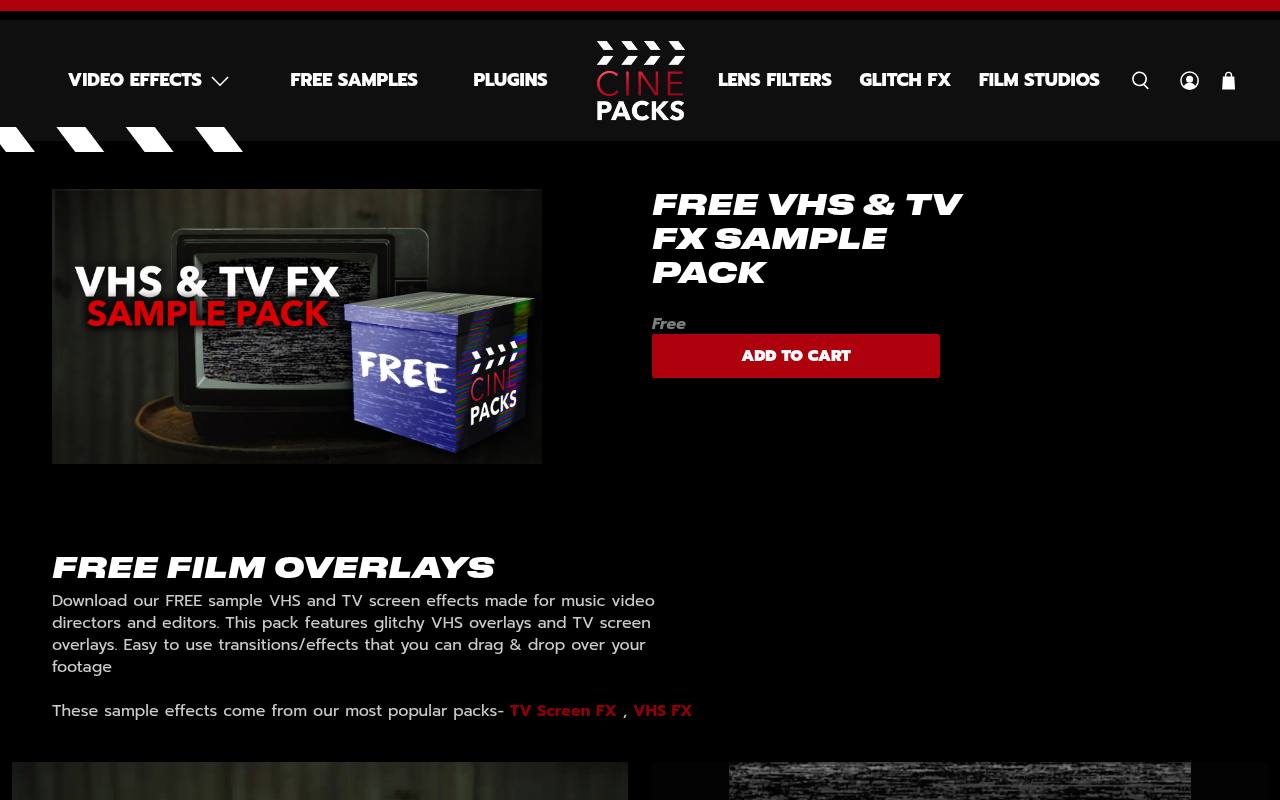
CinePacks offers a dedicated VHS and TV sample rather than a general stock-footage search. The page lists 20 free assets, including dirty VHS textures and television-screen effects, and describes transparent alpha MOV delivery. That makes it a focused starting point for editors building an analog treatment without installing a plugin.
Download delivery follows a checkout and email workflow, so allow time before an offline session. Use these animated video overlays selectively around performance cuts or inserts; constant interference can quickly obscure faces and captions. Larger related packs are paid products.
- Type
- Alpha MOV pack
- Best for
- Adding analog television texture to music videos
- License
- Free sample; subject to CinePacks usage terms
- Price
- Free + paid packs
FootageCrate
Rendered VFX library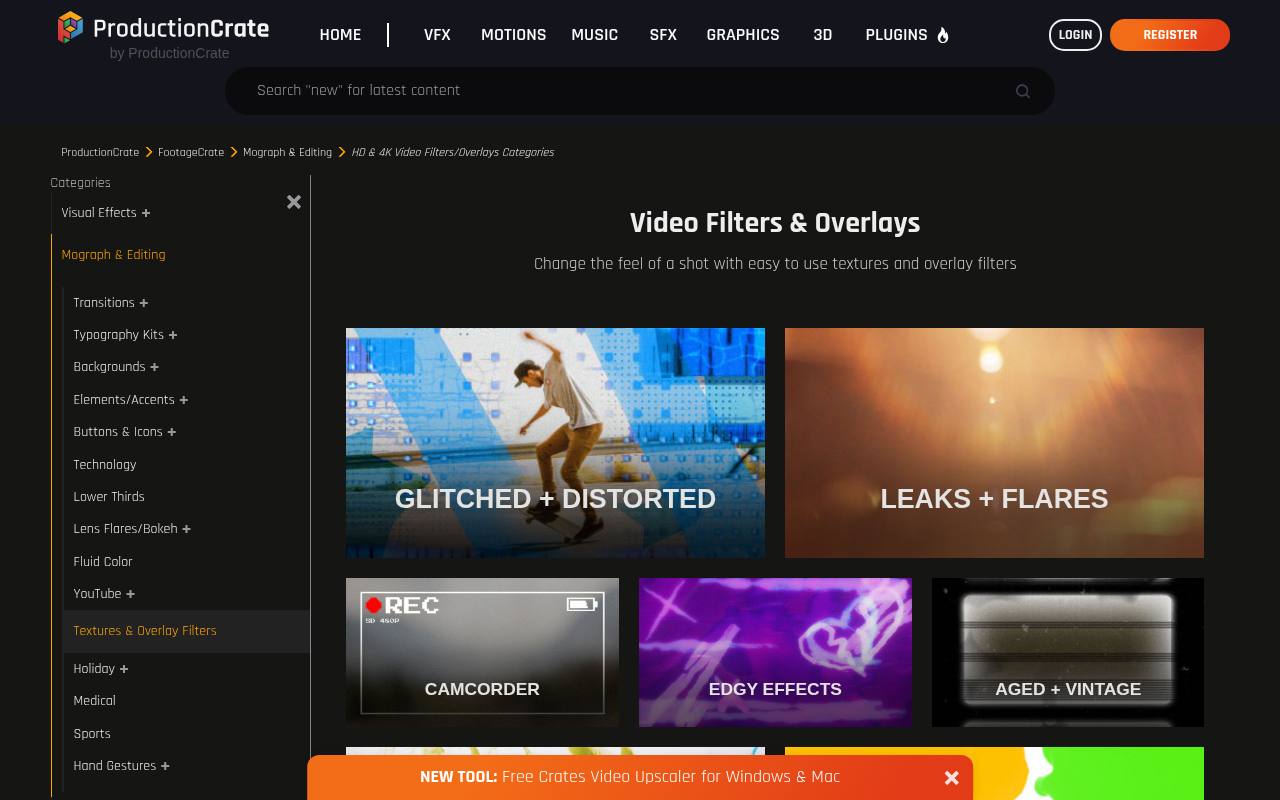
FootageCrate organizes its video filters and overlays into recognizable groups such as glitch textures, light leaks, aged film, fluid color, and ink effects. The linked page explicitly marks some previews Free VFX while placing other assets behind paid access, so check the individual download rather than assuming the entire category is free.
Ink-bleed transitions and old-film treatments offer useful alternatives to a standard dissolve. This is a mixed free library, not one unlimited pack; confirm the available format, account allowance, and resolution on the chosen asset before building your sequence around it.
- Type
- Rendered VFX library
- Best for
- Finding ink wipes and distressed moving textures
- License
- Free assets under ProductionCrate terms; account limits apply
- Price
- Free + Pro
ActionVFX
VFX footage collection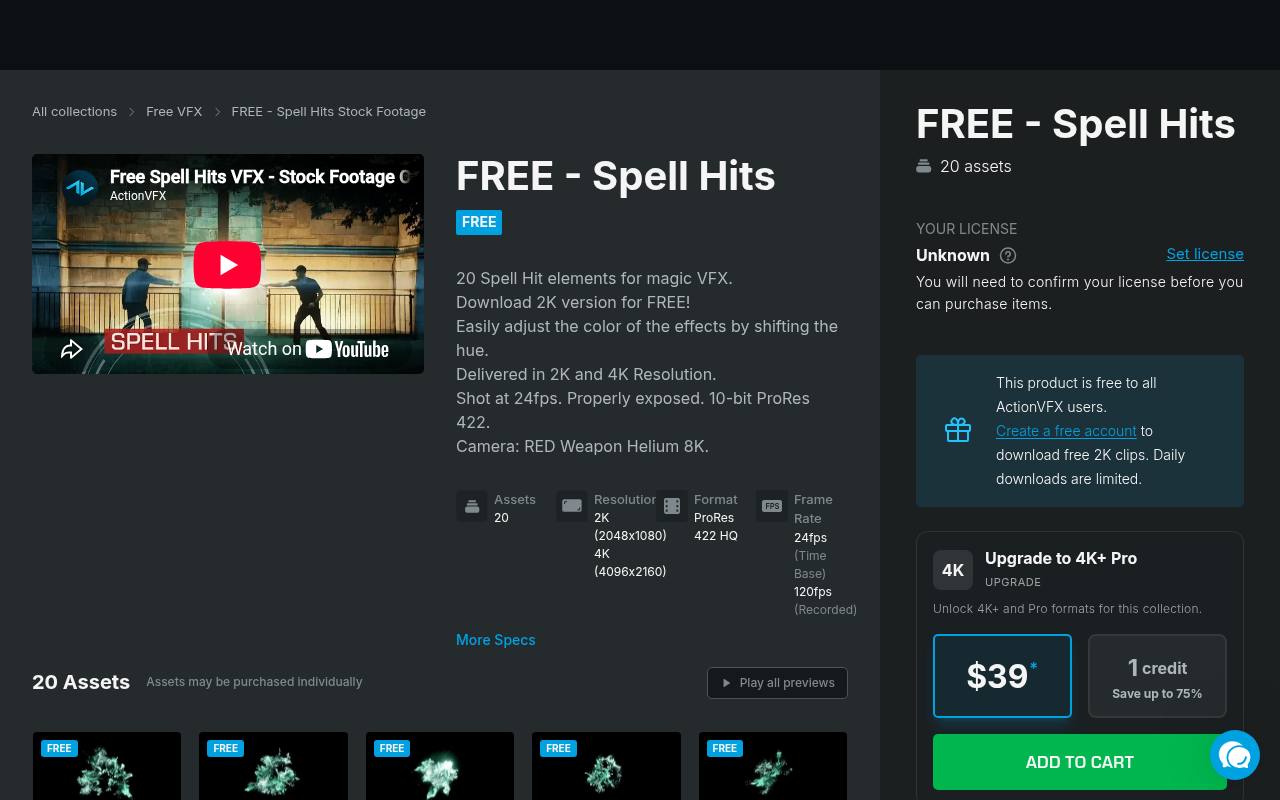
ActionVFX’s free Spell Hits collection is a specialist choice for impact moments rather than conventional scene changes. The collection describes 20 elements, free 2K downloads for registered users, and daily download limits. Its technical information lists ProRes 422 HQ and a 24 fps time base, details worth checking against your editing system before downloading.
The source also suggests shifting hue to change the effects’ color. Use these motion effect elements for a stylized hit, reveal, or accent, allowing time for compositing and color matching instead of expecting a finished one-click transition.
- Type
- VFX footage collection
- Best for
- Building magical impacts and stylized action beats
- License
- Free account required; ActionVFX license and daily limits apply
- Price
- Free tier
FX Elements
VFX footage library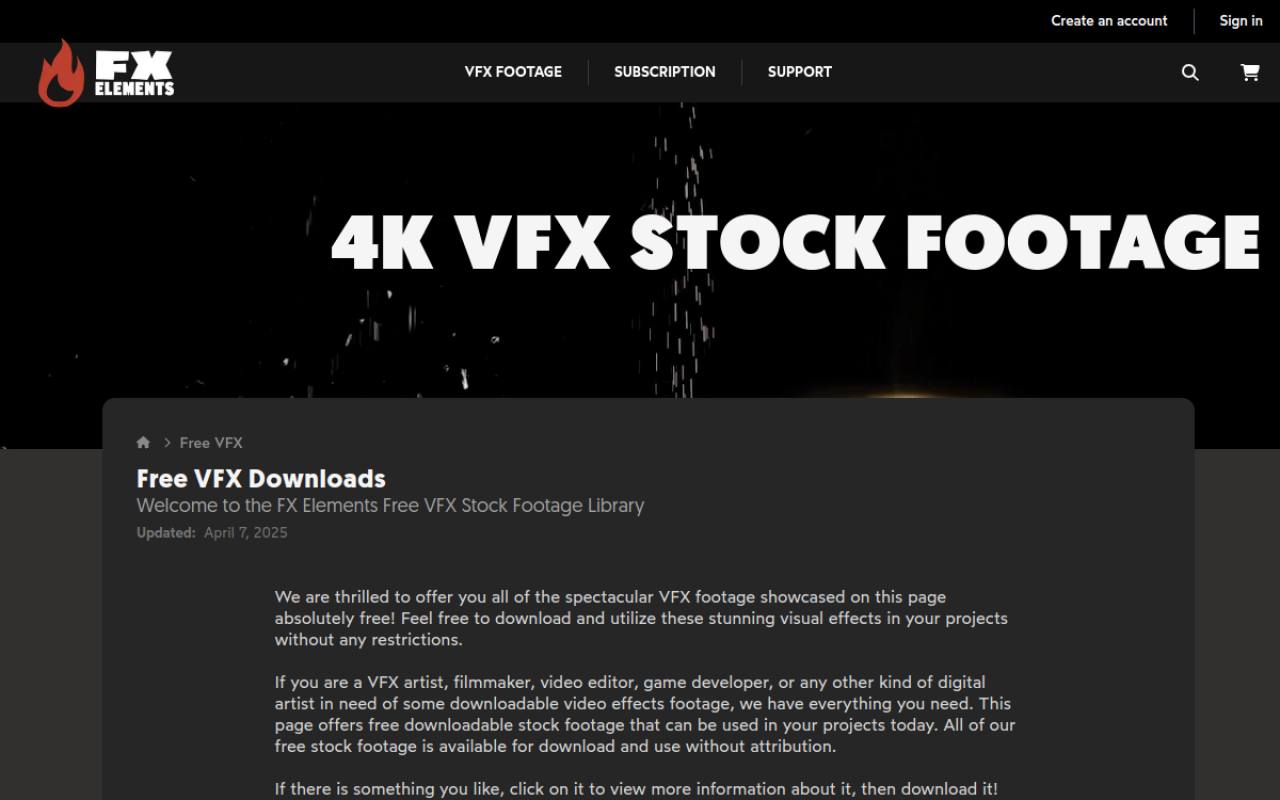
FX Elements maintains a clearly separated free VFX library with categories including dust, fire, explosions, blood, birds, and clouds. Its free page states that the footage can be used without attribution and presents personal and commercial uses.
For this article, the most useful downloads are moving elements that can sit over an existing shot, rather than standalone scenery. Browse the compositing footage categories and inspect each clip’s technical details: different subjects call for different masking, blending, or keying approaches. Paid material exists elsewhere on the site, so remain within the linked free collection.
- Type
- VFX footage library
- Best for
- Layering atmospheric dust smoke and practical effects
- License
- Free personal and commercial use; no attribution required
- Price
- Free + paid library
PremiumBeat
Video effects bundles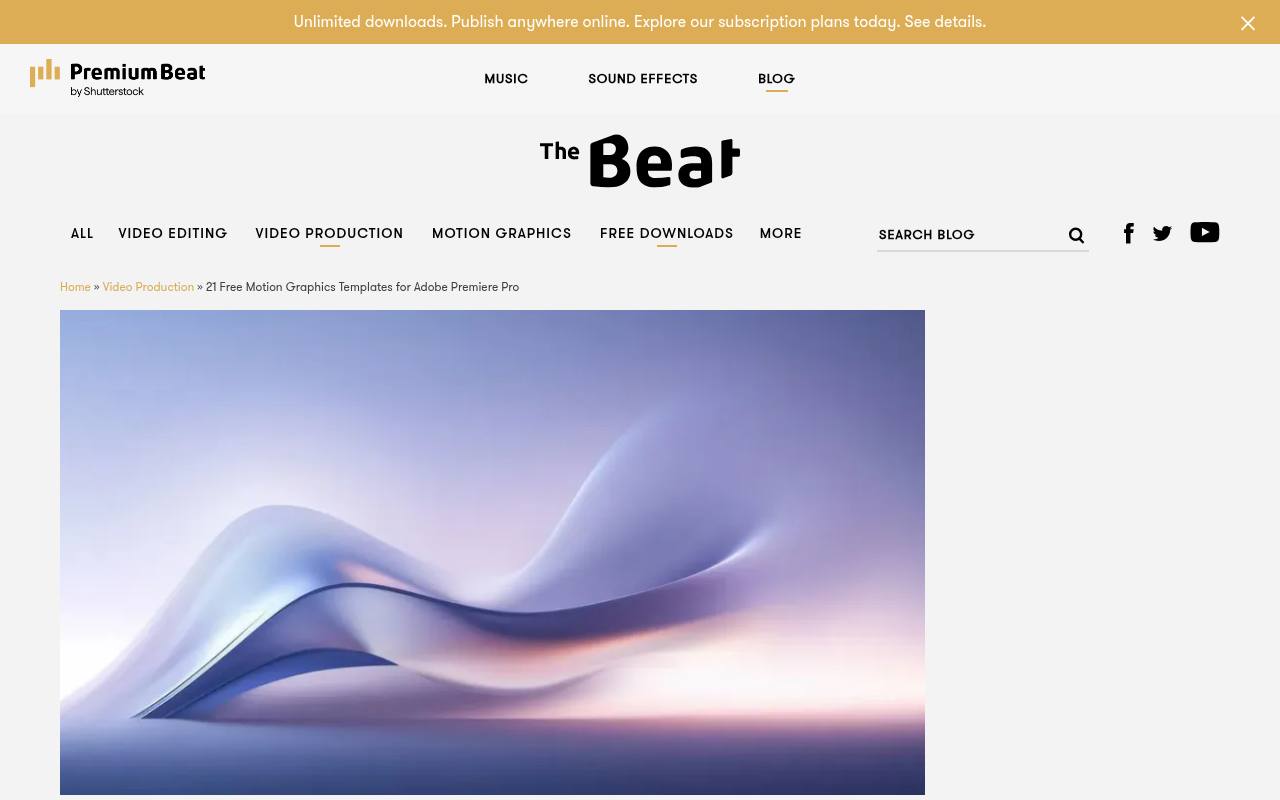
PremiumBeat’s free-download roundup links several distinct bundles, including hand-drawn animated shapes, ice and snow effects, and god-ray light overlays. The page explicitly allows personal and commercial projects while prohibiting resale or redistribution of the assets. It also contains Premiere-specific templates, but the rendered animation and overlay collections are the more portable choices for a mixed-editor workflow.
Follow the relevant pack link to inspect its download and instructions. These free video effects are especially useful when a sequence needs a small graphic accent or atmospheric layer rather than an elaborate replacement for the original footage.
- Type
- Video effects bundles
- Best for
- Combining animated accents with light and weather
- License
- Free personal and commercial projects; no resale or redistribution
- Price
- 100% free
Film Bodega
Filmmaking resource packs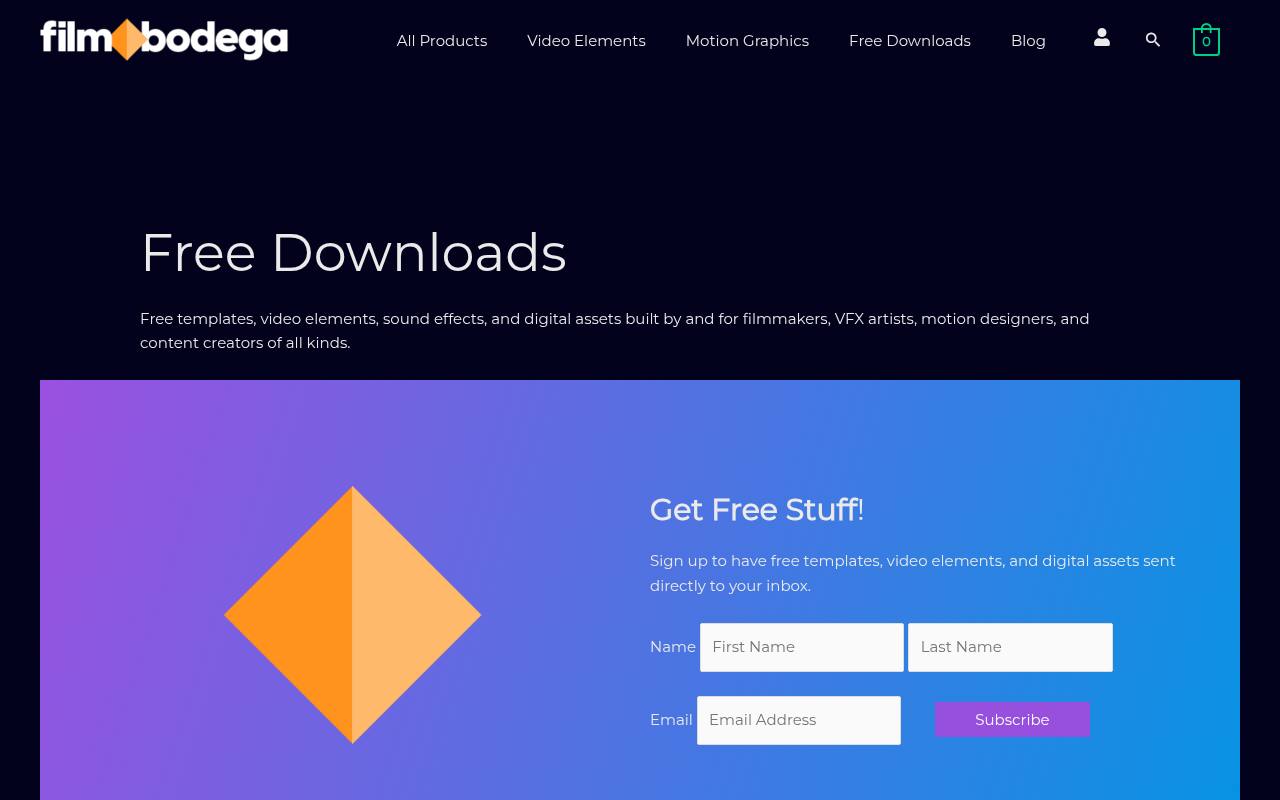
Film Bodega’s free downloads section groups resources made for filmmakers, editors, motion designers, and VFX artists. The broader selection includes templates and sound as well as video elements, so prioritize moving overlays rather than assuming every download belongs on a video track.
Its accompanying educational material explains Screen and additive blending for effects such as dust, fog, and snow. That combination makes the source useful for learning how layered video effects behave, not merely collecting files. Inspect the selected pack’s contents and terms, since a mixed resource catalog does not imply one universal format or license.
- Type
- Filmmaking resource packs
- Best for
- Exploring moving elements alongside practical compositing lessons
- License
- Free downloads; check the included terms for each pack
- Price
- Free + paid products
Enchanted Media
HD video overlay pack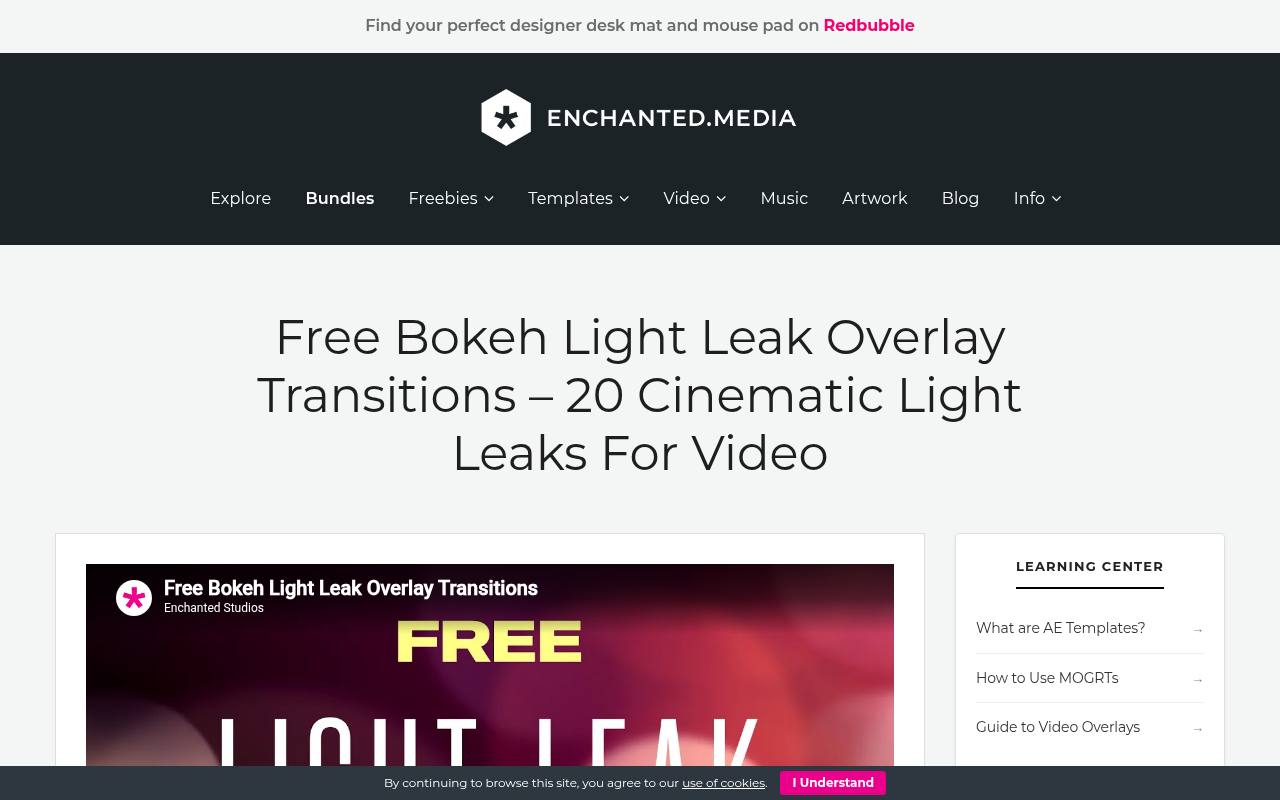
Enchanted Media supplies 20 bokeh light leaks as a free video pack, with soft shapes, lens flares, and organic light movement. The page specifies 1920 × 1080 clips and names Premiere Pro, Resolve, and CapCut among compatible editors that support blending modes. Downloads are delivered through Gumroad.
Although the page uses copyright-free language, its terms specifically request website credit and prohibit hosting the files elsewhere. These HD overlay transitions are a practical cross-editor option; test the crop for vertical work rather than assuming that rotating a landscape clip will preserve every useful detail.
- Type
- HD video overlay pack
- Best for
- Adding bokeh transitions in desktop or mobile editors
- License
- Free commercial use with website credit; no redistribution
- Price
- 100% free
Videezy
Stock overlay clips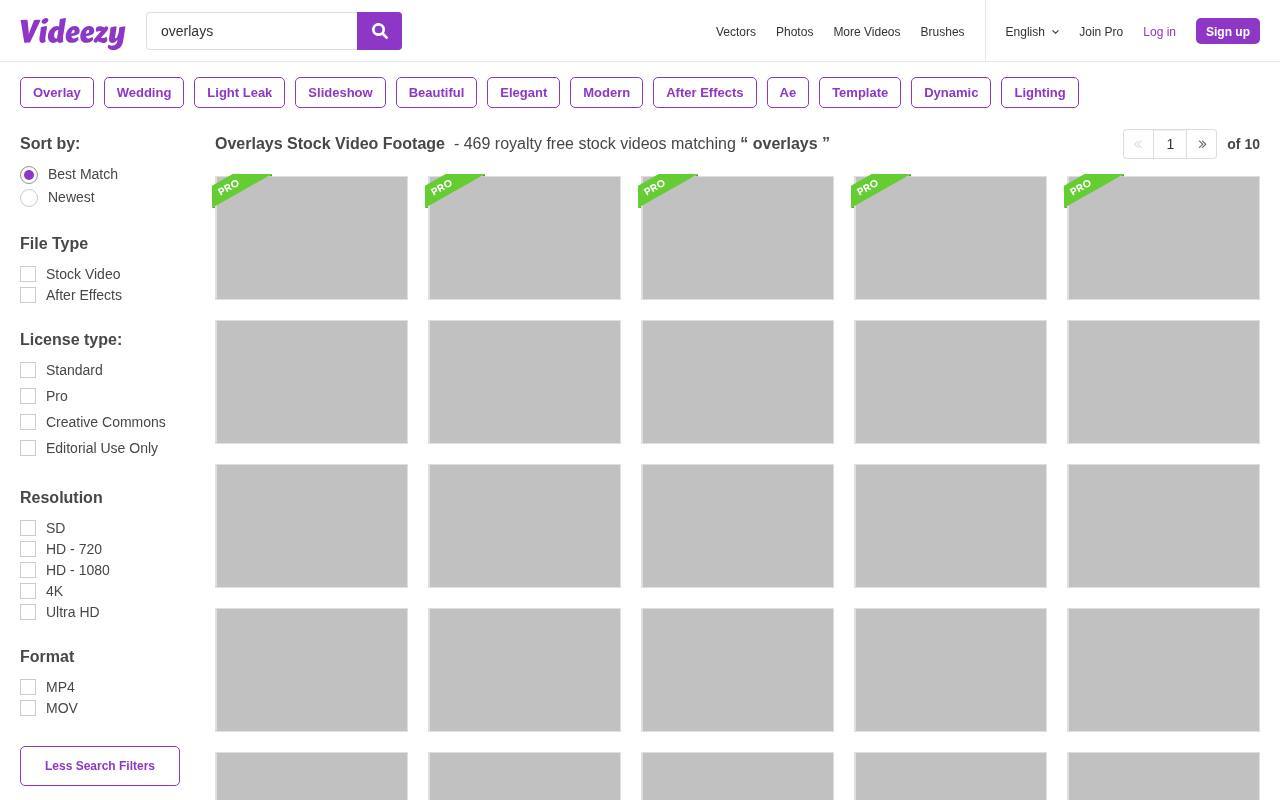
Videezy’s overlay footage search includes falling snow, bokeh, grunge transitions, smoke, and VHS static on green screen. That breadth helps when you need a particular motion treatment rather than a matching branded set. Pay attention to the individual listing and license, because free standard clips and paid Pro results are not interchangeable, and attribution requirements can affect delivery.
Its green-screen video elements also need a different workflow from black-background light leaks: remove the keyed color rather than simply choosing Screen. Check resolution and edge quality before using a clip across an entire sequence.
- Type
- Stock overlay clips
- Best for
- Searching for snow grunge and green-screen interference
- License
- Free clips have individual licenses; attribution may be required
- Price
- Free + Pro
Mixkit
Premiere Pro projects
Mixkit’s Premiere Pro transitions page presents downloadable projects with effects such as zoom, sideways movement, static distortion, and burn-style cuts. Each preview labels its intended editor and format, making this a more direct option for Premiere users than adapting a generic stock clip.
The templates are free under the Mixkit license. They are editor-specific project files, however, not portable overlays that automatically import into Resolve or CapCut. Choose this source when you want to adjust an editable Premiere setup, then check the individual project’s requirements before integrating it into an existing production.
- Type
- Premiere Pro projects
- Best for
- Choosing zoom and distortion transitions for Premiere
- License
- Free under the Mixkit template license
- Price
- 100% free
HolyGrain
Film grain video plate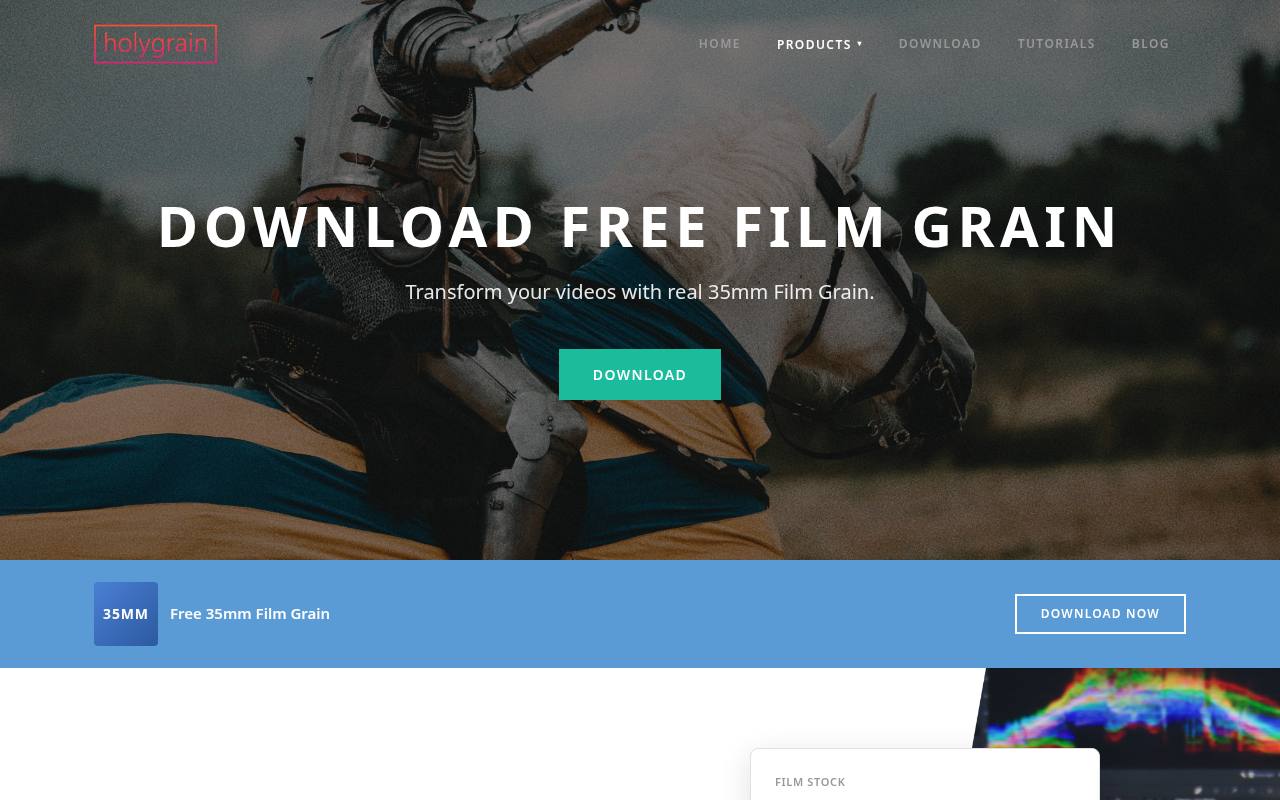
HolyGrain provides a free film grain download centered on a real 35mm grain plate with dust and scratches. Unlike a still texture, moving grain changes from frame to frame and can help unify shots that otherwise feel overly digital. The site distinguishes this sample from its larger paid collections covering additional film stocks and resolutions.
Do not assume every format advertised for the premium library comes with the free file. For subtle video texture, import the plate, test an appropriate blend mode, and reduce its strength while watching faces, shadows, and graphics at delivery size.
- Type
- Film grain video plate
- Best for
- Giving clean digital footage a moving film texture
- License
- Free sample; review download terms before publication
- Price
- Free + paid packs
Choose the asset before the editor
For maximum portability, start with rendered video overlays rather than project files. Premiere Pro, Resolve, and CapCut can share many ordinary video formats, but support depends on the codec, platform, and app version.
Native templates make more sense when you need editable controls inside one editor. Download one representative file and complete a short export before collecting the rest of a pack.
Understand transparency and blend modes
An MOV extension does not guarantee an alpha channel. If the asset has transparency, place it above your footage and inspect its edges.
Black-background light effects often work with Screen or Add, while a grain plate may need Overlay or Soft Light. These are starting points, not universal rules. Compare the result against the source instructions and watch for lifted blacks or clipped highlights.
Key green-screen elements carefully
For green-screen elements, use a chroma-key control rather than a brightening blend mode. Sample the background, refine the matte, and inspect thin details against both light and dark footage.
Excessive key strength can erase semitransparent smoke or soft edges. In CapCut, control names and availability can vary between desktop and mobile, so test the intended device before committing to a complex layered edit.
Hide the cut at the right moment
A full-frame transition works best when its most opaque frame coincides with the edit beneath it. Scrub through the effect to locate that moment, then align the two clips underneath.
For directional wipes, match the movement to the subject or camera whenever possible. Leave sufficient source handles for editable transitions; stretching a preset across insufficient footage can reveal frozen frames or unintended edges.
Keep licensing with the project
Save a copy of the download license alongside the asset and record the source URL. Free access does not automatically remove credit requirements, and royalty-free does not mean you may redistribute the original files.
For client work, distinguish the finished rendered video from an editable handoff containing stock assets. If the terms do not clearly cover that handoff, ask the provider or replace the element.
Balance resolution and playback
Large ProRes video elements can be demanding even when the finished clip is short. Keep original files organized, use proxies when appropriate, and test whether your editor preserves transparency through any conversion.
Scaling a small overlay to a larger timeline may be acceptable for soft light, but grain and sharp graphic edges reveal enlargement more readily. Judge the exported result rather than only the reduced preview window.
Protect captions and visual comfort
Treat motion effects packs as accents, not a requirement at every cut. Fast flashes, aggressive glitches, and repeated full-screen movement can distract viewers or create accessibility concerns.
Keep captions readable, avoid covering important facial detail, and review transitions without music to assess their visual intensity. A clean cut is often the better choice when the scene already contains strong action or essential information.
Can one pack work across all three editors?
Sometimes: free video overlays delivered as supported footage can travel between Premiere Pro, DaVinci Resolve, and CapCut. Native Premiere projects cannot make that same promise.
Before choosing a pack, check its codec, transparency method, dimensions, and licensing, then run a short import-and-export test. Build a small collection of reliable effects around your actual workflow instead of maintaining a large folder of untested downloads.