
A small icon can carry a surprising amount of your brand. It helps people recognize a browser tab, find a saved website, or spot an app on a crowded home screen.
These free favicon generators and app icon tools turn existing artwork into usable assets without making you resize every file manually. Some also let you start with initials, simple drawings, or built-in symbols.
The right choice depends on where the icon will appear. A website needs browser-friendly files and the correct HTML references; a native mobile project needs assets organized for its development tools.
A free app icon generator can handle the repetitive export work, but it cannot rescue a complicated logo at tiny sizes. Begin with a simplified mark, then judge the smallest preview before downloading anything.
The ten resources below cover image to favicon conversion, pixel editing, modern website packages, and mobile icon preparation. Their free workflows serve different needs, so compare the output rather than choosing the largest bundle.
Keep ownership of your source artwork in mind, check any third-party font or symbol permissions, and test the finished files in the actual website or app before treating the export as complete.
Quick picks at a glance
| # | Resource | License | Best for |
|---|---|---|---|
| 1 | RealFaviconGenerator | Free generator; source artwork rights apply | Cross-platform website icons with installation checks |
| 2 | favicon.io | Free tools; check emoji and font licenses | Creating website icons from initials or emoji |
| 3 | Favic-o-Matic | Free generator; source artwork rights apply | Choosing minimal or extensive legacy icon bundles |
| 4 | favicon.cc | Free editor; published community icons have separate licenses | Drawing tiny pixel icons by hand |
| 5 | X-Icon Editor | Free editor; source artwork rights apply | Editing multiple ICO resolutions in one place |
| 6 | RedKetchup | Free generator; source artwork and font rights apply | Customizing text icons and website export sizes |
| 7 | IconKitchen | Free tool; check selected artwork and font licenses | Designing launcher icons with cross-platform previews |
| 8 | EasyAppIcon | Free tool; source artwork rights apply | Preparing iOS and adaptive Android assets together |
| 9 | AppIcon | Free resizer; source artwork rights apply | Resizing finished artwork into native app packages |
| 10 | Favicon InBrowser.App | Free browser tool; source artwork rights apply | Generating modern PWA assets with local processing |
RealFaviconGenerator
Web app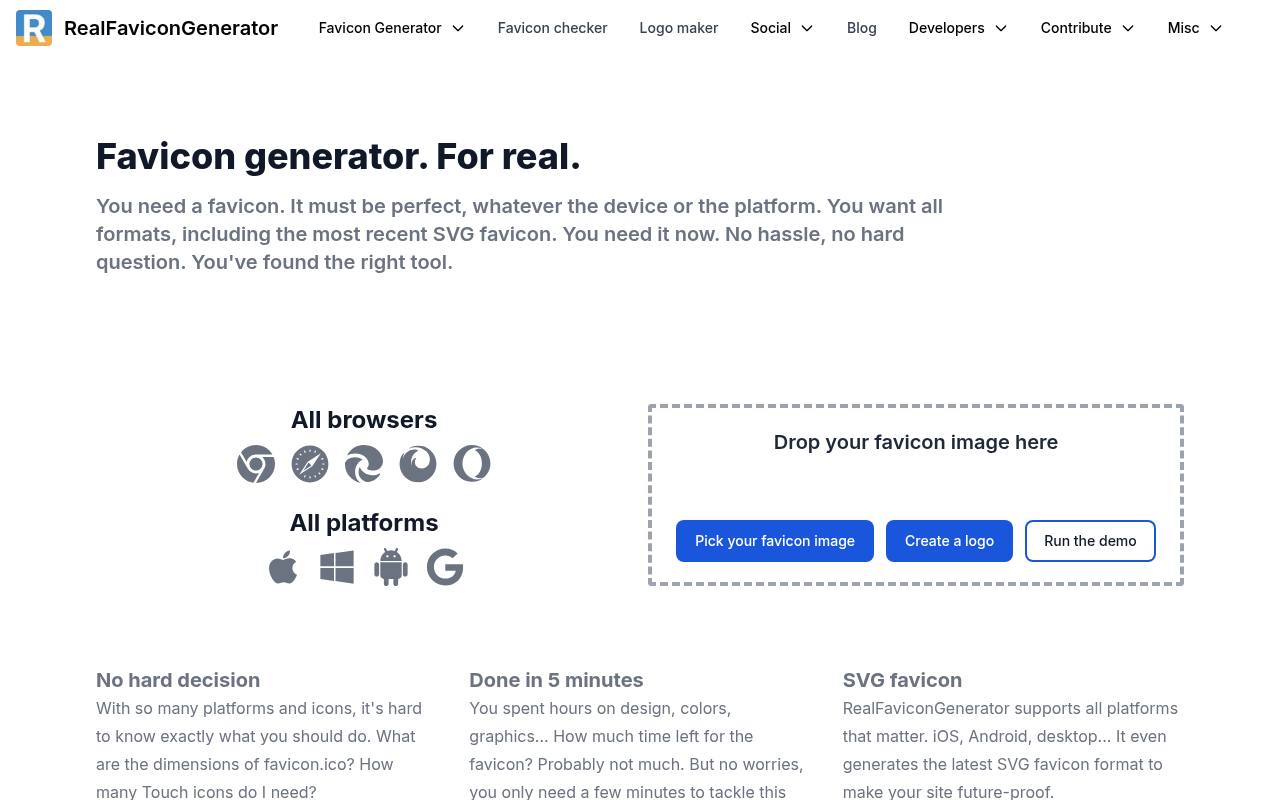
RealFaviconGenerator focuses on the places a website icon actually appears, including browser tabs, mobile shortcuts, and search results. Its platform previews help you see how artwork behaves before deployment, and it supports modern SVG favicon output alongside other website assets.
The service also produces HTML markup and provides a separate favicon checker for inspecting an installed site. Choose it when you want help with implementation, not just a resized image. Bring artwork you have permission to use; generating the files does not license the underlying logo.
- Type
- Web app
- Best for
- Cross-platform website icons with installation checks
- License
- Free generator; source artwork rights apply
- Price
- 100% free
favicon.io
Web app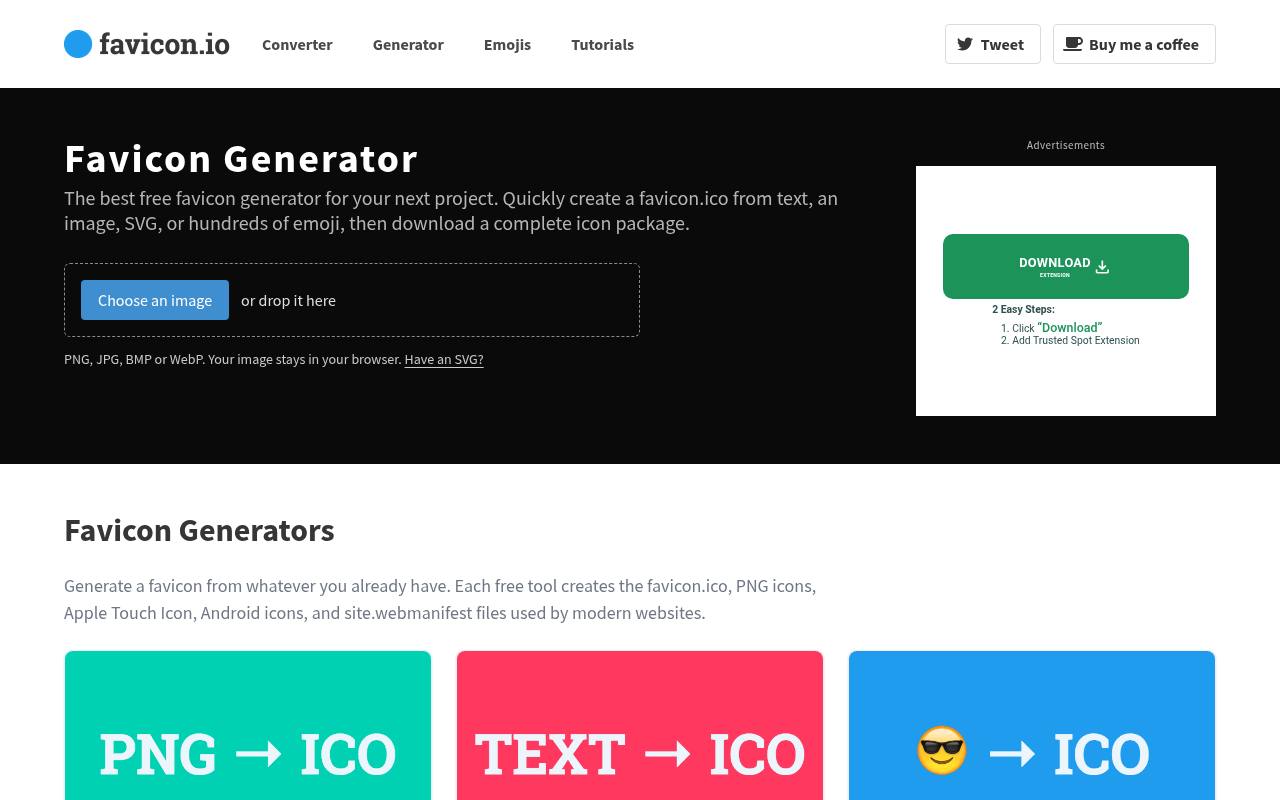
favicon.io offers separate starting points for an uploaded image, SVG artwork, text, and emoji. Its text favicon generator is useful for an initials-based placeholder when a finished brand symbol is not available. Downloads can include ICO and PNG files, Apple Touch and Android icons, and a web app manifest.
Emoji packages also include attribution files, so keep those materials with your project rather than assuming every symbol is unrestricted. This is a practical all-round option for small websites that need a coherent icon package without a full illustration workflow.
- Type
- Web app
- Best for
- Creating website icons from initials or emoji
- License
- Free tools; check emoji and font licenses
- Price
- 100% free
Favic-o-Matic
Web app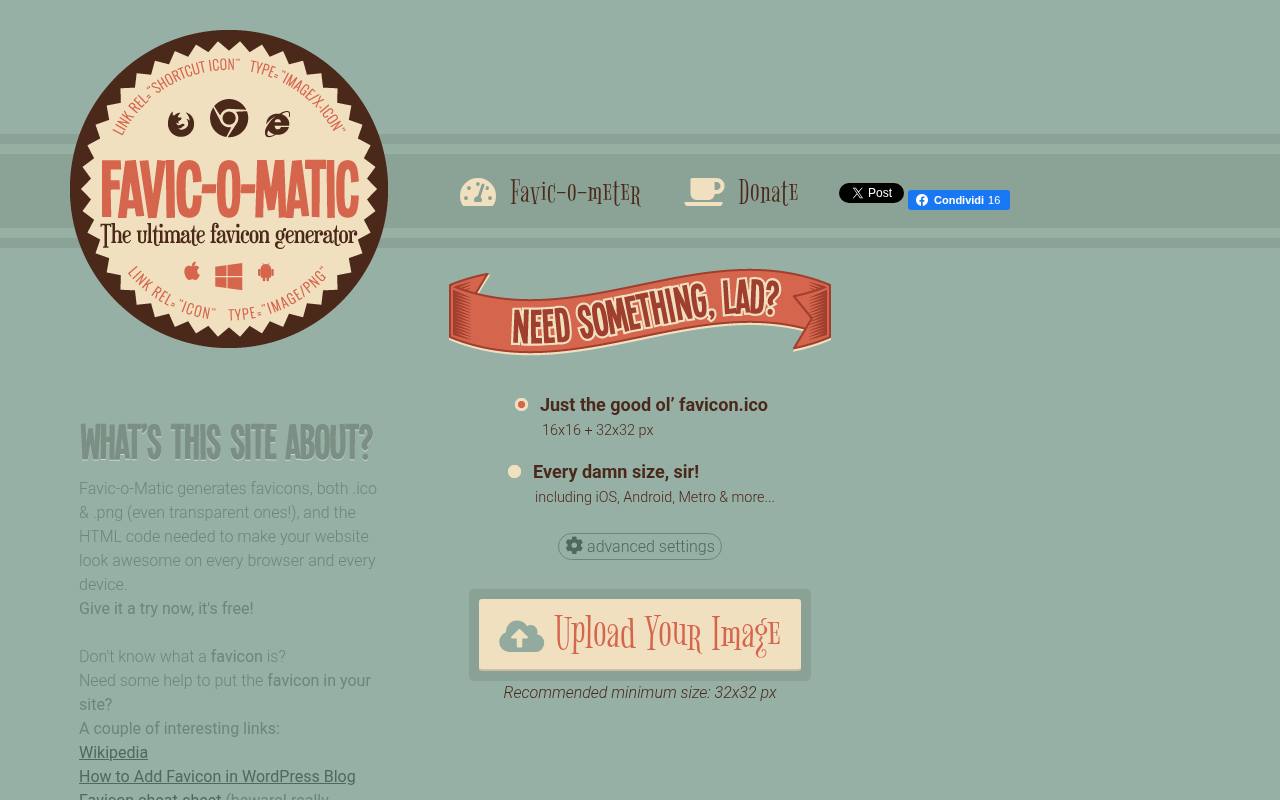
Favic-o-Matic lets you choose between a small classic favicon export and a much broader collection of sizes. Its advanced size settings expose individual dimensions, while the generator supports transparent ICO and PNG output and supplies website HTML code. That makes it helpful when maintaining an older website with explicit icon requirements.
Several labels reference legacy platforms, including Windows Metro, so do not interpret the longest preset as a current specification checklist. Use the minimal favicon option when all you need is a compact fallback, then add modern assets separately if necessary.
- Type
- Web app
- Best for
- Choosing minimal or extensive legacy icon bundles
- License
- Free generator; source artwork rights apply
- Price
- 100% free
favicon.cc
Web app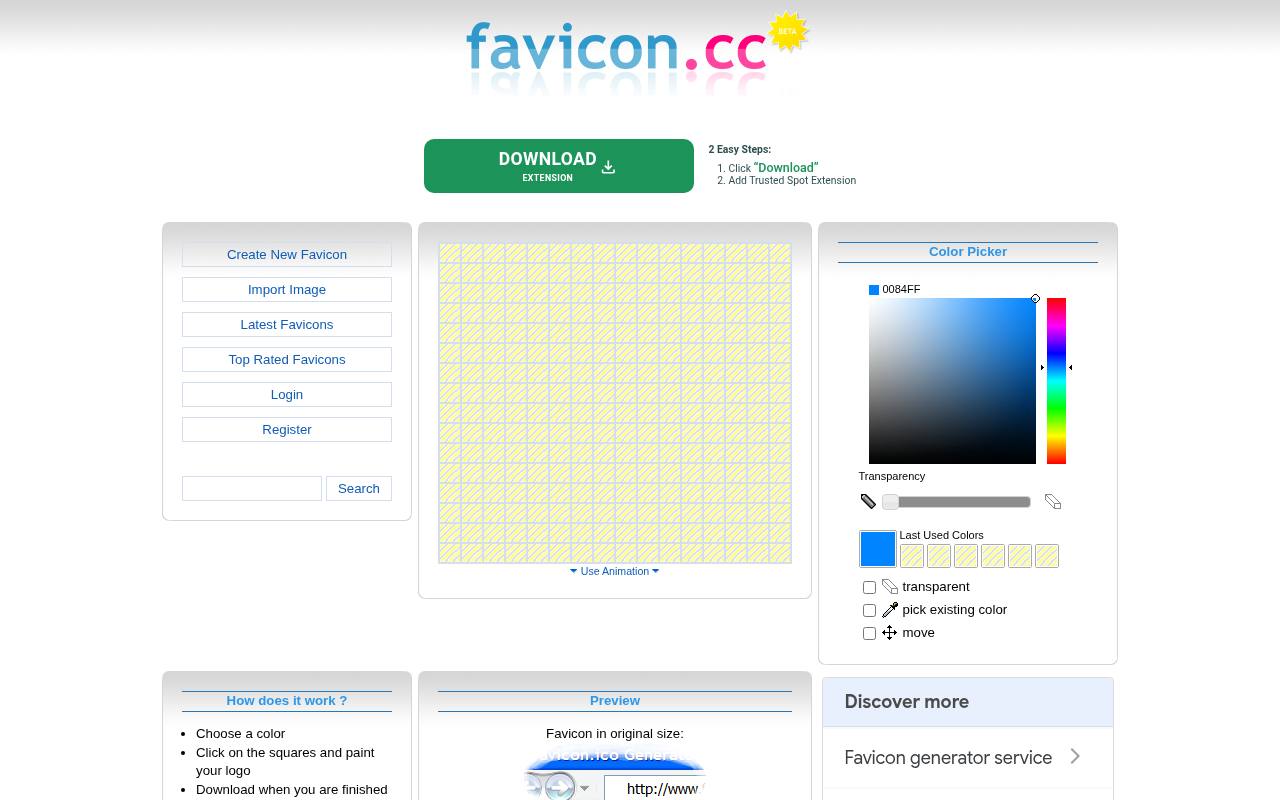
favicon.cc puts a pixel grid at the center of its workflow: select a color, paint squares, and inspect the original-size preview. You can also import an image, use transparency, and download a favicon.ico file. Its pixel drawing tools suit a deliberately simple symbol better than a detailed corporate wordmark.
The interface includes animation controls and community publishing, but a static favicon design remains the safer default across browsers. Publishing under an open license is a separate option; inspect the stated license before borrowing someone else's community icon.
- Type
- Web app
- Best for
- Drawing tiny pixel icons by hand
- License
- Free editor; published community icons have separate licenses
- Price
- 100% free
X-Icon Editor
Web app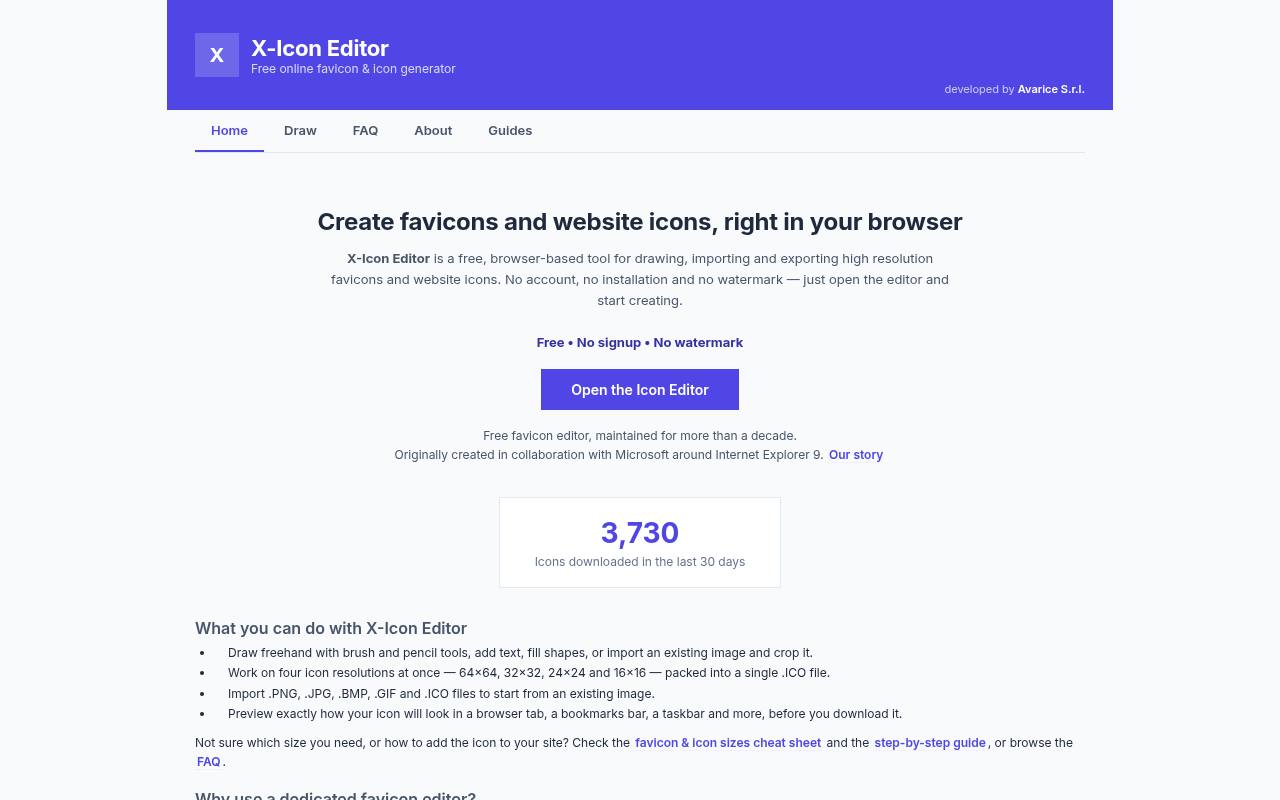
X-Icon Editor combines drawing tools with image importing and multi-resolution ICO export. It supports four working sizes—16, 24, 32, and 64 pixels—and can import PNG, JPG, BMP, GIF, and ICO files. The multi-resolution editor is useful when a small version needs deliberate adjustments rather than automatic shrinking.
Preview contexts include browser tabs, bookmarks, and a taskbar. The site states that there is no signup requirement or watermark. It also explains that images and drawings are temporarily sent to its server to generate the final ICO, rather than processed entirely locally.
- Type
- Web app
- Best for
- Editing multiple ICO resolutions in one place
- License
- Free editor; source artwork rights apply
- Price
- 100% free
RedKetchup
Web app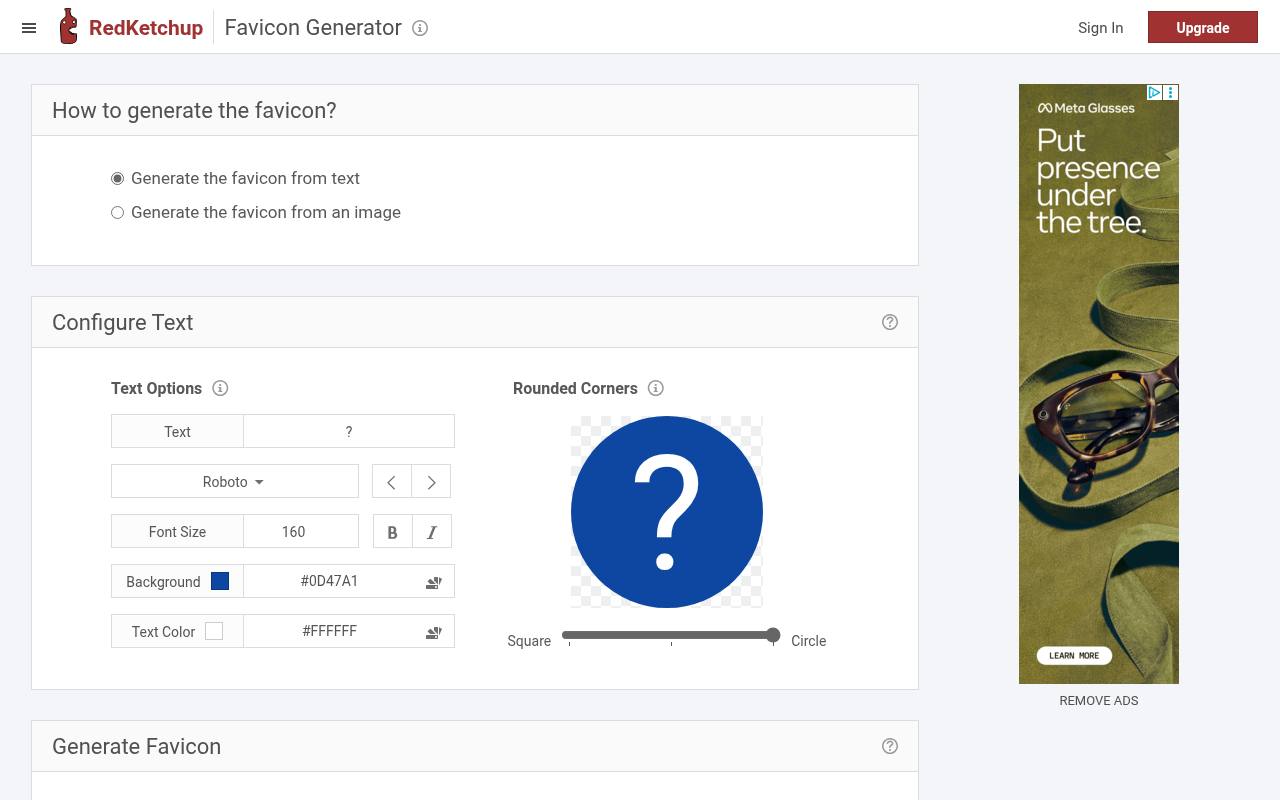
RedKetchup's favicon tool offers both text and image starting points, making it useful when the source is either an established mark or just a few letters. Its text styling controls cover colors, font, and corners, so you can shape a simple badge before producing the final files.
The generator provides favicon images in the required sizes and corresponding favicon HTML code for installation. Use the dedicated favicon page rather than a generic image resize workflow. Check the resulting package against your own website needs, and retain any font permissions relevant to your chosen text design.
- Type
- Web app
- Best for
- Customizing text icons and website export sizes
- License
- Free generator; source artwork and font rights apply
- Price
- 100% free
IconKitchen
Web app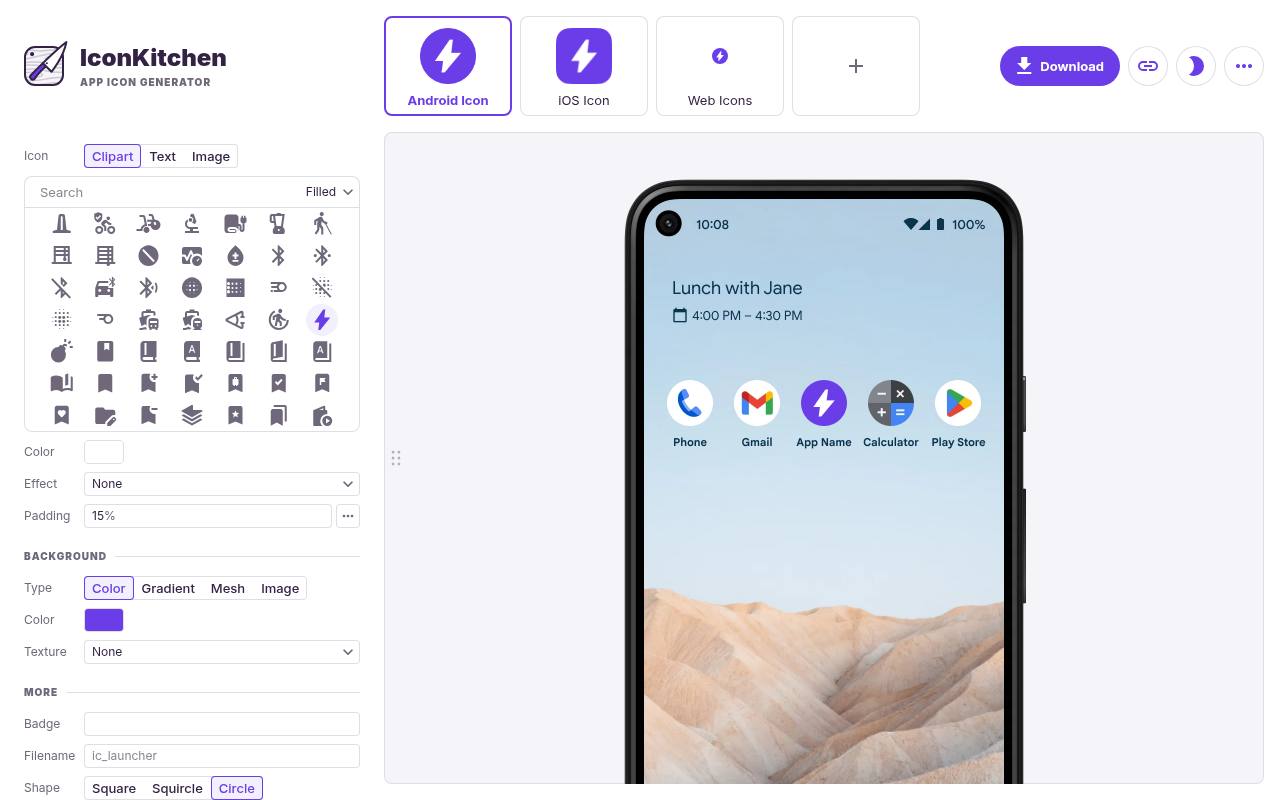
IconKitchen is a design-oriented alternative to tools that only resize an uploaded square. You can work with your own image or choose clipart, colors, textures, and other styling options to assemble an icon. Its scope includes Android adaptive icons as well as iOS, web, and macOS assets.
That makes launcher icon design a more visual process, especially when you need to compare treatments across platforms. Use the Android adaptive icon workflow to think about cropping and safe space, and check permissions for any built-in artwork or fonts before distributing a finished product.
- Type
- Web app
- Best for
- Designing launcher icons with cross-platform previews
- License
- Free tool; check selected artwork and font licenses
- Price
- 100% free
EasyAppIcon
Web app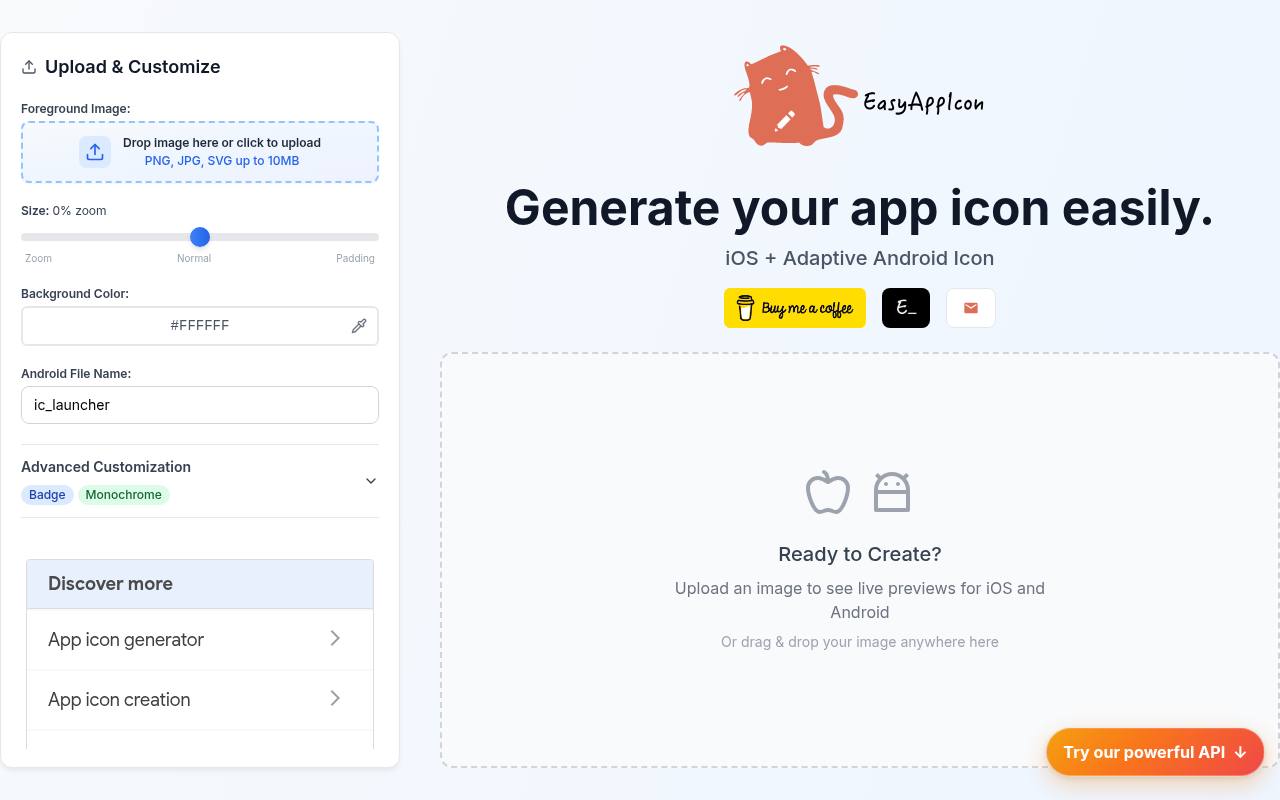
EasyAppIcon accepts PNG, JPG, and SVG uploads and displays iOS and Android previews while you adjust the foreground image. Its adaptive Android icons workflow includes padding controls, and Android output can use PNG or WebP while iOS output remains PNG. The interface also offers monochrome icon customization.
Downloaded ZIP files organize assets for integration, including an Xcode asset catalog for the iOS side. The site describes the tool as free to use. Treat the previews as a starting point, then check your launcher masks and project settings in the actual development environment.
- Type
- Web app
- Best for
- Preparing iOS and adaptive Android assets together
- License
- Free tool; source artwork rights apply
- Price
- 100% free
AppIcon
Web app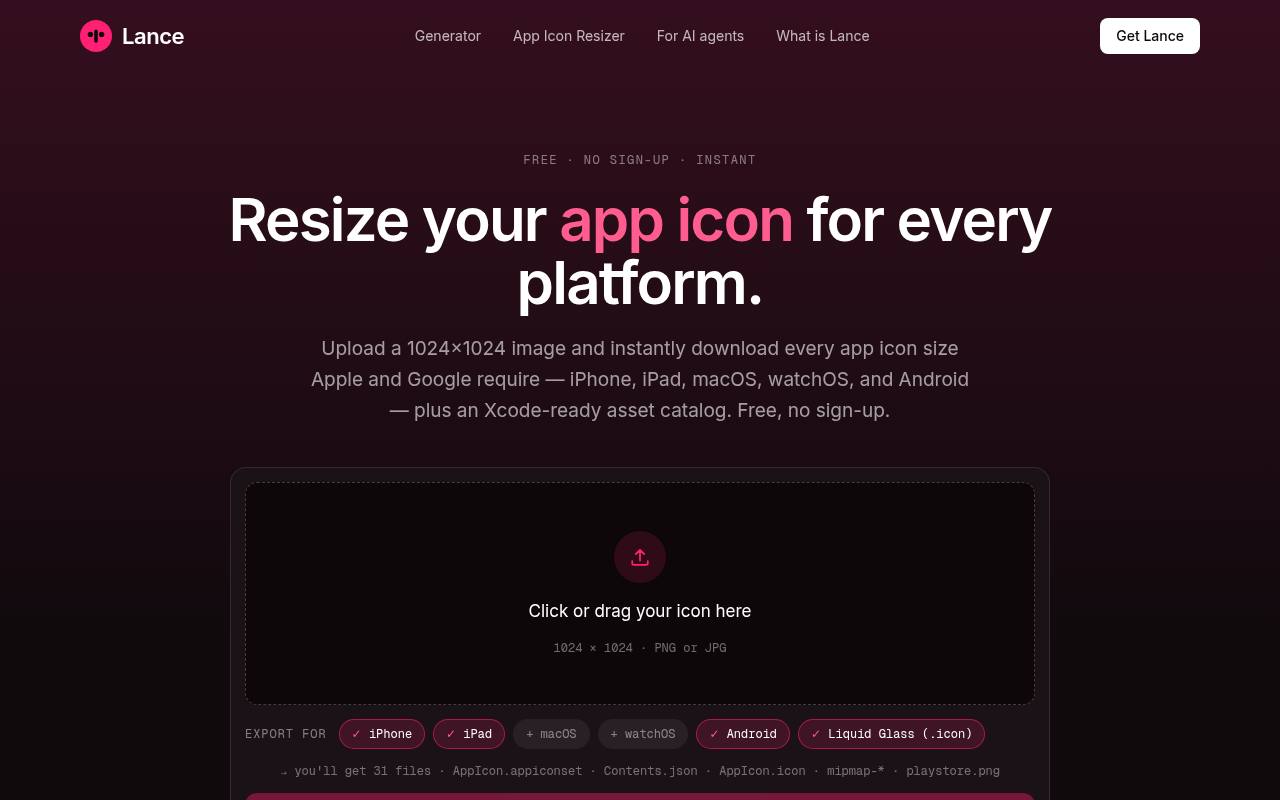
AppIcon's dedicated resizer is the useful starting point when your artwork is already finished. Upload a 1024-by-1024 PNG or JPG, choose platform exports, and download a ZIP of the resulting assets. The page lists iPhone, iPad, macOS, watchOS, and Android options, including an AppIcon asset catalog with Contents.json and Android resource files.
It advertises free icon resizing with no signup. Use this path instead of its separate AI artwork generator when you need predictable conversion of an approved brand mark, and verify the selected exports against your project configuration.
- Type
- Web app
- Best for
- Resizing finished artwork into native app packages
- License
- Free resizer; source artwork rights apply
- Price
- 100% free
Favicon InBrowser.App
Web app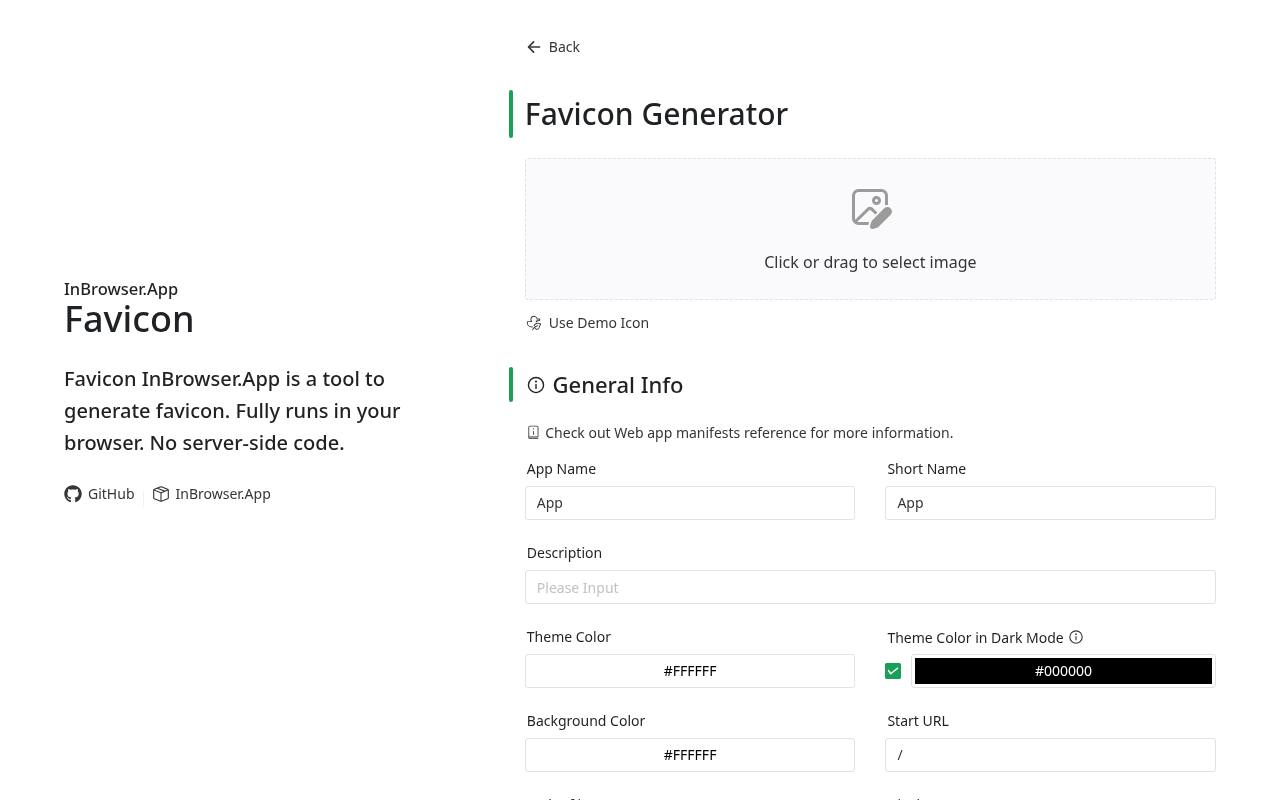
Favicon InBrowser.App describes its workflow as running fully in your browser with no server-side code. Its generator separates desktop and search icons, iOS Web Clips, and PWA assets, including both ordinary and maskable purposes. The local processing workflow is especially appealing when you prefer not to upload an unreleased mark.
Output includes a downloadable asset ZIP, HTML references, and manifest-related settings. It also describes lossless optimization using oxipng and svgo. Pay attention to maskable icon margins, since artwork that looks comfortable in a square can still be clipped by a launcher mask.
- Type
- Web app
- Best for
- Generating modern PWA assets with local processing
- License
- Free browser tool; source artwork rights apply
- Price
- 100% free
Choose a generator by destination
For a standard website, prioritize favicon file packages, installable markup, and a way to inspect the deployed result. For a native app, prioritize folder structure and compatibility with Xcode or Android Studio.
Pixel editors solve another problem: making a small mark readable rather than exporting every platform size. Picking by destination keeps the workflow short and prevents a large download from looking more useful than it actually is.
Simplify the artwork before resizing
Start with a square composition and a clear focal point. Remove taglines, thin borders, and tiny decorative elements that disappear at tab size. A small icon preview should still communicate the same basic shape as the larger version.
If a wordmark becomes an unreadable stripe, use an approved symbol or initial instead. Keep a high-quality master outside the generator so that future exports do not depend on enlarging an already reduced PNG.
Understand ICO, PNG, and SVG output
An ICO can contain multiple raster sizes, while PNG is useful for predictable pixel-based exports and mobile home-screen images. An SVG favicon can stay crisp across resolutions, but it is not a universal replacement for every app or touch icon asset.
A manifest is metadata that points to files; it is not an image format. Read the generated markup and keep each referenced file in the location your website will actually serve.
Separate free access from artwork rights
A free icon generator removes the tool fee, not the legal obligations attached to your input. Your own original artwork is different from a downloaded symbol, a licensed font, or a community-published icon.
Check the specific asset license for commercial use, attribution, and modification conditions. Save relevant license text with the source files. Conversion does not transfer trademark rights, and a freely downloadable symbol does not automatically become an exclusive identity for your business.
Test contrast and launcher cropping
Preview the icon against both light and dark surroundings, not only the generator's default canvas. Clear edges and a recognizable silhouette often matter more than small color differences. For Android adaptive icons, leave breathing room around important content and test several masks.
A tiny icon should never be the only way users identify an action or destination; visible labels and accessible names still matter in the surrounding interface. Also inspect touch icons on a real device when possible.
Install only the assets you need
Extract the download, inspect the filenames, and upload the relevant assets before adding their references. Check paths carefully if the site runs in a subdirectory or uses a framework with its own metadata system.
Avoid stacking duplicate favicon declarations from a theme, plugin, and manually pasted snippet. Extra legacy exports are not automatically harmful, but they add maintenance clutter. Keep the package consistent with the site's actual configuration rather than copying every available tag without understanding it.
Why does an old favicon still appear?
Browsers and home-screen shortcuts can retain old icon files after a deployment. First confirm that the live URL returns the new image, then check the page source and manifest for outdated references.
A favicon cache issue is easier to diagnose once you have ruled out incorrect paths and duplicate declarations. Try a clean browsing session or remove and recreate a saved shortcut. Do not repeatedly redesign the artwork when the displayed file is simply an older cached copy.
Keep an export record for future updates
Store the approved master, the generated package, and a short note about where each asset was installed. Revisit app icon exports when the brand changes or platform requirements shift, rather than assuming an old size list will remain sufficient indefinitely.
For handoff, include the manifest and integration notes alongside the images. This small amount of documentation makes a future refresh faster and helps another designer or developer reproduce the same result without guessing which files were used.