
A letterhead turns an ordinary page into recognizable business correspondence. The right layout gives your logo, company name, and contact details a consistent home without distracting from the message.
These free letterhead templates offer starting points for client letters, formal notices, and everyday office communication. Some sources focus on editable documents; others provide browser-based design tools or coordinated stationery layouts that you can adapt to an existing visual identity.
The most useful free stationery templates are the ones your team can actually maintain. An elaborate design is less helpful if every address change requires software nobody owns.
Before choosing a layout, decide who will edit it, how often it will be printed, and whether colleagues need to write multipage letters. Those decisions will usually narrow your options faster than browsing colors, decorative borders, or fashionable typography alone.
This selection includes business letterhead templates for different working styles, from straightforward Word files to visual editors and downloadable design resources. Free availability does not make every asset unrestricted: premium elements, account requirements, and template-specific permissions can still apply.
Follow each source link to inspect the current offer, then keep a copy of the relevant terms with your downloaded files. The practical notes below will help you choose and prepare a usable master document.
Quick picks at a glance
| # | Resource | License | Best for |
|---|---|---|---|
| 1 | Brother Creative Center | Free templates; Brother site terms apply | Creating printable letterheads without desktop design software |
| 2 | Used to Tech | Free download; confirm terms for redistribution or client delivery | Editing a minimal letterhead in Microsoft Word |
| 3 | Stelaah | Free for your own use; no sharing or resale of files | Choosing restrained layouts in A4 and Letter |
| 4 | WordLayouts | Free templates; review individual download and usage terms | Comparing geometric and industry-specific letterhead designs |
| 5 | TemplateLab | Free downloads; source terms and font licenses apply | Browsing letterhead examples with several format options |
| 6 | StockLayouts | Free sample template; StockLayouts license applies | Starting with coordinated letterhead and envelope artwork |
| 7 | Canva | Free content under Canva terms; Pro assets may cost extra | Customizing visual letterheads with drag-and-drop editing |
| 8 | Adobe Express | Free assets under Adobe terms; premium content excluded | Building branded pages in a visual editor |
| 9 | Template.net | Free options available; account, plan, and template terms apply | Finding letterhead layouts for specific business sectors |
| 10 | Samplewords | Free download; confirm permissions for redistribution or client delivery | Adapting straightforward letterhead files for office correspondence |
Brother Creative Center
Online templates
Brother Creative Center has a dedicated collection of free printable letterheads for business correspondence. The page connects template browsing with a create, customize, and print workflow, making it a practical choice when your priority is producing a finished sheet rather than collecting design files.
Its accompanying advice emphasizes a clear logo, readable typography, and restrained graphics. Start here for simple corporate stationery, then test your chosen layout on the printer you intend to use. Do not assume that a design extending toward the page edge will print borderlessly on ordinary office equipment.
- Type
- Online templates
- Best for
- Creating printable letterheads without desktop design software
- License
- Free templates; Brother site terms apply
- Price
- Free
Used to Tech
Word and PDF files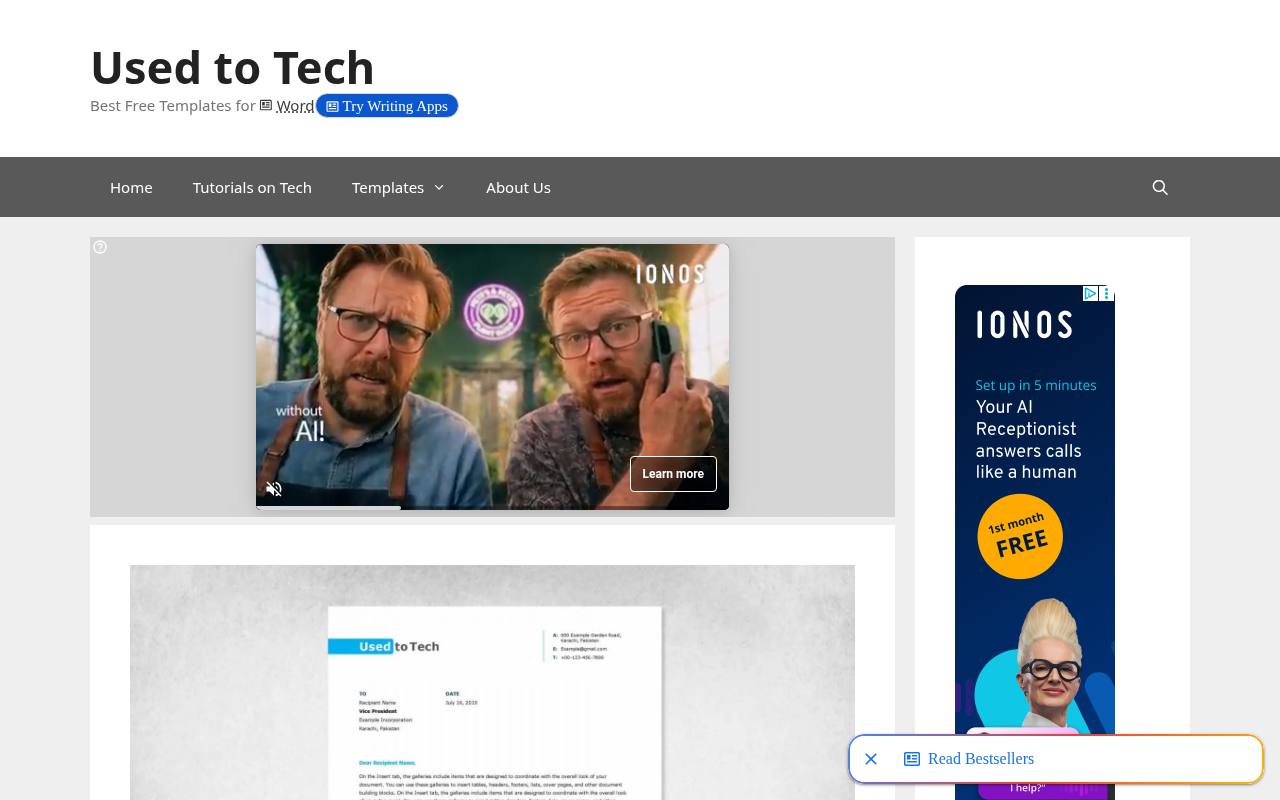
Used to Tech offers a specific clean Word letterhead rather than sending you through a large mixed catalog. The source identifies Microsoft Word and Adobe PDF formats, US Letter paper, and the Verdana font. It also describes the layout as fully adjustable, with editable styling for rebranding.
That combination suits anyone who wants editable office stationery with familiar typography and a restrained appearance. Replace the sample identity, check the header spacing, and save a separate working master. The download page does not establish broad resale rights, so avoid treating the file as a redistributable product.
- Type
- Word and PDF files
- Best for
- Editing a minimal letterhead in Microsoft Word
- License
- Free download; confirm terms for redistribution or client delivery
- Price
- Free
Stelaah
DOCX template pack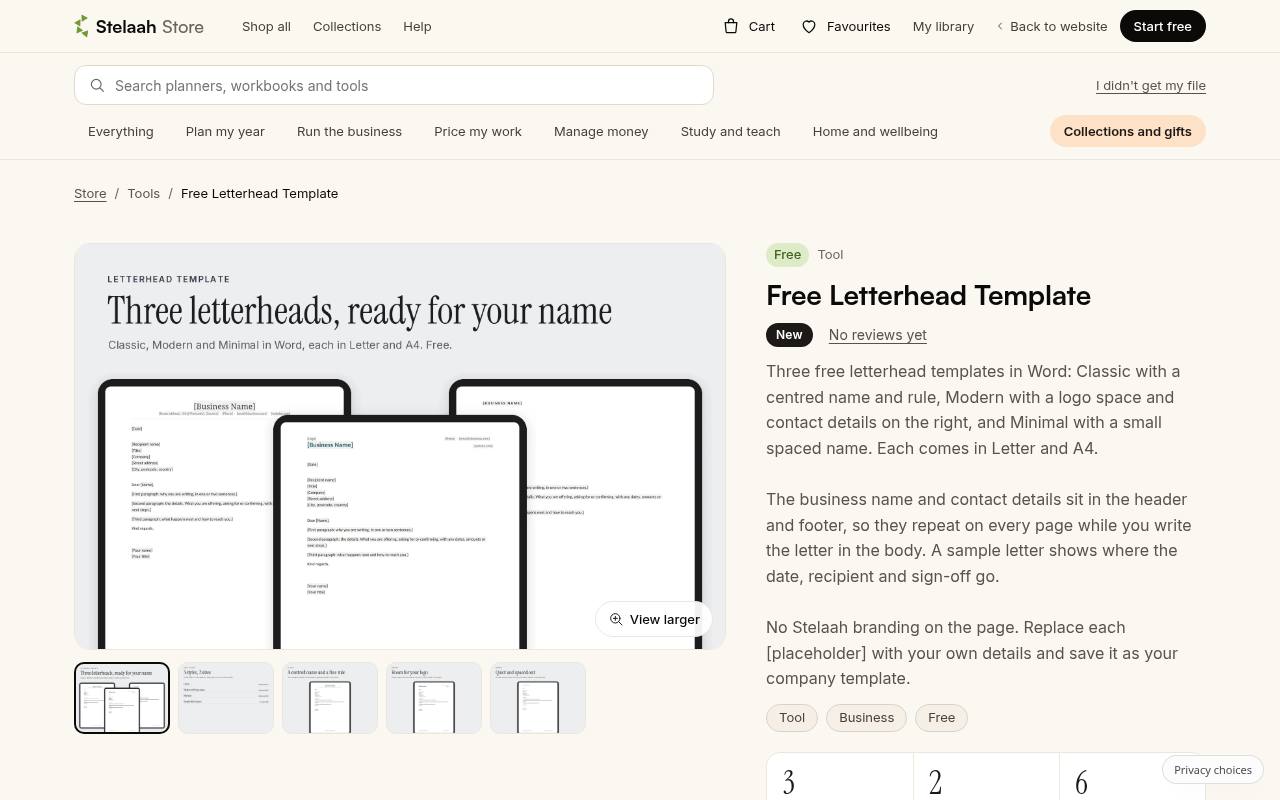
Stelaah packages three free Word letterhead styles: Classic, Modern, and Minimal. Each comes in US Letter and A4, giving you six documents in a single download. Company information sits in the header and footer so it can repeat while the letter itself stays in the document body.
The Modern option includes a logo space, while the other styles favor typographic restraint. Stelaah lists compatibility with Word, Google Docs, and Pages. Its own-use license explicitly says not to share or resell the files, which matters if you are preparing materials for someone else.
- Type
- DOCX template pack
- Best for
- Choosing restrained layouts in A4 and Letter
- License
- Free for your own use; no sharing or resale of files
- Price
- Free
WordLayouts
Editable document templates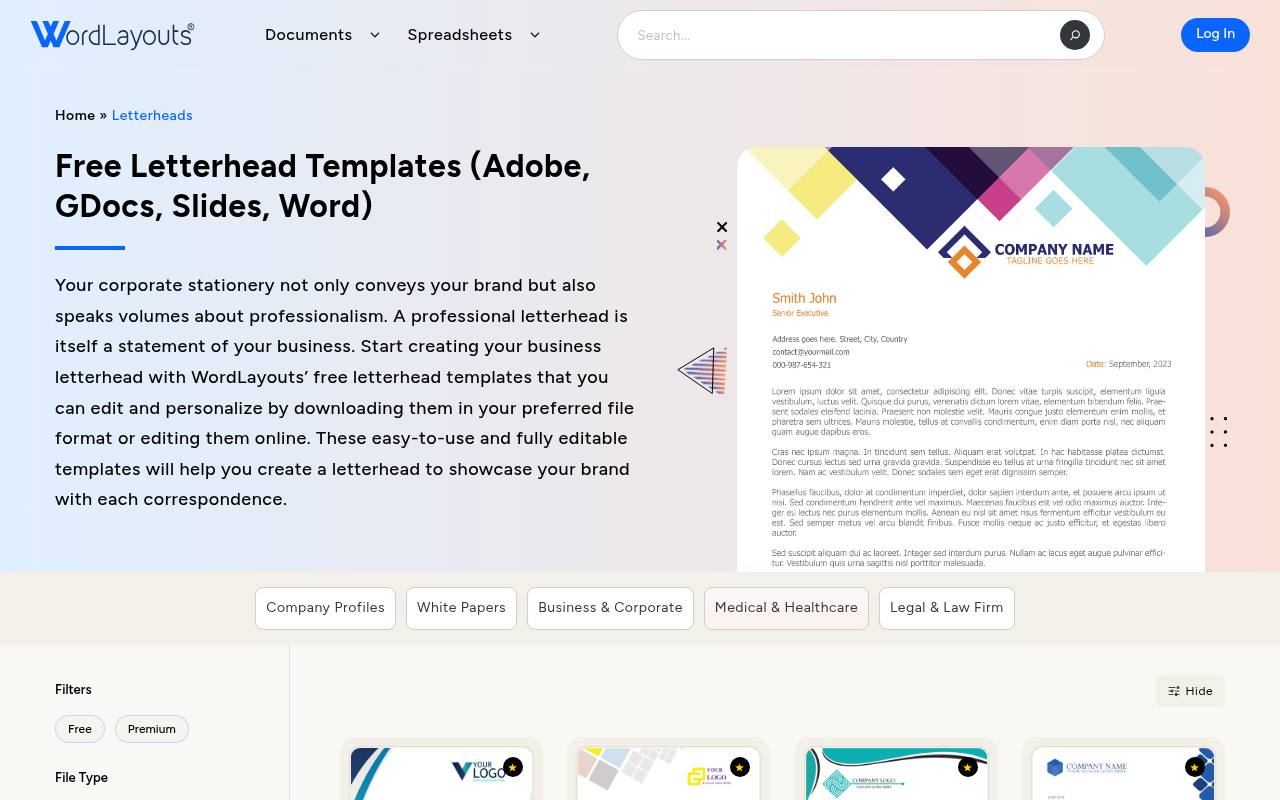
WordLayouts organizes its free letterhead collection around named designs such as BlueEdge Corporate, GeoGradient Professional, and Minimalist Pink Accent. The category describes editable templates and lists Adobe, Google Docs, Slides, and Word options, making it worth checking when your team has a specific editing environment.
Available formats should be confirmed on the individual design rather than assumed for the whole catalog. Look here for geometric business layouts and distinctive accent treatments, then simplify any decoration that competes with your correspondence. Check the selected template’s terms before using it in client deliverables.
- Type
- Editable document templates
- Best for
- Comparing geometric and industry-specific letterhead designs
- License
- Free templates; review individual download and usage terms
- Price
- Free
TemplateLab
Downloadable template collection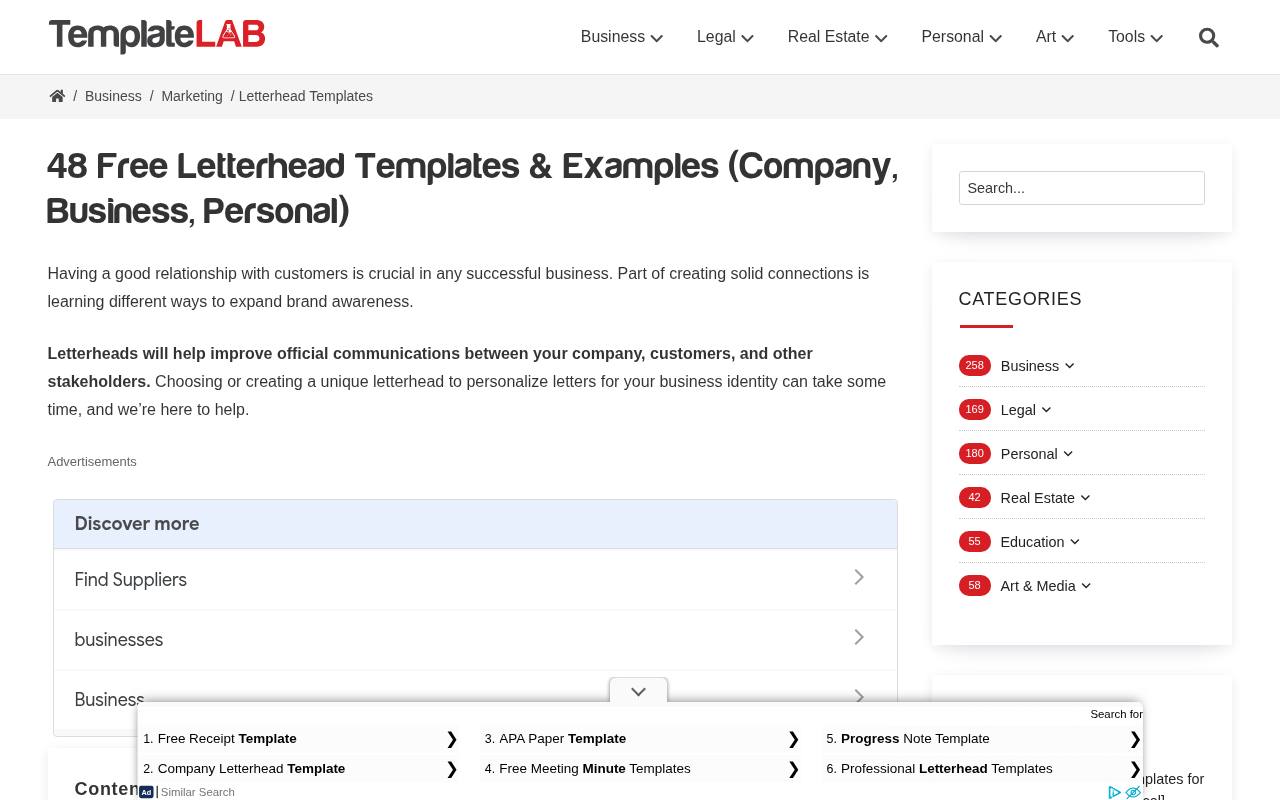
TemplateLab combines a substantial letterhead template collection with explanations of what belongs on a business letterhead. Its download listings include options labeled Word, PowerPoint, PDF, Photoshop, and fonts, although you should inspect the specific design you choose.
This makes the page useful when you want to compare layouts before committing to an editing workflow. Treat the downloadable font files as separate assets whose permissions still need checking. For daily correspondence, favor a version that preserves editable text and stable margins instead of selecting solely on the appearance of its preview.
- Type
- Downloadable template collection
- Best for
- Browsing letterhead examples with several format options
- License
- Free downloads; source terms and font licenses apply
- Price
- Free
StockLayouts
Multiformat stationery layout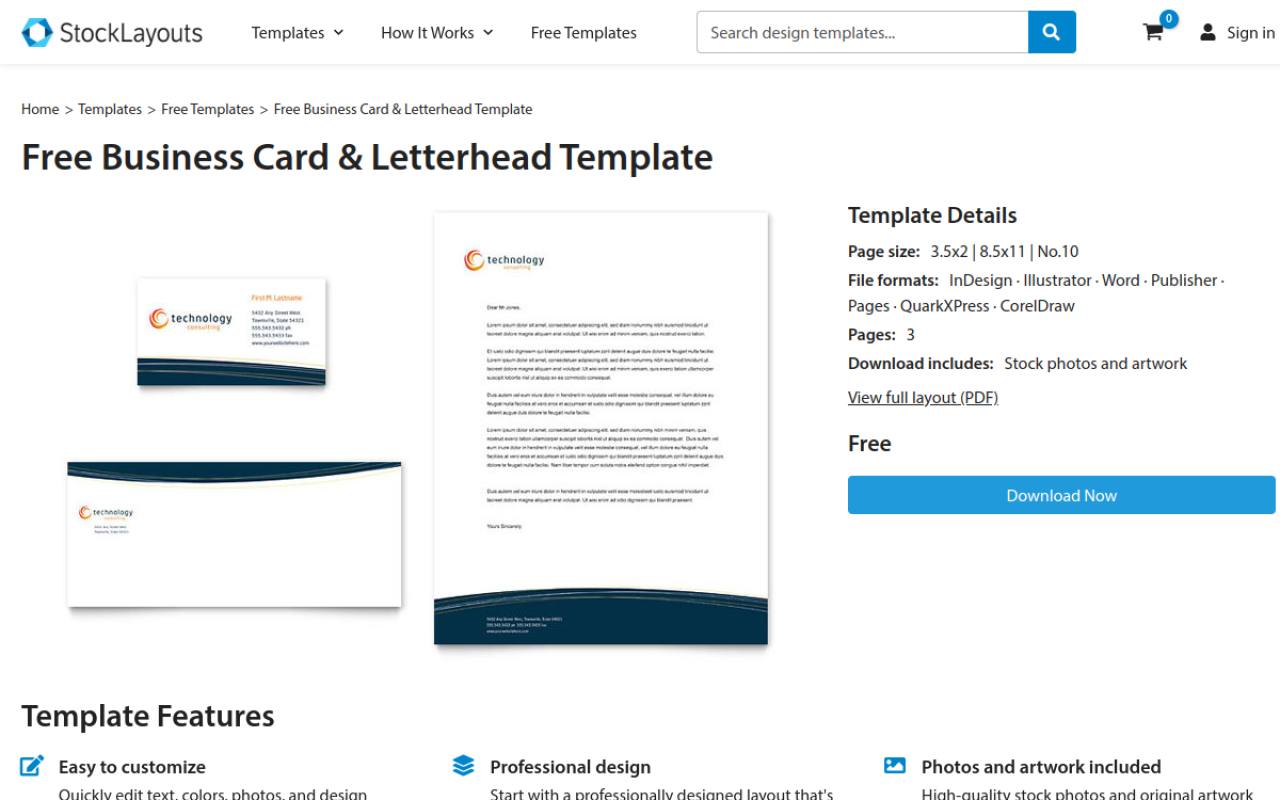
StockLayouts provides a free stationery sample that pairs business-card and letterhead artwork rather than presenting only a standalone page. The listing specifies letterhead, card, and No. 10 envelope dimensions, with formats including InDesign, Illustrator, Word, Pages, and others. It also identifies included stock photos and artwork.
Use this sample to explore coordinated business correspondence without confusing it with the site’s paid catalog. Confirm the available download format and applicable license at the source, especially before sharing editable files with a client or incorporating included artwork into other branding materials.
- Type
- Multiformat stationery layout
- Best for
- Starting with coordinated letterhead and envelope artwork
- License
- Free sample template; StockLayouts license applies
- Price
- Free sample + paid templates
Canva
Browser design editor
Canva’s letterhead template gallery covers minimalist business layouts, corporate designs, and more specialized styles such as legal or medical correspondence. You can begin with a template and personalize the page using its visual editor, which is convenient when you want to position a logo and color accents without desktop publishing software.
The collection mixes free and premium content, so check every selected element before export. For free business stationery, stay with free assets and review the final download options. Printed products are a separate purchase, not a requirement for working with a digital design.
- Type
- Browser design editor
- Best for
- Customizing visual letterheads with drag-and-drop editing
- License
- Free content under Canva terms; Pro assets may cost extra
- Price
- Free + Pro
Adobe Express
Browser design editor
Adobe Express has a dedicated free letterhead templates destination, with separate business and personal categories also available. It is a useful alternative when you prefer a browser design workflow to editing page furniture inside Word. Start with a free layout, replace the sample identity, and check which assets remain available on your plan before downloading.
The free editing workflow should not be confused with unlimited access to premium templates or content. Review export settings carefully and retain an editable copy, since a finished visual page is not necessarily a reusable word-processing template.
- Type
- Browser design editor
- Best for
- Building branded pages in a visual editor
- License
- Free assets under Adobe terms; premium content excluded
- Price
- Free + Premium
Template.net
Online and downloadable templates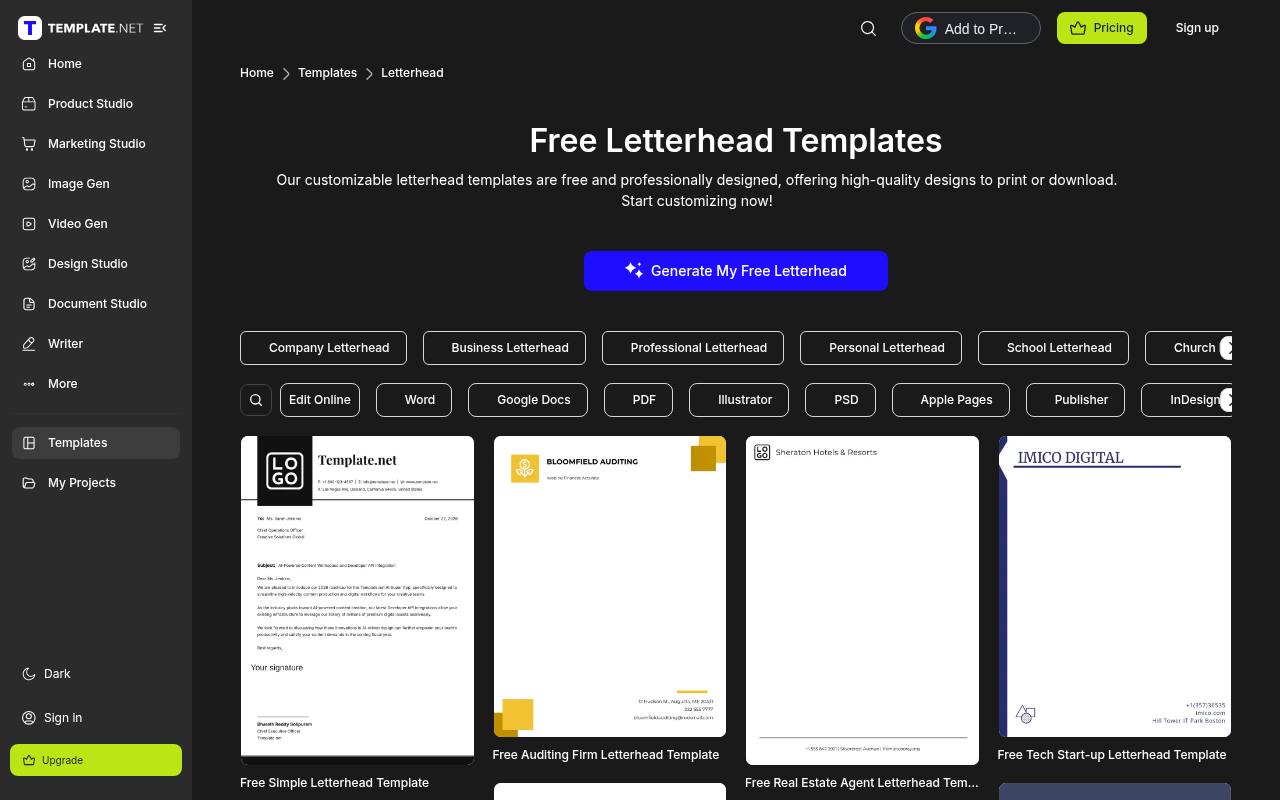
Template.net groups free letterhead templates into highly specific categories, including company, church, school, hospital, law firm, and personal correspondence. The page lists online editing alongside formats such as Word, Google Docs, PDF, and Adobe applications.
That breadth is helpful for discovering a suitable structure, but format availability and download access should be checked on the selected template. Focus on clearly marked free options rather than assuming every result or export is included. Remove sample credentials and organization details completely, particularly when adapting layouts intended for regulated professions or official institutions.
- Type
- Online and downloadable templates
- Best for
- Finding letterhead layouts for specific business sectors
- License
- Free options available; account, plan, and template terms apply
- Price
- Free + paid plans
Samplewords
Word document templates
Samplewords offers four versions of simple business letterhead in a focused download collection. The source identifies Microsoft Word as the editing format and explains that the files can be customized with your business information. Its emphasis is practical office correspondence rather than a large catalog of decorative themes.
Choose this resource when you want editable Word stationery that can be adapted without learning a visual design application. Review each version for suitable spacing, replace all sample details, and confirm any permissions needed beyond using the customized document for your own correspondence.
- Type
- Word document templates
- Best for
- Adapting straightforward letterhead files for office correspondence
- License
- Free download; confirm permissions for redistribution or client delivery
- Price
- Free
Choose the editing workflow first
For routine office use, Word letterhead templates are often easier to maintain than flattened artwork. Staff can write in the document body while the identity stays in the header and footer.
Browser editors suit visually designed one-page communications. Desktop publishing files make sense when a designer controls production. Select the format your actual editor can open reliably, not the format that sounds most professional.
Separate free access from usage rights
A free template download is a price statement, not permission to resell or redistribute the source. Check whether business use, client work, editable handoff, and included artwork are covered.
Fonts may have their own terms even when they arrive in the same archive. Save a dated copy of the relevant license, and ask the publisher when your intended use is not clearly addressed.
Set the correct paper size
Choose A4 or US Letter before adjusting margins or placing a logo. Resizing afterward can shift line breaks and squeeze footer details. If a printer needs bleed, request its specifications rather than guessing.
For office printing, keep essential information away from the edges: many desktop printers leave an unprinted border even when the screen preview appears to fill the sheet.
Make the identity consistent, not crowded
Effective branded business stationery repeats a few recognizable decisions: logo placement, a restrained accent color, and a dependable type hierarchy. It does not need every brand asset on the same page.
Include the contact details recipients actually need and any required legal information. Keep decorative shapes subordinate to the letter, and verify that the design still looks clear when printed in grayscale.
Prepare a dependable editable master
Keep an editable master file separate from letters you send. Replace sample names, addresses, website links, and placeholder registration details before saving it. Test a second page, a long recipient address, and a lengthy sign-off.
In a word processor, make sure writing more text does not push the logo into the body or create an empty final page. Name versions clearly so colleagues use the current identity.
Export and proof the finished document
Use a PDF proof to inspect the document outside its editing application. Check logo sharpness, missing characters, page size, clickable contact links, and unexpected font substitutions.
Print one real sample before ordering a batch. For digital correspondence, preserve selectable text where possible rather than turning the whole letter into an image; that supports searching, copying, and more accessible reading workflows.
Can a free layout work for client projects?
Yes, when the template license permits the intended work and the file is fit for delivery. Do not promise exclusive ownership of a stock layout, and avoid handing over reusable source files unless redistribution is allowed.
Explain which assets came from third parties. If permissions are narrow or unclear, choose another resource or build an original layout using the client’s approved logo and typography.
Do you need matching stationery pieces?
Not always. Start with consistent letterhead design and expand only when there is a real use case, such as printed envelopes or a short enclosure note.
Matching pieces should share alignment and typography rather than copy every decorative element. This keeps the system flexible and economical, especially for a small business that sends most correspondence digitally and prints only occasionally.