
A logo maker is only useful when the finished file fits your business. Some free logo makers provide a transparent image or a scalable vector without payment. Others offer a small download, restrict commercial use, or charge when you need production files.
Before adjusting colors for an hour, check what you can actually export and whether that export is suitable for a public business launch rather than a private experiment.
This selection focuses on creating your own logo, not downloading collections of existing company symbols. You will find generators that suggest designs from a business name, editors with manual layout controls, and simpler tools for testing an idea.
Each entry separates the free download from paid upgrades. That distinction matters more than how many sample designs appear on the opening screen, especially when your startup has no budget for unexpected checkout steps.
For a practical small business logo, prioritize readable lettering, a clean silhouette, and permission to use the underlying elements. Namecheap and Zarla are useful starting points for free SVG files; Adobe Express offers straightforward image downloads.
Several other options suit smaller digital placements or early experiments. The final two entries have important free-use restrictions, so treat them as evaluation tools rather than assuming every free preview is ready for commercial branding.
Quick picks at a glance
| # | Resource | License | Best for |
|---|---|---|---|
| 1 | Namecheap | Free downloads; review icon and font rights | Startups needing both raster and scalable logo files |
| 2 | Adobe Express | Free logo downloads; premium editor assets have separate terms | Quick generated logos with downloadable image files |
| 3 | Shopify | Free AI-generated logos; users must review outputs | Entrepreneurs wanting a quick business-name starting point |
| 4 | Zarla | Free downloads; check suitability and third-party rights | Small businesses seeking free watermark-free vector output |
| 5 | Canva | Free-content exports; stock assets and templates are nonexclusive | Hands-on editing for a simple digital wordmark |
| 6 | FreeLogoDesign | Free low-resolution download; higher-resolution files paid | Small digital placements with a transparent background |
| 7 | LOGO.com | Free plan includes commercial use; one saved logo | One business identity with free transparent PNG exports |
| 8 | VistaPrint | Free logo files; extra generation packs and design help cost extra | Businesses needing downloadable files for digital and print |
| 9 | Logomak | Free simple PNG designs; partner logos may require payment | Testing a simple text-led identity and color direction |
| 10 | DesignEvo | Free low-resolution evaluation; help center excludes commercial use | Noncommercial experiments before purchasing business-ready logo files |
Namecheap
Web app
Namecheap's logo maker combines font choices, colors, and icons into suggested designs, then lets you adjust the result. Its standout benefit is free PNG and SVG delivery without a watermark, rather than a free editor followed by a mandatory purchase.
A Namecheap account is needed to download your work, but buying a domain is not the purpose of this step. Enter your own hex colors when consistency matters. The included scalable logo file makes this a sensible first stop for businesses expecting both website and print applications.
- Type
- Web app
- Best for
- Startups needing both raster and scalable logo files
- License
- Free downloads; review icon and font rights
- Price
- 100% free
Adobe Express
Web app
Adobe Express asks for your business name, industry, and preferred style, then generates options around an icon you select. You can download your logo free or take it into the broader editor for further adjustments. The logo maker advertises PNG and JPG files, which are practical for website headers and everyday digital materials.
Its dedicated PNG page also describes transparent-background output. Keep premium templates and assets separate from the free generator workflow: the existence of a paid Express plan does not mean you must subscribe for the basic logo download.
- Type
- Web app
- Best for
- Quick generated logos with downloadable image files
- License
- Free logo downloads; premium editor assets have separate terms
- Price
- Free + Premium
Shopify
Web app
Shopify's current logo tool starts with your brand name and offers free AI-generated logos that you can customize. It is a business-focused starting point rather than a collection of famous brand icons.
The page presents the resulting logos as usable on a store, social media, or elsewhere you do business; it does not frame a paid store subscription as the logo purchase price. However, avoid assuming older Hatchful export bundles still describe this interface. Check the current download options directly, and review generated results for accuracy and rights before publishing.
- Type
- Web app
- Best for
- Entrepreneurs wanting a quick business-name starting point
- License
- Free AI-generated logos; users must review outputs
- Price
- Free tool
Zarla
Web app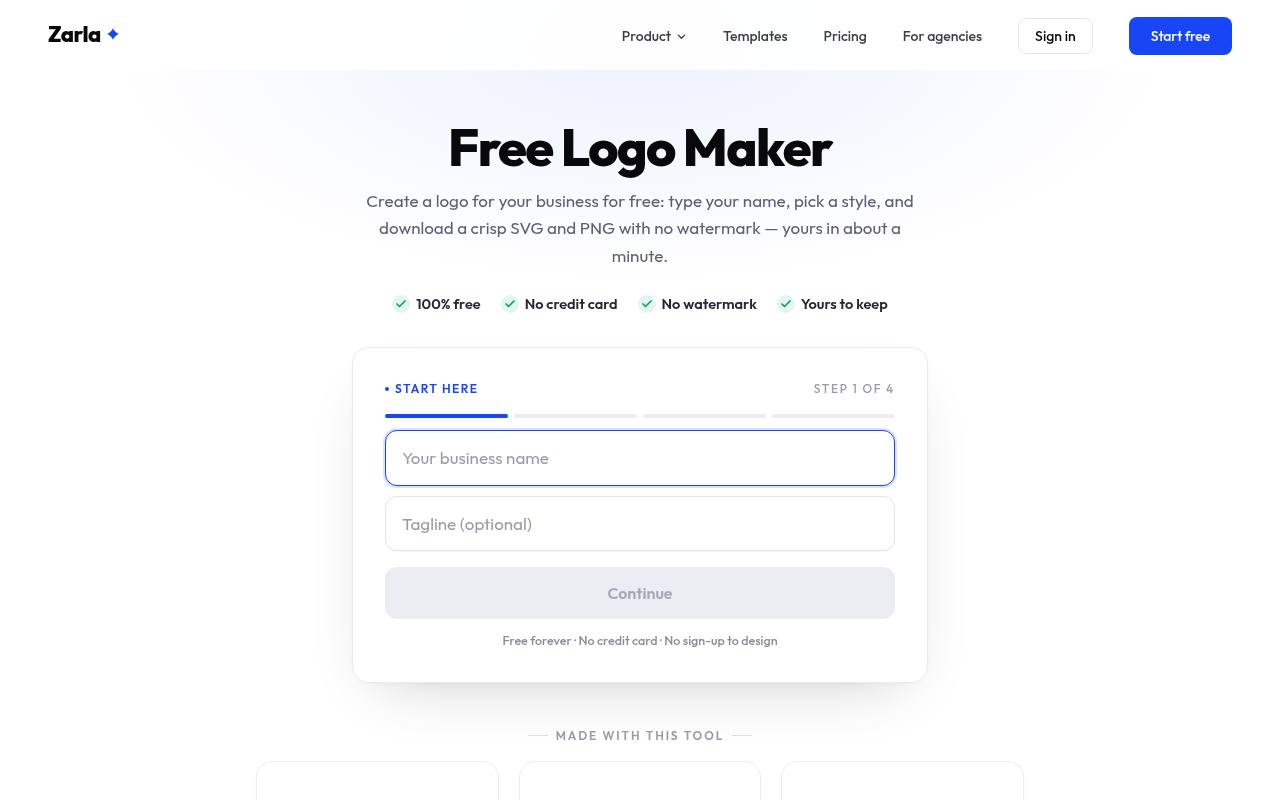
Zarla asks about your business, trade, style, and colors, then builds an ongoing selection of logo options. Its current offer includes SVG and high-resolution PNG downloads with no watermark or credit card requirement. You can explore designs without signing up, but must sign in to download; the saved design remains in your account.
This makes the free offer materially different from tools that only show a preview before checkout. Zarla also sells website services, but the logo page explicitly identifies the downloadable logo as a free tool, not a paid website-plan benefit.
- Type
- Web app
- Best for
- Small businesses seeking free watermark-free vector output
- License
- Free downloads; check suitability and third-party rights
- Price
- 100% free
Canva
Web app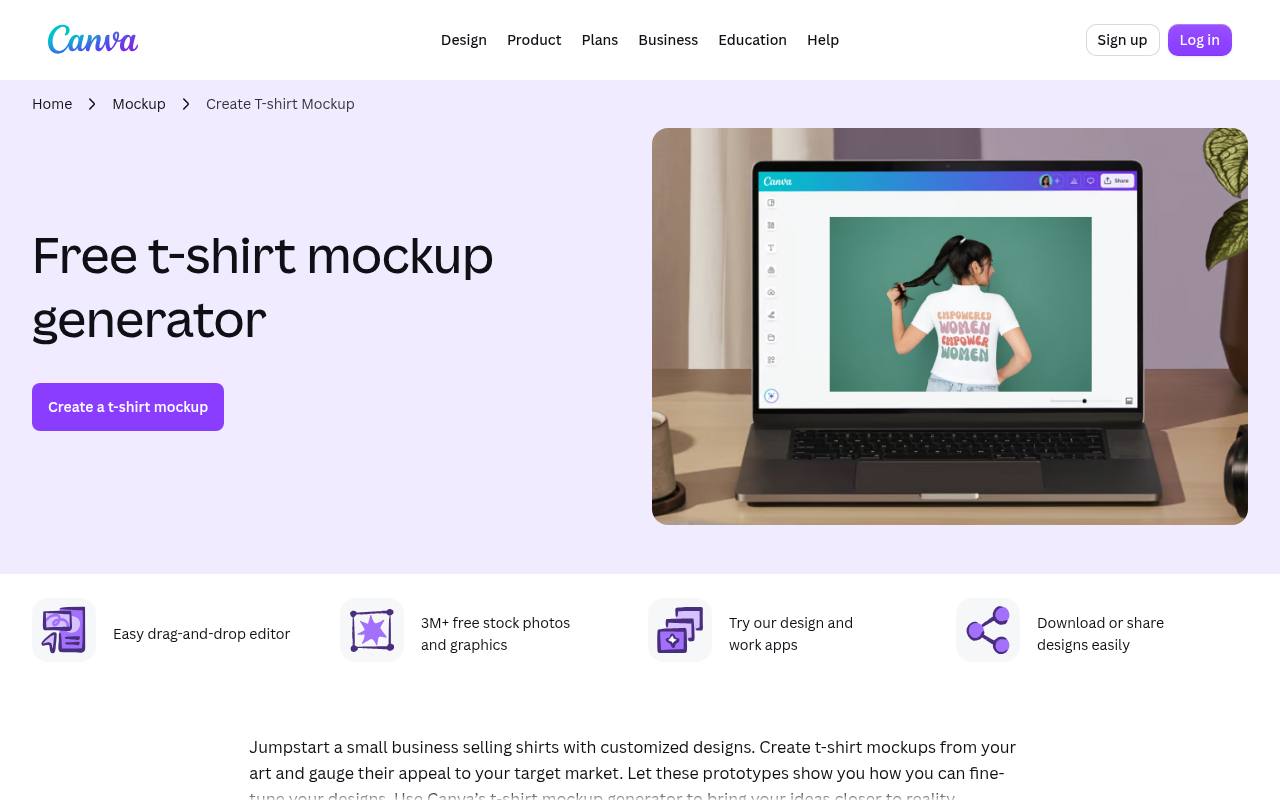
Canva works well when you want to position lettering and shapes yourself instead of accepting a generated arrangement. Build with free elements only to download a usable standard PNG or JPG without paying for premium content. Transparent PNG export and SVG are paid features, so budget accordingly if those are essential.
Its licensing distinction is equally important: Canva says logos made from its templates or stock graphics cannot be registered as trademarks. For original wordmark designs, its help center points to fonts, basic lines and shapes, or your own uploaded artwork.
- Type
- Web app
- Best for
- Hands-on editing for a simple digital wordmark
- License
- Free-content exports; stock assets and templates are nonexclusive
- Price
- Free + Pro
FreeLogoDesign
Web app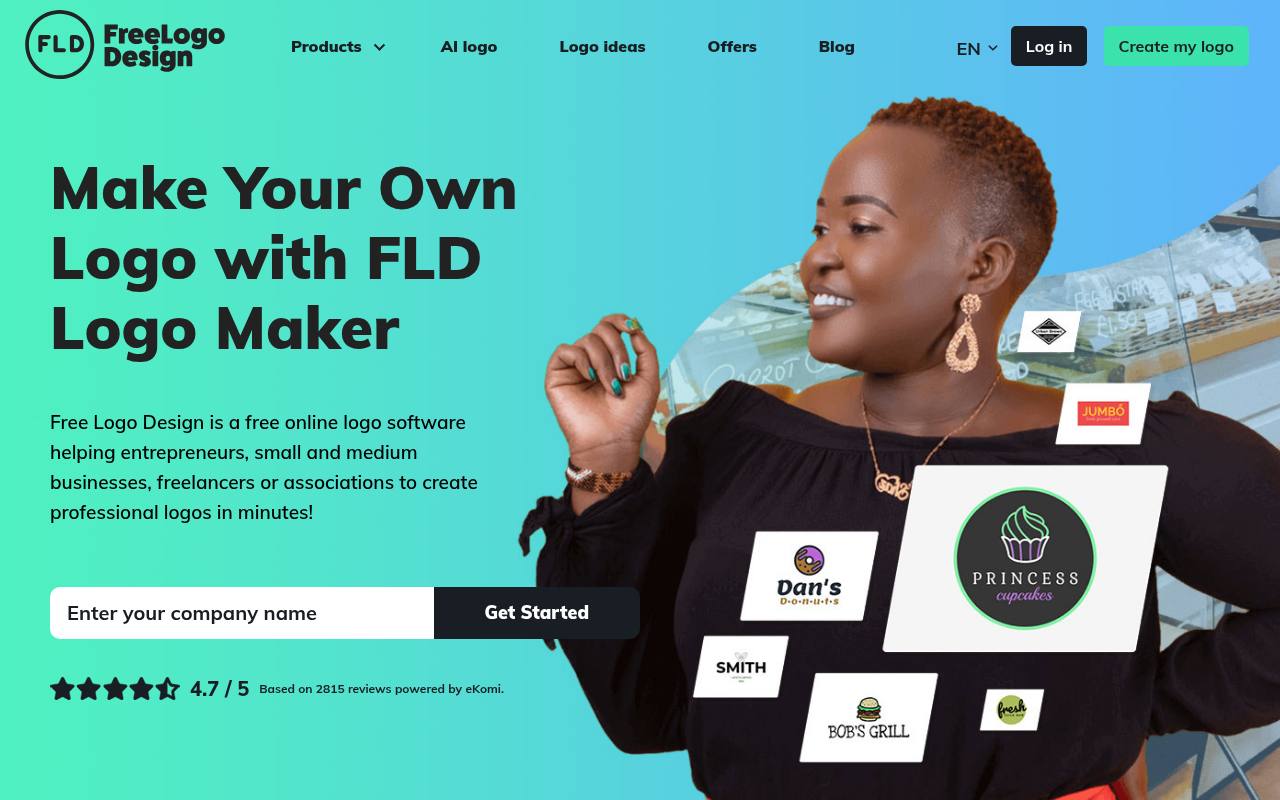
FreeLogoDesign gives you a genuine 200-by-200-pixel PNG download, with transparency, and says no subscription is required for that free file. Its editor lets you change fonts and colors, add shapes or icons, and move, remove, or duplicate elements.
This is useful control for a lightweight online logo, but the small image is not a print master. High-resolution and vector files belong to paid packages. Test the exported logo at its intended display size before committing: tiny lettering and detailed symbols can become difficult to read within the free file's limited dimensions.
- Type
- Web app
- Best for
- Small digital placements with a transparent background
- License
- Free low-resolution download; higher-resolution files paid
- Price
- Free + paid packages
LOGO.com
Web app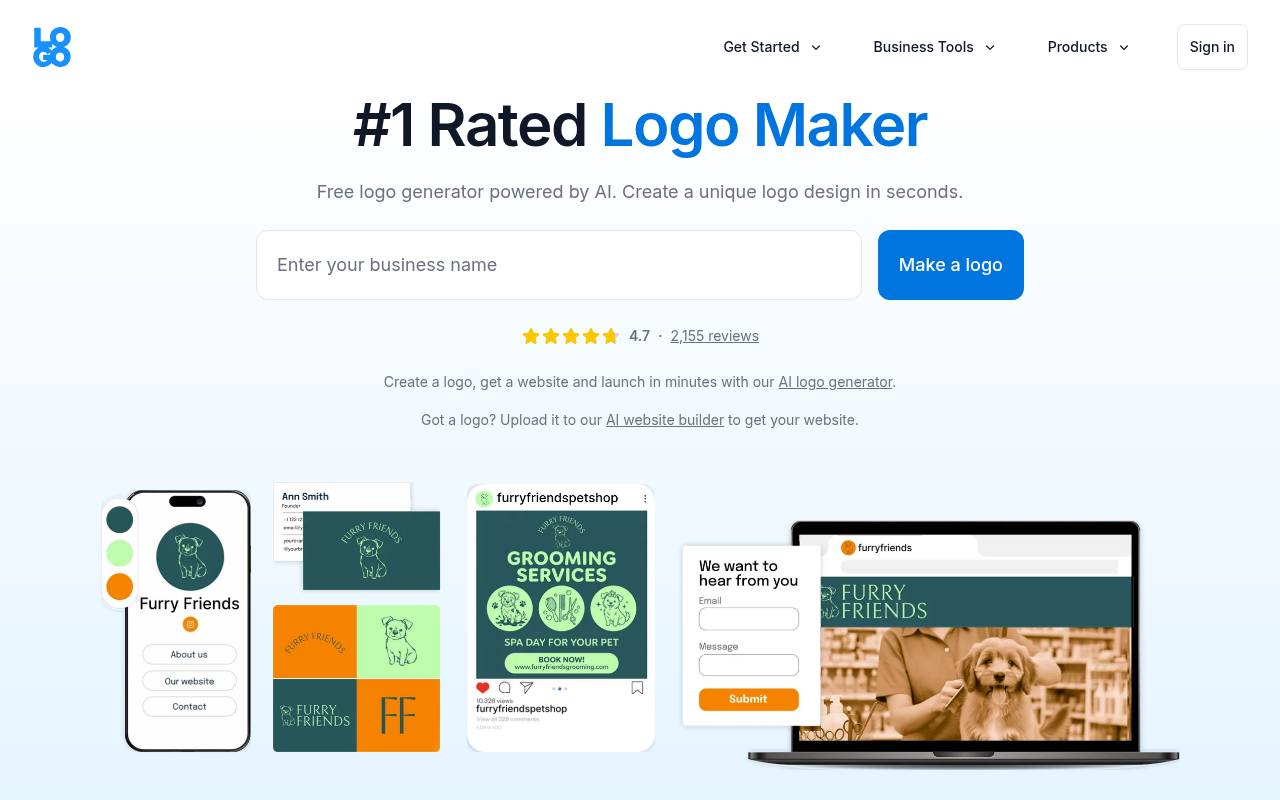
LOGO.com's free plan allows you to create and download one logo free, rather than promising unlimited saved identities. Its plan comparison lists PNG output for the free tier, including transparent and grayscale variants, and includes commercial use. Do not confuse that with free access to every format or the complete paid branding suite.
Additional saved logos and expanded tools sit in paid plans. This is a practical option for a founder choosing one identity, provided PNG meets the immediate need and you check the current export panel before planning large-format production.
- Type
- Web app
- Best for
- One business identity with free transparent PNG exports
- License
- Free plan includes commercial use; one saved logo
- Price
- Free + paid plans
VistaPrint
Web app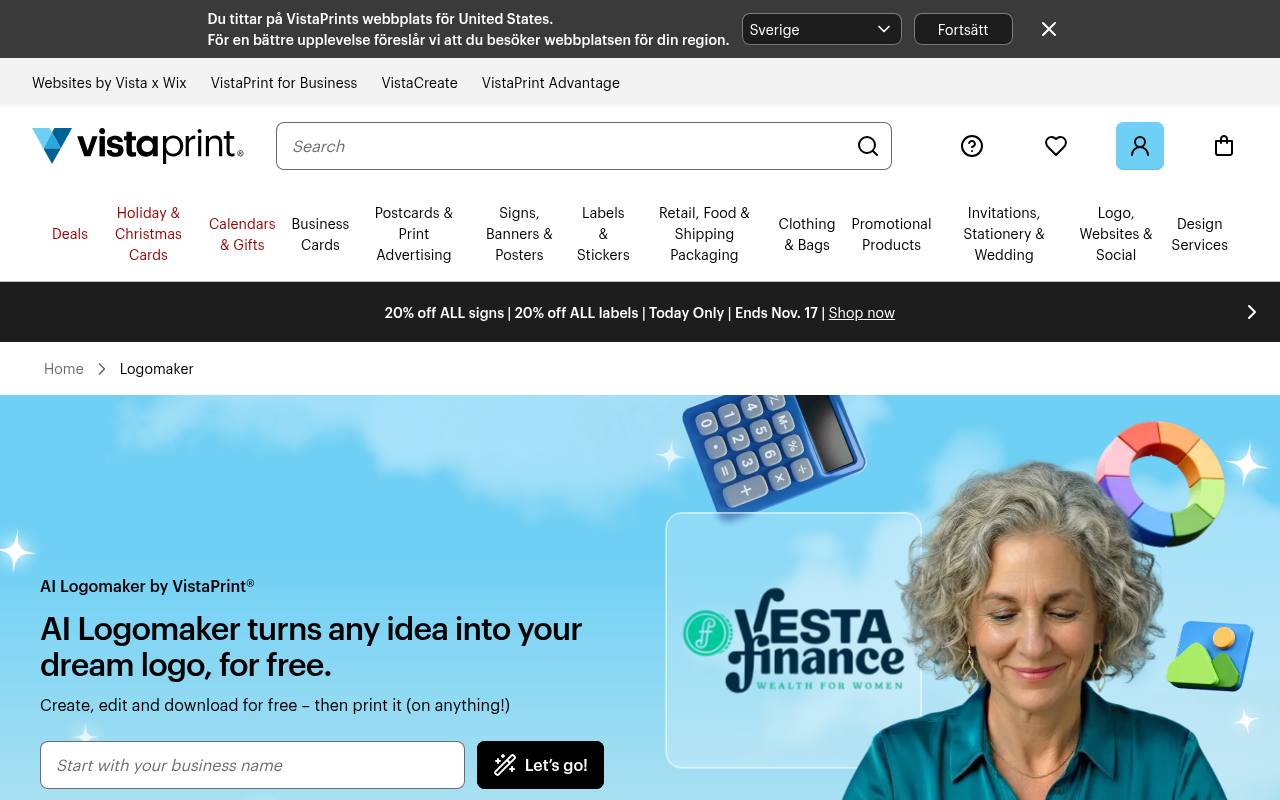
VistaPrint's AI Logomaker advertises free SVG, PDF, and PNG files, including high-resolution downloads suitable for online and print use. Start with your business details and preferred look, explore results, then refine colors, fonts, and graphics.
The free offer concerns the files, not unlimited AI generation: its help center says signing in unlocks more free options, while additional generation packs can cost money. Professional design assistance is also separate. You do not have to order printed merchandise just to benefit from the advertised free download, making this worth comparing with vector-first alternatives.
- Type
- Web app
- Best for
- Businesses needing downloadable files for digital and print
- License
- Free logo files; extra generation packs and design help cost extra
- Price
- Free + paid extras
Logomak
Web app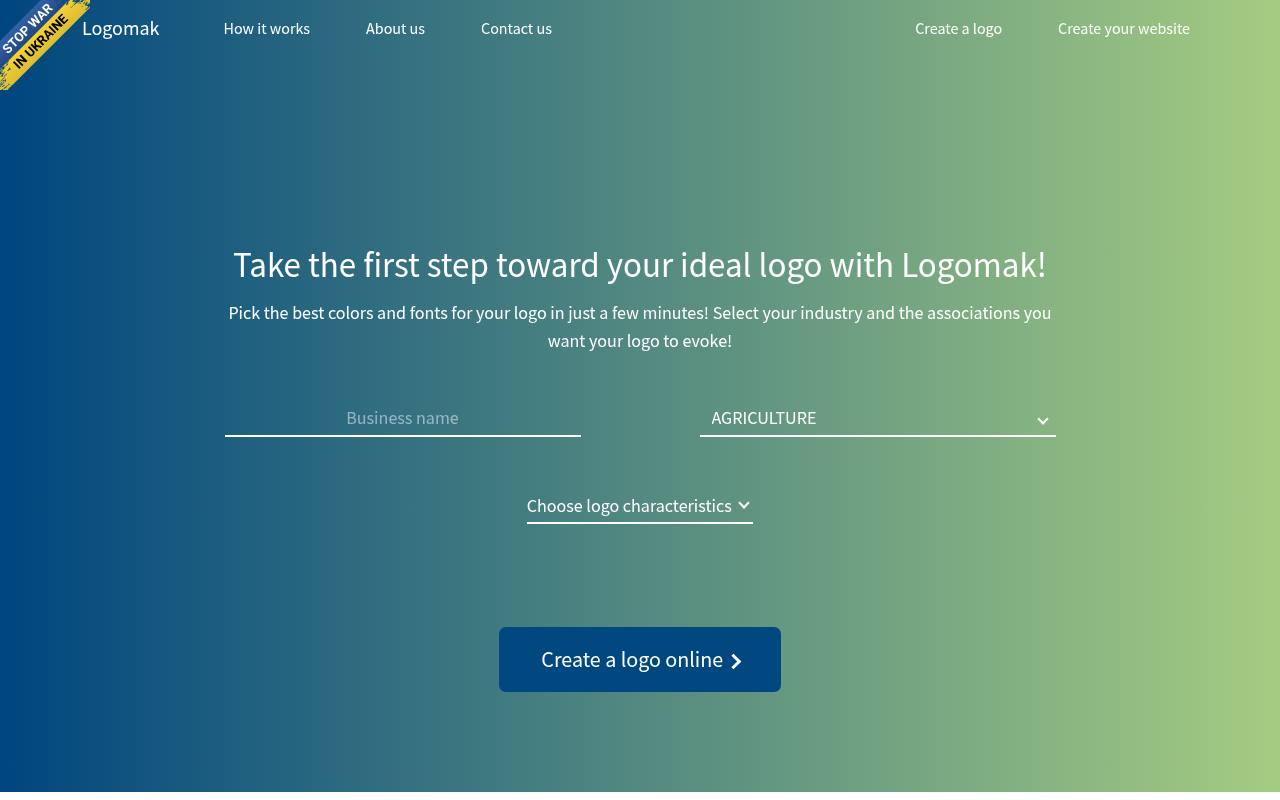
Logomak begins with your industry and the characteristics you want the brand to communicate, then suggests colors and fonts. It provides simple PNG logos free, useful for trying a modest digital identity without buying a larger package.
The distinction to watch is the outgoing partner route: its page explicitly says more elaborate logos created through a partner may require payment. Copy the suggested color codes and font names if you want to carry the direction into later revisions. Do not mistake examples of established businesses' logos for artwork you can adopt as your own.
- Type
- Web app
- Best for
- Testing a simple text-led identity and color direction
- License
- Free simple PNG designs; partner logos may require payment
- Price
- Free + paid partner options
DesignEvo
Web app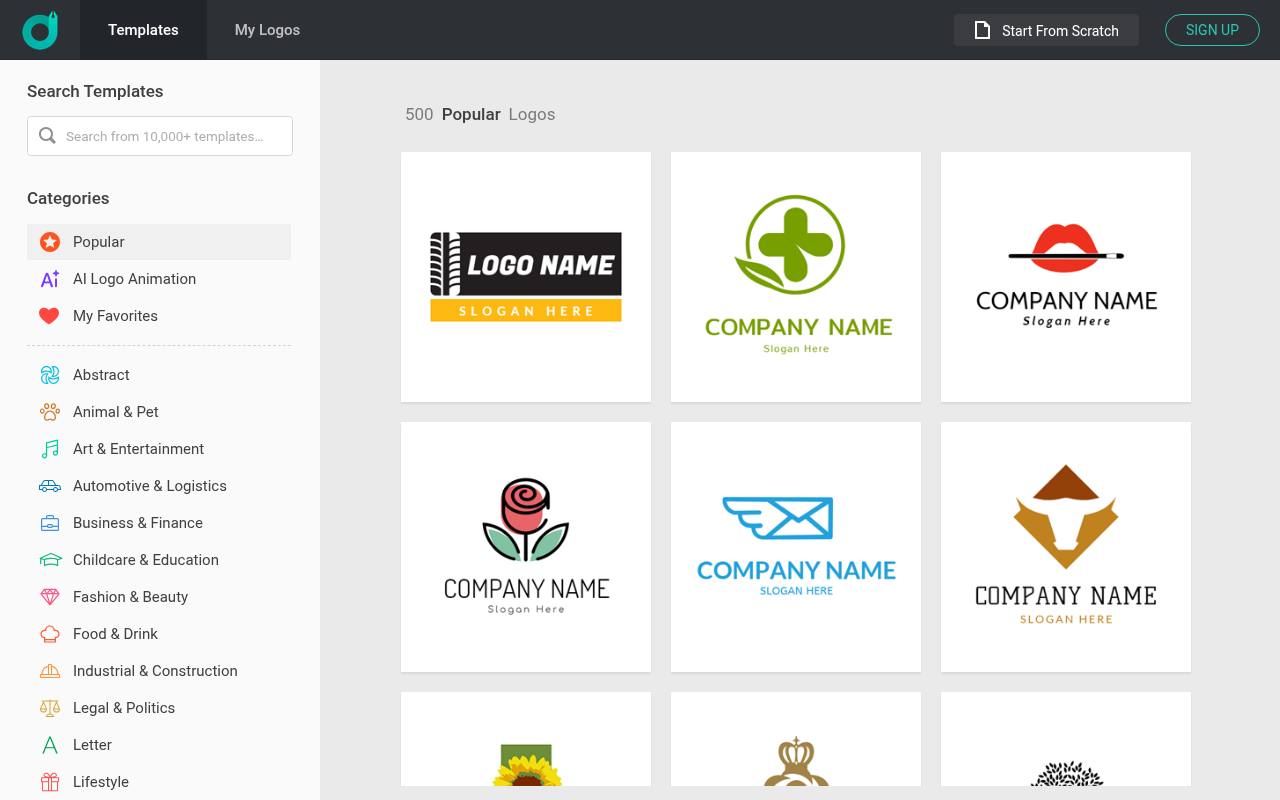
DesignEvo offers a free low-resolution route, but its limitations are substantial for a business audience. The pricing page caps free downloads at 300 pixels, asks for credit, and reserves transparent PNG and vector formats for paid packages. More importantly, its download help article says the free logo cannot be used commercially.
Treat this as a noncommercial evaluation option, not a zero-cost launch asset. It can help you explore arrangements before deciding whether to buy, but founders who need a usable commercial file without payment should choose another tool on this list.
- Type
- Web app
- Best for
- Noncommercial experiments before purchasing business-ready logo files
- License
- Free low-resolution evaluation; help center excludes commercial use
- Price
- Free evaluation + paid packages
Which logo makers actually provide free files?
For free vector downloads, begin with Namecheap, Zarla, or VistaPrint. Adobe Express provides free image files, while Canva requires attention to premium content and export settings. FreeLogoDesign's tiny transparent PNG can work for limited digital use, and LOGO.com's free tier covers one logo in PNG formats.
Logomak offers simple PNG downloads but also directs visitors to paid partner services. DesignEvo's free file is restricted to noncommercial evaluation; it is not a free business-launch solution.
Choose the export before the editor
A transparent PNG logo sits cleanly on colored website backgrounds, but it still has a fixed pixel size. An SVG stores scalable shapes and is generally more flexible for resizing.
PDF can be useful for printers, although you should confirm the actual file's contents and the printer's requirements. Decide where the logo will appear first, then choose a tool that supplies the necessary format free. Renaming a PNG to SVG does not turn it into a vector.
Separate commercial permission from exclusivity
A commercial-use license and exclusive ownership are different things. Permission to display a logo on your business website does not necessarily prevent another user from choosing the same stock symbol. Template access also does not establish trademark clearance.
Read the tool's terms and the rules for incorporated graphics or fonts. For a business that expects to register a mark, an original wordmark or commissioned symbol is often a better foundation than a widely shared library illustration.
Use a short design brief
Before opening a startup logo maker, write down the exact business name, the audience, and three qualities the identity should convey. Decide whether a tagline is genuinely necessary; it can make a small logo harder to read.
Generate a few directions, then compare them against this short brief instead of endlessly changing styles. A restrained wordmark with one distinctive detail often communicates more clearly than several unrelated symbols squeezed into the same space.
Test at realistic sizes
Review a small business logo at the size customers will actually see, not only in a large editor preview. Check whether letter spacing survives reduction and whether thin lines disappear.
View it against light and dark backgrounds, then inspect a single-color version. Avoid relying entirely on color to separate overlapping forms. On a website, provide an accessible text alternative that identifies the business rather than describing every decorative feature of the mark.
Keep an editable record
Save the original logo files alongside the business name spelling, color values, font names, and any relevant license notes. Keep a copy of the download terms or purchase receipt if you later upgrade.
A transparent export is convenient, but it is not a substitute for an editable master. If the service saves projects in an account, confirm you can reopen yours before closing the browser, and keep local backups rather than relying exclusively on that account.
When is paying worthwhile?
Consider paid logo downloads when your chosen free design works well but lacks the resolution, formats, or permission you need. Compare that purchase with switching to a genuinely free vector option before spending.
Also distinguish one-time file packages from subscriptions and paid AI generation credits. A payment can solve a delivery problem, but it does not automatically solve weak typography, similarity to another business, or trademark availability. Those questions still require a separate review.