
Convincing surfaces depend on more than a colourful image. Free PBR materials provide coordinated maps that describe surface colour, roughness, small details and sometimes displacement, helping lighting behave consistently across a scene.
The libraries below cover architectural staples, natural ground, stylised surfaces and experimental patterns. Some release their files into the public domain; others provide a free selection under a proprietary licence. Choosing between them starts with the project’s distribution requirements, not simply the largest preview image.
A material that works beautifully in a close-up render may be excessive for a mobile game. Compare texture map resolution, physical scale and the actual maps included before downloading a large archive.
A plain wall may need only a modest colour map and a normal map, while a hero object can justify richer detail. Seamless tiling is equally important for floors and landscapes, where even a high-resolution scan can reveal obvious repetition across a broad visible area.
The word free also covers several different arrangements. CC0 texture libraries generally permit commercial use without attribution, whereas a free tier can limit redistribution or reserve commercial permissions for another licence. ShareTextures publishes custom restrictions, and FreePBR distinguishes personal use from commercial licensing.
Keep a copy of the terms alongside your chosen files. The following selection highlights those differences so that a convenient material download does not create an avoidable licensing problem when your finished project ships.
Quick picks at a glance
| # | Resource | License | Best for |
|---|---|---|---|
| 1 | ambientCG | CC0; attribution not required | Building a broad reusable production material library |
| 2 | Poly Haven Textures | CC0; attribution not required | Finding coherent surface categories for realistic environments |
| 3 | cgbookcase | CC0; attribution not required | Choosing natural details with straightforward licence terms |
| 4 | ShareTextures | Custom licence; commercial use; redistribution restricted | Expanding architectural choices with varied wood species |
| 5 | 3DTextures.me | CC0; attribution not required | Mixing ordinary surfaces with stylised environment materials |
| 6 | TextureCan | CC0; commercial use and project redistribution allowed | Finding decorative surfaces and adjustable material sources |
| 7 | FreePBR | Free for noncommercial use; commercial licence separate | Learning game-material workflows on noncommercial practice projects |
| 8 | Poliigon | Free License permits commercial work; no asset redistribution | Sampling a commercial material ecosystem without buying first |
| 9 | CGAxis | Royalty-free commercial use; no attribution required | Trying studio-made architectural and unusual organic surfaces |
| 10 | OpenGameArt | Linked pack CC0; other uploads vary | Studying editable materials with a stated physical scale |
ambientCG
PBR surfaces and procedural assets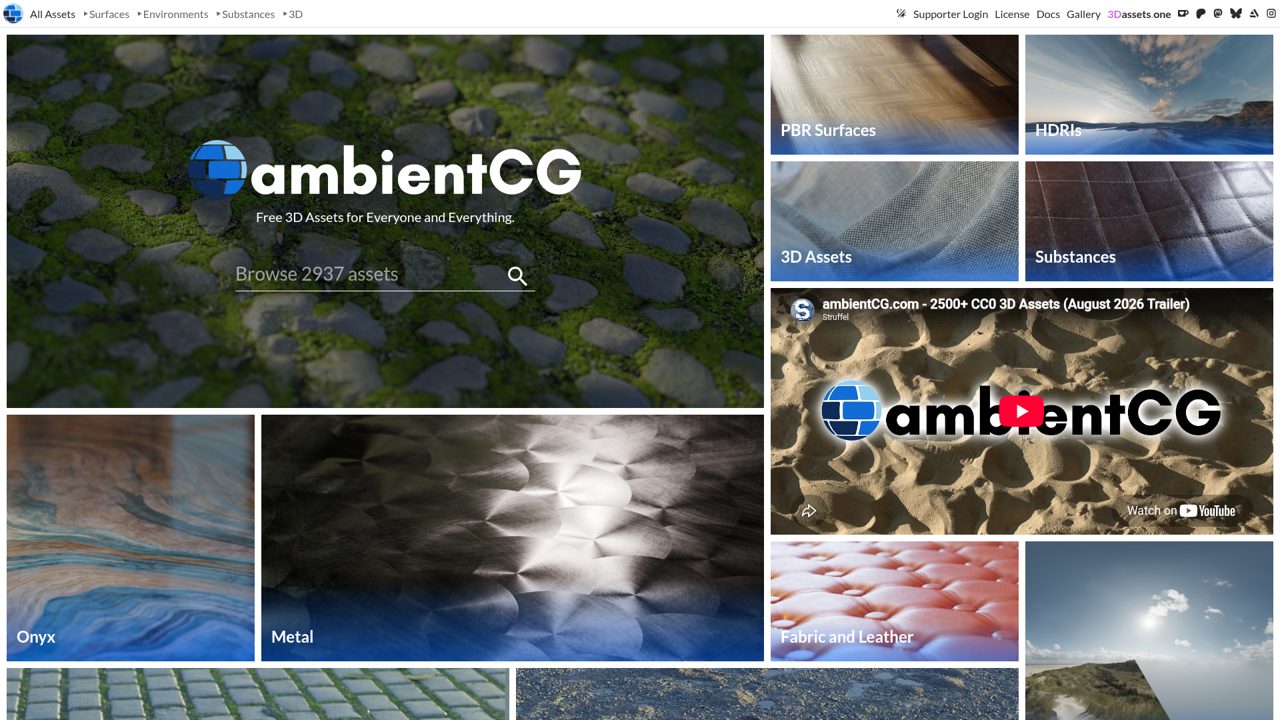
ambientCG organises its collection around PBR surfaces, with separate areas for environments, Substance assets and other 3D resources. The homepage highlights practical families such as paving stones, ground, rocks, ice, tiles, metals and fabrics, which makes it a strong starting point for environment building.
Its key advantage is the CC0 licence: the site explicitly permits use without attribution, including commercial circumstances. Patron support offers additional conveniences or early access, but the open licensing remains central to the public library. Use the surface collection when you need adaptable everyday materials rather than decorative flat backgrounds.
- Type
- PBR surfaces and procedural assets
- Best for
- Building a broad reusable production material library
- License
- CC0; attribution not required
- Price
- 100% free; optional support
Poly Haven Textures
PBR texture library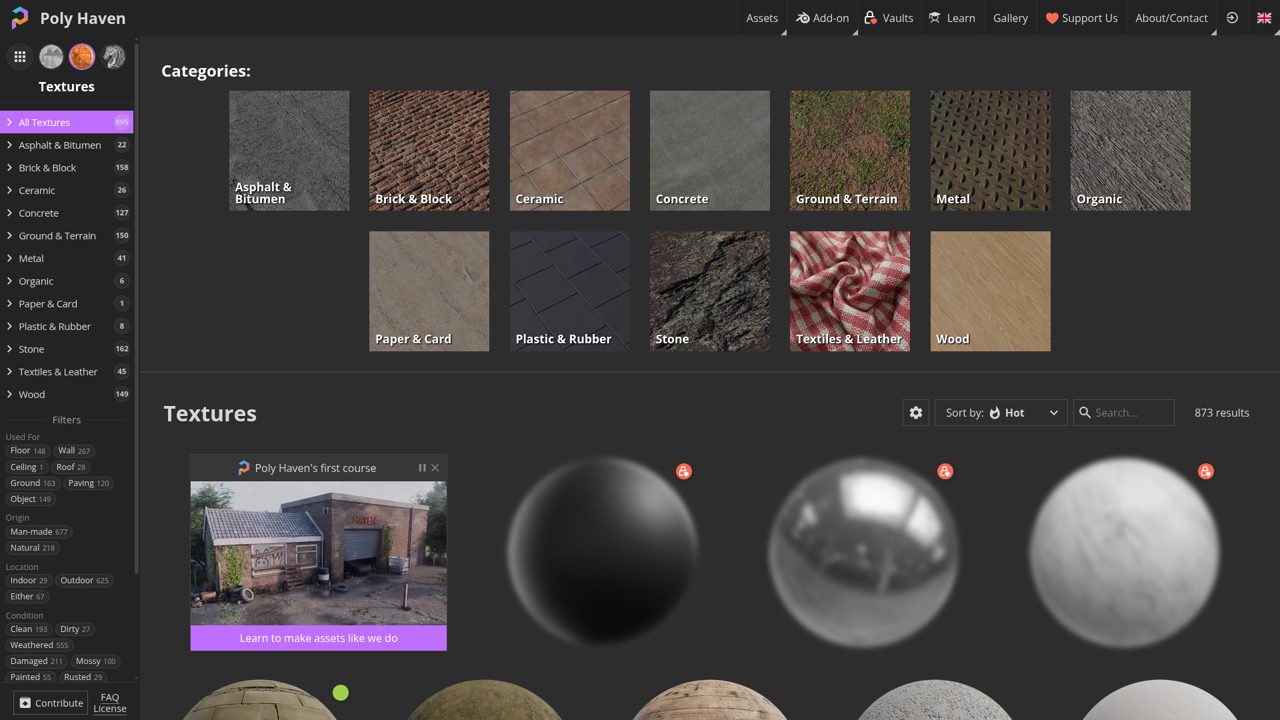
Poly Haven’s dedicated texture area separates surfaces into clear material categories, including asphalt, brick, ceramic, concrete, ground, metal, stone, textiles and wood. Sorting options include latest releases, top downloads, names and random browsing, helping both targeted searches and visual exploration.
It sits alongside the project’s HDRI and model libraries, but this link goes directly to textures. The assets use a CC0 public-domain dedication, making them particularly convenient for projects that must include editable source files. Start with a category that matches your object’s construction, then assess the individual material rather than relying only on popularity.
- Type
- PBR texture library
- Best for
- Finding coherent surface categories for realistic environments
- License
- CC0; attribution not required
- Price
- 100% free; optional support
cgbookcase
PBR maps and surface scans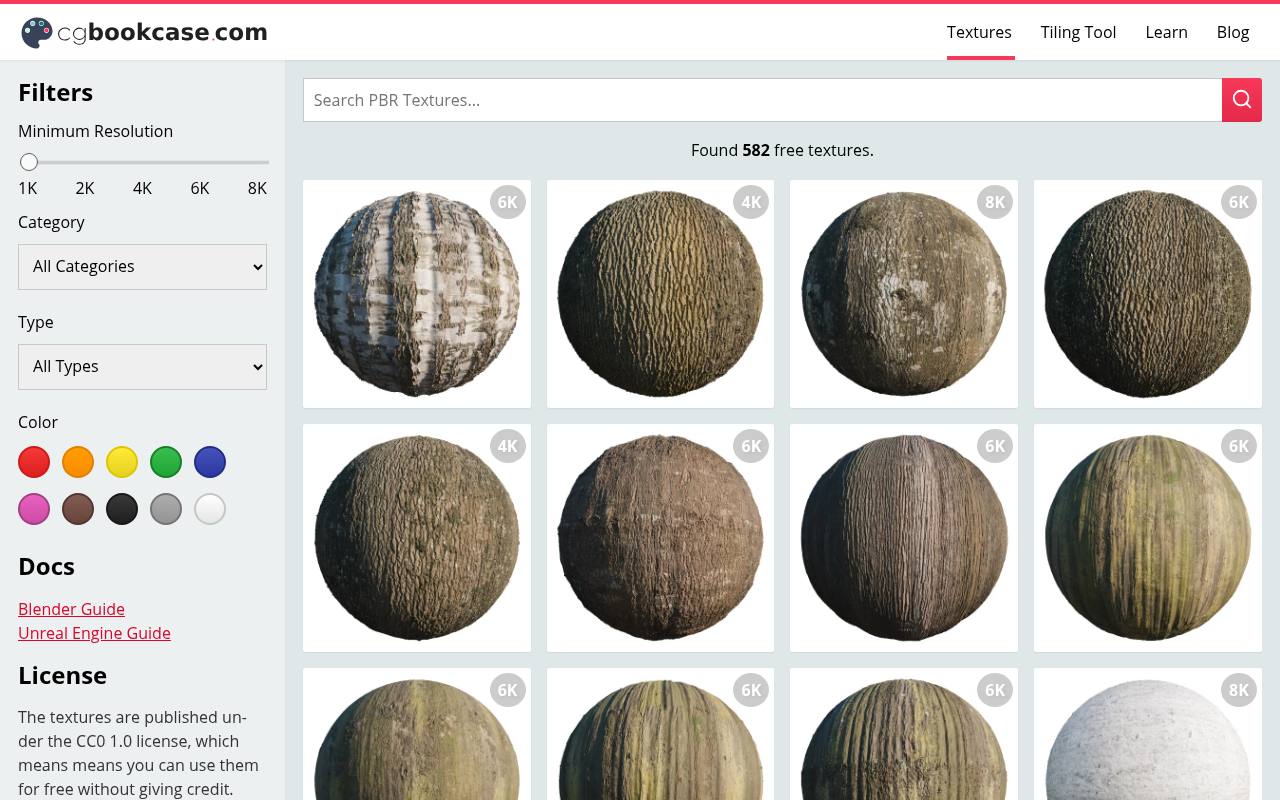
Dorian Zgraggen’s cgbookcase presents free PBR textures with prominent resolution labels on the browsing page. The visible collection includes bark, paving, rock faces, brick walls and photographed manhole-cover details, useful when an environment needs more specific surface character than a generic noise material.
The library explicitly identifies its CC0 licence and says credit is not required. Its wider site also provides Blender learning material and a tool for making textures seamless. Compare the resolution attached to each entry, since the catalogue does not imply that every asset arrives in one identical maximum size.
- Type
- PBR maps and surface scans
- Best for
- Choosing natural details with straightforward licence terms
- License
- CC0; attribution not required
- Price
- 100% free; donations optional
ShareTextures
PBR surface textures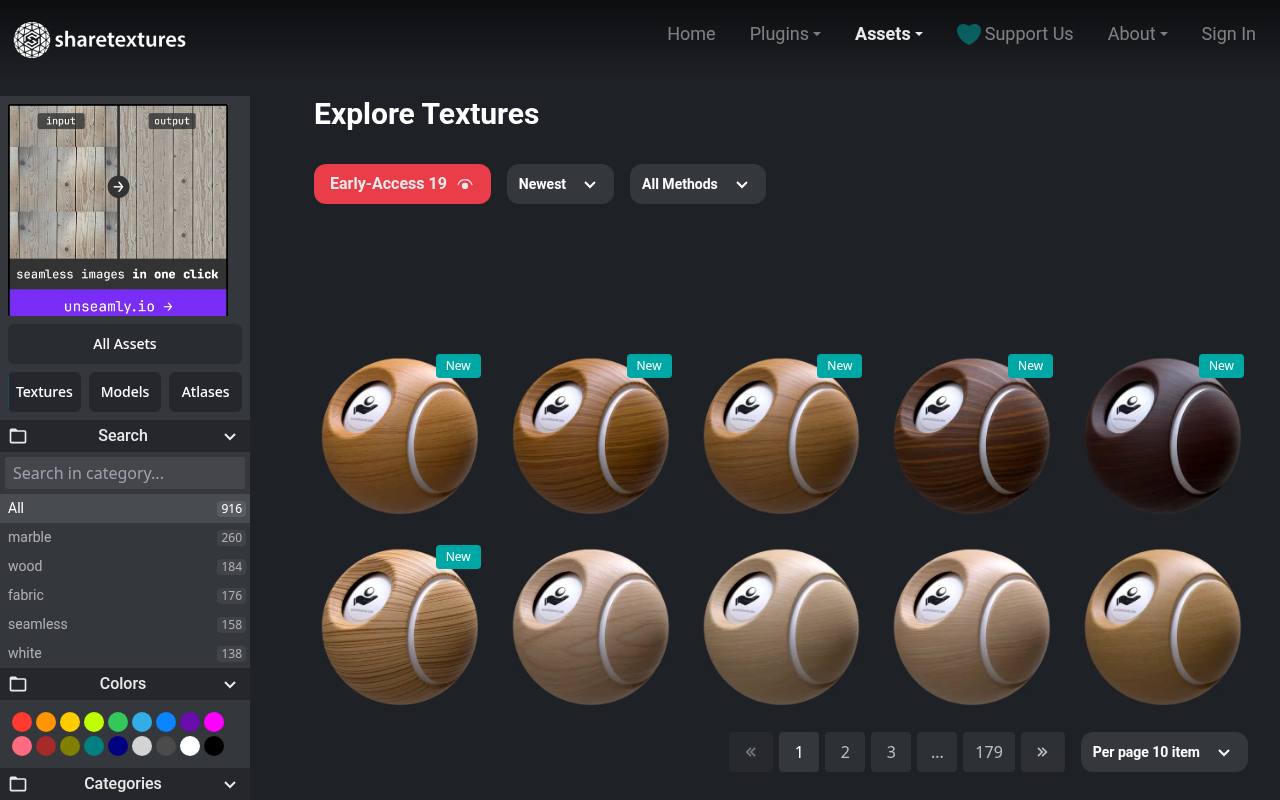
ShareTextures offers a browsable surface texture catalogue, with wood listings such as teak, rosewood, olive and oak visible alongside its broader material collection. Its licence page says downloads are available without payment or registration, with assets available up to 4K.
Crucially, the terms describe a custom CC0-based licence, not unrestricted standard CC0: personal and commercial projects are allowed without required attribution, but redistribution through other websites, plugins or collections needs permission. That makes this a practical render resource while demanding extra care for asset-store products, shared source packages or automated material-distribution tools.
- Type
- PBR surface textures
- Best for
- Expanding architectural choices with varied wood species
- License
- Custom licence; commercial use; redistribution restricted
- Price
- Free downloads + optional support
3DTextures.me
Seamless realistic and stylised materials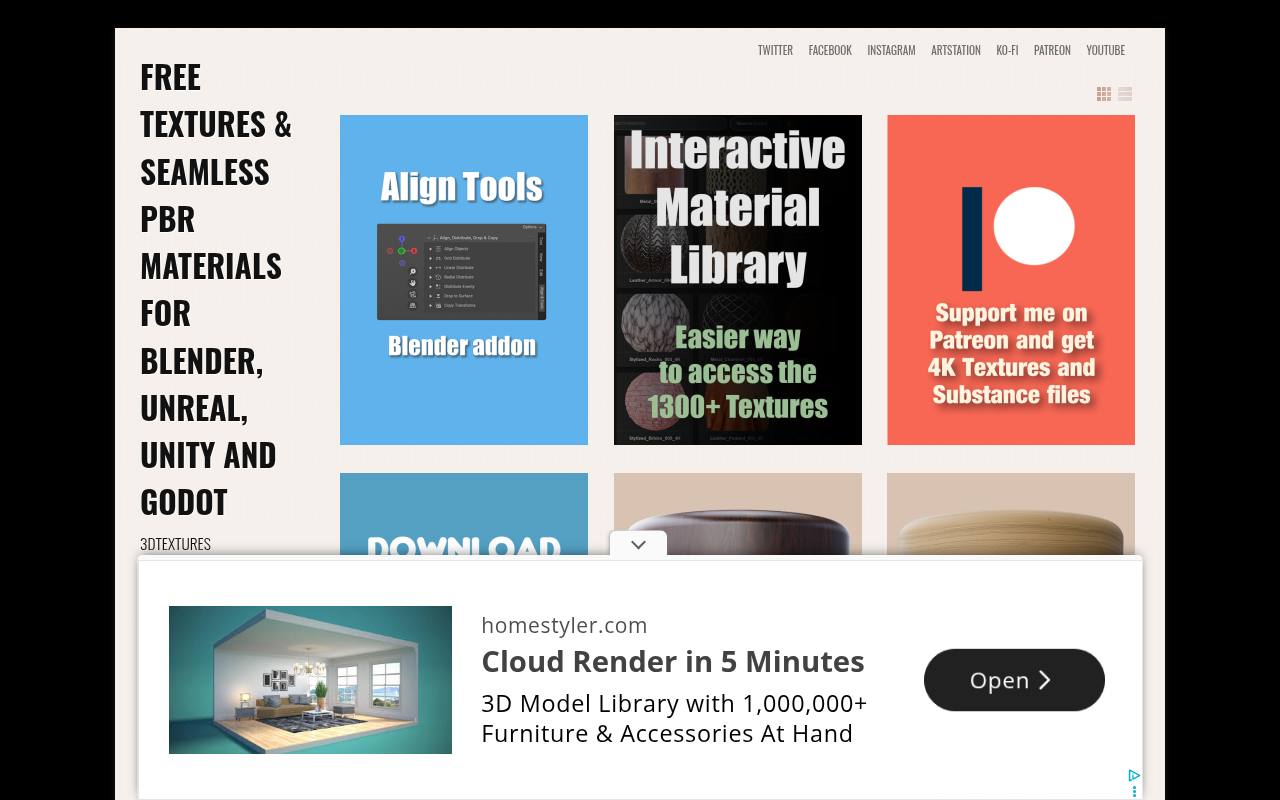
Katsukagi’s 3DTextures.me publishes seamless PBR materials through individual texture posts and a linked interactive library. Its surface descriptions identify common maps such as diffuse, normal, metallic, displacement, roughness and ambient occlusion, although you should inspect the files supplied for your chosen material.
The FAQ explicitly places textures under CC0 terms, allowing commercial use and redistribution without required credit. Individual downloads are free; convenient access to a folder containing the wider collection is a separate support option. This distinction suits artists happy to collect materials one at a time rather than paying for bulk convenience.
- Type
- Seamless realistic and stylised materials
- Best for
- Mixing ordinary surfaces with stylised environment materials
- License
- CC0; attribution not required
- Price
- Free individual downloads; paid bulk access
TextureCan
PBR textures and selected SBSAR files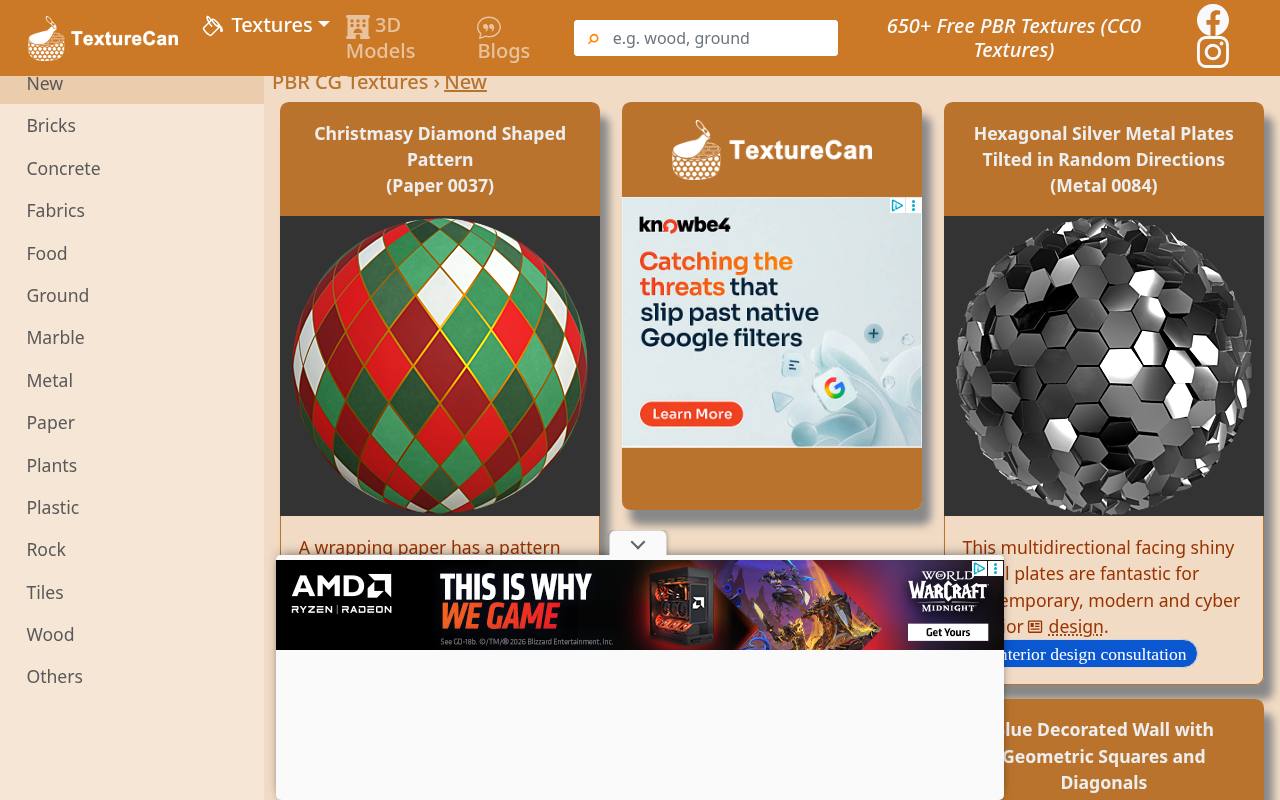
TextureCan combines conventional surfaces with decorative material patterns, including geometric tiles, woven metal, damaged paving and patterned wrapping paper. Its descriptions can be unusually useful when a surface has a specific visual role, such as contemporary wall decoration rather than generic concrete.
Selected entries refer to an SBSAR source for changing material behaviour; check the individual download rather than assuming every texture includes one. The site’s CC0 terms permit commercial use without attribution and explicitly allow redistribution together with projects and 3D assets. This makes it worth checking when editable material delivery is part of your brief.
- Type
- PBR textures and selected SBSAR files
- Best for
- Finding decorative surfaces and adjustable material sources
- License
- CC0; commercial use and project redistribution allowed
- Price
- 100% free
FreePBR
PNG PBR texture map sets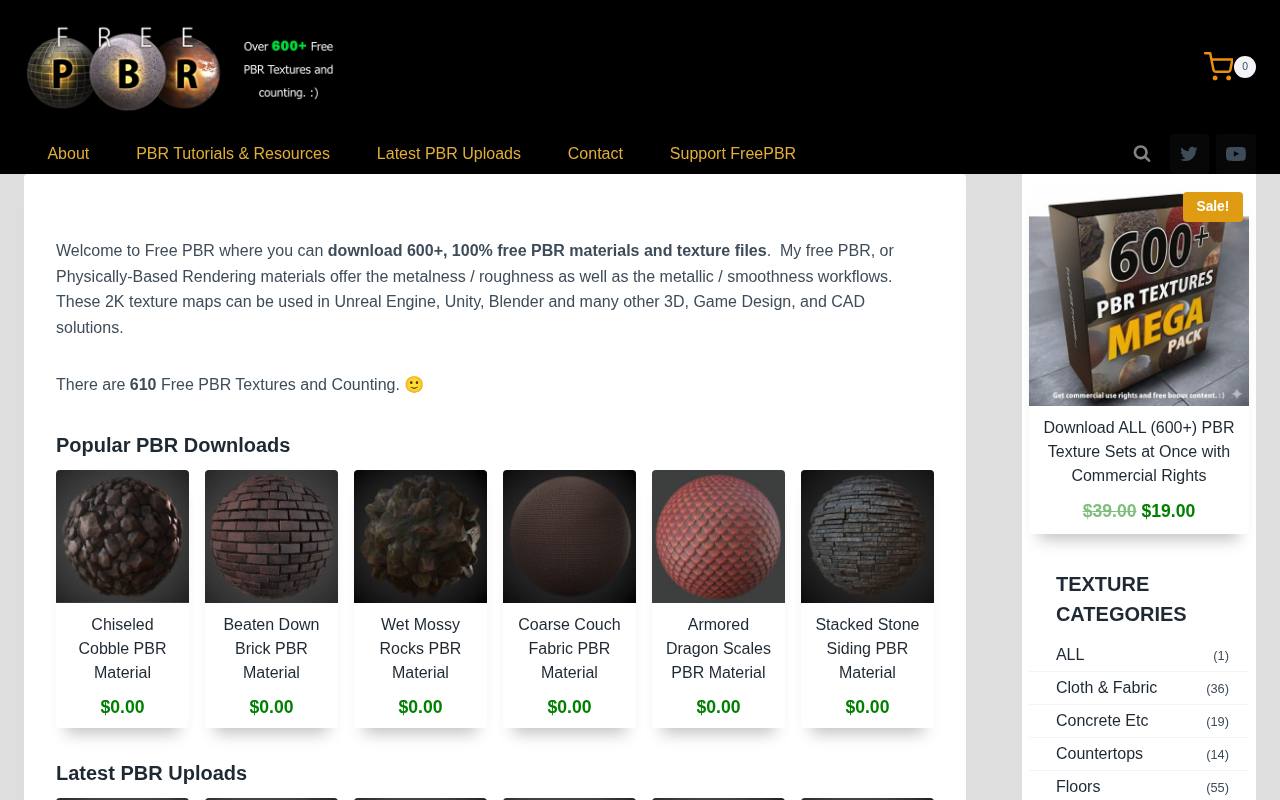
FreePBR’s creator describes downloadable PBR map archives containing albedo, normal, roughness, metallic and ambient occlusion maps, with height maps included in some sets. The technical notes specify 2048-pixel-square PNG maps and mention a Unity-oriented PSD with smoothness stored in the alpha channel.
The important limitation is noncommercial free use: the current explanation reserves commercial permission for a separate paid licence and prohibits redistributing the source sets. It is therefore useful for personal learning scenes, not a source to label unrestricted merely because the brand includes the word free.
- Type
- PNG PBR texture map sets
- Best for
- Learning game-material workflows on noncommercial practice projects
- License
- Free for noncommercial use; commercial licence separate
- Price
- Free personal use + paid commercial licence
Poliigon
Free PBR texture selection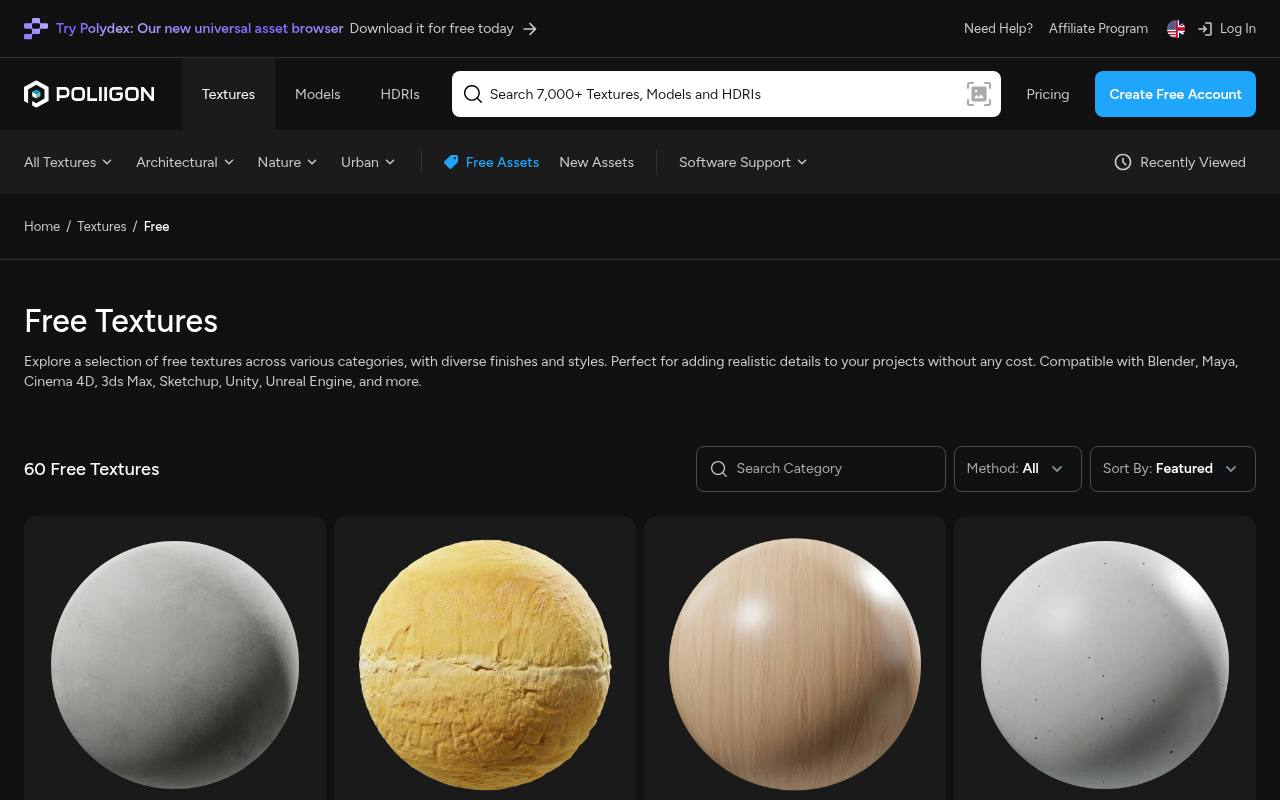
Poliigon maintains a free asset selection within a larger commercial catalogue, giving artists a way to try its production approach before committing to paid materials. The free texture area is the relevant starting point rather than assuming every search result can be downloaded without payment.
Its published licensing explanation distinguishes a Free License that permits personal and commercial projects from the licences for purchased assets. Raw assets cannot simply be resold, repackaged or shared as a competing collection. Use the free selection for finished renders and check the full terms before delivering editable scenes containing downloaded files.
- Type
- Free PBR texture selection
- Best for
- Sampling a commercial material ecosystem without buying first
- License
- Free License permits commercial work; no asset redistribution
- Price
- Free selection + paid library
CGAxis
PBR textures and complementary 3D assets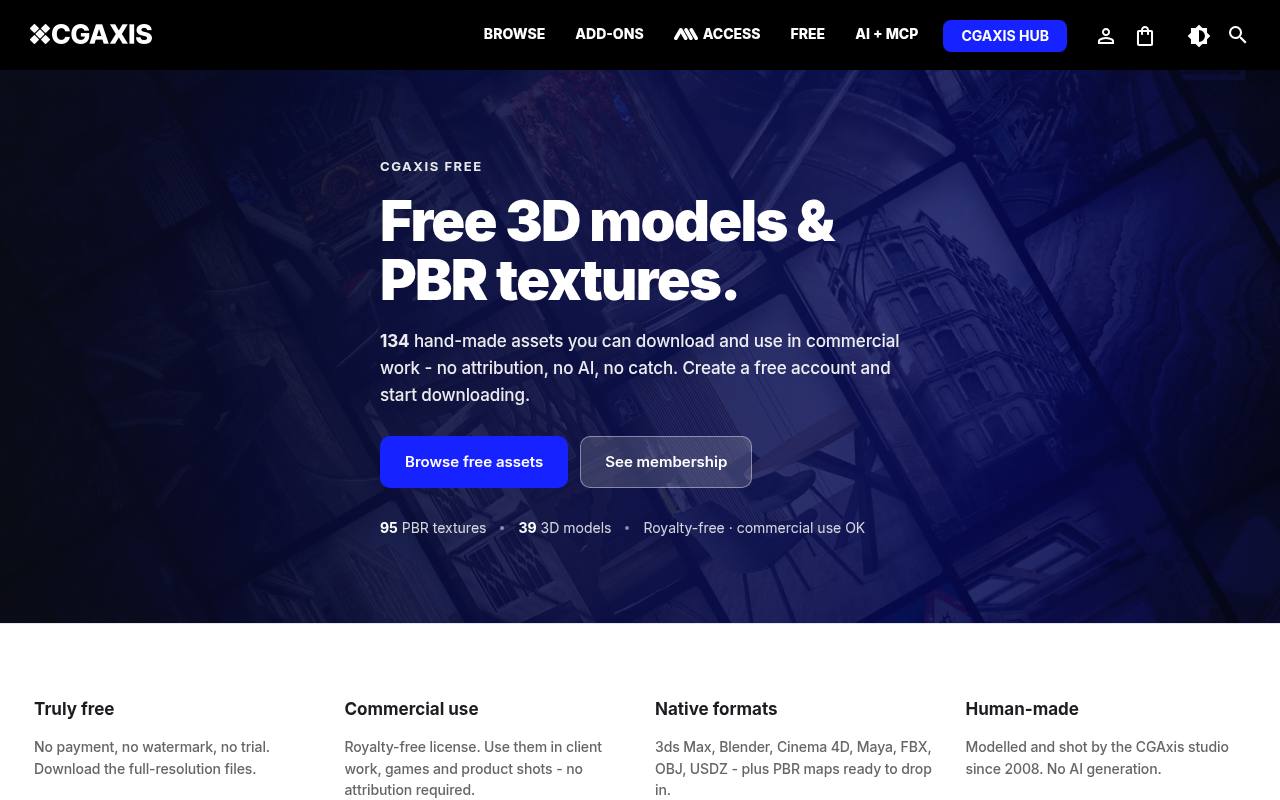
CGAxis has a dedicated free download section that separates PBR textures from its free models. Visible material examples span concrete, stone, wood flooring and stranger organic surfaces, so the selection is not confined to neutral architectural basics. The page says a free account is required and explicitly permits royalty-free commercial work without attribution.
It also states that the free downloads provide full-resolution files rather than watermarked trials. Stay within this dedicated section when browsing, and review the standard asset restrictions before including original texture files in anything that another user can extract or redistribute.
- Type
- PBR textures and complementary 3D assets
- Best for
- Trying studio-made architectural and unusual organic surfaces
- License
- Royalty-free commercial use; no attribution required
- Price
- Free account downloads + paid catalogue
OpenGameArt
PBR maps with Blender and Material Maker sources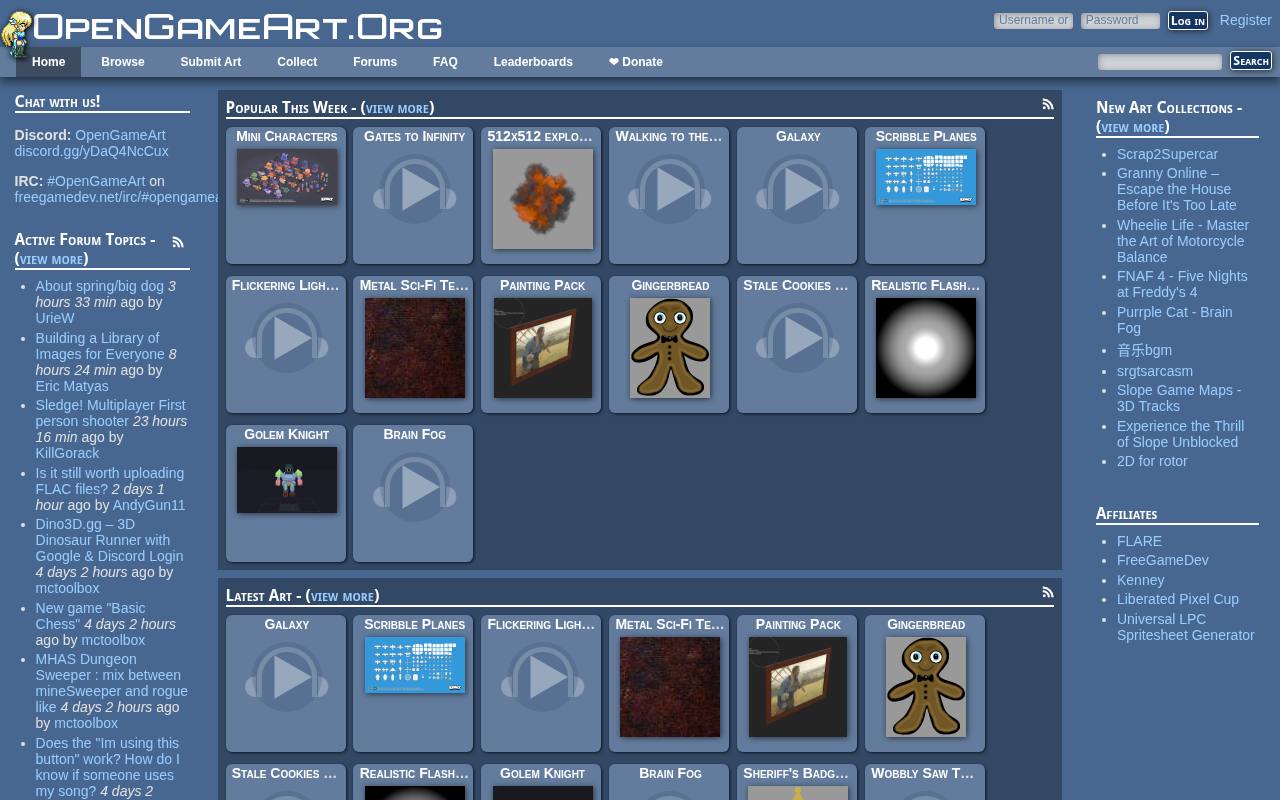
OpenGameArt hosts community uploads under different licences; the linked CC0 PBR pack is a specific starting point, not a licence claim about the entire platform. Vosuna’s contribution lists 2048-by-2048 textures, a two-by-two-metre tiling area, original Material Maker files and Blender material files.
Those details make it particularly useful for editable material study, because you can inspect sources rather than only connecting finished bitmap maps. Download the archive from the entry and preserve its author and licence information. When exploring other submissions, recheck both permissions and included map types for each upload.
- Type
- PBR maps with Blender and Material Maker sources
- Best for
- Studying editable materials with a stated physical scale
- License
- Linked pack CC0; other uploads vary
- Price
- 100% free linked pack
Choose maps rather than preview spheres
A material preview sphere demonstrates one lighting setup, not guaranteed performance in your scene. Inspect whether the archive contains the maps your shader expects and whether their dimensions match.
Some surfaces have no meaningful metallic information, so a missing metalness map is not automatically a fault. Conversely, a beautiful colour image alone is not a complete PBR material when the project depends on controlled roughness and fine normal detail.
Connect colour and data correctly
Treat non-colour texture data differently from visible surface colour. Roughness, metallic and normal inputs represent measurements or directions rather than display-ready photographs, so applying an inappropriate colour transform can change the material response.
In Blender and similar tools, assign the appropriate data interpretation to each image. Use the normal-map conversion node your renderer expects, and confirm whether the downloaded normal convention matches your software before diagnosing strange lighting as poor texture quality.
Set believable physical scale
Use real-world material scale wherever the source provides it. A technically excellent tile texture still looks wrong if each tile becomes the size of a doorway. Compare the surface with nearby familiar objects, then adjust UVs or mapping coordinates consistently across connected geometry.
OpenGameArt’s linked pack explicitly states a tiling area; for other assets, inspect their individual pages rather than guessing that every square image represents the same patch of ground.
Budget resolution for the camera
Choose camera-appropriate texture sizes instead of automatically downloading the largest option. Close-up hero objects justify more detail than distant walls or small props. Larger maps consume storage, memory and transfer bandwidth even when their extra pixels never appear in the final frame.
Begin with a moderate resolution and replace only visibly weak materials. For interactive scenes, test on the target hardware before treating a successful desktop preview as a finished optimisation pass.
Distinguish open licences from free tiers
For redistributable project files, standard CC0 sources are often simpler than proprietary free selections. ShareTextures adds custom restrictions, while FreePBR requires separate commercial permission. Neither arrangement should be rewritten as unrestricted public domain.
Save evidence of the licence that applied when you downloaded each asset, and read any exceptions relevant to asset marketplaces, team sharing or downloadable templates. Finished images and source texture redistribution are different activities under many commercial agreements.
Break visible repetition carefully
Even seamless texture tiles can reveal a repeated crack or distinctive stain across a large floor. Change the framing, mix compatible materials or introduce controlled variation where your rendering pipeline allows it.
Avoid hiding repetition by stretching the UVs until the surface scale becomes implausible. Test a broad section of your scene under the final lighting, because repeating roughness features may be more distracting than patterns visible in the colour map.
Keep a reproducible material archive
Give each downloaded material folder a stable name and retain its source URL, terms and original map filenames. Record any channel packing or normal-map conversion you perform, especially when moving between render engines.
A clean archive makes it easier to rebuild missing links, hand over permitted files and explain why a surface changed. Store your edited material separately from the original download so that future revisions can start from known, unmodified source maps.