
The best free Procreate brushes solve a specific drawing problem rather than simply filling your brush library. You might need a pencil that breaks up naturally, an inker with a predictable taper, or a grain brush that adds printed character without covering your colours.
These sources offer downloadable tools for different approaches, from compact everyday painting sets to specialist crosshatching brushes. Start with the visual effect you want, then choose a small collection you can learn properly.
A free brush download does not mean every product on its creator’s website is free. Many artists share free sample packs alongside larger commercial collections, while others deliver their gifts through an email newsletter or a zero-price checkout.
The links below lead to the relevant free offer or resource area. Pay attention to which software edition you select: a Photoshop brush and a Procreate brush may look similar in a preview but arrive as different files.
Before using new tools for client work, separate artwork permissions from permission to distribute the brush itself. A creator may allow finished illustrations while forbidding uploads of the original files, and some samplers are specifically for personal use.
Where a landing page does not establish broad commercial rights, treat the supplied terms as the deciding document. Keep those terms with your download, test the brush on your own canvas, and preserve an untouched copy before changing its settings.
Quick picks at a glance
| # | Resource | License | Best for |
|---|---|---|---|
| 1 | Bardot Brush | Creator licence; check supplied terms | Playful drawing with familiar traditional art materials |
| 2 | Lisa Glanz | Commercial use under Add-Ons Licence; graphics separate | Soft textured characters and woodland illustration projects |
| 3 | Paperlike | Creator terms apply; check each collection | Exploring painting and lettering from different artists |
| 4 | RetroSupply Co. | Artwork use allowed; no resale or redistribution | Chalky lettering and textured illustrated display work |
| 5 | True Grit Texture Supply | Free sampler for personal use | Trying analogue-inspired tools in personal illustration studies |
| 6 | GeorgBrush.club | Pack-specific creator terms; verify commercial rights | Comic inks, manga marks and repeating patterns |
| 7 | Jingsketch | Creator terms apply; review download documentation | Building a compact everyday sketching and painting toolkit |
| 8 | Art With Flo | Creator terms apply; inspect supplied permissions | Pairing practice drawings with an accessible brush collection |
| 9 | Manero Brushes | Creator terms apply; check included licence | Controlled ink shading across small and large areas |
| 10 | Procreate Folio Resources | Contributor-specific licences; check each resource | Discovering individual artists and specialist brush experiments |
Bardot Brush
Procreate brush set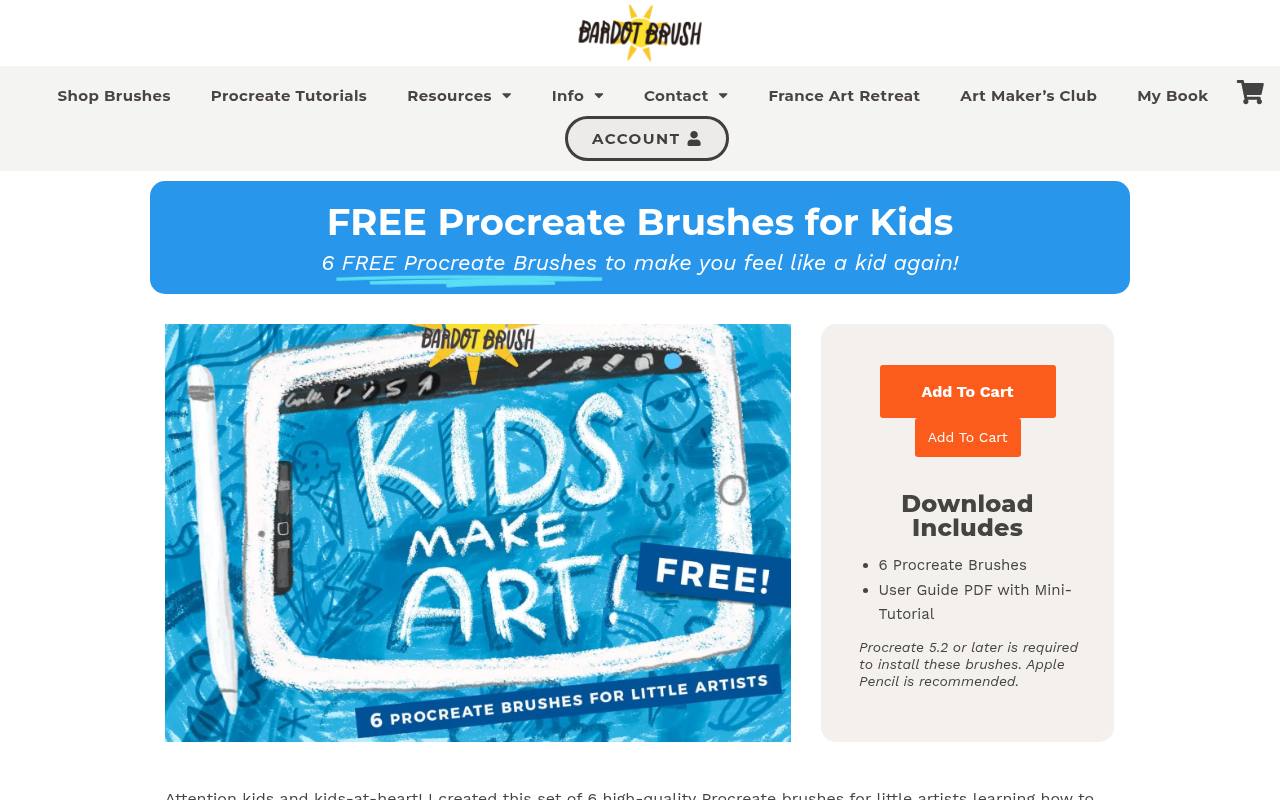
Lisa Bardot’s Kids Make Art collection translates familiar supplies into six free brushes, including crayon, coloured pencil, marker and fine-point marker. Messy Paint provides choppy, blendable marks, while Wet Paint aims at a more watered-down effect.
The download also includes a PDF with mini-tutorial content, making this a friendly starting point for supervised younger artists or adults wanting a looser style. The page specifies Procreate compatibility and recommends Apple Pencil. Choose this pack for its coherent classroom-style toolkit rather than a huge catalogue of unrelated effects.
- Type
- Procreate brush set
- Best for
- Playful drawing with familiar traditional art materials
- License
- Creator licence; check supplied terms
- Price
- Free pack + paid collections
Lisa Glanz
Brushset and PNG illustrations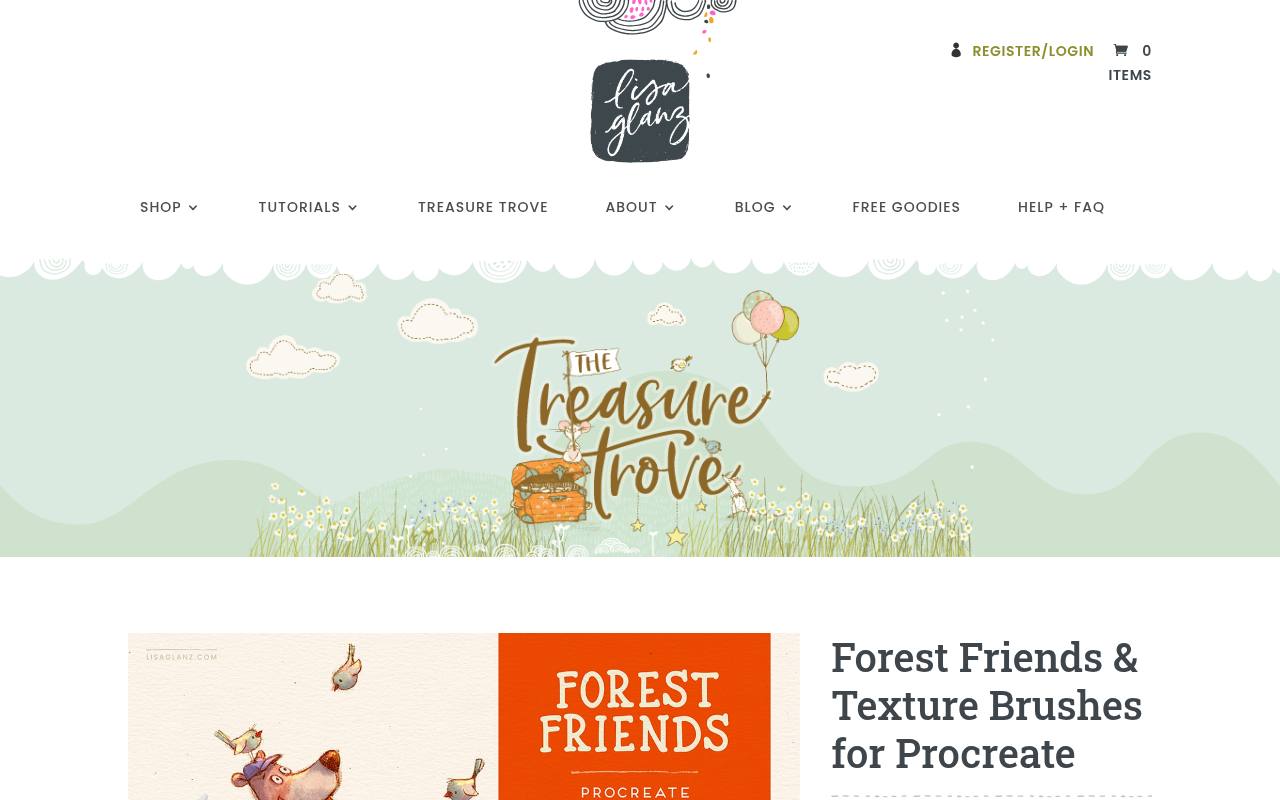
Forest Friends combines three texture brushes with woodland illustrations, so you can see the sort of character the tools bring to an image. Lisa Glanz supplies the brushes as a Procreate brushset and the illustrations as transparent PNG files, with software requirements listed beside the download.
Importantly, the page explicitly allows commercial projects but applies separate licence terms: the Add-Ons Licence covers brushes, while the Standard Graphics Licence covers the included artwork. This distinction makes the pack useful for illustrators who want expressive marks without assuming the supplied characters have unlimited reuse rights.
- Type
- Brushset and PNG illustrations
- Best for
- Soft textured characters and woodland illustration projects
- License
- Commercial use under Add-Ons Licence; graphics separate
- Price
- Free pack + paid collections
Paperlike
Artist-created Procreate brush sets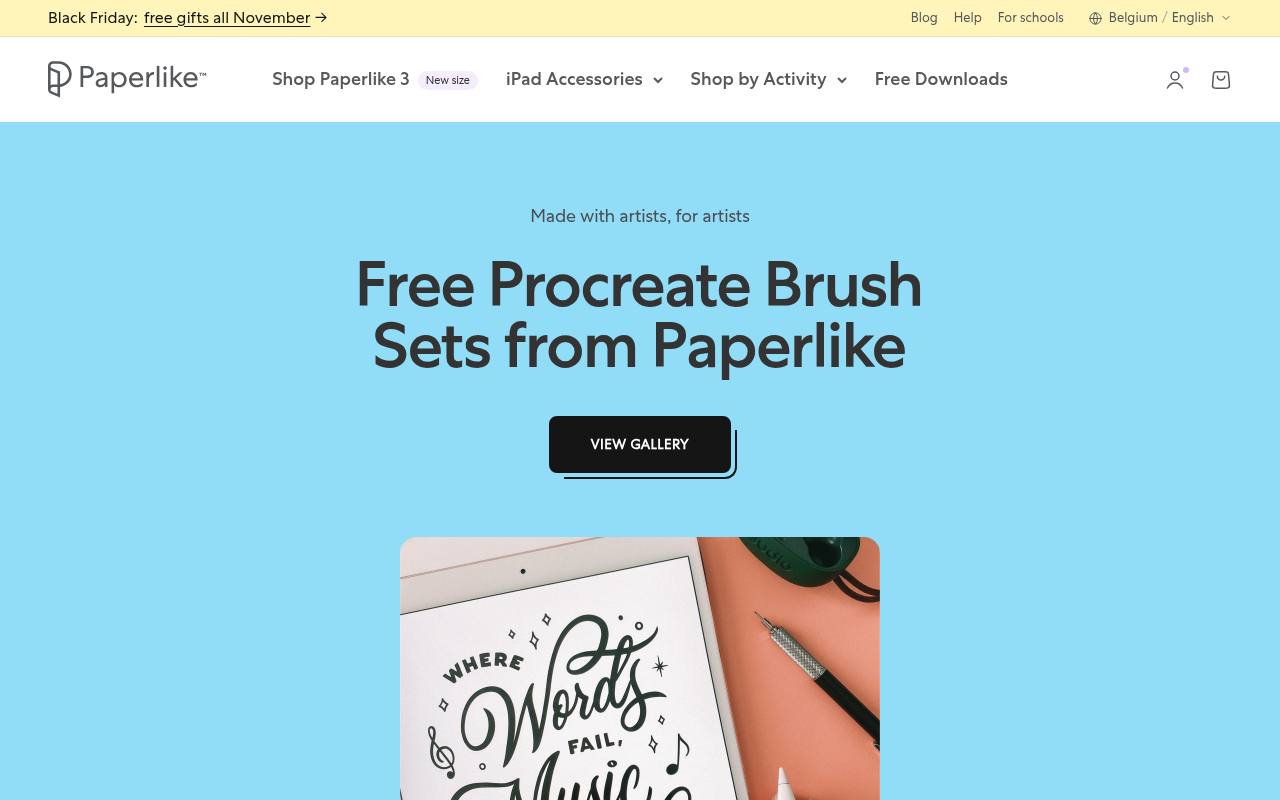
Paperlike’s gallery brings together artist collaboration sets for painting, illustration and lettering rather than presenting a single house brush style. Individual pages explain the creative approach: Designical’s Brilliant Strokes explores painterly edges and blending, while Shelly Kim’s textured lettering collection focuses on decorative marks.
Downloads are accessed through the Paperlike Library, using an email address, and the pages explain the import process. This is a convenient place to compare distinct brush personalities before downloading. Read the terms attached to your chosen collection instead of treating every collaboration as the same licence.
- Type
- Artist-created Procreate brush sets
- Best for
- Exploring painting and lettering from different artists
- License
- Creator terms apply; check each collection
- Price
- Free downloads with email access
RetroSupply Co.
Procreate chalk brushes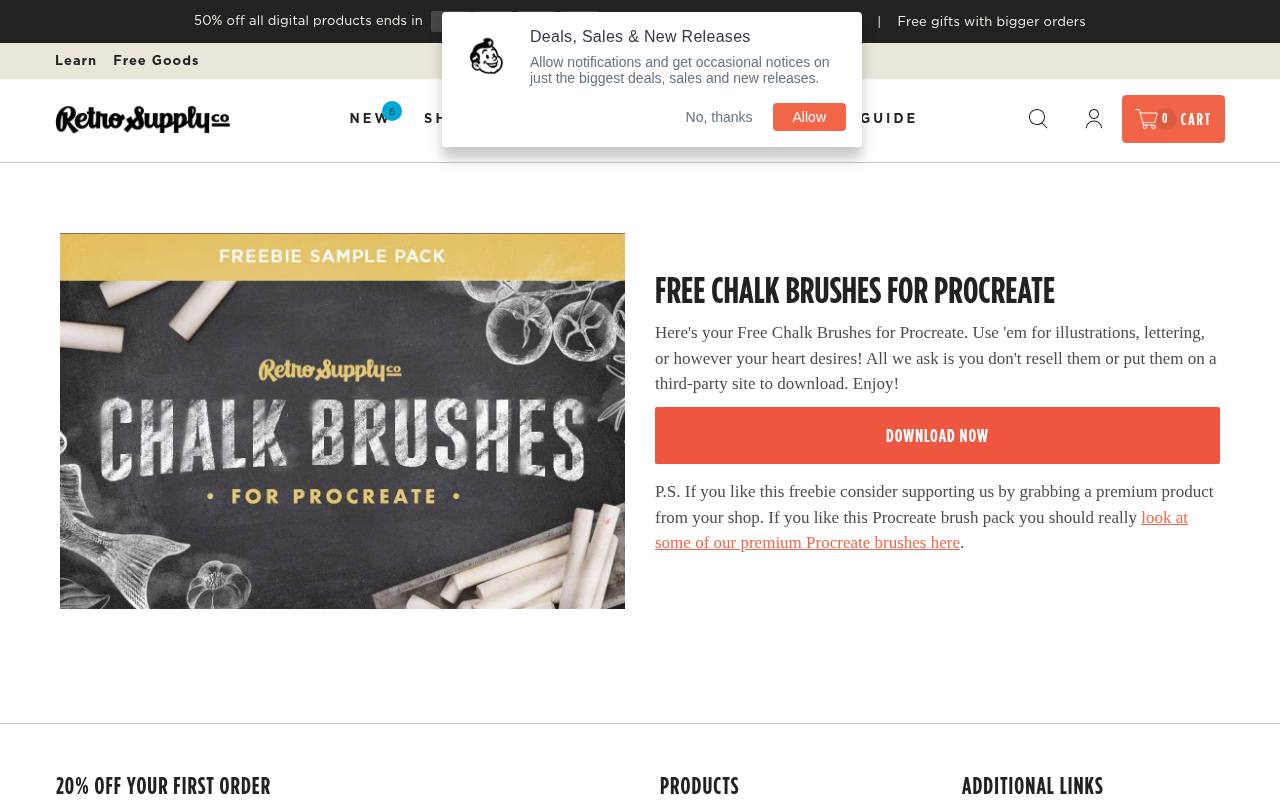
RetroSupply’s dedicated chalk download is a focused option for chalk-style Procreate marks, particularly if your lettering looks too smooth or your illustrations need a dry finish. The page invites use for illustrations and lettering, while clearly asking users not to resell the brushes or place them on third-party download sites.
That makes its redistribution restriction unusually easy to understand. Prefer this small specialist download when you already have dependable sketching tools and simply need another surface quality. Keep the original files private, and send interested collaborators to RetroSupply’s own download page.
- Type
- Procreate chalk brushes
- Best for
- Chalky lettering and textured illustrated display work
- License
- Artwork use allowed; no resale or redistribution
- Price
- Free brushes + paid collections
True Grit Texture Supply
Multi-application brush sampler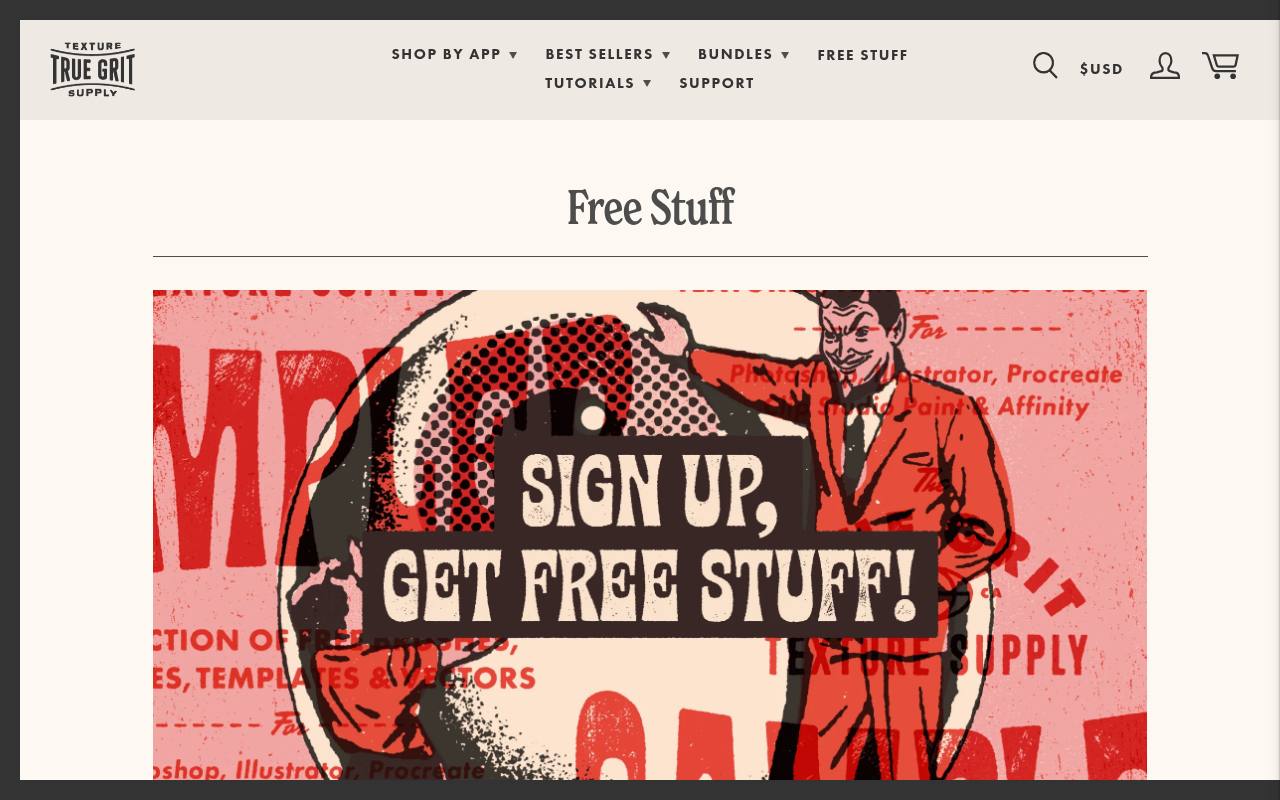
True Grit’s free-stuff page offers a sampler drawn from its wider tools, with additional bonus content, delivered through a newsletter download link. It covers several applications, including Procreate, Photoshop, Illustrator, Clip Studio and Affinity, so identify the correct files before importing anything.
The critical qualification is that the sampler is described as personal use only. Do not substitute the site’s broader purchased-product agreement for that specific free-offer limitation. This makes it a strong choice for sketchbook experiments, learning textured mark-making and deciding whether the creator’s analogue-inspired approach suits your work before considering commercial licensing.
- Type
- Multi-application brush sampler
- Best for
- Trying analogue-inspired tools in personal illustration studies
- License
- Free sampler for personal use
- Price
- Free sampler + paid collections
GeorgBrush.club
Inking and pattern brush sets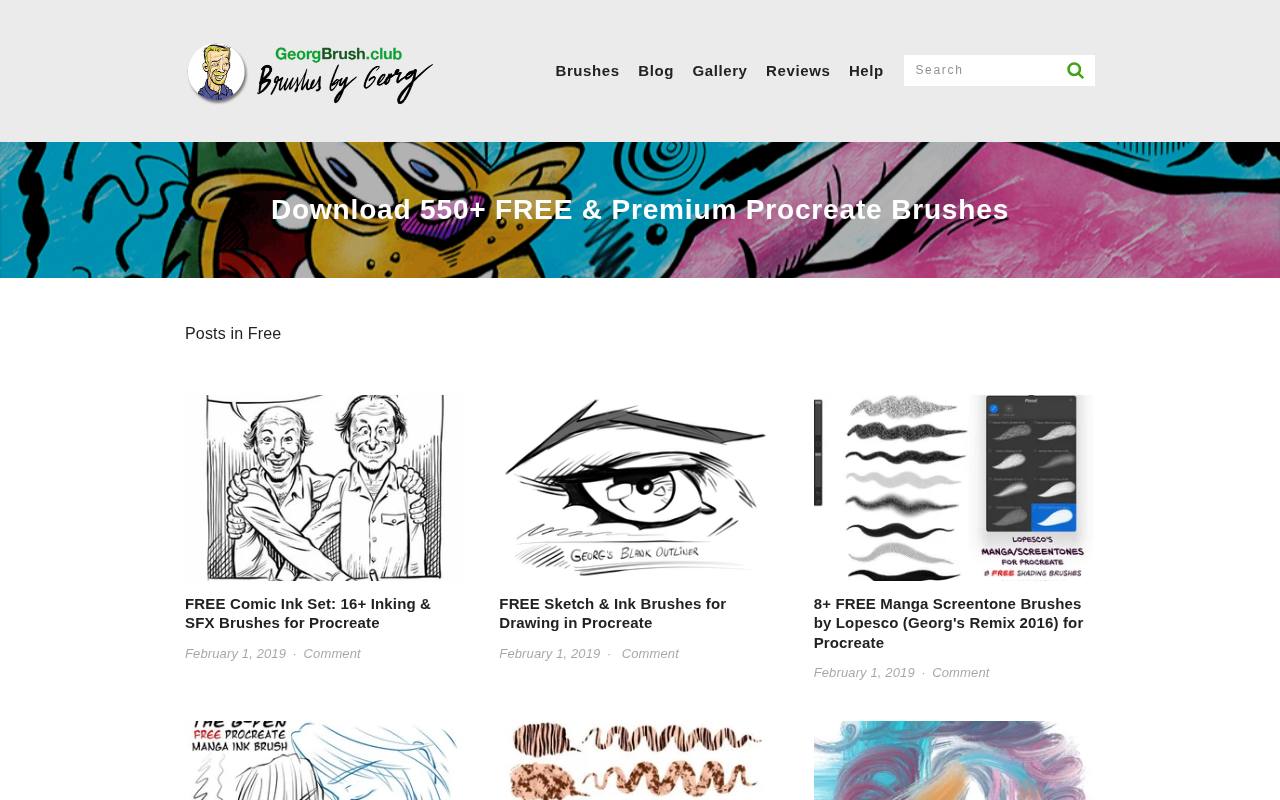
Georg’s free category has a distinct comic drawing focus, including a Comic Ink set, sketch-and-ink brushes, G-PEN variants and manga screentones. The listings describe useful behaviour rather than only showing attractive previews: the sketch brushes use pressure, tilt and speed to influence their marks.
Pattern options extend beyond line work into decorative surfaces and fur-like effects. Several downloads use a pay-what-you-want model, allowing support without making payment compulsory. Open the specific set’s page for its download destination and terms, especially when a listing credits another artist or identifies a remix.
- Type
- Inking and pattern brush sets
- Best for
- Comic inks, manga marks and repeating patterns
- License
- Pack-specific creator terms; verify commercial rights
- Price
- Free + optional donations and paid sets
Jingsketch
Procreate brushset with reference files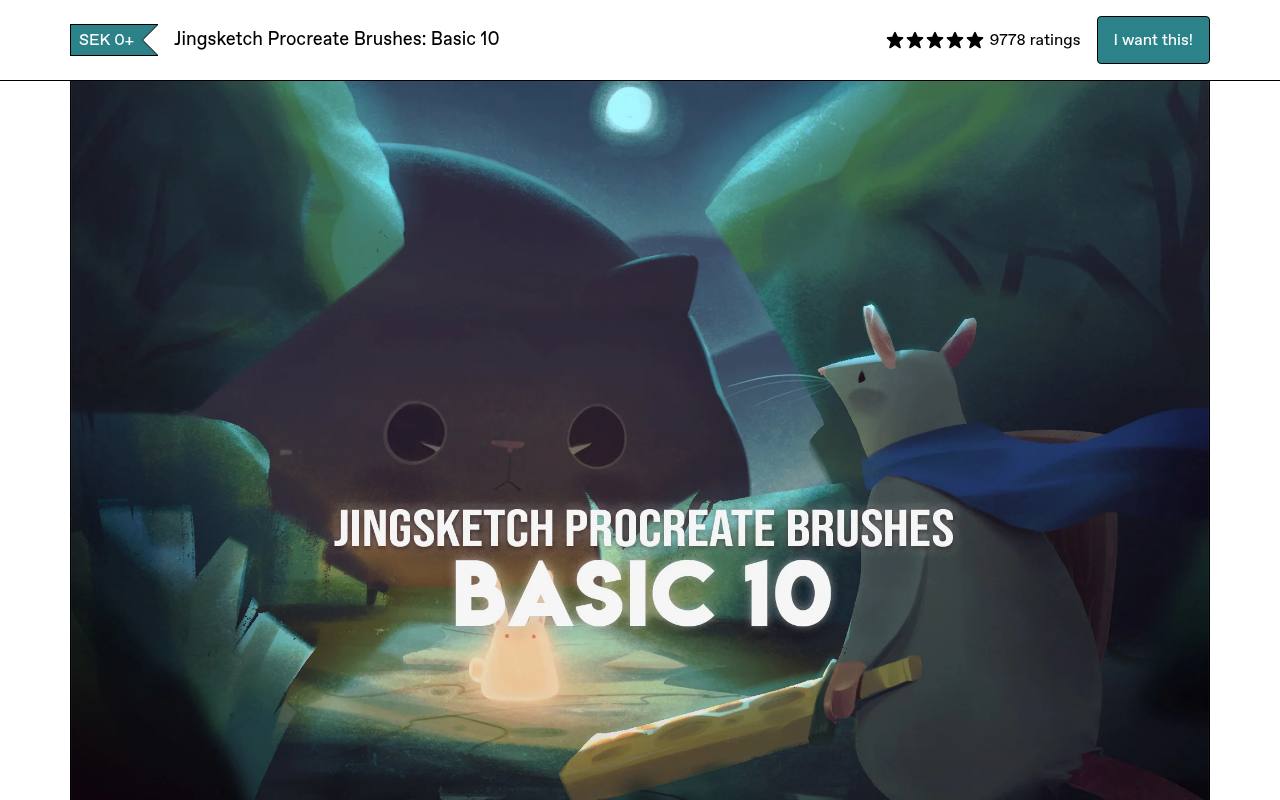
Jingsketch’s Basic collection is a deliberately compact ten-brush starter set, split into three sketch brushes, five paint brushes and two soft brushes. Its Gumroad listing accepts a zero-price download, with an optional contribution, and lists a brushset alongside JPG and PDF files.
That clear division makes it easier to learn a small painting workflow instead of continually switching between hundreds of tips. The set is presented as an introduction to Jingsketch’s tools, not the full paid collection. Use its limited brush selection to compare edge quality, coverage and softness within one consistent toolkit.
- Type
- Procreate brushset with reference files
- Best for
- Building a compact everyday sketching and painting toolkit
- License
- Creator terms apply; review download documentation
- Price
- Free or optional contribution
Art With Flo
Procreate brushes and learning extras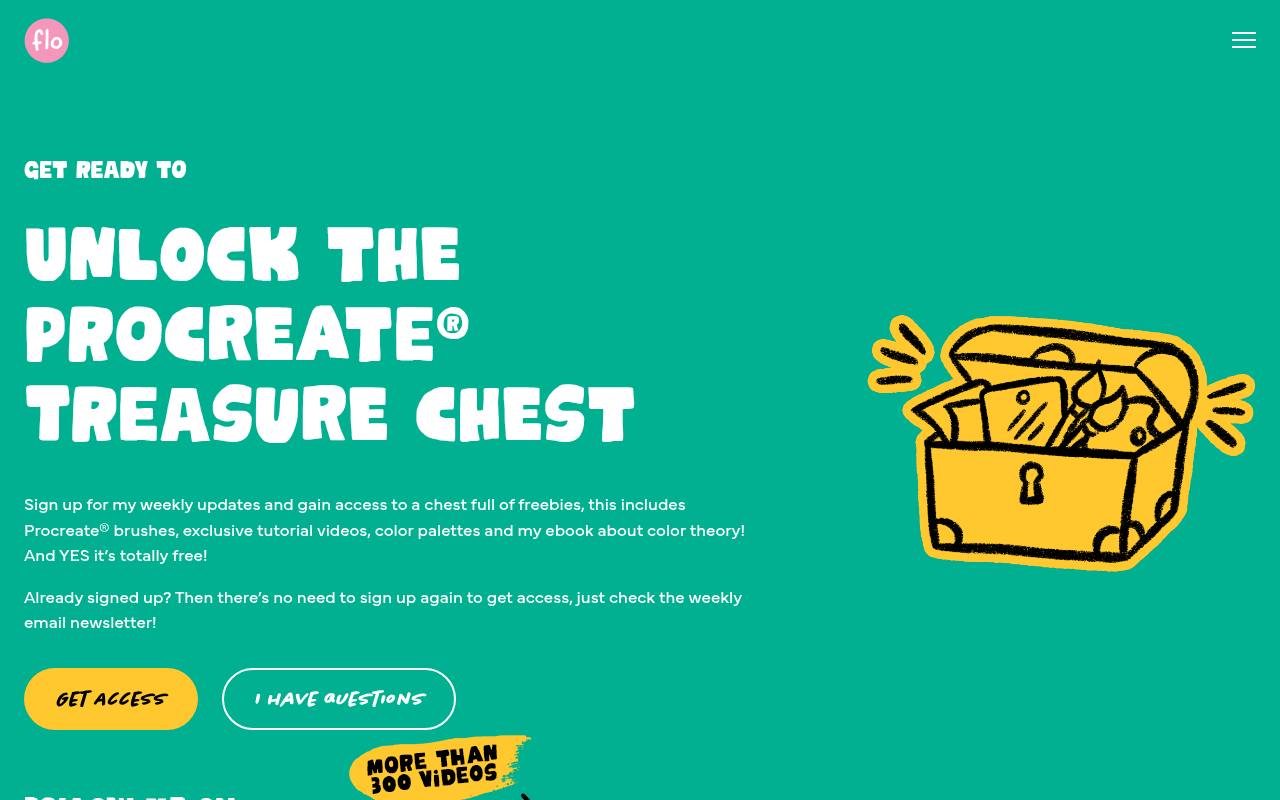
Art With Flo delivers its free resources through a newsletter-linked Treasure Chest collection. The offer includes Procreate brushes, colour palettes, a colour-theory ebook and an inspirational prompt list, so it suits learners who want activities alongside tools.
The page explains that the brushes are mostly samples from Flo’s fuller packs, rather than promising every paid brush for nothing. Flo also provides download and installation help elsewhere on the site. Choose this source for practice-led exploration, then organise the brushes you actually use instead of importing the entire collection into every drawing session.
- Type
- Procreate brushes and learning extras
- Best for
- Pairing practice drawings with an accessible brush collection
- License
- Creator terms apply; inspect supplied permissions
- Price
- Free newsletter resources + paid products
Manero Brushes
Crosshatching brushset and practice images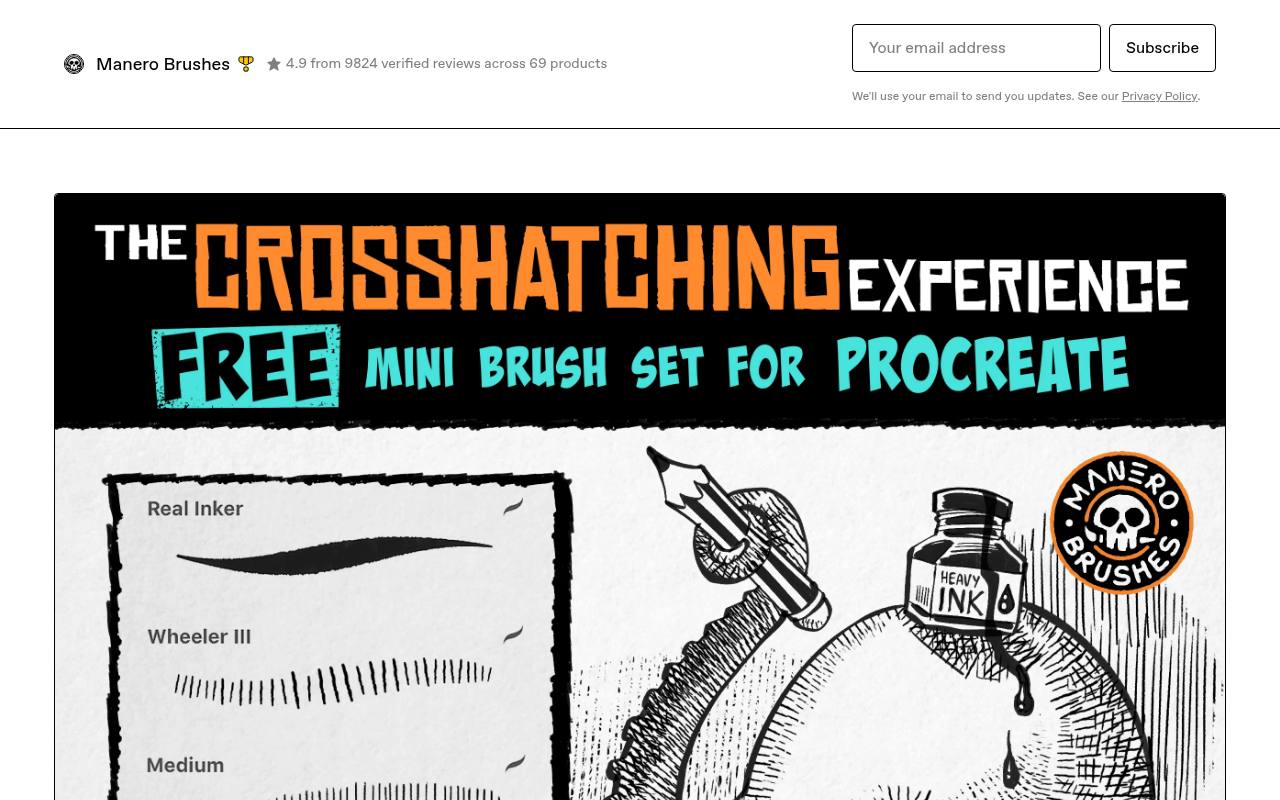
Manero’s free Crosshatching mini set offers a three-tool ink workflow: an inking brush, a precise crosshatching brush and a general crosshatching brush. Their roles are usefully differentiated, with the precise option intended for small details and the general brush covering broader areas.
The download includes two practice exercises, and the product page connects them with a video tutorial. Files are listed as BRUSHSET and PNG. Pick it when you want structured shading practice rather than another general painting sampler, and compare the spacing of hatch marks at your actual final output size.
- Type
- Crosshatching brushset and practice images
- Best for
- Controlled ink shading across small and large areas
- License
- Creator terms apply; check included licence
- Price
- Free or optional contribution
Procreate Folio Resources
Community brush and resource posts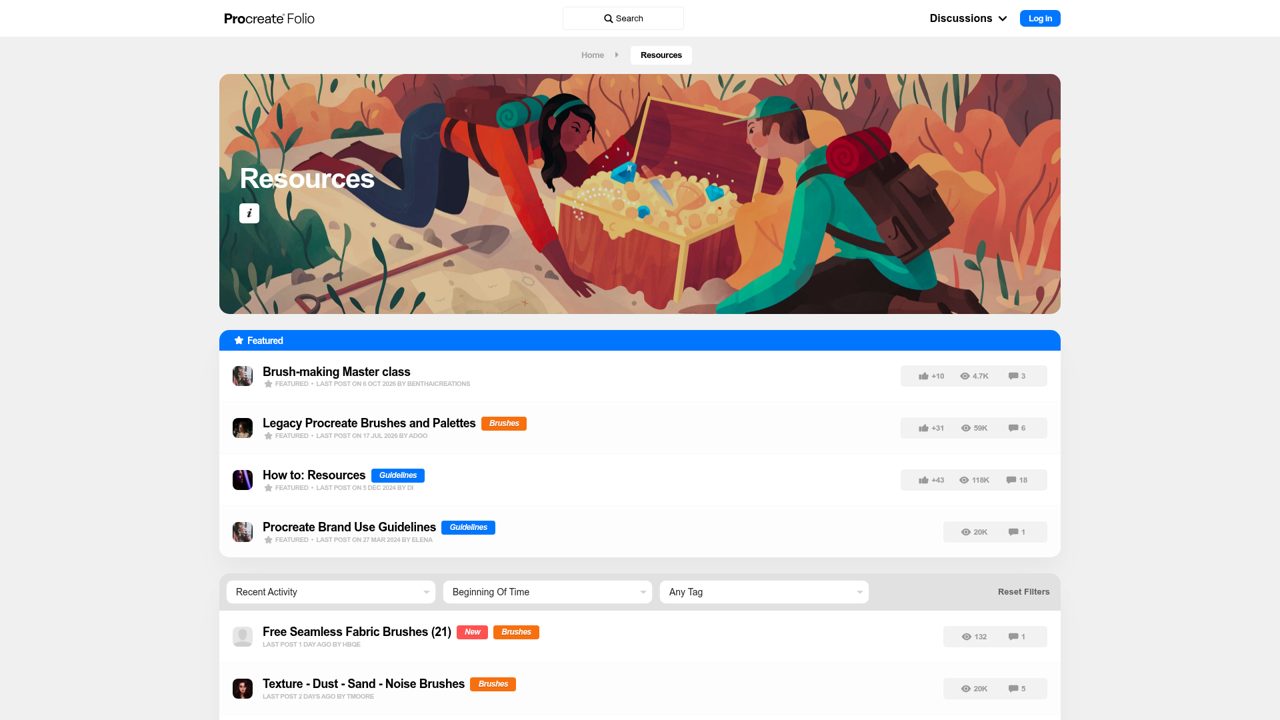
Procreate’s own community resource area offers a route to artist-shared brush posts, including tools that may never appear in a large commercial storefront. Entries can explain a creator’s intended workflow, show sample drawings and link to an external download such as Gumroad.
This is a community discovery space, not a universal licence or a promise that every linked product costs nothing. Look for an explicitly free set and follow its original creator link. It is especially useful when you want context from the artist who made a brush before adding it to your library.
- Type
- Community brush and resource posts
- Best for
- Discovering individual artists and specialist brush experiments
- License
- Contributor-specific licences; check each resource
- Price
- Free community resources; some paid links
Choose brushes by drawing task
Begin with one missing capability: a dry pencil for construction, a clean inker for contours or a broad brush for laying down colour. Make the same small drawing with each candidate.
A brush that looks impressive in a creator’s finished illustration may still feel awkward with your preferred canvas size and hand pressure. Keep the tool that solves the task with the fewest corrective strokes.
Import the right file
A brushset file normally imports a collection, while an individual .brush file adds one brush. Save the download somewhere you can find it in the iPad Files app, extract an archive if needed, and use Procreate’s import controls.
If the download contains multiple software folders, ignore unrelated formats. Keep a backup outside the app so that reorganising your brush library does not remove your only copy.
Test pressure before changing settings
Draw pressure test strokes from very light to firm, then try slow curves, quick flicks and broad shading. Apple Pencil response, canvas scale and the brush’s own dynamics all influence what happens.
Duplicate a brush before editing its controls. Otherwise, fixing one frustrating behaviour can accidentally destroy the texture or taper that made the original useful, and comparing your revision with the creator’s version becomes unnecessarily difficult.
Understand free versus commercial permissions
For client illustration work, check whether the free download allows commercial output, not merely whether the creator sells commercial licences elsewhere. True Grit’s sampler is explicitly presented for personal use; Lisa Glanz distinguishes brush and graphics permissions.
Artwork rights also do not automatically allow sharing the source brushes with a client or another freelancer. Archive the relevant licence text together with the pack name and your download date.
Make texture work at export size
Evaluate final-size grain rather than judging only while zoomed into a large canvas. A delicate pencil texture can vanish when reduced for social media, while coarse speckles may overwhelm small lettering.
Export a representative crop and view it at the intended display size. Adjust the drawing method or choose another brush before attempting to rescue an entire illustration with heavy sharpening or contrast changes.
Keep a smaller working library
Create a project brush shortlist containing only tools that play well together. A dependable pencil, inker, painter and texture brush can cover more ground than several untested collections.
Keep the larger archive separately labelled by creator, then note which brushes produced important effects in finished artwork. That record helps when a client requests revisions months later and you need to reproduce the original line quality.
Do beginners need extra brushes?
Not necessarily: Procreate’s built-in tools already support complete illustrations. Free packs are most useful when they reveal a mark or workflow you cannot comfortably achieve with your current favourites.
Try following one practice exercise using only a handful of tools before collecting more. If the result is disappointing, check drawing scale, edge control and colour choices as well as the brush; a new download cannot make every artistic decision for you.