
A branded QR code should do two things well: look at home in your design and open the right destination without surprises. These free QR code generators offer different ways to customize colors, incorporate a logo, or build a more distinctive pattern.
Some are straightforward browser tools for a single business card; others expose design controls or open-source code for teams that want a repeatable production workflow.
The important distinction is static versus dynamic. A static code stores its destination directly in the image, so the generator cannot deactivate that image when a subscription ends.
Its encoded address is permanent, although the website it points to still needs to exist. A dynamic code normally stores a provider-controlled redirect instead, enabling destination changes and analytics while making continued operation dependent on that provider and its plan rules.
Below, free static codes are separated from ongoing free dynamic allowances and temporary premium trials. You will also find open-source QR tools that can be inspected or hosted independently.
Choose your destination model before adjusting the visual details, and test the exported result rather than trusting the preview alone. A beautiful code that requires an unexpected subscription, routes through the wrong domain, or fails on printed packaging is not ready to publish.
Quick picks at a glance
| # | Resource | License | Best for |
|---|---|---|---|
| 1 | QRCode Monkey | Free static codes, including commercial use; dynamic service separate | Detailed logo placement and print-ready vector downloads |
| 2 | QR Planet | Free static designer codes; hosted features have separate plan terms | Exploring logo treatments with gradients and custom shapes |
| 3 | Hovercode | Free static codes; three free dynamic codes with unlimited scans | Branded codes with a small ongoing dynamic allowance |
| 4 | QRCodeChimp | Static codes free forever; free dynamic plan has monthly scan cap | Decorative branding with clearly separated static and dynamic limits |
| 5 | Mini QR | Free tool; open-source software under GPL-3.0 | Reusable styling presets and batch static QR exports |
| 6 | QR Code Styling | Free generator; MIT-licensed JavaScript library | Matching interactive prototypes to a programmable brand system |
| 7 | QR Freely | Free browser tool; source released under CC0-1.0 | Browser-only generation without hosted redirects or accounts |
| 8 | qrframe | Free tool; MIT-licensed source | Code-driven QR artwork for technically confident designers |
| 9 | QRdx | Free static generation; AGPL-3.0 source; hosted dynamic plans separate | Theme-led static designs with a self-hosting path |
| 10 | QR.io | Static codes persist; dynamic codes pause after seven-day trial without payment | Static branded exports with an explicit trial warning |
QRCode Monkey
Web app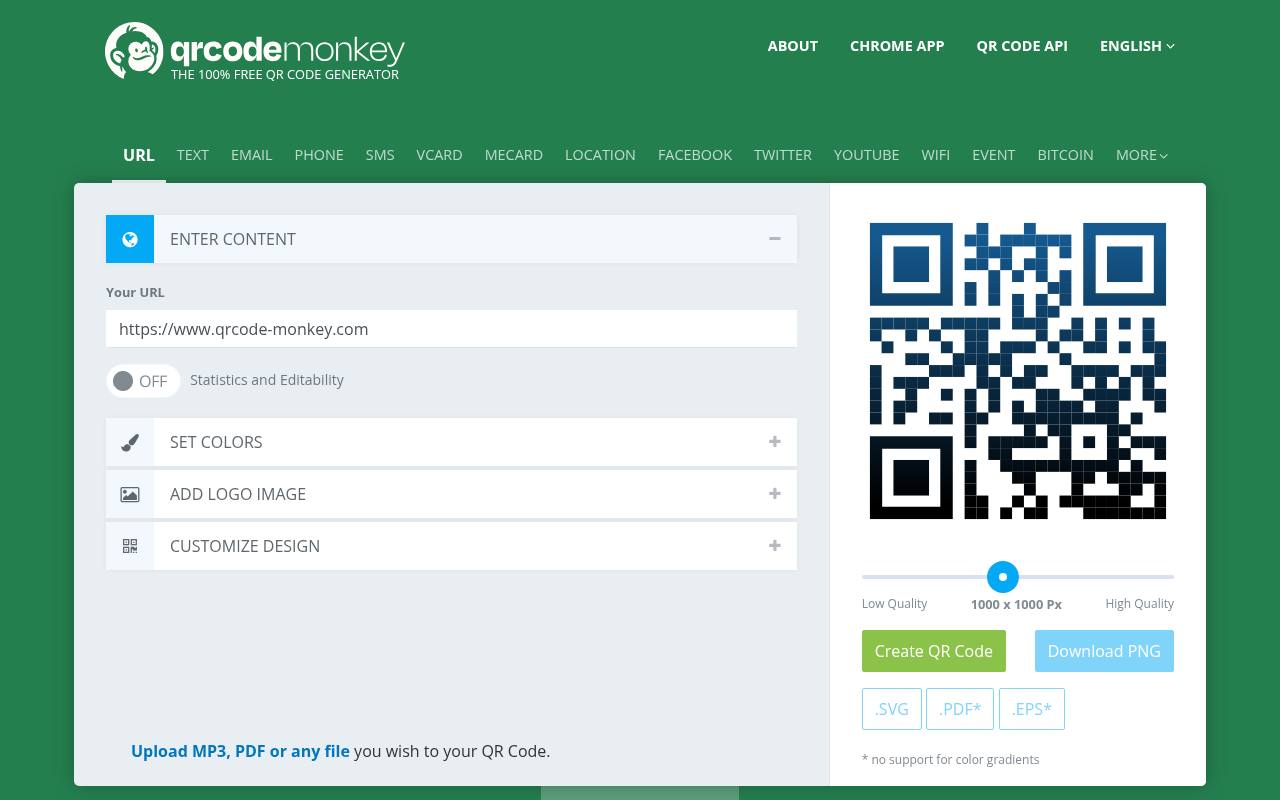
QRCode Monkey combines free static downloads with unusually granular appearance controls: body shapes, eye frames, separate eye styling, custom colors, gradients, and uploaded logos. Its download choices include PNG, SVG, PDF, and EPS, making it useful for packaging and print layouts as well as screens.
The site permits commercial use, and static codes have no expiration or scan limit. Its dynamic QR features lead to a separate service rather than turning those free downloads into editable codes. Check the entered content carefully before exporting because a static payload cannot be revised afterward.
- Type
- Web app
- Best for
- Detailed logo placement and print-ready vector downloads
- License
- Free static codes, including commercial use; dynamic service separate
- Price
- Free + Pro
QR Planet
Web app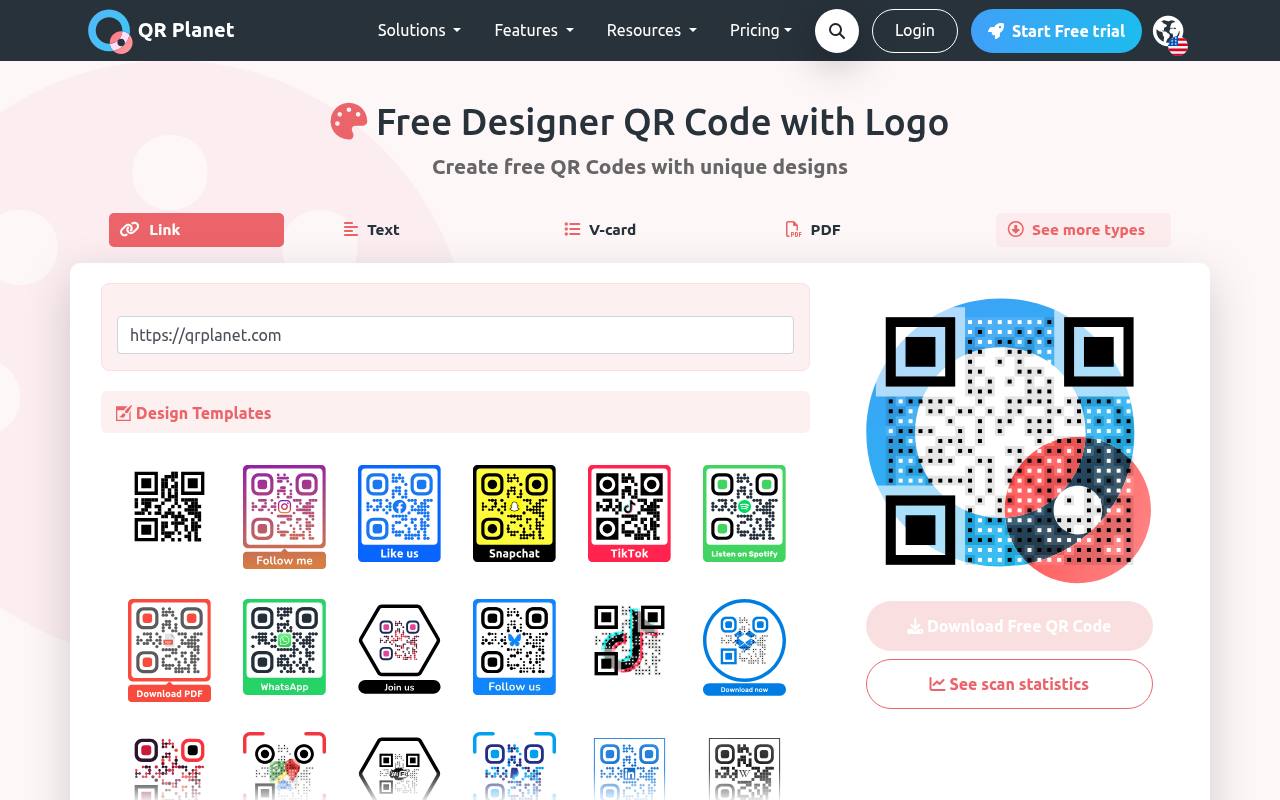
QR Planet’s designer page offers embedded logo customization, foreground and background colors, gradients, and different body and eye shapes. It distinguishes basic, designer, and transparent treatments, and offers vector downloads for scalable artwork.
Use its free static option when you want a permanent destination without scan-based service dependency; do not confuse that with hosted content, tracking, or account-based dynamic features. The page specifically cautions that decorative designs need extensive readability testing. Start with the simpler treatment for small labels, then introduce unusual shapes only if your printed samples remain easy to scan.
- Type
- Web app
- Best for
- Exploring logo treatments with gradients and custom shapes
- License
- Free static designer codes; hosted features have separate plan terms
- Price
- Free + Pro
Hovercode
Web app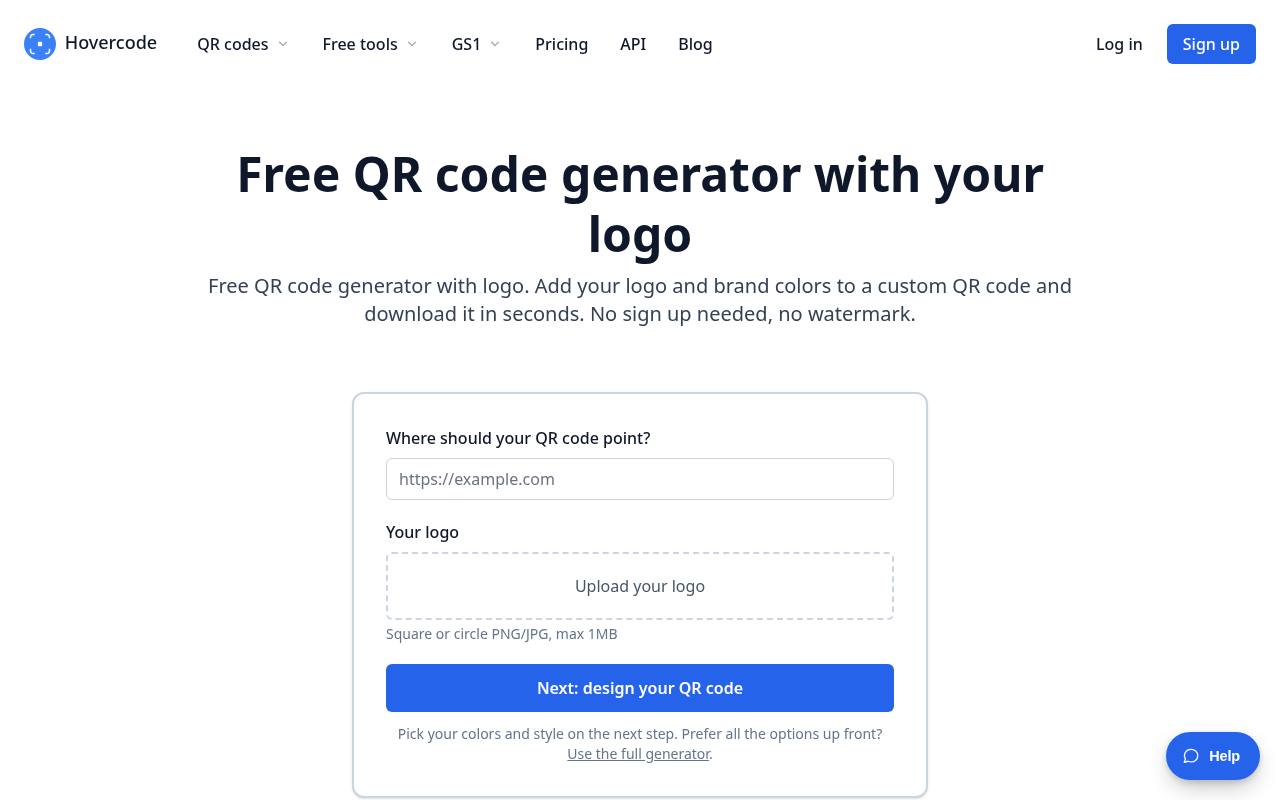
Hovercode’s dedicated logo tool accepts a square or circular PNG or JPG, then lets you choose brand colors and styling without signing up for a basic download. Its free dynamic allowance is three codes with unlimited scans, not a short trial; the first three do not expire under its published policy.
Unlimited static QR codes are also available. Codes created beyond that initial dynamic allowance on a paid plan can expire after downgrading. This distinction makes Hovercode useful for a small editable campaign, but it still leaves dynamic links dependent on the company’s redirect infrastructure.
- Type
- Web app
- Best for
- Branded codes with a small ongoing dynamic allowance
- License
- Free static codes; three free dynamic codes with unlimited scans
- Price
- Free + Pro
QRCodeChimp
Web app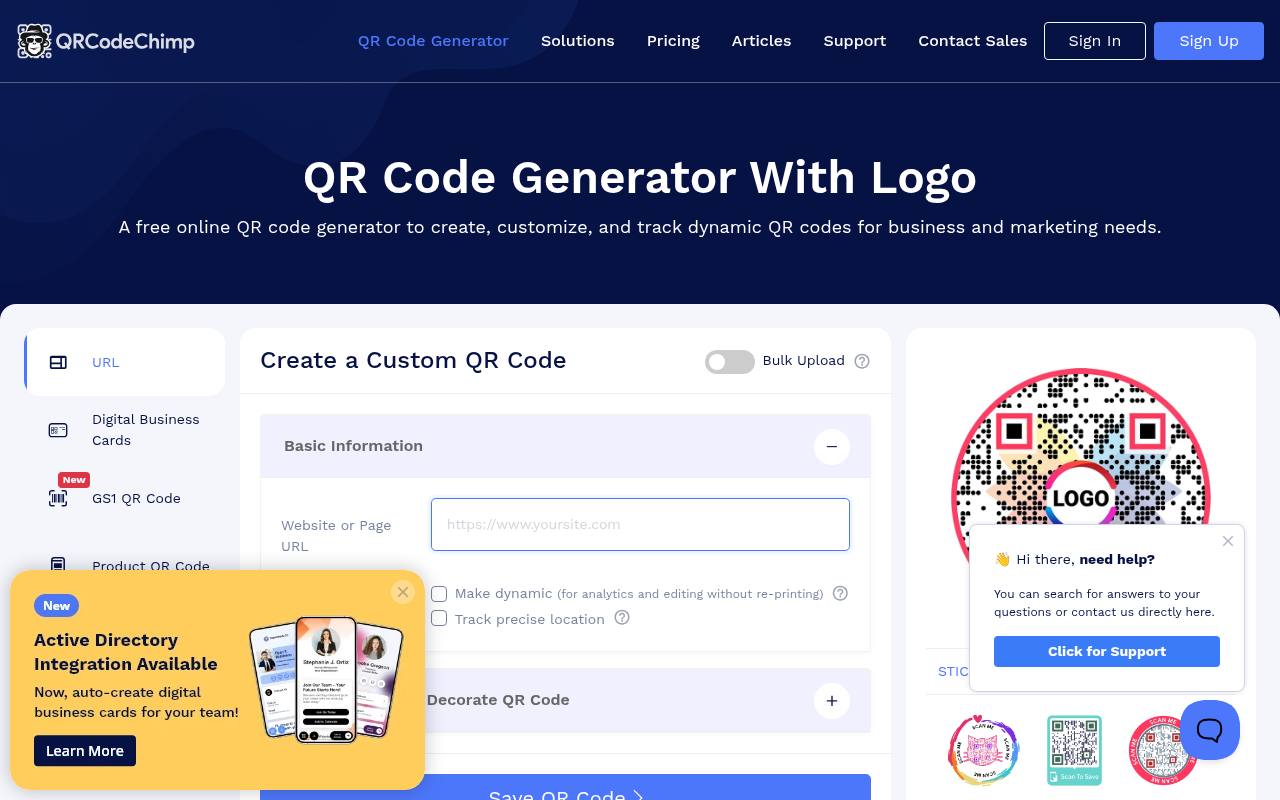
QRCodeChimp offers logo and color controls alongside decorative shapes and a broad selection of QR solutions. For a simple website link, pay attention to the “Make dynamic” setting rather than assuming every output has the same terms. Its free static codes are unlimited, free forever, and have no scan cap or scan analytics.
The ongoing free account includes ten dynamic codes, including one digital business card, with a combined allowance of 1,000 scans per month. That is not unlimited dynamic service: review the pricing and scan-cap behavior before putting a popular campaign into production.
- Type
- Web app
- Best for
- Decorative branding with clearly separated static and dynamic limits
- License
- Static codes free forever; free dynamic plan has monthly scan cap
- Price
- Free + Pro
Mini QR
Open-source web app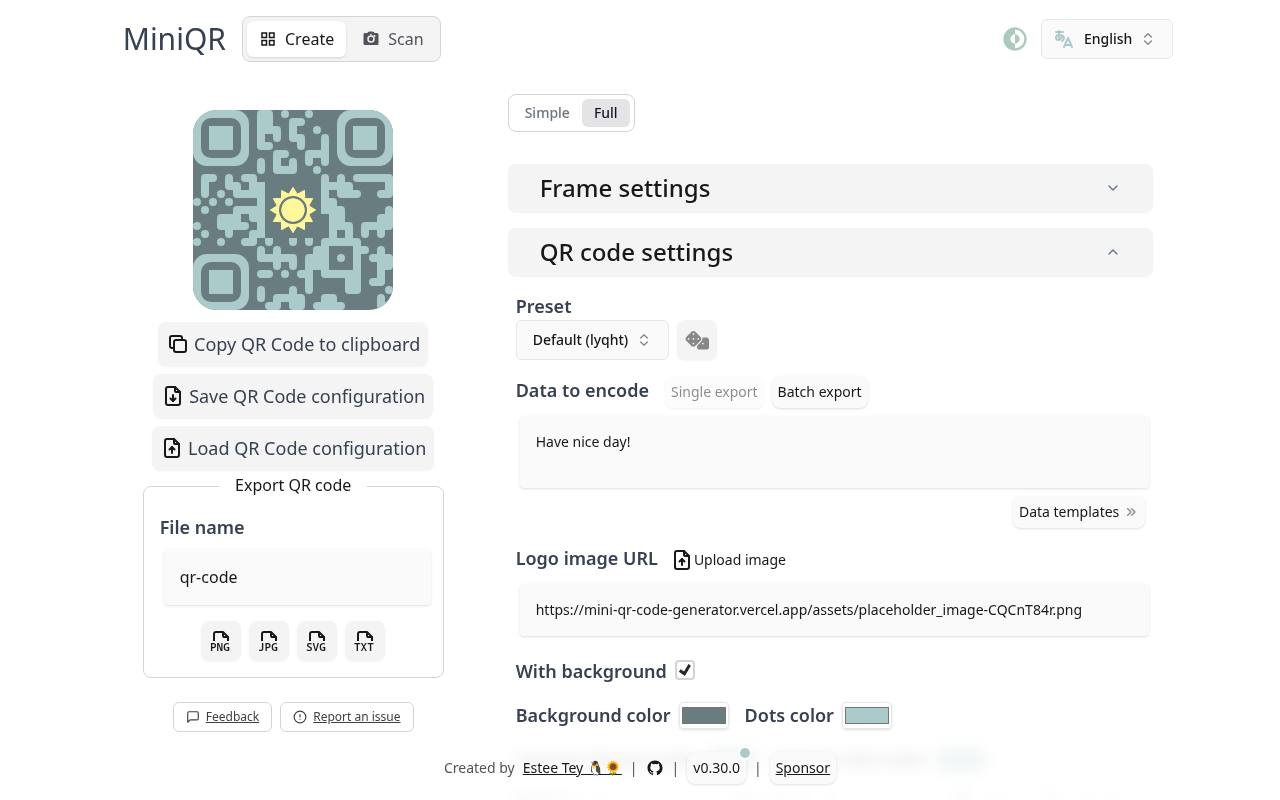
Mini QR provides custom logo uploads with adjustable size and margin, color and style controls, presets, and configurable frames. It exports PNG, JPG, and SVG, and can save and reload a design configuration so related materials keep the same treatment.
A CSV batch workflow is useful when several destinations need coordinated artwork. This open-source generator is published under GPL-3.0 and produces static payloads rather than selling a hosted editing subscription. Its repository also documents local deployment, giving technically comfortable teams a route to maintaining their own copy of the tool.
- Type
- Open-source web app
- Best for
- Reusable styling presets and batch static QR exports
- License
- Free tool; open-source software under GPL-3.0
- Price
- 100% free
QR Code Styling
Web app and library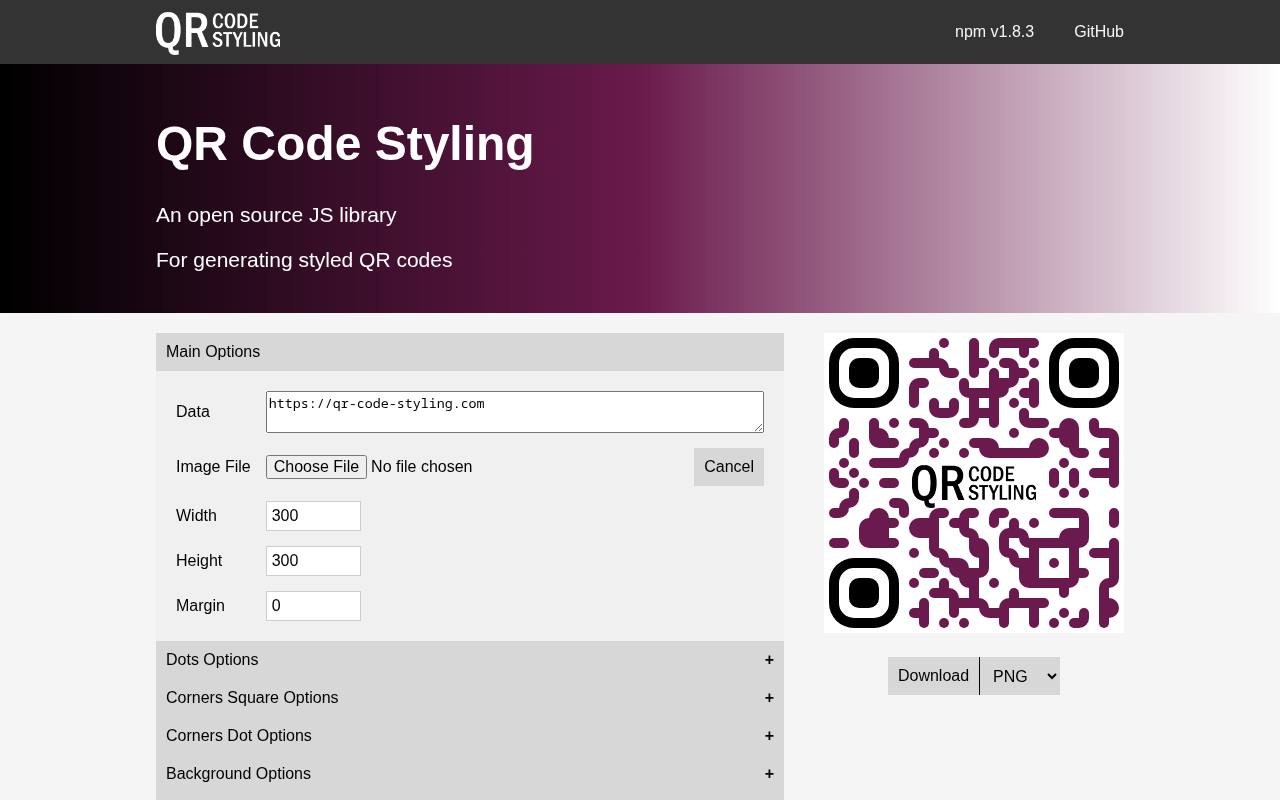
QR Code Styling is both a working browser editor and an MIT-licensed library for developers. The editor exposes data, an image file, dimensions, margins, dot styles, gradients, and separate corner controls, so you can experiment visually before integrating the same underlying approach into an application.
Its logo styling controls are particularly useful when consistency matters more than selecting a premade marketing template. Generated static codes do not require a redirect subscription. If you distribute the library or modified software, retain the applicable MIT notices; the software license does not grant rights to uploaded brand artwork.
- Type
- Web app and library
- Best for
- Matching interactive prototypes to a programmable brand system
- License
- Free generator; MIT-licensed JavaScript library
- Price
- 100% free
QR Freely
Open-source web app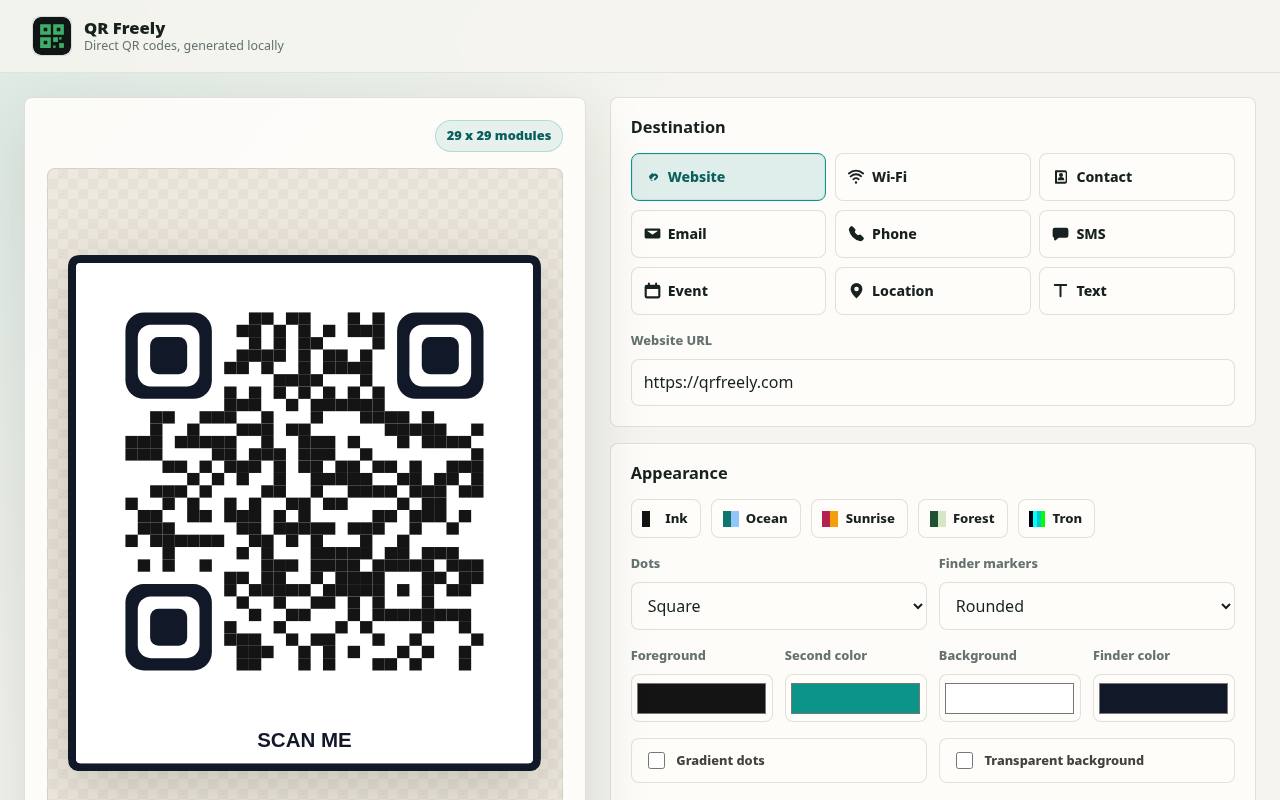
QR Freely focuses on browser-only QR creation with no account, upload step, or service-controlled redirect. It supports common payloads such as website addresses, Wi-Fi details, contacts, email, calendar events, and plain text. Appearance controls include gradients, dot styles, finder markers, a logo, quiet-zone settings, borders, and frame labels, with PNG and SVG exports.
Its CC0 source code can be inspected or run locally. Because these are static payloads, there is no dynamic plan to keep active, although URLs still depend on their destination websites and sensitive encoded details remain readable to anyone scanning the image.
- Type
- Open-source web app
- Best for
- Browser-only generation without hosted redirects or accounts
- License
- Free browser tool; source released under CC0-1.0
- Price
- 100% free
qrframe
Open-source design app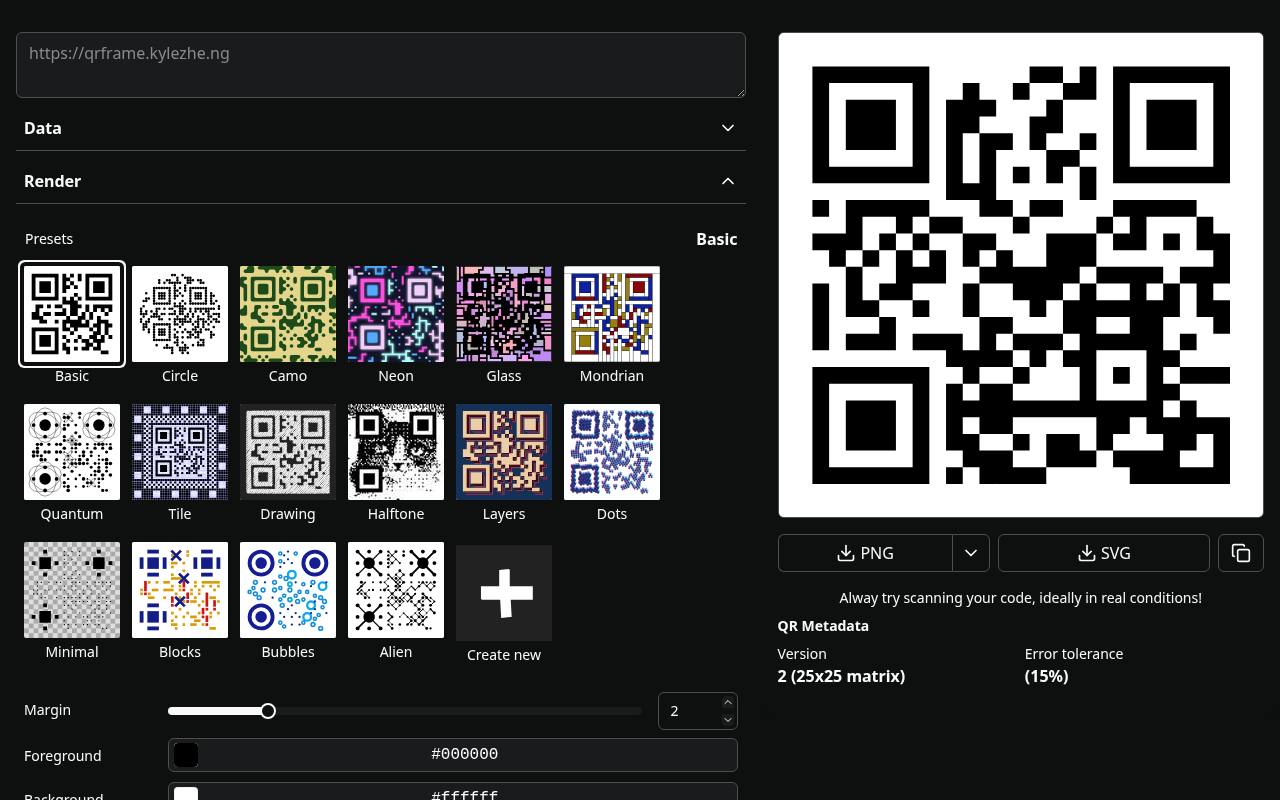
qrframe approaches custom QR design as a programmable rendering problem. You can select presets, change data and error tolerance, or edit rendering code to construct a distinctive treatment, including image-based compositions rather than relying on a simple logo-upload wizard. Its MIT-licensed source makes it an interesting choice for developers and experimental identity work.
The project explicitly warns that decorative examples may not scan reliably, so this is not the safest default for tiny transactional labels. Use trusted preset code, preserve essential QR structures, and verify every finished static design on multiple real devices.
- Type
- Open-source design app
- Best for
- Code-driven QR artwork for technically confident designers
- License
- Free tool; MIT-licensed source
- Price
- 100% free
QRdx
Open-source web app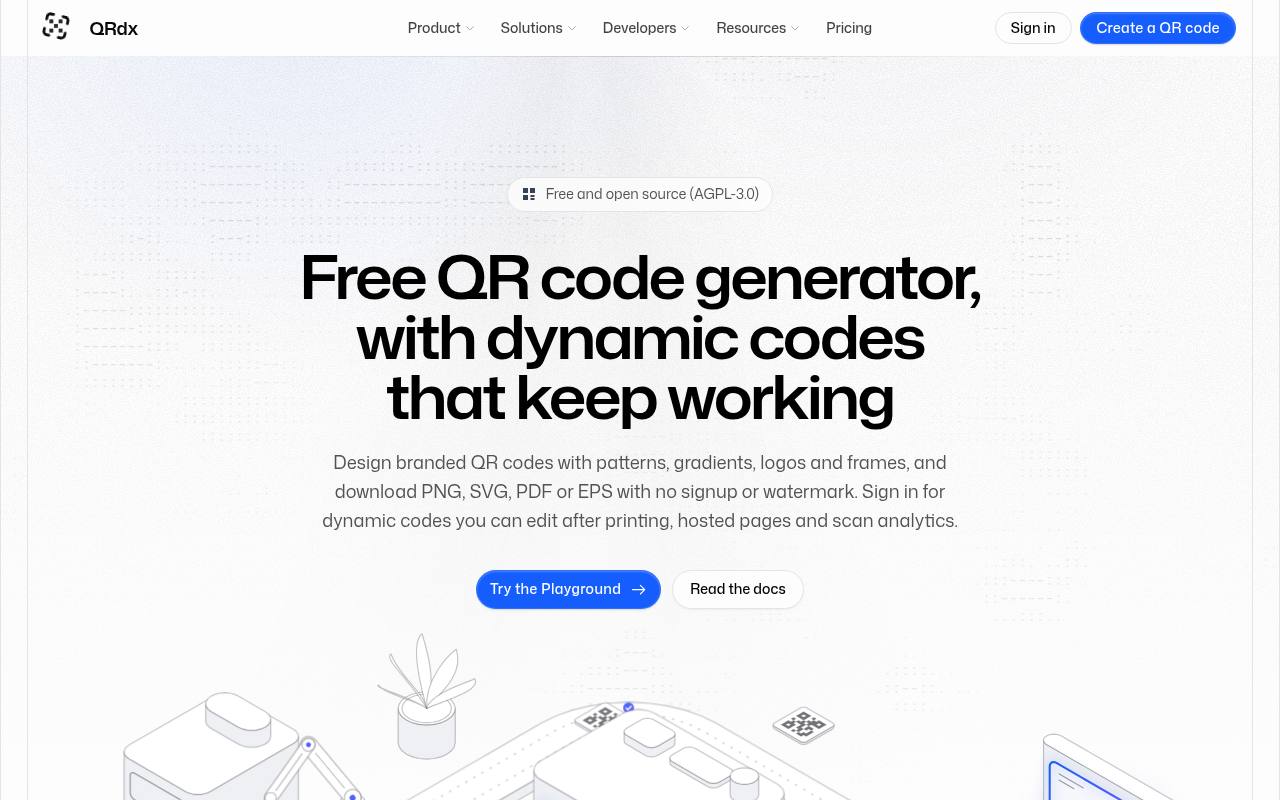
QRdx pairs a visual editor with free static generation that does not require an account or add a watermark. Its project documents themes, body patterns, corner-eye treatments, frames, and branding options, allowing more visual variation than a plain square-code utility.
Download a static result when you want to avoid an ongoing redirect service. The platform also advertises hosted dynamic codes and analytics, but those should be evaluated under their own plan terms rather than treated as permanently free. Its AGPL-licensed source provides a self-hosting route, with software compliance and hosting responsibilities remaining yours.
- Type
- Open-source web app
- Best for
- Theme-led static designs with a self-hosting path
- License
- Free static generation; AGPL-3.0 source; hosted dynamic plans separate
- Price
- Free + Pro
QR.io
Web app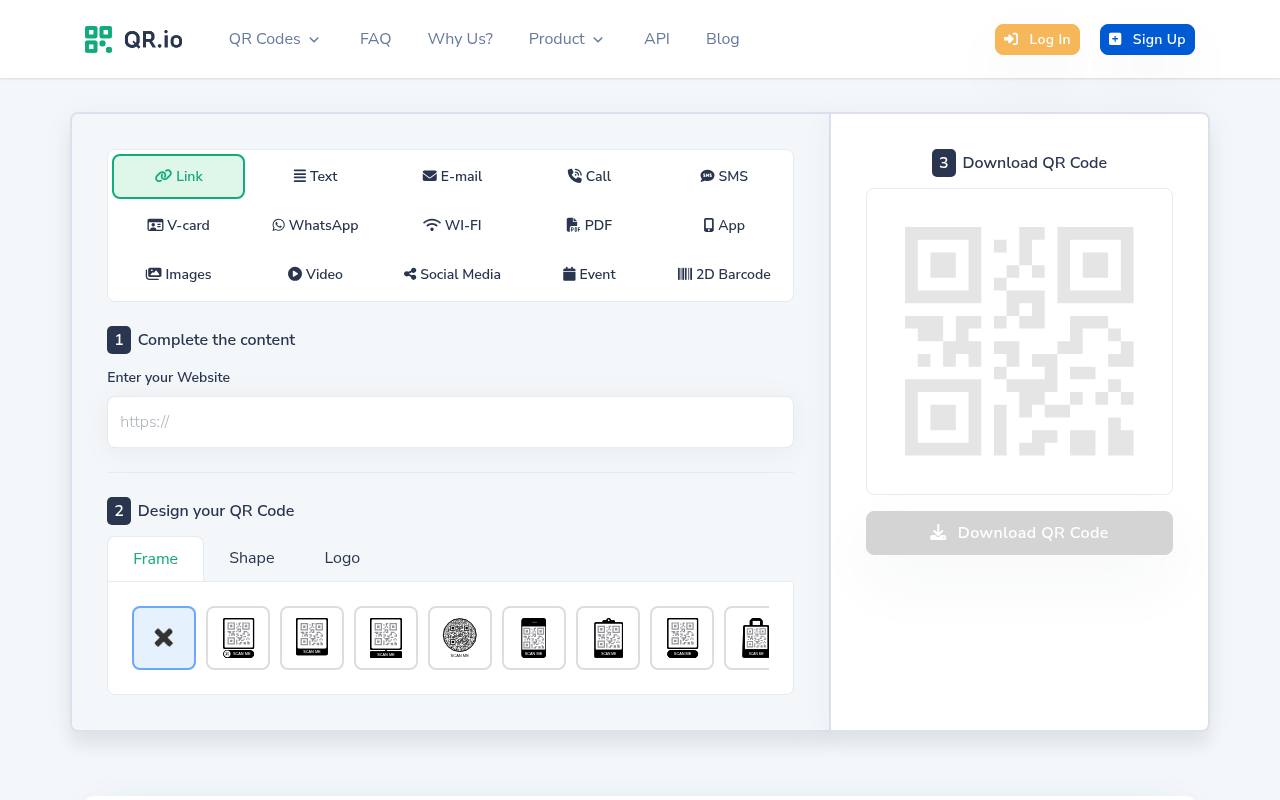
QR.io includes color and logo customization alongside common content types such as links, text, email, and Wi-Fi, with PNG and SVG formats advertised on its pricing page. Its free access is a seven-day premium trial, not an ongoing unlimited dynamic plan.
The published policy says static codes created during the trial continue working afterward, while dynamic codes are paused unless you upgrade. Use it only with that distinction firmly in mind: choose static, download your artwork while access is available, and inspect the encoded destination before committing it to expensive printed materials.
- Type
- Web app
- Best for
- Static branded exports with an explicit trial warning
- License
- Static codes persist; dynamic codes pause after seven-day trial without payment
- Price
- Free static; paid dynamic
Choose permanence before visual style
For menus, packaging, and business cards, a permanent static code is usually the simplest no-subscription choice. QRCode Monkey is a practical starting point for print exports, while Mini QR suits repeatable branded batches.
If you must revise destinations after printing, compare Hovercode’s three uncapped free dynamic codes with QRCodeChimp’s ten-code allowance and monthly scan ceiling. More codes does not automatically mean a more generous operating limit.
Understand what “free forever” actually means
A static QR image contains data, not a renewal timer. It remains decodable even if its generator disappears, but a broken destination, expired domain, or deleted file can still make it useless.
A dynamic code adds a separate dependency: the redirect service must continue operating. QR.io explicitly pauses dynamic trial codes without payment, while genuinely ongoing free plans still carry provider, account, and policy risks.
Keep destinations editable on your own website
You can encode a short address on your own domain into a static code and change the page at that address later. Alternatively, maintain your own redirect there.
The printed payload stays unchanged, but you control what visitors reach without buying the generator’s dynamic service. This requires keeping your domain, hosting, and redirect configuration active; it is independent control, not maintenance-free infrastructure or automatic free scan analytics.
Use logos without sacrificing scan reliability
A small central logo is safer than artwork that sprawls over finder patterns or obscures much of the data grid. Preserve a clear quiet zone around the entire code, normally at least four modules wide for a standard QR symbol.
Higher error correction can help tolerate damage, but it is not permission to hide an arbitrary percentage of the image. Test the actual composition rather than relying on a percentage claim.
Treat color as a functional design decision
Prioritize dark modules on white or another very light, uniform background. Pale brand colors, reversed contrast, metallic substrates, and gradients can interfere with recognition even when a desktop preview looks attractive.
Put a bright lime accent in the surrounding layout or call-to-action frame instead of forcing low-contrast modules. Keep a visible short URL beside the code so readers have an alternative when their camera cannot focus or scanning is inconvenient.
Export for the final placement
Choose SVG for scaling where your layout software supports it, and inspect whether any embedded logo remains a raster image. A PNG is convenient for slides and quick digital placements, but it should be exported large enough for the intended dimensions.
Avoid stretching, cropping, or compressing the finished code. Print a physical proof at final size and test it under realistic distance, lighting, surface glare, and camera conditions.
Separate software licensing from brand permissions
An open-source software license governs the generator’s code, not ownership of a customer’s logo or permission to imitate another company. MIT projects require relevant notices when software is redistributed; GPL and AGPL projects have additional obligations in applicable distribution or network-use situations.
Simply downloading an output image is a different activity from modifying and deploying the application. Verify artwork permissions separately, especially for commercial packaging and client deliverables.
Check the encoded payload before publishing
Use an independent scanner that can display the raw encoded address, and confirm whether it contains your intended URL or an unfamiliar provider redirect. Save the final image, source destination, styling configuration, and test results with the design files.
For Wi-Fi credentials or contact details, remember that QR encoding is not encryption. Anyone who can see the code can potentially read its contents, even when generation happens entirely inside your browser.