
A strong resume should make your qualifications easier to assess, not make the reader decipher your layout. These free resume templates cover downloadable Word documents, editable Google Docs files, browser-based builders, and LaTeX projects.
The right choice depends on how you prefer to write, how often you tailor applications, and which file type an employer requests. Start with the workflow you can maintain rather than the most decorative preview.
Free can mean several different things in this category. Some sources provide a standalone document download, while others let you create one resume inside a hosted service.
A builder may offer unlimited exports but limit the number of saved projects; a document library may mix complimentary designs with premium selections. The distinctions below help you choose a genuinely useful starting point without discovering an unexpected restriction after entering your entire work history.
This selection balances simple professional layouts with tools for more specialized needs, including academic CVs and technical applications. No template can guarantee success with an applicant tracking system, and attractive formatting cannot replace relevant evidence.
Use these resources to establish a readable structure, then adapt your achievements, section order, and length to the actual vacancy. Always review the exported file rather than judging the finished application solely inside its editor.
Quick picks at a glance
| # | Resource | License | Best for |
|---|---|---|---|
| 1 | Microsoft Create | Free templates; Microsoft terms apply | Familiar Word editing with ready-made professional layouts |
| 2 | Awesome-CV | LPPL; see repository licence | Customizing coordinated technical resumes and cover letters |
| 3 | TheGoodocs | Free selections; individual template terms apply | Finding varied Google Docs resume designs quickly |
| 4 | Harvard Mignone Center for Career Success | Free educational resource; Harvard terms apply | Building a straightforward student or graduate resume |
| 5 | Overleaf | Free editor tier; template licences vary | Preparing technical resumes and publication-heavy academic CVs |
| 6 | Reactive Resume | Free open-source builder; see repository licence | Creating editable resumes without a download paywall |
| 7 | Resumake | Free builder; open-source project terms apply | Making private resumes with portable content backups |
| 8 | FlowCV | Free first resume; service terms apply | Maintaining one polished resume with unlimited exports |
| 9 | RenderCV | MIT; retain required notices | Maintaining technical CVs from a structured source |
| 10 | OpenResume | Free open-source builder; see repository licence | Checking resume readability while keeping data local |
Microsoft Create
Word templates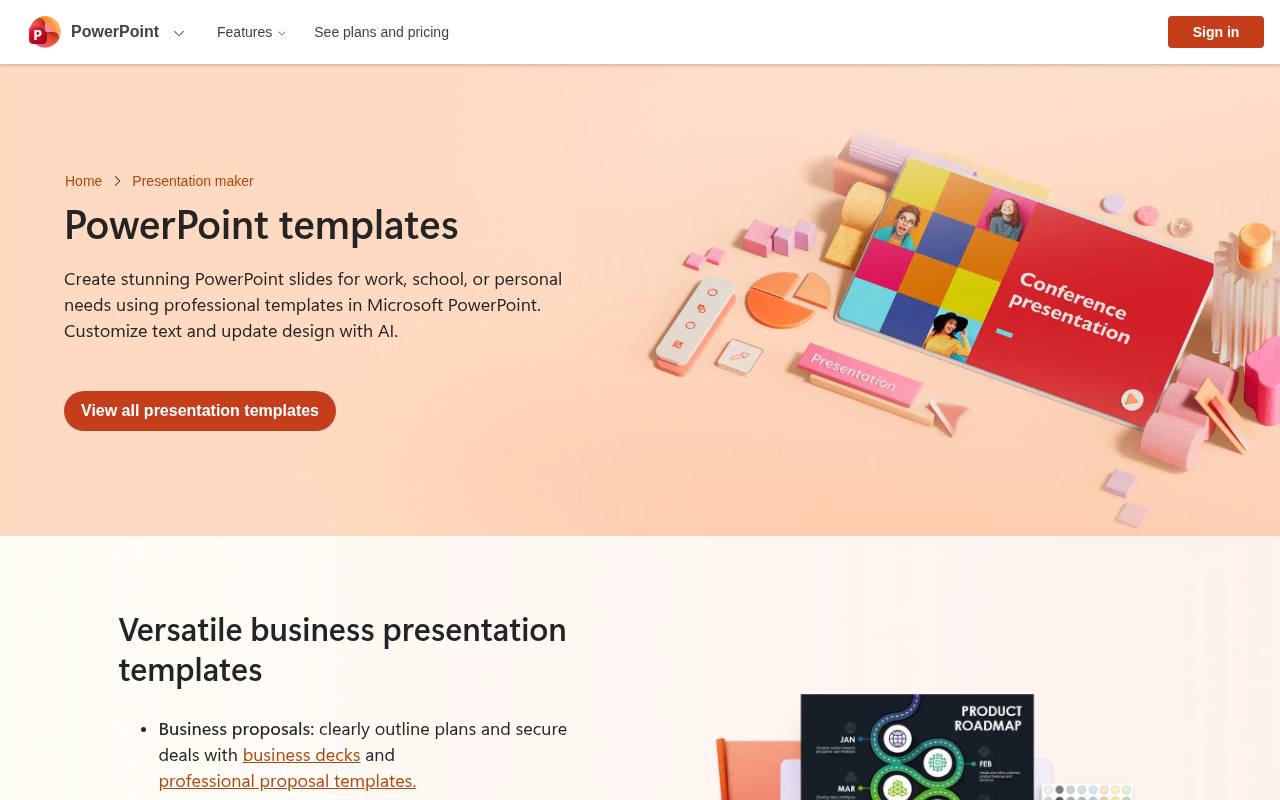
Microsoft’s resume collection is a natural starting point for Word resume templates, with examples aimed at nursing, healthcare, finance, and other professional settings. The page explains how to open a design in Word for the web, replace placeholder information, and save or share a PDF.
Its mix of simple layouts and more expressive designs makes comparison straightforward before you begin writing. Choose a clean editable layout rather than assuming every decorative example suits automated recruitment systems, and treat optional Microsoft services separately from the free template itself.
- Type
- Word templates
- Best for
- Familiar Word editing with ready-made professional layouts
- License
- Free templates; Microsoft terms apply
- Price
- Free + paid services
Awesome-CV
LaTeX resume and CV source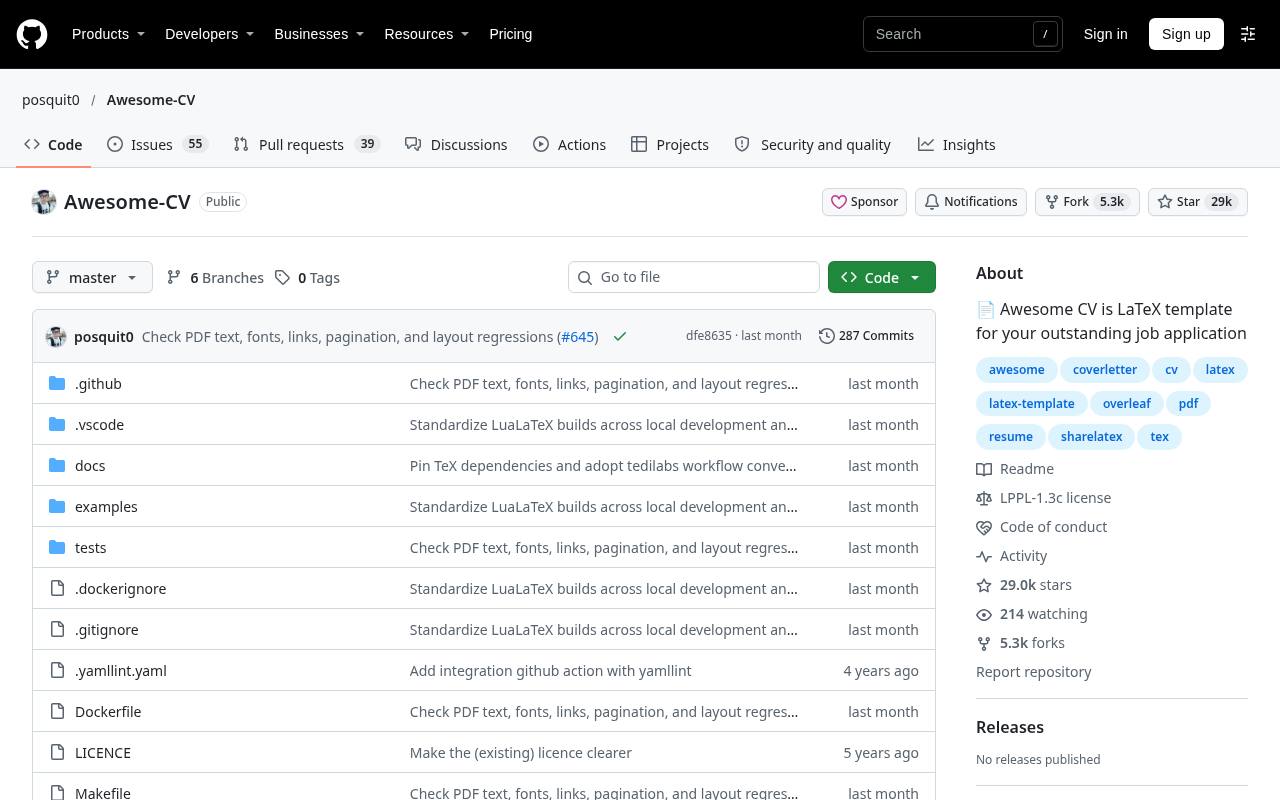
Awesome-CV is a public LaTeX CV project with source files for resumes, CVs, and cover letters. Its repository includes examples and compilation instructions, making it more useful to a technical applicant than a gallery of static previews.
The design separates content from much of the styling, so consistent headings and typography can be maintained across related application documents. Expect to install the required tools or use a compatible online LaTeX environment. Read the repository licence terms before redistributing modified templates, and verify fonts and page breaks in your compiled PDF.
- Type
- LaTeX resume and CV source
- Best for
- Customizing coordinated technical resumes and cover letters
- License
- LPPL; see repository licence
- Price
- 100% free
TheGoodocs
Google Docs and Word templates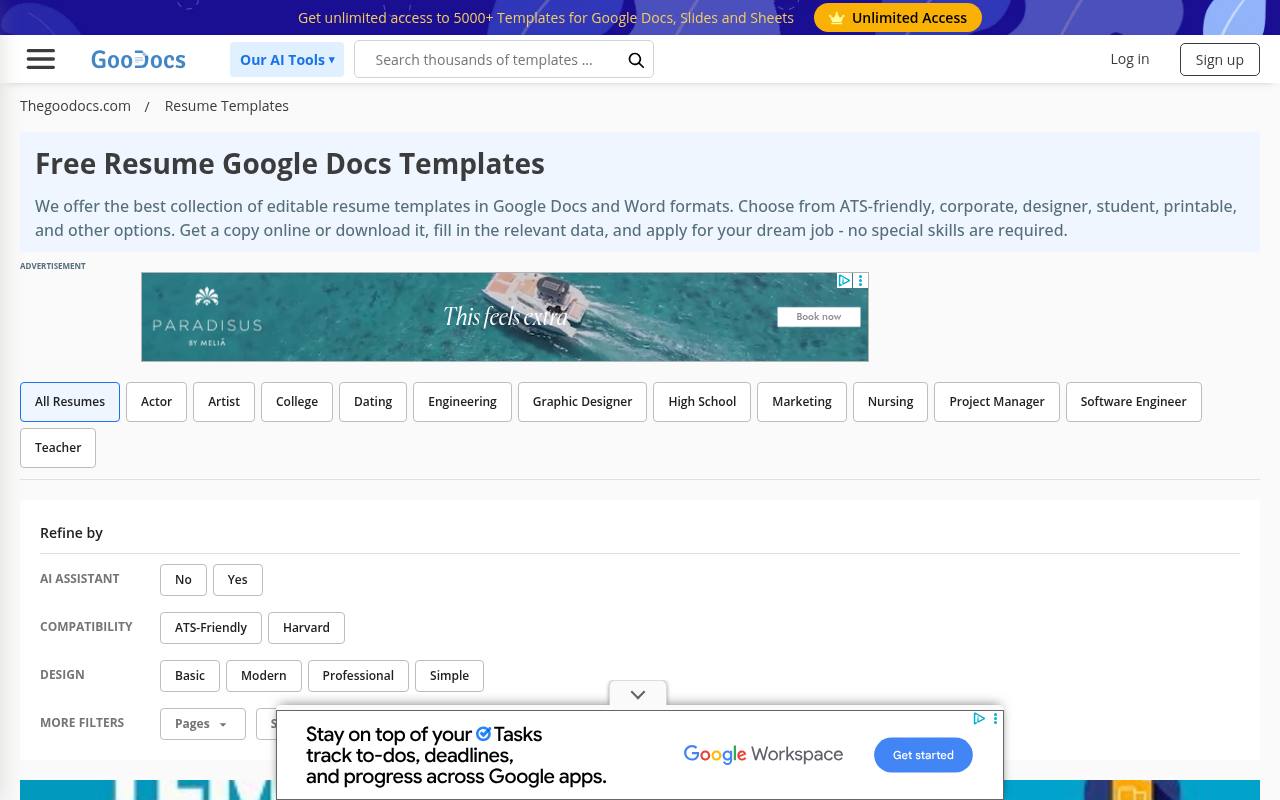
TheGoodocs has a dedicated resume collection covering Google Docs and Word formats, with options presented for students, corporate applicants, designers, and other audiences. That variety is useful if you want to compare a compact conventional resume with something more visually distinctive.
The catalog mixes free access with an unlimited-access offer, so confirm that the specific design you select is available without upgrading. Use the editable document copy as a starting point, and inspect line wrapping after substituting longer job titles or changing fonts in your preferred editor.
- Type
- Google Docs and Word templates
- Best for
- Finding varied Google Docs resume designs quickly
- License
- Free selections; individual template terms apply
- Price
- Free + premium templates
Harvard Mignone Center for Career Success
Word and Google Docs template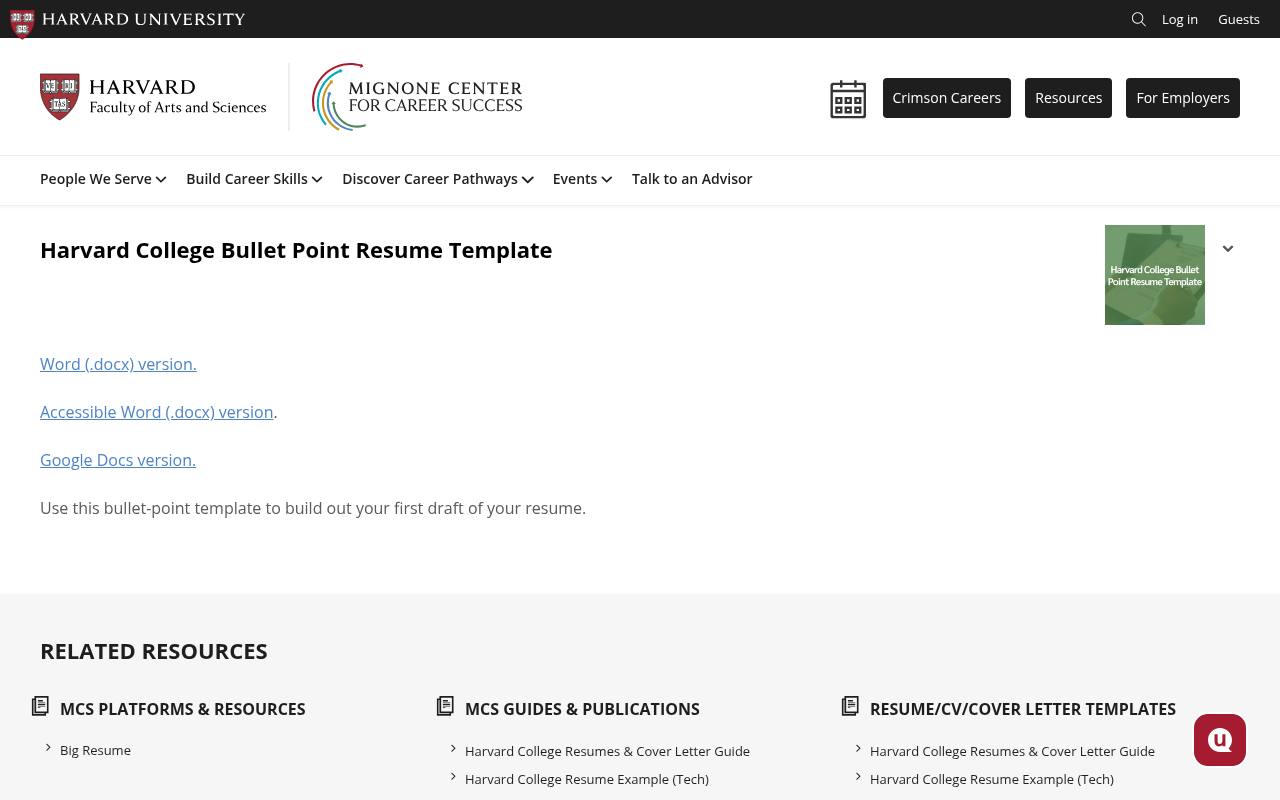
Harvard’s career-service resource offers a bullet-point resume template in Word and Google Docs, including a separately linked accessible Word version. This is a focused drafting tool, not a sprawling marketplace of decorative designs. Its restrained approach makes it particularly useful for students and early-career applicants who need to organize education, experience, and achievements clearly.
Download the appropriate file or follow the Google Docs version link, then replace the example material with your own evidence. The template’s university origin does not imply endorsement of your application or guarantee an interview.
- Type
- Word and Google Docs template
- Best for
- Building a straightforward student or graduate resume
- License
- Free educational resource; Harvard terms apply
- Price
- 100% free
Overleaf
LaTeX CV templates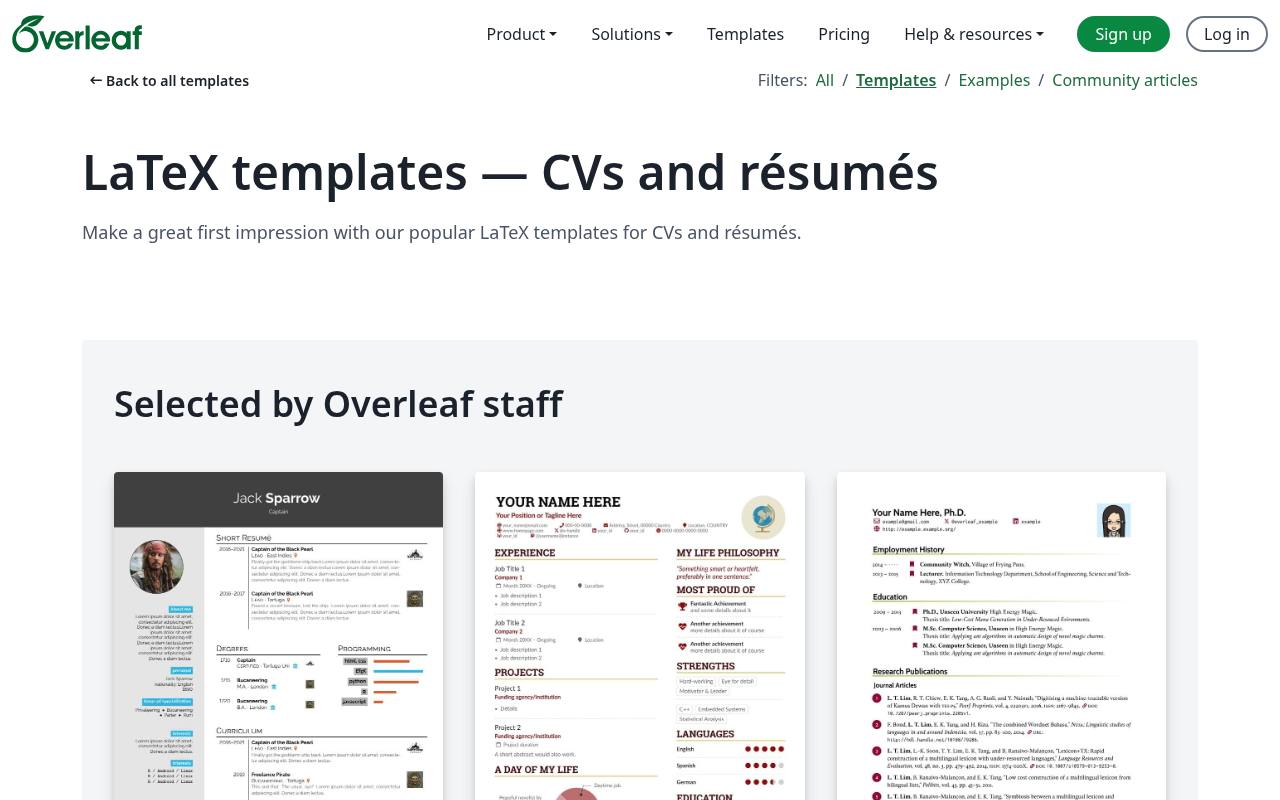
Overleaf’s CV and résumé gallery provides LaTeX resume templates ranging from restrained professional documents to more distinctive sidebar layouts. Each listing gives you a concrete starting project rather than a screenshot to recreate manually. It is especially appealing when publications, technical notation, or consistent document styling matter more than drag-and-drop editing.
Expect to edit LaTeX source and compile your document, even when the starter project handles much of the layout. Review the individual template licence before adapting or redistributing its source, because gallery contributions do not all share one blanket permission.
- Type
- LaTeX CV templates
- Best for
- Preparing technical resumes and publication-heavy academic CVs
- License
- Free editor tier; template licences vary
- Price
- Free + paid plans
Reactive Resume
Online resume builder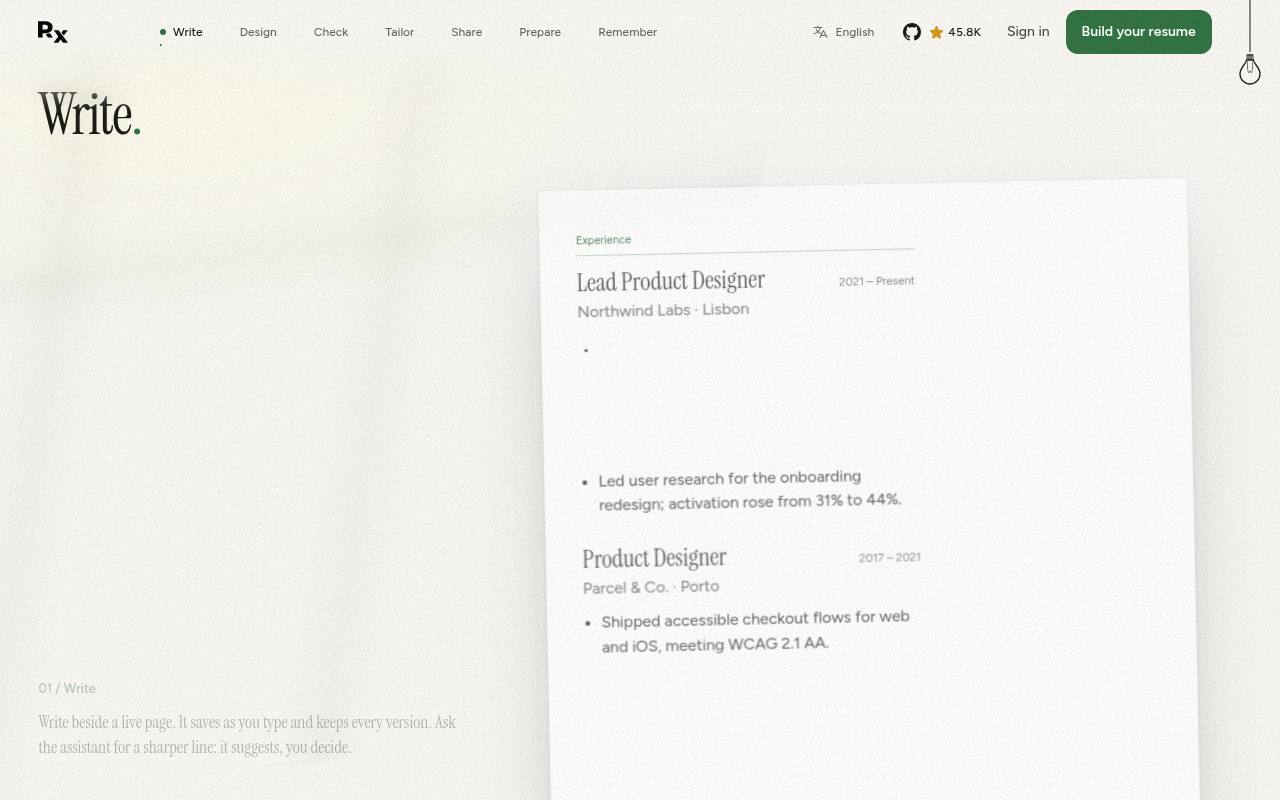
Reactive Resume describes itself as a free open-source builder with PDF and Word downloads, rather than a tool that waits until export to request payment. Its site presents live editing alongside a resume preview and a selection of named template designs.
That combination suits applicants who want structured content entry without manually managing every text box. The service also presents job-search management features, but the central benefit here is the unrestricted resume workflow. Check a downloaded document carefully after changing layout, since on-screen previews are not a substitute for reviewing the actual application file.
- Type
- Online resume builder
- Best for
- Creating editable resumes without a download paywall
- License
- Free open-source builder; see repository licence
- Price
- 100% free
Resumake
Browser-based resume builder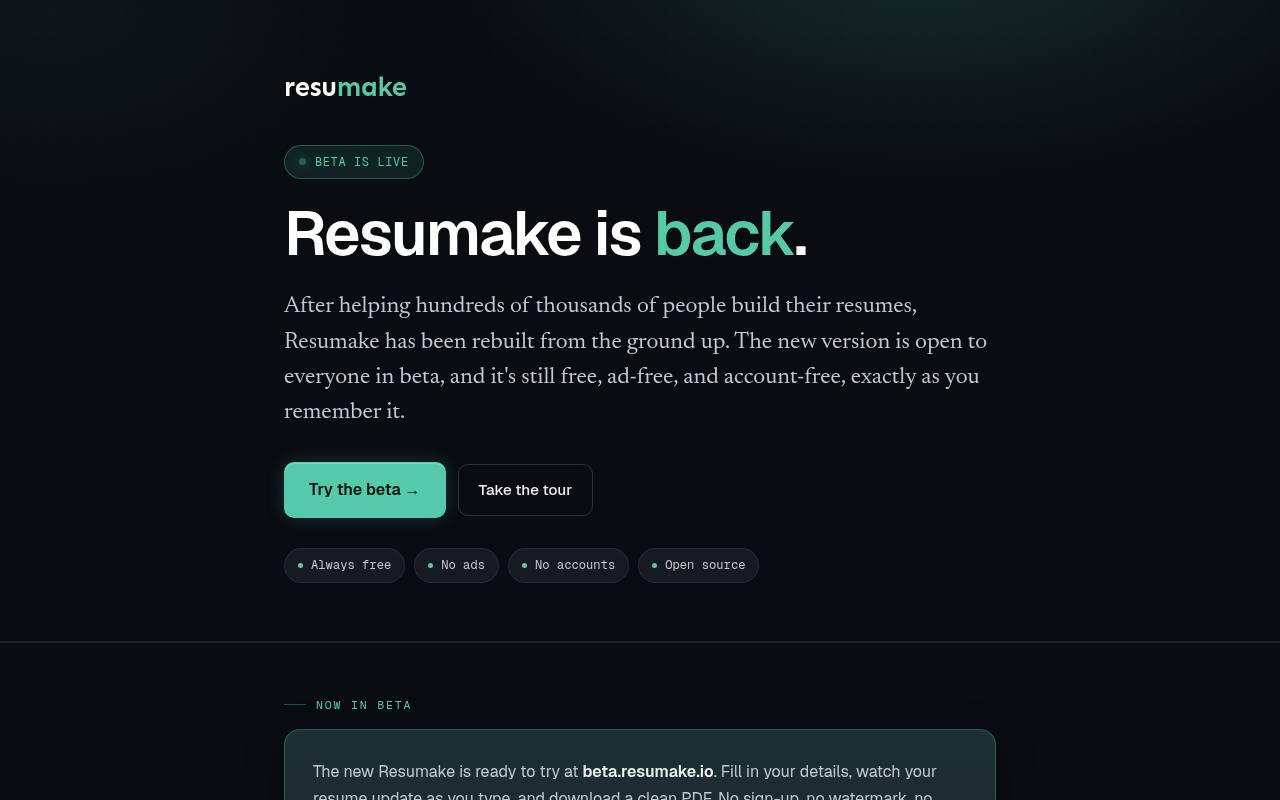
Resumake’s homepage points applicants to its newer beta, which offers PDF resume downloads without sign-up or watermarks. The beta presents template previews, drag-to-reorder sections and entries, spacing controls, and additional sections such as volunteering or publications.
It also supports JSON Resume backups, a useful distinction if you want to preserve structured content independently of a final PDF. The site says resume information stays in your browser rather than on its server. Because the newer experience is explicitly a beta, save backups and check the exported layout before relying on it for a deadline.
- Type
- Browser-based resume builder
- Best for
- Making private resumes with portable content backups
- License
- Free builder; open-source project terms apply
- Price
- 100% free
FlowCV
Online resume builder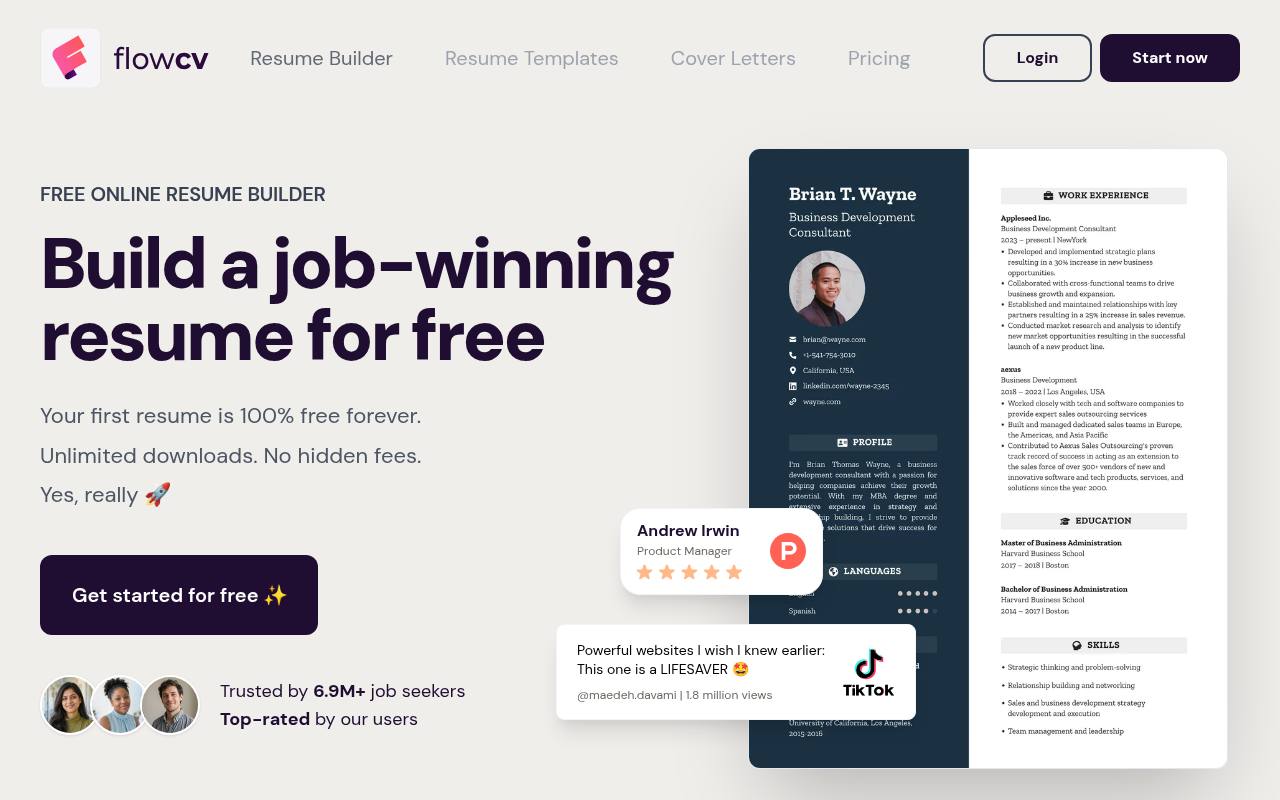
FlowCV makes its free boundary unusually clear: your first resume is free, with ongoing editing and unlimited PDF downloads. Its builder lets you select a template, enter experience, adjust layout, and export without adding a FlowCV watermark. The homepage also describes importing content from an existing document, which can reduce repetitive typing when refreshing an older application.
This is a strong option for maintaining one master resume, but do not confuse unlimited PDF downloads with unlimited separate resume projects. Check the current account options if you need multiple independently saved versions for different career paths.
- Type
- Online resume builder
- Best for
- Maintaining one polished resume with unlimited exports
- License
- Free first resume; service terms apply
- Price
- Free + paid options
RenderCV
Structured-data CV generator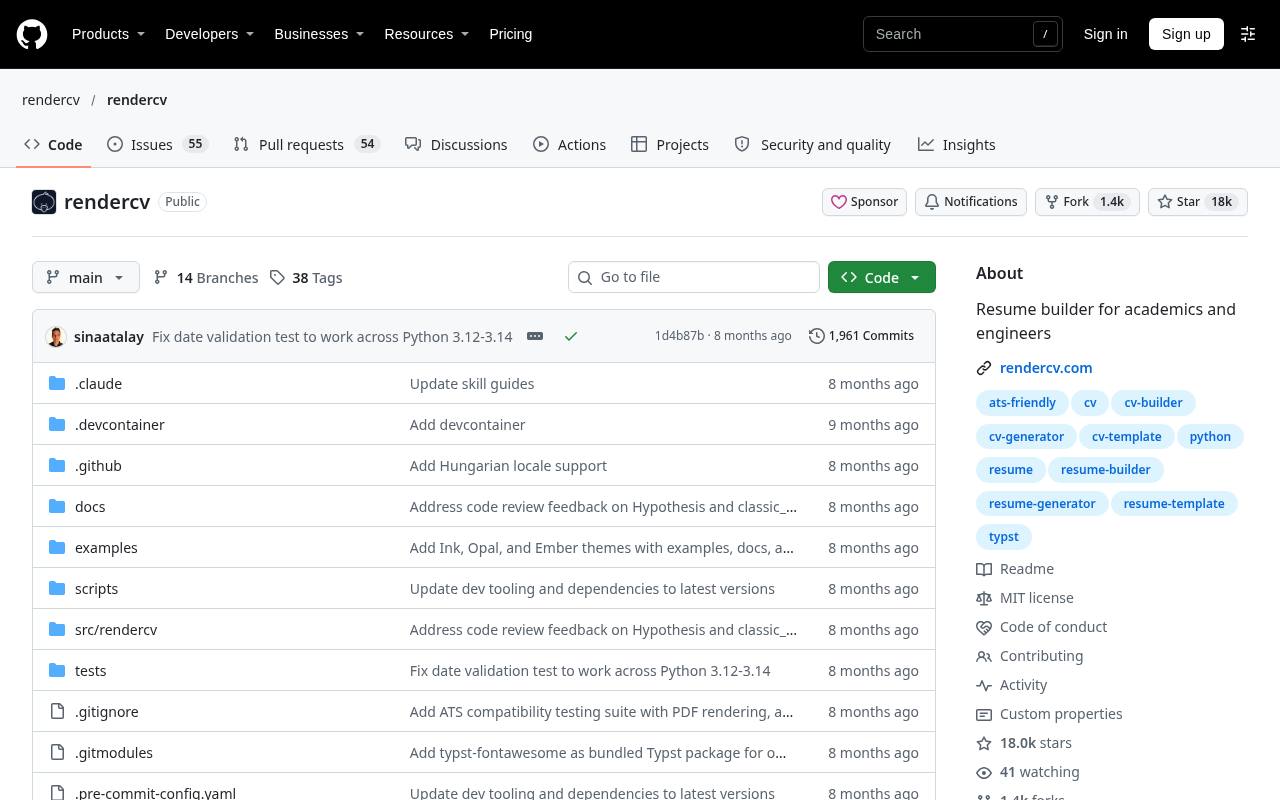
RenderCV takes a different route from a traditional word-processing template: you describe your CV in structured YAML data and use the project’s tooling to produce a formatted document. Its open-source repository provides installation information and examples, making it suited to applicants who prefer maintaining content in a text-based workflow.
This approach is particularly useful when you want repeatable builds and version-controlled changes rather than manual adjustments to scattered text boxes. Review the available themes and schema before committing, because its structured input requires learning the expected fields and syntax.
- Type
- Structured-data CV generator
- Best for
- Maintaining technical CVs from a structured source
- License
- MIT; retain required notices
- Price
- 100% free
OpenResume
Resume builder and parser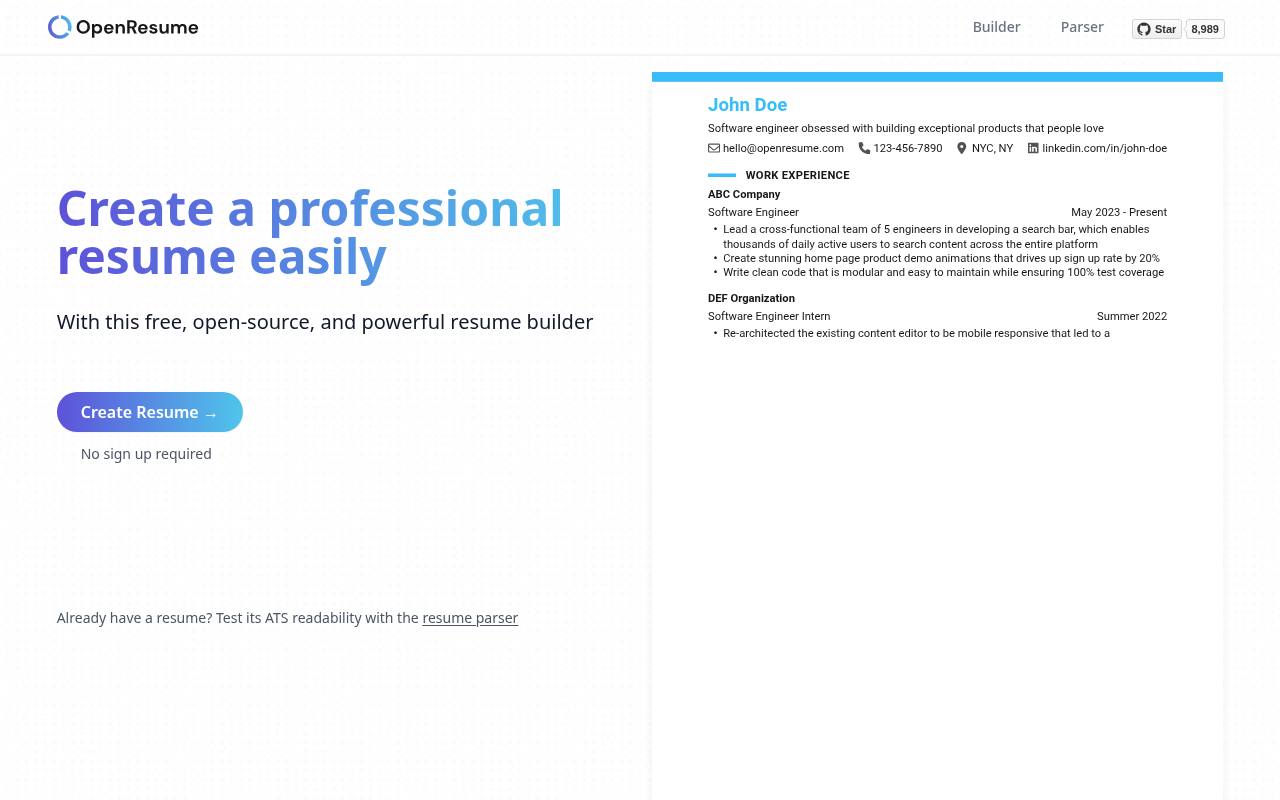
OpenResume combines a free resume builder with a separate resume parser for checking how a document’s content is read. Its homepage describes a workflow of importing a PDF or starting from scratch, previewing changes, and downloading the result. No sign-up is required, and resume data is stored locally in the browser.
That makes it a useful alternative to account-based editors when you want a straightforward document rather than a large template marketplace. Its automatic formatting approach emphasizes consistency, but parser results should still be treated as a diagnostic rather than a promise about every employer’s system.
- Type
- Resume builder and parser
- Best for
- Checking resume readability while keeping data local
- License
- Free open-source builder; see repository licence
- Price
- 100% free
Choose the editing format before the design
Choose Word or Google Docs if you want direct control over paragraphs and an editable file that another person can review easily. A browser builder reduces fiddly formatting but may constrain section arrangements or saved versions.
LaTeX is appealing for consistent typography and long academic documents, provided you are comfortable adjusting source. Think about your next revision as well as today’s deadline: the best format is one you can reopen, update, and export reliably without rebuilding your resume from a flattened PDF.
Keep free downloads separate from paid services
Check the actual export option before investing time in an online editor. Look for the number of free resumes, supported downloads, watermark policy, and whether continued editing requires an account. For downloadable templates, inspect the selected file’s terms instead of assuming the entire surrounding marketplace is free.
Your ability to use a design for your own application does not automatically include permission to resell it. Keep a note of the source and relevant terms alongside your editable master document.
Make applicant tracking readability a practical check
Prefer clear section headings, ordinary text, and a logical reading order. Highly decorative sidebars, icons standing in for labels, and information placed inside graphics can complicate extraction. Copy text from your exported PDF into a plain-text editor and check whether dates, employers, and achievements remain intelligible.
This is a useful basic test, not a certification of compatibility with every recruitment platform. Follow the employer’s requested format even when another option looks better in your portfolio or preferred word processor.
Write achievements before adjusting spacing
Build a content first draft with your strongest relevant experience before refining margins or color. Describe what you did, the context, and the outcome; include honest measurements when they clarify the contribution. If the page feels crowded, remove repetition before shrinking the type.
Early-career applicants may need education and projects near the top, while experienced candidates often benefit from leading with recent work. Let the role determine the emphasis instead of preserving every placeholder section because the template happened to include it.
Understand resume and academic CV differences
A job application resume usually selects the experience most relevant to a particular vacancy. An academic CV may need fuller publication, teaching, grant, and research records, making a multipage structure entirely appropriate. Naming conventions also vary by country, so do not infer the expected length from the word CV alone.
Read the application instructions and local norms before choosing a template. Photo fields, personal details, and decorative profile panels should be optional decisions based on context, not automatic inclusions copied from a sample.
Protect personal information and keep backups
Only include necessary contact details and avoid sharing sensitive identity information simply because a placeholder asks for it. For hosted builders, review account and privacy settings before uploading an old resume. Browser-local tools reduce some server-storage concerns but create another responsibility: clearing site data may remove your work.
Export an editable or structured backup whenever the tool supports one, and save a separate final PDF. Use filenames that distinguish employer-specific versions without exposing private notes to the person receiving the attachment.
Check the final application before sending
Open the finished exported file outside the editor and inspect page breaks, bullet indentation, links, and any font substitutions. Verify phone numbers and email addresses by reading them carefully rather than trusting repeated copying.
Remove all sample text and comments, and make sure the filename looks professional. Finally, compare your resume with the vacancy: relevant terminology should reflect genuine experience, not keyword stuffing. A short final check often catches more damaging mistakes than another round of template browsing or decorative adjustments.