
A recognizable social presence starts with repetition, not a different visual style for every announcement. The right free social media kits help you carry the same colors, typography, and image treatment across profile pictures, cover banners, posts, and Stories.
These resources cover editable template libraries, a dedicated brand kit feature, and a resizing companion. Use them to assemble a practical set of reusable assets rather than treating every new post as a separate design project.
Not every resource below is a downloadable folder containing matching files. Many are browser-based design tools with free templates you customize and export individually. Others organize brand elements or adapt finished artwork to different networks.
That distinction matters: a small business refreshing its profile needs different features from a creator publishing daily. Choose according to the assets you actually need, your editing comfort, and how often you expect to download finished graphics.
Free access also varies considerably between services. Some provide free post templates but reserve automatic resizing, custom fonts, or saved brand controls for paid accounts. Others limit monthly output or standard-quality downloads.
Start with a test graphic that uses your own logo and photography, export it, and inspect the result before building a whole campaign. The selection below highlights useful starting points and the restrictions worth checking before you invest time in a platform.
Quick picks at a glance
| # | Resource | License | Best for |
|---|---|---|---|
| 1 | Canva | Free content under Canva license; premium assets extra | Coordinating everyday posts with profile and cover graphics |
| 2 | Adobe Express | Free assets subject to Adobe terms; premium content extra | Finding profile pictures and channel graphics together |
| 3 | VistaCreate | Free Starter access under VistaCreate terms; Pro optional | Keeping colors fonts and logos consistent across templates |
| 4 | Snappa | Free credits include commercial use; platform terms apply | Producing a small monthly batch of branded graphics |
| 5 | Desygner | Free templates subject to platform and asset terms | Starting platform-specific posts from editable layouts |
| 6 | Namecheap Logo Maker | Free logo downloads; platform and icon terms apply | Creating a starting logo for social profiles and branded artwork |
| 7 | Fotor | Free selections under Fotor terms; Pro assets extra | Matching feed graphics with less common channel formats |
| 8 | Piktochart | Free plan under Piktochart terms; paid features optional | Turning tips quotes and announcements into consistent posts |
| 9 | PosterMyWall | Free standard downloads under terms; stock restrictions apply | Creating promotional content for events and small businesses |
| 10 | Buffer | Free resizing tool; users retain responsibility for image rights | Adapting finished brand artwork for several social networks |
Canva
Template library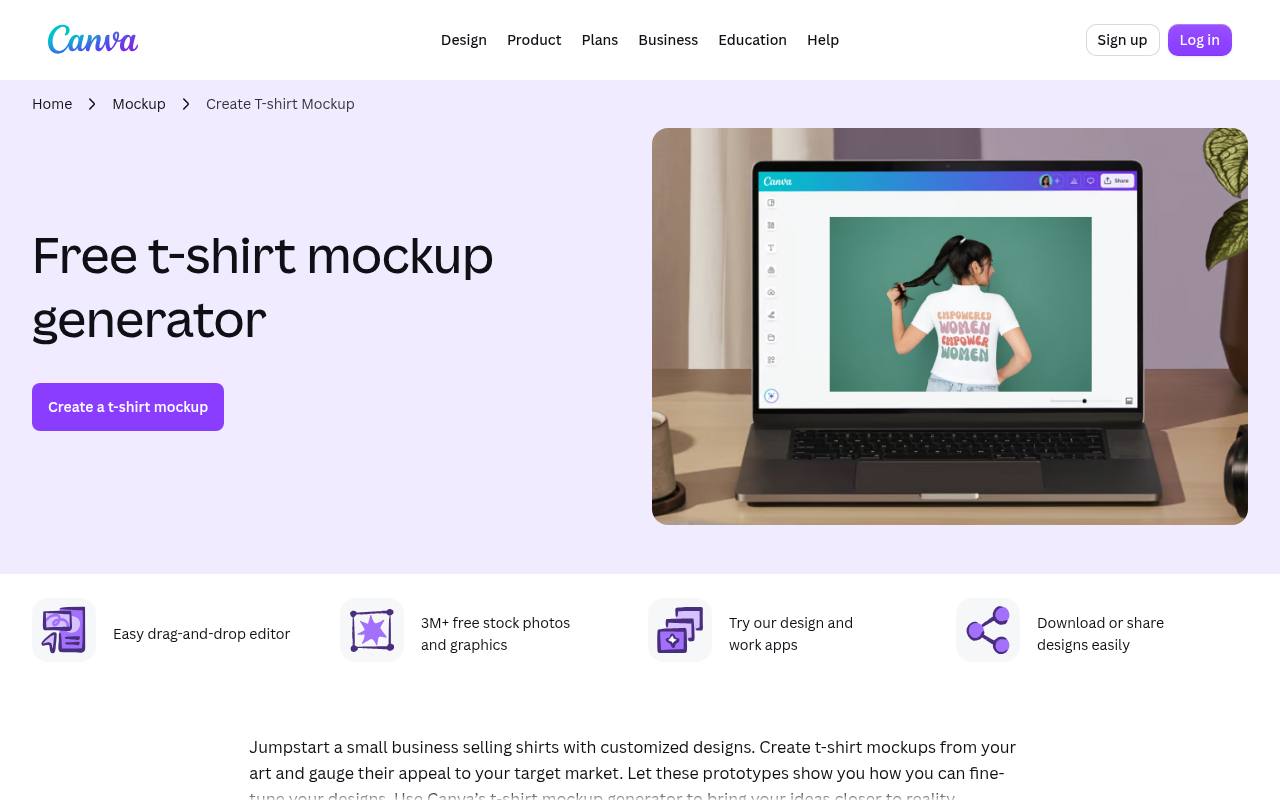
Canva brings familiar social formats into one editable library, making it a practical starting point for a coordinated social presence. Look for free layouts for posts, Stories, and banners, then replace placeholder artwork with your own identity elements.
Its drag-and-drop editor suits teams that want to adjust text and photos without handling layered desktop files. Keep free and premium content separate when choosing components, and do not assume that advanced Brand Kit controls are included in a free account. A duplicated master design can provide a simple manual alternative.
- Type
- Template library
- Best for
- Coordinating everyday posts with profile and cover graphics
- License
- Free content under Canva license; premium assets extra
- Price
- Free + Pro
Adobe Express
Template collection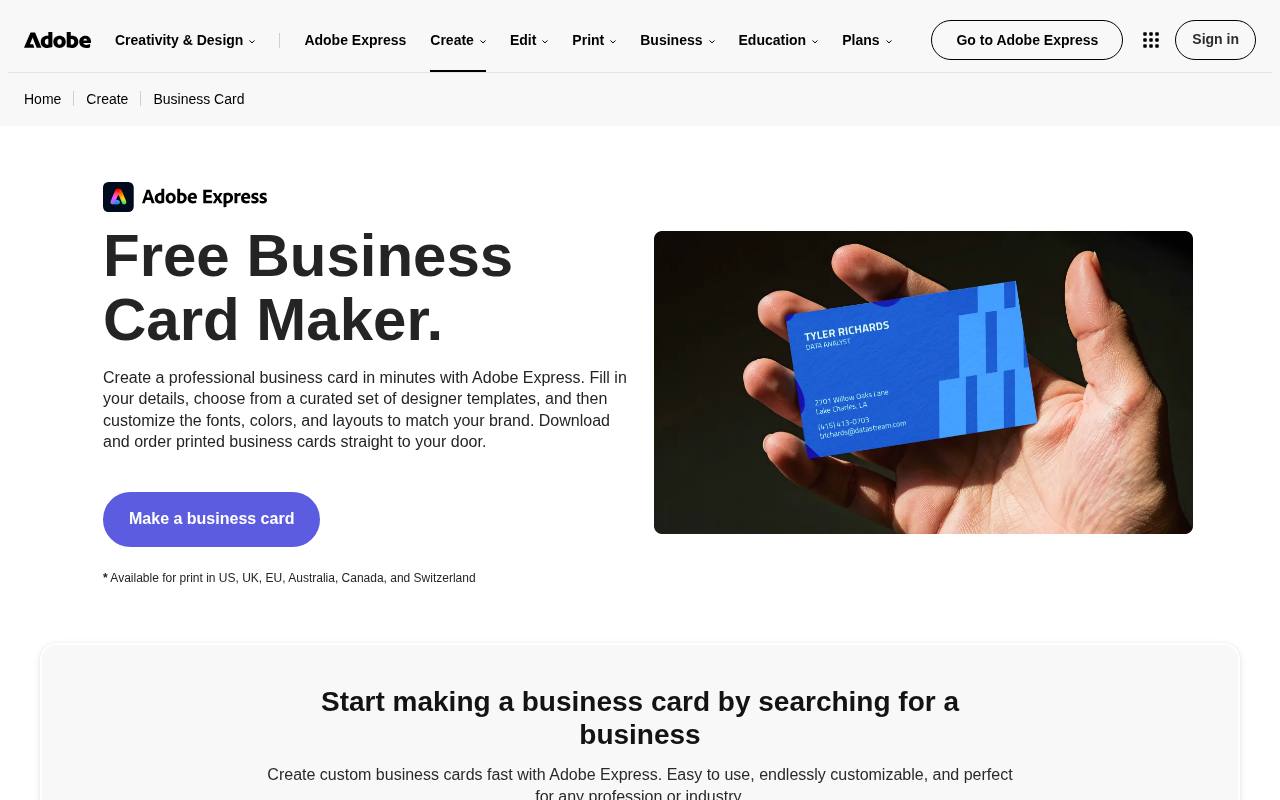
Adobe Express groups social marketing templates into unusually useful categories, including profile pictures, Instagram highlight covers, Facebook covers, LinkedIn banners, and YouTube end screens. That breadth makes it easier to find supporting graphics beyond a square feed post.
Customize free selections in the browser and keep your logo treatment consistent between formats. The collection mixes several design tasks, so start with the channel you need rather than browsing aimlessly. Premium templates and assets may require an upgrade; a free editor does not make every visible library component free to export.
- Type
- Template collection
- Best for
- Finding profile pictures and channel graphics together
- License
- Free assets subject to Adobe terms; premium content extra
- Price
- Free + Premium
VistaCreate
Brand kit tool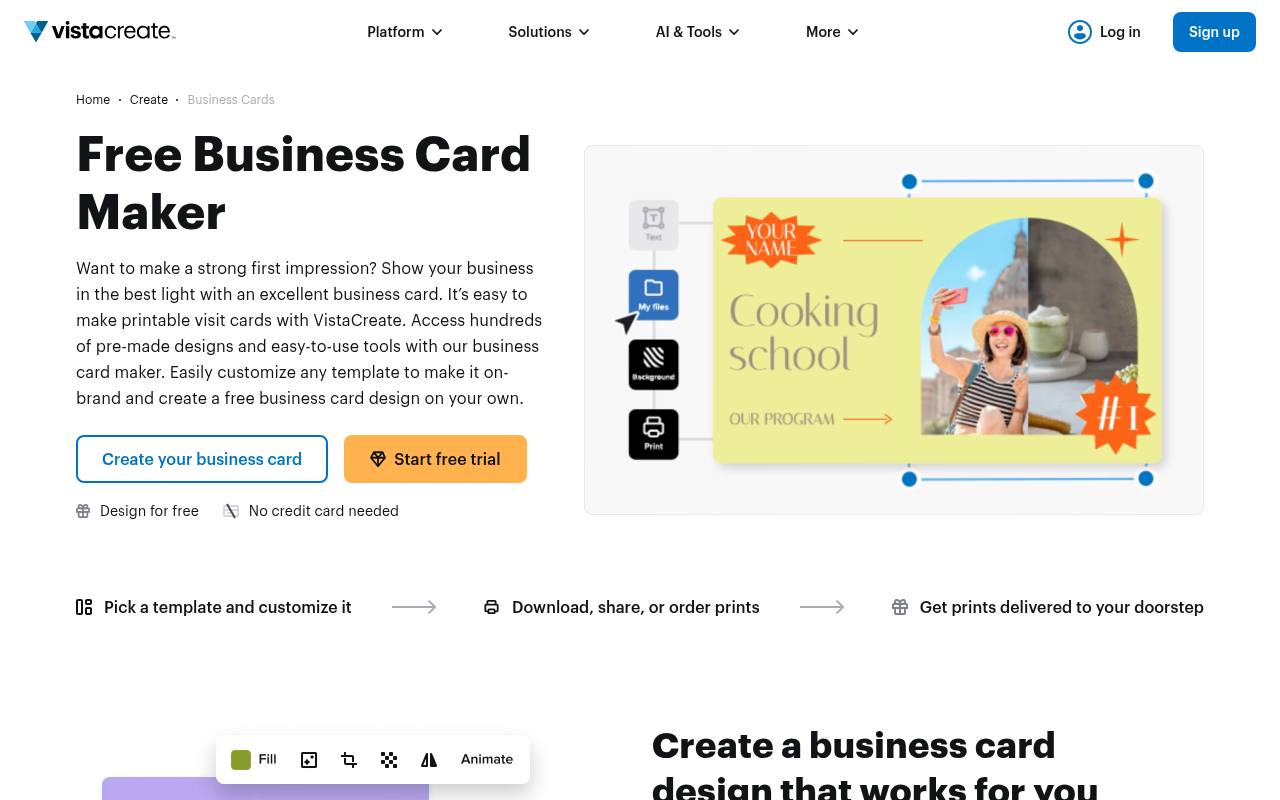
VistaCreate puts the organizational side of social branding in focus through its Brand Kit feature. Add your colors, fonts, and logo, then use that identity when adapting templates for posts, Stories, or channel artwork.
The feature page specifically connects brand kits with business pages and social content, making it relevant when scattered assets are slowing production. Starter and Pro access differ, particularly when managing multiple identities, so check the current plan allocation before setting up client workspaces. This is an asset-application workflow, not a package of exclusive logo rights.
- Type
- Brand kit tool
- Best for
- Keeping colors fonts and logos consistent across templates
- License
- Free Starter access under VistaCreate terms; Pro optional
- Price
- Free + Pro
Snappa
Graphic creation tool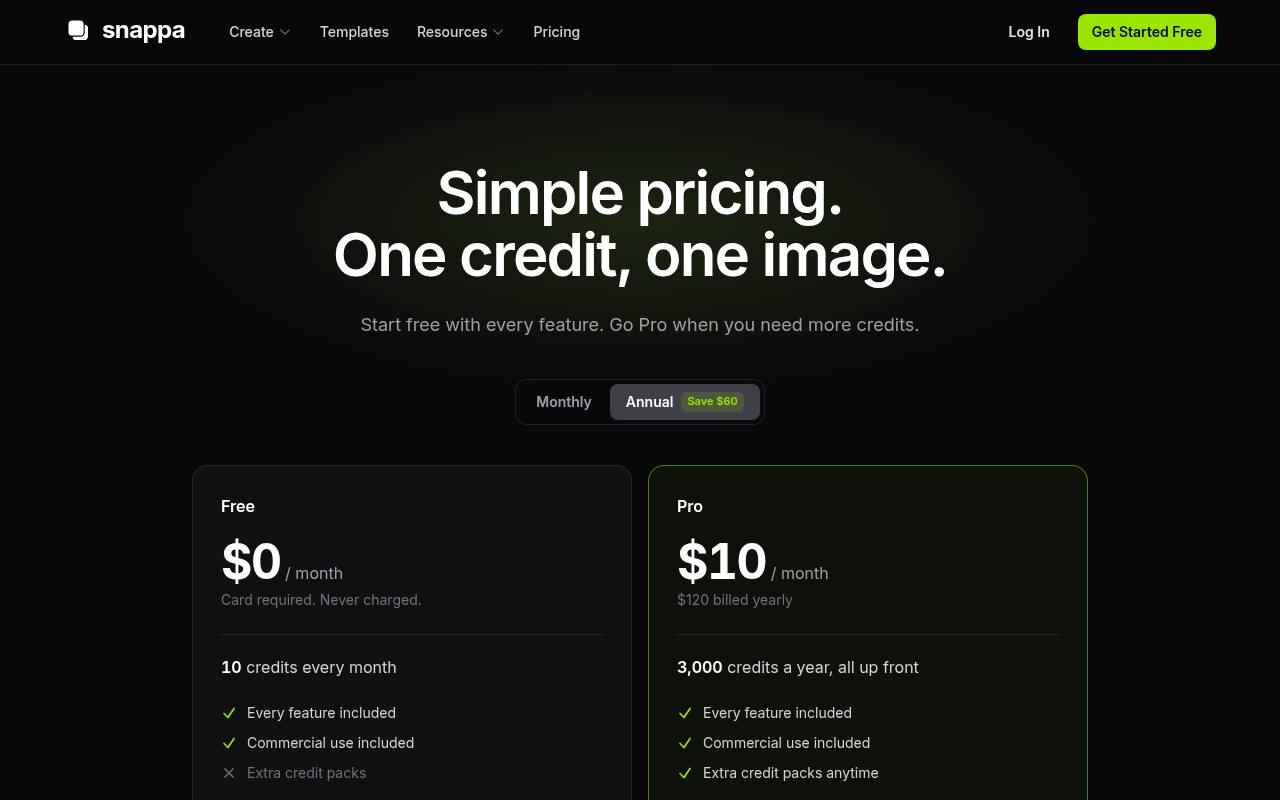
Snappa is worth considering for occasional social graphics, but read its current pricing rather than relying on older download-limit comparisons. Its free plan lists ten monthly credits, with one image generation, edit, or resize consuming a credit.
Commercial use is included, and the page says a card is required for the free plan. Those credit-based limits favor a compact campaign over frequent experimentation. Prepare your copy and visual direction first, then budget separately for alternate versions and sizes so a single announcement does not consume your entire monthly allowance.
- Type
- Graphic creation tool
- Best for
- Producing a small monthly batch of branded graphics
- License
- Free credits include commercial use; platform terms apply
- Price
- Free tier
Desygner
Template library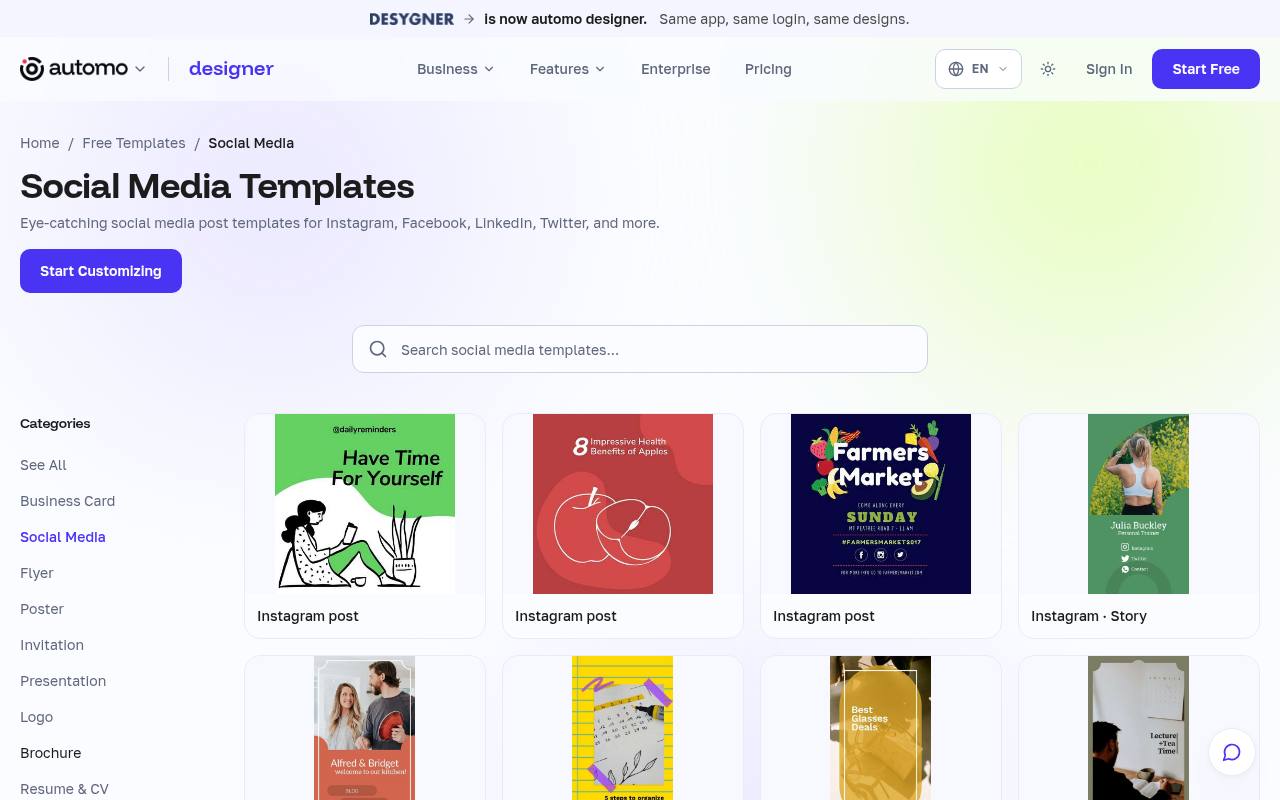
Desygner’s social template destination currently presents itself as automo designer, with free layouts for Instagram, Facebook, LinkedIn, and Twitter. It is a useful place to start when your priority is editable post artwork rather than an automatic identity generator.
Browse by intended network, replace the example message, and build a small family of visual variations around your own assets. Its free workspace plan has project, storage, and AI-credit boundaries, while Business expands access. Confirm the account branding and available features during signup, since the service is being presented under a different product identity.
- Type
- Template library
- Best for
- Starting platform-specific posts from editable layouts
- License
- Free templates subject to platform and asset terms
- Price
- Free + Business
Namecheap Logo Maker
Logo generator and editor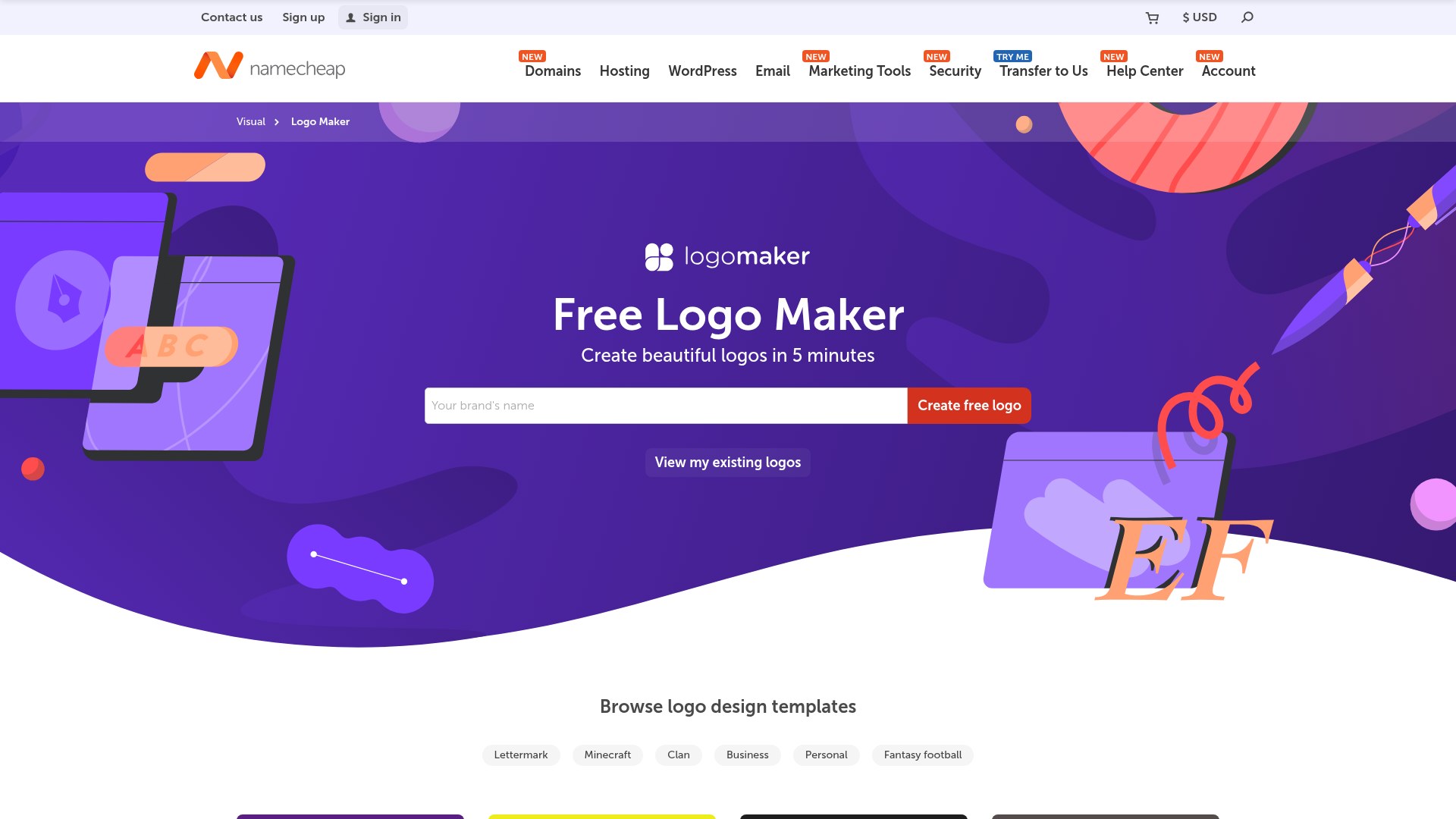
Namecheap’s free Logo Maker now receives visitors from the former Stencil pricing address; it is a different tool, not the old social-post editor with a monthly image allowance.
Choose fonts, icons and colours to generate logo ideas, then adjust the result and add a company slogan. The page offers PNG and SVG downloads without watermarks, plus previews on business cards, websites and T-shirts.
This makes it useful for creating a logo to place in social graphics made elsewhere, rather than expecting ready-sized post templates. Review the platform’s terms and any icon rights before commercial deployment, and do not assume a generated design is exclusive or automatically suitable for trademark registration.
- Type
- Logo generator and editor
- Best for
- Creating a starting logo for social profiles and branded artwork
- License
- Free logo downloads; platform and icon terms apply
- Price
- Free
Fotor
Template library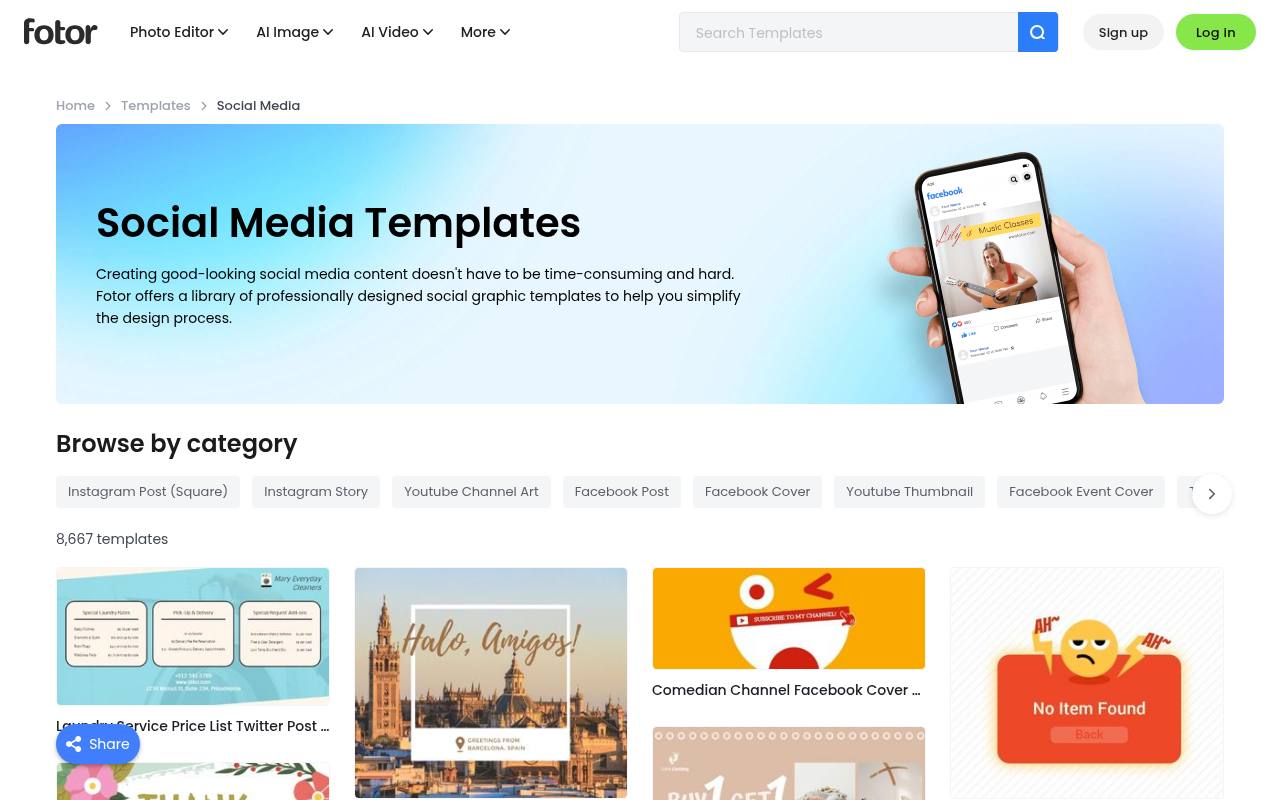
Fotor’s social media template library goes beyond common feed sizes with categories for Twitch panels, SoundCloud banners, LinkedIn backgrounds, and Instagram highlight covers. That makes it particularly useful for a brand whose audience spans creator platforms as well as traditional business networks.
Browse the relevant format first, then adapt typography and imagery to match your main account. The library includes many visual styles, but free and paid content should be checked inside the editor before committing. Test an export early instead of assuming every template shown on the landing page belongs to the free selection.
- Type
- Template library
- Best for
- Matching feed graphics with less common channel formats
- License
- Free selections under Fotor terms; Pro assets extra
- Price
- Free + Pro
Piktochart
Template collection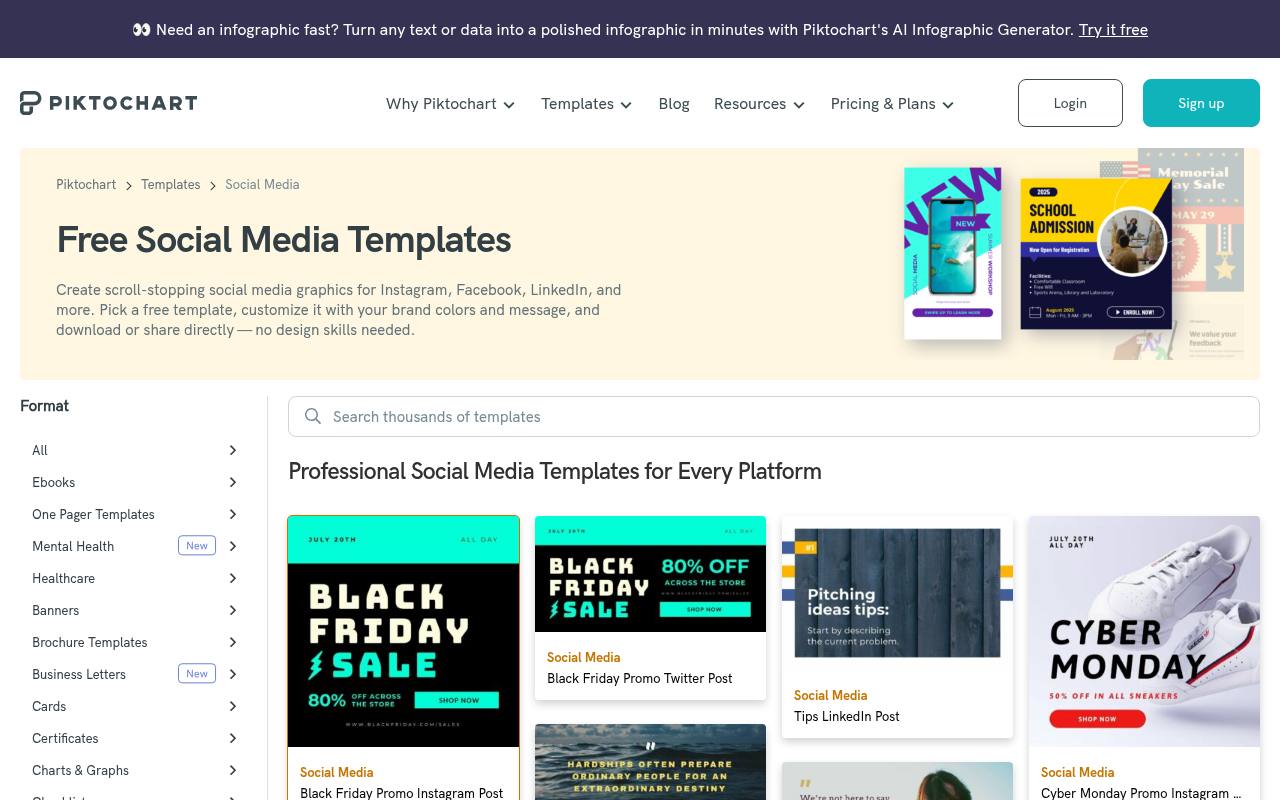
Piktochart’s social collection includes message-led post templates for quotes, course announcements, hiring, promotions, and business tips. Comparable subjects appear across Instagram, Facebook, LinkedIn, and Twitter formats, which is helpful when translating one campaign idea between channels. Use that structure to keep the hierarchy of headline, supporting copy, and brand mark consistent.
A free account provides a starting point, but download allowances and advanced brand management depend on the plan. Check export availability before planning a large batch; the editable starting layout and the finished downloadable output are different parts of the offer.
- Type
- Template collection
- Best for
- Turning tips quotes and announcements into consistent posts
- License
- Free plan under Piktochart terms; paid features optional
- Price
- Free tier
PosterMyWall
Social template editor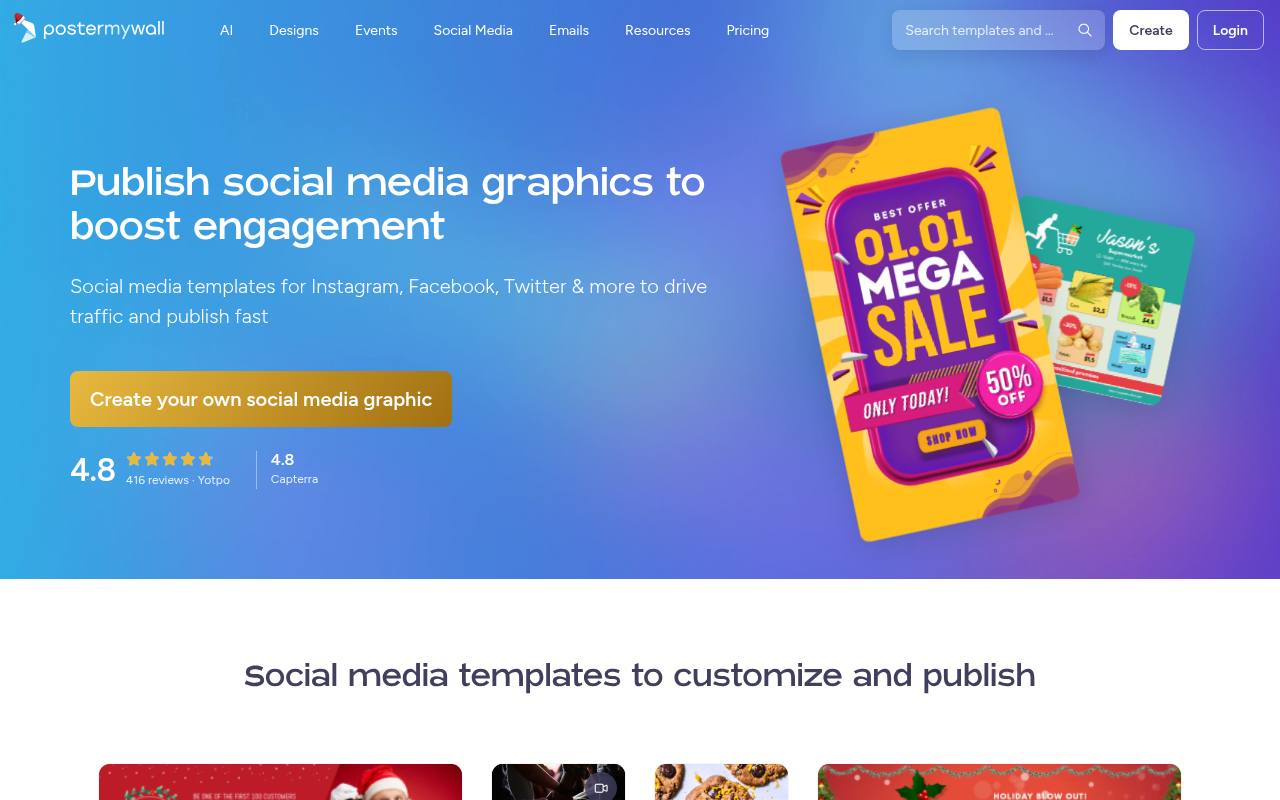
PosterMyWall combines promotional social templates with editing and publishing features, making it a practical option for event announcements, offers, and regular business updates. Its free route includes standard-quality downloads within a monthly allowance; high-quality output and additional brand features can require payment. An account is needed to download designs.
Pay particular attention to stock image restrictions, because Getty imagery can introduce a watermark even when ordinary free output is watermark-free. Replace unsuitable stock with your own photography, then compare a sample download against the visual quality your channel needs before producing a whole series.
- Type
- Social template editor
- Best for
- Creating promotional content for events and small businesses
- License
- Free standard downloads under terms; stock restrictions apply
- Price
- Free + Premium
Buffer
Image resizing tool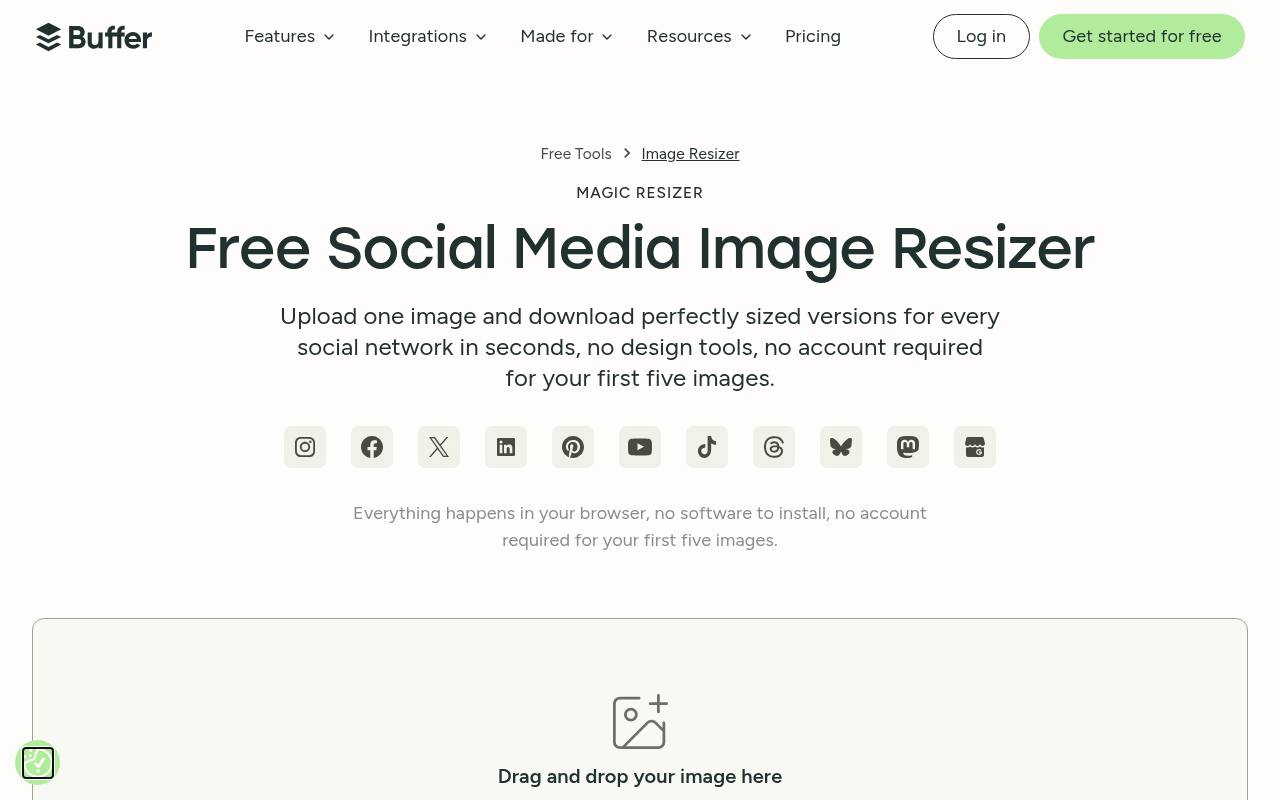
The former Pablo address now opens Buffer’s social image resizer, so use it as a finishing companion rather than expecting a quote-template editor. Upload existing artwork and create network-sized versions for services including Instagram, LinkedIn, Pinterest, YouTube, and TikTok. Buffer says resizing happens locally in your browser, keeping images on your device.
The first five images need no account; continued free use requires a free Buffer account. This format adaptation tool is most useful after you have established a visual identity elsewhere, and each resized result still deserves a crop and legibility check.
- Type
- Image resizing tool
- Best for
- Adapting finished brand artwork for several social networks
- License
- Free resizing tool; users retain responsibility for image rights
- Price
- Free
Choose an asset set before choosing an editor
Start by listing your essential brand assets: a square profile image, one cover per active network, a feed post, and a vertical Story. Add specialist formats only when you publish there regularly.
This prevents a large template catalog from distracting you from the handful of files that will actually improve consistency. A coordinated four-piece set is often more useful than dozens of unrelated designs.
Understand what a free kit includes
A free template library supplies editable starting points; a saved brand kit stores identity decisions for reuse. Neither automatically provides exclusive ownership of the artwork inside it.
Separate software access from stock licensing, font permissions, and trademark considerations. Save the relevant terms with your project, especially for client assignments, and avoid distributing stock components as standalone downloadable assets.
Build consistency without paid brand controls
You can create a manual brand kit with a folder of approved logos, a short list of color codes, and two typography choices. Duplicate a master design for every new post rather than searching for another template.
Record headline size, margins, and image treatment in a shared note. This simple method works even when an editor reserves automatic brand application for subscribers.
Keep editable masters and export copies separate
Treat the editable master file as your production source, not the image you upload to a network. Export PNG when crisp text or flat graphics need careful preservation, and consider JPEG for photographic layouts when smaller files matter.
Keep your original logo separately, preserve transparency where required, and name exports by campaign, channel, and format so collaborators can identify the correct version.
Design for crops and small screens
A cover can look balanced in an editor and still lose its message behind interface elements. Keep important text centered within a generous safe area, and preview profile pictures inside circular crops.
Check every network’s current specifications before publishing. For mobile readability, shorten headlines, increase contrast, and resist putting a full paragraph into a graphic that readers will see at thumbnail size.
Plan around real free-tier limits
Count monthly export needs before committing to a service. One announcement may require several sizes, revisions, and language variants, while credit-based tools may charge for edits as well as new images.
Standard-quality downloads may be sufficient for routine posts but disappointing for detailed artwork. Export one representative example first, and keep a fallback workflow using your own uploaded assets instead of premium stock.
Make branded posts accessible and maintainable
Consistent colors are useful only when people can read them. Check text contrast ratios, avoid relying on color alone to communicate a status, and add meaningful alternative text when the network supports it.
Repeat essential information in the caption rather than locking it inside an image. Review your template set periodically, retiring outdated campaign graphics and replacing fonts or assets whose permissions no longer suit your work.
Can one template work across every network?
Use one shared visual system, not one identical crop. Preserve your type hierarchy, color palette, and image style while rearranging elements for vertical, square, and wide formats.
Automated resizing can speed up the process, but it cannot judge every awkward line break or covered logo. Assign a final reviewer to check spelling, dates, calls to action, and channel-specific framing before anything goes live.