
Great photos make content feel credible, but licensing stock images can be expensive and confusing. Free stock photo sites solve both problems: professional images, simple licenses, and no cost.
We compared the most popular sites for free stock photos and royalty-free images. For each one we explain the license, the style of photography, who it is best for and link straight to the free downloads.
Every site below allows commercial use, and most require no attribution at all.
Quick picks at a glance
| # | Resource | License | Best for |
|---|---|---|---|
| 1 | Unsplash | Unsplash License | Artistic, editorial imagery |
| 2 | Pexels | Pexels License | Everyday business imagery |
| 3 | Pixabay | Pixabay Content License | Variety including vectors |
| 4 | Burst by Shopify | Burst license | E-commerce and small business |
| 5 | StockSnap.io | CC0 | No-strings CC0 images |
| 6 | Kaboompics | Kaboompics license | Interiors, food and lifestyle |
| 7 | Gratisography | Gratisography license | Fun, unusual visuals |
| 8 | Skitterphoto | CC0 | Public-domain travel and nature shots |
| 9 | Life of Pix | Life of Pix license | Landscapes and architecture |
| 10 | Picjumbo | Picjumbo license | Bloggers and tech topics |
Unsplash
Photo library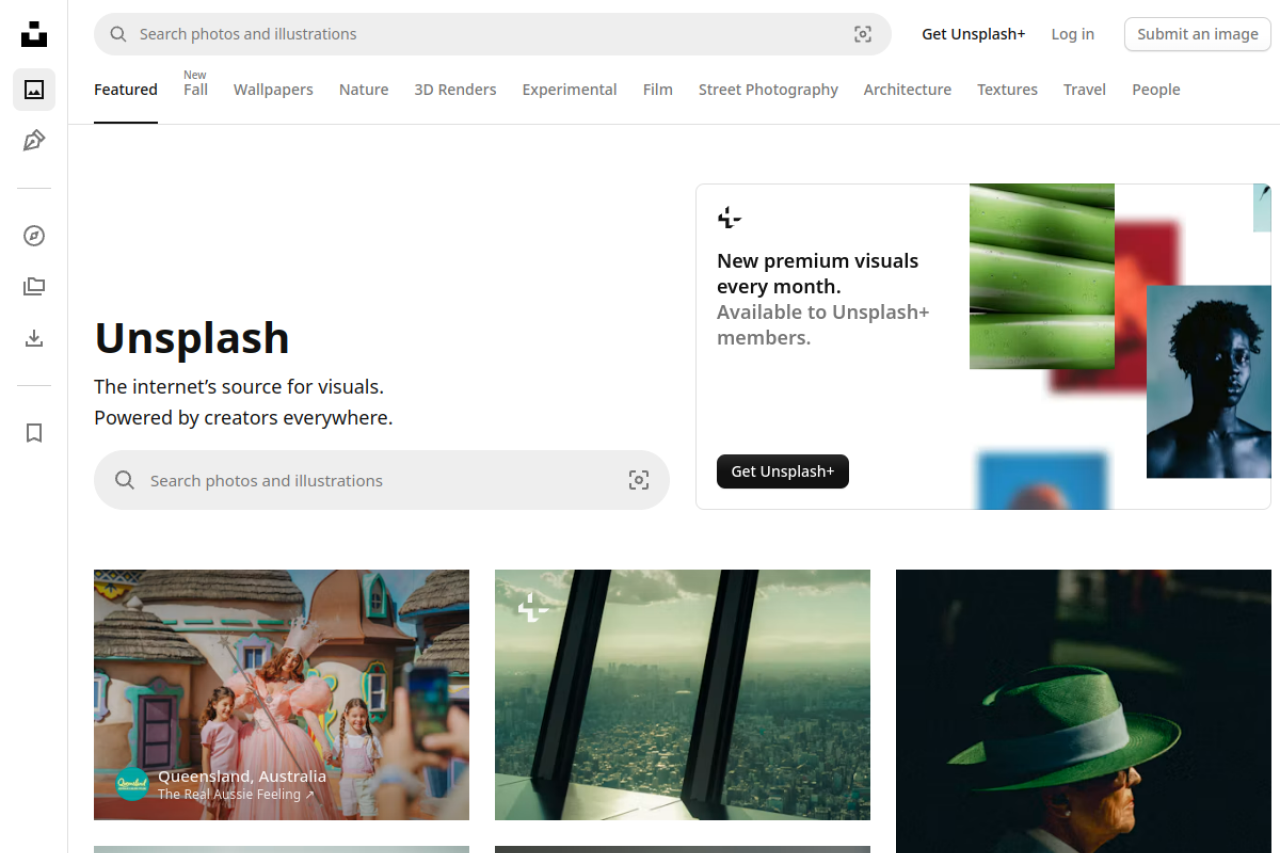
Photography from individual contributors shares the Unsplash feed with visibly marked Unsplash+ premium visuals. Image cards identify photographers and provide download controls, while premium entries display a lock and subscription link. The free collection uses the Unsplash License, which permits downloading, modifying, and using images for commercial or noncommercial purposes without mandatory attribution.
Selling images without significant modification and compiling them into a competing image service are prohibited. Unsplash+ is a separate paid offering with its own license and terms, so the platform combines freely usable contributor images with subscription-only content rather than making every displayed visual free.
- Type
- Photo library
- Best for
- Artistic, editorial imagery
- License
- Unsplash License
- Price
- Free + Unsplash+
Pexels
Photos & videos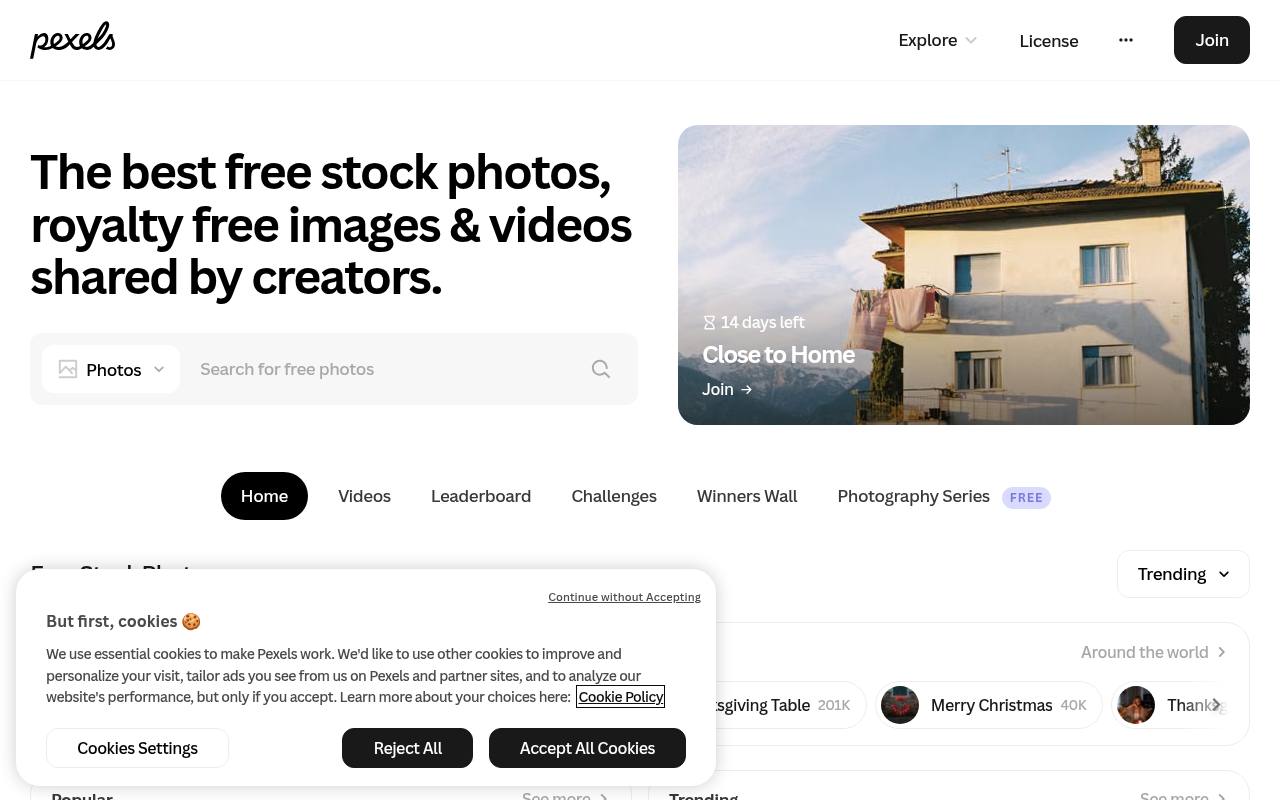
Still photography and motion footage appear together on Pexels, with creator credits and download controls attached to individual assets. Its free feed includes landscapes, street scenes, wildlife, still lifes, and portraits, while the site also invites contributors to upload their own work.
The Pexels License covers both photos and videos, allowing editing and use in websites, advertising, print materials, and social media without required attribution. It prohibits selling unaltered copies, redistribution through stock or wallpaper platforms, and implied endorsement. Identifiable people cannot be portrayed offensively, and the content cannot become part of a trademark or business name.
- Type
- Photos & videos
- Best for
- Everyday business imagery
- License
- Pexels License
- Price
- 100% free
Pixabay
Photos, vectors & video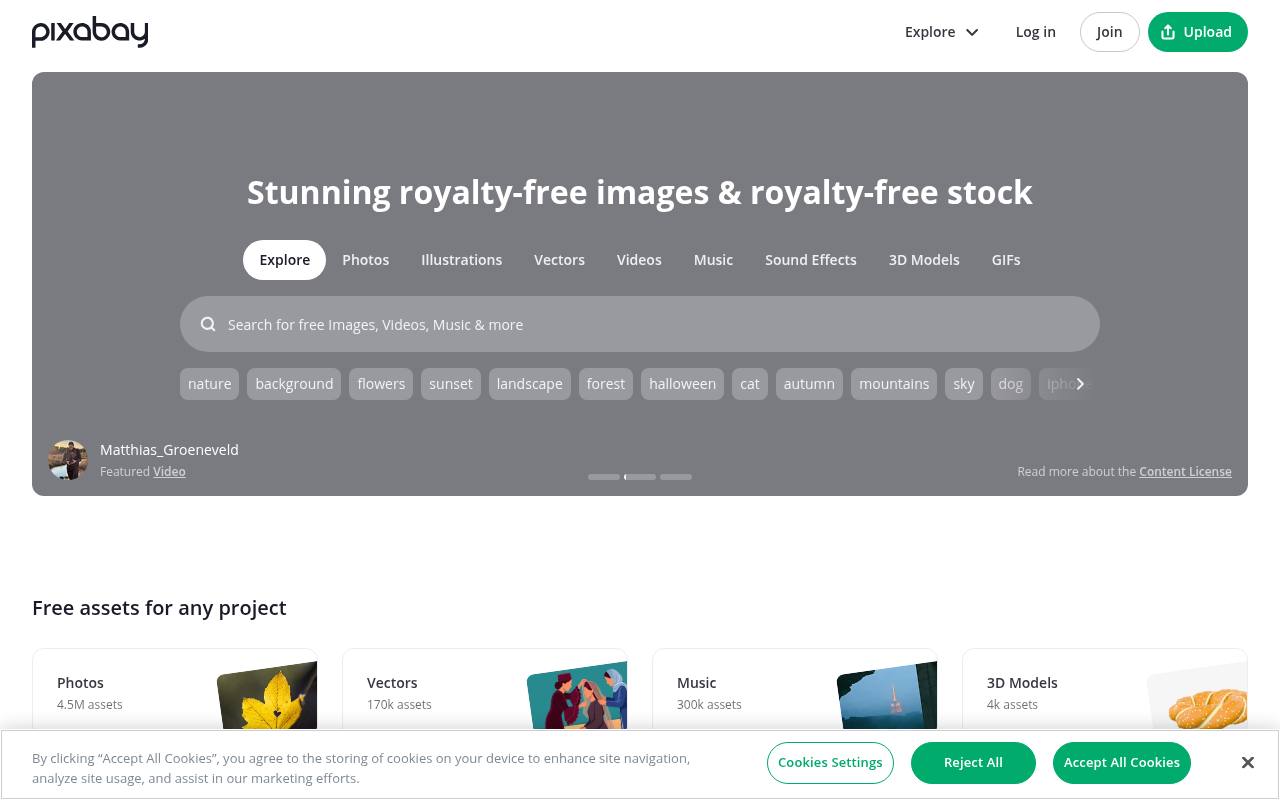
Beyond stock photography, Pixabay separates its free library into illustrations, vectors, videos, music, sound effects, 3D models, and GIFs. Popular search shortcuts cover subjects such as nature, backgrounds, flowers, landscapes, and phone wallpapers. These media share the Pixabay Content License, which allows use without attribution and permits modification into new work.
The license does not allow selling or distributing content on a standalone basis, and recognizable trademarks or logos carry additional commercial-use restrictions. This makes Pixabay a mixed-media resource for visual and audio projects rather than a photo-only catalog, with distinct sections for each asset type.
- Type
- Photos, vectors & video
- Best for
- Variety including vectors
- License
- Pixabay Content License
- Price
- 100% free
Burst by Shopify
Photo library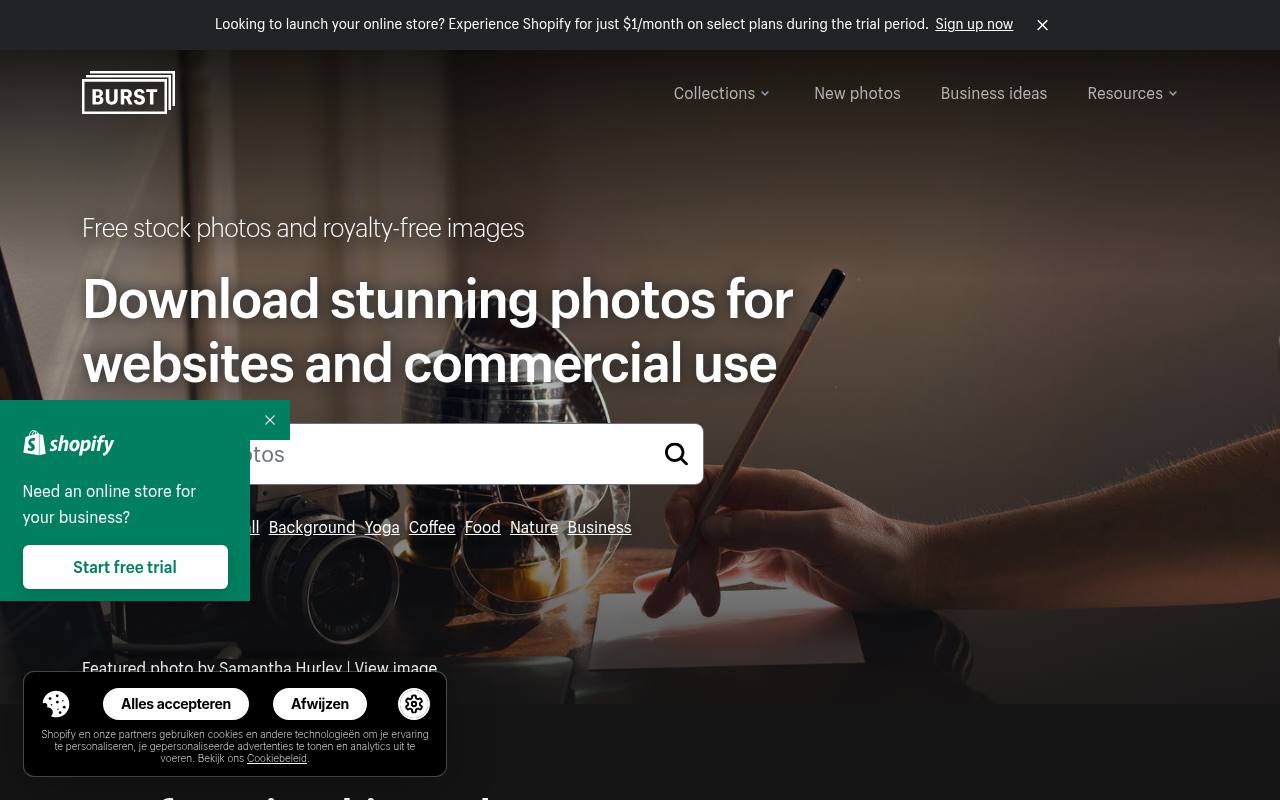
Shopify's Burst library supplies free stock photography with high- and low-resolution download choices. Browse popular categories including business, food, coffee, yoga, nature, and backgrounds, or start with the weekly selection of featured pictures. The homepage credits contributing photographers and provides keyword search alongside its category collections.
Burst explicitly permits commercial use and does not require attribution, with examples aimed at websites, blogs, and business projects. Although Shopify promotes its store-building service on the same page, the stock-photo section offers direct free photo downloads rather than requiring purchase of a Shopify subscription to access the images.
- Type
- Photo library
- Best for
- E-commerce and small business
- License
- Burst license
- Price
- 100% free
StockSnap.io
Photo library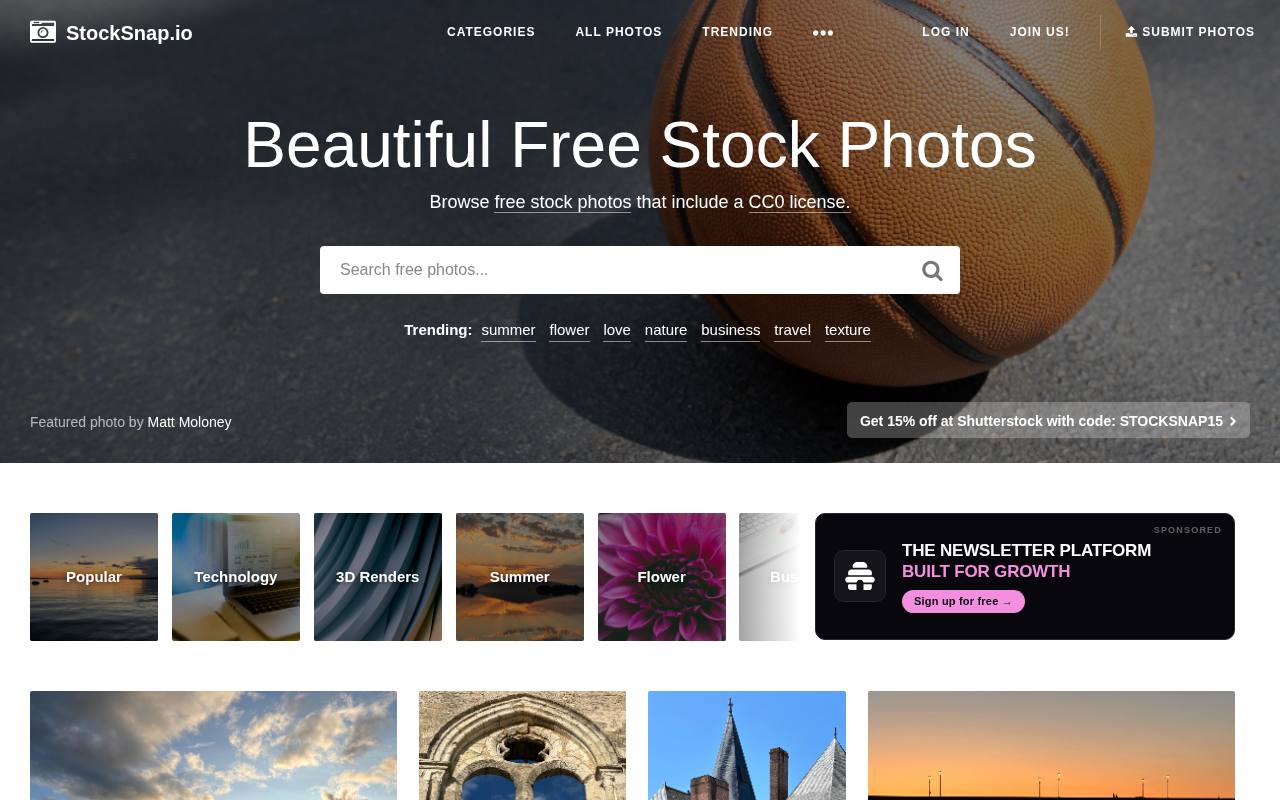
Trending keyword shortcuts and subject tags organize StockSnap.io's free photo catalog, with topics including summer, flowers, nature, business, travel, and textures. Image cards link to individual photographs and show activity counts, helping distinguish the collection from a simple static folder of downloads.
StockSnap identifies its photography as CC0, a public-domain dedication allowing copying, modification, and commercial use without required attribution. The homepage also displays sponsored promotions, including a separate Shutterstock discount, alongside its own free images. Its tag-based browsing connects related subjects such as landscapes, architecture, stonework, and sunsets across the library.
- Type
- Photo library
- Best for
- No-strings CC0 images
- License
- CC0
- Price
- 100% free
Kaboompics
Lifestyle photography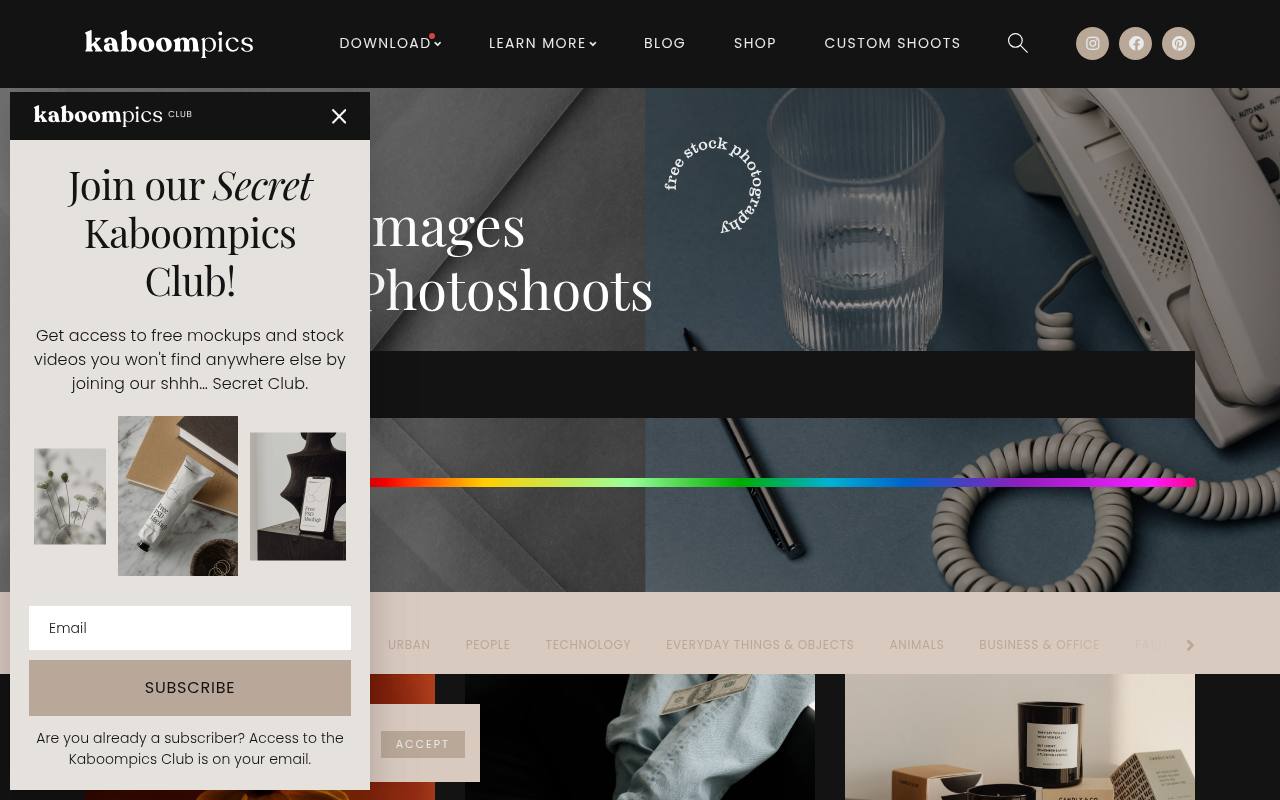
Coordinated photoshoot collections distinguish Kaboompics, with scenes covering interiors, food, stationery, beauty treatments, fashion, and abstract textures. Photo cards link to both image details and the wider shoot, and a selection tray supports batch downloads. The free library sits alongside a paid Kaboompics Shop and a newsletter club offering additional mockups and stock videos.
Its Standard License permits commercial use without attribution, but images marked Editorial Use Only are restricted to noncommercial editorial contexts. The terms prohibit standalone resale, unmodified redistribution, competing platforms, and using the images for AI training or facial recognition.
- Type
- Lifestyle photography
- Best for
- Interiors, food and lifestyle
- License
- Kaboompics license
- Price
- Free
Gratisography
Quirky photography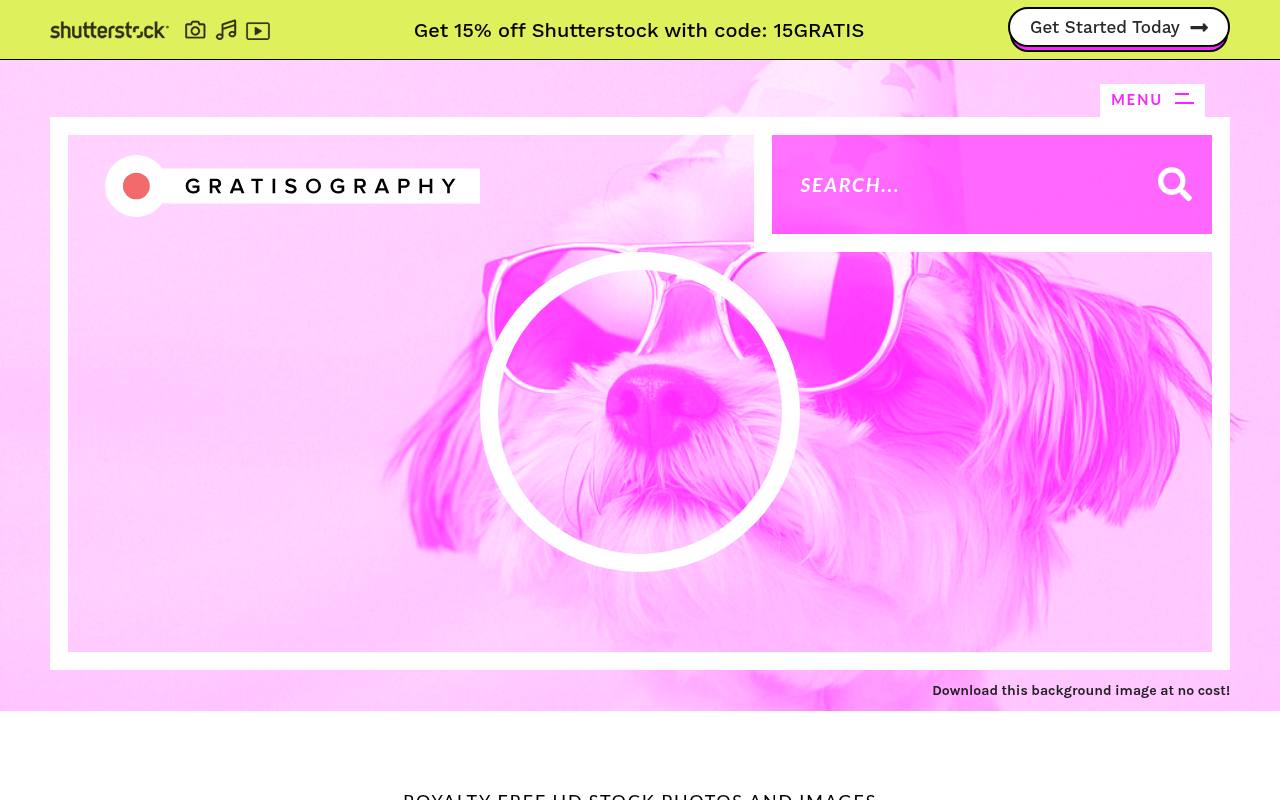
Quirky scenes and surreal subjects lead Gratisography's free image collection, with examples such as Moon Robot, Dino Party, and Cat Having a Bath. Browse categories including animals, business, nature, objects, people, urban imagery, and whimsical work, or themed collections such as Funky Food and Goofy Grownups.
A separate AI Generated collection is explicitly labeled. The site's Peace of Mind license allows personal and commercial projects, editing, advertising, and merchandise where the picture itself is not the merchandise. Redistribution as stock imagery, false ownership claims, implied endorsement, and specified harmful or unlawful uses are prohibited.
- Type
- Quirky photography
- Best for
- Fun, unusual visuals
- License
- Gratisography license
- Price
- Free
Skitterphoto
Photo library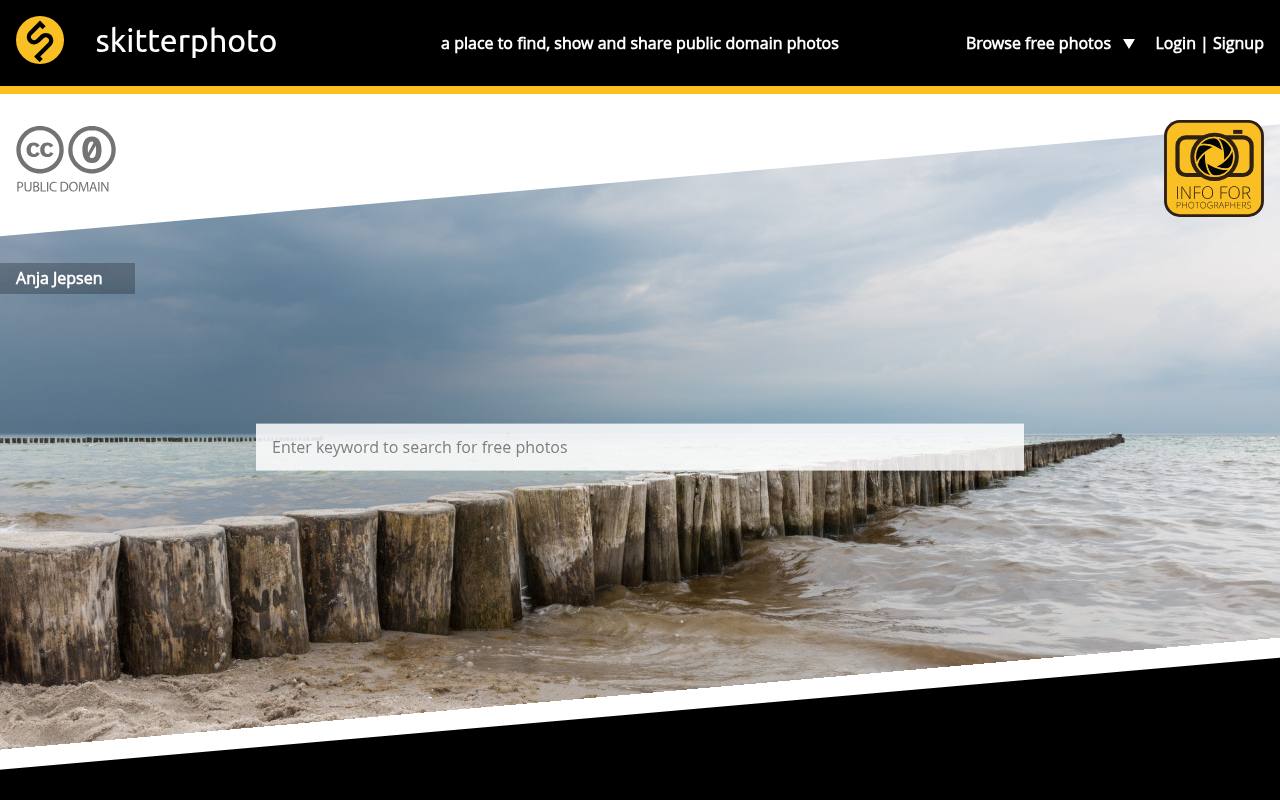
Founded by photographers from the Netherlands, Skitterphoto shares images under the CC0 public-domain dedication. Its homepage explicitly allows free downloads, editing, and commercial use, with no attribution obligation imposed by CC0. Discovery starts with keyword search or categories, while Admin picks and Newest photos provide separate browsing paths.
Visible subjects include coastal landscapes, flowers, birds, musical instruments, food, and everyday objects, with individual photographer credits on featured work. The site also invites photographers to join and upload their own pictures, extending a collection that originally began with the founders' personal photography.
- Type
- Photo library
- Best for
- Public-domain travel and nature shots
- License
- CC0
- Price
- 100% free
Life of Pix
Photo library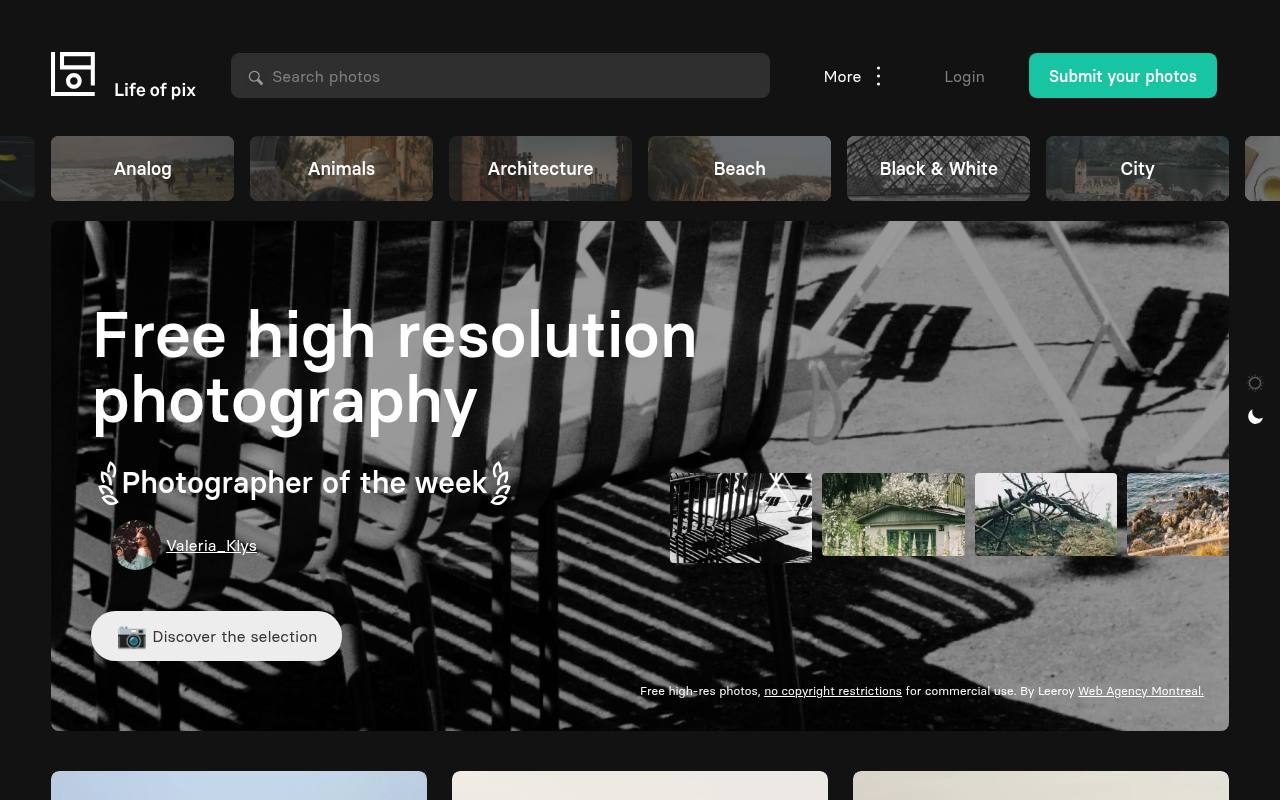
Curated photography from Life of Pix is grouped into galleries such as Analog, Architecture, Black & White, Desk, Nature, Sky, Textures, and Urban. Created by Montreal agency Leeroy, the site supplies free high-resolution photographs for commercial and noncommercial work. Its Life of Pix license allows downloading, copying, and modification without required permission or attribution.
However, it is not restriction-free: competing image services and resale without significant modification are excluded. Mass distribution is also limited, with written consent required to upload more than ten images at a time, and the license prohibits offensive portrayals and implied endorsement.
- Type
- Photo library
- Best for
- Landscapes and architecture
- License
- Life of Pix license
- Price
- Free
Picjumbo
Photo library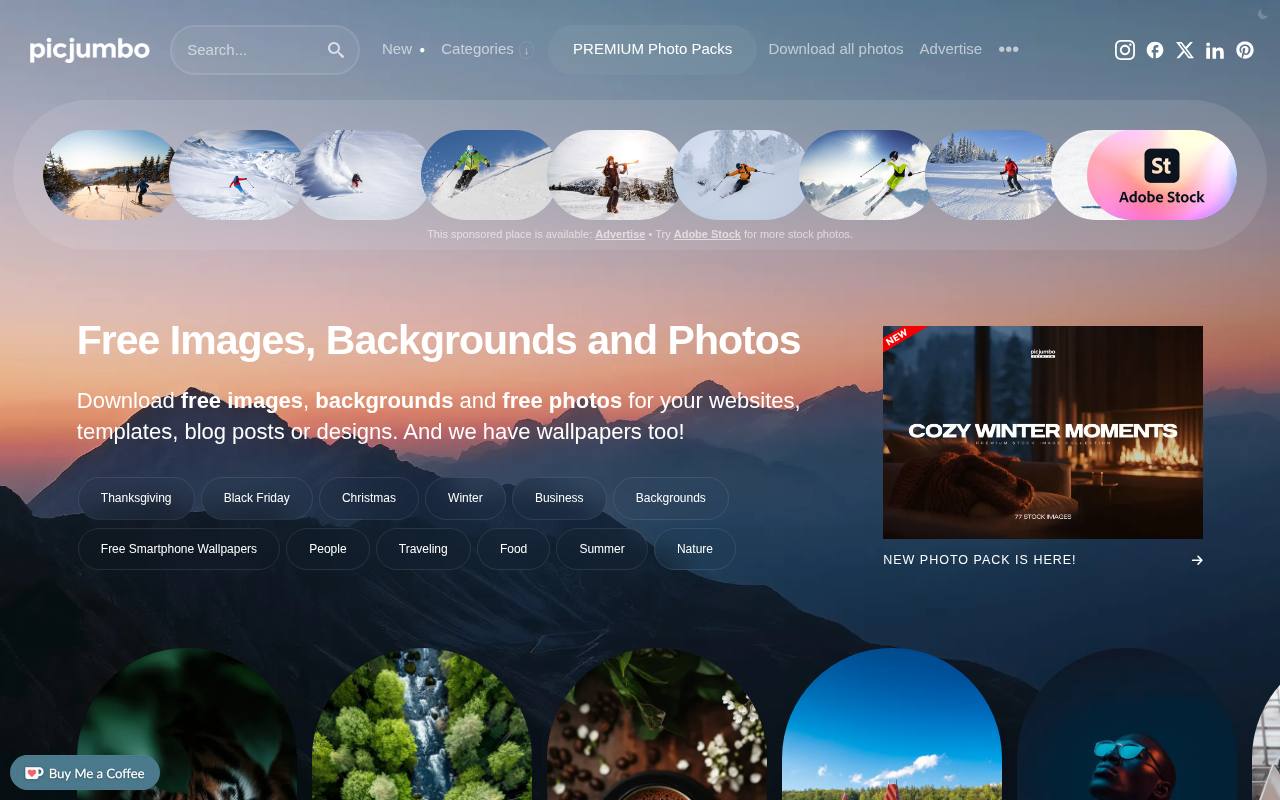
Photographer Viktor Hanacek's picjumbo combines free high-resolution stock images with a PREMIUM membership built around themed photo collections. Subjects on the main site include business, technology, food, nature, travel, architecture, textures, and backgrounds. Premium members receive access through a receipt-email link and can browse individual photos or download complete collections as ZIP archives; new collections arrive by email.
The FAQ allows commercial use, including client work, but explains that some pictures lack model or property releases. Standalone photo files cannot be redistributed with products, and broader photo redistribution requires a separate plan.
- Type
- Photo library
- Best for
- Bloggers and tech topics
- License
- Picjumbo license
- Price
- Free + premium
How to use free stock photos legally
Read each site's license once — most allow commercial use, but forbid selling unaltered copies or implying endorsement by people in the photos. Be careful with recognisable brands, logos and people in sensitive contexts.
Compress images before uploading them to your site, and add descriptive alt text for accessibility and SEO.
Frequently asked questions
What is the best free stock photo site? Unsplash for artistic quality, Pexels for everyday business images, Pixabay for variety.
Do I need to credit free stock photos? Not on most of these sites, but credit is always appreciated.
Turn a vague topic into a useful search brief
Before browsing free stock photos, describe the role of the image in one sentence. A photograph that introduces a practical tutorial needs different qualities from a mood-setting banner.
Specify the subject, setting, orientation and emotional tone, then add constraints such as room for a headline or space around a product. This gives you a repeatable way to assess results instead of choosing the first attractive thumbnail.
Search for observable actions rather than relying only on abstract business terms. If your article discusses planning, look for people arranging materials or reviewing a document rather than an image that merely looks corporate.
Try related wording when results feel repetitive, and keep a short list of alternatives. A free image should reinforce the specific idea in your copy, not simply indicate that the page belongs to a broad industry.
Compare sources using one real assignment
For an online shop, compare a Burst by Shopify image with a lifestyle option from Kaboompics using your actual product message. Look at lighting, surfaces and the relationship between the subject and empty space.
Kaboompics' matching colour palettes can help you explore supporting colours, while Burst by Shopify focuses on entrepreneurial uses. Judge each candidate inside the same layout so the comparison stays tied to your needs.
For a more editorial brief, contrast an Unsplash photograph with an unusual image from Gratisography. Ask whether a playful visual strengthens the topic or risks distracting from it. Neither artistic polish nor novelty guarantees relevance.
Put your shortlist beside the headline, excerpt and intended call to action, and choose the free photograph that makes those elements clearer without promising an experience your page does not actually deliver.
Crop for the final placement before approval
Download a suitable working copy and test the crops your design will require before asking for approval. A landscape photograph can lose its meaning when a mobile layout uses a square frame.
Check faces, hands, tools and contextual details at each size, and leave sensible breathing room around them. Mark the focal point in your handover so another editor does not accidentally crop away the part that explains the scene.
If you need copy over the image, check the whole text area rather than a single patch of background. Bright clothing, window reflections and small objects can interfere with legibility after cropping.
Consider placing the headline outside the photo when an overlay becomes complicated. Free photos for websites work best when they are selected for the actual page structure, not squeezed into an inflexible frame after the visual direction is approved.
Separate copyright permission from release questions
When reviewing free images for commercial use, distinguish the photographer's copyright permission from rights involving people, property or brands shown in the frame.
A model release concerns the use of an identifiable person's likeness; a property release may be relevant to identifiable private property or certain locations. Requirements depend on the subject, jurisdiction and intended use, so do not assume that a free download answers every clearance question.
Check each source's licence page and any information attached to the individual photograph. If a recognisable person appears in an advertisement, or the image suggests an endorsement, look carefully at the available release information and usage restrictions.
For sensitive subjects, a generic alternative may be a better editorial choice. If the necessary permissions are unclear, choose another image or obtain appropriate advice rather than treating missing information as permission.
Make a small set of photos feel connected
Build a contact sheet of your shortlisted images and review them together before editing. Look for compatible light direction, colour temperature, contrast and subject distance. A consistent set often needs less correction than a group assembled from unrelated favourites.
Pexels may help with everyday business scenes, while Skitterphoto can provide natural travel or everyday imagery; select by the visual brief rather than expecting either source to suit every placement.
When you edit, start with exposure and white balance, then make restrained changes that bring the set closer together. Avoid pushing skin tones towards a brand colour or removing important context simply to tidy a composition.
Keep untouched originals and save your working edits separately. Free stock photography can support a distinctive identity when you make deliberate, repeatable choices instead of applying a strong filter to every download indiscriminately.
Deliver responsive images with useful descriptions
Prepare image dimensions for the spaces the photographs actually occupy, and provide responsive alternatives where your website supports them. Consider modern compressed formats alongside a compatible delivery strategy, then inspect the result for softened detail or visible artefacts.
Keep the focal subject clear after compression, particularly in photographs containing small objects or fine textures. Large source files are useful editing material, but they do not all belong on the live page.
Write alternative text around the image's purpose in context. If a photo demonstrates a particular arrangement of equipment, explain the arrangement; if it is purely decorative beside complete copy, an empty alternative description may be appropriate.
Do not fill descriptions with search terms or start every one with a formulaic introduction. Accessible use of free imagery depends on conveying relevant information, not narrating every colour or repeating the article title.
Keep a source record that survives handover
For each approved photograph, record the download page, photographer where provided, source and applicable licence information. Keep that record with the project rather than in one person's browsing history.
This is useful even for no attribution photos, because colleagues may need to verify permissions, replace the image or locate a higher-resolution original. A clear source trail also helps prevent an unapproved preview from being mistaken for the final chosen asset.
Check the relevant licence page again if the project changes substantially, particularly when a blog image becomes part of advertising, packaging or a downloadable product. The phrase royalty free images describes a licensing approach, not a promise that every possible use is unrestricted.
Avoid redistributing original downloads unless the source terms clearly allow your intended use, and ask for clarification when the next stage of a project falls outside the original brief.
Choose honest imagery for products and services
Does a free stock photograph prove that your team, premises or product looks a particular way? No: an illustrative image should not be presented as documentary evidence of your own business.
Use your own photographs when the page claims to show an actual product, employee or completed project. Stock imagery can establish context, but it should not blur the distinction between a representative scene and something you genuinely supplied.
Can you reuse one photograph across a whole campaign? Often that is a practical design choice, but test whether the image still fits each message and crop. A strong blog header may become confusing on a small promotional card.
Keep a few approved alternatives from the same visual direction, and revisit the source's licence page for the intended uses. Consistency should help your audience recognise the campaign without forcing one free photograph into every role.