
Video drives engagement, but shooting every clip yourself is not realistic. Free stock video sites provide professional footage — from drone shots to office b-roll — that you can use in YouTube videos, ads and website backgrounds.
We reviewed the best sources of free stock footage and royalty-free video, checking quality, licensing and ease of use.
Each site below allows commercial use; check individual clips for any special conditions.
Quick picks at a glance
| # | Resource | License | Best for |
|---|---|---|---|
| 1 | Pexels Videos | Pexels License | Everyday b-roll |
| 2 | Pixabay Videos | Pixabay Content License | Nature and backgrounds |
| 3 | Mixkit | Mixkit license | High-quality curated clips |
| 4 | Coverr | Coverr license | Website hero videos |
| 5 | Free Nature Stock | CC0 | Authentic 4K nature b-roll |
| 6 | ISO Republic | CC0 | No-strings CC0 footage |
| 7 | NASA Image and Video Library | Public domain (NASA media guidelines) | Space, Earth and science footage |
| 8 | Wikimedia Commons Videos | Free licenses (CC BY, CC BY-SA, CC0) | Historical and educational footage |
| 9 | Vidsplay | Free with attribution | Simple everyday clips |
| 10 | Dareful | CC BY 4.0 | 4K landscapes |
Pexels Videos
Stock footage
Everyday scenes, landscapes, and social-friendly footage fill Pexels Videos, with a Trending Free Stock Videos feed and topic searches ranging from mountains and rain to dogs and counting money. Clip cards identify contributors and provide direct download buttons, making the video section easy to browse alongside the site's photography.
All footage is free under the Pexels License, which allows modification and commercial uses without required attribution. Its restrictions include reselling unaltered copies, redistributing clips on other stock platforms, implying endorsement, and using the imagery as a trademark.
- Type
- Stock footage
- Best for
- Everyday b-roll
- License
- Pexels License
- Price
- 100% free
Pixabay Videos
Stock footage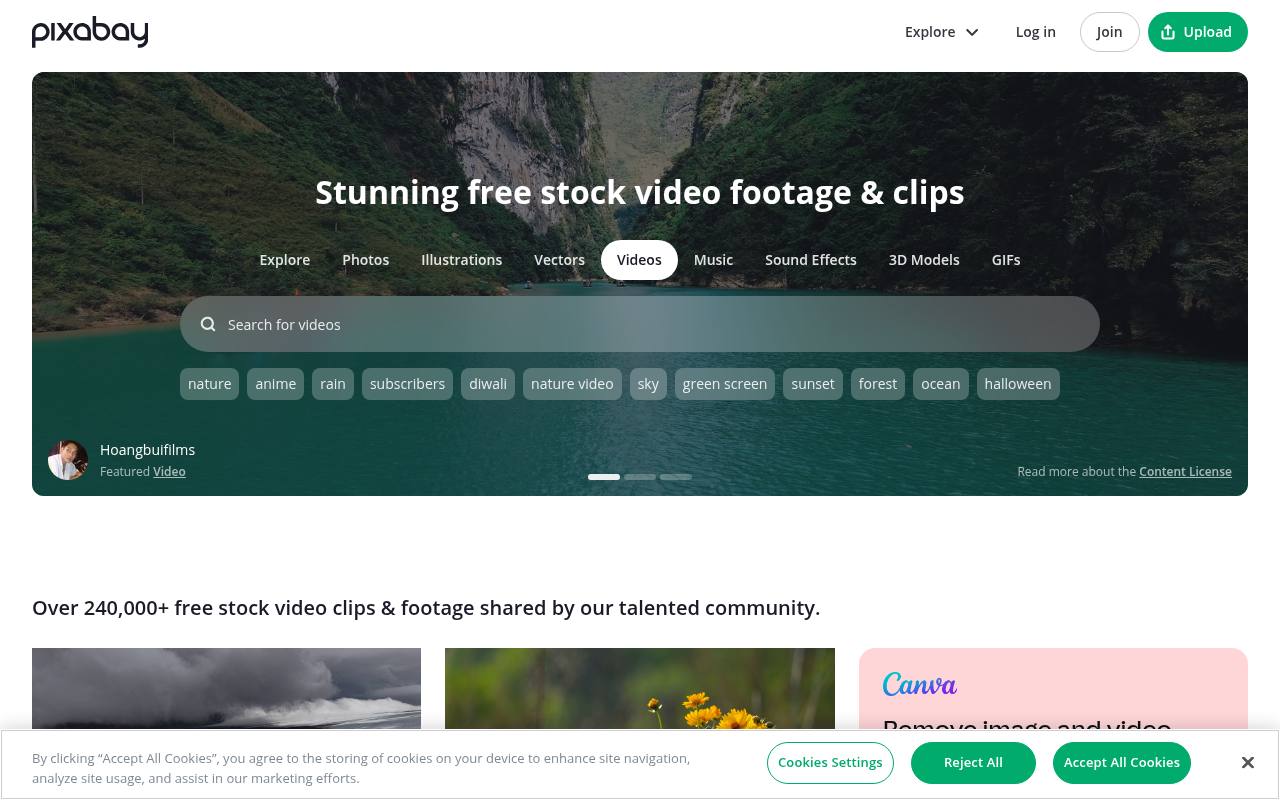
With over 240,000 clips advertised in its video section, Pixabay combines community-contributed footage with contributor profiles and individual download controls. Nature, backgrounds, and other moving imagery sit within a broader platform that also distributes images and audio.
The Pixabay Content License permits free use, adaptation, and publication without mandatory creator credit. It does not permit selling or distributing content on a standalone basis, using it deceptively, or incorporating it into a trademark. Recognizable brands carry additional restrictions, including commercial uses connected with goods and services.
- Type
- Stock footage
- Best for
- Nature and backgrounds
- License
- Pixabay Content License
- Price
- 100% free
Mixkit
Videos, music & templates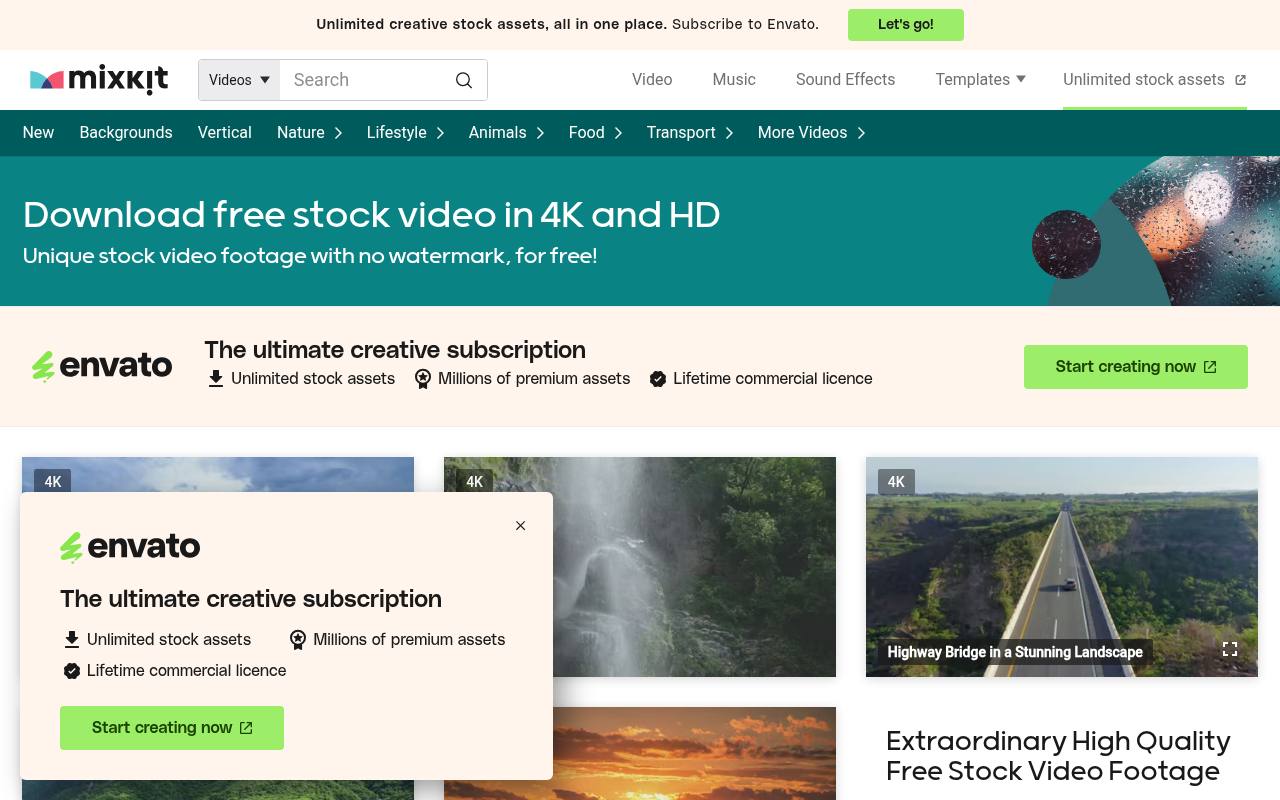
Browse Mixkit by animals, nature, romantic scenes, funny clips, or AI-generated footage, with dedicated routes for 4K and vertical video. Its stock-video page offers free clips without watermarks, unlimited downloads, and no attribution requirement.
The wider collection also includes music, sound effects, and video templates, each with its own license. Importantly, the licensing page distinguishes Stock Video Free from Stock Video Restricted, rather than applying one identical permission set to every clip. Paid Envato assets are promoted separately from the downloadable Mixkit collection.
- Type
- Videos, music & templates
- Best for
- High-quality curated clips
- License
- Mixkit license
- Price
- 100% free
Coverr
Stock footage
Beyond website backgrounds, Coverr now combines free stock footage with music, images, and an AI creation studio. The homepage advertises HD and 4K clips cleared for personal and commercial use without attribution, plus music browsing by genre, instrument, and mood.
Its workflow includes projects that organize downloads and generated material, with project storage offered on every plan. Developers can access stock search and AI generation through a REST API and MCP server; the site advertises 1,000 free API calls monthly. AI generation and subscription plans sit alongside the free stock library.
- Type
- Stock footage
- Best for
- Website hero videos
- License
- Coverr license
- Price
- Free
Free Nature Stock
Nature stock footage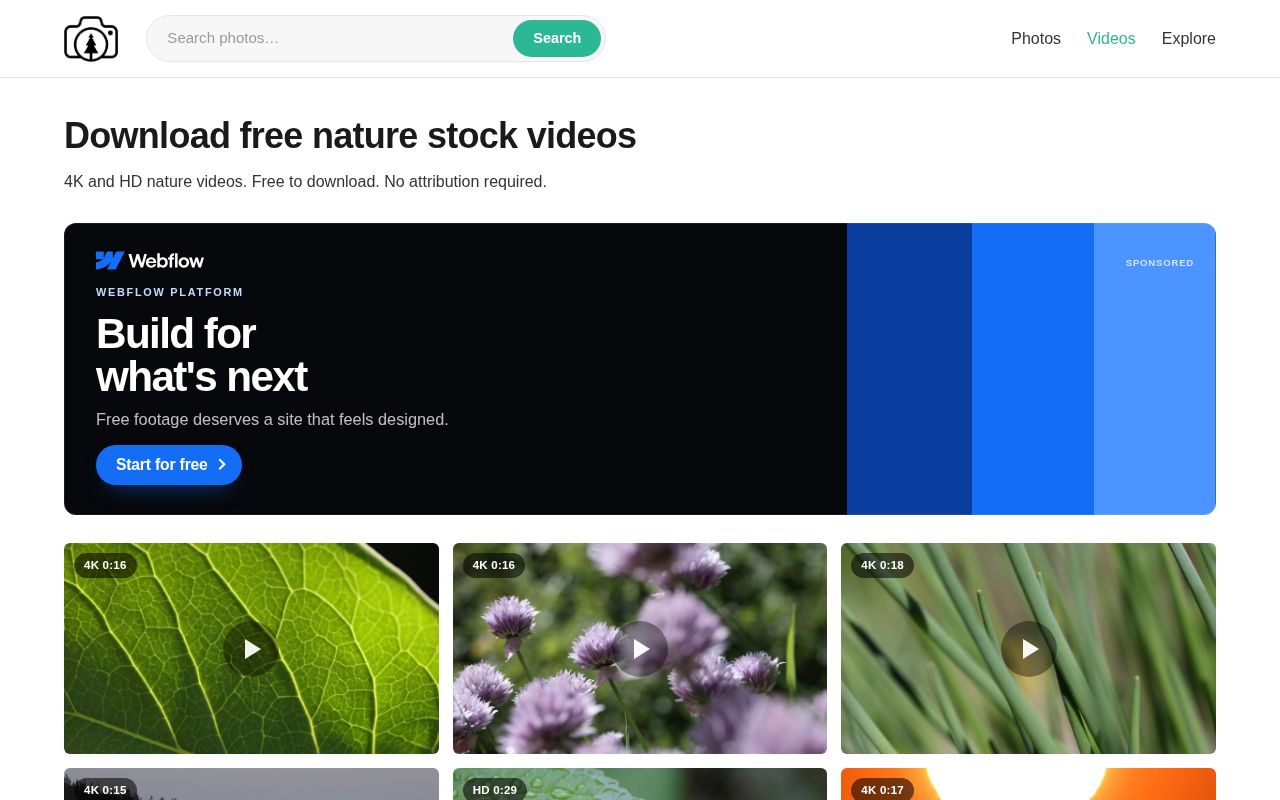
Run by a single photographer, Free Nature Stock publishes real, never AI-generated 4K and HD nature clips: rain on leaves, rolling mist, ocean coasts, sunsets, garden flowers and Milky Way time-lapses, each tagged with its resolution and running length.
The video page is a simple grid you can scroll without signing up, and the same site offers a matching library of free photos. Everything is released under Creative Commons Zero (CC0), so the footage works in commercial and non-commercial projects, products for sale and paid themes with no permission or attribution needed.
- Type
- Nature stock footage
- Best for
- Authentic 4K nature b-roll
- License
- CC0
- Price
- 100% free
ISO Republic
Photos & videos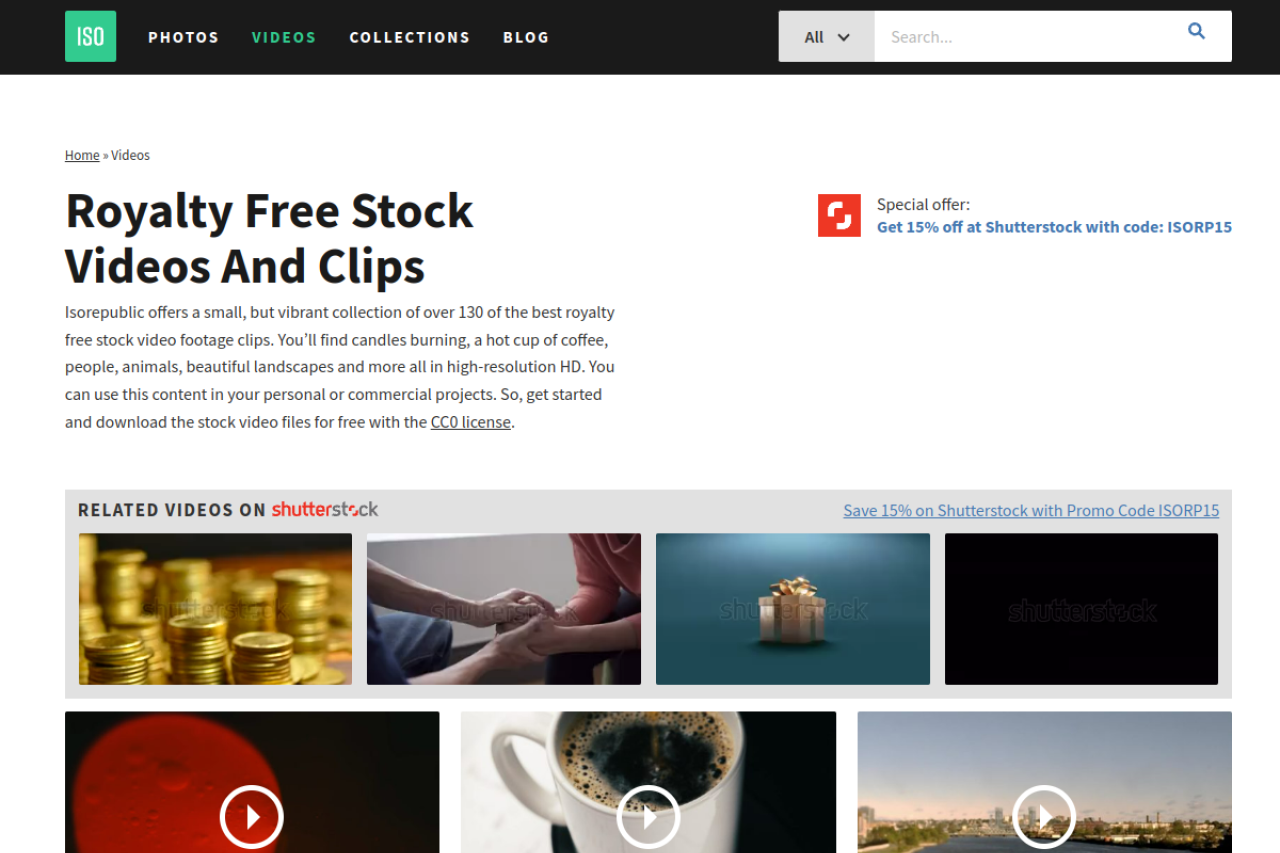
ISO Republic pairs a photo library with a separate video collection, whose preview grid includes busy roads, foggy islands, sailing, exercise, hiking, and abstract scenes. The free downloads use CC0, allowing copying, editing, sharing, and personal or commercial use without purchase, permission, or attribution.
Its license page also explicitly discusses real-world rights: recognizable people may lack model releases, branded products retain trademark protection, and private buildings can involve property rights. The site prohibits implying endorsement and presenting the downloaded photography or footage as your own original authorship.
- Type
- Photos & videos
- Best for
- No-strings CC0 footage
- License
- CC0
- Price
- 100% free
NASA Image and Video Library
Space & science archive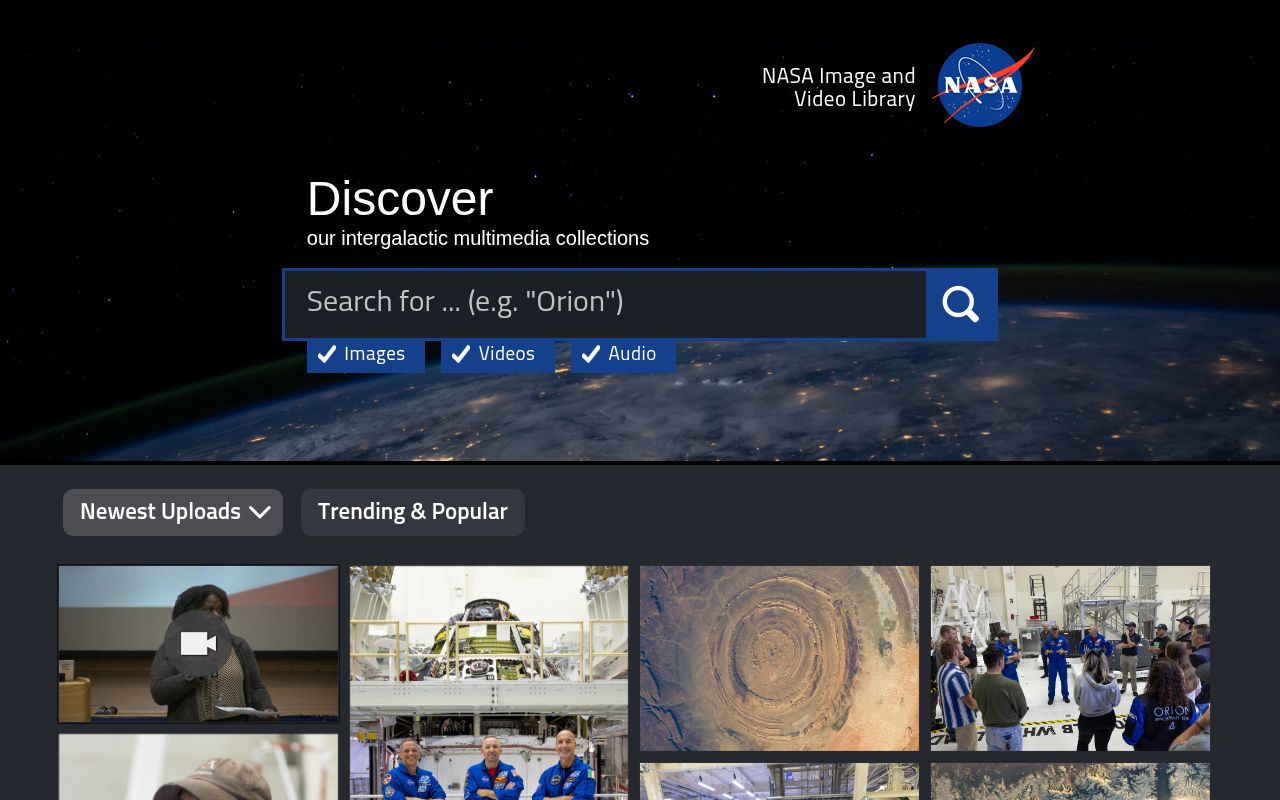
Straight from the space agency, images.nasa.gov gathers NASA's photos, videos and audio into one searchable archive, from Artemis rocket hardware and launch-pad tours to astronaut footage and views of Earth shot from the International Space Station.
The homepage splits content into Newest Uploads and Trending & Popular, and every item page shows its date, description, keywords and NASA ID with free downloads in several sizes. NASA media is generally not copyrighted in the U.S., but the agency asks you to credit NASA, avoid implying endorsement and keep its logos and insignia out of your work.
- Type
- Space & science archive
- Best for
- Space, Earth and science footage
- License
- Public domain (NASA media guidelines)
- Price
- 100% free
Wikimedia Commons Videos
Open media archive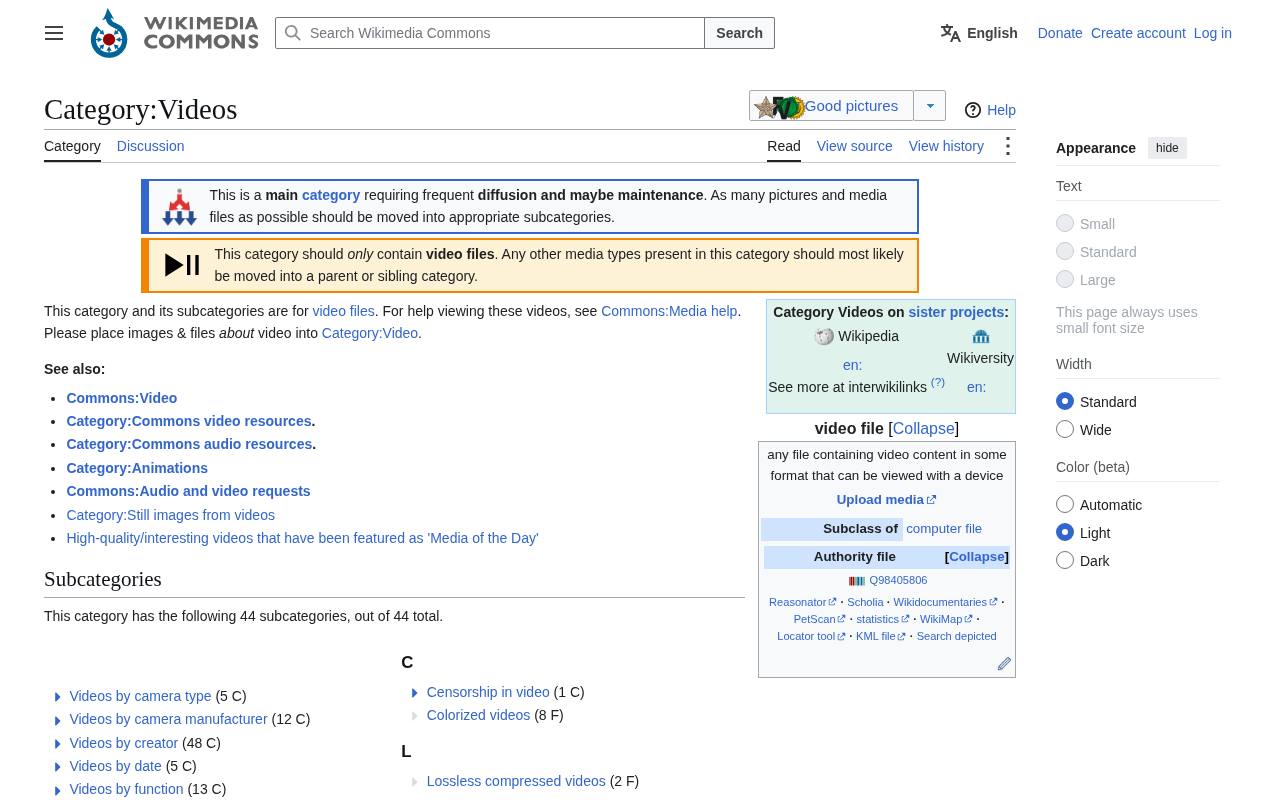
For an archive rather than a curated stock storefront, Wikimedia Commons organizes its free video files through 44 subcategories and a paginated media grid. The main Videos category connects visitors to viewing help and links to individual file pages, with WebM files appearing throughout the visible listings.
Historical, educational, documentary, and miscellaneous contributions coexist in this open media repository. Licensing is file-specific, including CC BY, CC BY-SA, and CC0: attribution applies to BY material, while BY-SA also requires adaptations to retain compatible share-alike licensing. No paid stock tier is involved.
- Type
- Open media archive
- Best for
- Historical and educational footage
- License
- Free licenses (CC BY, CC BY-SA, CC0)
- Price
- 100% free
Vidsplay
Stock footage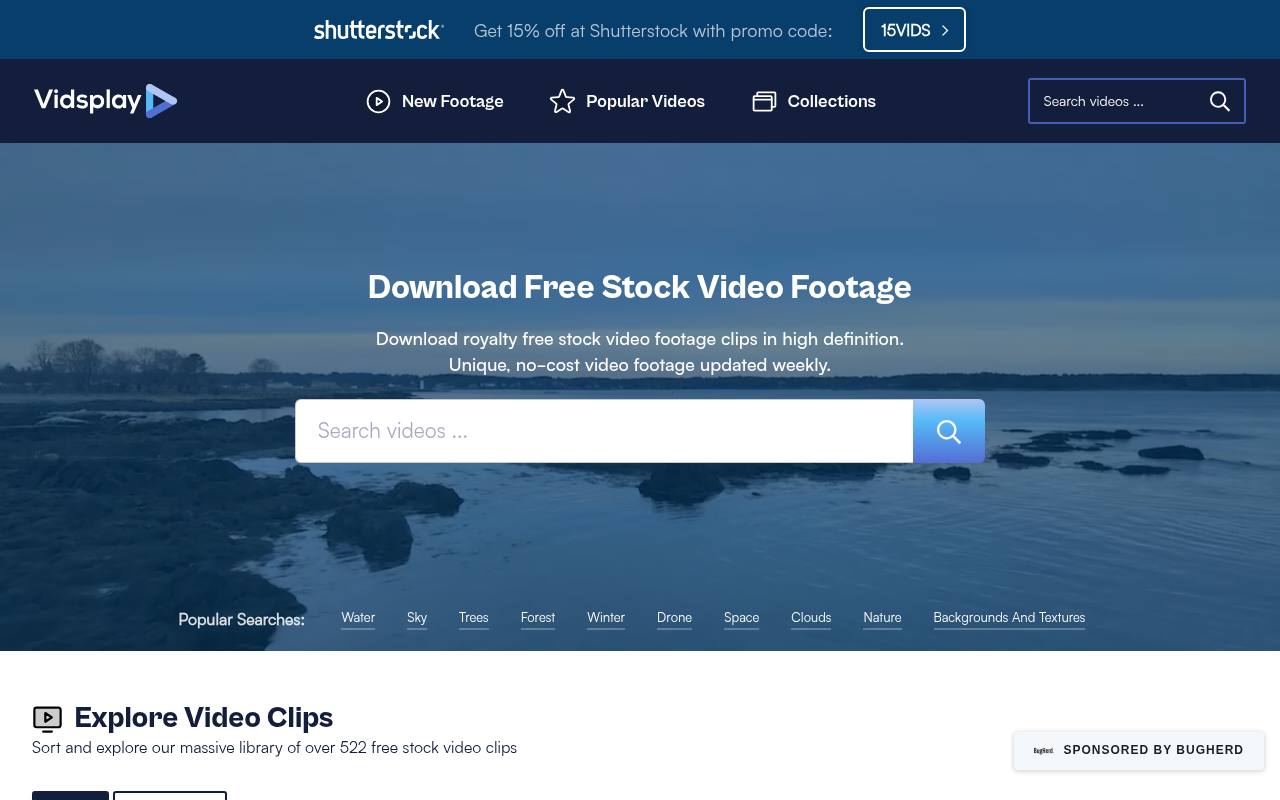
Newest and Most Popular views organize Vidsplay's library of over 522 clips, with durations displayed directly on the preview cards. Visible subjects include wildlife, city parks, autumn forests, clouds, traffic lights, and coastal scenery, and the homepage advertises high-definition footage updated weekly.
Downloads are free for personal and commercial productions, including edited and remixed work. The defining condition is a visible Vidsplay credit link, placed on your website, in ending credits, or in an online video's description. Redistributing, selling, or sublicensing the clips unchanged is prohibited; permitted projects must add substantial value.
- Type
- Stock footage
- Best for
- Simple everyday clips
- License
- Free with attribution
- Price
- Free
Dareful
4K nature footage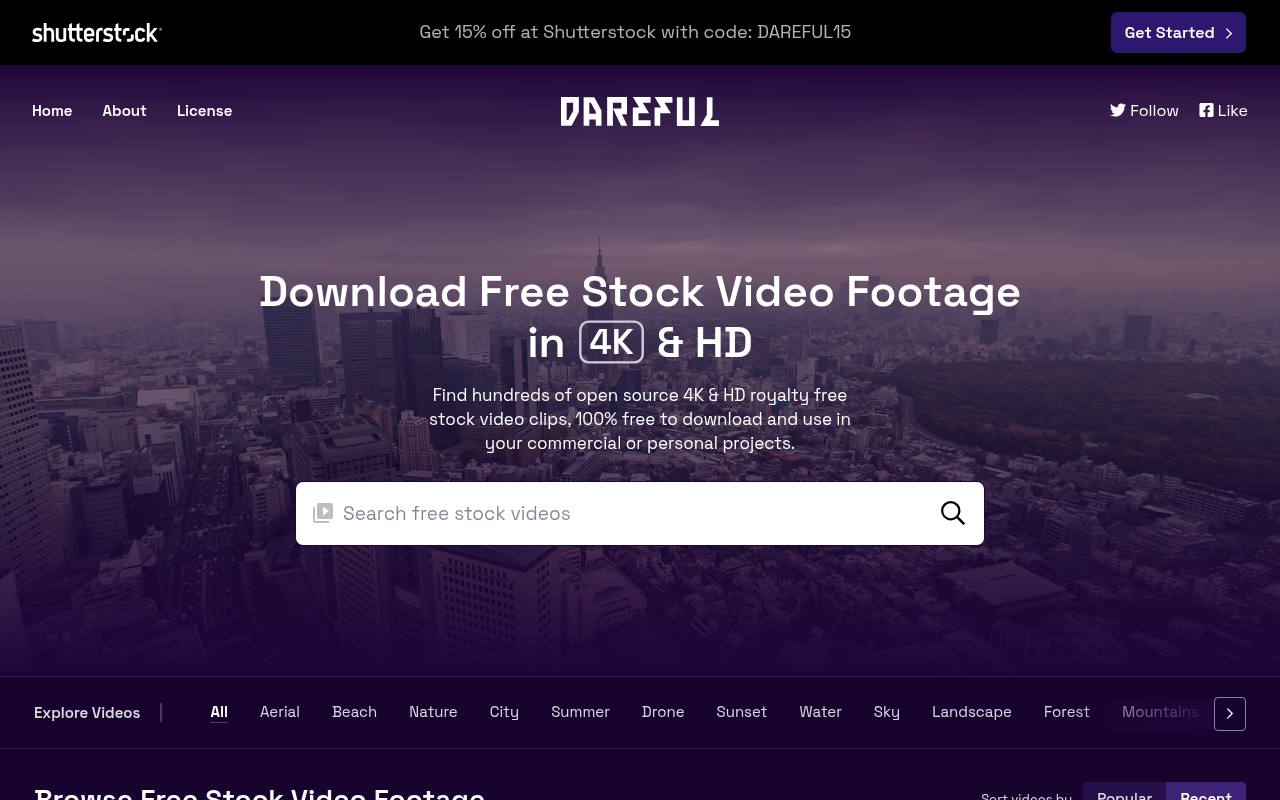
Nature, aerial views, and time-lapse footage feature prominently on Dareful, where browsing switches between Popular and Recent clips. Individual pages provide duration, resolution, frame rate, format, topic tags, and a download link, alongside related videos.
One meteor-shower listing identifies MP4 at 29.97 fps and 1920 × 1080, despite including 4k in its title. The free footage carries CC BY 4.0, so creator credit is required, including for commercial use and adaptations. Download pages also provide a ready-made Dareful credit link to accompany published footage.
- Type
- 4K nature footage
- Best for
- 4K landscapes
- License
- CC BY 4.0
- Price
- Free
Tips for using free stock footage
Colour-grade clips from different sources so they match, trim to the strongest few seconds, and compress background videos heavily for websites.
Keep a simple log of where each clip came from and its license — it makes client approvals and platform disputes painless.
Frequently asked questions
Can I use free stock video on YouTube? Yes, the sites above allow use in monetised videos, though some clips need attribution.
What is the best site for free 4K stock footage? Pexels Videos and Dareful have excellent 4K selections.
Write a shot brief before searching footage
Start with the sentence your video needs to communicate, then list the shots that would make that sentence clearer. Specify the subject, action, mood, framing and useful duration for each slot.
This turns a broad search for free stock video into a manageable editorial task. It also helps you recognise when a beautiful clip is irrelevant, even if it has the dramatic movement and polished lighting you hoped to find.
Organise the list into essential shots and optional atmosphere. Essential footage should explain or substantiate something in the script, while atmospheric clips can establish place or rhythm. Search for concrete actions and settings before abstract ideas.
If a free clip does not fit the exact brief, adjust the sequence thoughtfully rather than changing the message just to accommodate it. Keep alternatives ready for shots that may fail a later technical or rights check.
Compare collections against the story you are telling
For a practical explainer, test everyday footage from Pexels Videos beside a curated option from Mixkit. Compare the clarity of the action, camera movement and available room for captions.
A visually impressive shot is not necessarily the best explanation of a process. Watch the full clip rather than selecting it from a thumbnail, because a camera move or change in focus may make the useful section shorter than expected.
For an emotive sequence, compare the authentic nature clips on Free Nature Stock with landscape footage from Dareful. Consider whether the pace suits your narration and whether the surrounding shots can sustain the same visual mood.
For an educational topic, Wikimedia Commons Videos may provide a different kind of source material, but inspect the file's context and licence carefully. Choose free stock footage by its contribution to the argument rather than by production polish alone.
Check technical compatibility before building the timeline
Inspect the resolution, frame rate, orientation and visible quality of each shortlisted clip. Check whether the camera movement is smooth at your intended playback settings and whether the image holds up at the crop you need.
Mixed frame rates can require careful handling, especially with fast movement or slow motion. Test a short export early so problems appear before you have built transitions, captions and sound around an unsuitable shot.
If the source file is difficult to edit smoothly, consider a proxy workflow that uses lighter editing copies while retaining the original files for final output. Keep your filenames and folder structure consistent so the editing software can reconnect the media.
Free video clips are only useful when they remain manageable through the whole production process; a little technical organisation prevents unnecessary downloads, broken links and rushed substitutions when you approach the final review.
Build sequences instead of collecting isolated clips
Arrange your free b-roll around changes in meaning rather than simply placing attractive shots one after another. A wide view can establish a setting, a closer shot can show an action and a detail can emphasise the result.
You do not need every shot size for every topic, but a clear sequence gives viewers visual orientation and makes each cut feel purposeful instead of arbitrary or decorative.
Watch for continuity problems when combining clips from different contributors. Clothing, weather, equipment and the direction of movement can imply a single event even when the footage comes from unrelated situations.
Avoid suggesting that different people are the same person or that stock footage documents your own work. If continuity cannot be made convincing, use a more openly illustrative montage or separate the shots with narration and graphics that establish their distinct roles.
Grade and mix with restraint
Before applying a creative look, balance exposure and colour across the sequence so adjacent shots do not jump unexpectedly. Pay attention to skin tones, white objects and shadow detail as reference points.
Strong corrections can expose compression artefacts or make footage look unnatural. It is often better to replace one incompatible free clip than to force every other shot into a heavy treatment just to make that outlier fit.
Review the audio separately from the picture. A downloaded clip may contain location sound, unwanted noise or no useful sound at all, and a video licence should not be assumed to settle every separate audio-rights question.
Check the source's licence page and relevant asset information before retaining embedded sound or adding other audio. Keep narration intelligible, and use changes in sound deliberately rather than letting unrelated recordings dictate the mood of each cut.
Check people, property and attribution at clip level
Read the licence information for the exact file, particularly on Wikimedia Commons, where terms vary per file. NASA media has its own usage guidelines on credit and endorsement, while Vidsplay and Dareful have attribution requirements noted in this article.
Check each source's licence page for the details rather than copying a credit format from another library. Keep the required information with the clip so an editor can include it wherever the final distribution calls for it.
A model release concerns permission involving an identifiable person's likeness, while property releases can matter for identifiable private property or locations. Whether additional permission is needed depends on the footage and intended use.
Check available release information, visible brands and contextual restrictions before using a clip in advertising or a sensitive story. The phrase royalty free video does not mean every depicted person, trademark, artwork or property is automatically cleared for every possible use.
Prepare background video as an optional enhancement
When exploring Coverr for a website hero, design a still version of the section first. The headline, message and main action should work without playback. Choose footage with a calm area behind the content and test its crop on narrow screens.
A short, visually balanced loop can work better than a busy sequence with frequent changes, particularly when visitors are trying to read rather than watch a film.
Provide a suitable poster image, respect reduced-motion preferences and avoid relying on sound or automatic playback to communicate essential information. Compress for the intended display size and consider loading behaviour so a decorative video does not delay useful content.
Check that the loop does not reveal an abrupt jump that repeatedly pulls attention from the page. Free footage should enhance the experience for willing viewers without becoming a requirement for everyone else.
Plan accessible exports and a traceable archive
Add captions for meaningful speech and useful audio information, then review their timing against your final edit rather than an earlier cut. Keep them clear of important visual details and interface overlays.
When essential information appears only visually, consider how narration or an accompanying description can convey it. Export and watch the actual delivery files on representative screens; timeline previews do not reveal every problem with small text, cropping or compression.
Can you reuse the same edit in a vertical format? You can often adapt it, but inspect every crop, caption and shot transition instead of letting automatic reframing make all the decisions.
Keep a project archive containing original downloads, source links, licence records and final credit text. If a later campaign needs changes, that archive lets you check permissions and rebuild the edit without relying on memory or searching for an anonymous clip again.