
A logo needs to survive more than its first presentation. The same mark might appear in a small website header, on packaging, or across a large sign. Free vector design tools let you build artwork from editable shapes and paths instead of fixed pixels, making those changes much easier.
This selection focuses on hands-on drawing software: tools for constructing original symbols, refining curves, and exporting reusable artwork, rather than online generators that assemble a finished logo for you.
You do not need the biggest application to make a strong mark. For some projects, a lightweight free SVG editor is enough; others benefit from precise node editing, robust typography controls, or a shared canvas for feedback.
The ten options below cover desktop editors, browser workspaces, and one focused tracing utility. None requires working in three dimensions, and each has a genuine free route rather than relying on a short trial to qualify.
Choose with the final handoff in mind. A useful vector logo workflow preserves an editable master, produces a clean scalable file, and keeps fonts and borrowed assets legally separate from the software itself.
Check installation requirements and free-plan allowances before committing a client project to any platform. Vectr now describes its service as paid-only, while Boxy SVG promotes paid access, so neither is counted among these free recommendations despite appearing in many older software lists.
Quick picks at a glance
| # | Resource | License | Best for |
|---|---|---|---|
| 1 | Inkscape | Free and open source; GPL software | Detailed custom symbols and production-ready path editing |
| 2 | Figma | Free Starter plan; paid plans optional | Reviewing logo variations together on a shared canvas |
| 3 | Penpot | Free cloud plan; open-source self-hosting available | Open-source collaboration with editable SVG-based design work |
| 4 | Vectorpea | Free ad-supported editor; Premium optional | Illustrator-style vector editing without installing desktop software |
| 5 | SVG-Edit | Free and open source; MIT license | Straightforward SVG drawing with a self-hostable editor |
| 6 | Method Draw | Free and open source; MIT license | Quick geometric marks and small SVG adjustments |
| 7 | Graphite | Free and open source; Apache 2.0 software | Exploring reusable geometric variations through procedural editing |
| 8 | Karbon | Free and open-source software from KDE | Linux-based path drawing with flexible SVG export |
| 9 | sK1 | Free and open source; GPL v3 software | Print-conscious logo drawing with managed color options |
| 10 | SVGcode | Free web app; source available on GitHub | Turning original raster sketches into editable vector starting points |
Inkscape
Desktop app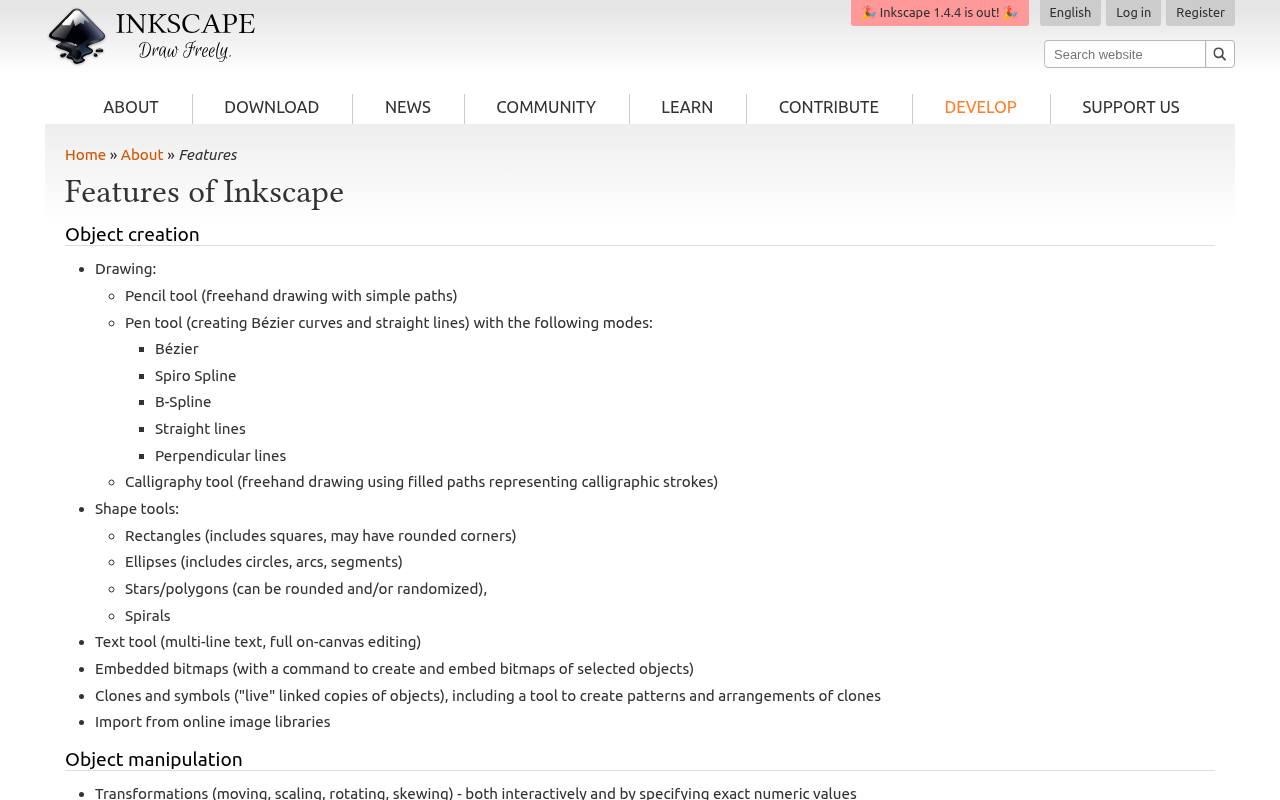
Inkscape is a strong starting point when a logo needs more than basic shapes. Its Bézier drawing tools, node editing, alignment controls, and Boolean path operations support careful construction of custom symbols. SVG is its native working format, and bitmap tracing can help turn a rough image into editable geometry.
The application is free and open source for Windows, macOS, and Linux. Use its text to path conversion on a delivery copy to preserve lettering, while retaining live text in the original document for later revisions.
- Type
- Desktop app
- Best for
- Detailed custom symbols and production-ready path editing
- License
- Free and open source; GPL software
- Price
- 100% free
Figma
Web and desktop app
Figma makes sense when logo development involves frequent feedback rather than solitary drawing. Its vector networks and Boolean operations let you construct marks, while frames keep alternate arrangements organized on a shared canvas. The free Starter plan includes basic design work, but team-file allowances and advanced capabilities differ from paid plans.
SVG export supports a scalable handoff without turning the mark into a screenshot. Keep the project focused on the standard vector editor: additional illustration features, collaboration settings, and other Figma products can have their own plan requirements.
- Type
- Web and desktop app
- Best for
- Reviewing logo variations together on a shared canvas
- License
- Free Starter plan; paid plans optional
- Price
- Free tier
Penpot
Web app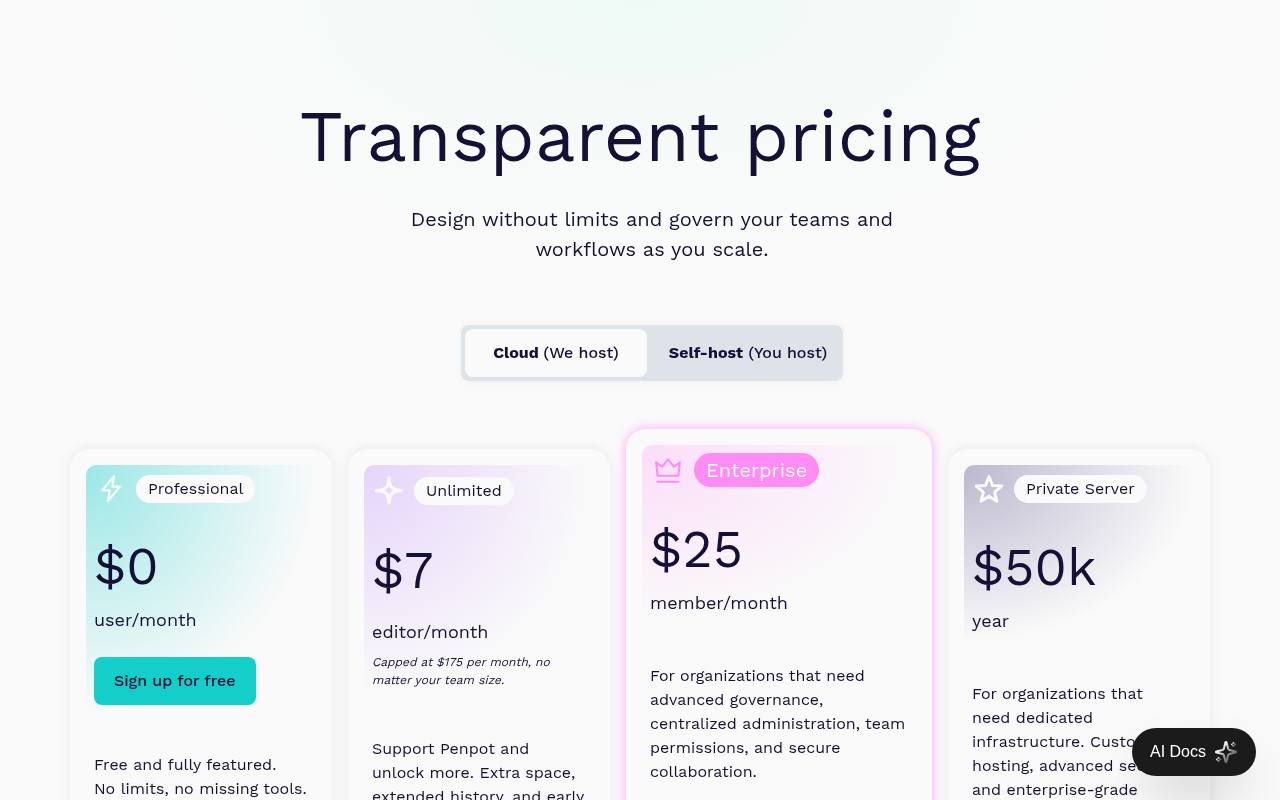
Penpot combines a shared design workspace with an SVG based approach, making it useful for teams that want an open-source alternative to proprietary design platforms. Draw paths, combine shapes, and arrange logo options alongside application screens without switching between unrelated files.
Its free Professional cloud plan includes core design tools; the pricing table lists limits including eight team members, 10GB of storage, and seven days of autosaved versions. Self-hosting is another route, though running a server involves your own infrastructure and maintenance rather than a hosted free account.
- Type
- Web app
- Best for
- Open-source collaboration with editable SVG-based design work
- License
- Free cloud plan; open-source self-hosting available
- Price
- Free + paid plans
Vectorpea
Web app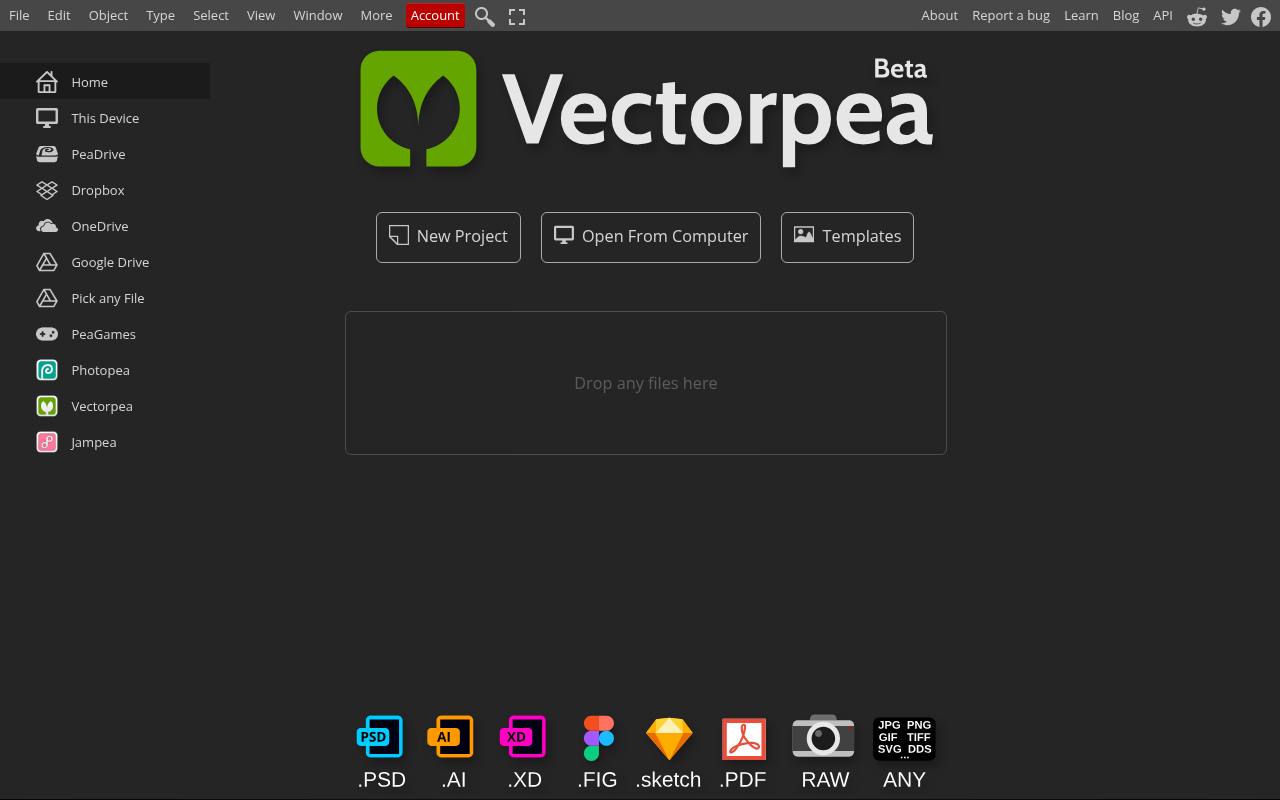
Vectorpea offers an in-browser vector editor from the creator of Photopea, with a familiar arrangement of tools, layers, and document controls. It is useful when you want to draw and adjust scalable artwork on a machine where installing another application is inconvenient.
The free experience is supported by advertising, with optional Premium access. Work with editable vector paths rather than relying on a flattened preview, and check the exported SVG in a second viewer before delivery. Imported artwork can contain effects or font dependencies that need attention after conversion.
- Type
- Web app
- Best for
- Illustrator-style vector editing without installing desktop software
- License
- Free ad-supported editor; Premium optional
- Price
- Free + Premium
SVG-Edit
Web app and source code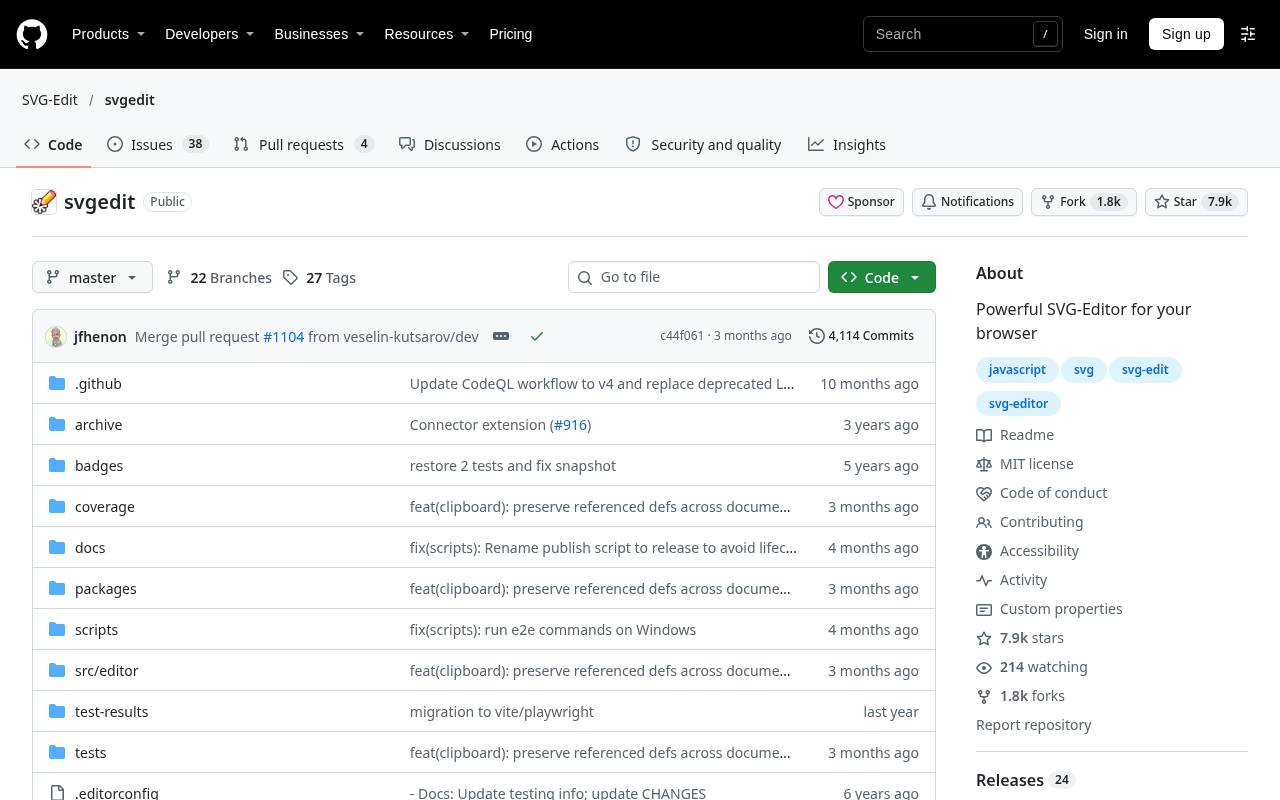
SVG-Edit is a free SVG editor whose official repository links to a working browser demo and explains deployment options. Basic shapes, paths, text, fills, and strokes provide a straightforward environment for building simple marks.
Its MIT licensed code also makes it relevant to developers who want to host or integrate an editor, although no coding is necessary to try the linked demo. Think of it as a compact drawing workspace, not a managed client-review service. Save your SVG files deliberately rather than expecting a cloud project dashboard to preserve every variation.
- Type
- Web app and source code
- Best for
- Straightforward SVG drawing with a self-hostable editor
- License
- Free and open source; MIT license
- Price
- 100% free
Method Draw
Web app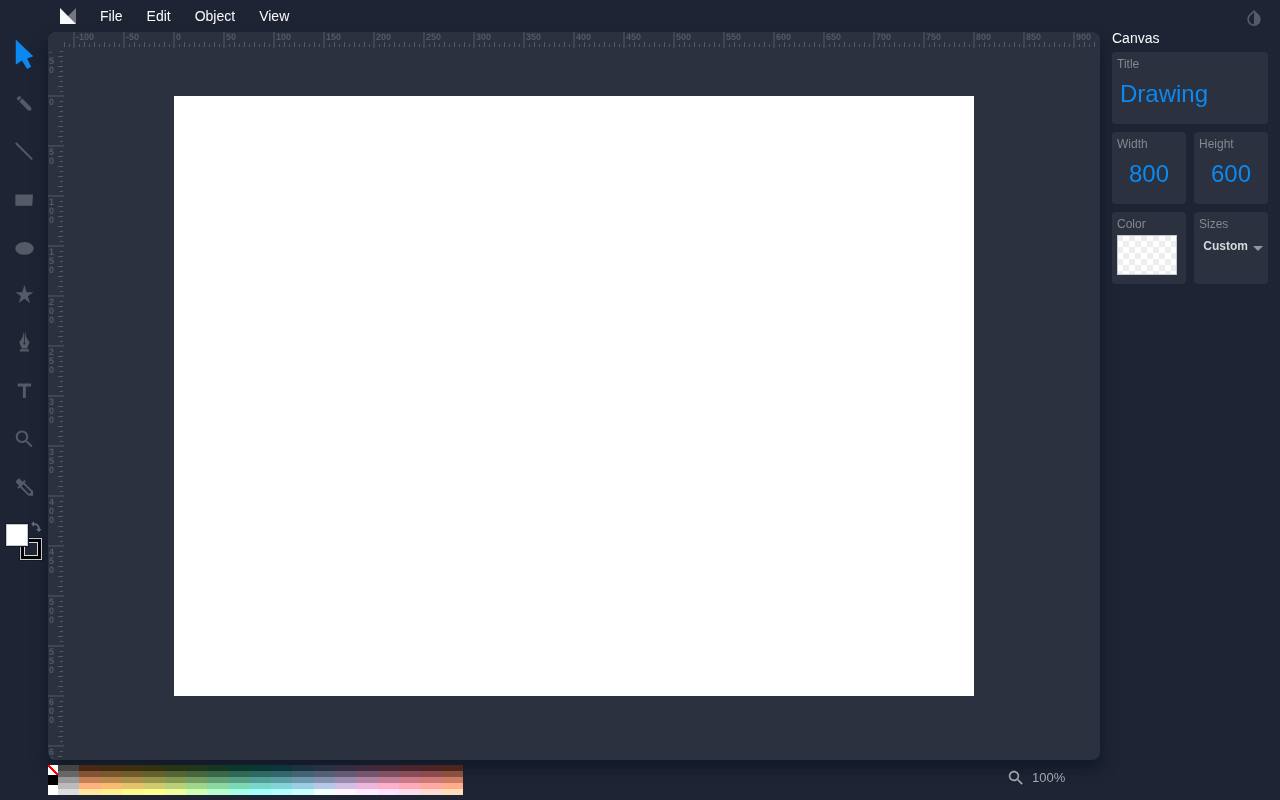
Method Draw keeps the browser interface focused on the artwork instead of a large project-management system. Its menus expose SVG opening and saving, PNG export, object ordering, grouping, and alignment. The path controls include adding or deleting nodes and switching segment types, which is helpful for tidying a small symbol.
Choose it for quick vector edits, especially when a simple arrangement of shapes will do the job. It is less suitable for complex production workflows that depend on sophisticated typography, extensive color management, or organized team review.
- Type
- Web app
- Best for
- Quick geometric marks and small SVG adjustments
- License
- Free and open source; MIT license
- Price
- 100% free
Graphite
Web app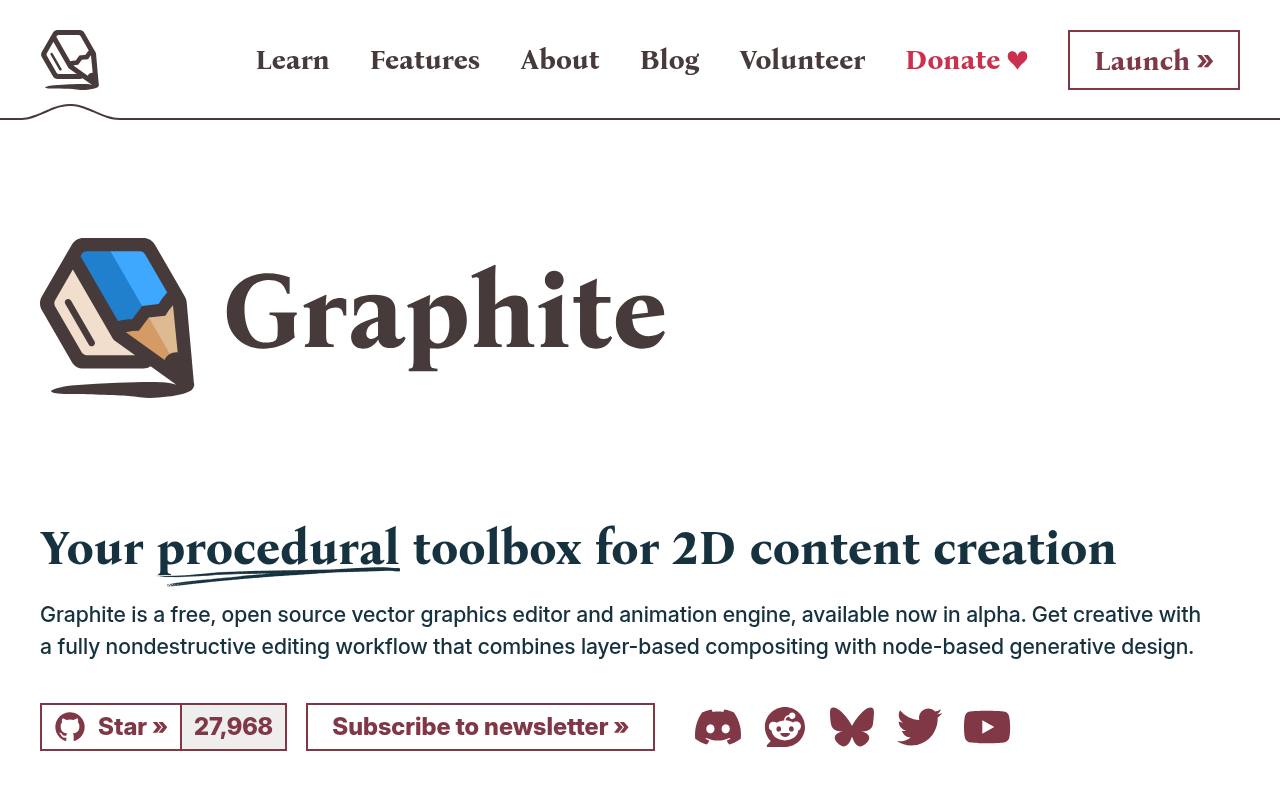
Graphite approaches vector design through a combination of layers and a procedural node workflow. That makes it interesting for exploring repeated geometry or revisiting construction decisions without rebuilding everything manually. The official site identifies the application as free, open source, and currently in alpha, with present features centered on vector graphics editing.
Its nondestructive editing approach is the main attraction, not a promise that every planned feature is already available. For deadline-sensitive logo work, test the tools and export behavior on a small sample, and keep independent copies of important files.
- Type
- Web app
- Best for
- Exploring reusable geometric variations through procedural editing
- License
- Free and open source; Apache 2.0 software
- Price
- 100% free
Karbon
Desktop app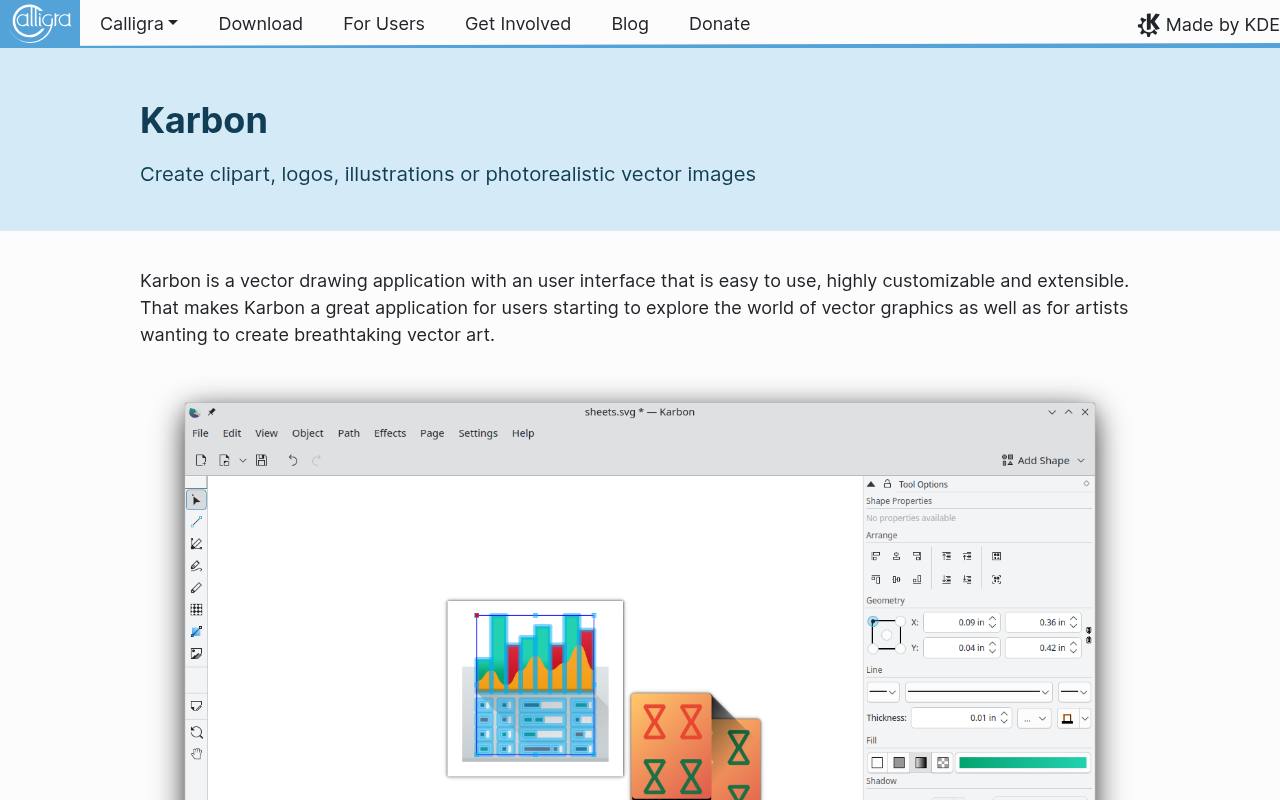
Karbon is the vector drawing component associated with KDE’s Calligra suite. Its feature page documents advanced path editing, snapping, grouping, layers, and Boolean operations, all useful when assembling a logo from deliberate geometry. Artistic text can follow a path, while export options include SVG, PDF, and PNG.
This is free desktop software, particularly worth investigating on Linux rather than assuming a browser account is necessary. Check your distribution’s package availability before planning a project around it, since installation and available versions depend on your operating system and software repositories.
- Type
- Desktop app
- Best for
- Linux-based path drawing with flexible SVG export
- License
- Free and open-source software from KDE
- Price
- 100% free
sK1
Desktop app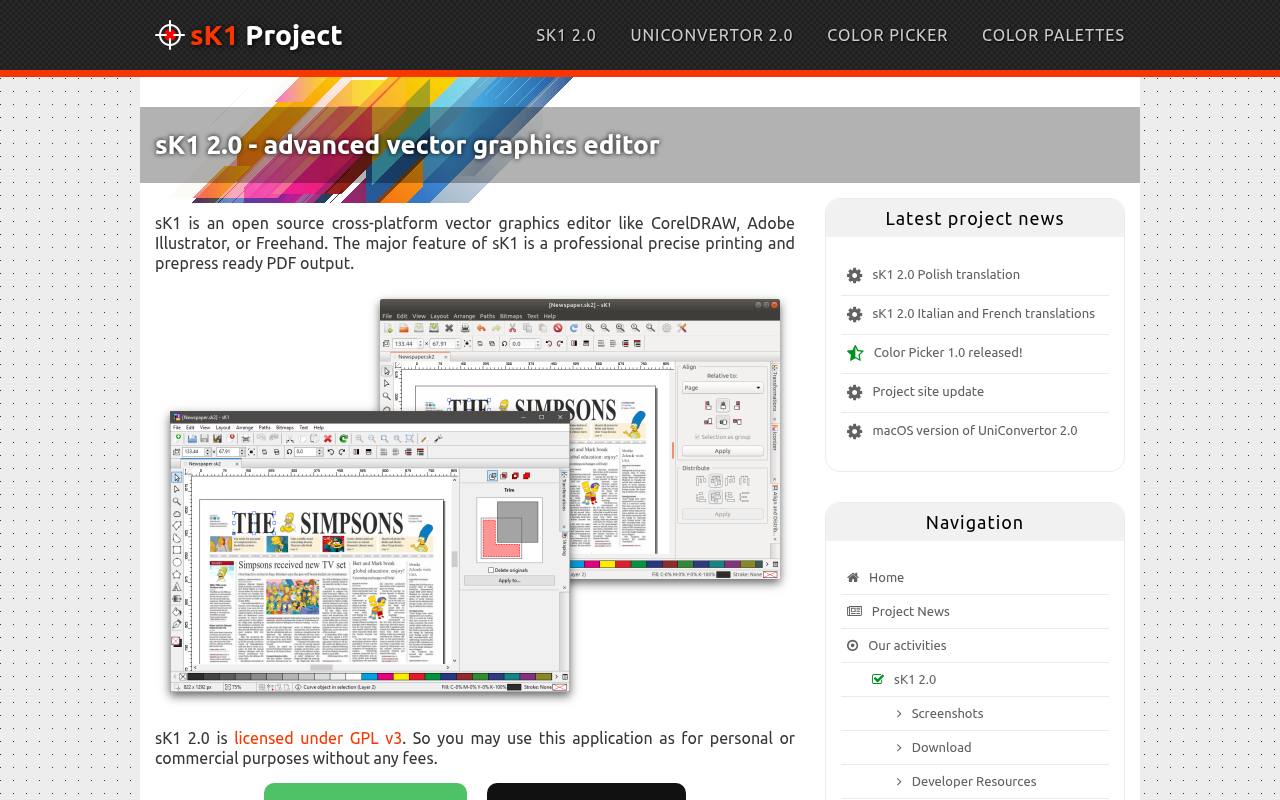
sK1 places unusual emphasis on color managed drawing and prepress-oriented PDF output for a free vector application. Its documented features include Bézier curves, text, layers, groups, gradients, and RGB, CMYK, grayscale, and spot-color support. Those controls are useful when a logo will move beyond screens into printed materials.
The project explicitly allows personal and commercial use of its GPL licensed software without fees. Review the available download packages for your system first, and confirm the printer’s required PDF settings rather than treating a color-space selector as automatic print approval.
- Type
- Desktop app
- Best for
- Print-conscious logo drawing with managed color options
- License
- Free and open source; GPL v3 software
- Price
- 100% free
SVGcode
Web tracing utility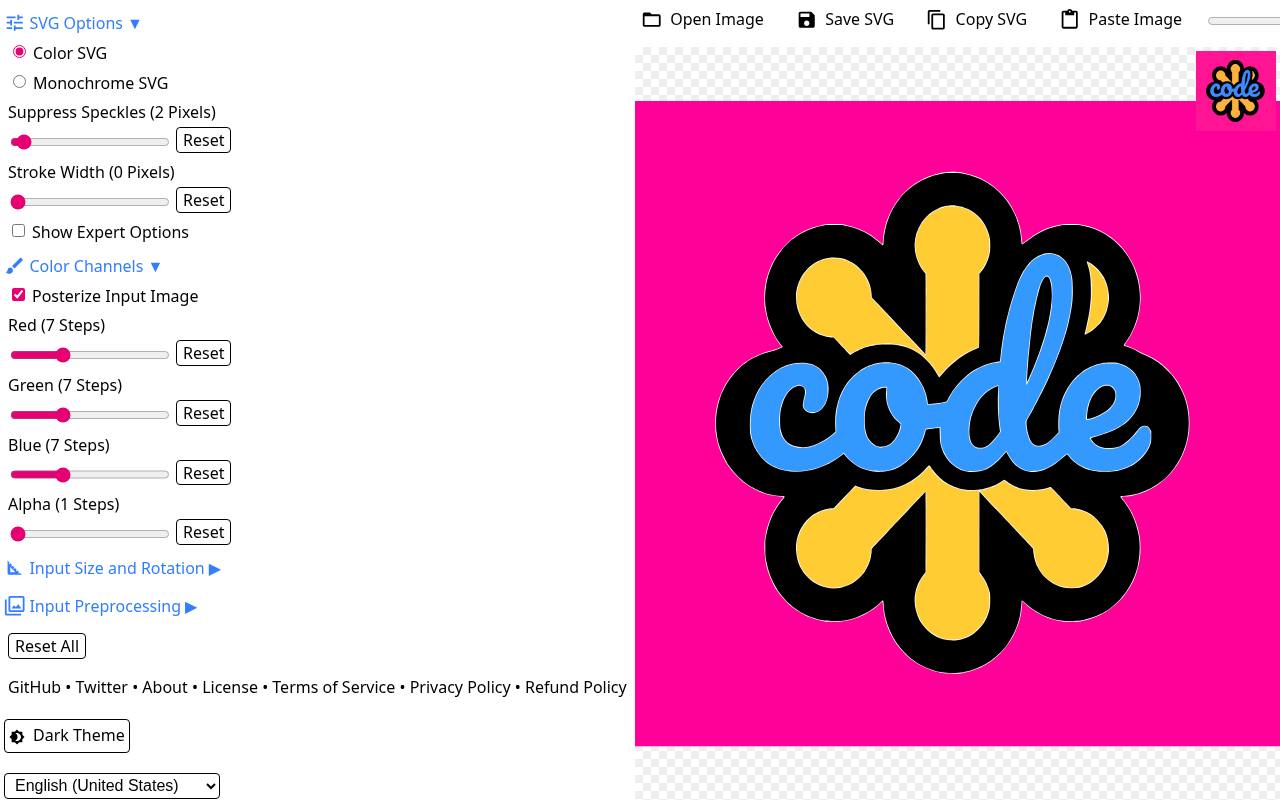
SVGcode is a focused raster to vector utility rather than a complete logo drawing suite. Open an image, adjust the tracing result, and save scalable artwork that you can refine in another editor. It is especially useful when an original black-and-white sketch exists only as pixels and you want a starting point without redrawing every contour immediately.
Treat its automatic vector tracing as an intermediate step: inspect edges, simplify unnecessary nodes, and correct asymmetry manually. Converting an image changes its format, not its ownership, so only trace material you have permission to use.
- Type
- Web tracing utility
- Best for
- Turning original raster sketches into editable vector starting points
- License
- Free web app; source available on GitHub
- Price
- 100% free
Choose an editor around your hardest task
Start with the part of logo creation that demands the most control. Inkscape suits precise path construction, while Method Draw handles smaller SVG adjustments with less interface overhead.
Figma and Penpot are more compelling when several people need to inspect alternatives. SVGcode is a supporting utility, not a substitute for an editor that can finish the mark.
Before investing hours, run a small export test: draw a curve, overlap two shapes, add text, and export the result. Reopen that file elsewhere. This reveals font substitution, unsupported effects, and confusing save behavior early, when changing tools is still inexpensive. A free application is only useful if the finished artwork can leave it cleanly.
Build the symbol before adding decoration
Begin with a single color version on a plain background. Use a few intentional shapes to establish proportions, then test whether the silhouette remains recognizable when reduced. Shadows, textures, and elaborate gradients can conceal weak structure. Add them only after the underlying symbol works, and preserve a simpler version for situations where reproduction is limited.
Keep an editable master and portable exports
Your editable master file should retain the layers, live text, and construction elements needed for future revisions. Export a separate SVG for scalable digital use and a transparent PNG for software that cannot place vector artwork.
Supply PDF when a recipient requests it, but verify the contents: a PDF container can hold a raster image just as easily as vector paths.
When preparing a clean SVG export, remove stray objects and check the canvas bounds. Reopen it in a browser and another editor if possible. Avoid assuming that a huge pixel dimension makes a logo scalable; what matters is whether the visible shapes remain actual paths rather than a bitmap embedded inside the SVG.
Separate software terms from artwork permissions
Free software and commercial logo rights are different questions. An open-source application generally does not require you to publish artwork merely because you used it to draw. However, fonts, stock symbols, and imported illustrations carry separate terms. Check those permissions independently, especially when a client expects exclusive ownership or plans to seek trademark protection.
For a distinctive mark, prioritize original vector artwork over stock graphics that many organizations can reuse. Keep a record of font licenses and any other incorporated material. Do not assume that tracing a found image removes restrictions, or that permission to use an illustration commercially automatically permits registering it as part of a trademark.
Handle lettering without losing future flexibility
Keep a version with live editable text so names, spacing, and letterforms can be revised. On a delivery duplicate, convert lettering to outlines where your editor supports it, then check counters and small gaps. Outlining helps preserve appearance across computers, but it does not excuse ignoring a typeface license or replace the editable source.
Inspect curves, spacing, and small-size performance
Zoom in to remove accidental corners, but judge the result at real viewing sizes too. A beautifully smooth curve can still create an awkward silhouette.
Look for uneven gaps, overly thin strokes, and details that disappear when reduced. Testing in solid black and reversed white helps expose problems that an attractive color palette can distract from.
For accessible logo use, avoid making essential distinctions depend on color alone. A two-part symbol should remain intelligible in grayscale, and its surrounding text needs enough contrast in its actual context. Simplify unnecessary nodes where possible; cleaner paths are easier to edit and can reduce file complexity without changing the visible design.
Can free vector software handle professional logos?
Yes, provided the application supports your required vector export formats and you use it carefully. Payment is not what makes artwork production-ready: sound geometry, licensed typography, and a clear handoff matter more.
For print work, confirm color and PDF requirements with the receiving supplier. For browser tools, check current free-plan terms and keep local backups instead of relying entirely on account access.