
You do not need an expensive design subscription to publish a useful, attractive website. A free website builder can handle the editor and hosting, while free WordPress themes and free WordPress plugins give you more control over a self-hosted site.
The right choice depends on what you want to publish, how much maintenance you can manage and which limitations you can accept.
These ten well-known free website tools cover different jobs rather than pretending to be interchangeable. You will find hosted builders for quick launches, themes for your site’s appearance and plugins for visual editing, search optimisation and contact forms.
Each entry links to an official home page or WordPress.org download page and explains the free offer alongside its paid alternatives.
If you want a free no-code website builder, start with the hosted options. If you already have WordPress hosting, look at the themes and plugins instead. Remember that free software does not automatically mean a completely free website: domain registration, hosting, premium templates and optional services may still cost money.
Quick picks at a glance
| # | Resource | License | Best for |
|---|---|---|---|
| 1 | Carrd | Free plan | Personal profiles and focused landing pages |
| 2 | Google Sites | Free service | Simple information hubs and shared resources |
| 3 | Framer | Free plan | Design-led portfolios and visual experiments |
| 4 | Wix | Free plan | Beginners building a multipage website |
| 5 | Astra | GPL | Flexible business sites and starter layouts |
| 6 | GeneratePress | GPL | Lean blogs and content-focused websites |
| 7 | Kadence | GPL | Custom headers and consistent site styling |
| 8 | Elementor | GPL | Visual page layouts without hand-coding |
| 9 | Yoast SEO | GPL | Search metadata and on-page content checks |
| 10 | Contact Form 7 | GPL | Straightforward contact and enquiry forms |
Carrd
One-page builder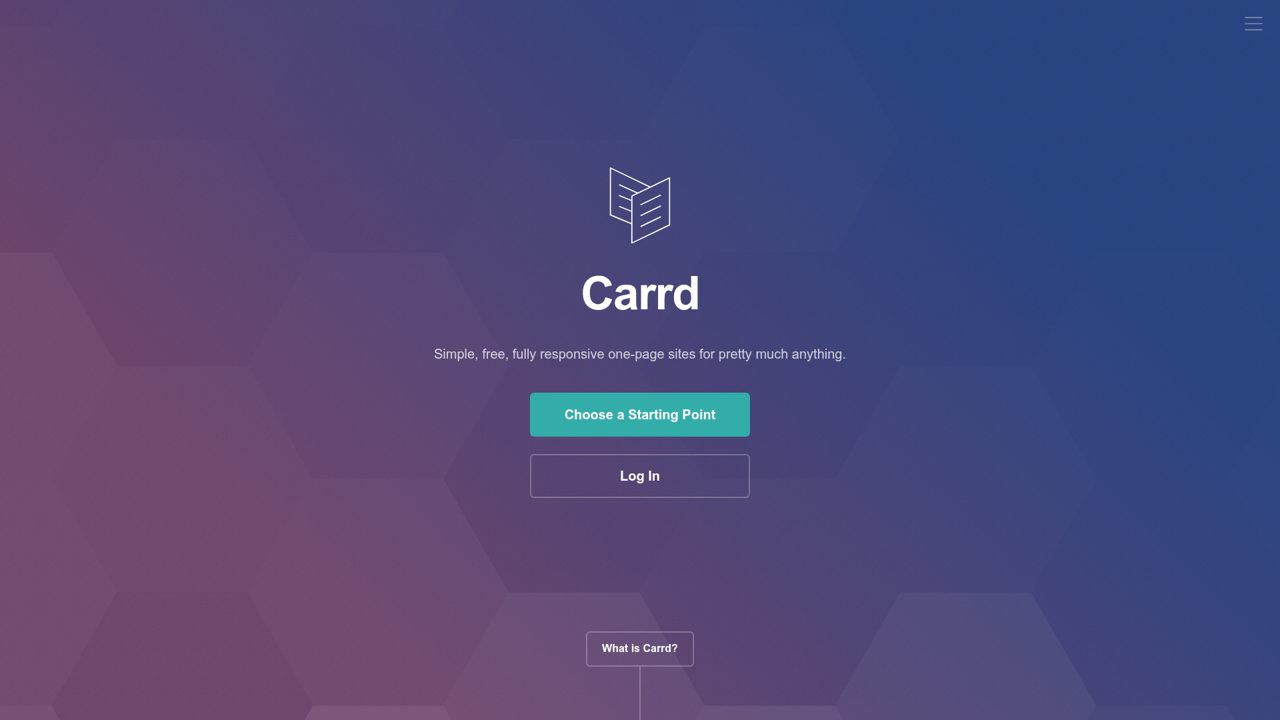
For compact portfolios, profile pages, and landing pages, Carrd starts with one-page sites built from templates or a blank canvas. Its layouts adapt to phones, tablets, and desktops, and the free tier includes core features for three sites per account. You can begin building without signing up.
Paid Pro features include custom domains with SSL, more sites, branding removal, analytics, and forms for contact, signup, or payments. Widgets and embeds connect services such as Stripe, PayPal, Gumroad, and Typeform, while signup forms support mailing-list platforms including Mailchimp and Kit. Pro is also offered as a seven-day trial.
- Type
- One-page builder
- Best for
- Personal profiles and focused landing pages
- License
- Free plan
- Price
- Free plan + paid
Google Sites
Hosted site builder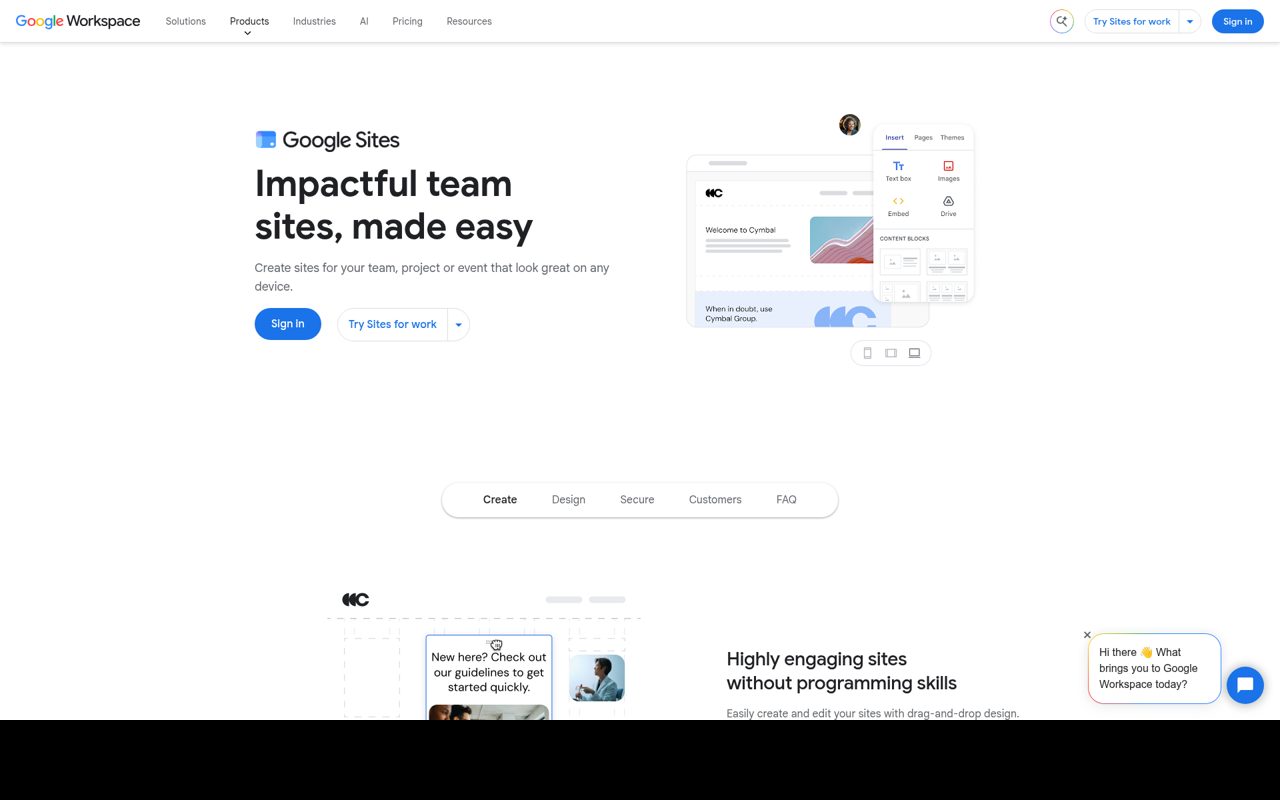
Team pages and internal information hubs are central to Google Sites, whose visual builder lets people assemble layouts without writing code. Workspace integration brings in content such as Google Docs and shared Calendars, making the service particularly suited to project information that already lives in Google’s apps.
Sites can be edited collaboratively and presented across different screen sizes, with sharing controls determining who can view the published result. A Google account provides access to the free service, while Google also bundles Sites into its paid Google Workspace plans. Buying a custom domain is a separate purchase, not part of an entirely cost-free website setup.
- Type
- Hosted site builder
- Best for
- Simple information hubs and shared resources
- License
- Free service
- Price
- Free (Workspace plans paid)
Framer
Visual website builder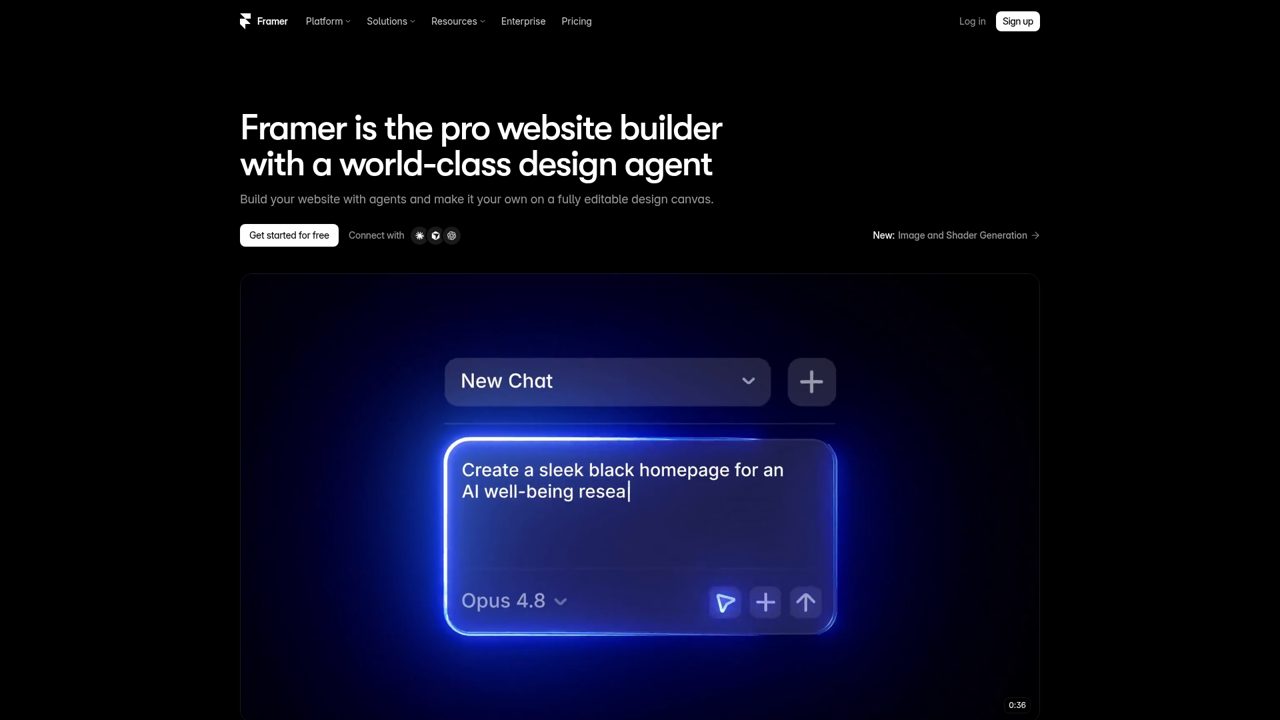
Visual page design, publishing, and content management come together in Framer, alongside tools for animations, localization, analytics, and AI-assisted site creation. Its CMS supports structured content rather than limiting every page to manually placed text and images. The current free plan includes a Framer domain and a monthly allowance of AI credits, so experimenting and publishing do not require an immediate subscription.
Paid tiers expand capabilities and include custom-domain options, with CMS collection limits varying by plan. AI credits are shared across a workspace and its editors, and additional usage can require an upgrade or add-on rather than being unlimited.
- Type
- Visual website builder
- Best for
- Design-led portfolios and visual experiments
- License
- Free plan
- Price
- Free plan + paid
Wix
Hosted website builder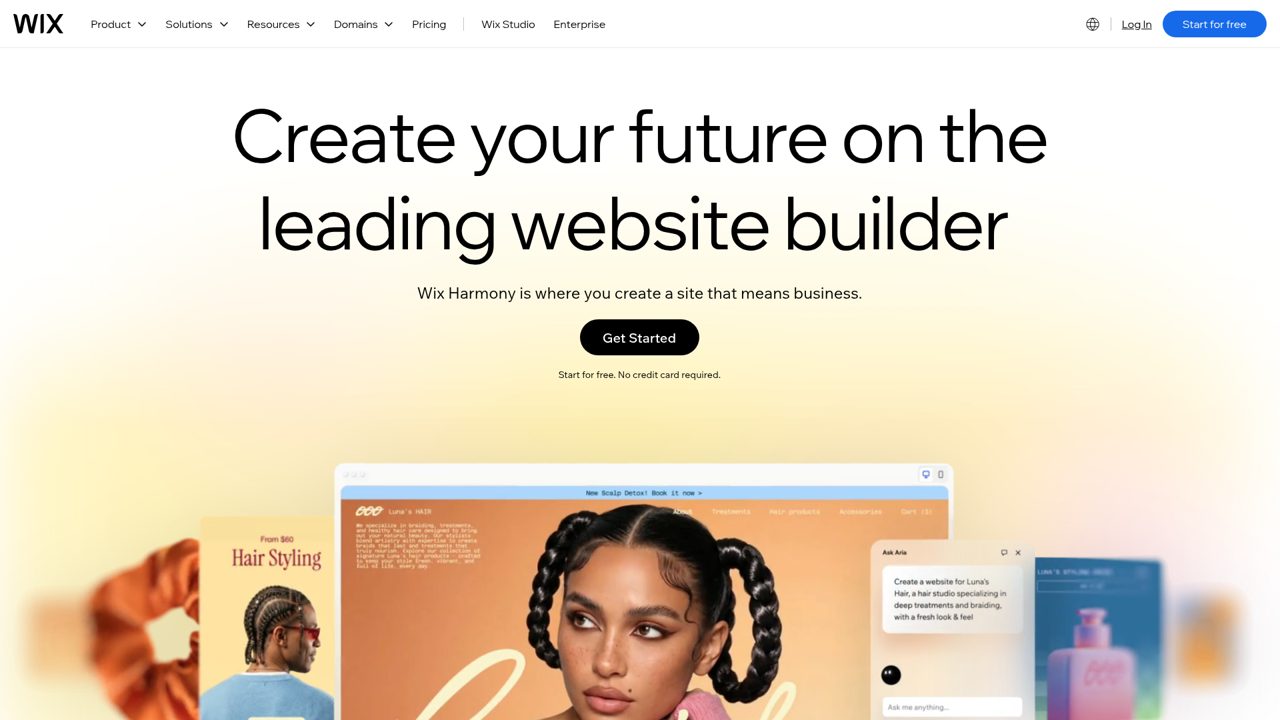
An AI website builder and a drag-and-drop editor give Wix two routes into creating a site, supported by templates and business-focused tools. The platform extends beyond page layouts into online stores, bookings, blogs, and marketing, so a business can manage more than a brochure site from one account.
A free website can be created on Wix, while paid plans cover expanded capabilities and custom-domain connections. Domain purchases, business email, and selected services can introduce additional costs. Its commercial platform terms apply rather than an open-source asset license, and premium upgrades distinguish a free starting site from a fully equipped business subscription.
- Type
- Hosted website builder
- Best for
- Beginners building a multipage website
- License
- Free plan
- Price
- Free plan + paid
Astra
WordPress theme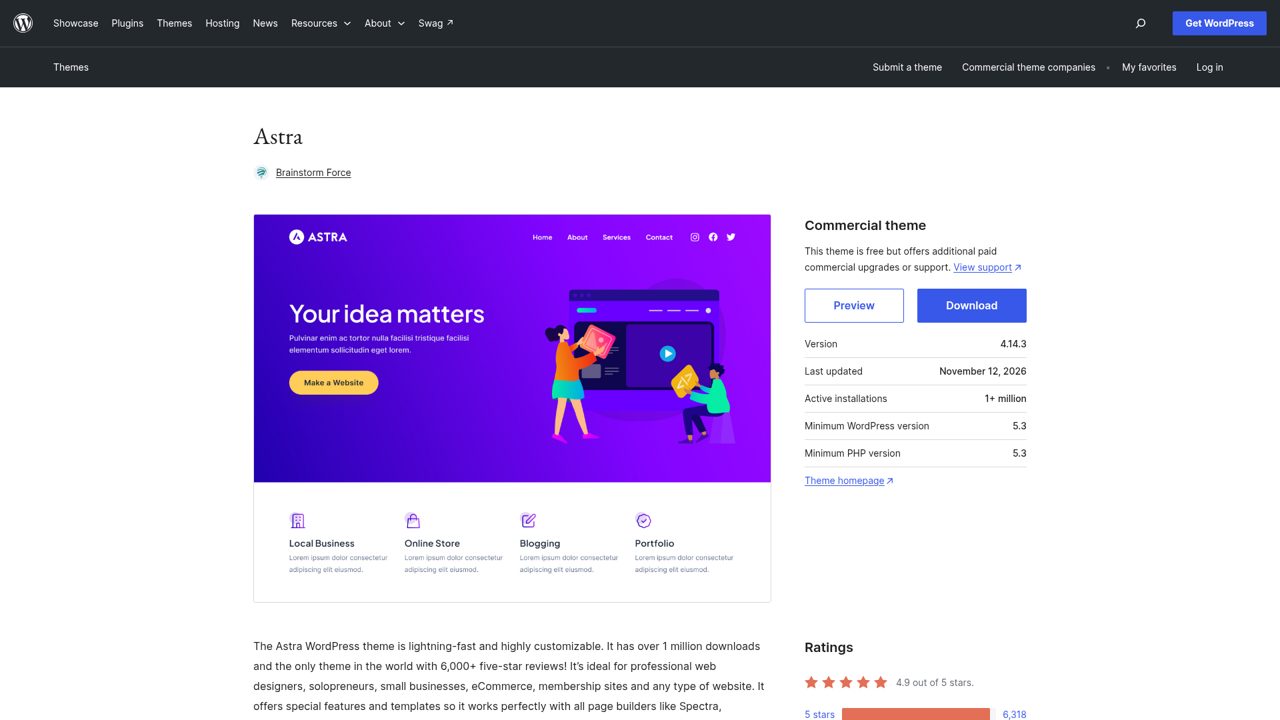
Built for WordPress, Astra combines a free theme with optional paid commercial upgrades and support. Its directory listing highlights compatibility with Spectra, Elementor, and Beaver Builder, plus WooCommerce and SureCart for stores. Built-in features include mobile-first layouts, schema markup, custom colors, logos, menus, featured images, and full-width templates.
Blog layouts can use left or right sidebars, one or two columns, and threaded comments, with translation readiness and right-to-left language support included among the listed features. The GPL-licensed theme is downloadable from WordPress.org, and Astra also advertises expert support for free users rather than reserving all assistance for paying customers.
- Type
- WordPress theme
- Best for
- Flexible business sites and starter layouts
- License
- GPL
- Price
- Free + premium
GeneratePress
WordPress theme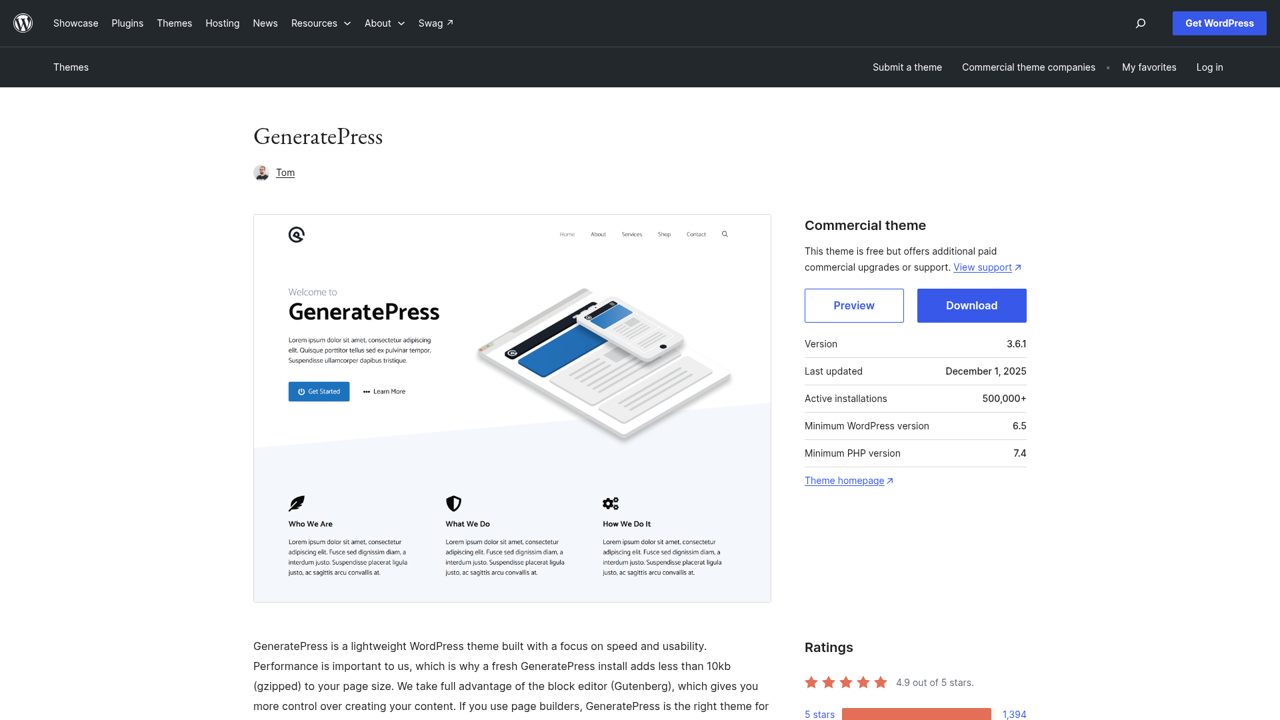
Speed and usability guide GeneratePress, whose WordPress.org description says a fresh installation adds less than 10 KB of gzipped page weight. The free theme works with the block editor as well as major page builders, including Beaver Builder and Elementor.
Its listed controls include 60-plus color options, typography, five navigation locations, five sidebar layouts, dropdown menus, and nine widget areas. WooCommerce compatibility, responsive layouts, translation support, and right-to-left language support round out the core offering. The GPL theme is available from the directory, while additional commercial upgrades or support are offered separately rather than included in every free installation.
- Type
- WordPress theme
- Best for
- Lean blogs and content-focused websites
- License
- GPL
- Price
- Free + premium
Kadence
WordPress theme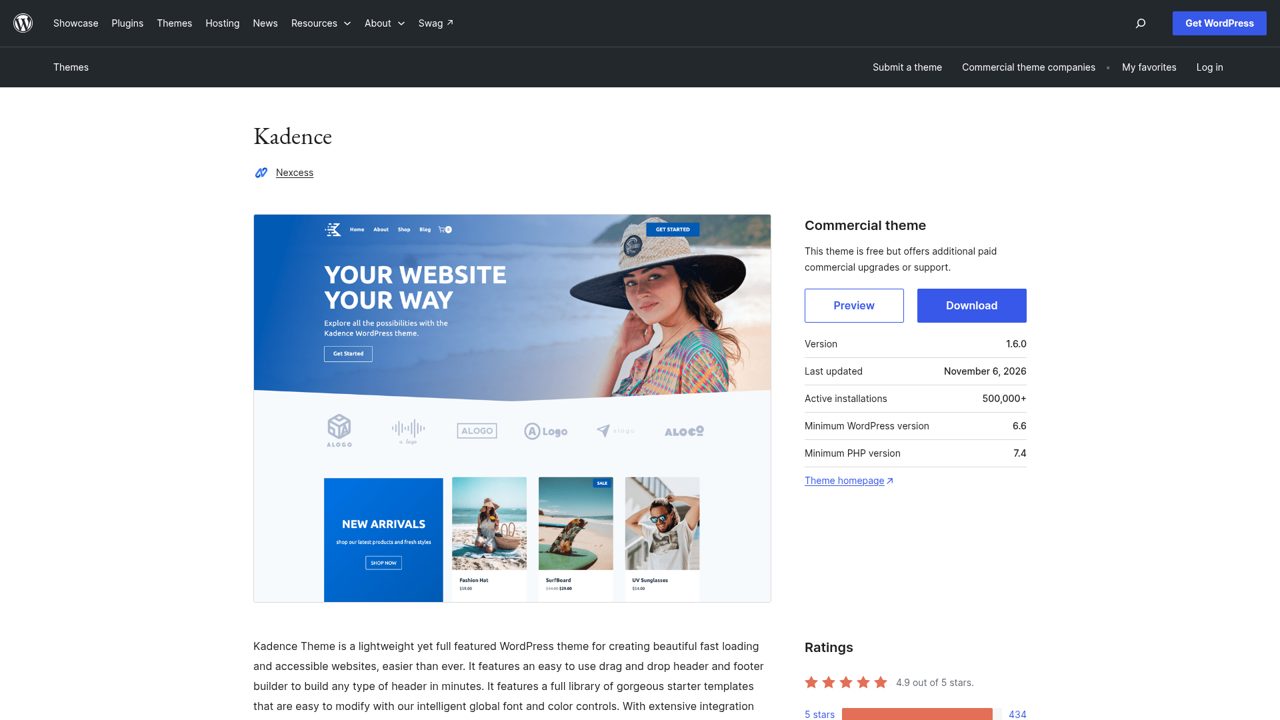
Header and footer customization are prominent in Kadence, a free WordPress theme with a drag-and-drop header and footer builder. Global font and color controls let users adjust site styling through the WordPress Customizer instead of editing each page separately.
The theme also advertises starter templates that can be customized, together with integrations for popular third-party plugins, including tools for online stores and courses. Its directory features include custom logos, menus, wide blocks, full-width templates, and translation readiness. Kadence is GPL-licensed, with paid commercial upgrades or support available separately from the downloadable WordPress.org theme.
- Type
- WordPress theme
- Best for
- Custom headers and consistent site styling
- License
- GPL
- Price
- Free + premium
Elementor
WordPress page builder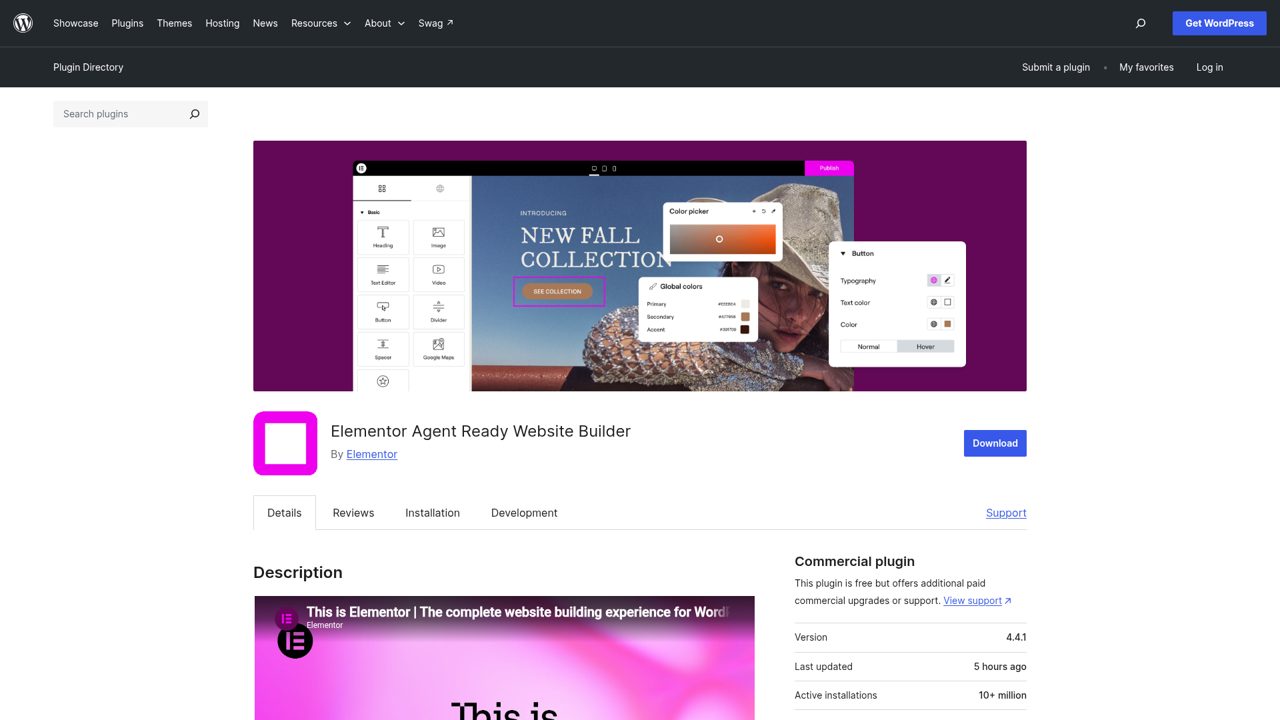
Live visual editing is the core of Elementor’s WordPress plugin, combining drag-and-drop page building with responsive design controls. The free builder supplies widgets and templates for arranging content without hand-coding page layouts, while the wider product family includes AI-assisted creation and additional services.
Elementor Pro adds capabilities such as Theme Builder, Popup Builder, forms, and WooCommerce-focused tools, so the free plugin is not the complete paid suite. Its WordPress.org download uses the GPL license and runs within an existing WordPress installation. The directory also documents connected services and integrations, making this a plugin-based workflow rather than a standalone free hosting plan.
- Type
- WordPress page builder
- Best for
- Visual page layouts without hand-coding
- License
- GPL
- Price
- Free + premium
Yoast SEO
WordPress SEO plugin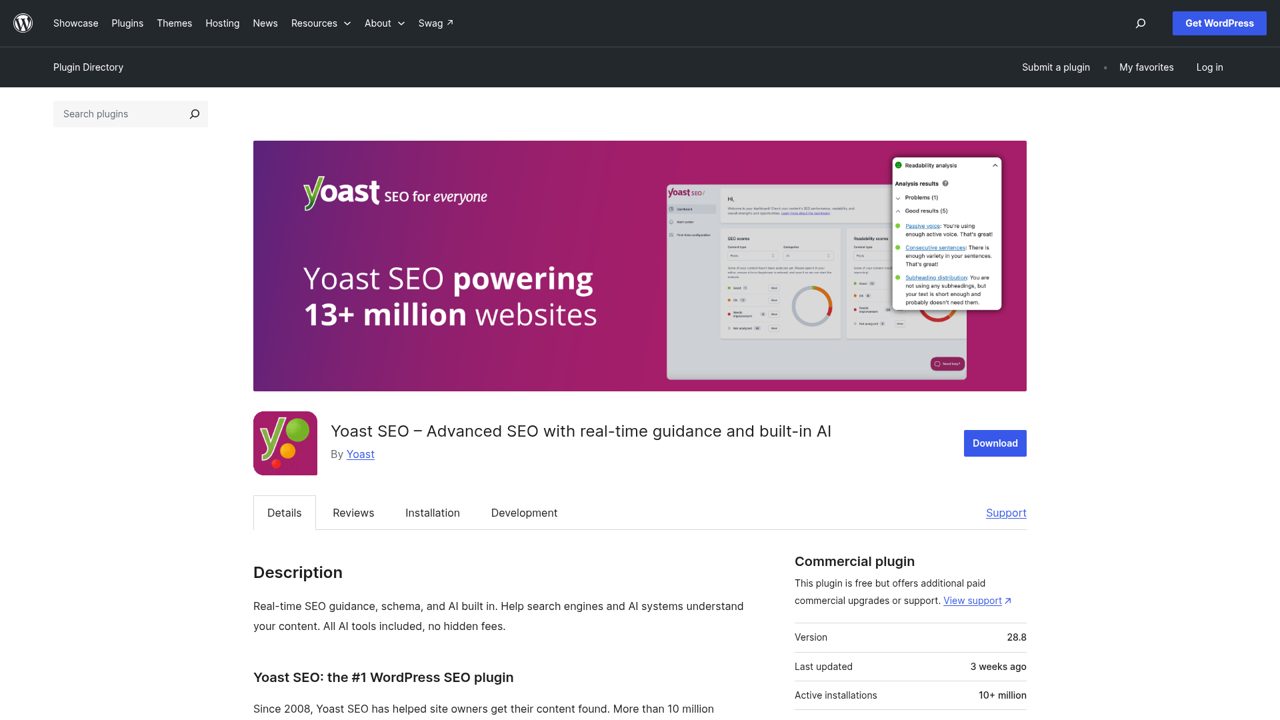
Search optimization inside WordPress is Yoast SEO’s focus, with SEO and readability analysis alongside controls for how content appears in search results. Its technical features include XML sitemaps and structured data, while the editor tools help authors work on titles, descriptions, and page content.
The free plugin is distributed under the GPL, with Yoast SEO Premium sold separately for additional features and support.
The product also connects to a wider set of Yoast services and integrations, rather than treating every advertised capability as part of the basic download. It is an optimization plugin for an existing WordPress site, not a website builder or hosting service.
- Type
- WordPress SEO plugin
- Best for
- Search metadata and on-page content checks
- License
- GPL
- Price
- Free + premium
Contact Form 7
WordPress forms plugin
Multiple forms can be managed through Contact Form 7, a free WordPress plugin whose markup-based form editor also lets you customize outgoing mail content. Submissions use Ajax, with integrations for Akismet spam filtering, Cloudflare Turnstile, and CAPTCHA or reCAPTCHA options.
Its documentation explains that the default configuration does not track users, store personal data in the database, send data to outside servers, or use cookies. Activating outside services can change those data flows. The recommended Flamingo plugin separately saves submitted messages in WordPress. Contact Form 7 itself is GPL-licensed and maintained as an open-source project supported through donations.
- Type
- WordPress forms plugin
- Best for
- Straightforward contact and enquiry forms
- License
- GPL
- Price
- 100% free
Choose a hosted builder or WordPress first
Choose a hosted builder when you want the platform to handle hosting and much of the technical upkeep. Carrd suits a compact introduction, Google Sites works well for shared information, and Framer or Wix gives you more visual scope.
Build a small sample with your own text and images before deciding: an editor that feels comfortable matters more than an impressive template gallery.
Choose self-hosted WordPress when you want more control over your files, hosting provider and extensions. A theme controls your site’s presentation; plugins add functions such as forms or SEO settings.
You will also take responsibility for updates, backups and compatibility. Start with one theme and only the plugins needed for your real publishing tasks rather than installing everything that looks useful.
Understand what free actually includes
A free plan is not the same thing as an unrestricted product. Hosted builders commonly reserve custom domains, branding removal, additional capacity or business features for paid subscriptions.
Read the current plan comparison and identify the limits that affect your project. An online shop, busy publication or client handover can have very different requirements from a personal profile that receives occasional visitors.
Free WordPress software has a different cost structure. The themes and plugins listed here can be installed without buying their premium editions, but your hosting, domain and optional external services remain separate.
GPL licensing gives you software freedoms, not an entitlement to every commercial support package, paid template or hosted service offered by the developer. Keep a simple list of recurring costs before launching.
Build speed, accessibility and SEO into your first draft
You can improve a free website considerably before adding another tool. Resize and compress large images, remove unnecessary animation and keep your navigation obvious. Test the published site on a phone, including its menu, buttons and forms.
Use readable text, sufficient colour contrast and descriptive image alternatives where needed. A polished desktop preview means little if visitors cannot comfortably read or operate the mobile version.
For search optimisation, give each important page a clear purpose, an informative title and useful original content. Link related pages naturally and make sure public pages are available to search engines.
Yoast SEO can help manage WordPress settings, but no plugin or builder can promise rankings. Avoid stuffing repeated keywords into headings, and measure the experience of real pages rather than trusting a theme’s performance claims alone.
Keep WordPress plugins secure and manageable
Download your themes and plugins from the official WordPress directories or the developer’s genuine website. Avoid unofficial premium downloads that may contain altered code or arrive without reliable updates.
Review compatibility information, recent maintenance and support discussions before adding something important. A popular name is helpful context, but your own installation still needs sensible permissions, secure account access and ongoing attention.
Create backups that include both your files and database, and make sure you know how to restore them. Test significant changes on a staging copy when possible, then check page layouts, menus and forms after updating.
Remove extensions you no longer need. Several plugins handling the same job can create conflicts, so prefer a small, deliberate collection over a dashboard full of overlapping features.
Avoid the most common free website mistakes
Do not choose a tool solely because its demo looks impressive. Replace the demonstration content with your real headings, photographs and contact information early, then see whether the layout still works.
Check premium labels before importing templates or adding widgets. You should know which features remain available without a subscription before you spend hours designing around something that later requires payment.
Test the actual goal of your website before announcing it. Submit an enquiry, follow every navigation link and inspect the published page while signed out of your account.
If you collect personal information, explain how you use it and review the privacy implications of embedded tools. Keep copies of important text and media so that a future platform move does not depend entirely on an export feature.
Frequently asked questions
Can you build a website completely free? Yes, you can publish a basic site using a genuinely free hosted option such as Google Sites or the free tiers of Carrd, Framer and Wix.
The trade-offs differ: you may accept a platform address, visible branding or restricted features. A free WordPress theme or plugin alone does not cover the separate hosting and domain costs of a self-hosted installation.
Can you use free WordPress themes and plugins commercially? The GPL-licensed downloads listed here can be used on commercial websites, but check separate terms for bundled images, premium templates and external services.
You do not need to buy every upgrade to run a business site. Choose the free edition when it meets your needs, and pay for additional functionality or support only when the benefit is clear.
Which option should you try first? Start with Carrd for a focused one-page introduction or Google Sites for a simple information hub. Try Framer or Wix if you want a broader visual editing experience.
If you already run WordPress, choose one of the themes here, then add Elementor, Yoast SEO or Contact Form 7 only when you need its particular function.