
You do not need a monthly hosting subscription to publish every website. A portfolio, documentation project, class assignment, or small frontend application can often run comfortably on free website hosting.
The important distinction is between hosting finished static files and running a server that generates pages or processes requests. Most platforms here excel at the former; a few also offer application features, but those capabilities have their own allowances and restrictions.
A free tier is useful only when its rules match your project. Compare deployment and usage limits, repository requirements, commercial-use policies, and what happens when an allowance runs out. A service may count builds, data transfer, requests, storage, or several of those together.
Avoid choosing purely from an old comparison table: providers revise their plans, and an allowance inherited by an existing account may differ from the plan offered to a new signup.
These ten services publish genuine free options, ranging from Git-based deployment platforms to a community for hand-built websites. The selection deliberately includes different workflows rather than ten interchangeable products.
Consider long-term project portability alongside convenience: keep your source files backed up, own your domain separately if you need one, and understand which features would require rebuilding on another host. Free hosting reduces infrastructure cost, but domain registration and optional connected services can still introduce expenses.
Quick picks at a glance
| # | Resource | License | Best for |
|---|---|---|---|
| 1 | Netlify | Credit-based platform terms | Deploying frontend projects with integrated build tooling |
| 2 | Vercel | Personal, noncommercial Hobby use | Personal frontend experiments and noncommercial portfolios |
| 3 | GitHub Pages | GitHub Pages usage restrictions apply | Publishing open project documentation and personal sites |
| 4 | Cloudflare Pages | Cloudflare free-plan terms and limits | Static projects needing global delivery and previews |
| 5 | Render | Shared bandwidth and pipeline allowances | Automatic publishing of blogs and frontend builds |
| 6 | Firebase Hosting | Firebase Spark quotas apply | Small frontend apps within clear hosting quotas |
| 7 | Surge | Surge free-plan terms apply | Publishing local static folders with minimal setup |
| 8 | GitLab Pages | GitLab Free and CI/CD limits apply | Keeping source and website pipelines together |
| 9 | PythonAnywhere | Restricted Beginner account terms | Learning Python web development without server administration |
| 10 | Neocities | Free account restrictions; retain content rights | Handcrafted personal websites and creative web experiments |
Netlify
Git-connected static hosting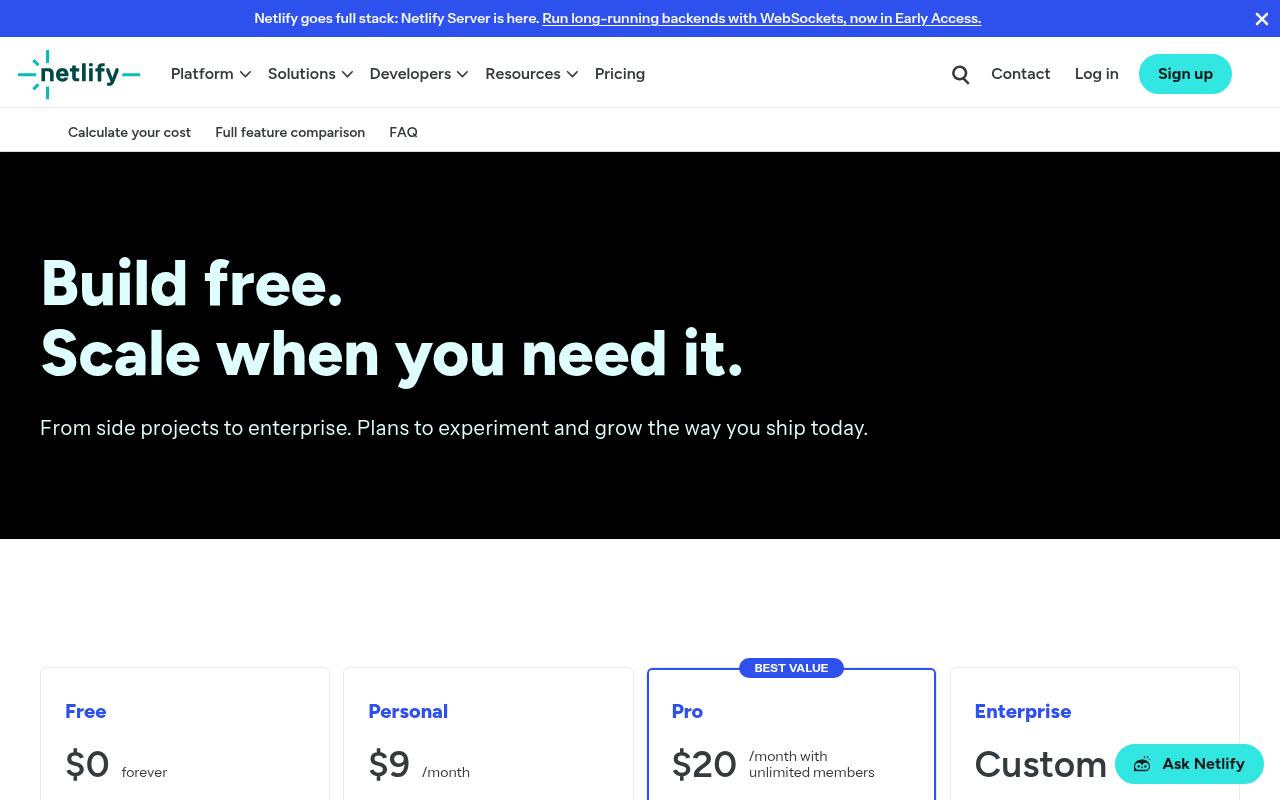
Netlify offers a permanent free plan for building and deploying websites, with a global CDN and deployment options connected to Git or other workflows. Its current pricing page assigns the free tier a monthly credit allowance rather than presenting bandwidth as the only constraint.
Production deployments, requests, transfer, and other metered activity can consume that shared budget. Use credit-aware publishing habits for frequently updated projects, and inspect your dashboard after launch. Netlify is a strong fit for frontend work, but optional platform services should be assessed individually instead of assuming everything attached to a static site is unmetered.
- Type
- Git-connected static hosting
- Best for
- Deploying frontend projects with integrated build tooling
- License
- Credit-based platform terms
- Price
- Free tier
Vercel
Frontend deployment platform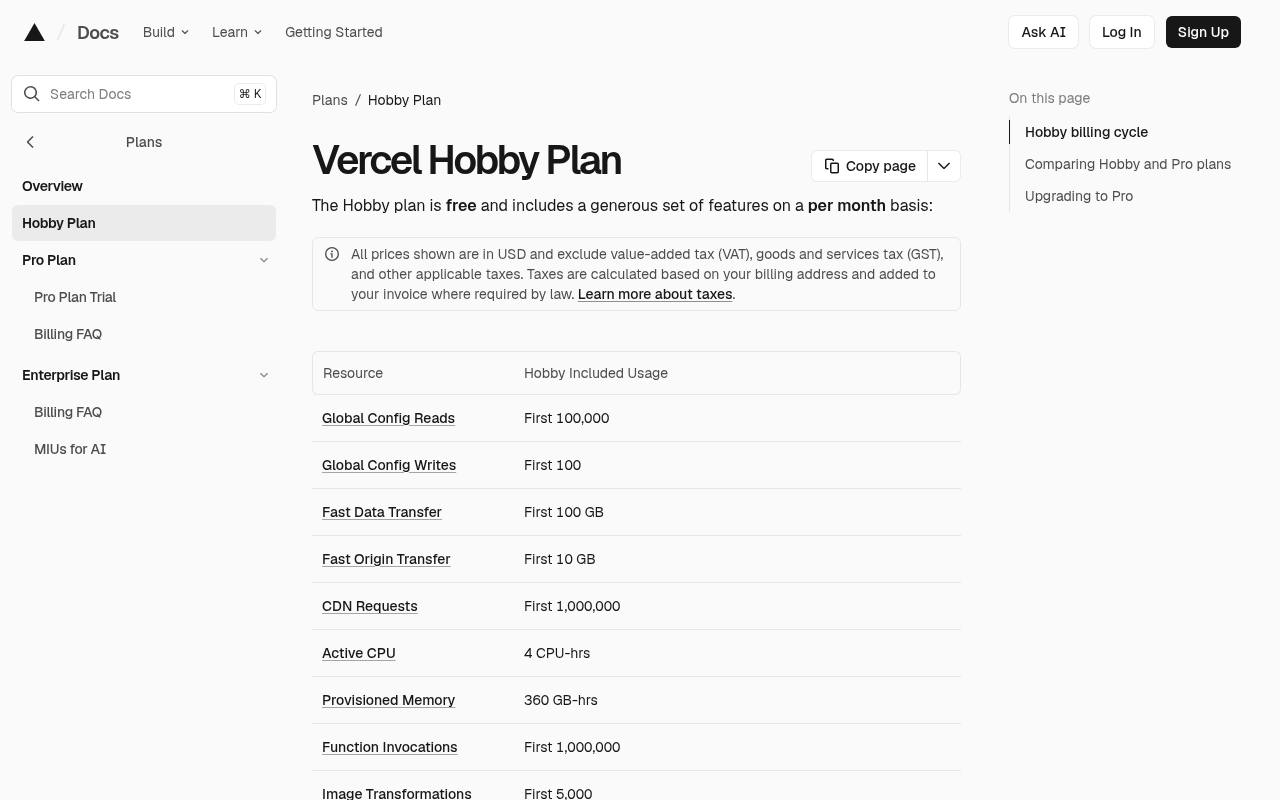
Vercel’s Hobby plan provides free hosting with included usage allowances for transfer, CDN requests, functions, and other platform resources. It is intended for personal, noncommercial use, which makes it suitable for learning projects and personal experiments rather than client production work.
Its documentation explains that exceeding an allowance can require waiting until the relevant usage window resets. Check framework runtime requirements carefully: a project that looks static in the browser may still use functions or image processing. Match those resources to the plan before sharing a link widely or adding a large media library.
- Type
- Frontend deployment platform
- Best for
- Personal frontend experiments and noncommercial portfolios
- License
- Personal, noncommercial Hobby use
- Price
- Free Hobby tier
GitHub Pages
Repository-based static hosting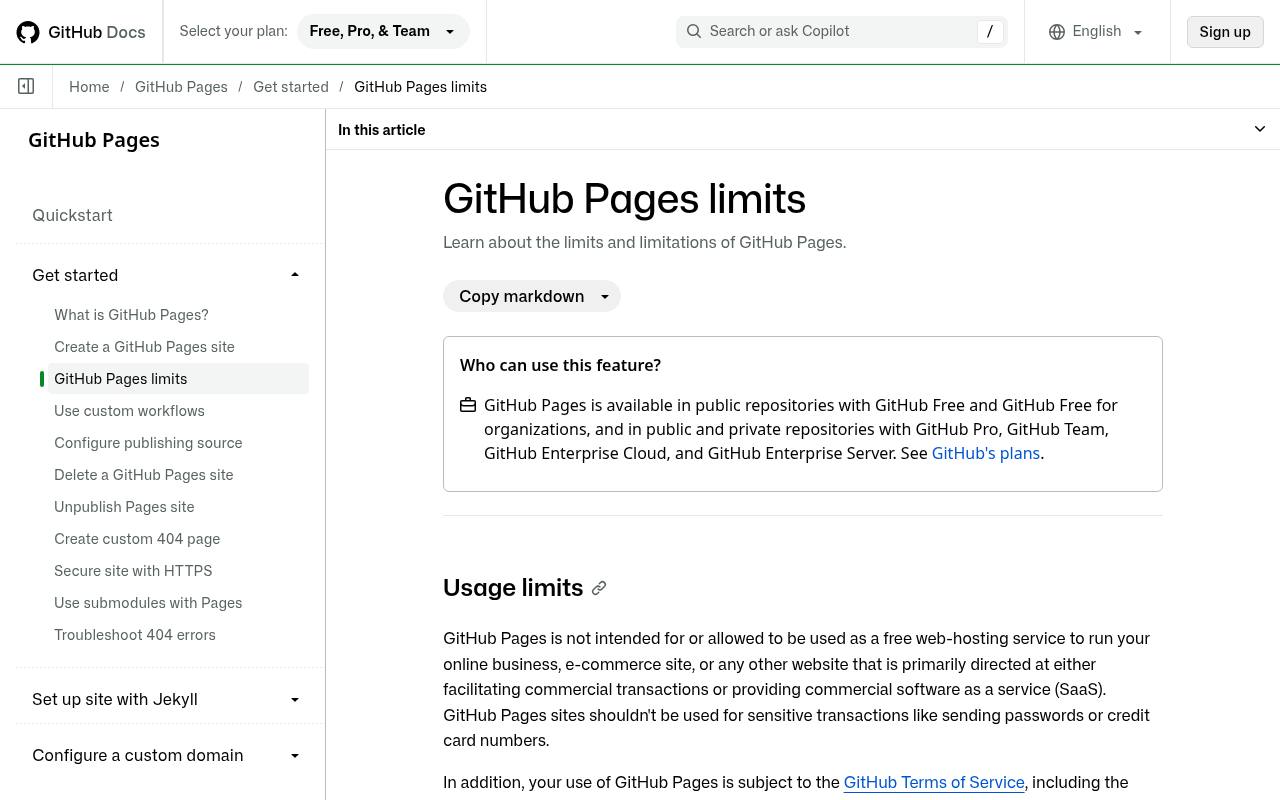
GitHub Pages publishes static websites from repositories and is available with GitHub Free for public repository projects. It is particularly convenient when documentation, a project homepage, and the source history already belong together. Its official limits page explicitly excludes using Pages as free hosting for an online business, ecommerce operation, or commercial software-as-a-service product.
That makes acceptable-use checking more important than simply confirming your HTML will deploy. Review published site-size, bandwidth, and build limits too, and keep sensitive credentials out of the repository because a free public-source workflow is not private application storage.
- Type
- Repository-based static hosting
- Best for
- Publishing open project documentation and personal sites
- License
- GitHub Pages usage restrictions apply
- Price
- Free for public repositories
Cloudflare Pages
Static deployment and edge delivery
Cloudflare Pages offers a free static hosting tier with documented build and file limits. Its limits page lists 500 builds per month, one concurrent build, and up to 20,000 files per site on the free plan, making build frequency and generated-file counts useful planning metrics.
It supports custom domains, while functions involve the separate Workers environment and its relevant rules. Treat static and dynamic usage as different questions when evaluating an application. A documentation site with many generated pages can hit structural limits even when its visitor traffic is modest, so inspect the output directory before deploying.
- Type
- Static deployment and edge delivery
- Best for
- Static projects needing global delivery and previews
- License
- Cloudflare free-plan terms and limits
- Price
- Free tier
Render
Git-deployed static websites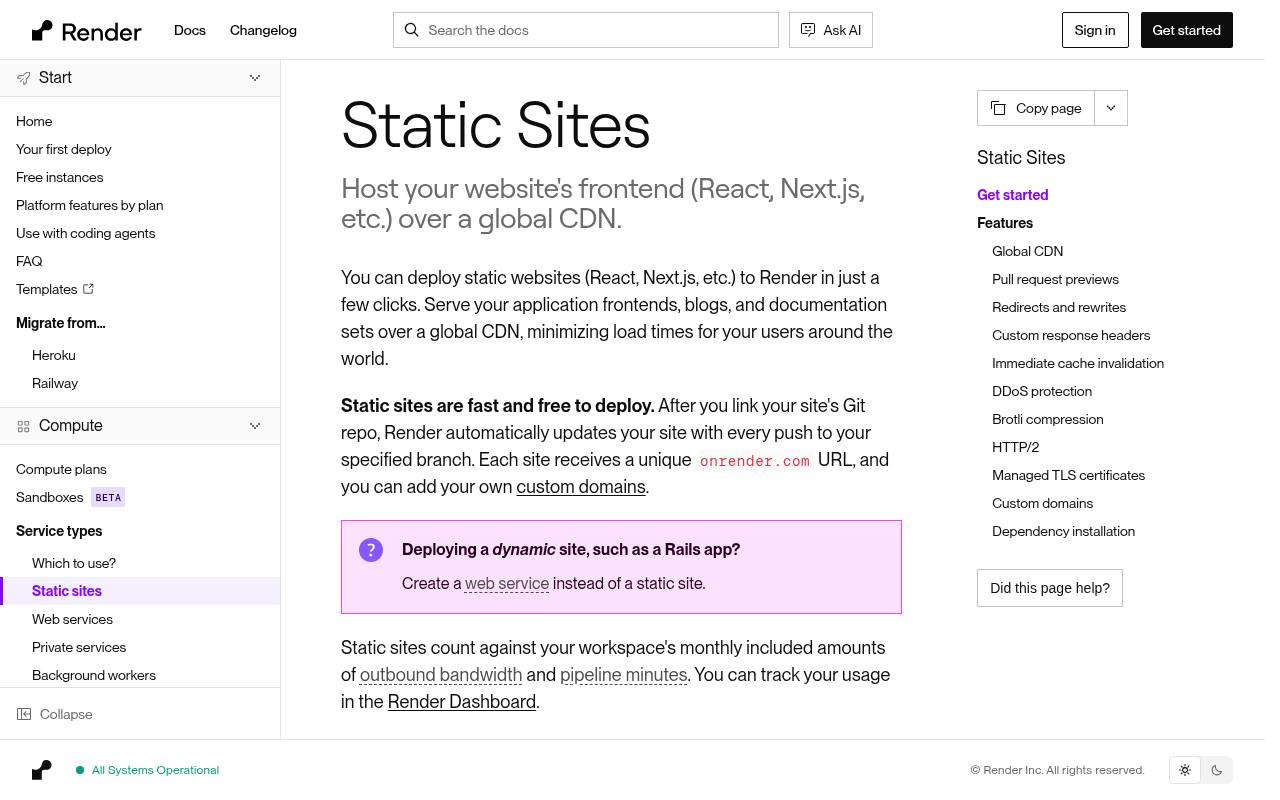
Render explicitly offers free static sites, deployed from a linked Git repository and updated when you push to the selected branch. Its documentation describes CDN delivery, managed TLS certificates, custom domains, and support for frontend frameworks that produce static output.
Static sites still count against the workspace’s included outbound bandwidth and pipeline minutes, so free does not mean resource accounting disappears. Keep static hosting separate from Render web services: a site requiring server-side execution belongs to a different product with different behavior and pricing. Confirm your build command and publish directory before blaming hosting for missing files.
- Type
- Git-deployed static websites
- Best for
- Automatic publishing of blogs and frontend builds
- License
- Shared bandwidth and pipeline allowances
- Price
- Free static hosting
Firebase Hosting
Static and frontend app hosting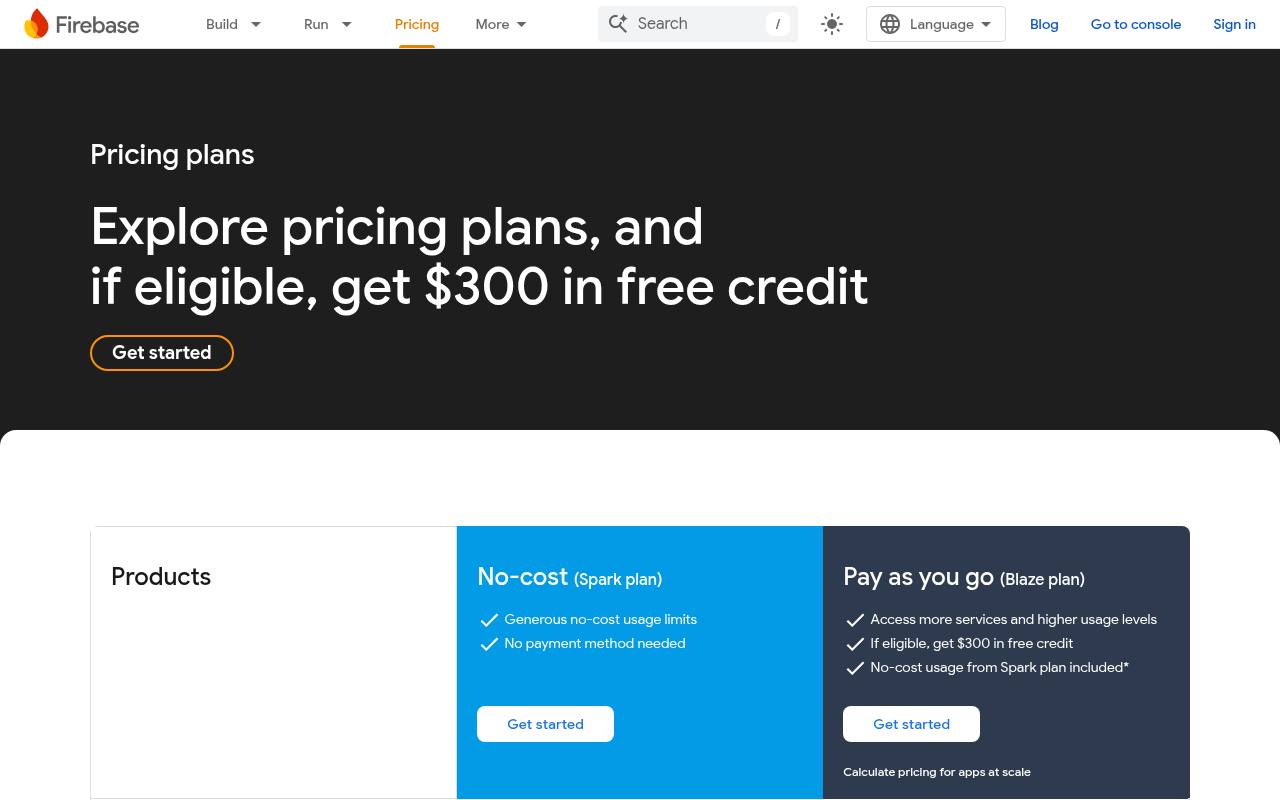
Firebase Hosting appears on Google’s no-cost Spark plan, with the pricing table listing 10 GB of hosting storage and 360 MB per day of data transfer, plus custom-domain and SSL support. Those figures belong to Hosting, not every product carrying the Firebase name.
In particular, Firebase App Hosting and additional Google Cloud services have different billing requirements. Use product-specific quota checks when connecting databases, functions, or storage to a frontend. Spark does not require a payment method, making it useful for controlled experiments, but keep deployment artifacts and media sizes modest so daily transfer remains appropriate for the project.
- Type
- Static and frontend app hosting
- Best for
- Small frontend apps within clear hosting quotas
- License
- Firebase Spark quotas apply
- Price
- Free Spark tier
Surge
Command-line static publishing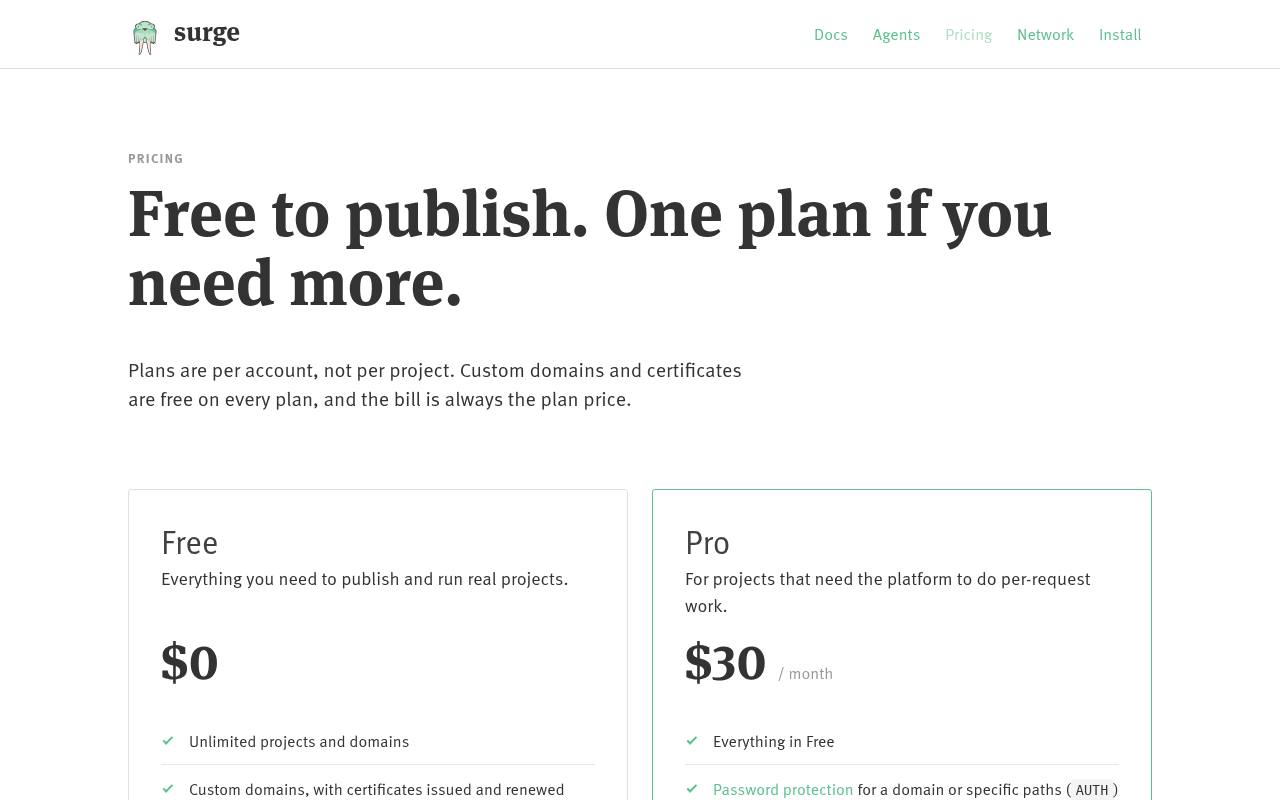
Surge focuses on command-line static publishing: you publish a local directory rather than configuring a full server environment. Its current pricing page lists a free account with projects and domains, custom-domain certificates, preview support, and revision rollback features. That makes it attractive for designers or frontend developers who already generate a finished folder of HTML, CSS, and JavaScript.
Verify account-level plan boundaries before relying on advanced controls, since its paid plan is distinct from the free offering. Keep build tools and source history elsewhere; the simplicity of publishing a directory does not replace a reproducible development workflow.
- Type
- Command-line static publishing
- Best for
- Publishing local static folders with minimal setup
- License
- Surge free-plan terms apply
- Price
- Free tier
GitLab Pages
CI/CD-based static publishing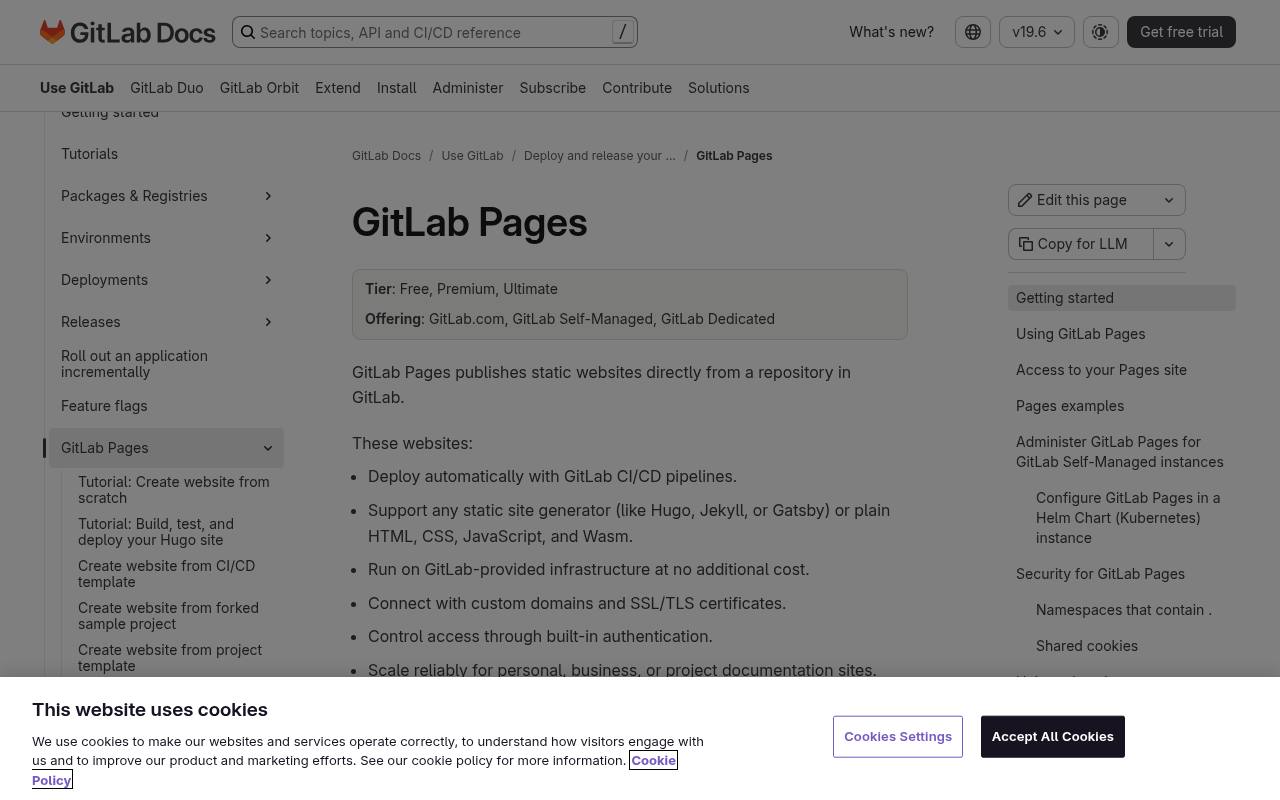
GitLab Pages is available on GitLab’s Free service tier and publishes static websites from project repositories. Its documentation describes HTML, CSS, and JavaScript support, custom domains, and TLS certificates, including automatic certificate handling through Let’s Encrypt. Builds commonly rely on GitLab CI/CD, so evaluate your runner arrangements and compute allowance as well as the published website.
The strength is pipeline-controlled publishing: documentation or a project site can be rebuilt using a versioned configuration alongside its source. It is less appropriate if you want to upload a server-side PHP application and have the platform execute it unchanged.
- Type
- CI/CD-based static publishing
- Best for
- Keeping source and website pipelines together
- License
- GitLab Free and CI/CD limits apply
- Price
- Free tier
PythonAnywhere
Browser-based Python website hosting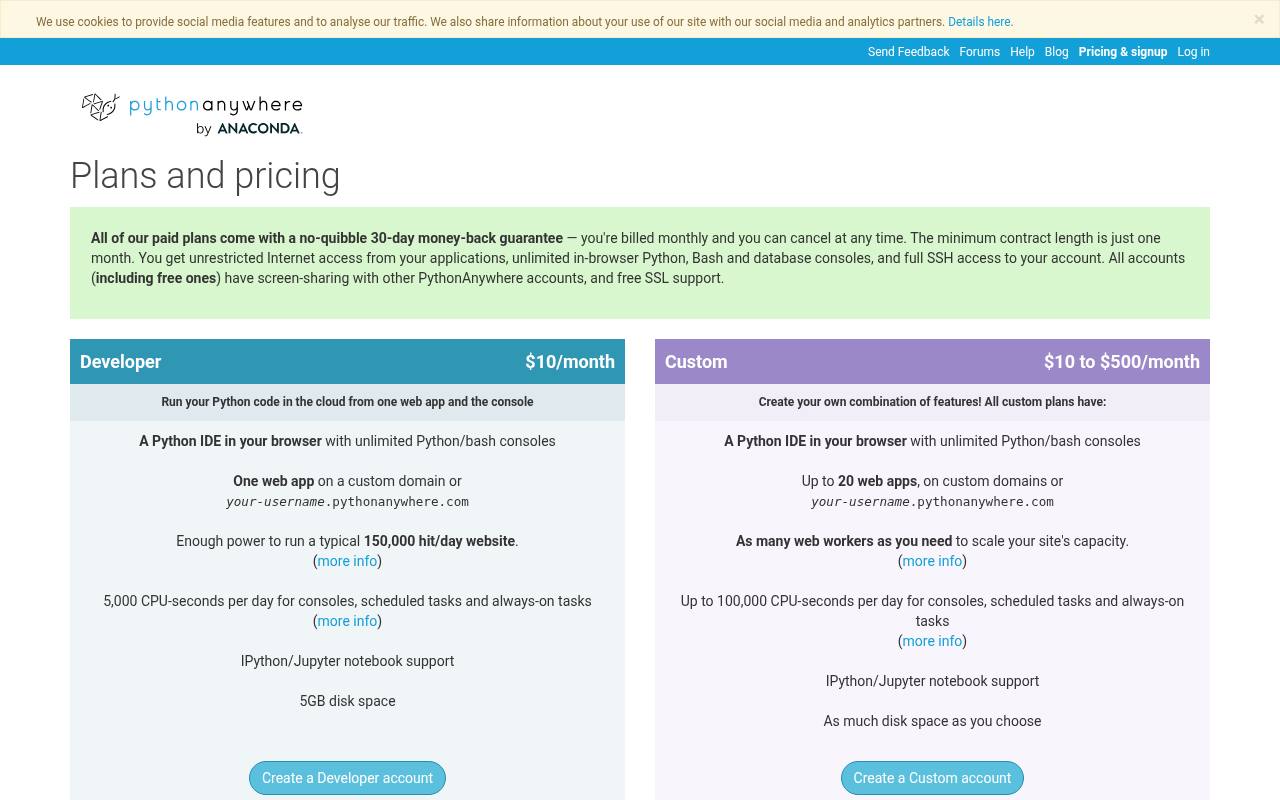
PythonAnywhere differs from the static-first services here by offering a limited free account for experimenting with Python websites. Its pricing page lists one web app and 512 MB of private file storage for the Beginner account, with restricted resources compared with paid plans.
Custom-domain support is described for paid accounts, so plan around the assigned address on the free option. Choose it for Python learning projects, not as a promise of unrestricted production infrastructure. Review account restrictions and any renewal requirements during signup, especially if a teaching demonstration needs to remain available while you are away.
- Type
- Browser-based Python website hosting
- Best for
- Learning Python web development without server administration
- License
- Restricted Beginner account terms
- Price
- Free limited account
Neocities
Community-oriented website hosting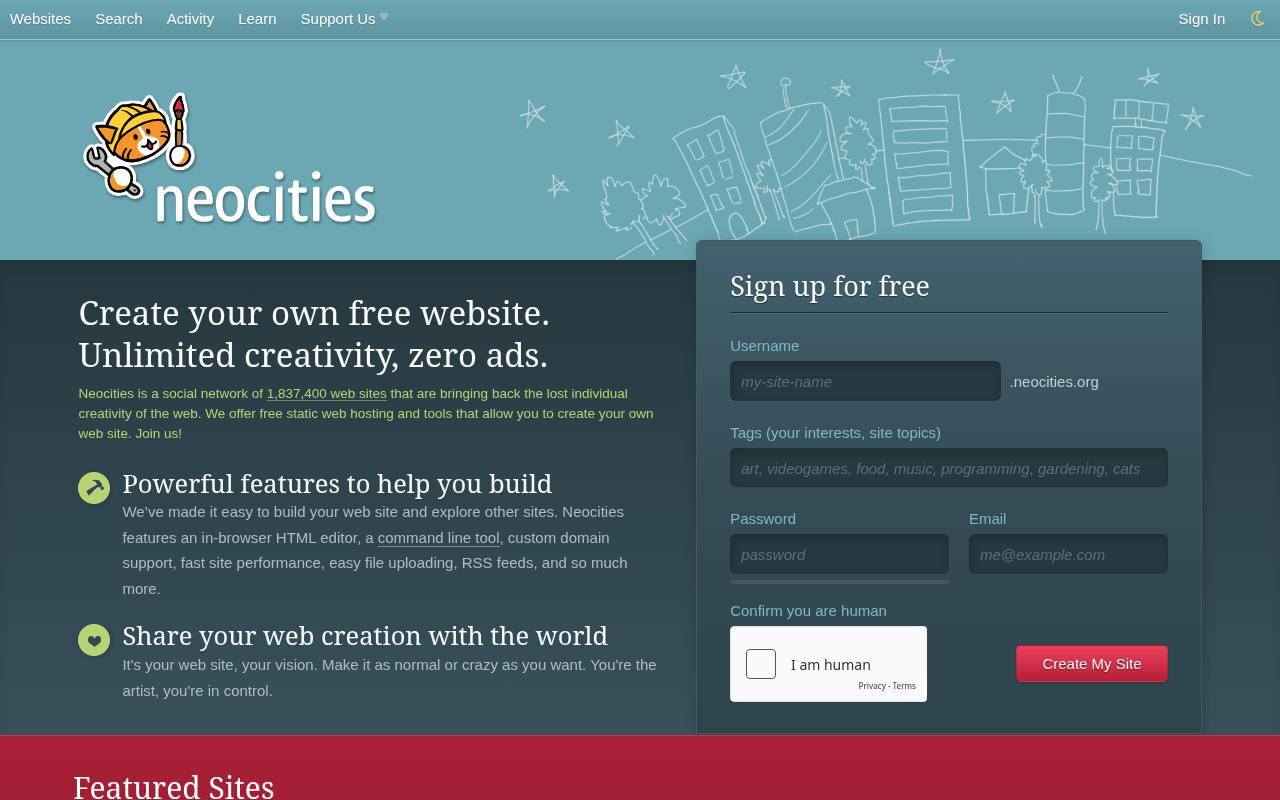
Neocities combines free personal website hosting with a community built around discovering independently created sites. Its homepage emphasizes creative control and browsing other members’ work, making the experience quite different from a framework-oriented deployment dashboard. It is particularly appealing when you want to learn HTML and CSS or publish an expressive personal corner of the web.
Check free account restrictions before uploading media or depending on custom-domain features, which are not interchangeable with the supporter offering. Keep local copies of your files and treat community discovery as a bonus rather than a substitute for clear navigation and accessible pages.
- Type
- Community-oriented website hosting
- Best for
- Handcrafted personal websites and creative web experiments
- License
- Free account restrictions; retain content rights
- Price
- Free + supporter plan
Decide whether the output is actually static
A static build directory contains files the host can serve directly; it does not require a continuously running application server. A blog generated from Markdown fits naturally, while a conventional WordPress installation needs PHP and a database.
Some frameworks support both static export and server rendering, so check your chosen configuration rather than relying on the framework’s name. Forms and authenticated areas may require external services even on an otherwise static website.
Read usage limits as a combined budget
Compare all metered resources, not just storage capacity. Frequent deployments can consume credits or build minutes before visitor traffic becomes significant, while large downloads can use transfer allowances quickly.
Estimate the size of a normal page visit and your likely publishing frequency. Leave room for crawlers, preview deployments, and testing, and learn whether reaching a limit pauses the project, blocks new builds, or creates a billing requirement.
Separate a custom domain from free hosting
Connecting a domain you own is not the same as receiving a free domain registration. Several platforms accept custom domains and issue TLS certificates without a hosting charge, but you still pay the registrar unless a separate offer applies.
Keep registrar access under your control, document DNS changes, and avoid cancelling the old configuration until the new site is working. For experiments, an assigned platform subdomain is often sufficient.
Check commercial-use rules before client delivery
A technically suitable plan can still be inappropriate under its acceptable-use policy. Vercel Hobby is intended for personal noncommercial projects, and GitHub Pages restricts online-business and commercial-transaction use.
Read the applicable terms before delivering client work or launching a monetized service. Do not assume that an absence of advertising means every business model is allowed, or that a free development preview automatically permits an unrestricted public production site.
Keep deployment reproducible and portable
Store your source and build settings outside a single hosting dashboard. Record the runtime version, build command, output folder, redirects, and environment-variable names without committing secret values.
Generate a production build that another person can reproduce, then preserve a known working release. Platform-specific functions and databases can be useful, but each one increases migration work compared with a website made entirely of portable static files.
Protect secrets and visitor information
Anything included in public frontend files can be read by visitors, even if a build tool inserted it from an environment variable. Never ship private API credentials, database passwords, or privileged tokens inside browser JavaScript.
Public repositories create an additional exposure surface. If a project collects personal information, assess the form processor, storage location, and retention policy separately; a static hosting plan alone does not solve privacy or secure data handling.
Launch with performance and accessibility checks
Use compressed responsive images, restrained font loading, and sensible cache behavior to reduce both page weight and transfer usage. Then test keyboard navigation, text contrast, image alternatives, and narrow-screen layouts.
A global CDN cannot repair an inaccessible menu or a huge unoptimized photo gallery. Open the published site in a fresh browser session and verify direct links to nested pages, since routing mistakes often appear only after deployment.
What happens when the project outgrows free hosting?
Prepare an upgrade or migration threshold before the site becomes operationally important. Decide which traffic level, collaboration requirement, support need, or commercial restriction would justify moving. Keep an export of your content and a working build so changing hosts remains practical.
Free plans are excellent for learning and modest projects, but reliability requirements should determine the hosting budget once visitors or clients depend on the website every day.