
A good blog theme should make your writing easier to read, not compete with it. The best free WordPress themes provide a clear hierarchy, comfortable spacing, and layouts that work on small screens without requiring a design subscription.
This selection covers personal journals, image-led storytelling, and busier editorial sites. Each recommendation links directly to its WordPress.org theme page, where you can preview the design, check compatibility, and download the free package.
Start by deciding how you want to build your site. Block themes let you edit templates and shared sections through the Site Editor, while more traditional themes rely on their own settings and the Customizer.
Neither approach automatically produces a better blog. Your publishing routine matters more: a solo writer may prefer a straightforward post layout, whereas an editorial team may need category-led navigation and several ways to display recent stories.
These choices have directory updates within the two-year maintenance window, but you should still review the latest release information before installing. Free theme downloads can coexist with paid extensions, premium demos, or optional companion plugins.
A polished promotional screenshot is therefore not a promise that every pictured feature comes in the repository package. Test your preferred theme with real posts, then check whether the layout you actually need works without purchasing an upgrade.
Quick picks at a glance
| # | Resource | License | Best for |
|---|---|---|---|
| 1 | Blocksy | GPL-compatible open-source theme | Flexible layouts for growing independent publications |
| 2 | Neve | GPL-compatible open-source theme | Simple blogs with room for business pages |
| 3 | OceanWP | GPL-compatible open-source theme | Blogs that may expand into online shops |
| 4 | Hueman | GPL-compatible open-source theme | Editorial blogs with substantial archive content |
| 5 | ColorMag | GPL-compatible open-source theme | Category-rich news blogs and niche magazines |
| 6 | Ashe | GPL-compatible open-source theme | Lifestyle writing and image-led personal journals |
| 7 | Blogus | GPL-compatible open-source theme | Multi-topic blogs with prominent story sections |
| 8 | Zakra | GPL-compatible open-source theme | Publication sites alongside professional service content |
| 9 | Raft | GPL-compatible open-source theme | Writers who want editable site-wide templates |
| 10 | Twenty Twenty-Five | GPL-compatible open-source theme | Native block editing without a premium theme |
Blocksy
Customizable blog theme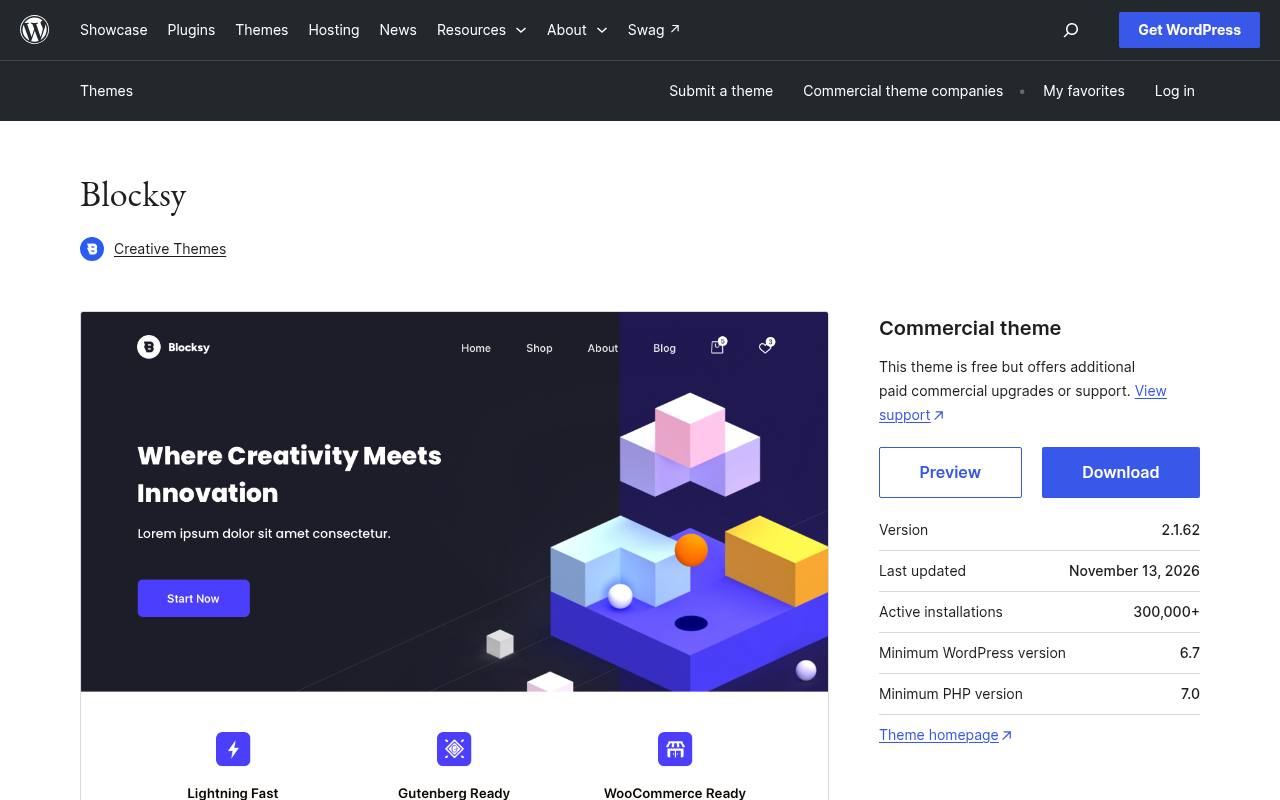
Blocksy is a flexible starting point for bloggers who want control over presentation without committing immediately to a page builder. Its directory description highlights block editor compatibility alongside support for popular visual builders and WooCommerce. That makes it useful when a publication might eventually add a shop or more elaborate landing pages.
The free theme is available from WordPress.org, while commercial upgrades are separate. Begin with a normal article and category archive rather than importing a complex showcase; content-first testing reveals whether its styling suits your actual publishing needs.
- Type
- Customizable blog theme
- Best for
- Flexible layouts for growing independent publications
- License
- GPL-compatible open-source theme
- Price
- Free + paid upgrades
Neve
Lightweight multipurpose theme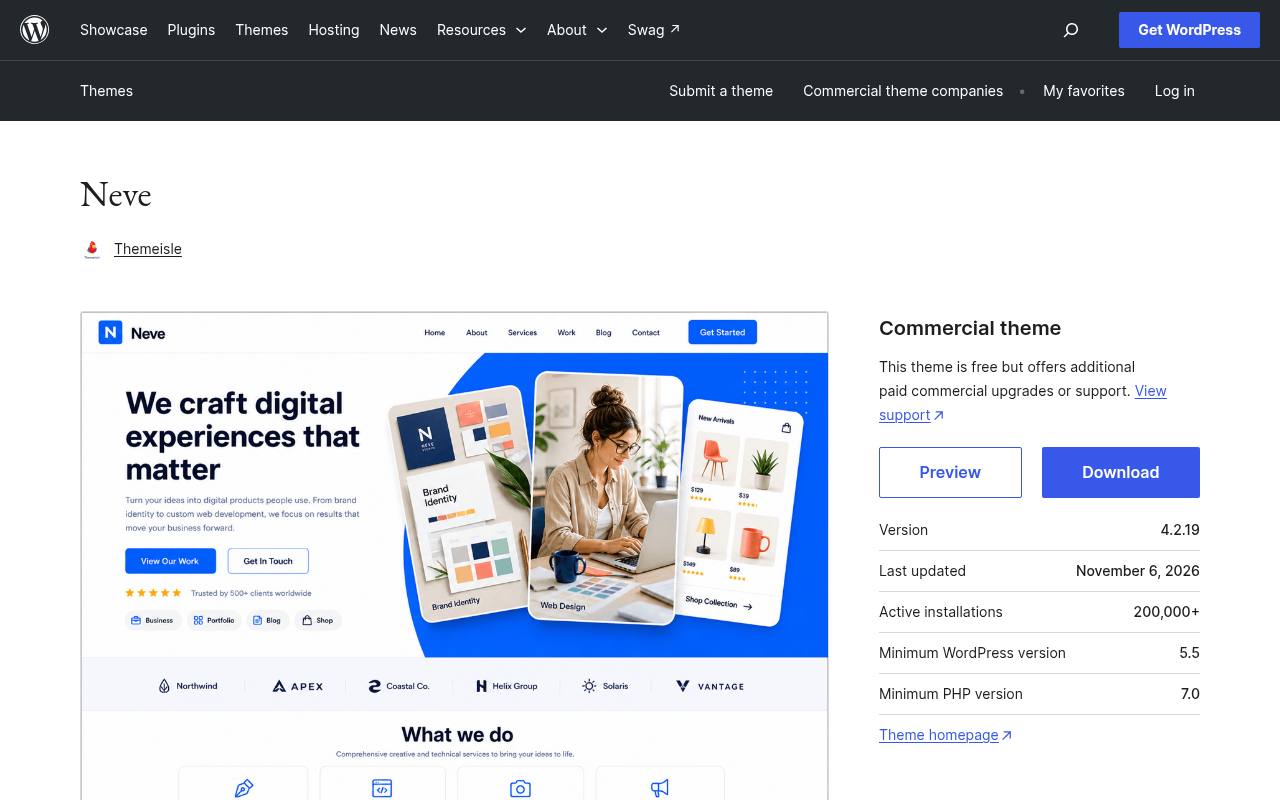
Neve combines a deliberately lightweight foundation with layouts suitable for blogs, portfolios, and small business websites. Its WordPress.org listing includes grid layouts, featured images, footer widgets, and left or right sidebars, giving a writer several ways to organize supporting content.
It also lists accessibility-ready status and compatibility with the block editor. The repository download is free, with premium options promoted separately. Choose Neve when your blog sits beside service pages, and keep sidebar content selective so navigation and subscription prompts do not overwhelm the article itself.
- Type
- Lightweight multipurpose theme
- Best for
- Simple blogs with room for business pages
- License
- GPL-compatible open-source theme
- Price
- Free + paid upgrades
OceanWP
Multipurpose WordPress theme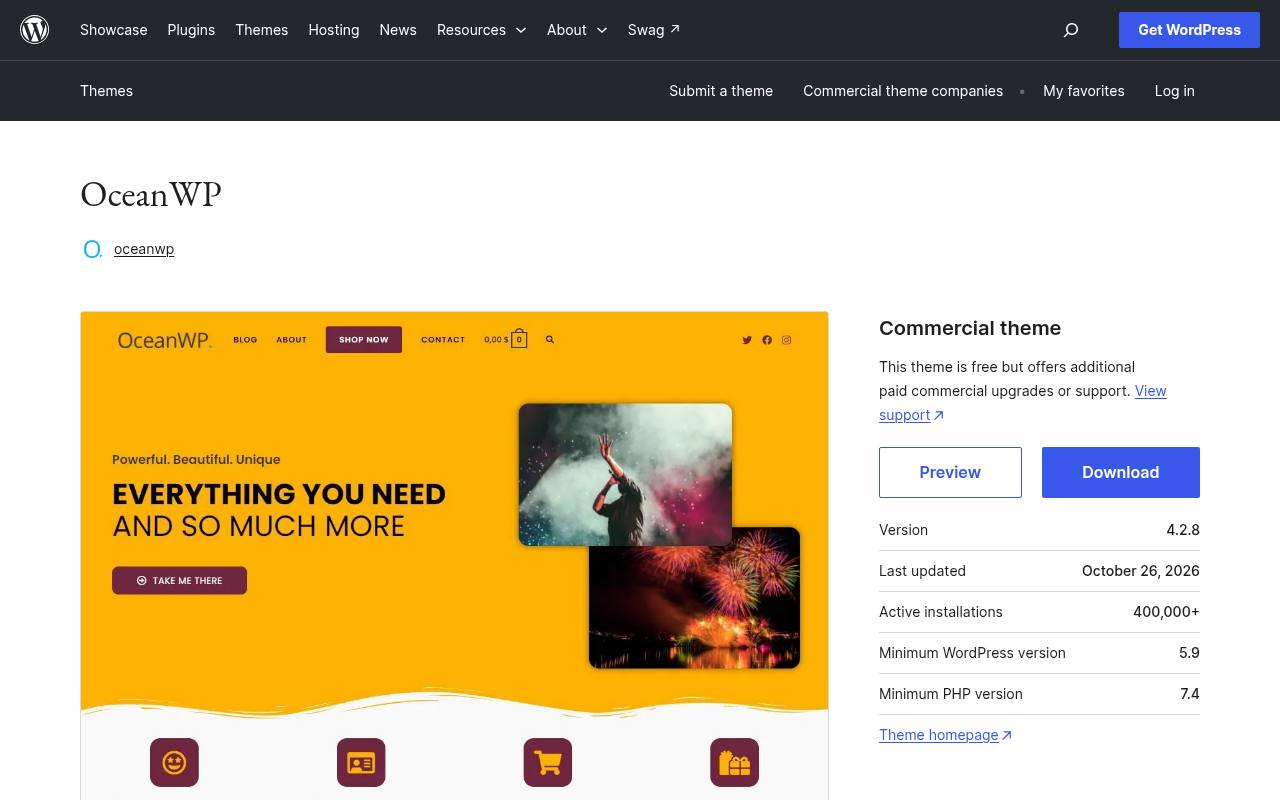
OceanWP positions itself as a multipurpose theme for blogs, portfolios, business websites, and WooCommerce stores. Its appeal is the ability to keep a familiar theme while the site develops beyond a stream of posts. The directory emphasizes responsive layouts and compatibility with popular page builders, rather than requiring a single proprietary editing workflow.
Download the free core theme first and evaluate optional extensions independently. For a new publication, prioritize a readable single-post template and clear category navigation before adding the more elaborate page layouts associated with its broader ecosystem.
- Type
- Multipurpose WordPress theme
- Best for
- Blogs that may expand into online shops
- License
- GPL-compatible open-source theme
- Price
- Free + paid upgrades
Hueman
Magazine-style blog theme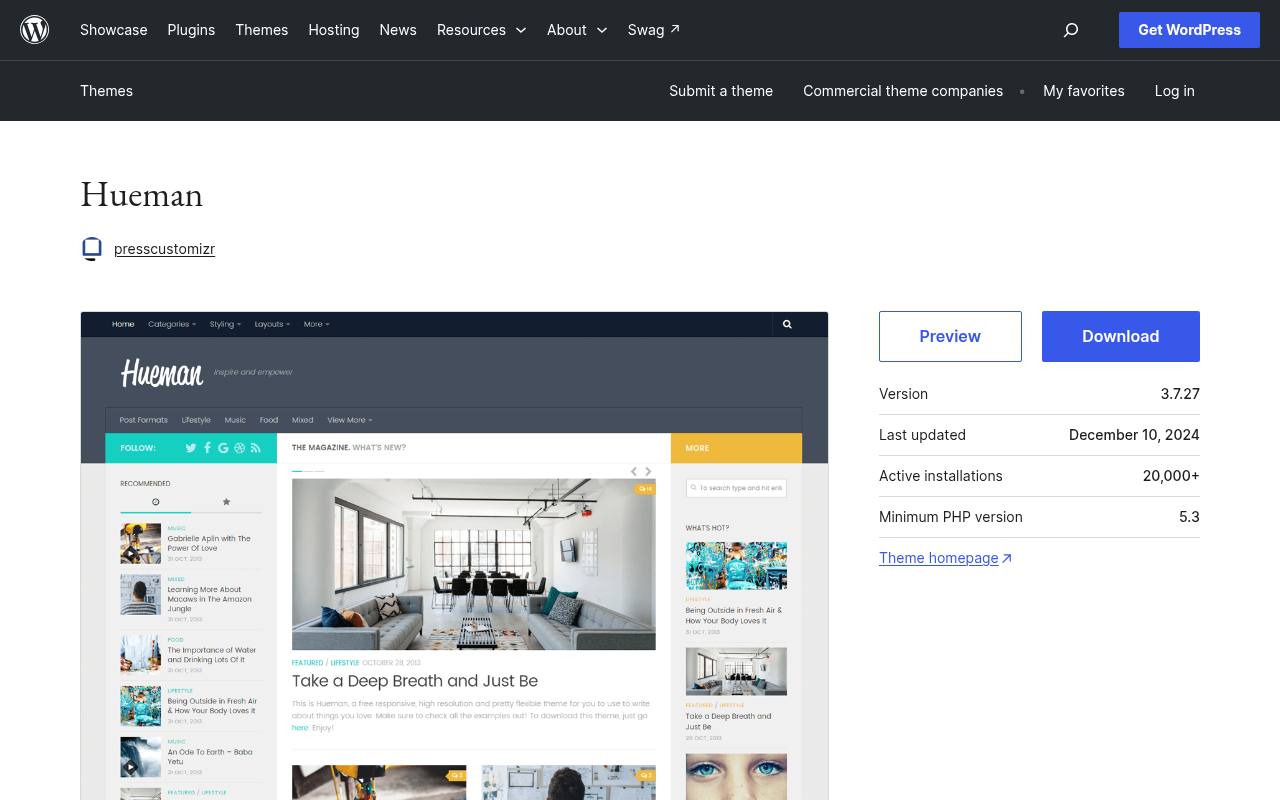
Hueman is an established choice for publishers who prefer a magazine-like reading environment instead of a sparse personal homepage. Its directory listing identifies multiple column layouts, flexible headers, featured images, and widget areas, all useful when several subject areas need visibility.
The listed update is in December 2024, so recheck its maintenance date before adopting it for a long-lived project. Its editorial layout options are most valuable when you already have enough posts to populate them; a small launch archive may look stronger with fewer modules and a simpler navigation structure.
- Type
- Magazine-style blog theme
- Best for
- Editorial blogs with substantial archive content
- License
- GPL-compatible open-source theme
- Price
- Free download
ColorMag
News and magazine theme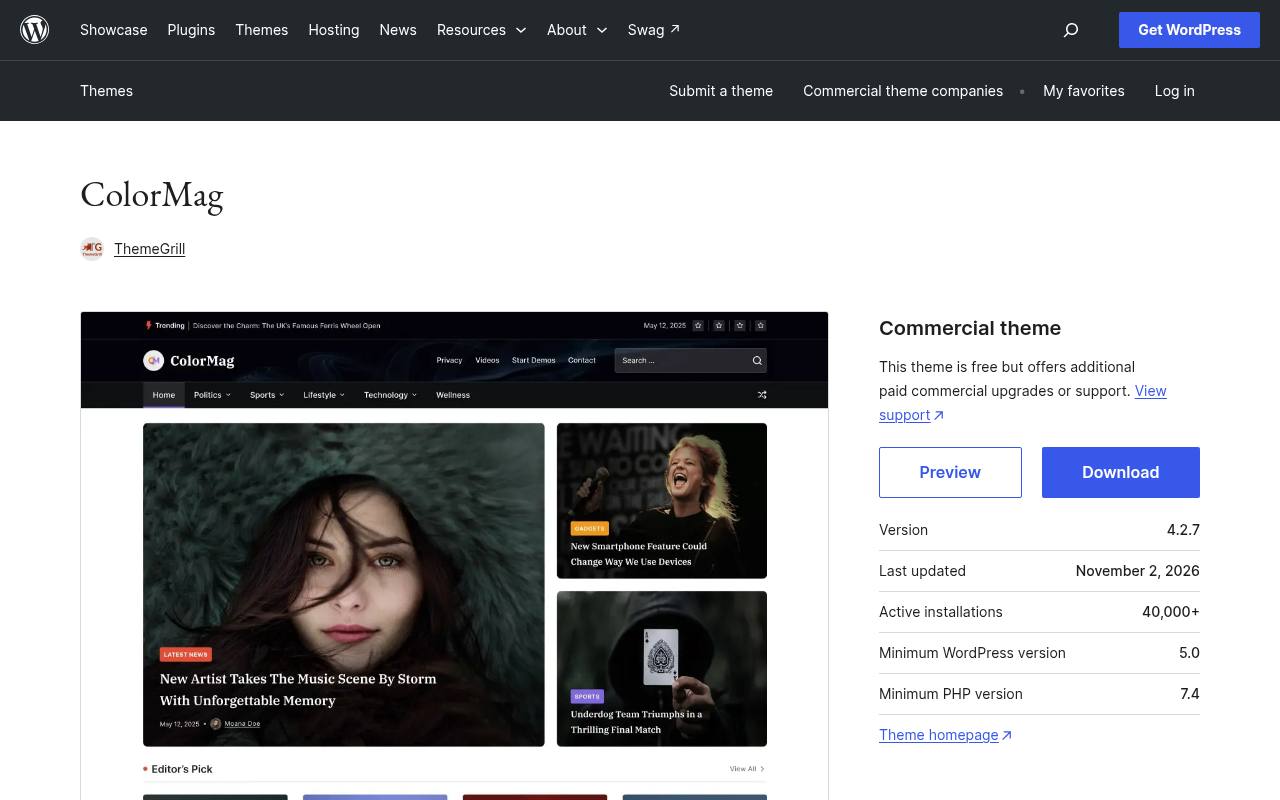
ColorMag is built specifically for news portals, online magazines, and publishing sites. Rather than treating the blog as a secondary feature, it emphasizes editorial content organization, with directory features including post formats, featured images, footer widgets, and sidebar layouts.
The listing also describes integration with the separate Magazine Blocks plugin and includes ad widget areas. There is a free theme alongside commercial upgrades, so inspect any demo dependencies before importing. For a busy niche publication, category-led presentation helps readers move from a headline into related reporting without searching through a chronological archive.
- Type
- News and magazine theme
- Best for
- Category-rich news blogs and niche magazines
- License
- GPL-compatible open-source theme
- Price
- Free + paid upgrades
Ashe
Personal blogging theme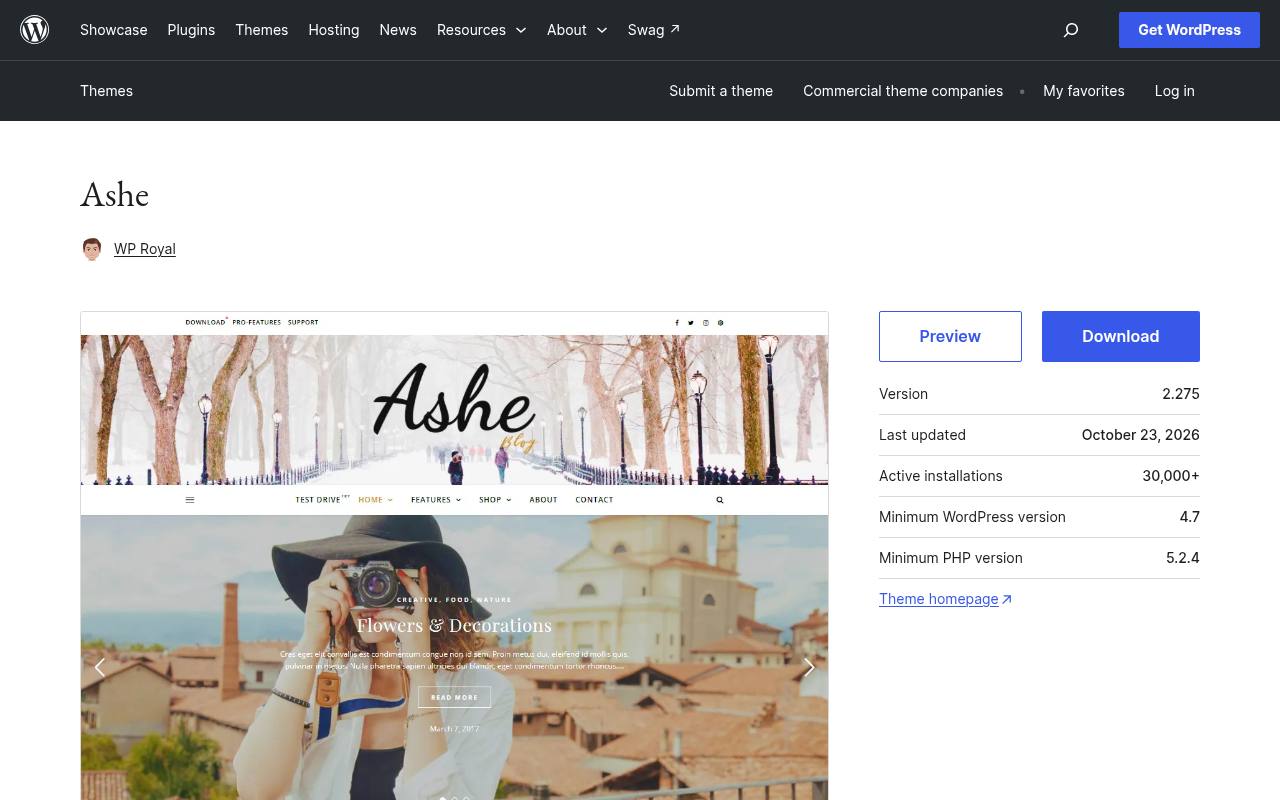
Ashe targets personal and multi-author blogs, with a visual direction suited to lifestyle, travel, food, fashion, and photography writing. Its listing describes header imagery, text or image logos, a fullscreen slider, and support for left or right sidebars. It also names translation readiness and right-to-left language support, useful for publications beyond English.
Choose the repository package to evaluate its free design before considering anything else in the developer’s ecosystem. The strongest use of Ashe is usually consistent visual storytelling: coherent photography and restrained typography will matter more than activating every available decorative element.
- Type
- Personal blogging theme
- Best for
- Lifestyle writing and image-led personal journals
- License
- GPL-compatible open-source theme
- Price
- Free download
Blogus
News-oriented blog theme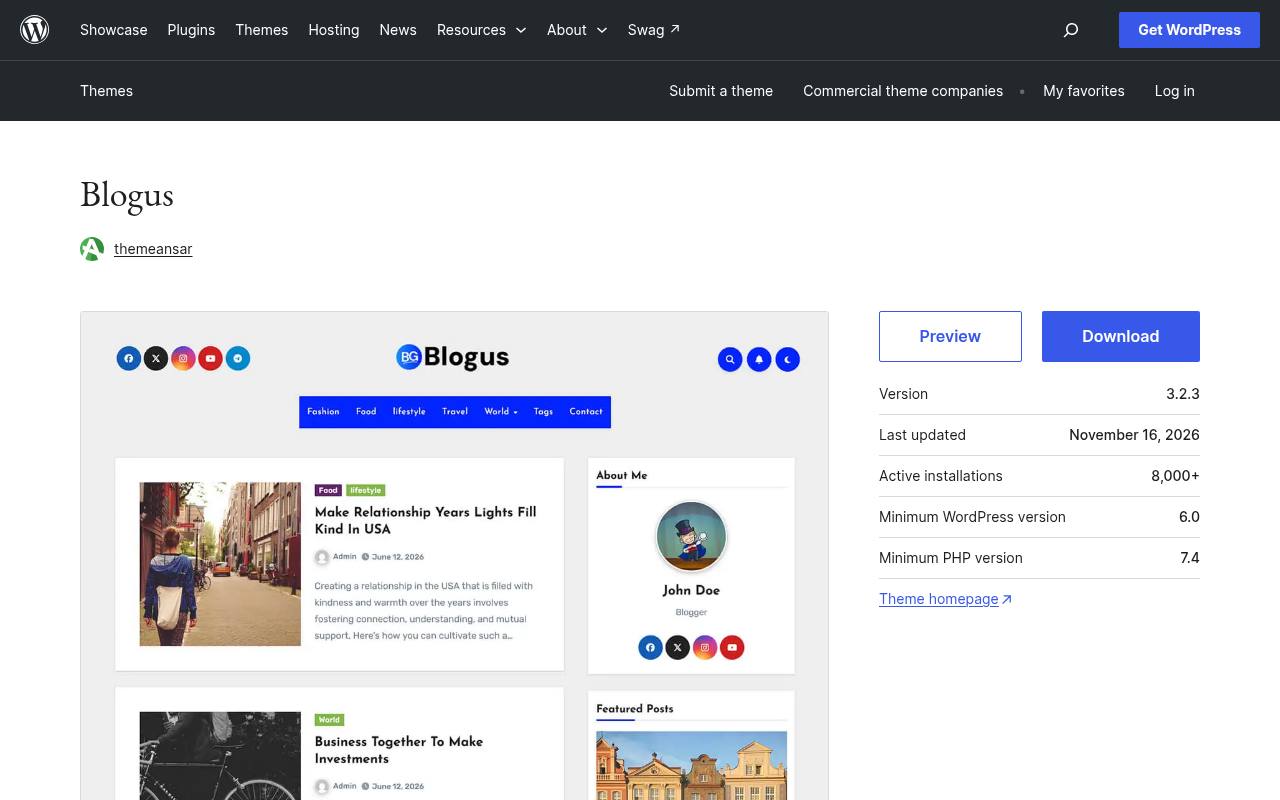
Blogus presents itself as a news and magazine theme for dynamic publishing sites. Its description highlights a widget-based layout that can organize stories into different sections, making it a practical candidate for topical blogs rather than a single uninterrupted essay feed. The directory also lists translation and right-to-left language support.
Use its free download to test how your categories and featured images populate the homepage. With this kind of section-based presentation, plan the editorial structure first: several nearly empty categories will create a weaker impression than a few well-stocked areas with clear labels.
- Type
- News-oriented blog theme
- Best for
- Multi-topic blogs with prominent story sections
- License
- GPL-compatible open-source theme
- Price
- Free download
Zakra
Multipurpose blogging theme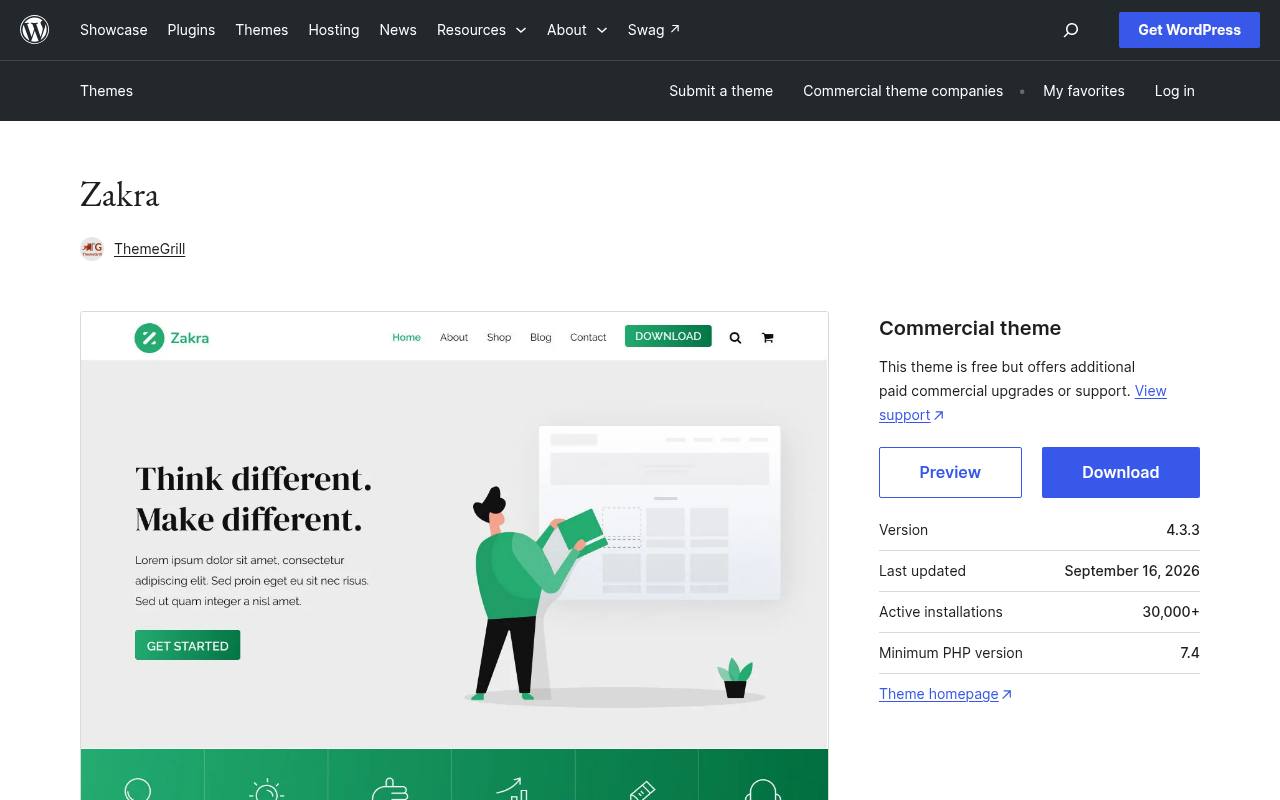
Zakra suits bloggers who need a broader website around their posts. Its directory description covers blogs, news sites, portfolios, and business pages, and names compatibility with Gutenberg and page builders including Elementor, Brizy, and BlockArt.
It also advertises free starter demos, but you should inspect the chosen import and its plugin requirements rather than assuming every demonstration is equally lightweight. The WordPress.org download provides a free foundation. A sensible blog launch workflow is to establish typography and article spacing first, then build any service or portfolio pages around those decisions.
- Type
- Multipurpose blogging theme
- Best for
- Publication sites alongside professional service content
- License
- GPL-compatible open-source theme
- Price
- Free + paid upgrades
Raft
Full-site-editing block theme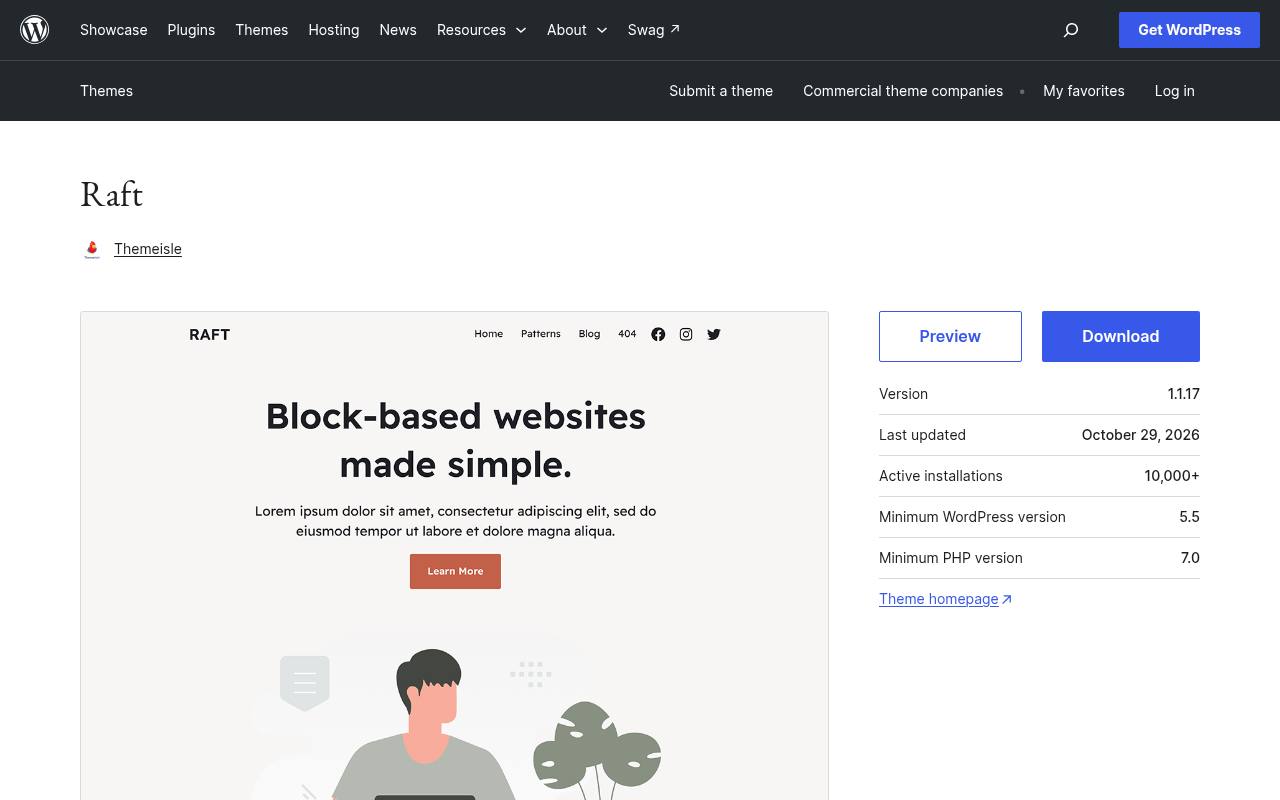
Raft is a lightweight theme built around full site editing, making it a useful option for writers who want to adjust shared templates with WordPress blocks. Its directory listing highlights global styles and support for blogs and small business sites, rather than presenting it only as an article skin.
This approach lets you think about headers, footers, and post layouts as connected pieces of one design. Work carefully with reusable template changes: altering a shared header affects more than the page currently on screen, so preview archives and individual posts after each substantial adjustment.
- Type
- Full-site-editing block theme
- Best for
- Writers who want editable site-wide templates
- License
- GPL-compatible open-source theme
- Price
- Free download
Twenty Twenty-Five
Community block theme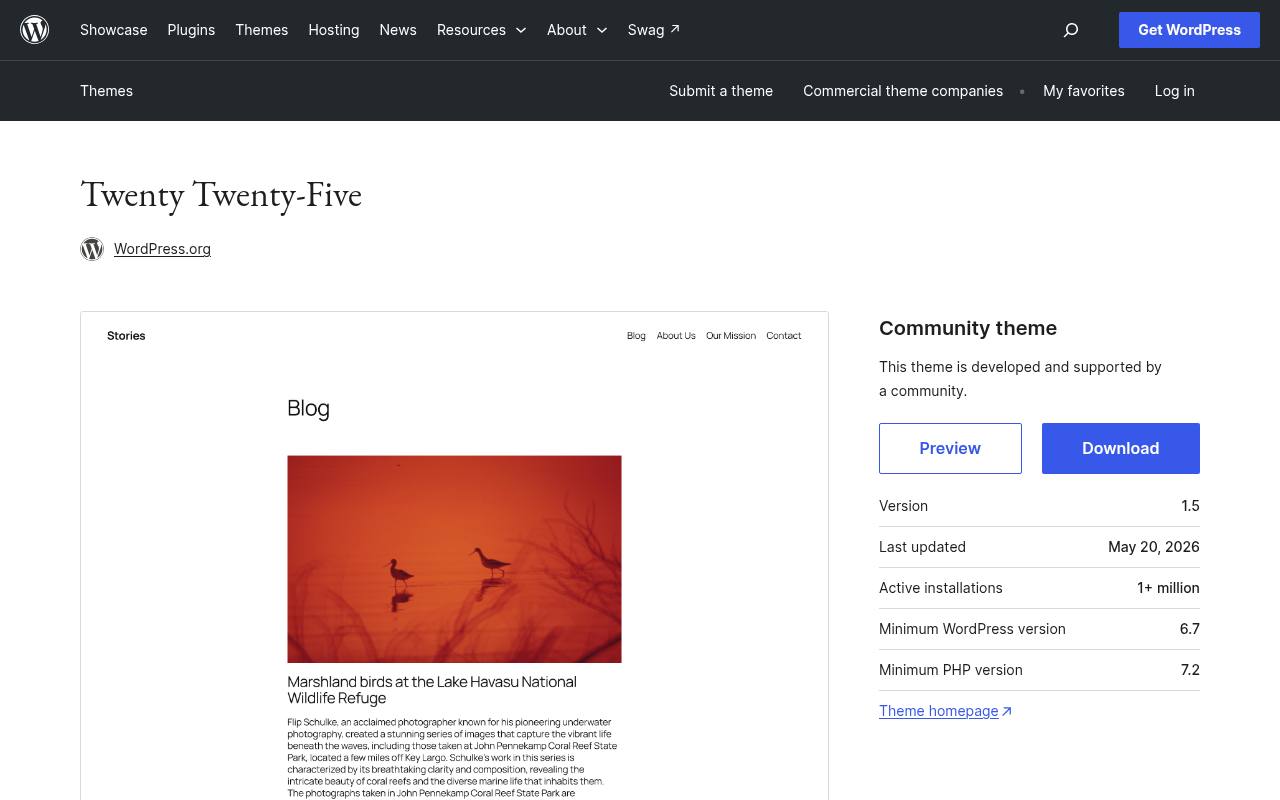
Twenty Twenty-Five is a community-developed WordPress block theme centered on simplicity and adaptability. Its repository page describes flexible patterns for different page types, along with blog templates ranging from text-focused to image-heavy layouts. Style variations, diverse palettes, and international typography support provide a useful base for experimenting without entering a premium theme ecosystem.
It is especially appropriate if you want to learn the native Site Editor rather than a separate design interface. Check its minimum WordPress requirement before installation, and build a small reusable pattern library for recurring article components.
- Type
- Community block theme
- Best for
- Native block editing without a premium theme
- License
- GPL-compatible open-source theme
- Price
- 100% free
Choose the editing model before the demo
Compare Customizer-based settings with Site Editor templates before judging screenshots. If you like adjusting an entire site visually with blocks, Raft or Twenty Twenty-Five offers a direct route.
If you prefer established theme controls and a conventional setup process, test a more traditional option. Avoid changing editing systems midway through a launch without allowing time to rebuild shared page elements.
Test a complete article, not placeholder text
Create one realistic sample post containing several heading levels, a long title, captions, a list, and an embedded image. Check paragraph width and line spacing on a phone as well as a desktop.
A theme can look excellent with short demo excerpts yet become tiring during a long read, especially when the body text is small or the sidebar squeezes the main column.
Separate free packages from promotional extras
The directory download is the free theme package, not an entitlement to every commercial extension or imported demo. Review the developer’s feature comparison before committing to a design that depends on special headers, advanced archives, or premium widgets.
Open-source theme licensing also does not automatically cover stock photographs shown in promotional previews; use your own properly licensed images when replacing demonstration content.
Keep the homepage proportional to the archive
A new blog with six articles rarely needs the same magazine homepage structure as a daily publication. Start with a clean recent-post feed and a small number of categories.
Add topic sections when there is enough material to keep them populated. This avoids repeated headlines across several modules and gives visitors a more honest picture of the publication’s scope and publishing frequency.
Protect performance during customization
Large images, remote fonts, and extra plugins can erase the benefits of a lightweight theme foundation. Resize photographs before upload, limit font families, and measure representative pages after importing a demo.
Treat every companion plugin as an ongoing maintenance decision. Keep the components your design genuinely uses, and remove unused imports rather than allowing an experimental setup to become the permanent production configuration.
Review accessibility beyond the theme label
An accessibility-ready designation is a useful signal, not a guarantee that your finished blog is accessible. Check keyboard navigation, visible focus indicators, link contrast, and heading order after customization.
Write descriptive alternative text for meaningful images, and avoid sliders that make essential information difficult to reach. Your editorial decisions and added plugins can change the accessibility of even a carefully prepared theme.
Plan safe updates and future changes
Keep a recoverable site backup before switching themes or applying major changes. Preview the replacement on staging, noting differences in menus, widgets, image crops, and custom templates.
Store custom CSS or code in an appropriate maintained location rather than editing the parent theme directly. Recheck release dates periodically, especially for older favorites, so a comfortable design does not become an unmonitored technical dependency.
Can a free theme support a professional blog?
Yes, provided its free design controls cover your publishing requirements and you maintain the surrounding WordPress installation. A paid upgrade may save time on a particular layout, but it is not a prerequisite for clear writing, useful navigation, or a coherent visual identity.
Spend your first effort on strong posts, sensible categories, consistent images, and readable templates before deciding that the theme itself needs more features.