
Finding a color should not interrupt your work. A free color picker lets you point at a screen pixel, capture its value, and paste it into a design file or stylesheet.
The most useful choice depends less on how many extras it includes than on where you need to sample: a desktop application, a live webpage, or an object seen through your phone’s camera. These ten options cover those situations without requiring a paid subscription to begin.
This collection focuses on eyedropper apps and extensions, not tools that invent color combinations or generate entire design systems. Some selections also store previous picks or export swatches, but their main purpose here is deliberate sampling.
You choose the point, inspect the result, and carry that value into your next task. Desktop utilities work across application windows, browser extensions stay close to web research, and mobile pickers help collect references away from your desk.
Keep one distinction in mind: screen color sampling and camera measurement are different activities. A desktop picker reads displayed pixels; a phone camera interprets reflected light through exposure, white balance, and image processing.
Both are useful, but neither automatically supplies an authoritative brand specification. The notes below explain each tool’s practical strengths and free-access model so you can choose a convenient sampler without mistaking a captured value for a verified production standard.
Quick picks at a glance
| # | Resource | License | Best for |
|---|---|---|---|
| 1 | PowerToys Color Picker | Free and open source; MIT license | Keyboard-first sampling across Windows applications |
| 2 | Just Color Picker | Freeware; proprietary software | Portable sampling with reusable annotated color lists |
| 3 | Color Cop | Free software; see project terms for redistribution | Compact eyedropper work with pixel averaging |
| 4 | ColorSlurp | Free download on the App Store; optional paid upgrade | Precise Mac picking with copy-ready color formats |
| 5 | Gpick | Free and open source; BSD 3-Clause license | Linux sampling with flexible downstream export formats |
| 6 | Colorpicker | Free and open source; GPL-3.0 license | Keeping sampled colors beside other open applications |
| 7 | ColorZilla | Free extension; proprietary terms apply | Inspecting webpage pixels during browser-based design research |
| 8 | Eye Dropper | Free extension; see publisher terms | Saving webpage picks and exporting their codes |
| 9 | Color Grab | Free download; ads and in-app purchases | Collecting camera-based color references away from your desk |
| 10 | Color Picker: Find Name & Code | Free download; ads and in-app purchases | Adjusting camera sampling areas for individual color references |
PowerToys Color Picker
Windows utility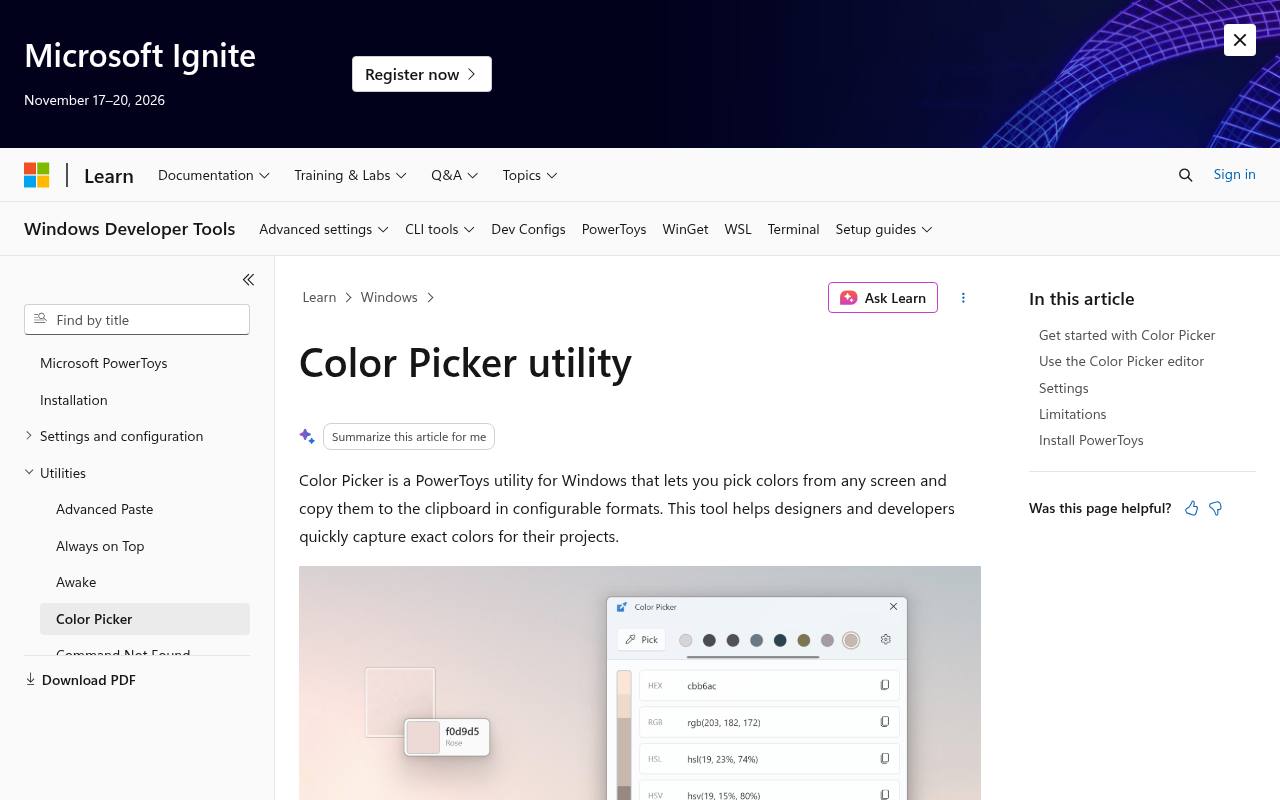
Microsoft’s PowerToys includes a system-wide color picker that opens with a configurable keyboard shortcut. Point at a visible pixel, select it, and copy its value in your preferred format. The editor provides a closer look at captured colors and keeps a history, which helps when you are comparing several interface details.
Its configurable output formats make it particularly useful for moving between design work and code. This is a free component of the larger PowerToys installation rather than a separate browser extension, so it suits Windows users who want one shortcut across applications.
- Type
- Windows utility
- Best for
- Keyboard-first sampling across Windows applications
- License
- Free and open source; MIT license
- Price
- 100% free
Just Color Picker
Windows and macOS app
Just Color Picker combines portable desktop sampling with a persistent list of captured colors. The official page offers free Windows and macOS downloads, with no registration required. Magnification, averaged sampling, and configurable capture hotkeys help you target awkward details; its screen-freeze feature is specifically for Windows.
You can add notes to picked colors and exchange swatches through ACO and GPL files. Choose this when a single clipboard value is not enough and you want to return to named references later, while keeping the workflow centered on colors you actually sample.
- Type
- Windows and macOS app
- Best for
- Portable sampling with reusable annotated color lists
- License
- Freeware; proprietary software
- Price
- 100% free
Color Cop
Windows app
Color Cop is a small Windows picker built around a draggable eyedropper and magnifier. Its averaged pixel sampling offers single-pixel, 3×3, and 5×5 modes, making it easier to distinguish an exact pixel from the overall impression of a noisy area.
Optional automatic copying sends the selected value to your clipboard, and a short history holds recent picks. Alongside HTML hex, its developer-oriented output formats include several language-specific representations. It is a practical free choice for quick inspections when you would rather keep a compact utility nearby than open a full graphics editor.
- Type
- Windows app
- Best for
- Compact eyedropper work with pixel averaging
- License
- Free software; see project terms for redistribution
- Price
- 100% free
ColorSlurp
macOS and iOS app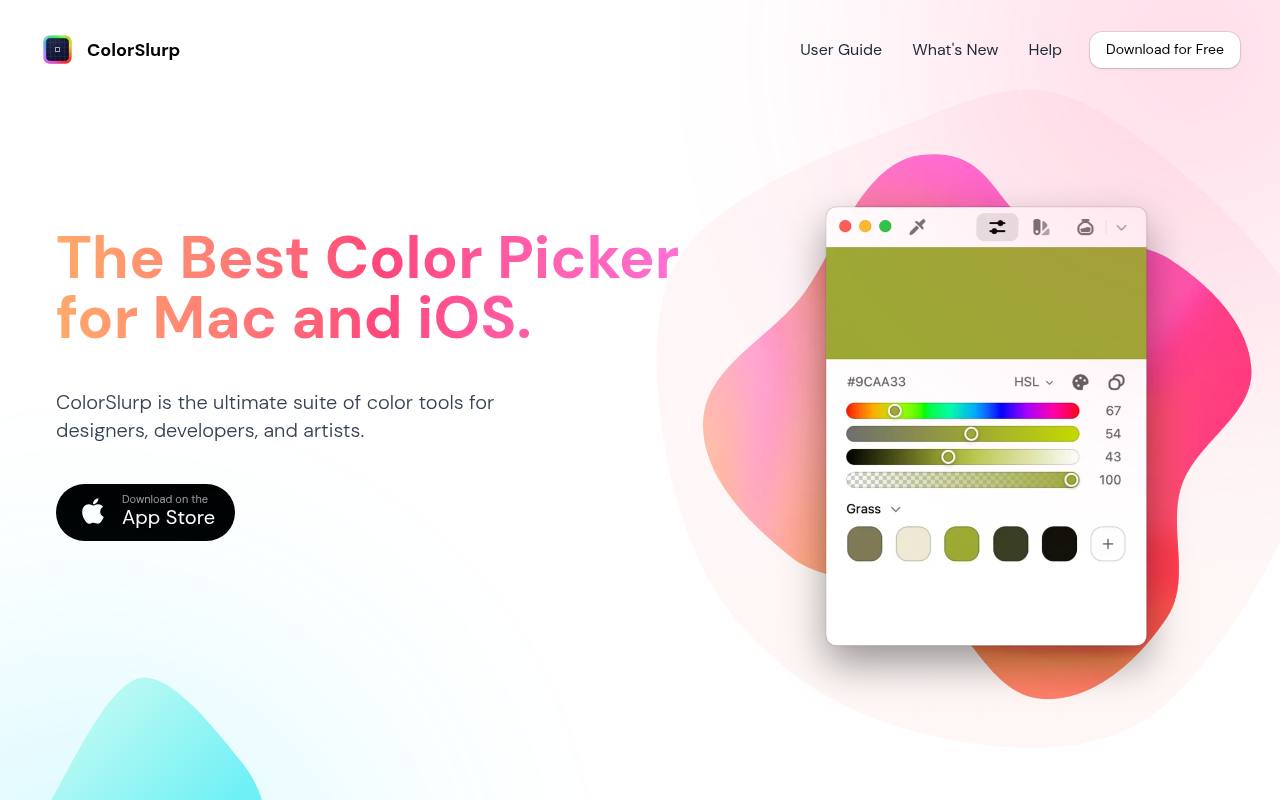
ColorSlurp is a Mac and iOS color picker built around a precision magnifier that you steer with the cursor, the arrow keys or a slowed long-press for pixel-level accuracy. One click copies the sampled value into a chosen format, and you can define custom copy formats for your own code style.
Picked colors can be named, grouped into palettes and projects, and exported to targets such as Sketch, Procreate, ASE, CSS, Sass, Swift and JSON. Extra panels cover a WCAG and APCA contrast check and modern spaces like OKLCH and Display P3, while the iOS version adds a camera color picker for real-world samples.
- Type
- macOS and iOS app
- Best for
- Precise Mac picking with copy-ready color formats
- License
- Free download on the App Store; optional paid upgrade
- Price
- Free + Pro
Gpick
Linux desktop app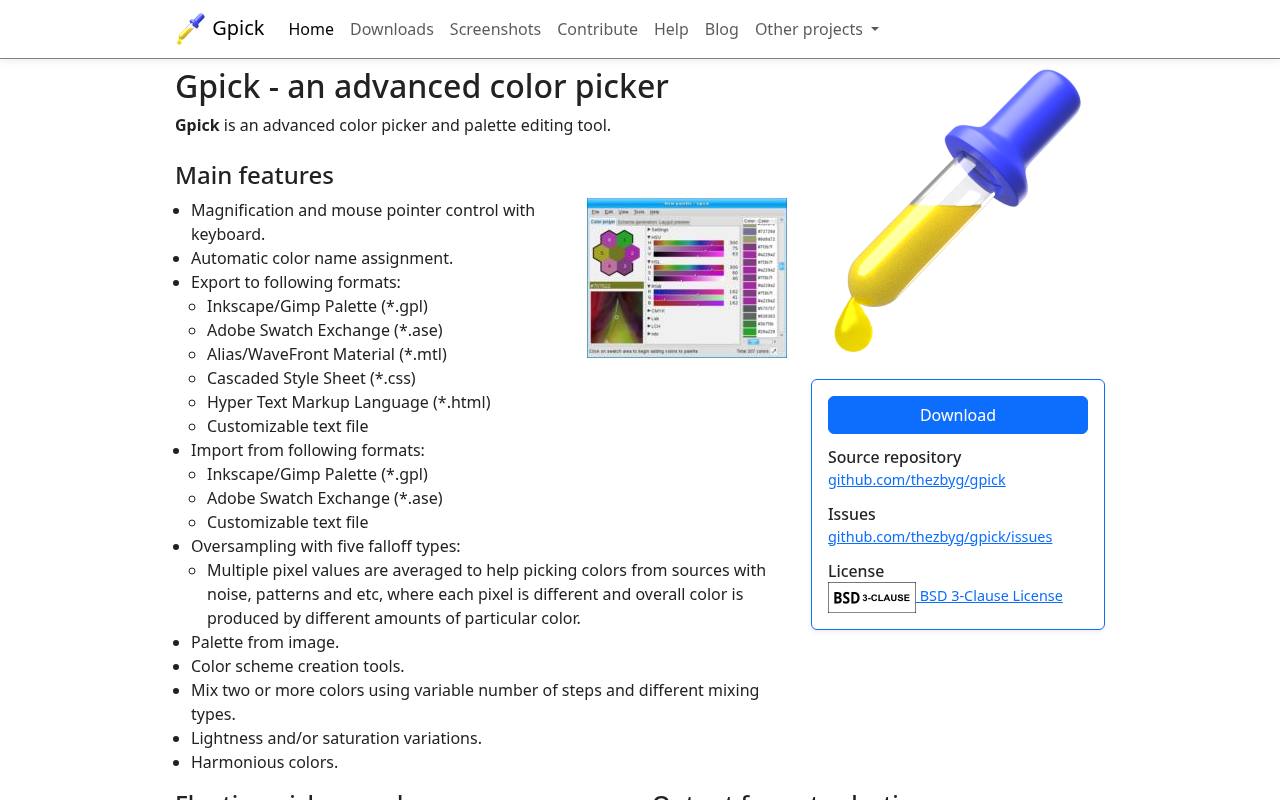
Gpick pairs a floating picker mode with more substantial color management controls. Magnification and keyboard pointer movement support careful selection, while oversampling averages multiple pixels with a choice of falloff types. Its automatic color naming can make saved references easier to recognize.
For handoff, the documented swatch export formats include GPL, ASE, CSS, HTML, and customizable text, among others. The project links to its source repository and uses the BSD 3-Clause license. It is particularly appealing on Linux when you need both quick sampling and a structured route into another application.
- Type
- Linux desktop app
- Best for
- Linux sampling with flexible downstream export formats
- License
- Free and open source; BSD 3-Clause license
- Price
- 100% free
Colorpicker
Cross-platform desktop app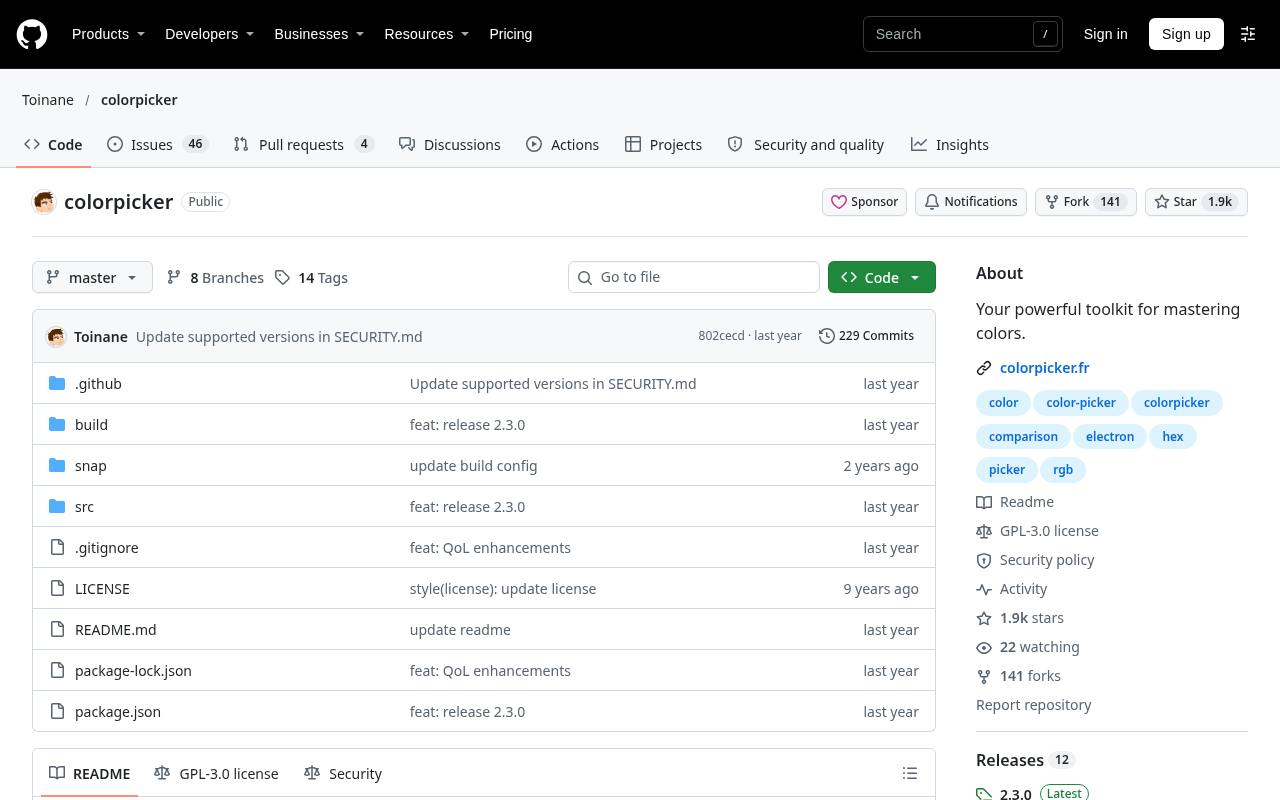
Toinane’s Colorpicker is an Electron desktop app for Windows, macOS, and Linux, with downloads linked through GitHub releases. Its desktop eyedropper captures colors outside the app, while the Pin feature keeps its window in the foreground as you move between programs.
The accompanying Colorsbook color manager stores and categorizes selections, and a keyboard shortcut saves the current color. The repository also documents a cleaner interface mode for reducing visual clutter. Pick this free, GPL-licensed option if you prefer a visible companion window and organized saved colors over an extension confined to your browser.
- Type
- Cross-platform desktop app
- Best for
- Keeping sampled colors beside other open applications
- License
- Free and open source; GPL-3.0 license
- Price
- 100% free
ColorZilla
Chrome and Firefox extension
ColorZilla brings an in-browser eyedropper and color picker to Chrome, with a separate Firefox edition linked from the official site. You can read a point in the browser, adjust the selected color, and paste it into another program.
Its page-analysis tools are available when you need more context, but you can simply use the picker for individual interface details. The publisher explains that website access permissions support sampling and states that it does not collect browsing activity. Start with the edition for your browser and review its permissions before installation.
- Type
- Chrome and Firefox extension
- Best for
- Inspecting webpage pixels during browser-based design research
- License
- Free extension; proprietary terms apply
- Price
- 100% free
Eye Dropper
Chrome extension
Eye Dropper keeps webpage color capture close to the browser toolbar. Open the extension, start picking, and click the desired point; captured colors are saved for later use rather than disappearing after a single copy.
You can rearrange saved selections, copy HEX, RGB, or HSL codes, and use JSON color export for a more structured handoff. The publisher states that it does not collect data or track users. Its FAQ also explains important browser restrictions: Chrome Web Store pages cannot be sampled, and local files require an additional access setting.
- Type
- Chrome extension
- Best for
- Saving webpage picks and exporting their codes
- License
- Free extension; see publisher terms
- Price
- 100% free
Color Grab
Android app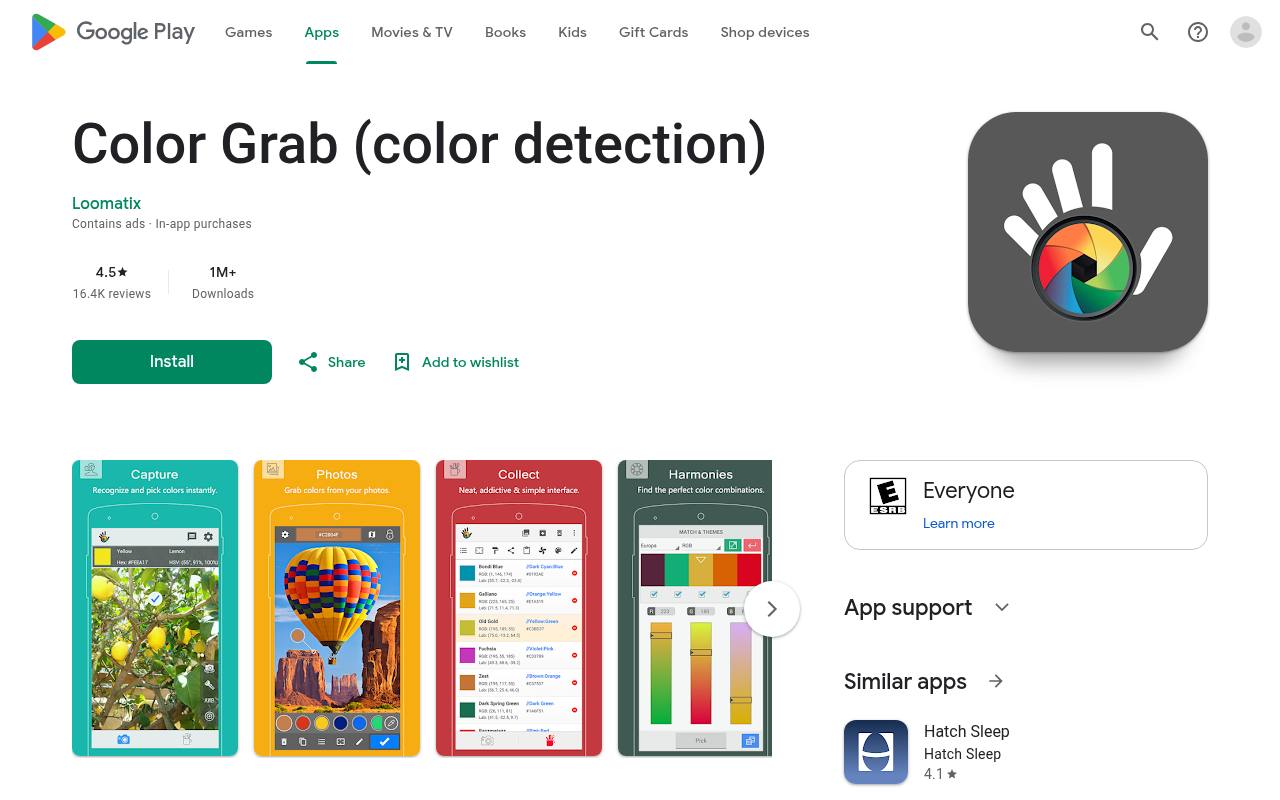
Loomatix’s Color Grab turns an Android phone into a live camera picker, with tap-to-capture operation and clipboard copying. The listing describes white-balance controls, reference-white calibration, color locking, and multiple color models, including HEX and RGB.
Those controls are useful when changing light makes a sample drift, although they do not turn a phone into a calibrated measuring instrument. Its free mobile download includes ads and in-app purchases according to Google Play. Check device compatibility and the store’s data-safety information before using it to capture references at a client location.
- Type
- Android app
- Best for
- Collecting camera-based color references away from your desk
- License
- Free download; ads and in-app purchases
- Price
- Free + in-app purchases
Color Picker: Find Name & Code
Android app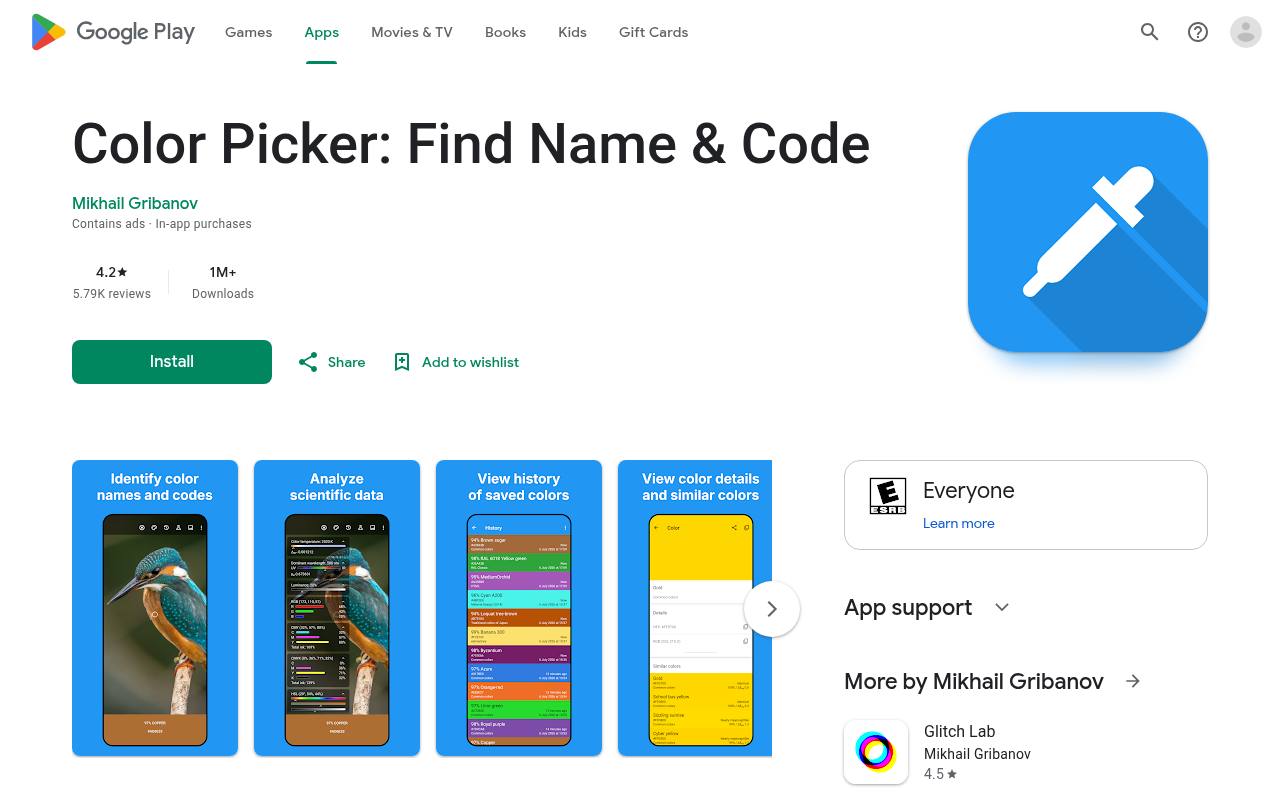
Mikhail Gribanov’s app identifies colors from a live camera view or a saved image. Its adjustable sampling area lets you inspect a single pixel or average a circular or square region, a useful distinction when fabric or textured surfaces produce uneven readings.
The listing also describes color history, HEX copying, and multiple color models for interpreting a captured reference. It is free to download, with ads and in-app purchases listed by Google Play. Importantly, the publisher warns that samples are for reference rather than high-accuracy matching; treat physical samples and production specifications as the final authority.
- Type
- Android app
- Best for
- Adjusting camera sampling areas for individual color references
- License
- Free download; ads and in-app purchases
- Price
- Free + in-app purchases
Choose by the surface you need to sample
For frequent work across windows, choose a desktop color picker such as PowerToys, Just Color Picker, or Color Cop. A browser extension is more convenient when nearly every reference is a webpage.
Use a mobile app for physical objects or references collected away from your workstation. You rarely need several tools running at once: one dependable desktop shortcut and an occasional camera picker usually cover the practical gaps.
Set the output before taking a sample
Choose HEX or RGB output before copying values into a project. HEX is compact for many CSS workflows, while RGB is convenient when an application exposes separate channel fields.
HSL can help communicate an intended hue or lightness adjustment. These are representations, not interchangeable labels: keep the format explicit, preserve punctuation where required, and test one pasted value before collecting a long series of samples.
Decide between exact pixels and averaged regions
Use single-pixel sampling when checking a flat interface fill or an icon’s interior. Around text, shadows, and rounded edges, antialiasing can create intermediate colors that were never specified as the main fill.
An averaged sample can better represent a textured region, but it may also blend neighboring elements. Magnify the target, move away from boundaries, and compare a few nearby readings before saving your reference.
Understand what free access actually covers
A free software license concerns the tool, not ownership of everything visible beneath its eyedropper. Open-source redistribution conditions differ from proprietary freeware terms, and mobile listings may include advertising or optional purchases.
Sampling a publicly visible brand color does not authorize copying its logo, imagery, or overall identity. Use these utilities to inspect and document references, then follow the relevant asset permissions for any material you reproduce.
Keep camera samples separate from production specifications
For camera color sampling, use even lighting, avoid glare, and keep the phone steady. Automatic exposure and white balance can shift the reported value between shots, even when the object has not changed.
Save a note describing the light and source alongside the sample. For paint, packaging, textiles, or other production decisions, confirm against an approved physical reference or measurement process instead of ordering directly from a phone reading.
Check permissions and workplace privacy
A browser eyedropper extension needs access that makes its capture function possible, but you should still review the publisher and requested permissions. Some internal browser pages block extensions by design; a failed pick there does not necessarily indicate a broken tool.
On managed work devices, follow installation policies and avoid exposing confidential content to unapproved apps. Read mobile data-safety disclosures separately rather than assuming that every free picker operates entirely offline.
Build a repeatable capture and handoff routine
Keep sampled color values with a short source note, intended use, and output format. Copying a bare number into chat is less useful than identifying it as a sampled button fill from a particular screen.
When a tool offers swatch files or JSON, test the receiving application before committing to that handoff. Preserve approved brand values separately so an exploratory screen sample cannot accidentally replace an authoritative specification.
Can a picker confirm accessibility or print accuracy?
No: a captured color value is only an input to those decisions. Text readability depends on foreground and background together, including states and transparency, so a successful pick is not an accessibility pass.
Likewise, a screen value does not guarantee the same printed appearance. Use the picker to collect a reference, then perform the appropriate contrast evaluation or color-managed proofing step elsewhere in your production workflow.