
A good gradient needs more than two attractive endpoints. Direction, stop positions, transparency, and the colors between those endpoints all affect the finished background. These free CSS gradient generators and collections help you make those decisions visually, then move the result into a real stylesheet.
The focus here is copy-ready linear and radial gradients: practical backgrounds for landing pages, cards, buttons, and interface accents rather than elaborate mesh artwork or general color inspiration.
There are two useful starting points. A gradient generator gives you controls for building a blend around existing brand colors, while a curated gradient library gives you combinations you can try immediately.
Some resources combine both approaches; others specialize in interpolation, detailed opacity stops, or framework-friendly output. Choosing the right starting point can save time, especially when you already know whether the job calls for a subtle surface or a more noticeable promotional background.
The ten resources below offer a free gradient workflow, although free access does not automatically mean every website asset carries an unrestricted license. Each recommendation identifies its strongest use case and distinguishes browser tools from reusable collections.
Start with one candidate, copy its CSS into your actual component, and assess the result at realistic dimensions. A narrow swatch can look quite different when stretched across a wide hero or placed behind several lines of text.
Quick picks at a glance
| # | Resource | License | Best for |
|---|---|---|---|
| 1 | CSS Gradient | Free generator; site terms apply | Building straightforward linear and radial website backgrounds |
| 2 | Josh W. Comeau | Free browser tool; website terms apply | Improving muddy transitions between strong endpoint colors |
| 3 | ColorZilla | Free editor; website terms apply | Editing precise color stops and independent transparency |
| 4 | ColorSpace | Free generator; website terms apply | Generating intermediate colors from two selected endpoints |
| 5 | WebGradients | Free for personal and commercial use | Selecting named ready-made backgrounds with reusable CSS |
| 6 | CSS Gradient Generator | Free generator; website terms apply | Preparing CSS and image versions of one gradient |
| 7 | Angrytools | Free generator; website terms apply | Translating a gradient across web and native formats |
| 8 | Hypercolor | Free collection; consult repository license for code reuse | Moving curated blends into Tailwind or plain CSS |
| 9 | uiGradients | MIT; retain copyright and license notices as required | Using named gradient data in reusable interface components |
| 10 | Gradient Magic | Free gallery access; check current reuse and attribution terms | Finding more distinctive ready-made CSS background treatments |
CSS Gradient
Web app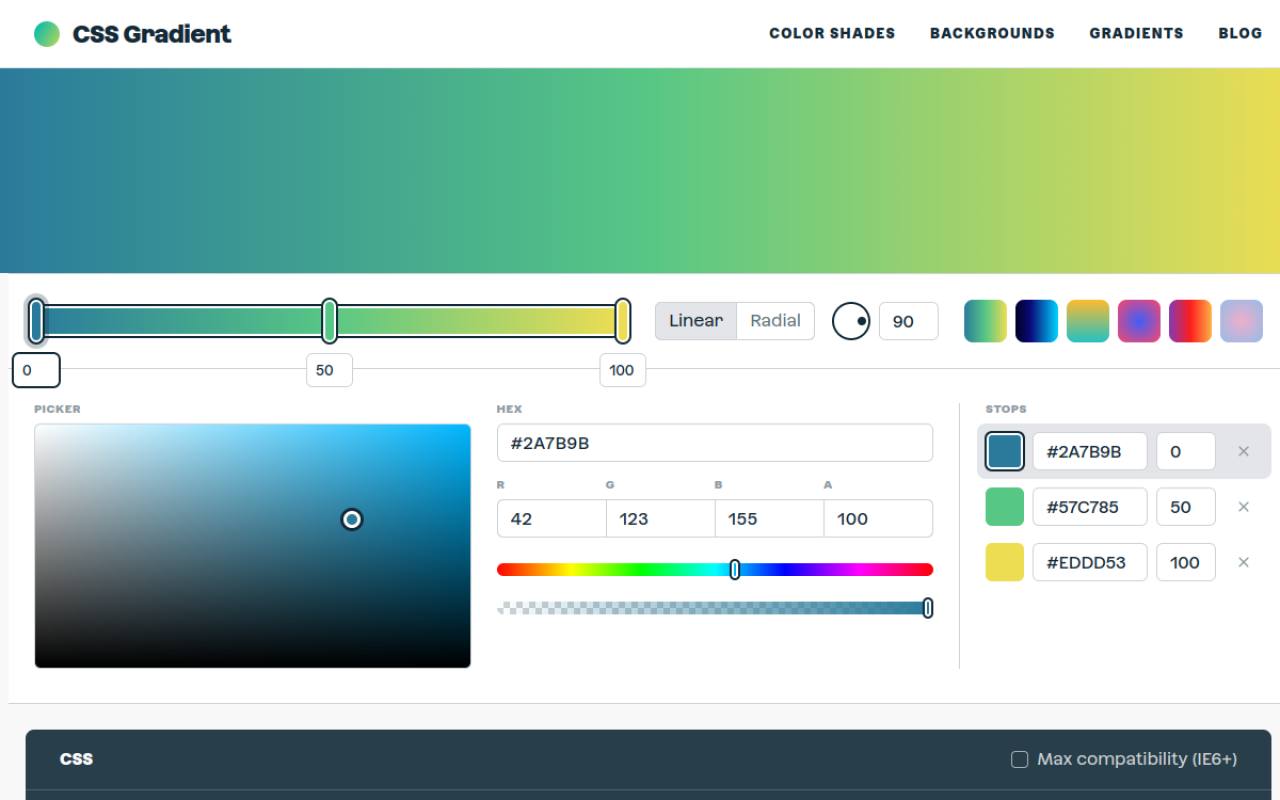
CSS Gradient puts its linear and radial modes alongside a visual stop editor and immediately visible CSS output. You can work with hexadecimal values or RGBA channels, position stops, and copy the finished declaration to the clipboard.
Its optional compatibility setting is useful when inspecting older syntax, but most contemporary projects should keep only what their browser requirements demand. The site also provides free gradient swatches with implementation code. Choose this tool when you want familiar controls and a direct route from a visual experiment to a working background.
- Type
- Web app
- Best for
- Building straightforward linear and radial website backgrounds
- License
- Free generator; site terms apply
- Price
- 100% free
Josh W. Comeau
Web app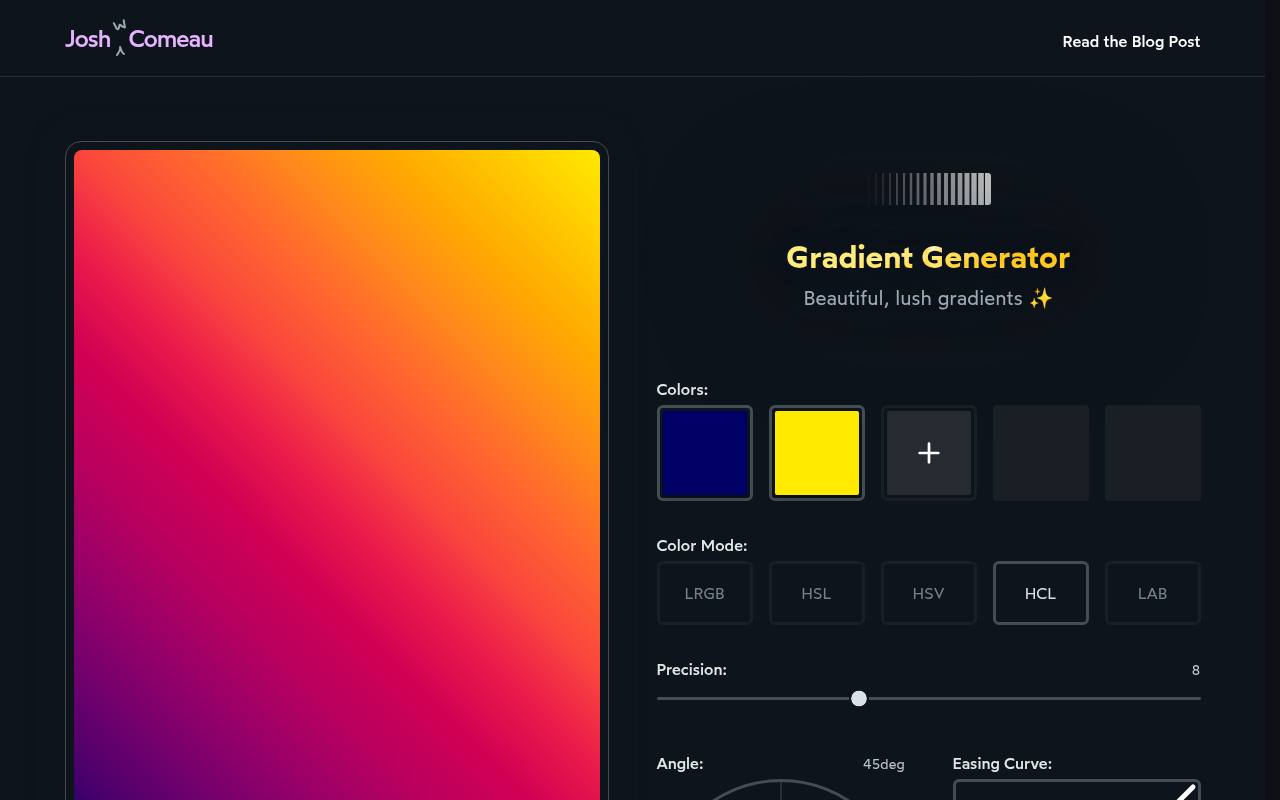
Josh W. Comeau’s generator concentrates on how colors travel between endpoints rather than simply placing two stops on a line. Its color mode controls include LRGB, HSL, HSV, HCL, and LAB, with additional settings for precision, angle, and easing. The generated CSS contains intermediate stops that approximate the chosen transition.
Use Copy CSS for implementation or Copy URL to retain the configuration. This free tool is particularly helpful when an ordinary blend looks unexpectedly gray or dull, although extra stops make the resulting declaration longer than a basic two-color gradient.
- Type
- Web app
- Best for
- Improving muddy transitions between strong endpoint colors
- License
- Free browser tool; website terms apply
- Price
- 100% free
ColorZilla
Web app
ColorZilla offers a Photoshop-like gradient editor with separate color and opacity stops, making it useful for transparent fades and more controlled background overlays. It supports horizontal, vertical, diagonal, and radial orientations, plus hexadecimal, RGB, RGBA, HSL, and HSLA output.
You can import existing gradient CSS, reverse a blend, adjust hue and saturation, and save a permalink. Its CSS import workflow is especially valuable when revising an existing component instead of starting again. Review the compatibility options before copying: legacy browser output is available but is not automatically necessary for a modern website.
- Type
- Web app
- Best for
- Editing precise color stops and independent transparency
- License
- Free editor; website terms apply
- Price
- 100% free
ColorSpace
Web app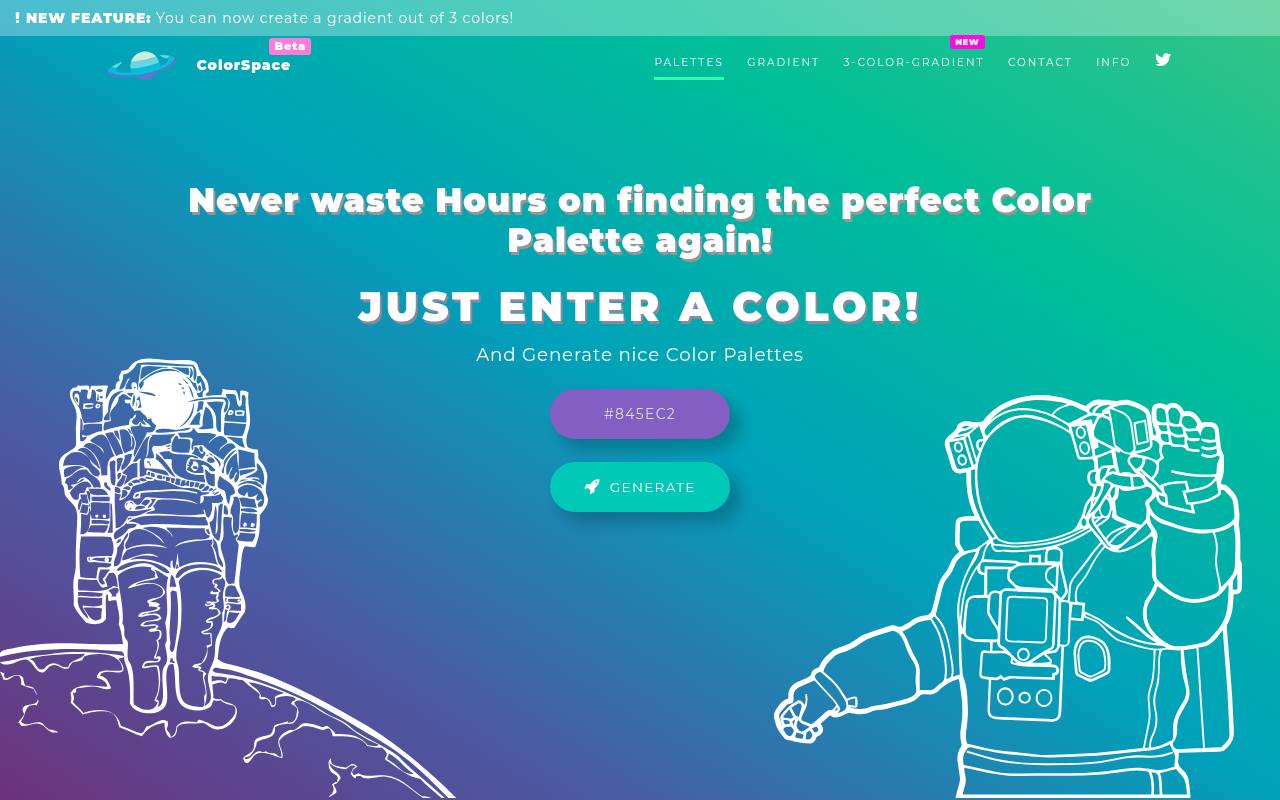
ColorSpace’s dedicated gradient page keeps the task focused: enter two colors, choose an orientation, and generate a multi-stop CSS gradient. The displayed background-image declaration includes intermediate colors rather than leaving the entire transition to two endpoints.
That makes it a convenient way to test a richer route between a dark brand color and a brighter accent. A separate three-color gradient tool is linked from the interface if your composition needs another anchor. Use this free page for quick directional backgrounds, not for the detailed independent opacity editing offered by ColorZilla.
- Type
- Web app
- Best for
- Generating intermediate colors from two selected endpoints
- License
- Free generator; website terms apply
- Price
- 100% free
WebGradients
Gradient collection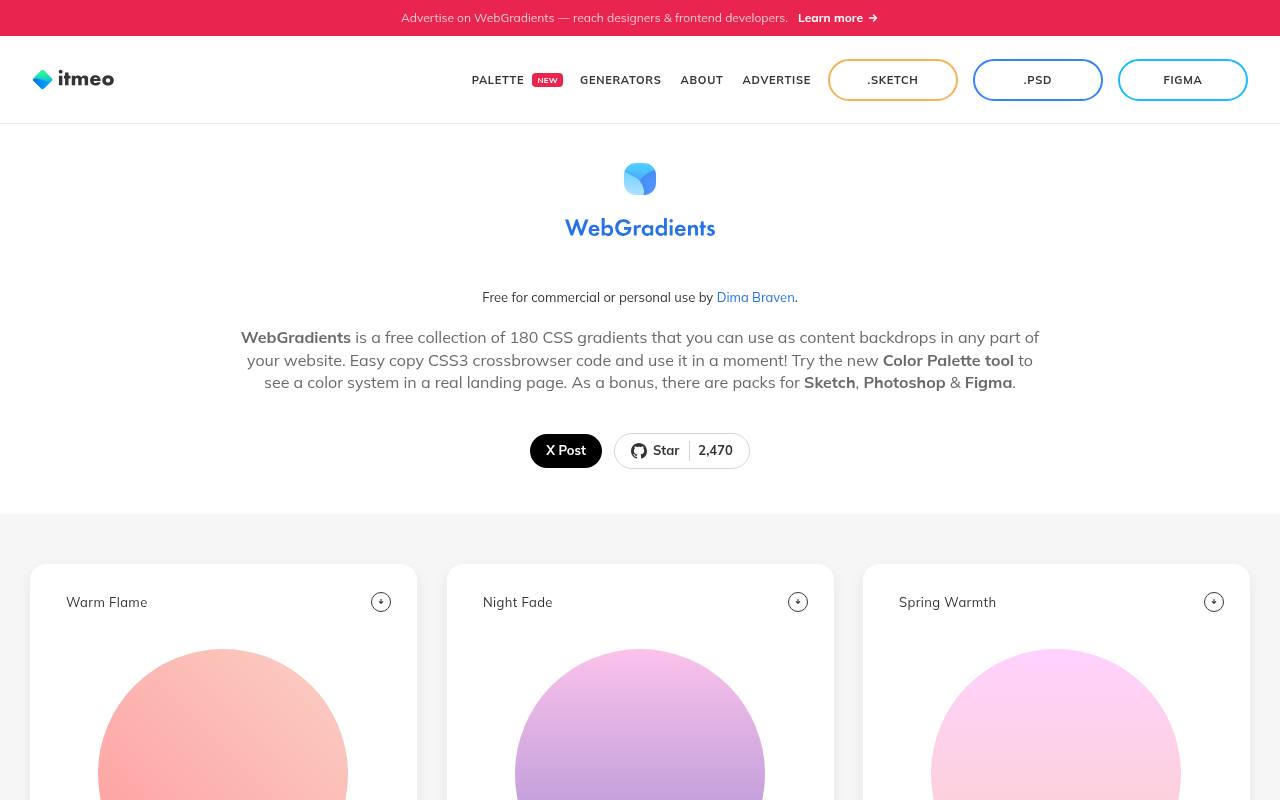
WebGradients presents a collection of 180 CSS gradients, each with a name, visible endpoint colors, and a Copy CSS action. Warm Flame, Night Fade, and Spring Warmth illustrate its emphasis on ready-made blends that can serve as website content backdrops.
The page explicitly permits personal and commercial use, which makes its basic usage terms easier to identify than on many small tools. It also links design-app packs for Sketch, Photoshop, and Figma. Start with the browser collection when you need implementation code; examine any linked download separately before adopting it into a shared asset library.
- Type
- Gradient collection
- Best for
- Selecting named ready-made backgrounds with reusable CSS
- License
- Free for personal and commercial use
- Price
- 100% free
CSS Gradient Generator
Web app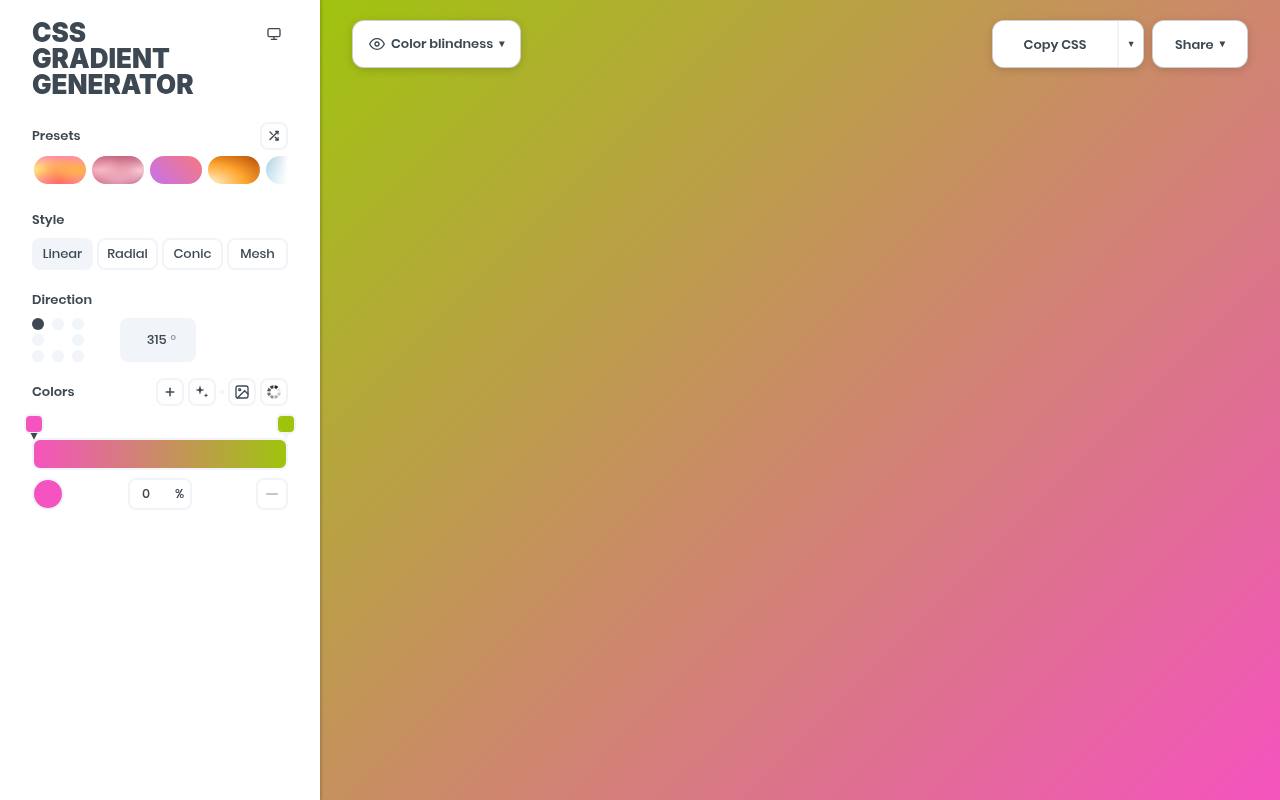
Stefano Merlo’s CSS Gradient Generator combines linear and radial editing with draggable color stops and multiple output choices. Its interface exposes HEX, RGBA, and HSLA formats, alongside Tailwind output options, so you can choose a representation that fits your project. Copy Link preserves the current configuration for another person to open.
A PNG download option provides image sizes and resolution settings when the same background is needed outside the browser. Stay with its ordinary gradient modes for component work; the additional styles are optional rather than a requirement for producing useful CSS.
- Type
- Web app
- Best for
- Preparing CSS and image versions of one gradient
- License
- Free generator; website terms apply
- Price
- 100% free
Angrytools
Web app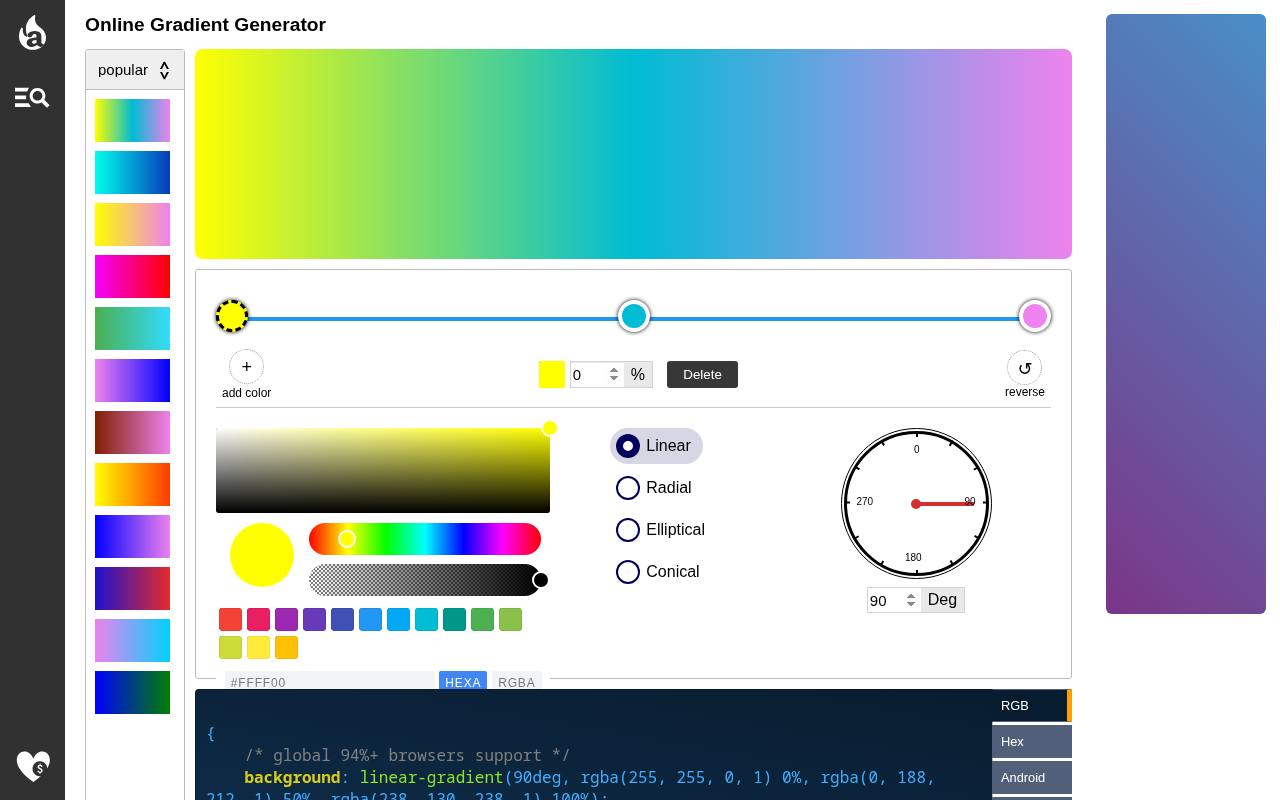
Angrytools provides a compact editor with linear, radial, and elliptical choices, stop positions, a reverse action, and angle or center-position controls. Alongside CSS-oriented output, the page offers Canvas, SVG, Android, and SwiftUI formats, plus an image download. This cross-format gradient workflow suits prototypes that need a similar visual direction across several platforms.
Check each export independently rather than assuming every target supports identical settings: the interface specifically notes a three-color limit for Android gradients. For ordinary web work, copy the CSS and verify its appearance in the final component before exploring the other outputs.
- Type
- Web app
- Best for
- Translating a gradient across web and native formats
- License
- Free generator; website terms apply
- Price
- 100% free
Hypercolor
Gradient collection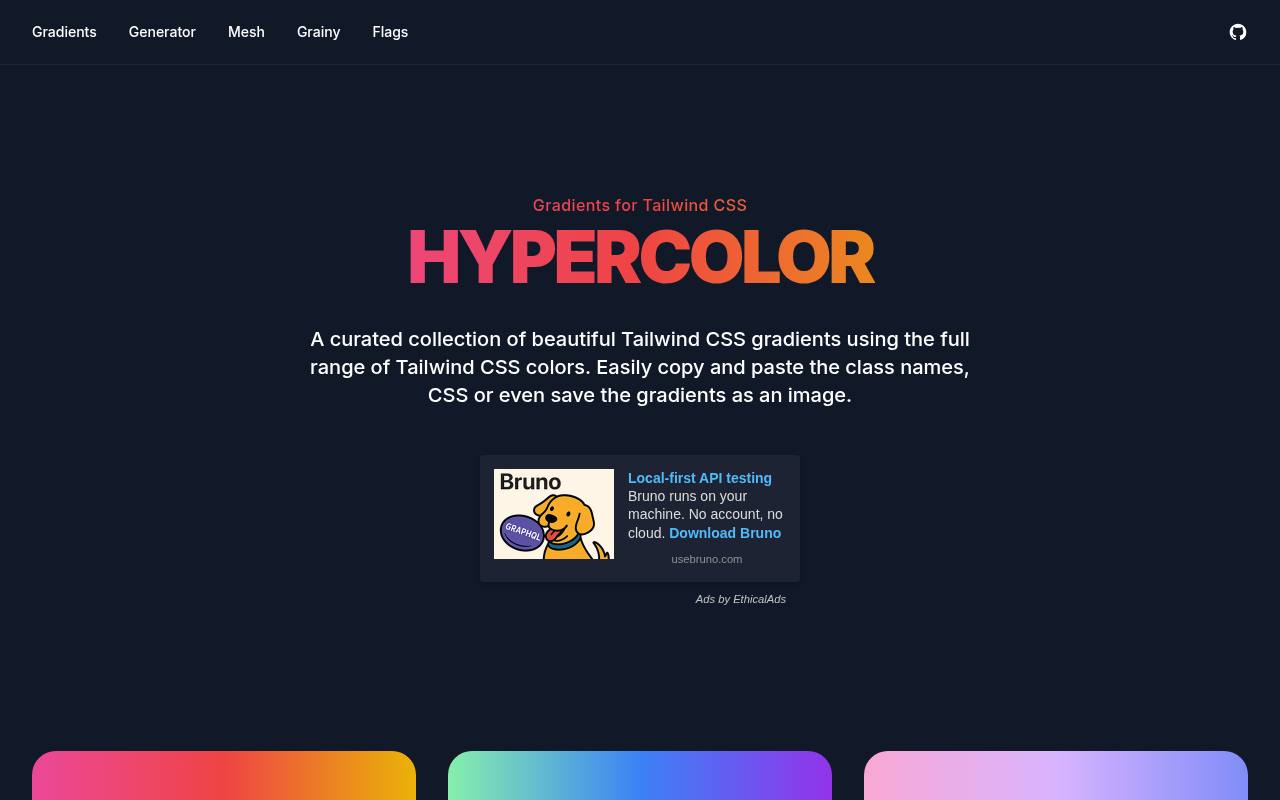
Hypercolor organizes named gradients such as Oceanic, Cotton Candy, and Sunset into a browsable collection built around Tailwind CSS colors. You can copy class names or plain CSS and save a gradient as an image, making the same visual choice useful in different handoff situations.
Direction controls also expose radial and conic variants alongside straight directional blends. Its copy-ready gradient collection is most helpful when you want a curated starting point without abandoning framework conventions. Check copied utilities against your installed Tailwind version, and use the CSS option when maintaining a framework-independent stylesheet.
- Type
- Gradient collection
- Best for
- Moving curated blends into Tailwind or plain CSS
- License
- Free collection; consult repository license for code reuse
- Price
- 100% free
uiGradients
Open-source gradient library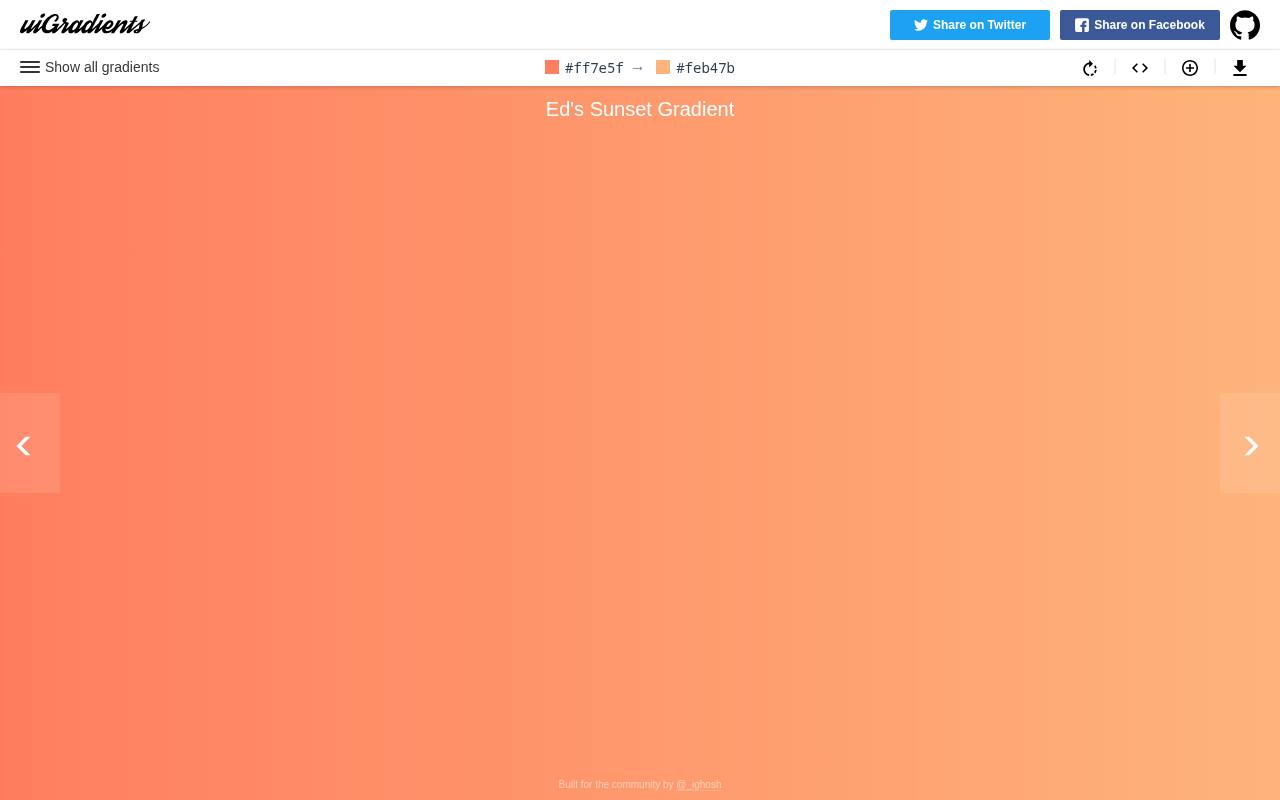
uiGradients is a community-contributed collection whose official repository exposes its gradients in a single gradient JSON file. Entries pair a name with an array of hexadecimal colors, making the collection useful beyond browsing individual swatches on the linked website.
Developers can turn selected entries into linear-gradient declarations or generate internal theme options from the data. The repository uses the MIT license, with its notice-preservation requirements for redistributed copies or substantial portions. Choose this free library when you want inspectable source data and a repeatable implementation process rather than another visual stop editor.
- Type
- Open-source gradient library
- Best for
- Using named gradient data in reusable interface components
- License
- MIT; retain copyright and license notices as required
- Price
- 100% free
Gradient Magic
Gradient collection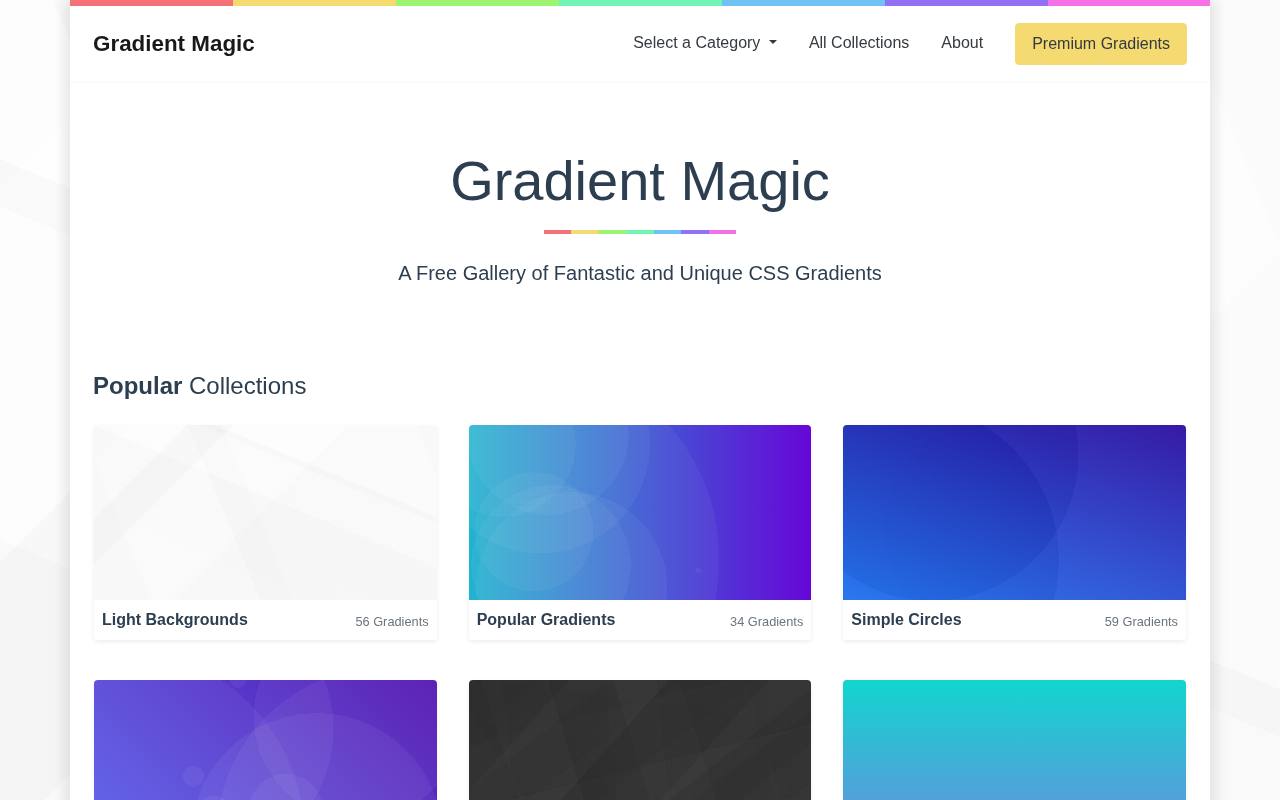
Gradient Magic approaches gradients as a CSS background gallery, offering a different starting point from a conventional two-endpoint editor. Its own implementation article explains the basic workflow: select a design, copy its CSS, and place it in the background or background-image property.
You can then change colors and angles in browser developer tools. This copy-and-adjust workflow is useful for trying a stronger visual treatment without building the declaration from scratch. The gallery requires JavaScript, so enable it when browsing, and confirm the current usage and attribution terms before shipping a selected design commercially.
- Type
- Gradient collection
- Best for
- Finding more distinctive ready-made CSS background treatments
- License
- Free gallery access; check current reuse and attribution terms
- Price
- 100% free
Choose an editor or a collection first
Use a CSS gradient editor when exact brand colors, transparency, or stop positions are already specified. Choose a collection when the brief leaves the blend open and you need credible options quickly.
For a practical comparison, try CSS Gradient for straightforward controls, ColorZilla for opacity detail, and WebGradients for named presets. Avoid opening every resource at once; test two promising candidates in the actual layout.
Decide between linear and radial backgrounds
A linear gradient background follows a straight directional axis and usually works well for horizontal banners, buttons, and broad page sections. A radial gradient background spreads outward from a center and can create a localized highlight.
Neither guarantees a better composition. Match the geometry to the component, then check how the focal area moves or stretches as its container changes size.
Copy the right property into your stylesheet
Most tools provide a background-image declaration or a background shorthand. The shorthand can reset other background settings, so be deliberate when adding it to a component that already has positioning, sizing, or layers.
Keep a separate background-color as a fallback where appropriate. A browser-rendered gradient needs no image file, while PNG exports are useful for environments that cannot render CSS, such as some document workflows.
Keep licensing separate from free access
A free online generator and an openly licensed source repository are different things. Do not assume permission to redistribute a tool’s application code, screenshots, branding, or full preset database simply because its editor is free.
WebGradients explicitly allows personal and commercial use; uiGradients publishes an MIT license. Where a gallery’s reuse terms are unclear, check its current terms or ask the creator before including its designs in a client deliverable.
Test text over the entire transition
Check text over gradients at the least readable point, not just against the first and last colors. A pale middle band can undermine white text even when both endpoints look safe.
Repeat the check after responsive wrapping changes where the text sits. If readability varies too much, add a stable solid surface or restrained overlay behind the copy rather than relying on a decorative background to provide consistent contrast.
Make handoff and maintenance predictable
Save the final gradient CSS in your project rather than relying exclusively on a bookmarked tool state. Where available, retain the configuration link as a useful editing aid.
Give repeated gradients semantic names, document their intended components, and remove legacy prefixes that your supported browsers do not need. Test large layered treatments on actual devices, particularly if you later animate them; a simple static gradient is a different workload from a continuously repainted effect.
Can you edit a copied gradient later?
Yes: copied CSS gradients remain editable text. Change the angle, replace a color, or move a percentage stop directly in your stylesheet. For visual revision, ColorZilla can import existing gradient CSS, although support varies with the syntax you paste.
Treat a preset as a starting point, preserve a known-good version, and compare revisions at the final component size rather than trusting the generator preview alone.