
A photograph can provide a stronger starting point than an empty row of swatches. The warm neutrals in a product shot, the pink accents in an illustration, or the muted greens in a landscape already share a visual context.
A free image palette extractor turns those relationships into usable color values, helping you carry the character of a reference image into packaging, presentation slides, editorial layouts, or a small branding project.
This selection focuses specifically on tools that extract color palettes from images, rather than services that invent unrelated combinations. Some identify the most common colors; others favor a balanced selection that feels closer to the photograph.
Several are straightforward browser tools, while two offer open-source code for repeatable extraction. That distinction matters: the most numerous pixels do not always include the small, vivid detail that made you choose the image in the first place.
The best photo color palette workflow combines automatic extraction with a little editorial judgment. Start with a reference you have permission to use, compare the returned swatches against the subject, and keep only colors that serve your layout.
Free access also differs from unlimited storage or advanced exports, so the notes below separate core extraction from paid extras. Treat each result as a working draft, not as a finished accessible identity system.
Quick picks at a glance
| # | Resource | License | Best for |
|---|---|---|---|
| 1 | Adobe Color | Free extraction; paid Express features optional | Refining photo swatches before using Adobe projects |
| 2 | Canva | Free tool; Canva terms apply | Quickly translating a reference photo into swatches |
| 3 | Colormind | Free web tool; site terms apply | Exploring coordinated alternatives from the same photograph |
| 4 | PineTools | Free online tool; site terms apply | Adjusting the maximum number of extracted colors |
| 5 | Image Color Picker | Free tool; site terms apply | Combining automatic palettes with precise image sampling |
| 6 | IMGonline | Free online processing; site terms apply | Creating a reference image with a palette alongside |
| 7 | ImageOnline.co | Free tool; site terms apply | Downloading photo palettes for visual presentation boards |
| 8 | DeGraeve.com | Free web tool; site terms apply | Extracting contrasting interpretations from an online image |
| 9 | Color Thief | MIT; retain required license notices when redistributing code | Building repeatable image extraction into a custom workflow |
| 10 | Vibrant.js | MIT; retain required license notices when redistributing code | Extracting named swatch profiles for image-driven interfaces |
Adobe Color
Web app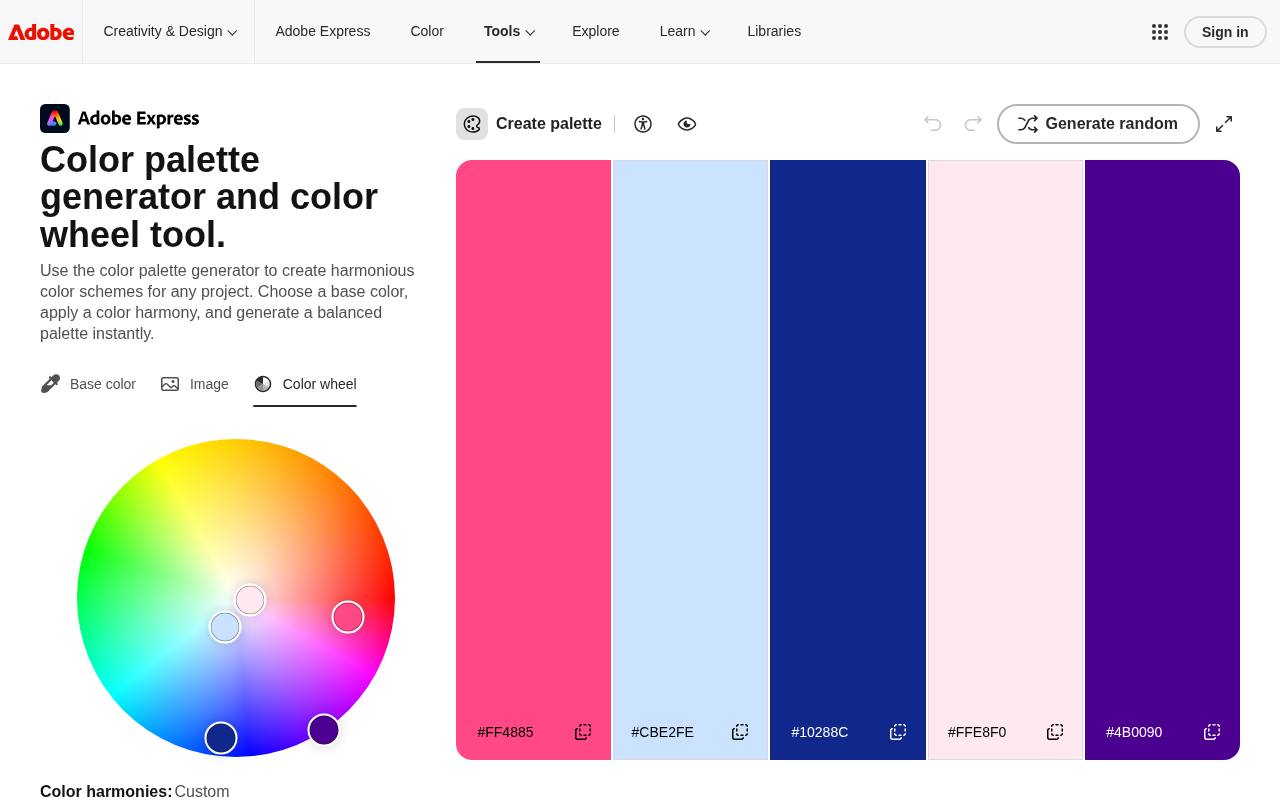
Adobe’s image extraction page pairs automatic color detection with selectors you can move across your photograph. It identifies dominant and accent colors, then lets you refine the swatches instead of accepting the first result. The page supports HEX and RGB values and describes saving palettes to a library for later creative work.
This is a useful editable photo palette option when the important color occupies only a small area. Extraction is free; automatically applying palettes to designs in Adobe Express requires a paid plan, which is separate from obtaining the colors.
- Type
- Web app
- Best for
- Refining photo swatches before using Adobe projects
- License
- Free extraction; paid Express features optional
- Price
- Free + paid features
Canva
Web app
Canva’s dedicated color palette page offers a direct upload an image workflow rather than asking you to assemble a scheme from scratch. Its sample result presents named colors alongside hexadecimal values, making the output approachable when sharing choices with someone who does not work with color codes daily.
Use this free photo palette tool for a first pass at presentation or campaign colors. The page also links to a separate color-combinations collection, but that inspiration library is distinct from extracting the colors in your own uploaded photograph.
- Type
- Web app
- Best for
- Quickly translating a reference photo into swatches
- License
- Free tool; Canva terms apply
- Price
- Free
Colormind
Web app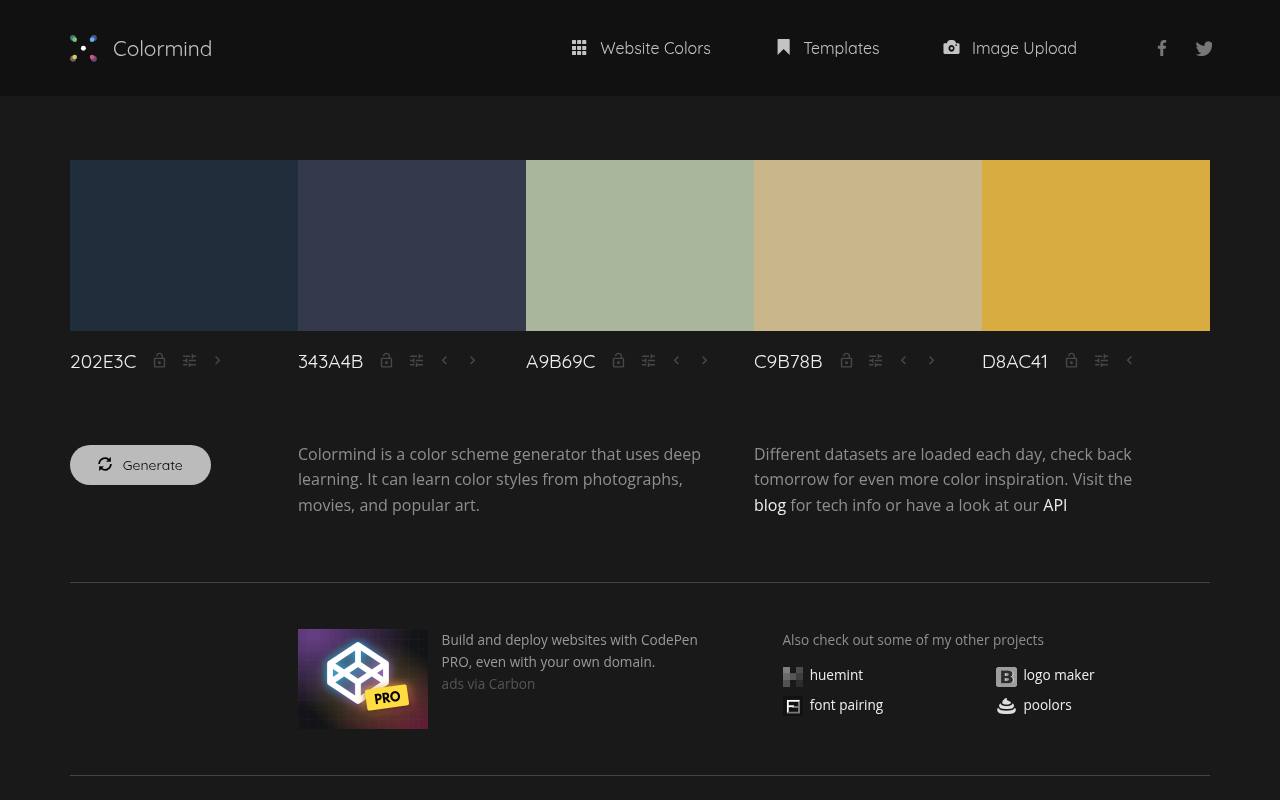
Colormind explicitly distinguishes its smart image extraction from a simple ranking of the most representative pixels. Its image upload tool aims to find colors that work together as a palette, making it useful when a photograph contains several competing regions.
The algorithm is semi-random: pressing Generate again produces another interpretation of the same reference. Compare a few results before choosing your image-derived color scheme. This approach suits exploration more than exact color auditing, because a pleasing combination and a literal inventory of a photograph answer different questions.
- Type
- Web app
- Best for
- Exploring coordinated alternatives from the same photograph
- License
- Free web tool; site terms apply
- Price
- Free
PineTools
Web app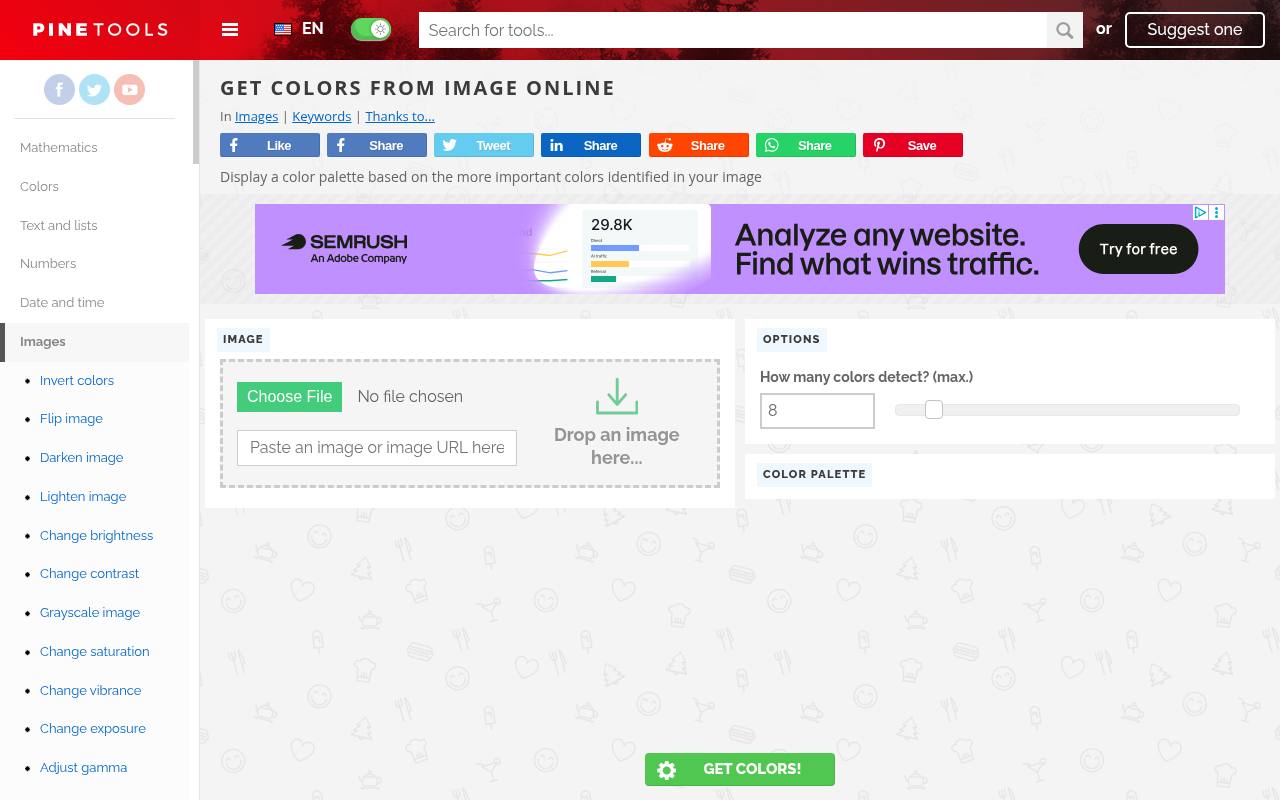
PineTools has a dedicated Get colors from image page that is separate from its manual image color picker. Drop in a photograph, choose the maximum color count, and run the extraction to display a palette based on the important colors it identifies.
The page credits Color Thief among the tools behind the interface. Its compact controls make dominant color extraction easy to repeat with a smaller or larger selection. Start low to reveal the main families, then increase the count only when useful accent colors are missing.
- Type
- Web app
- Best for
- Adjusting the maximum number of extracted colors
- License
- Free online tool; site terms apply
- Price
- Free
Image Color Picker
Web app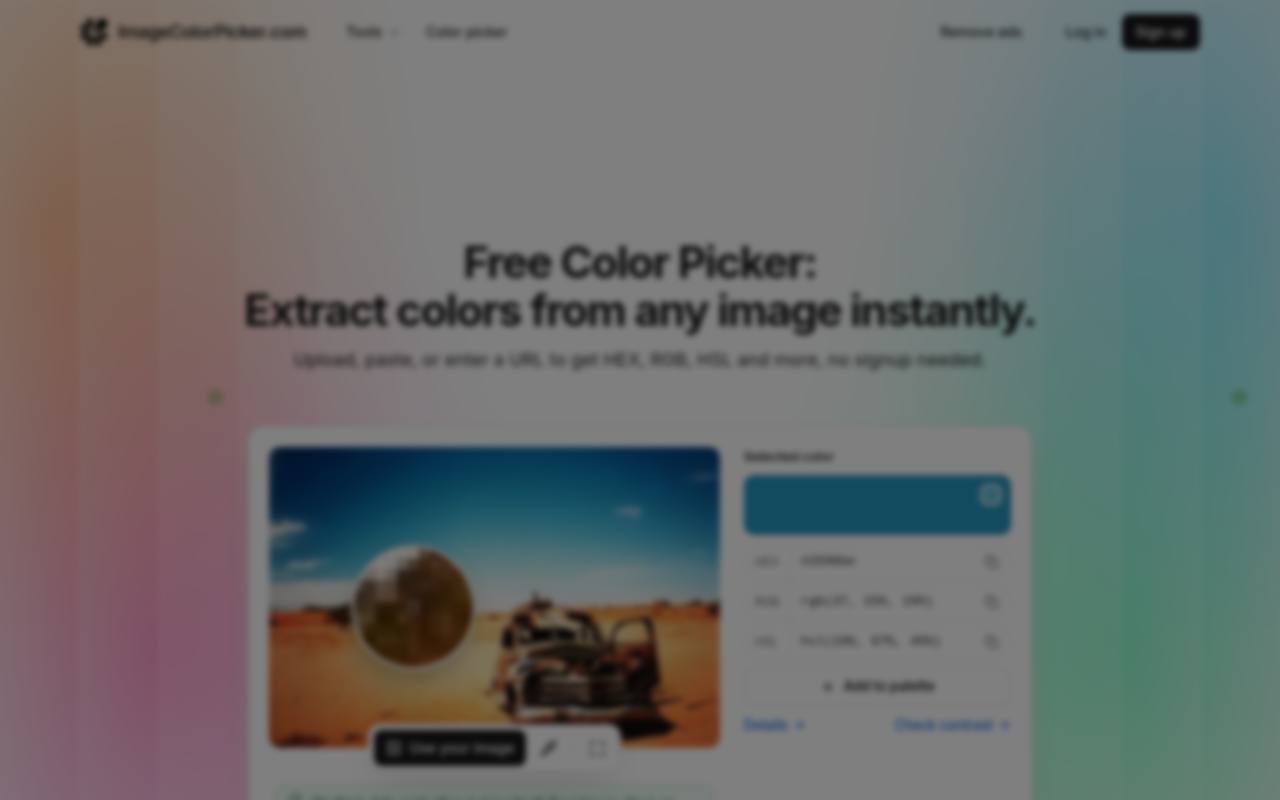
Image Color Picker combines an image-derived palette with the ability to inspect specific points in the source picture. Images can come from an upload, clipboard, or image URL, and the site supports copying values in formats including HEX, RGB, and HSL.
That combination helps when an automatically selected swatch misses an important product detail. The site states that processing happens inside your browser, with no signup required. Use the palette as an overview, then sample the relevant image area when you need to check how closely the extracted colors match your subject.
- Type
- Web app
- Best for
- Combining automatic palettes with precise image sampling
- License
- Free tool; site terms apply
- Price
- 100% free
IMGonline
Web app
IMGonline provides a more traditional form-based dominant colors tool. Choose an image, request one, three, five, or ten colors, and select whether the result page should show the picture with its palette.
The output includes a table of RGB and HEX values, plus a separate processed image with the palette alongside it; the original is not changed. Supported inputs include BMP, GIF, JPEG, PNG, and TIFF. You can choose JPEG or PNG for the output image and control whether a link to the website appears on it.
- Type
- Web app
- Best for
- Creating a reference image with a palette alongside
- License
- Free online processing; site terms apply
- Price
- Free
ImageOnline.co
Web app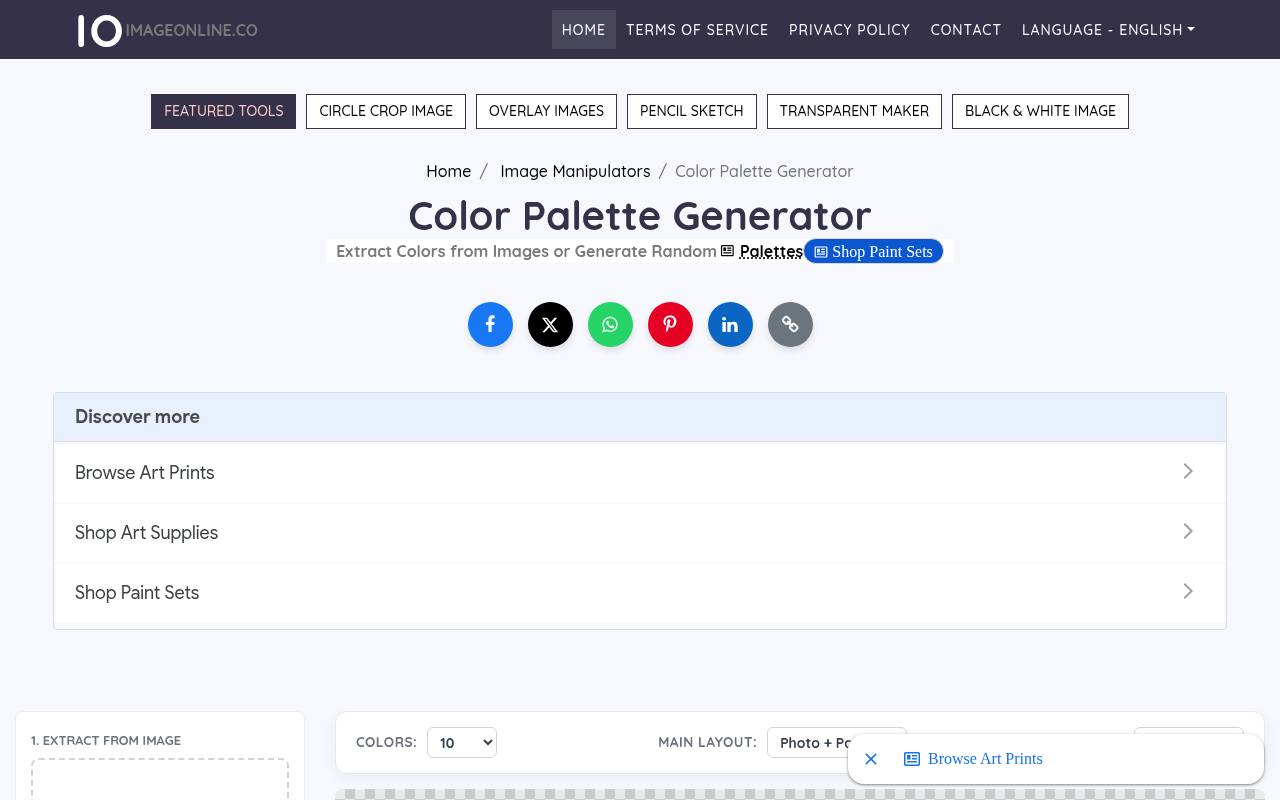
ImageOnline.co emphasizes downloadable palette layouts as well as extracting the colors themselves. Upload a photograph, choose between three and ten colors, and switch labels between HEX, RGB, or no text. Layout choices include bars, circles, and photo-plus-palette presentations, with PNG downloads available for visual handoffs.
Clicking a color copies its code, so the output is not limited to a decorative board. The page describes local browser processing and free exports without watermarks. Choose a clear labeled layout when collaborators need usable values rather than a purely visual reference.
- Type
- Web app
- Best for
- Downloading photo palettes for visual presentation boards
- License
- Free tool; site terms apply
- Price
- 100% free
DeGraeve.com
Web app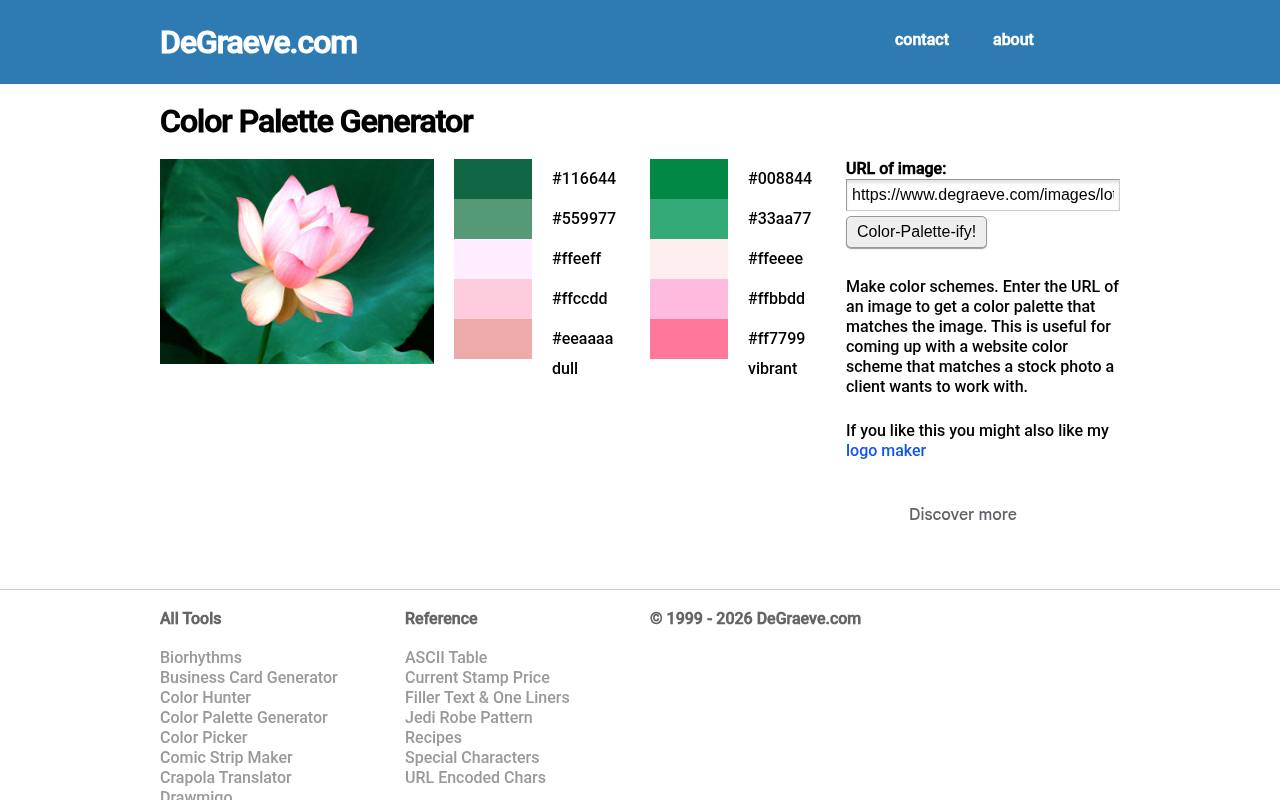
DeGraeve.com keeps its URL-based extraction deliberately simple: enter the address of an image and ask the page to create a matching color scheme. The interface displays two interpretations labeled dull and vibrant, with hexadecimal values shown beside the swatches.
This makes it useful for comparing a restrained treatment with a more colorful one without navigating a full design workspace. Its input is an online image address, not a local upload control. Use a direct, publicly reachable image URL rather than the address of a page that merely contains the photograph.
- Type
- Web app
- Best for
- Extracting contrasting interpretations from an online image
- License
- Free web tool; site terms apply
- Price
- Free
Color Thief
JavaScript library + demo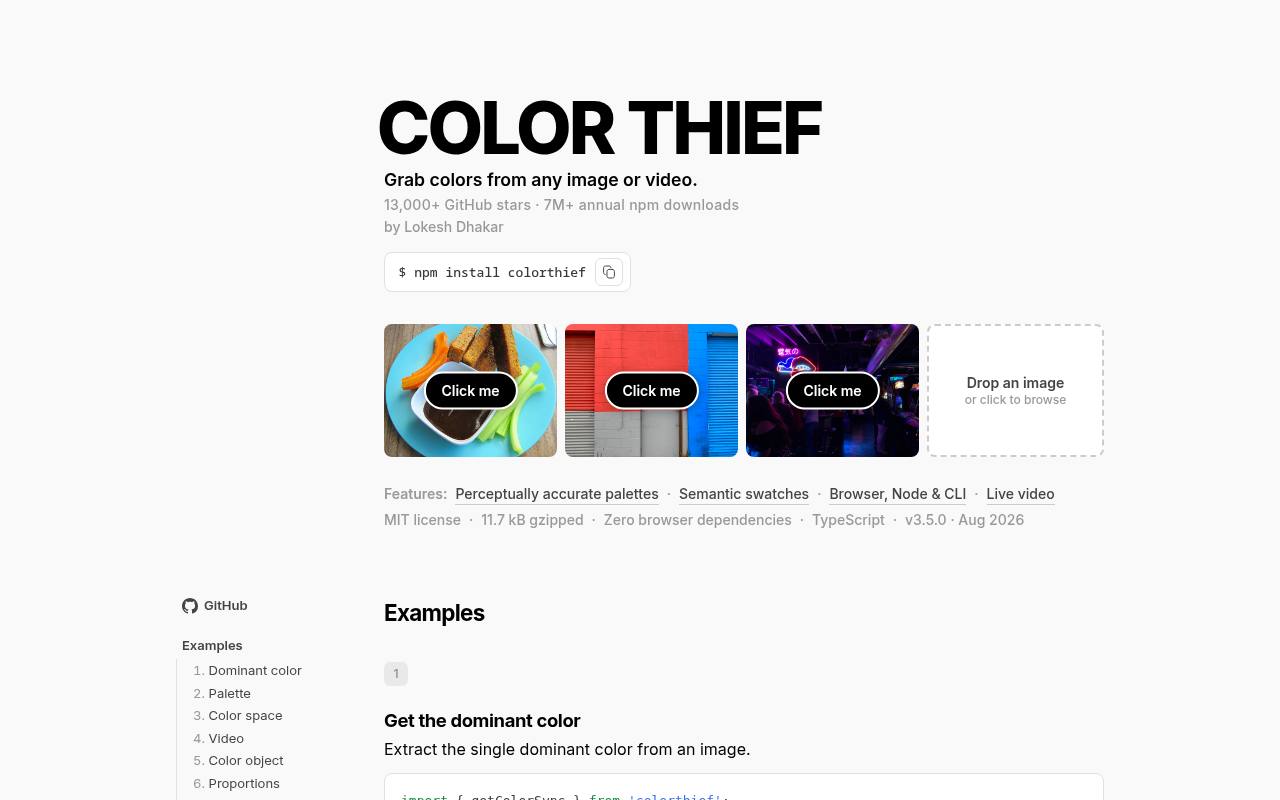
Color Thief is an open-source extraction library with an interactive project page and implementation examples. It can return a dominant color or a multi-color palette, making it useful when a developer needs to repeat the same extraction across many images.
The documentation covers configurable color counts and sampling quality, along with browser and Node usage. Unlike a presentation-focused palette website, its strength is programmable image analysis. The MIT license permits reuse of the code subject to its notice requirements; it does not supply rights to photographs processed through your application.
- Type
- JavaScript library + demo
- Best for
- Building repeatable image extraction into a custom workflow
- License
- MIT; retain required license notices when redistributing code
- Price
- 100% free
Vibrant.js
JavaScript library + showcase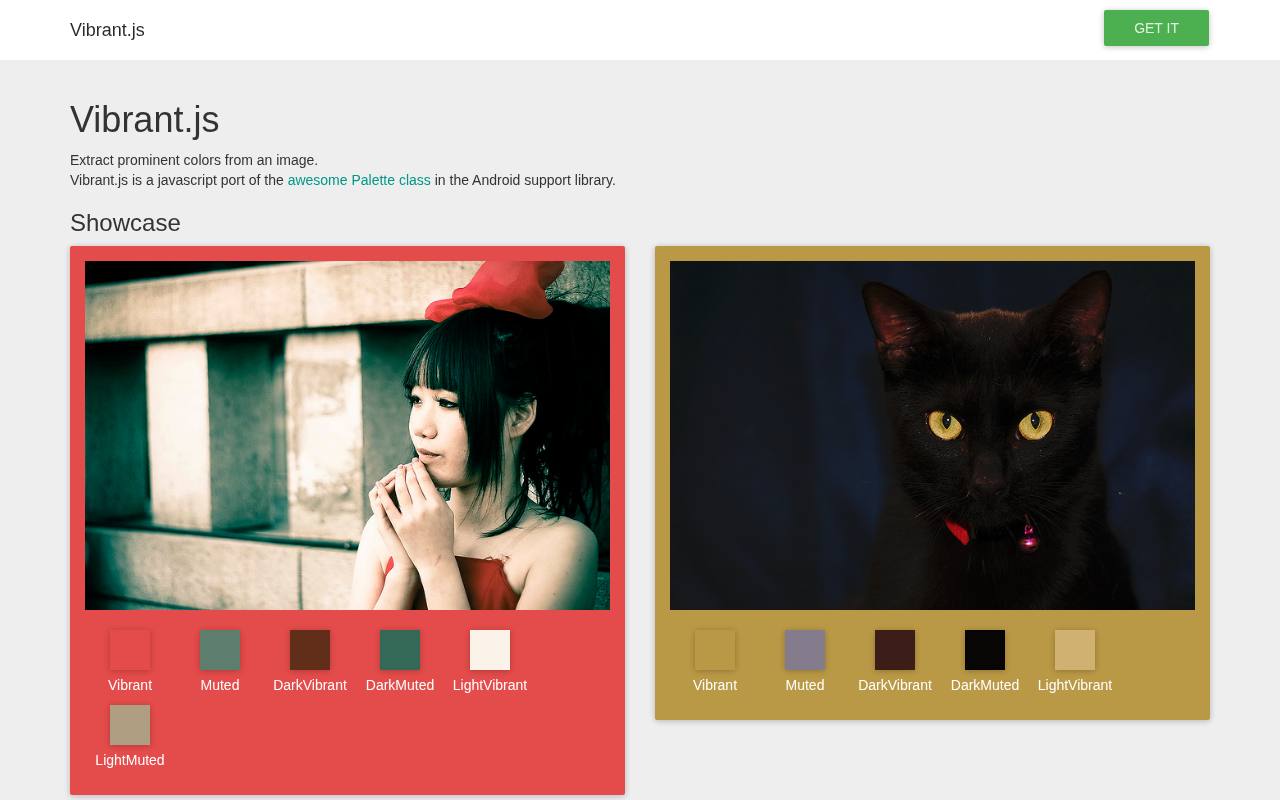
Vibrant.js extracts prominent image colors into profiles such as Vibrant, Muted, DarkVibrant, and LightVibrant. Its project page includes a showcase and JavaScript examples, so it is better suited to developers than readers expecting a polished download dashboard.
Swatch methods expose HEX, RGB, HSL, and population information, with additional methods for suggested text colors. The documentation warns that some swatch profiles may be undefined when no matching color is found. Handle those missing results explicitly instead of assuming every photograph will produce a complete set of named swatches.
- Type
- JavaScript library + showcase
- Best for
- Extracting named swatch profiles for image-driven interfaces
- License
- MIT; retain required license notices when redistributing code
- Price
- 100% free
Choose between faithful extraction and interpretation
Decide whether you need dominant image colors or an attractive interpretation of the reference. A product catalog may require fidelity to the object, while a campaign mood board can tolerate a looser reading.
Colormind explicitly favors coordinated combinations; tools with adjustable counts help expose more of the source. Compare the palette beside the actual crop you will publish, not only beside the full original image.
Prepare the image before extracting
For a stronger image to palette result, crop away borders, watermarks, interface chrome, and unrelated backgrounds before uploading. A small pink object on a large gray backdrop may barely affect an automatic palette.
Extract from a subject crop and from the complete composition, then compare the results. Avoid repeatedly saving a JPEG at low quality, since compression can introduce near-duplicate colors that distract from the original relationships.
Keep editable codes as well as a preview
A downloaded palette board is convenient for discussion, but editable color values are what your design software needs. Save the HEX or RGB codes in a text note alongside the reference image and the chosen palette preview.
If a tool offers only displayed values, copying a short list manually is still practical. Record the color order too, especially when the first swatch is intended as the main background rather than the accent.
Understand free access and image rights
A free extraction tool does not make its input photograph free to reproduce. Check the source image license before including that photograph in a public palette board, client presentation, or marketing asset.
Tool terms, library licenses, and photo permissions are separate issues. For open-source implementations, keep any required notices when redistributing code; for web services, check current terms before relying on storage or sharing features for confidential client work.
Protect sensitive reference material
Before importing unreleased packaging or private photography, check the service’s image processing policy. Image Color Picker and ImageOnline.co explicitly describe browser-side processing, which can be useful when comparing privacy-sensitive options.
Do not assume every tool works that way merely because it runs in a browser. When using a URL-based service, remember that the image generally needs to be reachable by that service, so a private local file path will not work.
Test the palette in its intended layout
Extracted colors describe an image; they do not automatically provide accessible text combinations. Test the actual foreground and background pairs after assigning roles such as body text, canvas, button, and accent.
A soft pink and warm cream may look harmonious in a photograph but fail as small text. Keep the image-derived identity in decorative areas when necessary, and introduce a darker neutral rather than forcing every sampled color into a functional role.
Why do different tools return different palettes?
Different algorithms group pixels differently, and some prioritize balance over frequency. Palette size settings, sampling density, cropping, and treatment of light or dark areas can all change the outcome. That does not mean one result is necessarily wrong.
Compare the returned swatches against the part of the image that matters to your project. If every result overlooks the same tiny detail, isolate that area before extracting again rather than endlessly increasing the palette count.
A practical handoff checklist
Finish by keeping a small image-derived color set, its source reference, and a note explaining which swatches are primary, supporting, and optional. Remove near-duplicates that add no meaningful distinction.
Include both the original extracted value and any adjusted production value so collaborators understand what changed. This preserves the connection to the photograph while making room for real layout needs, readable typography, and consistent reproduction across the project’s final outputs.